
Photos from current listings. Actual item, color, and included accessories may vary.
Headset Compatible With Yealink Phone Buying Guide
A Yealink-compatible headset is a corded or wireless audio device engineered to match the electrical, mechanical, and signaling standards of Yealink's T-series, SIP, and conference phones. The core trade-off is between legacy 2.5mm/RJ9 analog headsets that need a model-specific adapter cable and modern USB/Bluetooth headsets that bypass the phone's headset port entirely. The decision rule: buy a headset only when its connector or adapter is explicitly certified for your Yealink model series—generic 3.5mm plugs and unlisted RJ9 adapters cause mic failure or no audio.
Median $40.98
Key takeaways
- Yealink T3/T4/T5 series desk phones use an RJ9 (4P4C) headset port with dedicated mic and speaker pins; a plain 3.5mm plug will not work without a Yealink EHS or RJ9 adapter.
- USB headsets connect directly to Yealink phones with a USB-A port (T4U, T5U, and Teams-certified models) and bypass the analog headset jack for clean digital audio.
- Wireless DECT headsets need a Yealink-compatible EHS (Electronic Hook Switch) adapter or a base station with a Yealink EHS cable to answer/end calls remotely.
At a glance
- Category
- Business Phones & Headsets
- Last updated
- Nov 29, 2026
Current offers
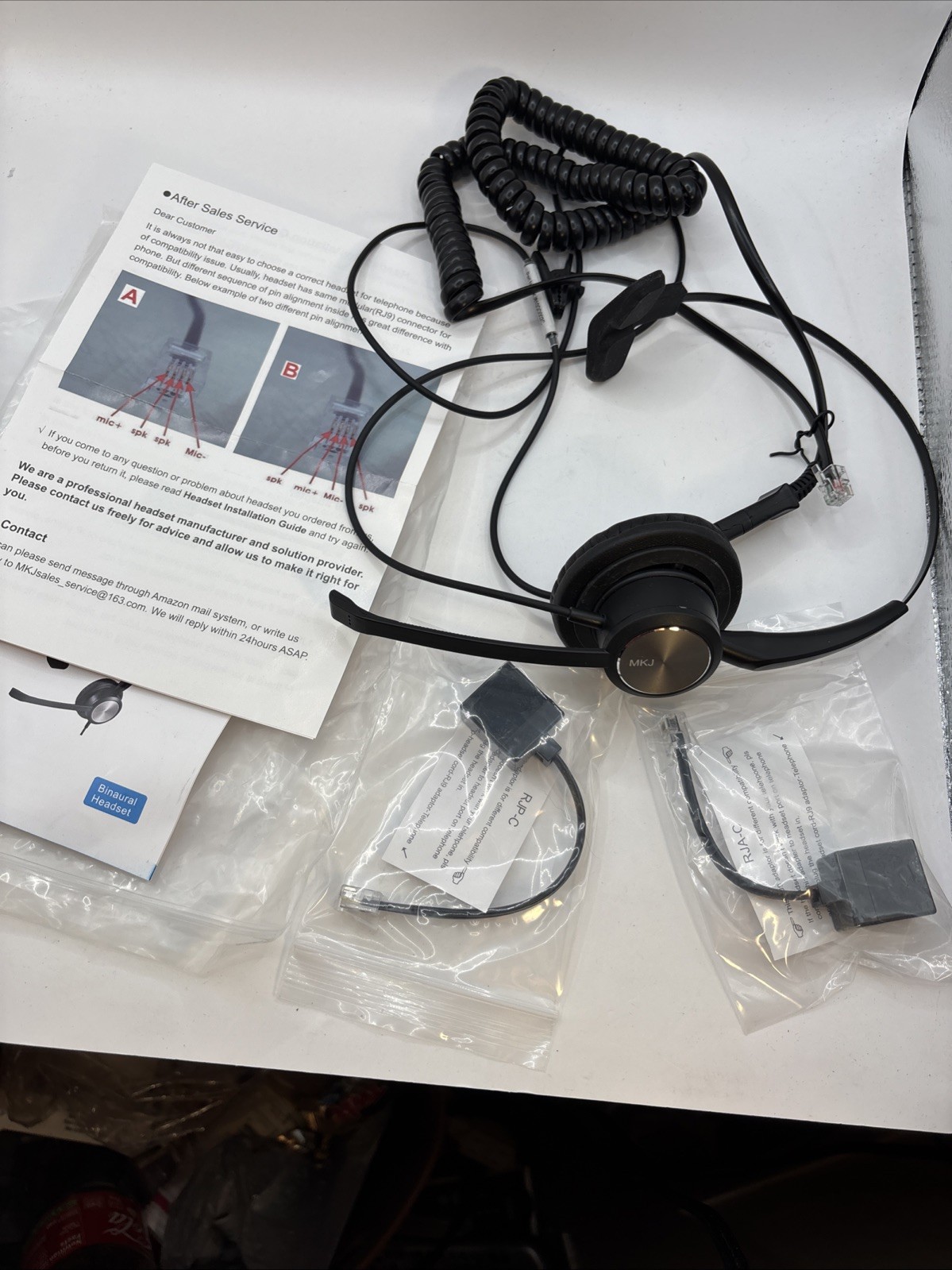 MKJ USB Headset with Microphone Noise Cancelling. landline Phone Jack Call Cente$14.39View on eBay
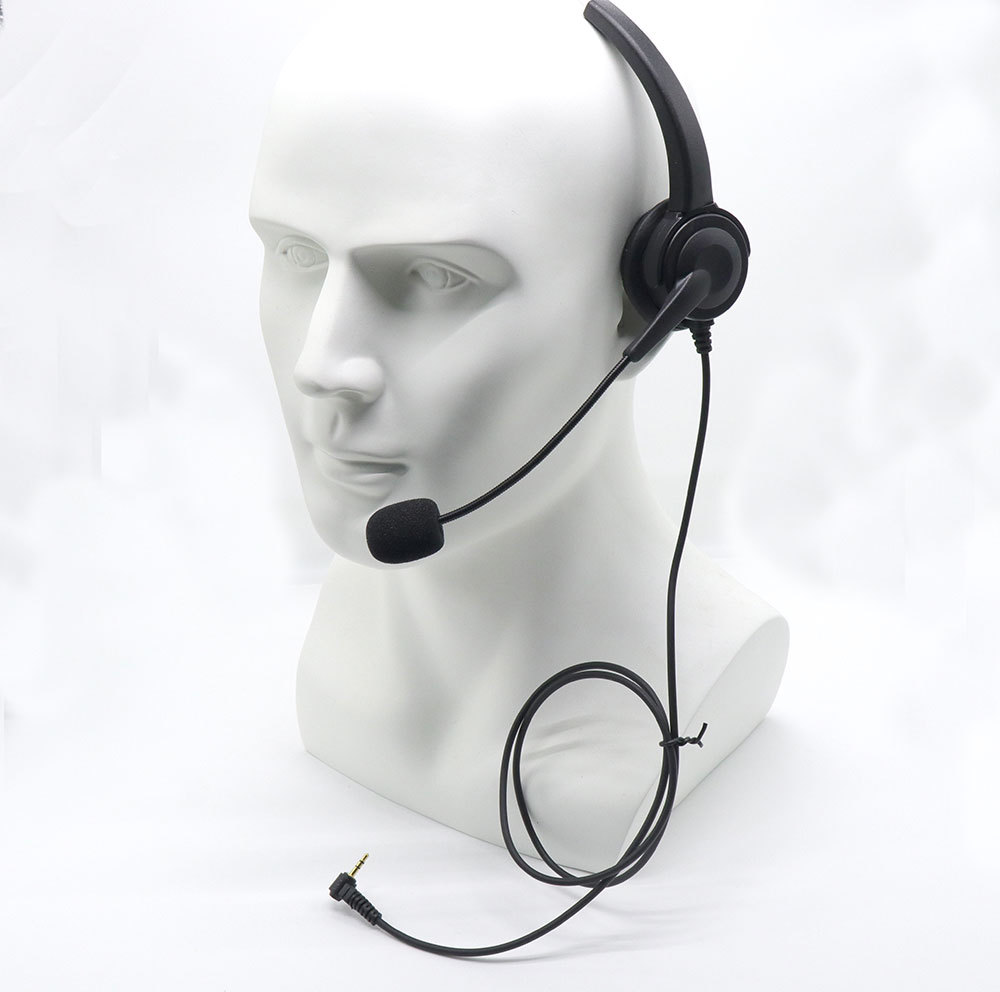 Over-the-Head Band 2.5mm Headset for Panasonic Office Home Cordless Phone System$14.99View on eBay
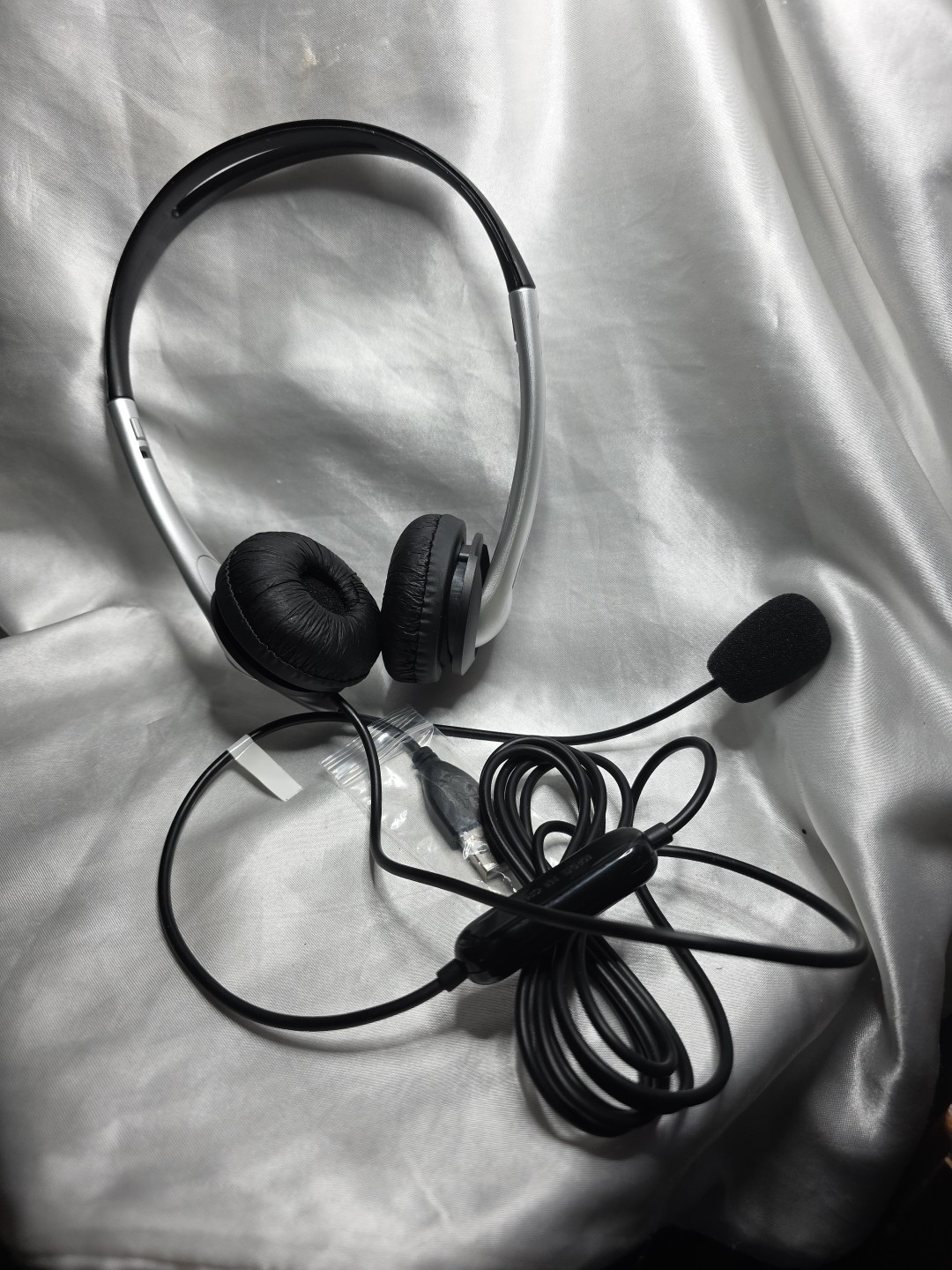 USB Headset & Audio Arm: Computers or Tablets Online Office Work Ear Phone Gear$14.99View on eBay
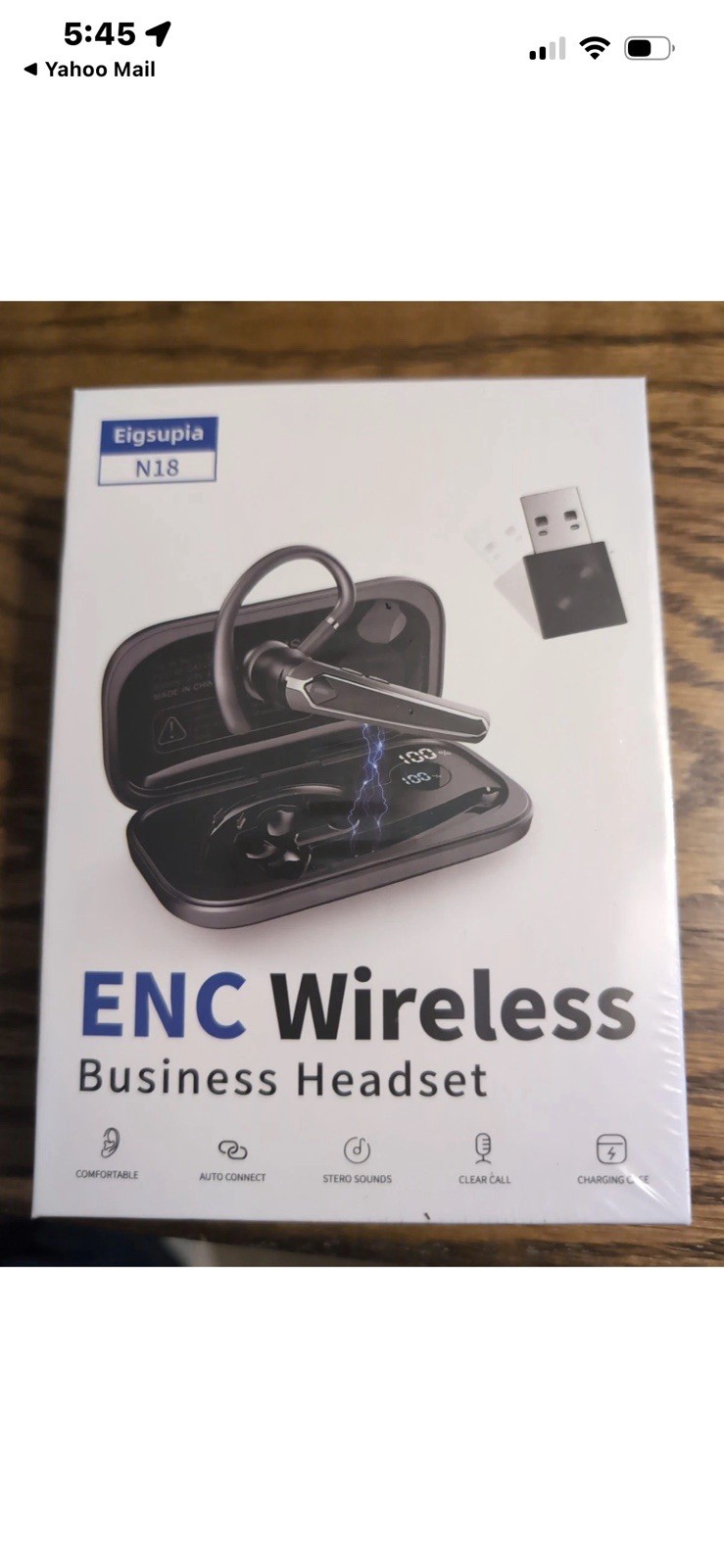 ENC Wireless Business Headset For Phone Or Computer$15.00View on eBay
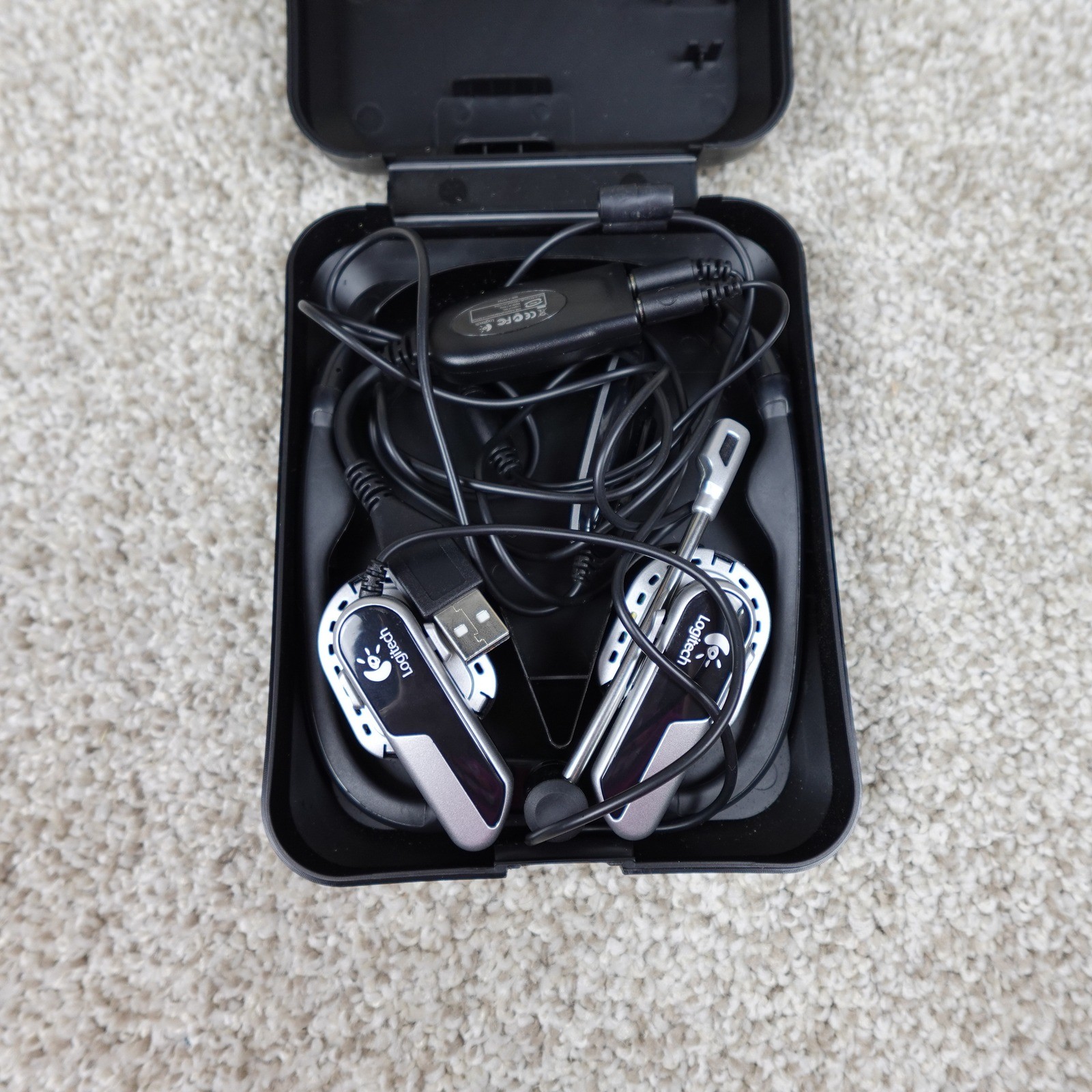 Logitech A5572A Digital Precision PC Gaming Corded Headset with Mic and Case$15.00View on eBay
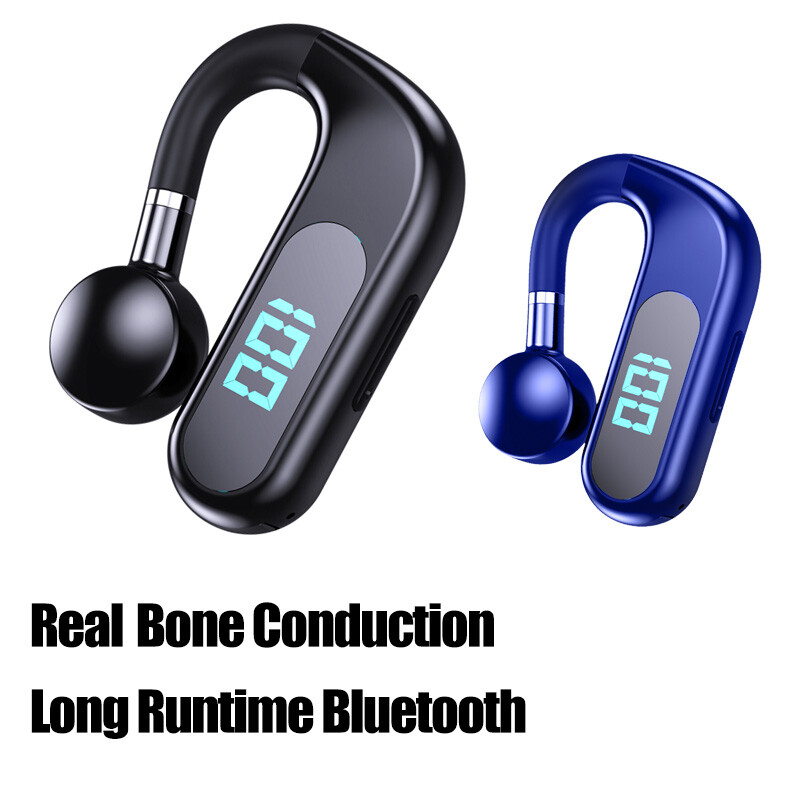 30Hrs Bone Conduction Bluetooth Wireless Headset Business Trucker Sport Earphone$15.88View on eBay
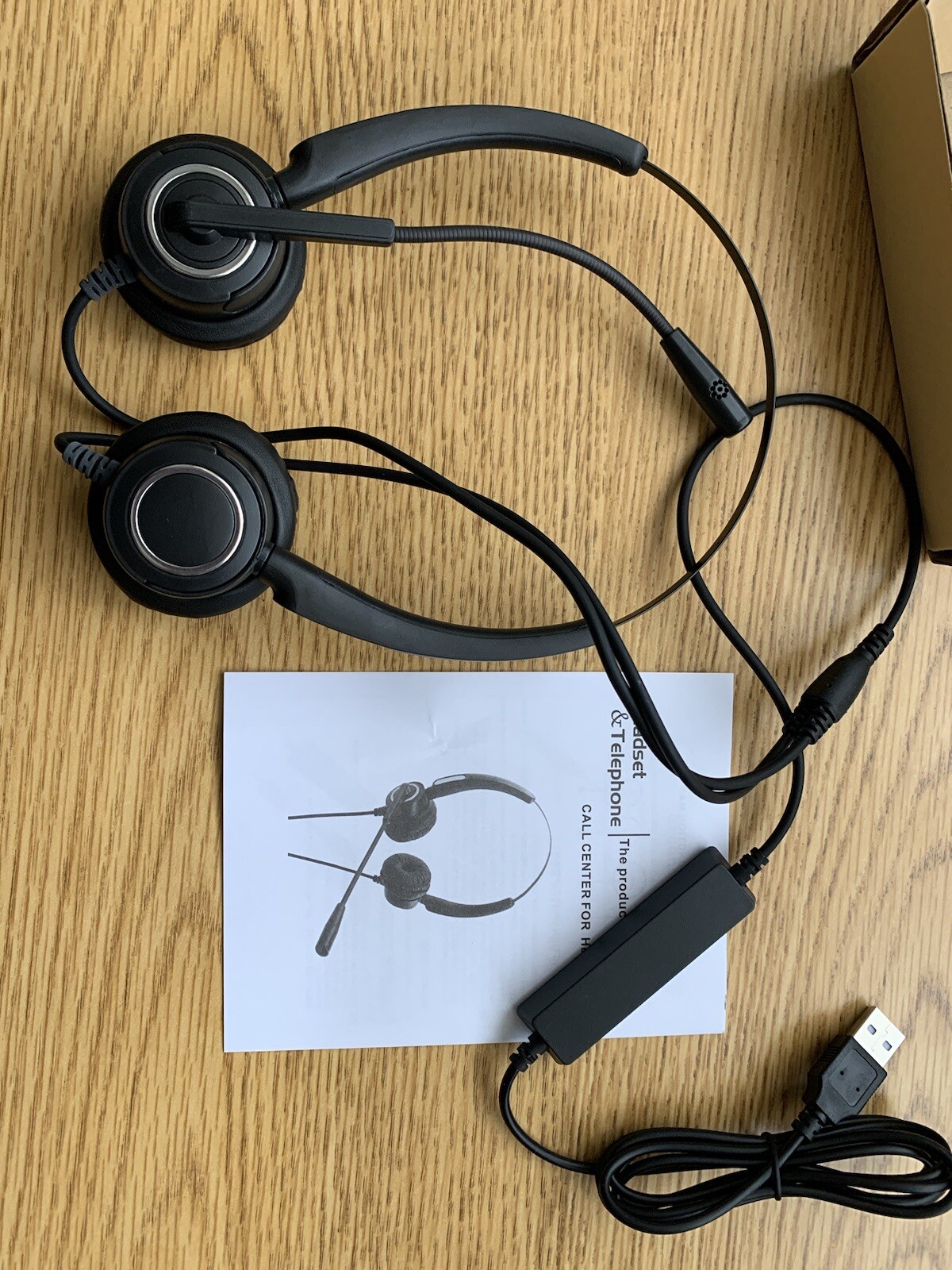 Telephone headset$25.00Last checked Nov 28, 2026View on eBay
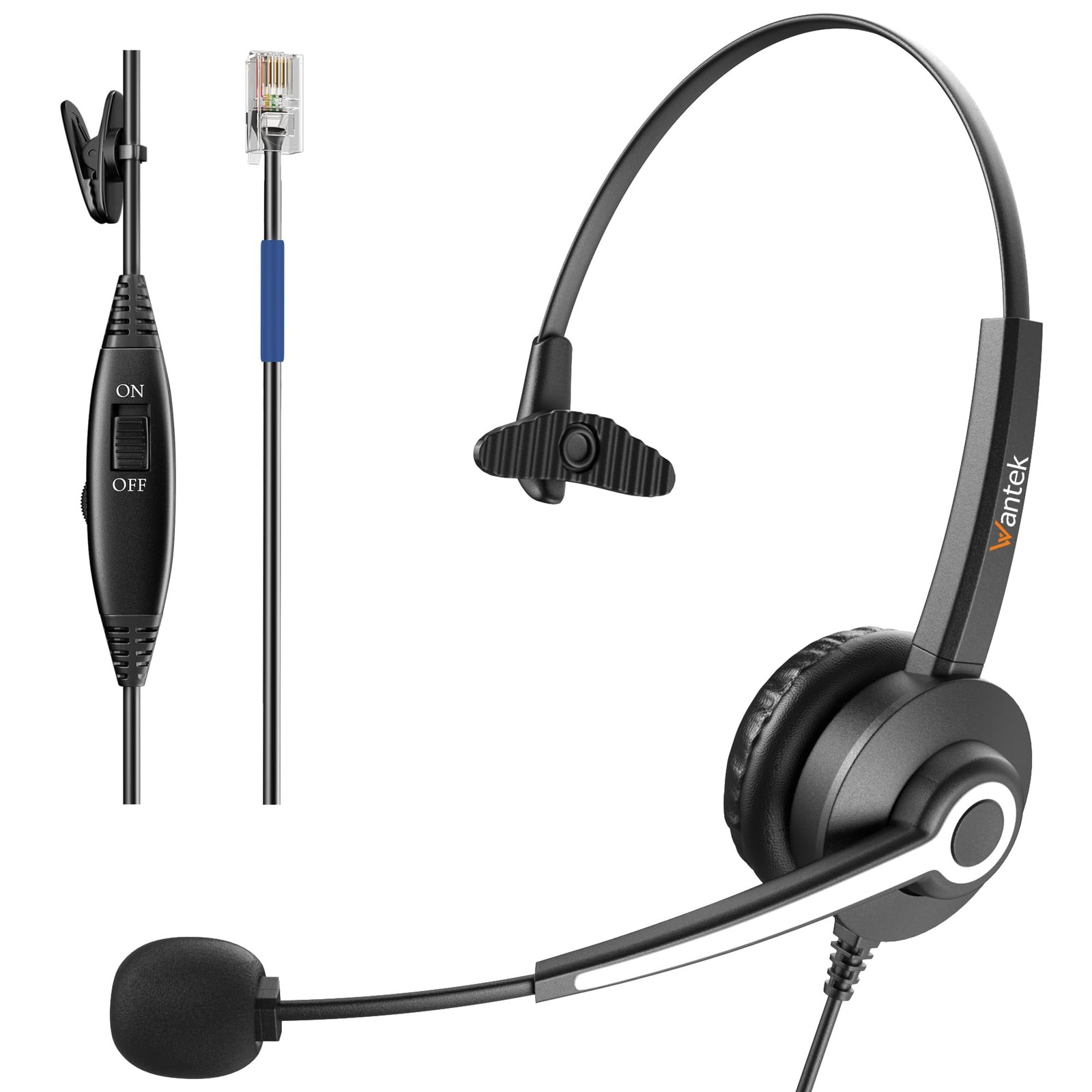 Cisco Phone Headset for Landline Office Phone,Noise Canceling Microphone and ...$26.16View on eBay
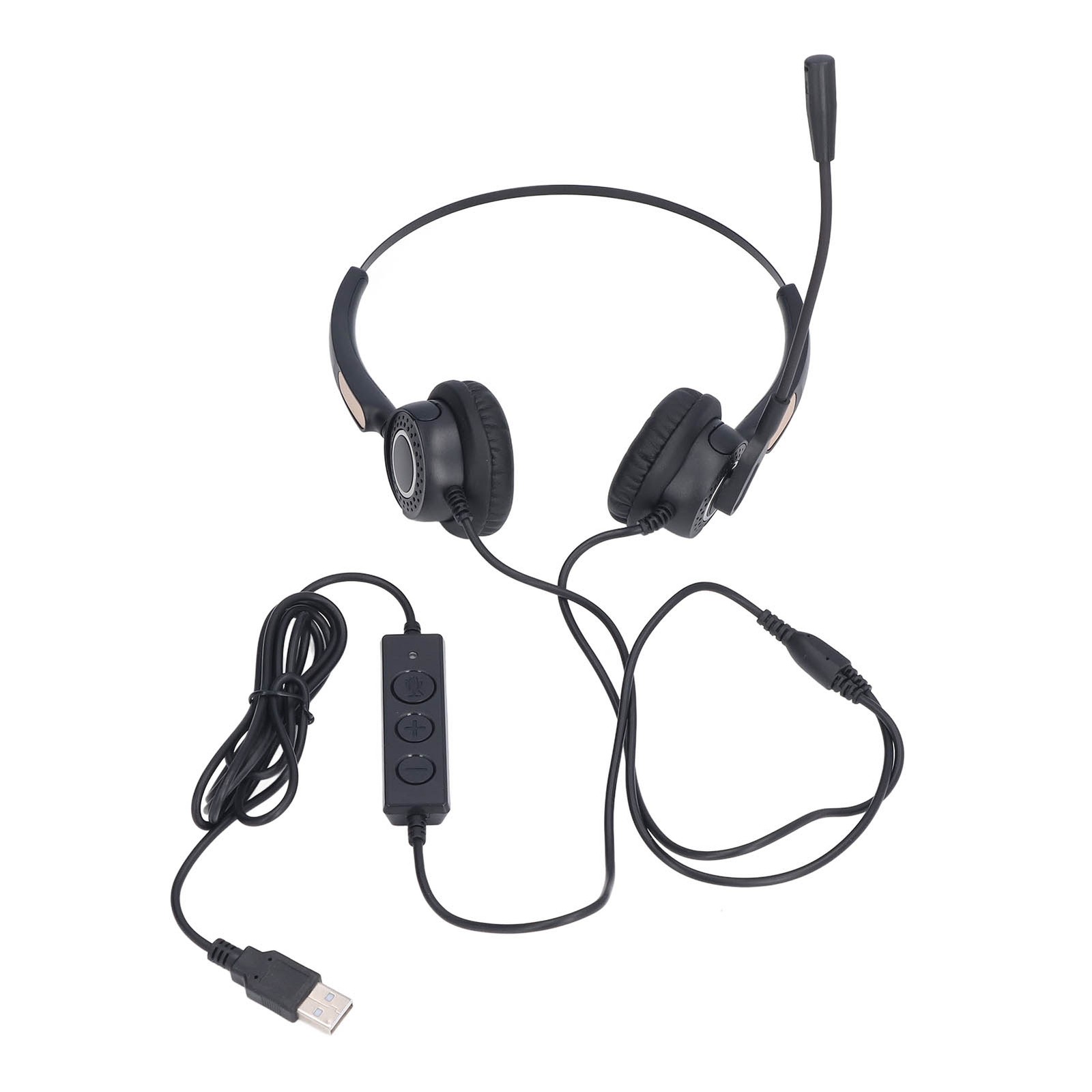 Wired Telephone Headset Noise Reduction Ergonomic Adjustable Volume Control BCGY$26.50View on eBay
- Cisco Headset for Landline Office ,Noise Canceling Microphone and Mute Switch...$27.84View on eBay
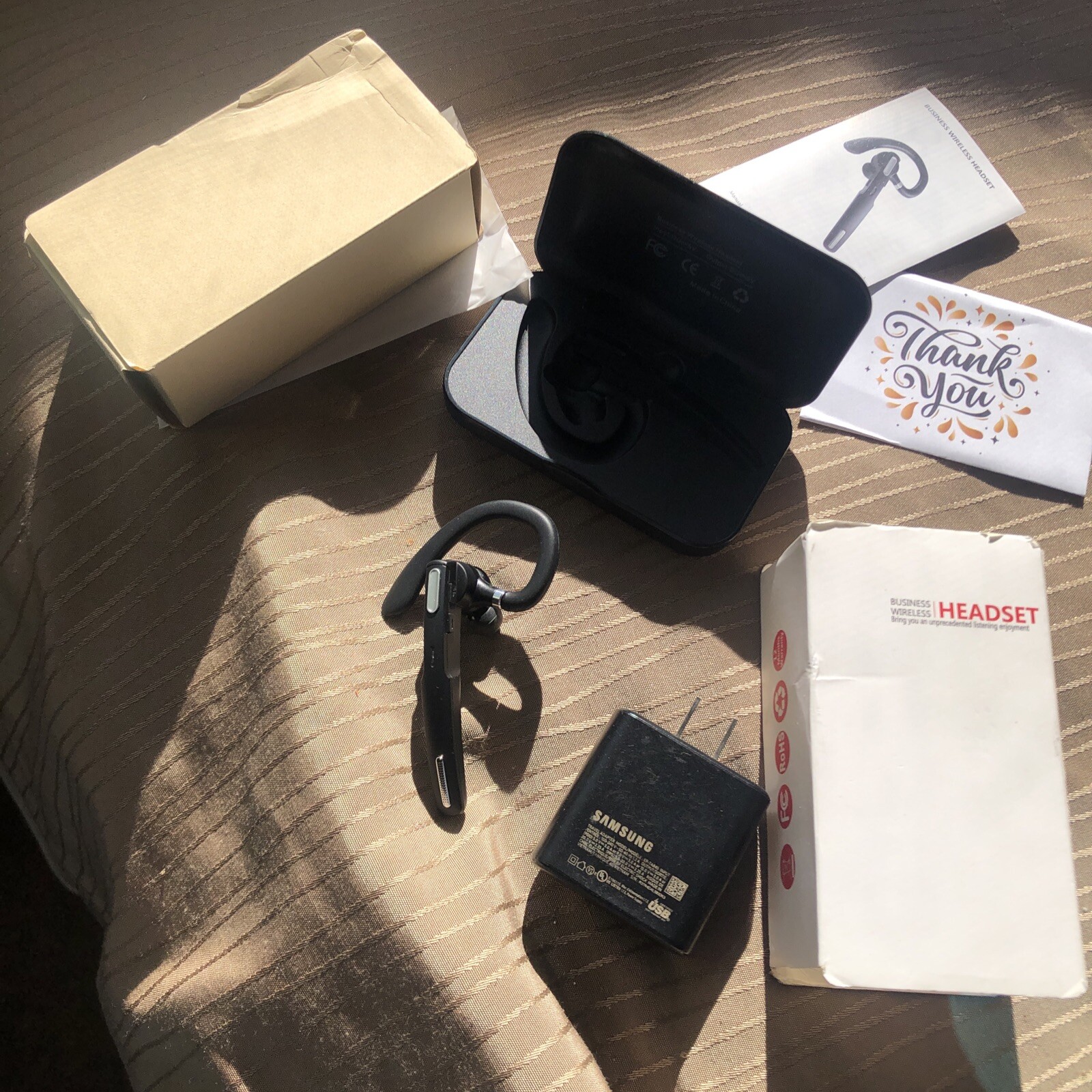 Business Wireless Wireless Phone Headset Black + Extras$29.99View on eBay
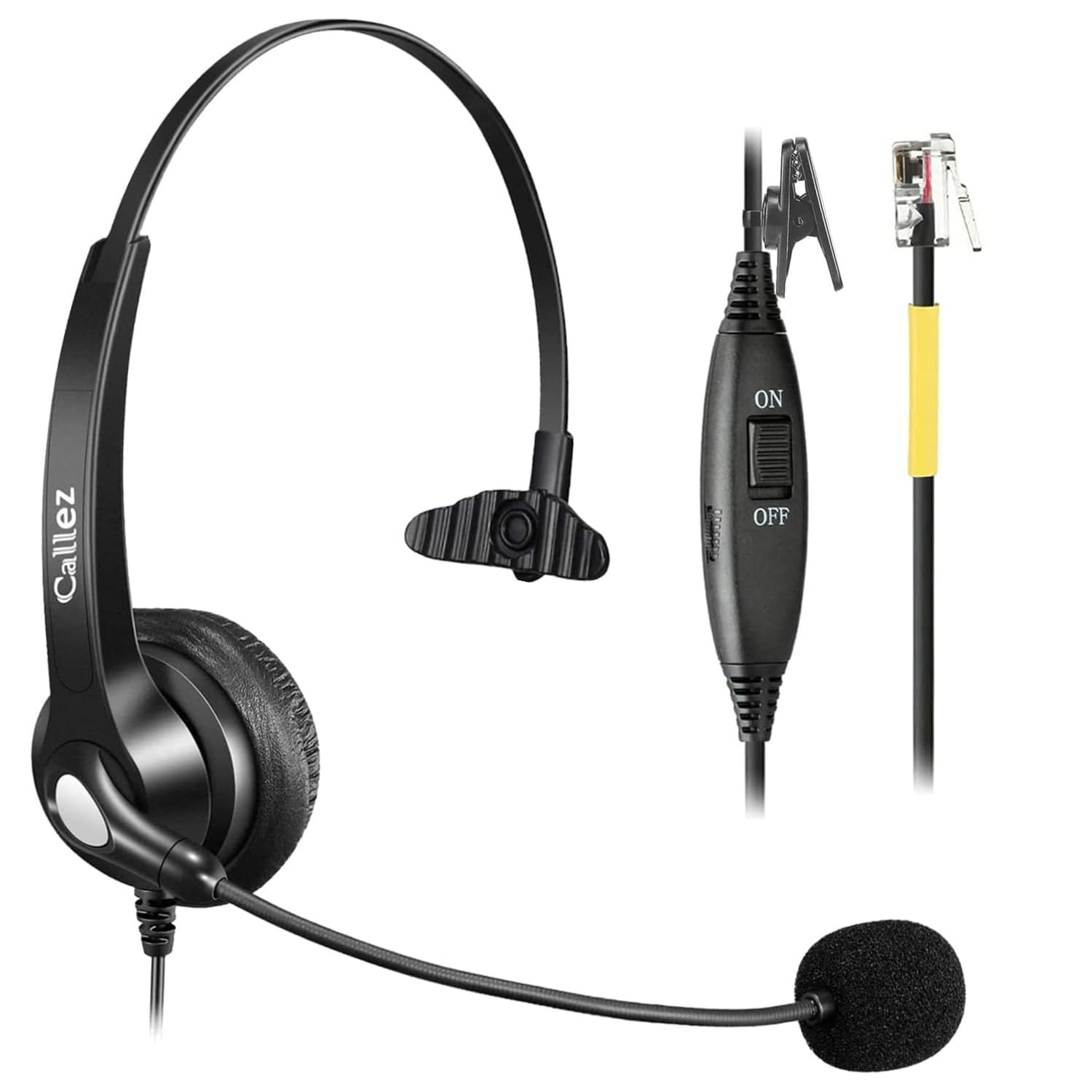 Phone Headset for Yealink Office Phone with Noise Cancelling Mic, RJ9 Mono Te...$38.88View on eBay
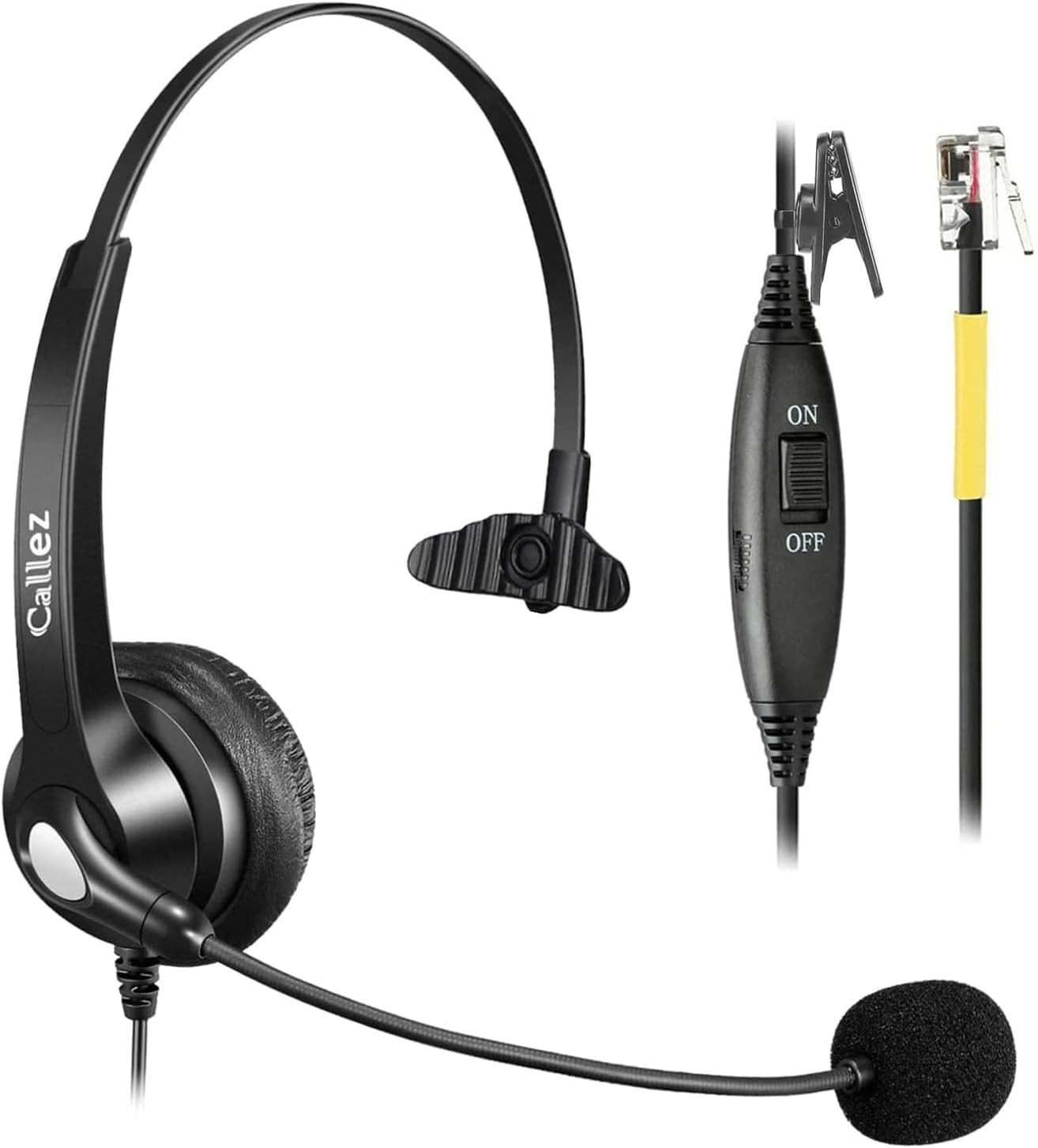 Phone Headset for Yealink Office Phone with Noise Cancelling Mic, RJ9 Mono Telep$40.98View on eBay
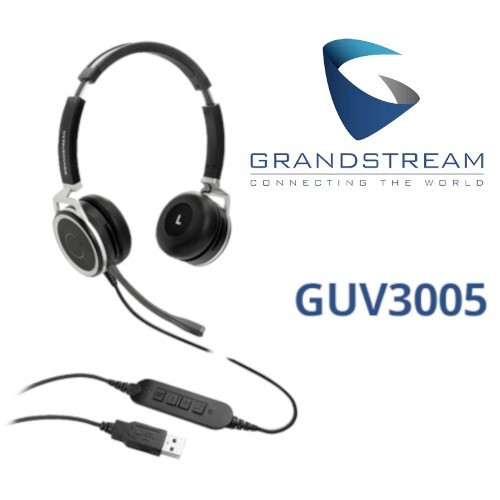 Grandstream GUV3005 USB Corded Dual Headset HD Noise Canceling Busy Light$45.99Last checked Nov 28, 2026View on eBay
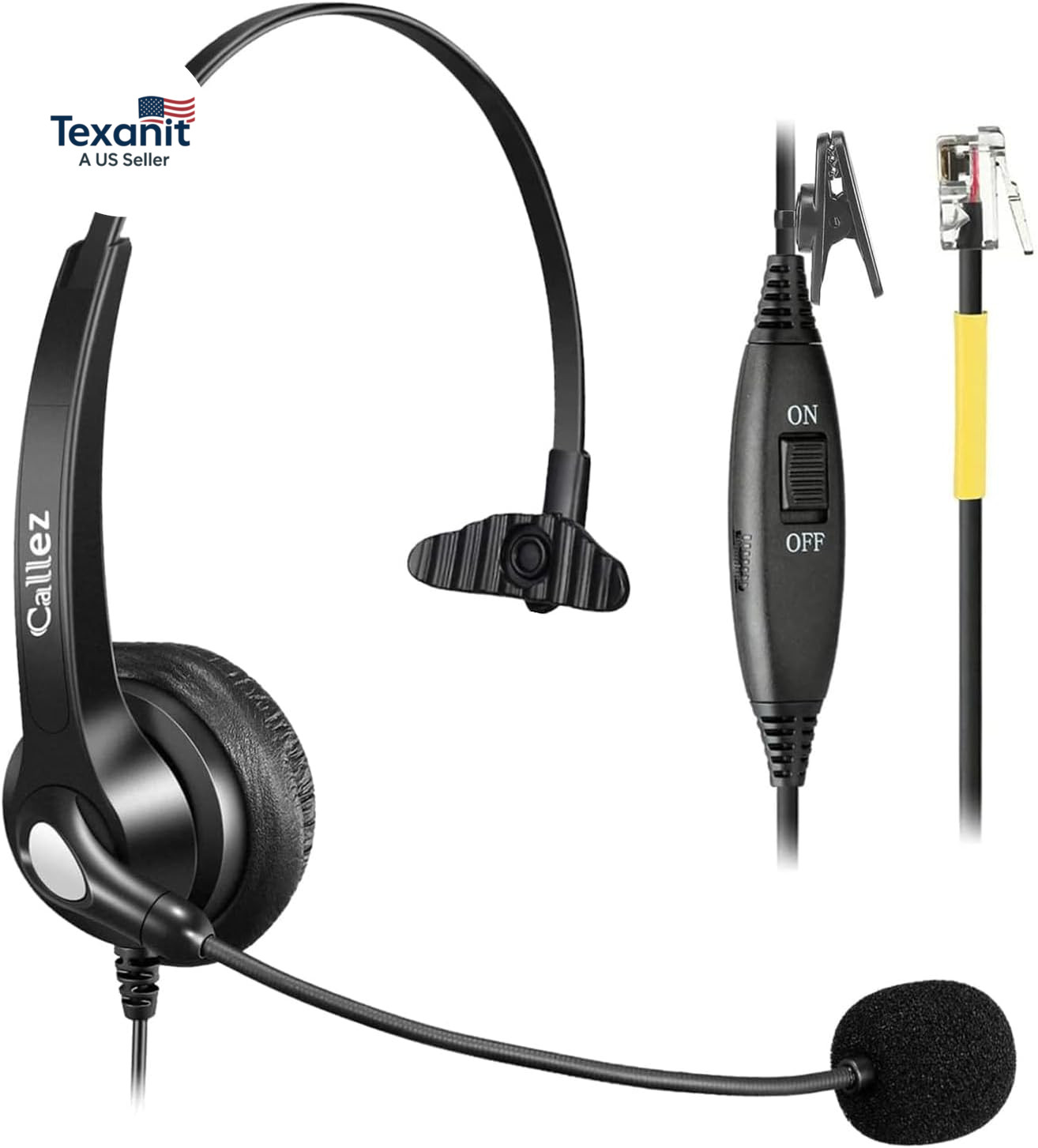 Phone Headset for Yealink Office Phone with Noise Cancelling Mic, RJ9 Mono Telep$46.11View on eBay
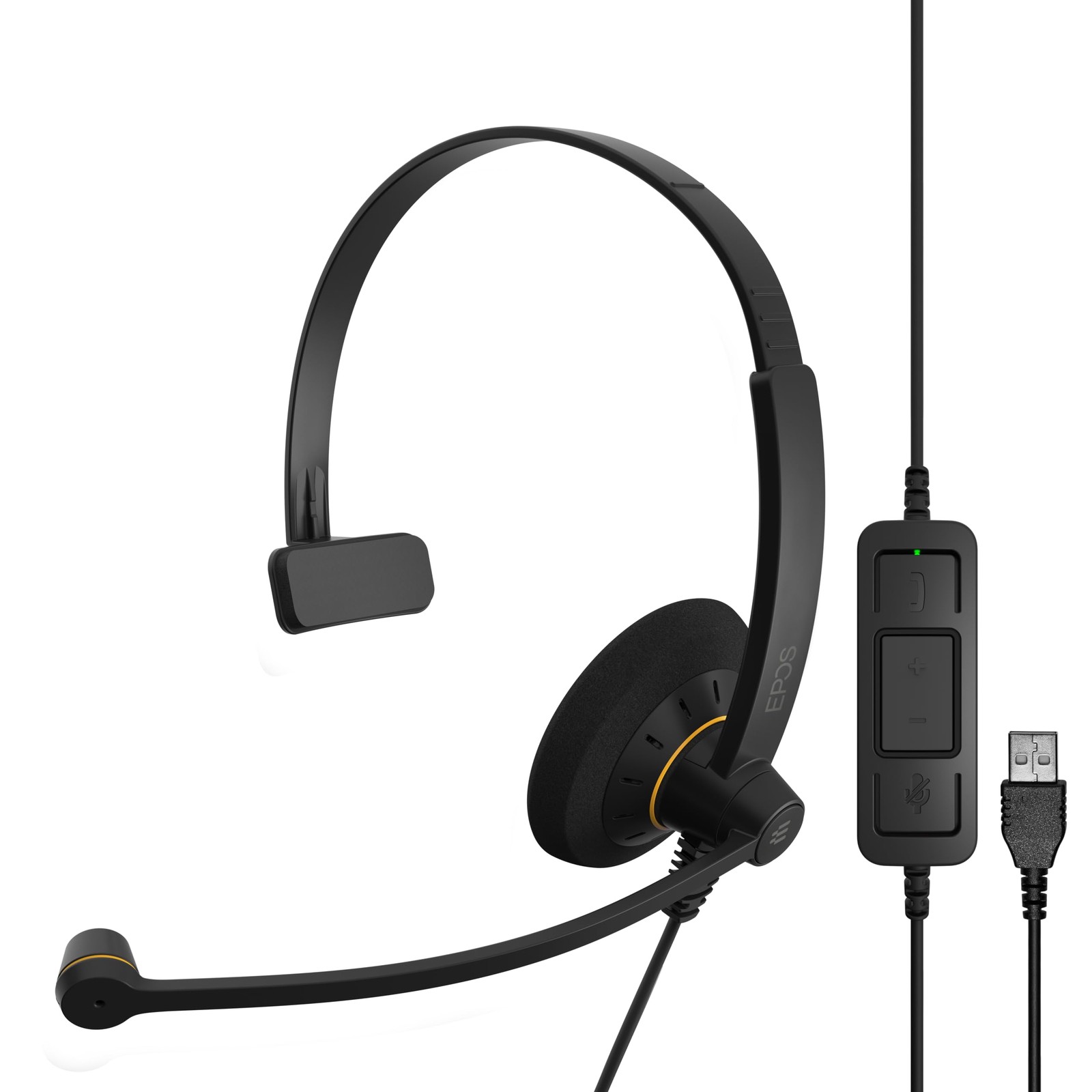 EPOS Sennheiser SC 30 USB ML Headset for Skype for Business - Black$54.23View on eBay
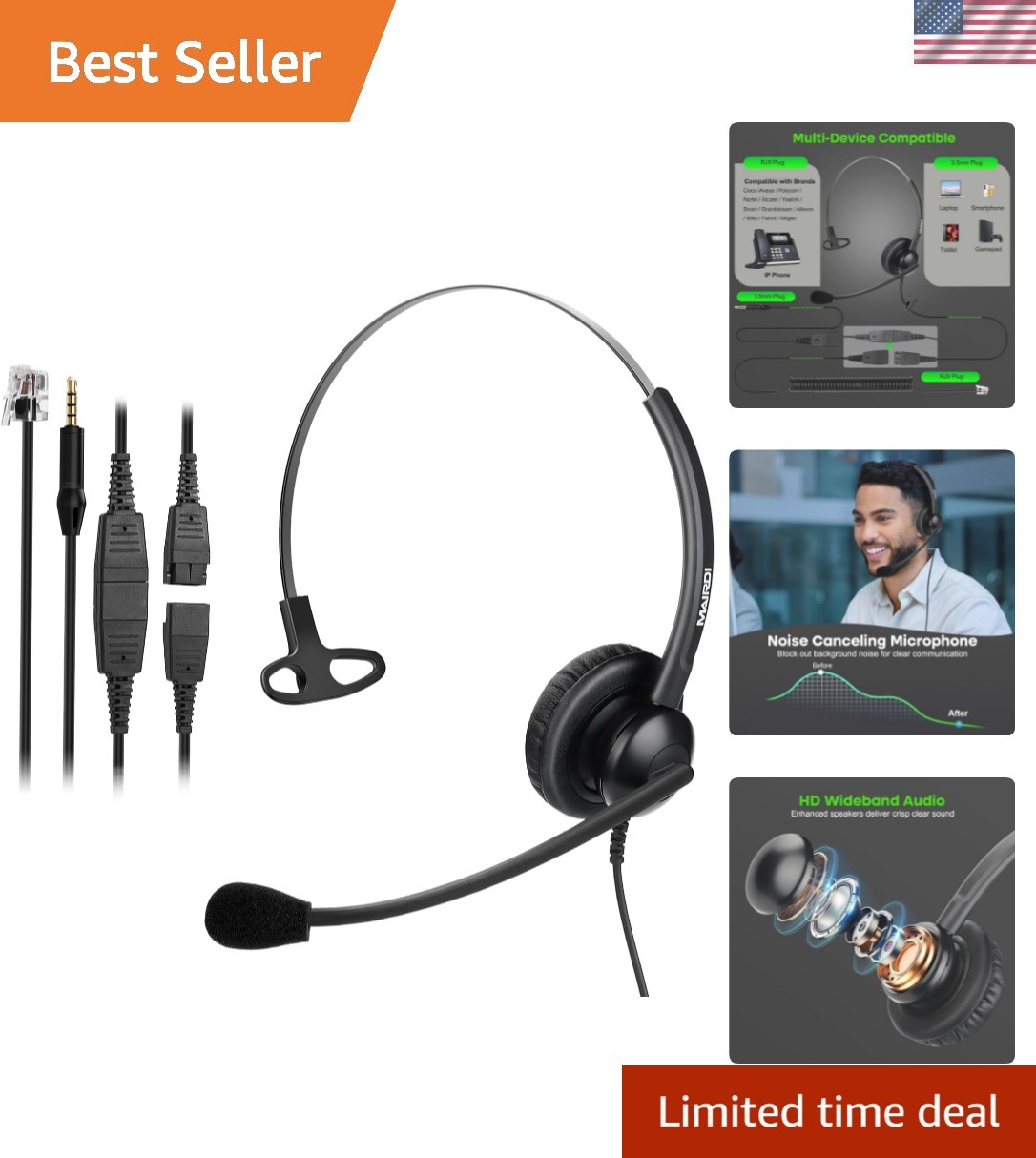 Comfortable Adjustable RJ9 Headset with Noise Cancelling Mic for Call Centers$57.99View on eBay
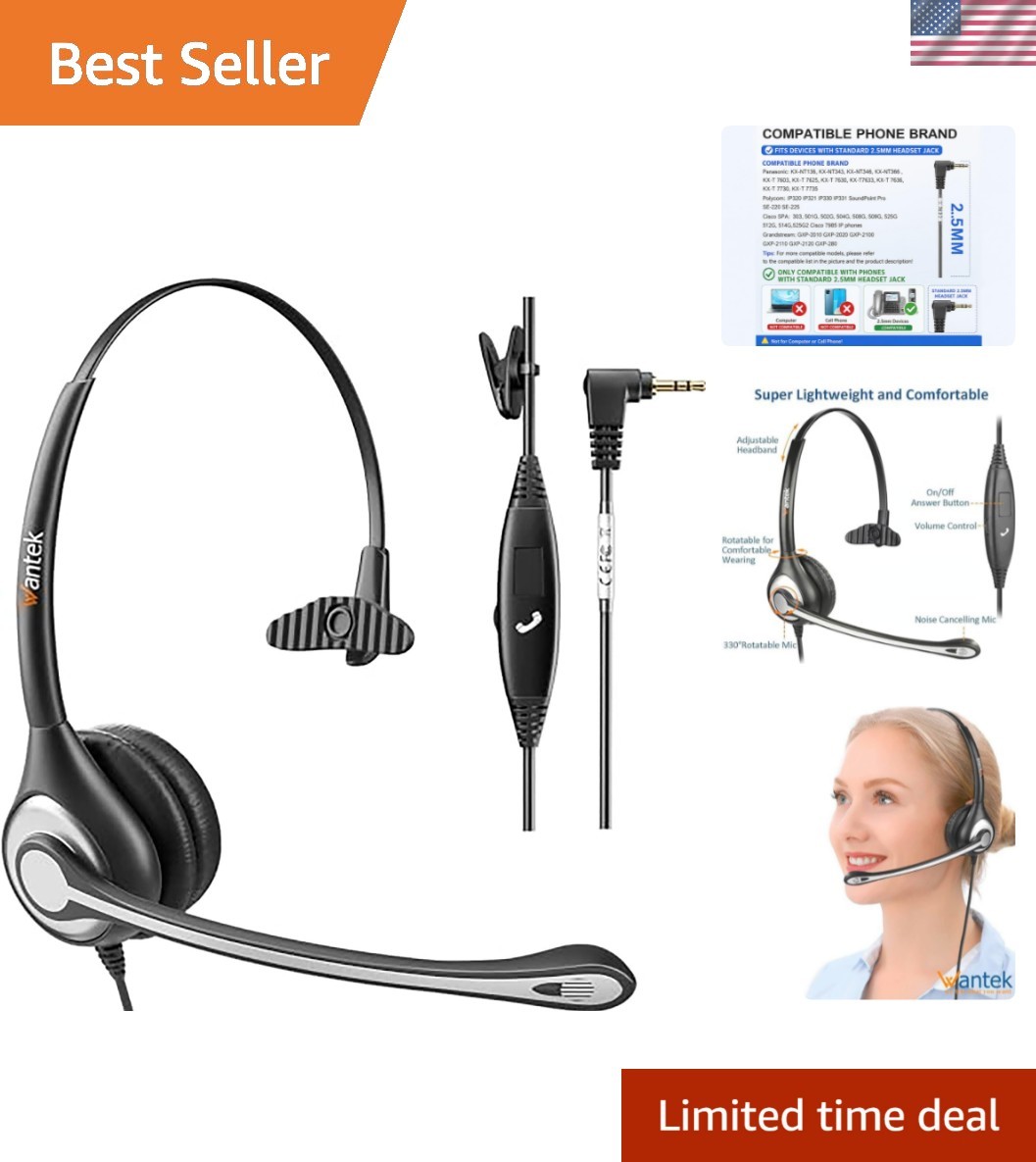 2.5mm Telephone Headset with Noise Control - Ideal for Office & Conference Use$61.99View on eBay
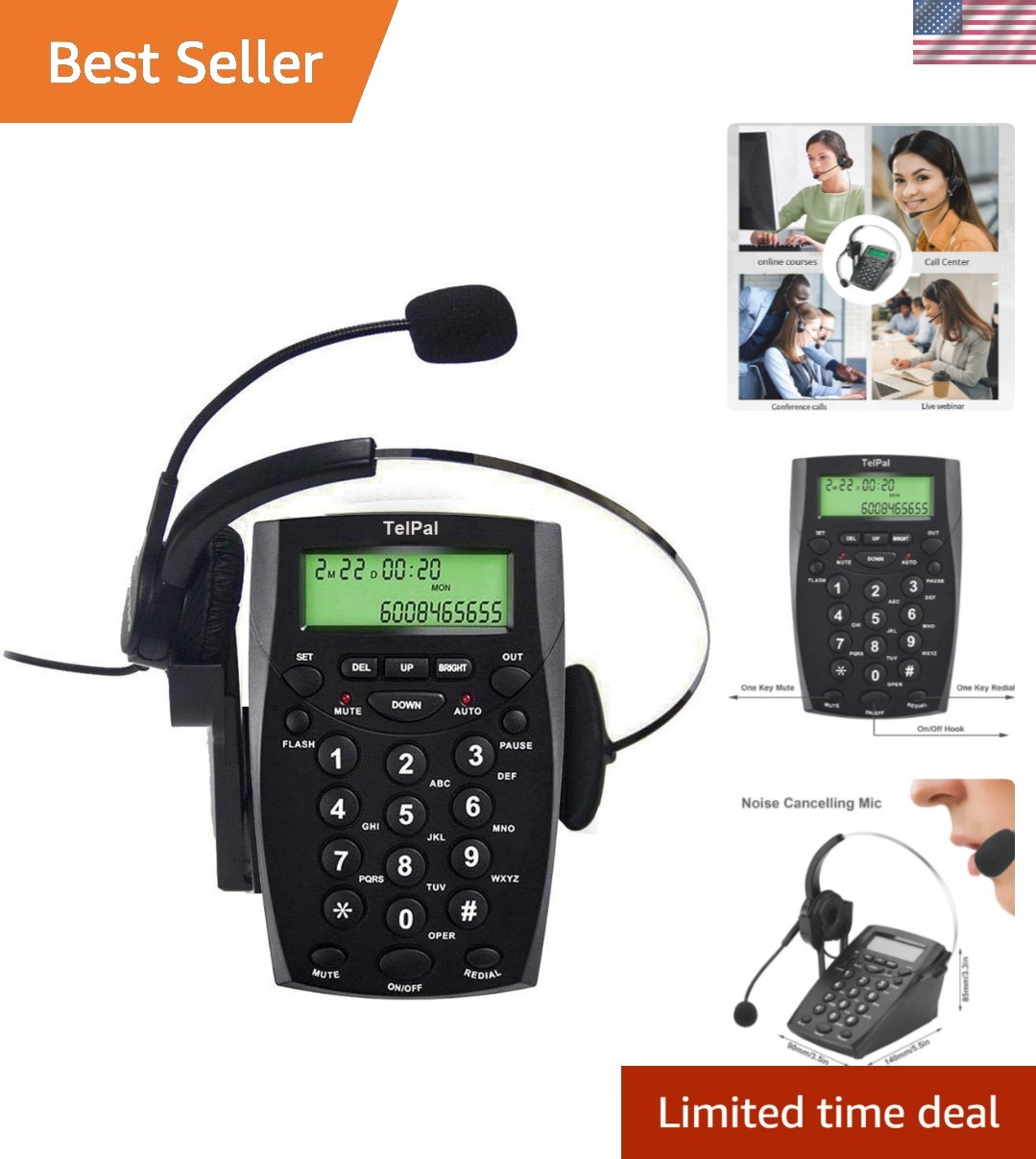 Noise Cancelling Monoral Headset Telephone - Ideal for Call Centers & Home Use$66.99View on eBay
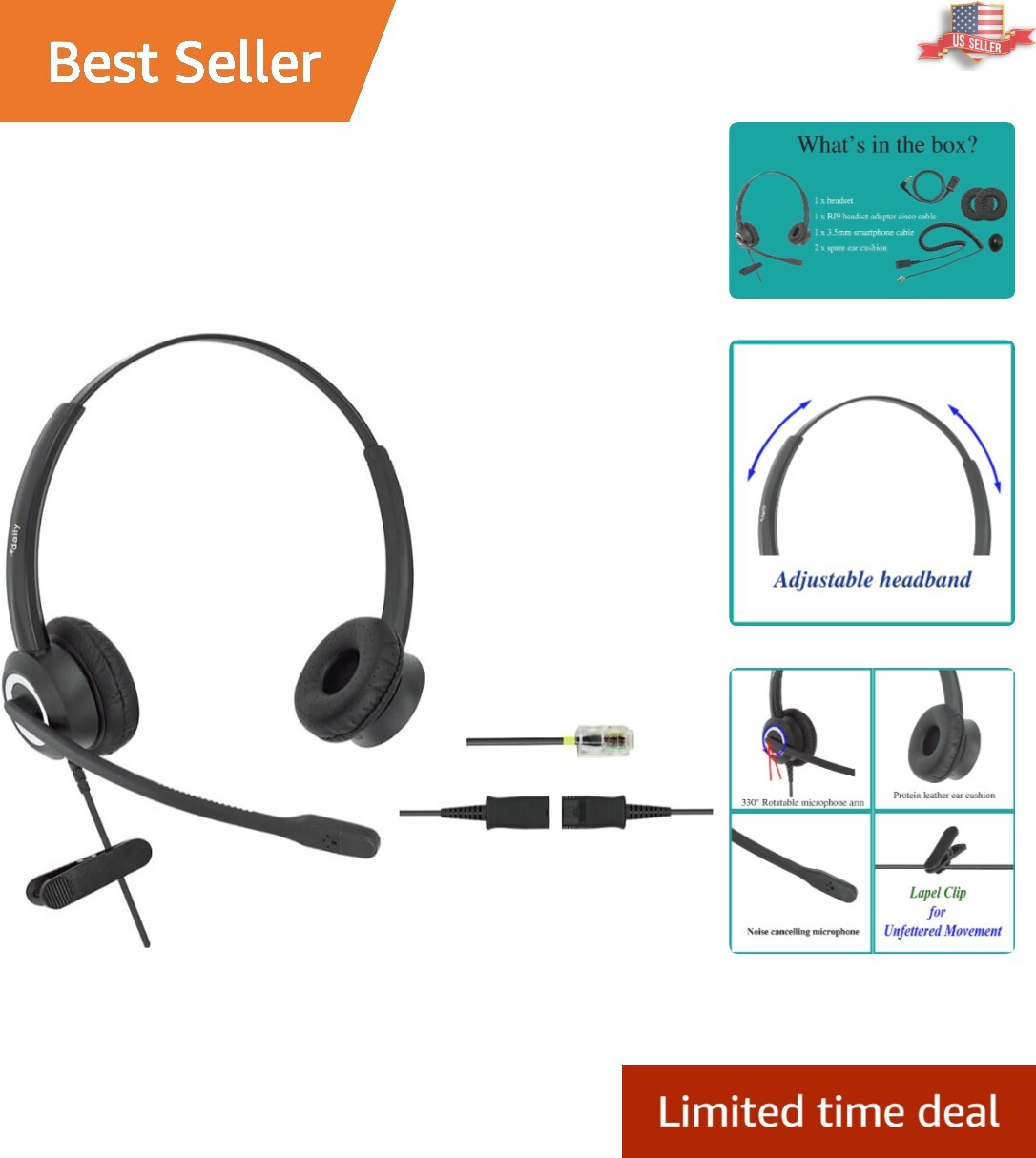 HD Voice Noise-Canceling Office Headset for Cisco IP Phones with 3.5mm Adapter$73.46View on eBay
Highlights
- Yealink T3/T4/T5 series desk phones use an RJ9 (4P4C) headset port with dedicated mic and speaker pins; a plain 3.5mm plug will not work without a Yealink EHS or RJ9 adapter.
- USB headsets connect directly to Yealink phones with a USB-A port (T4U, T5U, and Teams-certified models) and bypass the analog headset jack for clean digital audio.
- Wireless DECT headsets need a Yealink-compatible EHS (Electronic Hook Switch) adapter or a base station with a Yealink EHS cable to answer/end calls remotely.
- Passive RJ9 adapter cables are model-specific: a cable for T4 series may not map correctly on T5 or SIP-T2 series because pinouts and hook-switch signaling differ.
Best use cases
- Pick a corded RJ9 headset plus the correct Yealink adapter cable for high-volume desk agents on T3/T4/T5 phones who need all-day reliability and no battery management.
- Choose a USB-A wired headset for Yealink T4U/T5U or Teams-certified phones when you want plug-and-play digital audio and softphone compatibility without an adapter.
- Use a DECT wireless headset with a Yealink EHS cable for managers who need 100–150 ft roaming and remote call answer—skip it if your phone lacks an EHS port or compatible firmware.
- Avoid Bluetooth headsets on Yealink desk phones unless the phone model has built-in Bluetooth (e.g., T5W series); standard T4/T5 non-Bluetooth phones require a USB Bluetooth dongle or DECT base.
Buying tips
- Match the connector to your phone: RJ9 for T3/T4/T5 analog headset jacks, USB-A for T4U/T5U/Teams phones, and 2.5mm only for older SIP-T2 series with a 2.5mm jack.
- For RJ9 headsets, buy the adapter cable bundled or explicitly listed for your exact Yealink model series—pinouts differ between T2, T3/T4, and T5 generations.
- Wireless DECT headsets require a Yealink EHS adapter (often sold as a separate cable) to enable remote answer/end; confirm the headset vendor lists Yealink EHS support.
- Check microphone boom style: noise-canceling dual-mic booms suit open offices, while single-mic booms are lighter but pick up more background noise in busy rooms.
Specs
| Connector Type | RJ9 / USB-A / 2.5mm / DECT |
|---|---|
| Yealink Series Fit | T3 / T4 / T5 / T2 / Teams-certified |
| EHS Support | Required for DECT remote answer |
| Mic Boom | Noise-canceling dual-mic vs single-mic |
Related searches
What to check before buying
- Identify your Yealink phone model and port type: RJ9 headset jack, USB-A port, or 2.5mm jack—this dictates the headset connector and any adapter needed.
- Measure desk-to-mouth distance and headband adjustability; corded headsets typically offer 6–8 ft cords, so confirm the cord reaches your seating position.
- Confirm your phone firmware supports EHS remote answer if you plan to use a wireless DECT headset; older firmware may require an update.
- Check whether your Yealink phone has a dedicated headset button or requires menu-based switching; some models need the headset mode enabled in phone settings.
FAQ
Data sources: eBay / Amazon listings and product attribute feeds. Updated Nov 29, 2026.
Some links on this page are affiliate links. If you buy after clicking one, we may earn a commission at no extra cost to you. This does not change which products appear here or their order. Affiliate disclosure.