
Photos from current listings. Actual item, color, and included accessories may vary.
Business Phone Buying Guide
A business phone is either a VoIP desk phone (SIP or Teams-certified) or a multi-line analog/PSTN system, and the core trade-off is platform compatibility and power/data wiring versus line capacity and handset ergonomics. Prioritize a SIP or Teams-native model with Gigabit and PoE if you have IP-PBX or cloud telephony; choose a multi-line analog unit only when you must keep legacy copper lines. Durability is set by the network tier (Gigabit vs 10/100), PoE class, and certified firmware support.
Median $112.00
Key takeaways
- VoIP desk phones divide into open-SIP models (Yealink T-series) and Microsoft Teams-certified models (Yealink MP50, Poly Edge) — certification controls native Teams login and firmware updates.
- Poly Edge E-series adds Wi-Fi and Bluetooth for cordless headset pairing; base VoIP models rely on a single Ethernet run with PoE instead of a separate power adapter.
- Gigabit Ethernet passthrough is the key spec for desks with a PC: 10/100 models bottleneck connected computers to 100 Mbps.
At a glance
- Category
- Business Phones & Headsets
- Last updated
- Nov 29, 2026
Current offers
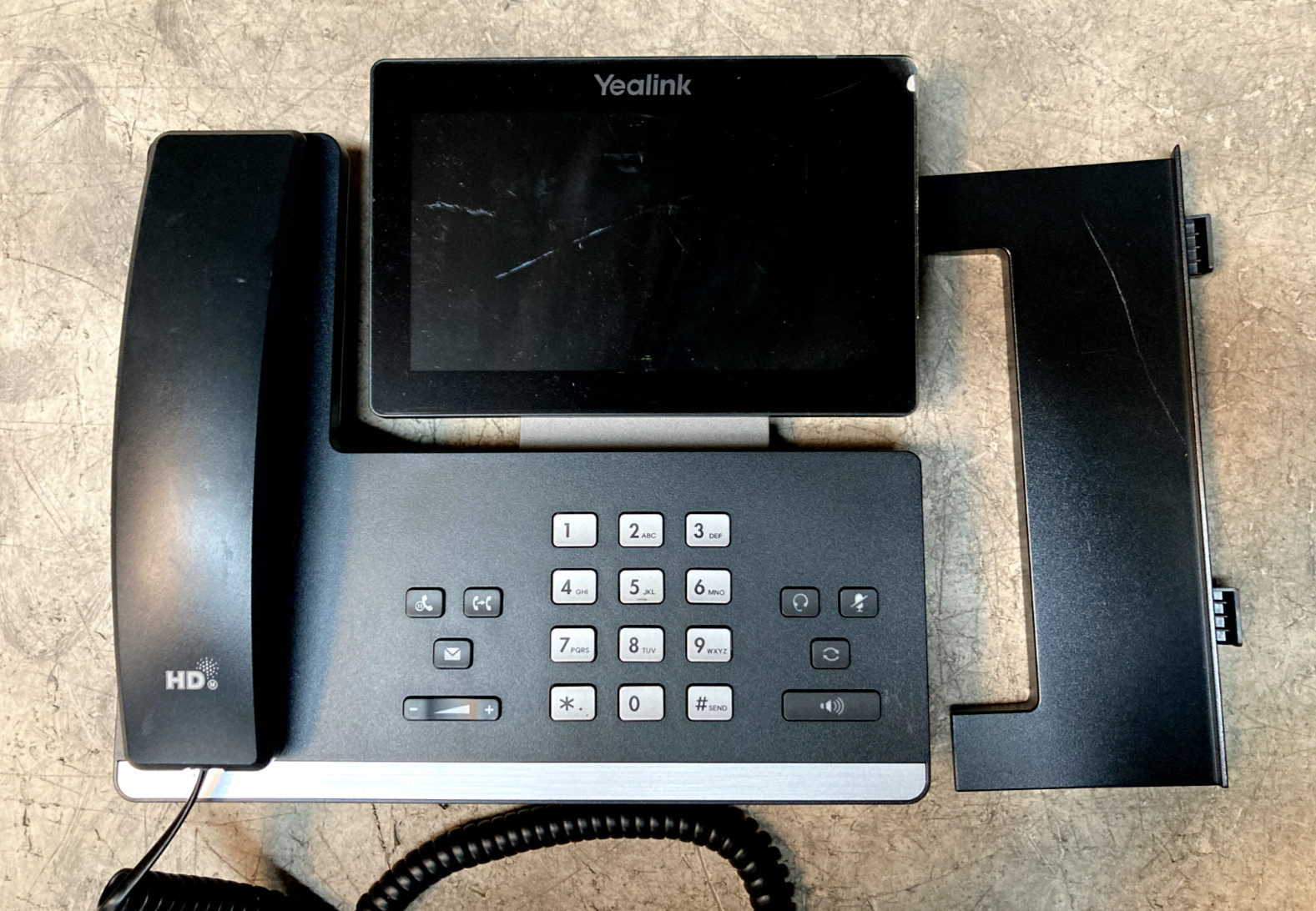 Yealink SIP-T58A VOIP Business Phones w/ Headsets& Stand Factory Reset$75.00View on eBay
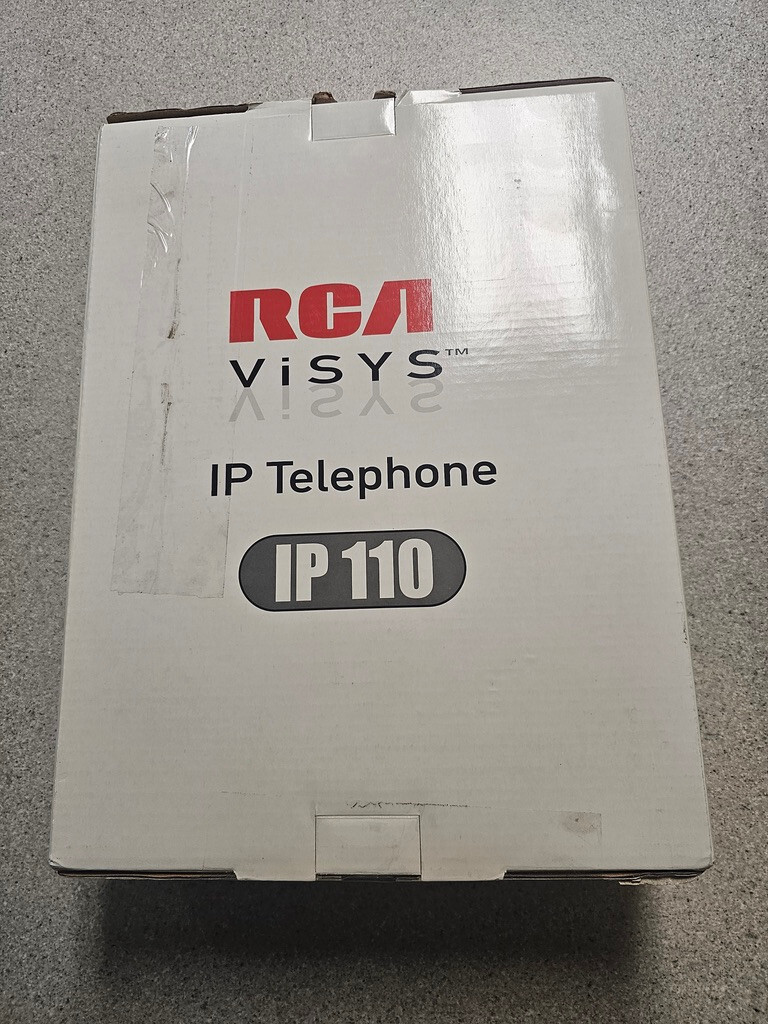 RCA VISYS IP110 Business Class VoIP 2 Line Corded Phone System And Service Black$99.00View on eBay
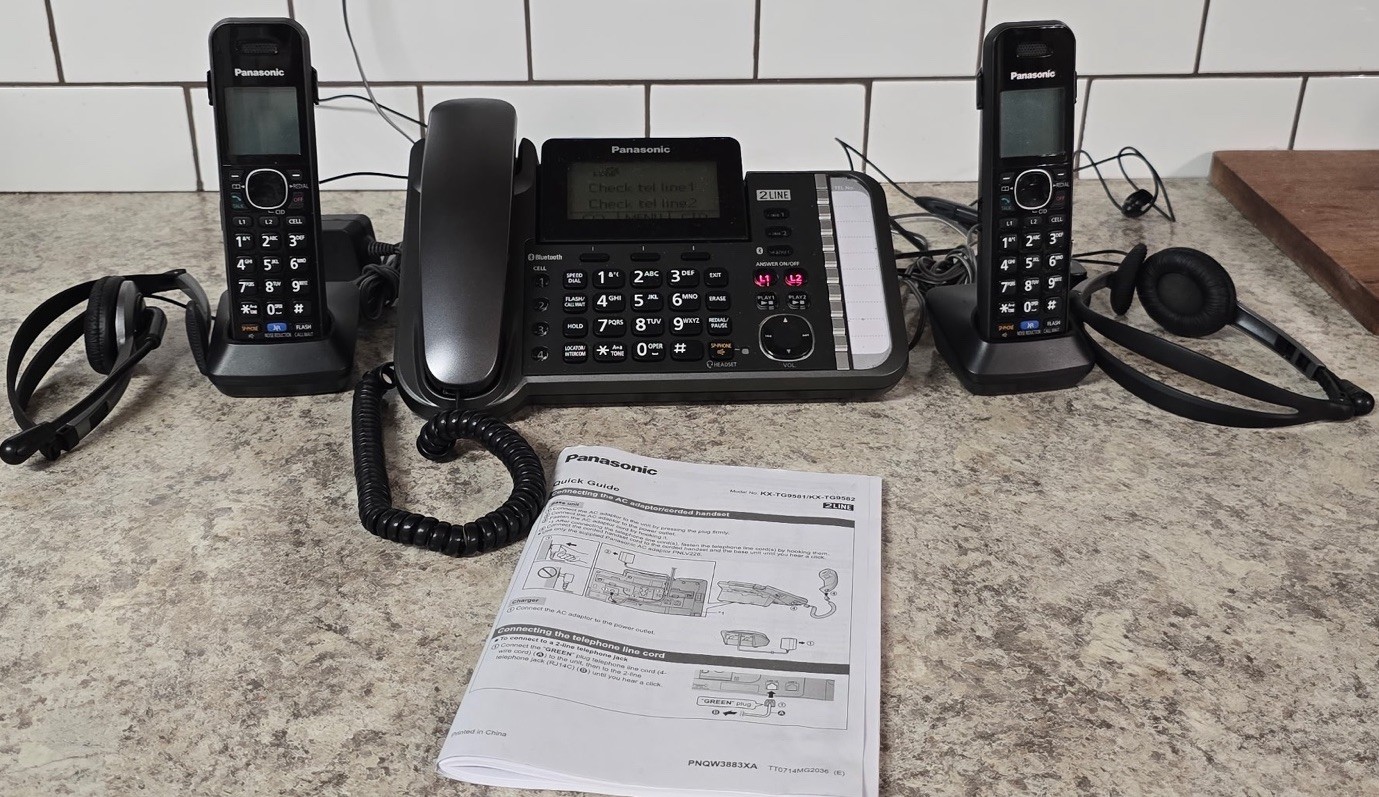 Phones With Headsets,Business Phone$125.00View on eBay
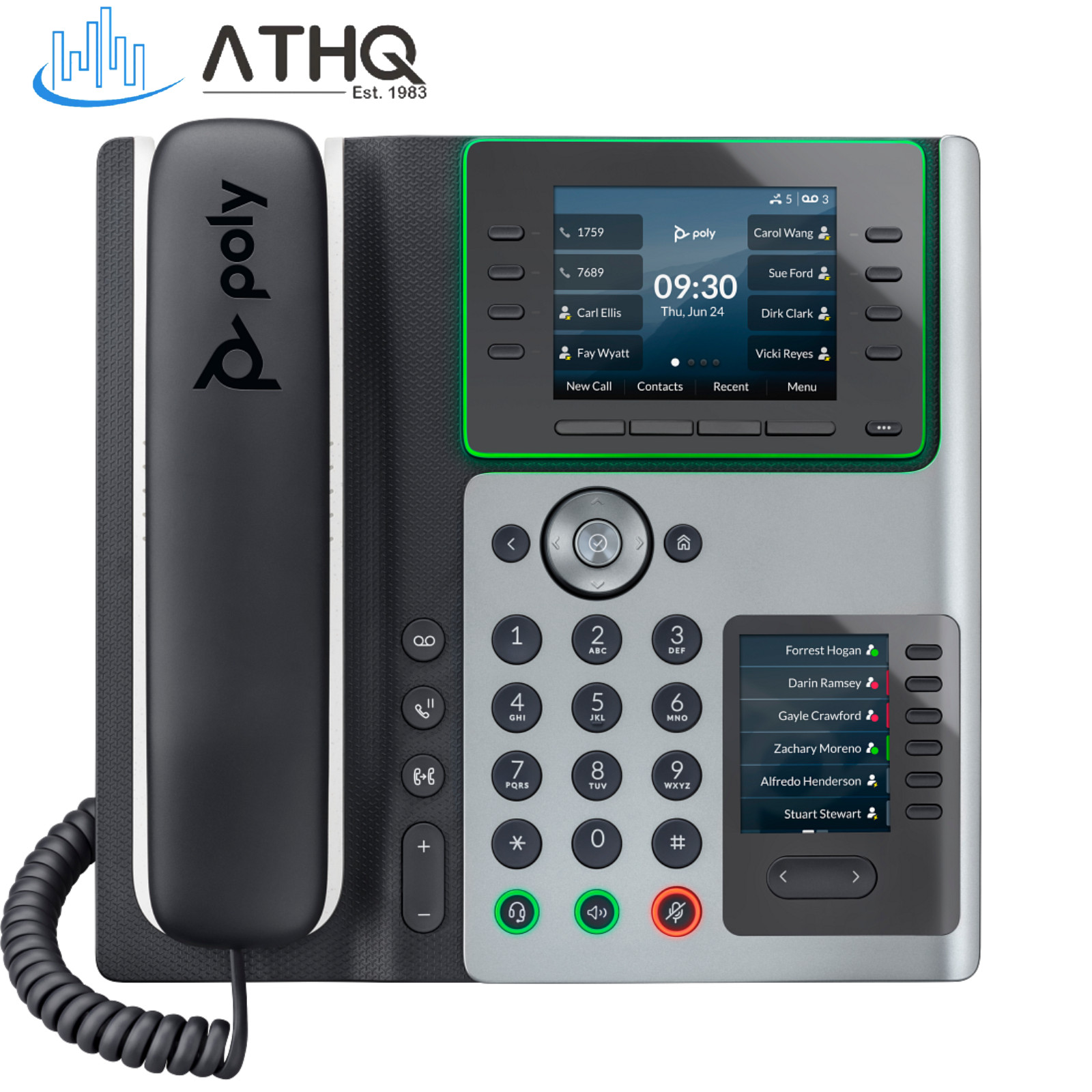 Poly Edge E450 IP Business Phone w/ Bluetooth PoE Wi-Fi Gigabit 2200-087030-025$129.99View on eBay
Highlights
- VoIP desk phones divide into open-SIP models (Yealink T-series) and Microsoft Teams-certified models (Yealink MP50, Poly Edge) — certification controls native Teams login and firmware updates.
- Poly Edge E-series adds Wi-Fi and Bluetooth for cordless headset pairing; base VoIP models rely on a single Ethernet run with PoE instead of a separate power adapter.
- Gigabit Ethernet passthrough is the key spec for desks with a PC: 10/100 models bottleneck connected computers to 100 Mbps.
- Analog multi-line phones (AT&T 1040) support 4 copper lines and work without a PBX, but cannot register to SIP trunks or cloud phone systems.
Best use cases
- Pick a Teams-certified SIP phone (Yealink MP50, Poly Edge) if your organization runs Microsoft Teams Phone or a cloud PBX — it gives native sign-in and directory sync.
- Choose an open-SIP Gigabit phone (Yealink SIP-T58A class) for Asterisk, FreePBX, or 3CX deployments where you need PoE, headset ports, and optional expansion modules.
- Choose a 4-line analog phone (AT&T 1040) only for small offices keeping PSTN copper lines or a legacy analog PBX; skip it for any cloud or SIP migration.
- Skip lot sales of older IP phones (ShoreTel 230) unless you already run that vendor's PBX — they need proprietary firmware and won't register to standard SIP without conversion.
Buying tips
- Match the phone to your PBX: Teams-certified for Teams Phone, open SIP for Asterisk/3CX/FreePBX, and analog only for copper PSTN lines.
- Insist on Gigabit Ethernet with PoE (802.3af/at) so one cable carries power and data and a daisy-chained PC keeps full LAN speed.
- Count headset needs first: choose a model with a dedicated RJ9 or USB headset port, or pair a Bluetooth/Wi-Fi model with a wireless headset.
- For multi-handset offices, standardize one SIP firmware family (e.g., Yealink T-series) so provisioning templates and BLF keys work across desks.
Specs
| Phone Type | VoIP SIP / Teams / Analog multi-line |
|---|---|
| Network Port | Gigabit vs 10/100 Ethernet |
| Power | PoE 802.3af/at or DC adapter |
| Line Capacity | 1-2 SIP lines / 4 analog lines |
Related searches
What to check before buying
- Confirm your PBX or cloud provider and whether it requires SIP registration, Teams certification, or analog FXO/FXS ports.
- Verify PoE availability at the desk switch port or plan an 802.3af injector; non-PoE models need a nearby outlet.
- Measure desk space for the base and check whether you need an expansion module for reception or BLF-heavy roles.
- Check headset compatibility: RJ9, USB, or Bluetooth pairing, and confirm the chosen headset's connector matches.
FAQ
Data sources: eBay / Amazon listings and product attribute feeds. Updated Nov 29, 2026.
Some links on this page are affiliate links. If you buy after clicking one, we may earn a commission at no extra cost to you. This does not change which products appear here or their order. Affiliate disclosure.