
Photos from current listings. Actual item, color, and included accessories may vary.
Business Headset Buying Guide
A business headset is a communication tool engineered for all-day voice clarity, durability, and platform compatibility across desk phones, softphones, and mobile devices. The decisive trade-off is wired reliability and zero-latency audio versus wireless mobility and battery maintenance, with connectivity standard and microphone noise rejection separating professional-grade units from consumer compromises. Choose a wired USB-C or QD headset for fixed-desk UC deployments, and a DECT or Bluetooth model only when call control and roaming are non-negotiable.
Median $29.99
Key takeaways
- Wired USB headsets use either USB-A or USB-C with built-in DAC; USB-C offers universal plug-and-play on modern laptops and docks without adapter dongles.
- DECT wireless operates on 1.9 GHz for dedicated, interference-free voice channels with typical 100–150 m range; Bluetooth 5.0+ shares the crowded 2.4 GHz band with Wi-Fi.
- Quick Disconnect (QD) cords are a standardized modular interface that lets one headset body swap between desk phone, USB, and mobile cables without replacing the headset.
At a glance
- Category
- Business Phones & Headsets
- Last updated
- Nov 29, 2026
Current offers
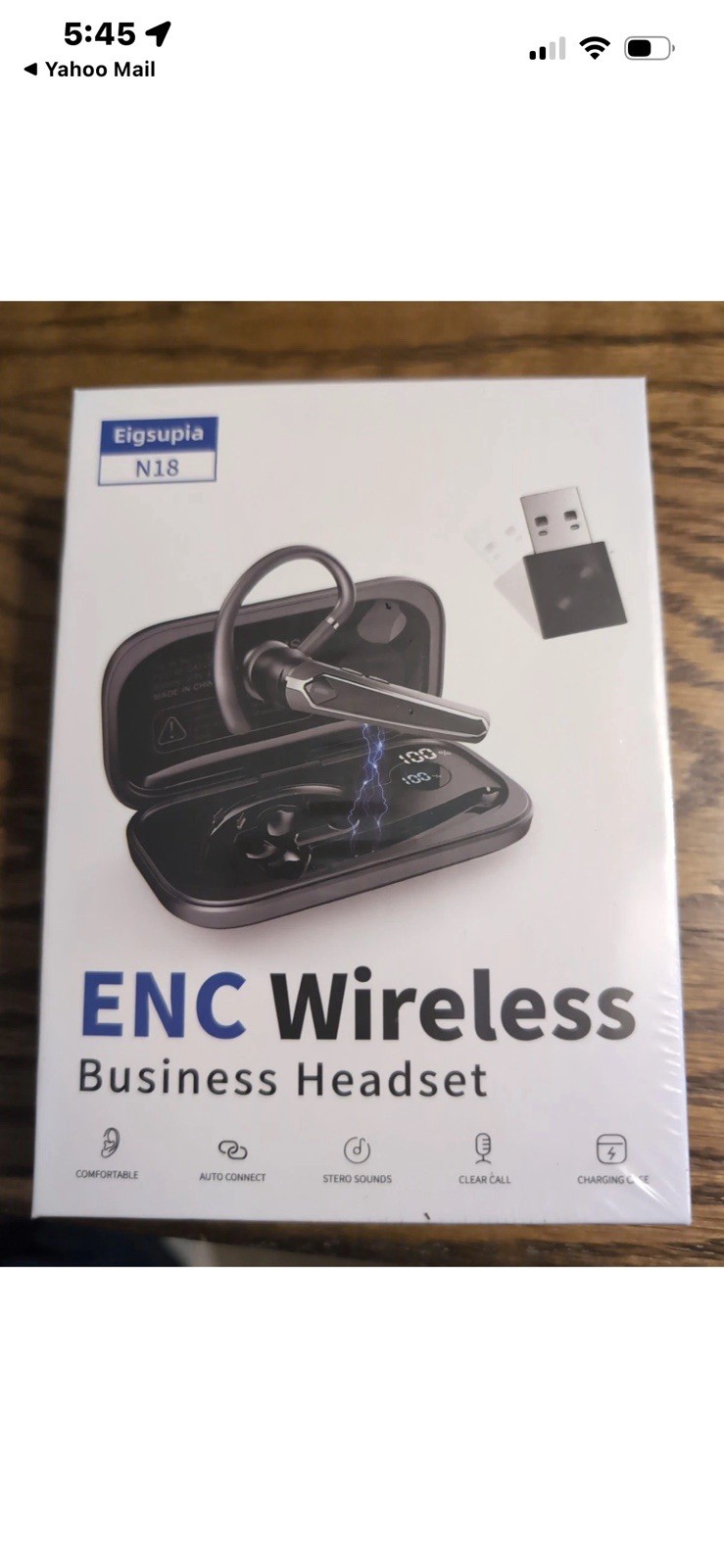 ENC Wireless Business Headset For Phone Or Computer$15.00View on eBay
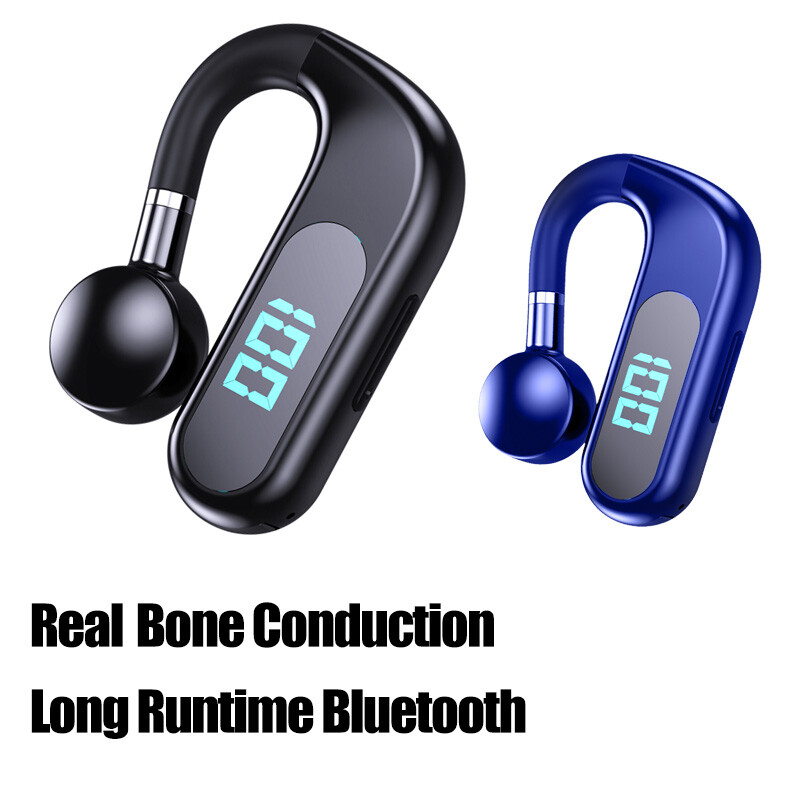 30Hrs Bone Conduction Bluetooth Wireless Headset Business Trucker Sport Earphone$15.88View on eBay
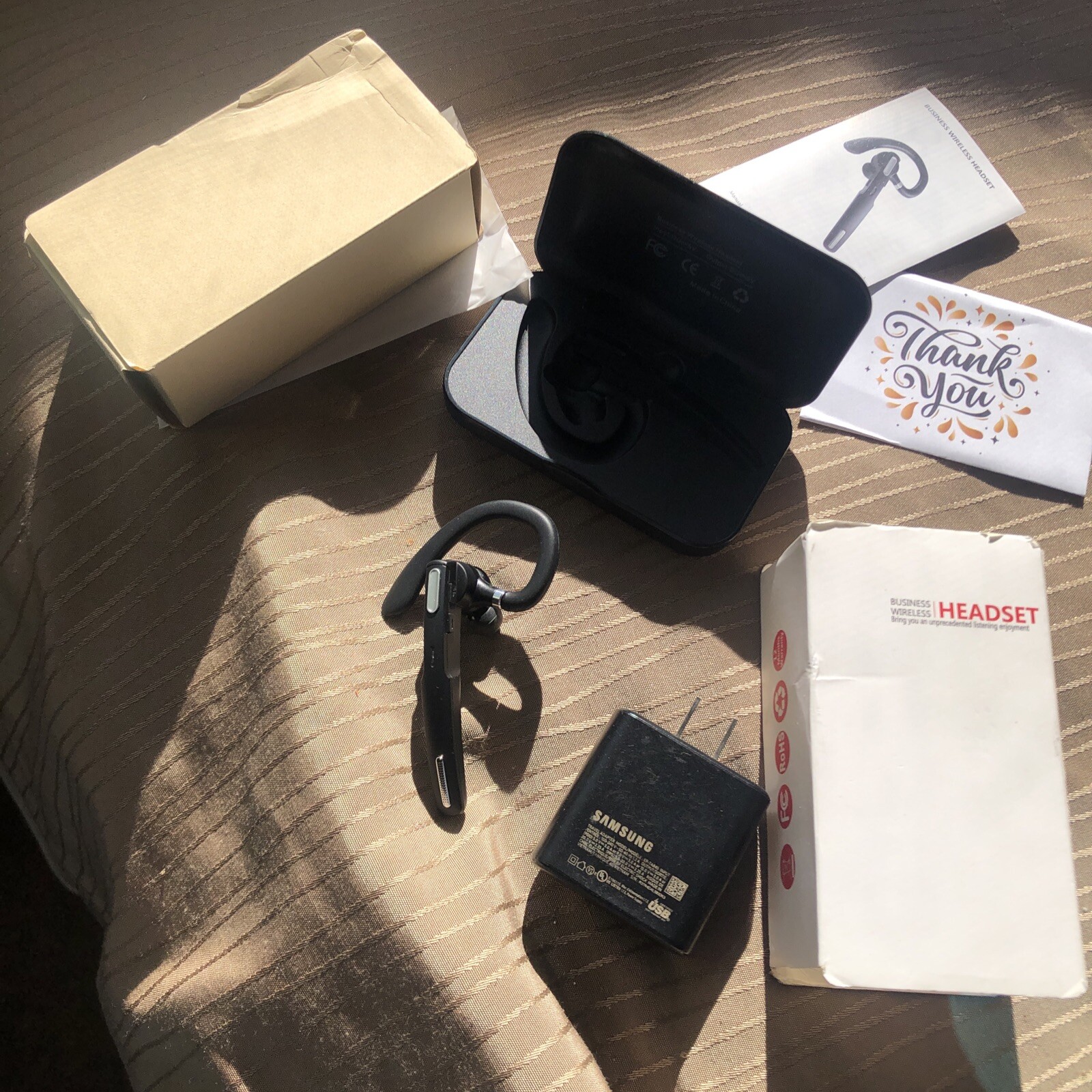 Business Wireless Wireless Phone Headset Black + Extras$29.99View on eBay
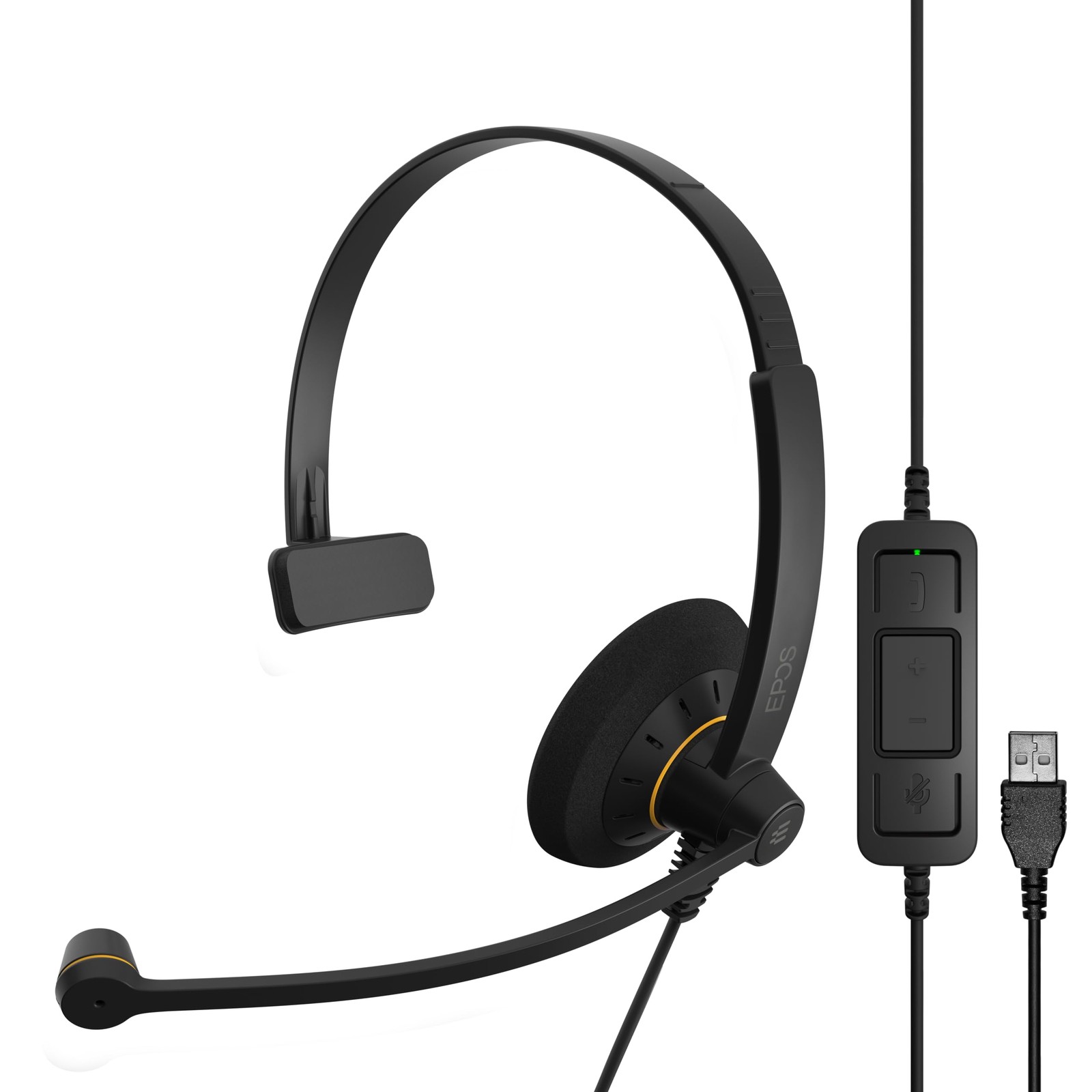 EPOS Sennheiser SC 30 USB ML Headset for Skype for Business - Black$54.23View on eBay
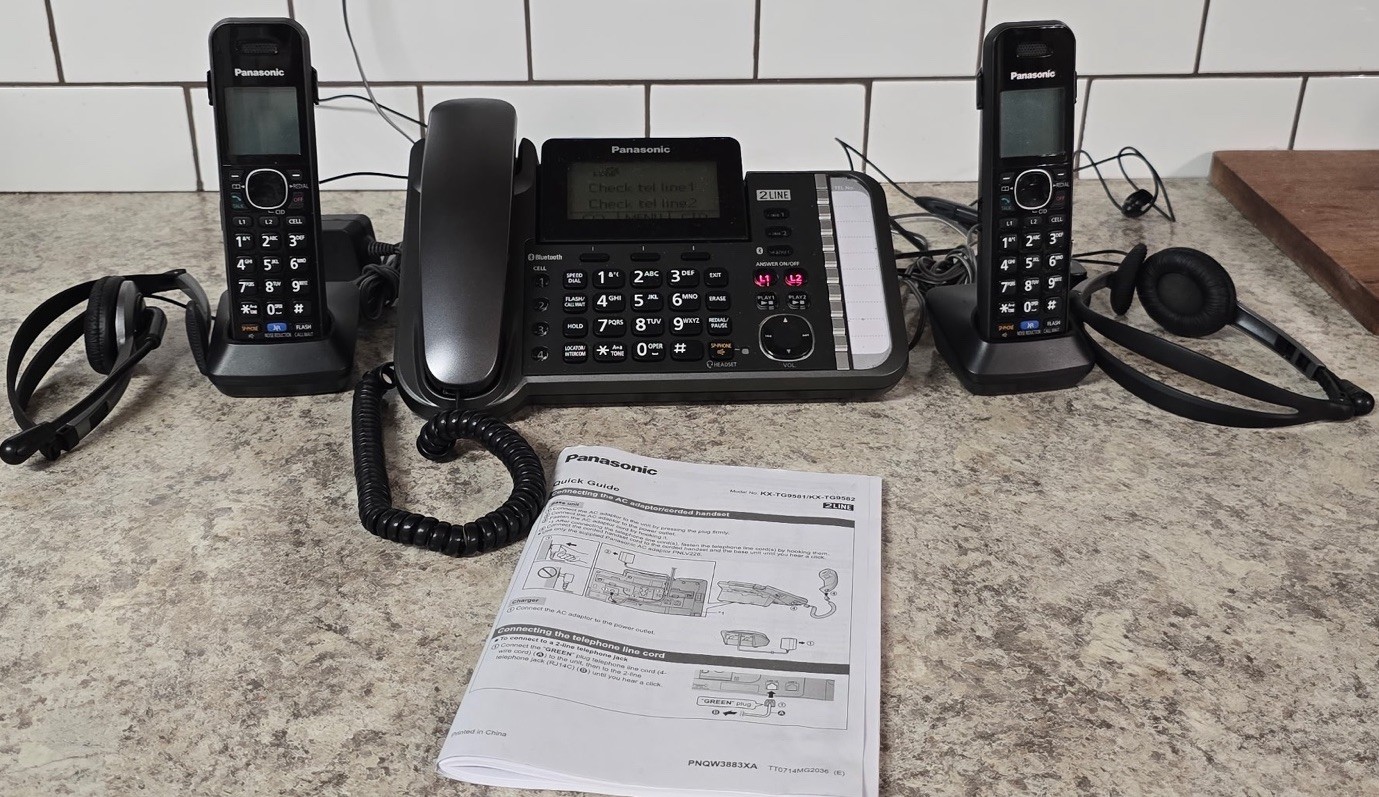 Phones With Headsets,Business Phone$125.00View on eBay
Highlights
- Wired USB headsets use either USB-A or USB-C with built-in DAC; USB-C offers universal plug-and-play on modern laptops and docks without adapter dongles.
- DECT wireless operates on 1.9 GHz for dedicated, interference-free voice channels with typical 100–150 m range; Bluetooth 5.0+ shares the crowded 2.4 GHz band with Wi-Fi.
- Quick Disconnect (QD) cords are a standardized modular interface that lets one headset body swap between desk phone, USB, and mobile cables without replacing the headset.
- ENC (environmental noise cancellation) and dual-microphone beamforming suppress background office or call-center noise at the mic; passive ear-cup sealing handles playback isolation.
Best use cases
- Fixed-desk office or call-center agent: choose a wired USB-C or QD headset with dual-ear cups and a noise-canceling boom mic; skip Bluetooth to avoid charging downtime and latency.
- Hybrid worker moving between laptop and mobile: choose a Bluetooth 5.2 headset with multipoint pairing and 30+ hour talk time; skip single-ear mono units if stereo softphone audio is required.
- Desk-phone-only environment (IP or analog): choose a QD-corded headset with the correct phone-specific adapter cable; skip USB-only models that cannot connect to a handset jack.
- Trucker or mobile field user: choose a bone-conduction or monaural Bluetooth headset with wind-noise-resistant mic; skip over-ear dual-cup designs that block ambient safety awareness.
Buying tips
- Match the connector to the endpoint: USB-C for modern laptops, USB-A for legacy desktops, and QD with a phone-specific cable for desk-phone handset ports.
- For wireless, require Bluetooth 5.0+ with multipoint (two-device simultaneous pairing) and at least 20 hours talk time; DECT for fixed-site roaming with 100 m+ range.
- Confirm ear-cup type: over-ear (around-ear) cups seal better for noisy rooms; on-ear is lighter for short calls; monaural (single-ear) keeps one ear open for office awareness.
- Verify UC certification (Microsoft Teams, Zoom, Cisco Webex) for plug-and-play call control; generic HID audio works but loses dedicated mute and answer buttons.
Specs
| Connectivity | Wired USB-A/USB-C/QD vs DECT/Bluetooth |
|---|---|
| Ear Cup Style | Over-ear / On-ear / Monaural |
| Microphone | Boom mic with ENC / dual-mic array |
| Wireless Battery | 20–30+ hr talk time, USB-C charge |
Related searches
What to check before buying
- Measure your desk-phone handset jack type or confirm USB port availability before selecting a wired connector; QD adapters are phone-model-specific.
- Check your softphone platform (Teams, Zoom, RingCentral) for certified device lists to guarantee mute/answer button support.
- For wireless, confirm charging base or USB-C charging and that battery talk time exceeds your longest shift plus meeting buffer.
- Assess room noise: passive over-ear cups for playback isolation, boom-mic ENC for transmit clarity; open-office users need both.
FAQ
Data sources: eBay / Amazon listings and product attribute feeds. Updated Nov 29, 2026.
Some links on this page are affiliate links. If you buy after clicking one, we may earn a commission at no extra cost to you. This does not change which products appear here or their order. Affiliate disclosure.