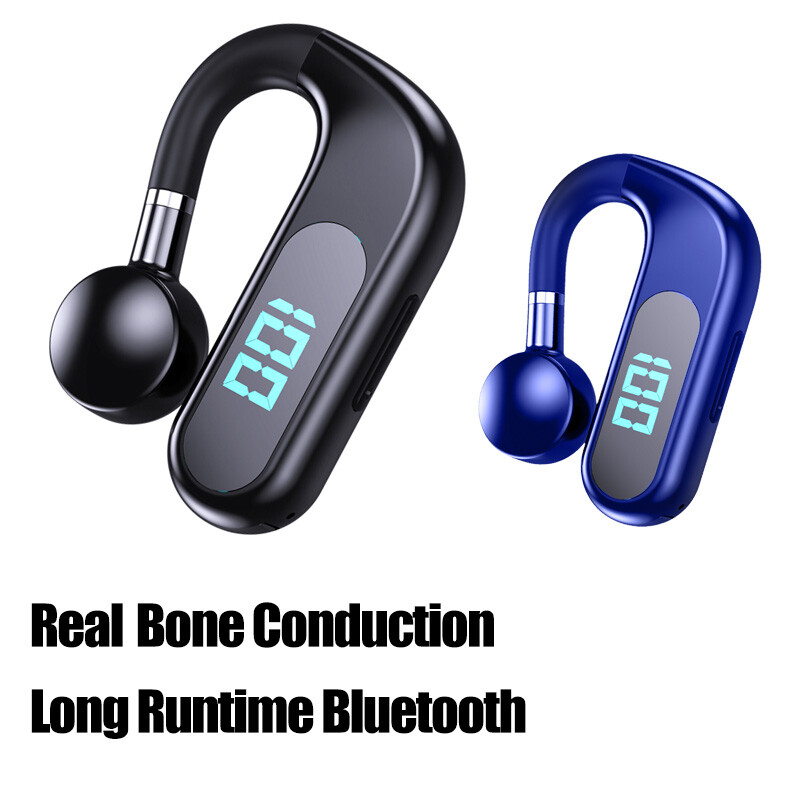

Photos from current listings. Actual item, color, and included accessories may vary.
Bluetooth Headset iPhone Buying Guide
Bluetooth headsets for iPhone are wireless mono or stereo headsets that pair via Apple's MFi-friendly Bluetooth stack, where the core trade-off is microphone noise rejection and wearing comfort versus battery life and price. Durable options use Bluetooth 5.1+ with multipoint and USB-C charging, while compromises rely on older Bluetooth 4.x, micro-USB, and single-mic designs that struggle in calls.
Median $132.94
Key takeaways
- Bluetooth 5.1 or newer with HFP 1.7 and HSP 1.2 ensures stable iPhone call audio; Bluetooth 4.x headsets drop connections and lack multipoint.
- Bone-conduction headsets keep ears open but leak sound and offer weaker noise-cancelling mics than boom-mic business headsets.
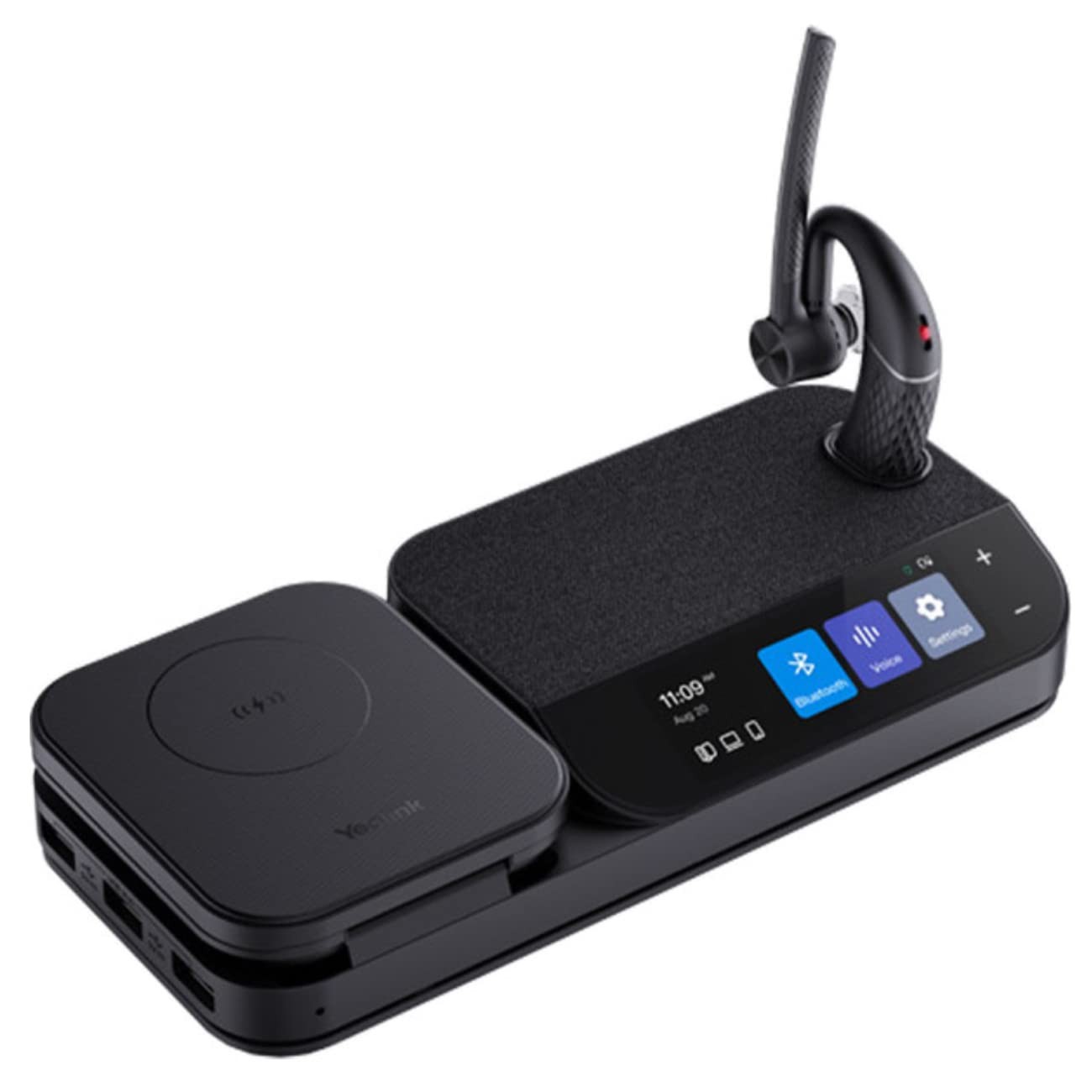
- Yealink BH71 uses a dedicated USB dongle for PC plus Bluetooth for iPhone, covering office deskphone and mobile in one unit.
At a glance
- Category
- Business Phones & Headsets
- Last updated
- Nov 29, 2026
Current offers
Highlights
- Bluetooth 5.1 or newer with HFP 1.7 and HSP 1.2 ensures stable iPhone call audio; Bluetooth 4.x headsets drop connections and lack multipoint.
- Bone-conduction headsets keep ears open but leak sound and offer weaker noise-cancelling mics than boom-mic business headsets.
- Yealink BH71 uses a dedicated USB dongle for PC plus Bluetooth for iPhone, covering office deskphone and mobile in one unit.
- Ear-cup over-ear designs with memory-foam cushions isolate office noise better than on-ear or open bone-conduction models.
Best use cases
- Choose a boom-mic Bluetooth 5.1 headset with multipoint for all-day iPhone calls in an office or home office; skip bone-conduction unless you need situational awareness.
- Pick a bone-conduction headset for truckers, cyclists, or warehouse workers who must hear ambient sound; avoid it for noisy open-plan offices where mic clarity matters.
- Select a USB-dongle workstation headset like the Yealink BH71 if you switch between a PC softphone and iPhone; skip pure-Bluetooth headsets if your desk phone lacks Bluetooth.
- For commuting and driving, a single-ear Bluetooth 5.1 headset with 20+ hours talk time works; skip stereo over-ear models that block traffic sounds.
Buying tips
- Match Bluetooth version: iPhone 11 and later support Bluetooth 5.x; choose 5.1+ for lower latency and multipoint, avoid 4.2 headsets for call quality.
- Check mic pickup: dual-mic or triple-mic arrays with beamforming deliver clearer calls than single-mic bone-conduction units in wind or office noise.
- Verify talk time versus music time: business headsets rate 8–30 hours talk; a 30-hour claim on a bone-conduction unit often means music playback, not calls.
- Confirm charging port: USB-C is standard on current business headsets; micro-USB models need a separate cable and age faster.
Specs
| Bluetooth Version | 5.1+ preferred; avoid 4.x |
|---|---|
| Mic Type | Dual/triple beamforming vs single |
| Wearing Style | Over-ear cup / bone-conduction / mono |
| Talk Time | 8–30 hr; 20+ hr typical business |
Related searches
What to check before buying
- Measure your head and ear: over-ear cups need 2–3 cm clearance around the ear; on-ear and bone-conduction fit differently, so try the form factor before committing.
- Check iPhone model Bluetooth: iPhone 11 and newer support Bluetooth 5.x; older iPhones may not benefit from multipoint or low-latency codecs.
- Verify workplace compatibility: if you use Microsoft Teams or Zoom on a PC, a headset with a USB-A or USB-C dongle (like Yealink BH71) is required for certified audio.
- Confirm charging standard: USB-C is universal on current headsets; ensure your charging brick or car port matches to avoid extra cables.
FAQ
Data sources: eBay / Amazon listings and product attribute feeds. Updated Nov 29, 2026.
Some links on this page are affiliate links. If you buy after clicking one, we may earn a commission at no extra cost to you. This does not change which products appear here or their order. Affiliate disclosure.