
Photos from current listings. Actual item, color, and included accessories may vary.
Wireless Laser Printer Buying Guide
A wireless laser printer uses a toner-based electrophotographic engine with Wi-Fi or Ethernet connectivity, trading color photo vibrancy for fast, smudge-proof text and low cost-per-page on high-volume documents. The core trade-off is monochrome print-only speed versus all-in-one scan/copy convenience and color capability, with toner yield and duplex automation separating durable workgroup units from compromised entry models. Buy monochrome print-only if you mostly output text and already own a scanner; step to an all-in-one or color engine only when scan/copy or color is a genuine daily need.
Median $100.00
Key takeaways
- Monochrome laser engines reach 30-40 ppm with first-page-out under 7 seconds; color laser drops to 20-30 ppm and costs 2-4x more per page in toner.
- Print-only units (Brother HL-L2405W class) lack a scanner bed entirely; all-in-one models (Canon MF273dw, HP M140w) add flatbed scan/copy but add footprint and fail points.
- Auto-duplex standard on workgroup tiers (HP M234dwe, Brother MFC-L3720CDW) halves paper use; manual duplex on entry models requires flipping the stack by hand.
At a glance
- Category
- Printers & Scanners
- Last updated
- Nov 28, 2026
Current offers
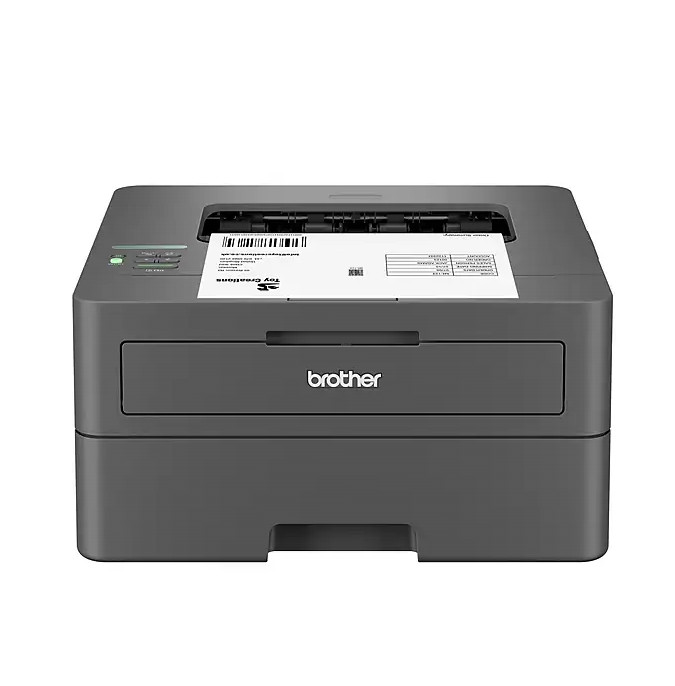 Brother HL-L2405W Wireless, Black & White, Print-Only, Laser Printer$73.99View on eBay
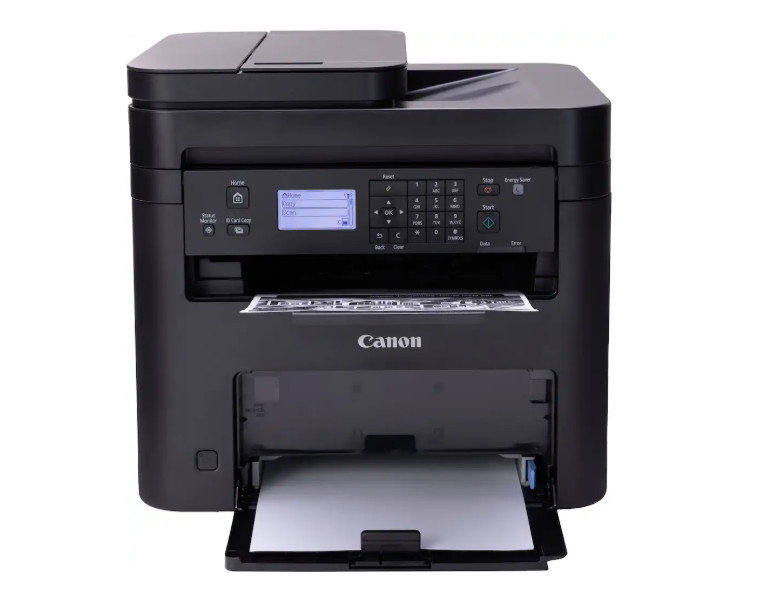 Canon - imageCLASS MF273dw Wireless Black-and-White All-In-One Laser Printer - B$86.67View on eBay
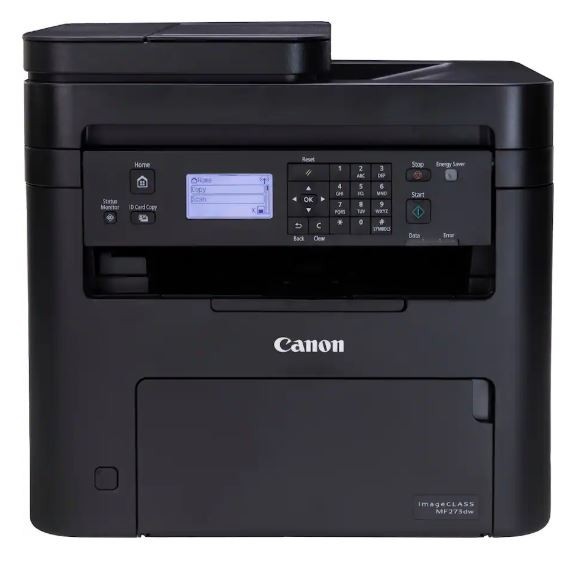 Canon - imageCLASS MF273dw Wireless Black-and-White All-In-One Laser Printer$89.99View on eBay
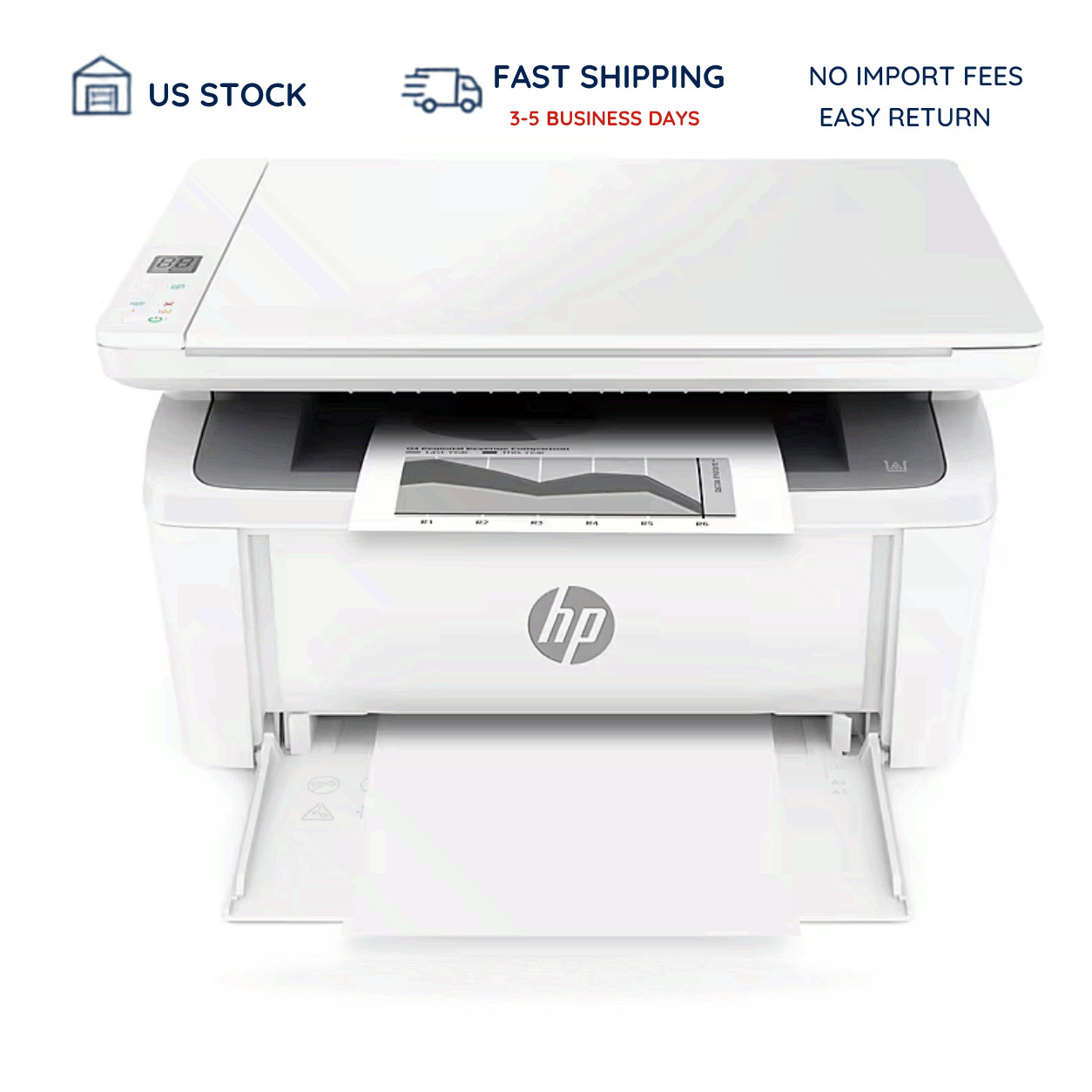 HP LaserJet MFP M140w Wireless B&W All-in-One Laser Printer Scanner Copier 7MD72$100.00View on eBay
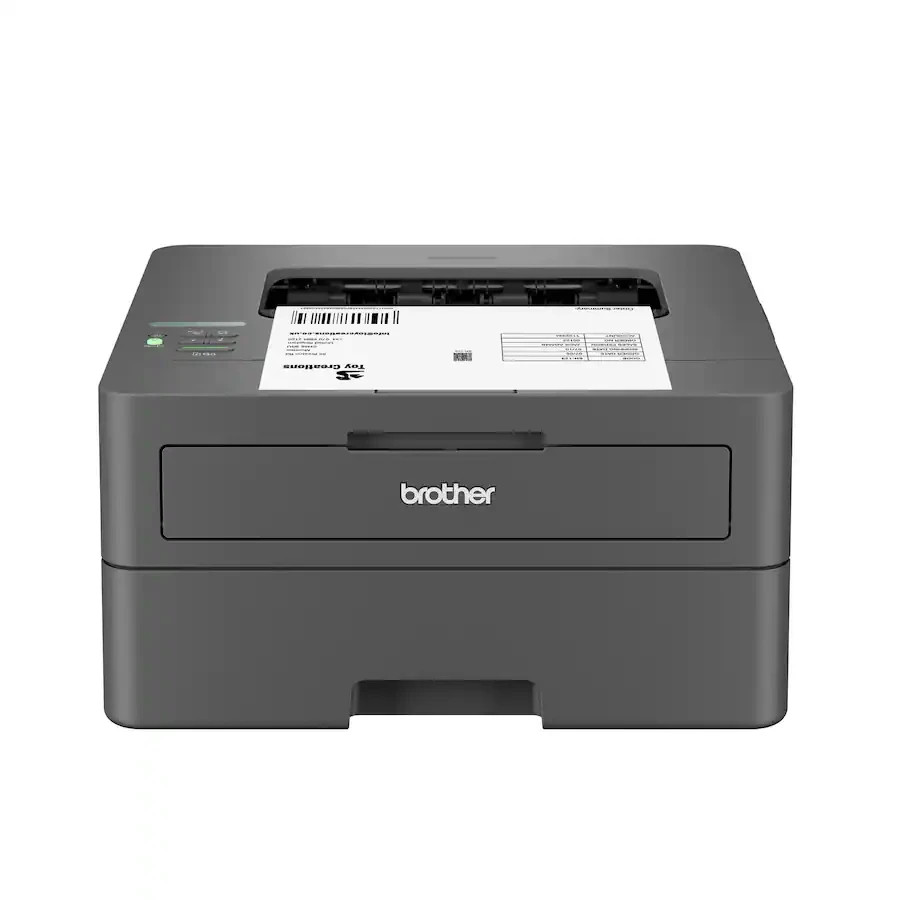 Brother HL-L2405W Wireless Monochrome Laser Printer$106.79View on eBay
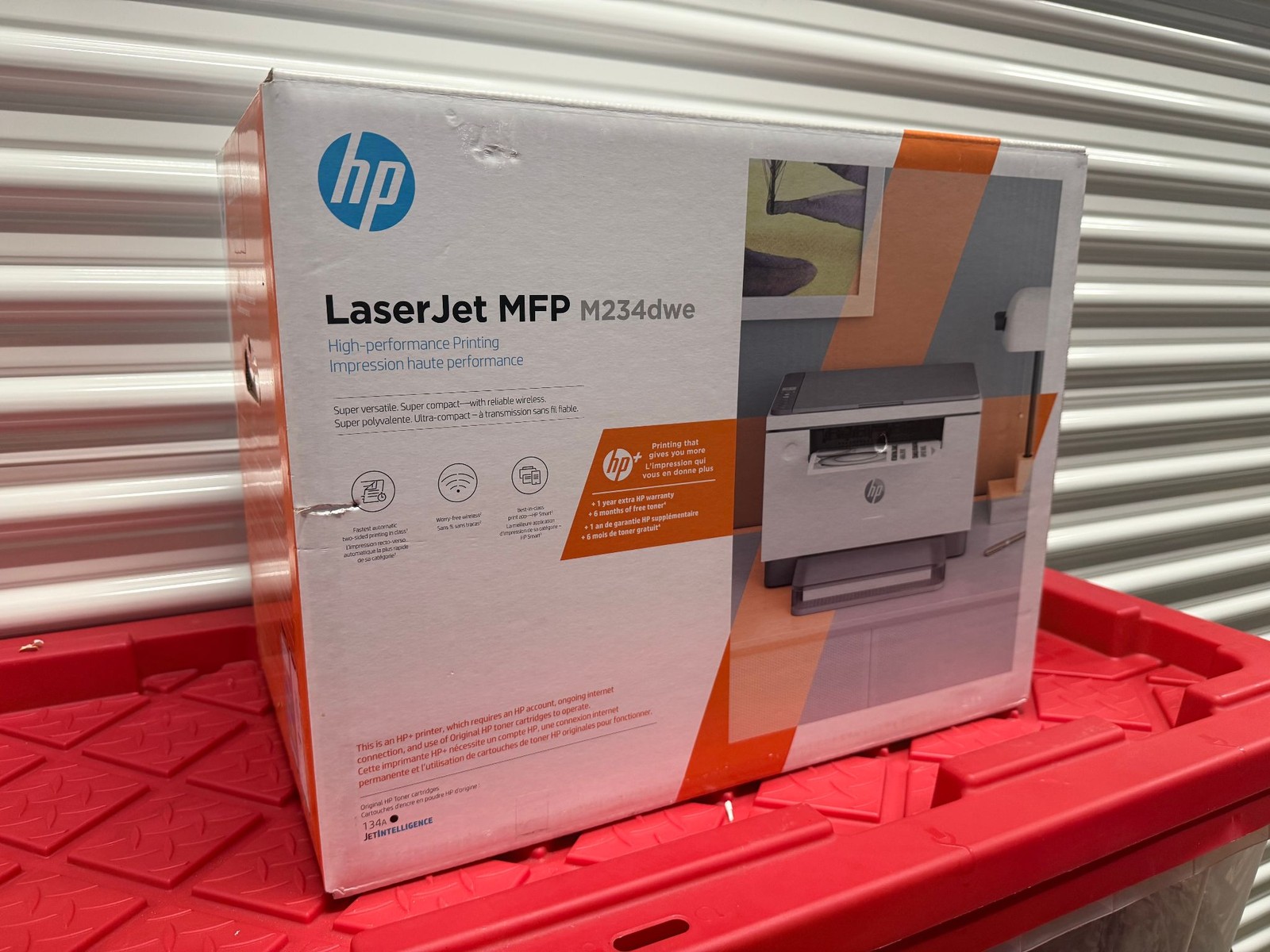 HP LaserJet MFP M234dwe Mono Laser Printer Wireless Duplex Sealed New In Box$199.99Last checked Nov 20, 2026View on eBay
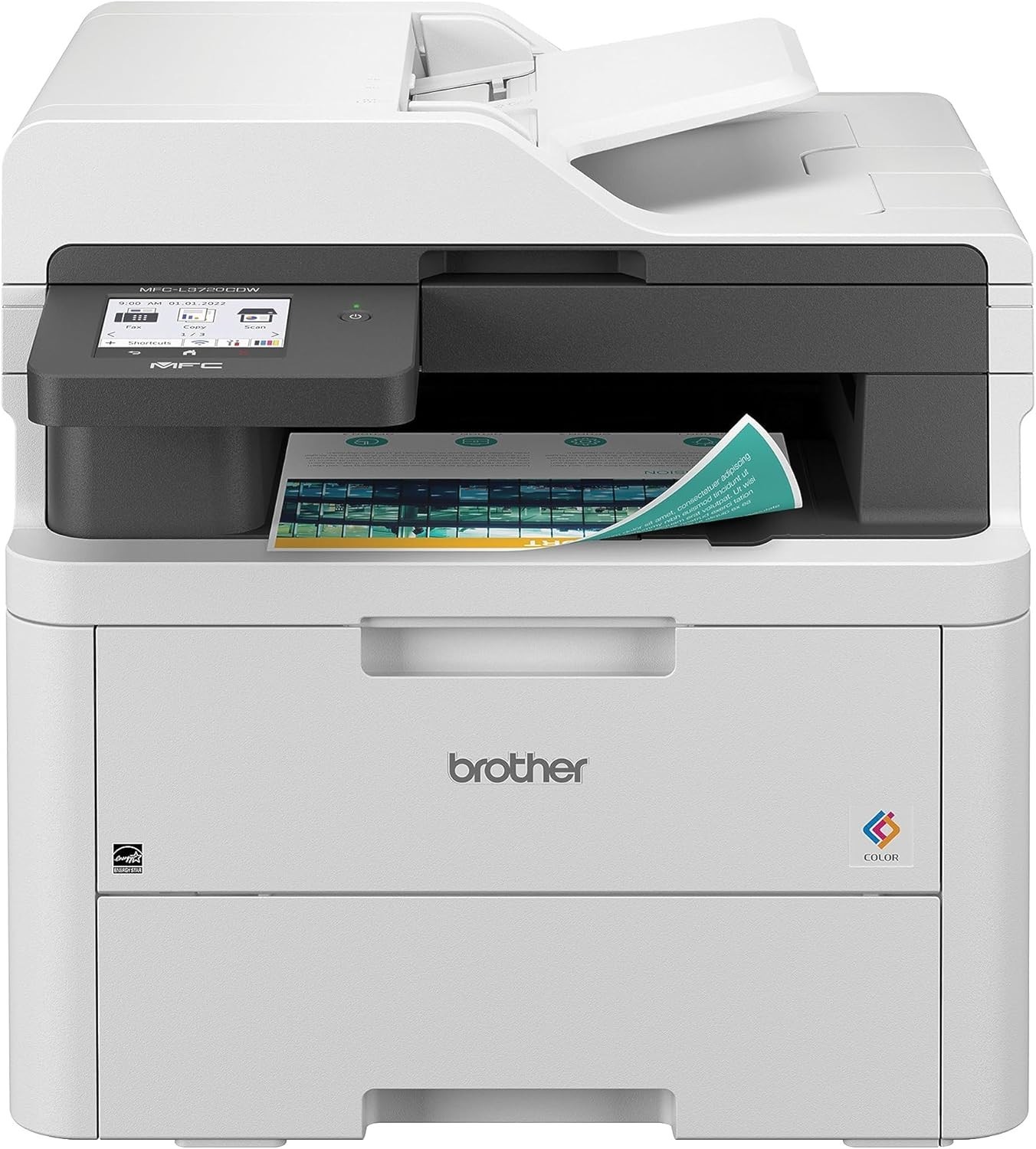 MFC-L3720CDW Wireless Color Laser Printer with Scanner, Copier and Fax | Auto Du$437.00Last checked Nov 18, 2026View on eBay
Highlights
- Monochrome laser engines reach 30-40 ppm with first-page-out under 7 seconds; color laser drops to 20-30 ppm and costs 2-4x more per page in toner.
- Print-only units (Brother HL-L2405W class) lack a scanner bed entirely; all-in-one models (Canon MF273dw, HP M140w) add flatbed scan/copy but add footprint and fail points.
- Auto-duplex standard on workgroup tiers (HP M234dwe, Brother MFC-L3720CDW) halves paper use; manual duplex on entry models requires flipping the stack by hand.
- Toner yield tiers matter more than printer price: starter cartridges often ship at 700-1,000 pages, while high-yield replacements reach 3,000+ pages before swap.
Best use cases
- Choose a monochrome print-only unit (Brother HL-L2405W class) for high-volume text, shipping labels, and invoices where you already have a separate scanner—fastest ppm and lowest toner cost.
- Choose a monochrome all-in-one (Canon MF273dw, HP M140w/M234dwe class) for home offices that need walk-up copy and scan-to-PDF; skip it if you never scan or copy.
- Choose a color laser all-in-one (Brother MFC-L3720CDW class) only if you regularly print color marketing sheets or labels; skip color for pure text workloads because toner cost per page jumps sharply.
- Avoid any laser printer for borderless photo printing or heavy cardstock—inkjet or dye-sub handles those media; laser fuses toner with heat and jams on thick stock.
Buying tips
- Match ppm to workload: 20-30 ppm suits 1-2 users; 35-40 ppm monochrome units handle 3-5 users without queueing on 100+ page jobs.
- Check the shipped starter toner yield—entry models often include only 700-1,000 page cartridges, so budget for a high-yield (3,000+ page) replacement immediately.
- Require auto-duplex if you print double-sided more than occasionally; manual duplex on entry models forces you to reinsert pages and risks jams.
- Verify Wi-Fi standards: 2.4 GHz-only radios are common on entry units and can drop on crowded networks; dual-band 2.4/5 GHz is safer in dense apartments.
Specs
| Engine Type | Monochrome vs Color laser |
|---|---|
| Function Set | Print-only vs All-in-one (scan/copy) |
| Print Speed | 20-40 ppm mono / 20-30 ppm color |
| Duplex | Auto-duplex vs Manual flip |
Related searches
What to check before buying
- Measure the footprint including output tray extension—all-in-one lasers need roughly 16 x 16 inches of desk depth and 6-10 inches of clearance above for the scan lid.
- Confirm your network band: if your router is 5 GHz-only or uses WPA3-only, check the printer supports it—many entry lasers are 2.4 GHz/WPA2 only.
- Verify USB cable length and port type (USB-B on printer side) if you plan a wired fallback; Wi-Fi setup still requires a temporary USB or WPS handshake on some models.
- Check toner cartridge part numbers and third-party availability before buying—proprietary chip-locked cartridges limit remanufactured options and raise long-term cost.
FAQ
Data sources: eBay / Amazon listings and product attribute feeds. Updated Nov 28, 2026.
Some links on this page are affiliate links. If you buy after clicking one, we may earn a commission at no extra cost to you. This does not change which products appear here or their order. Affiliate disclosure.