
Photos from current listings. Actual item, color, and included accessories may vary.
Printer Buying Guide
Printers range from disposable inkjet all-in-ones to repairable laser workhorses, and the core trade-off is upfront cost versus cost-per-page and parts longevity. The decision rule: buy a laser or tank inkjet when monthly volume exceeds about 50 pages, and reserve cheap cartridge inkjets for light, color-heavy use where low initial spend matters more than running cost.
Median $129.97 · Pre-owned listings
Key takeaways
- Inkjet cartridges hold 5-15 ml and cost more per page than toner; tank inkjets use 50-100 ml bottles and cut color cost dramatically.
- Laser toner yields 1,000-3,000 pages per cartridge and doesn't dry out, making it the durable choice for intermittent B&W text printing.
- All-in-one flatbeds add scan/copy via CIS sensor; automatic document feeders (ADF) handle stacks but add bulk and mechanical failure points.
At a glance
- Category
- Printers & Scanners
- Last updated
- Nov 28, 2026
Current offers
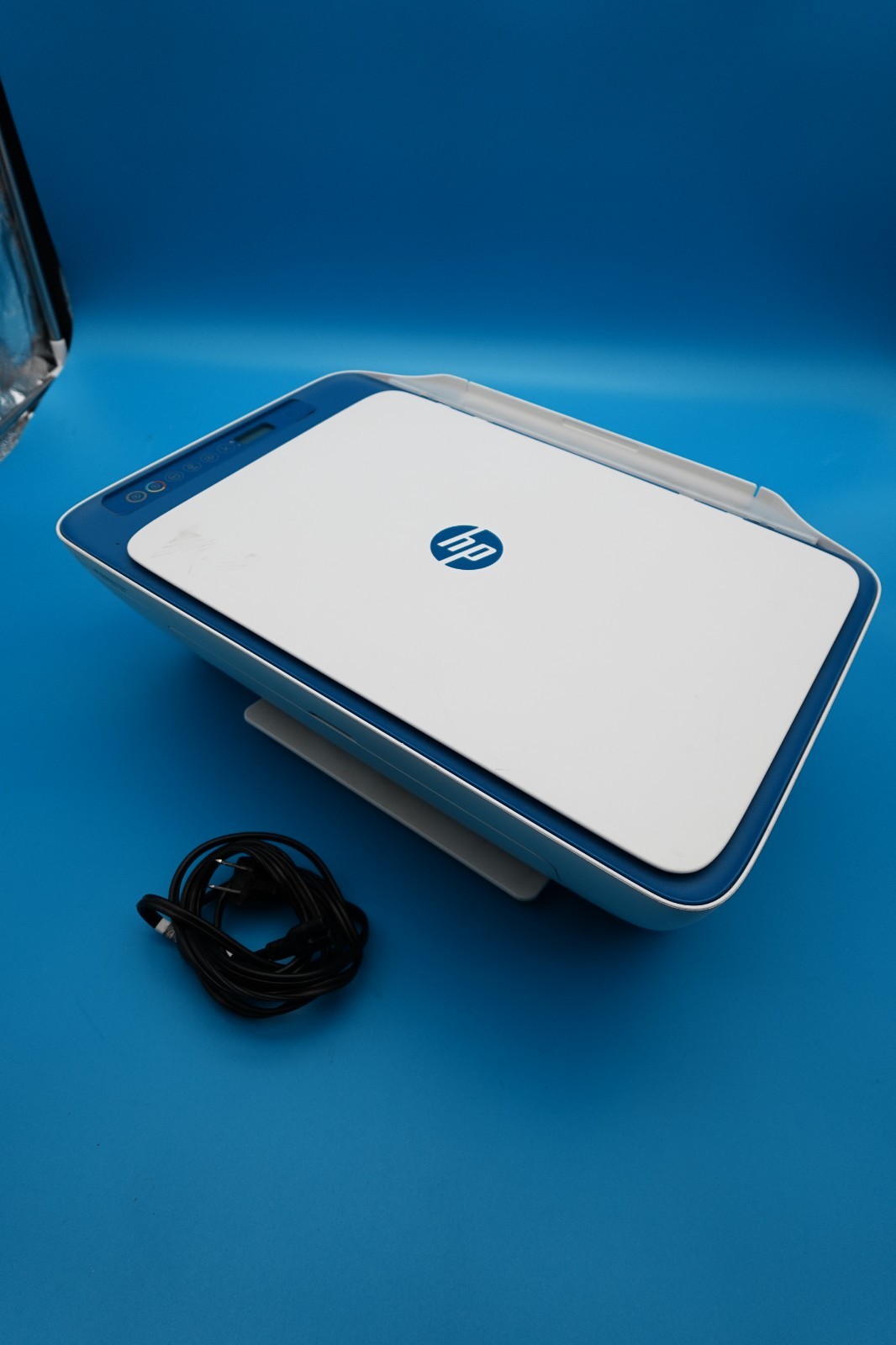 HP Deskjet 2622 All in One Compact Printer Scanner And Copier$24.99View on eBay
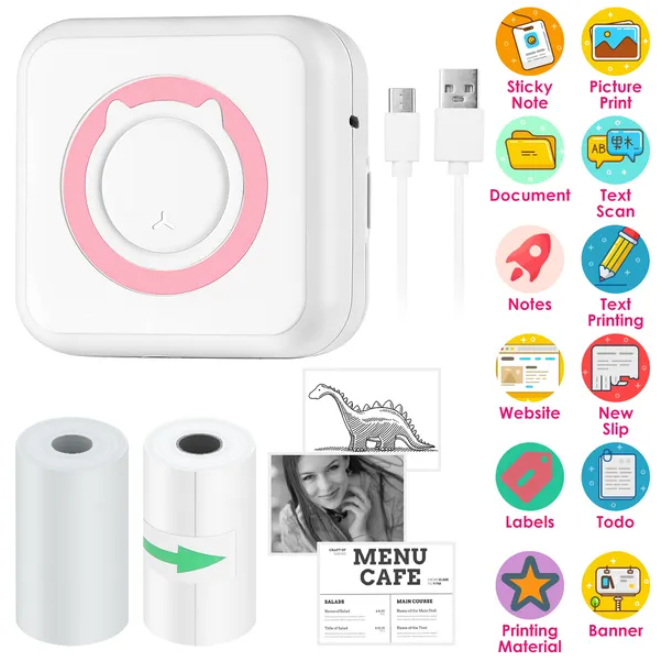 Portable Wireless Thermal Printer$34.99View on Mallflare
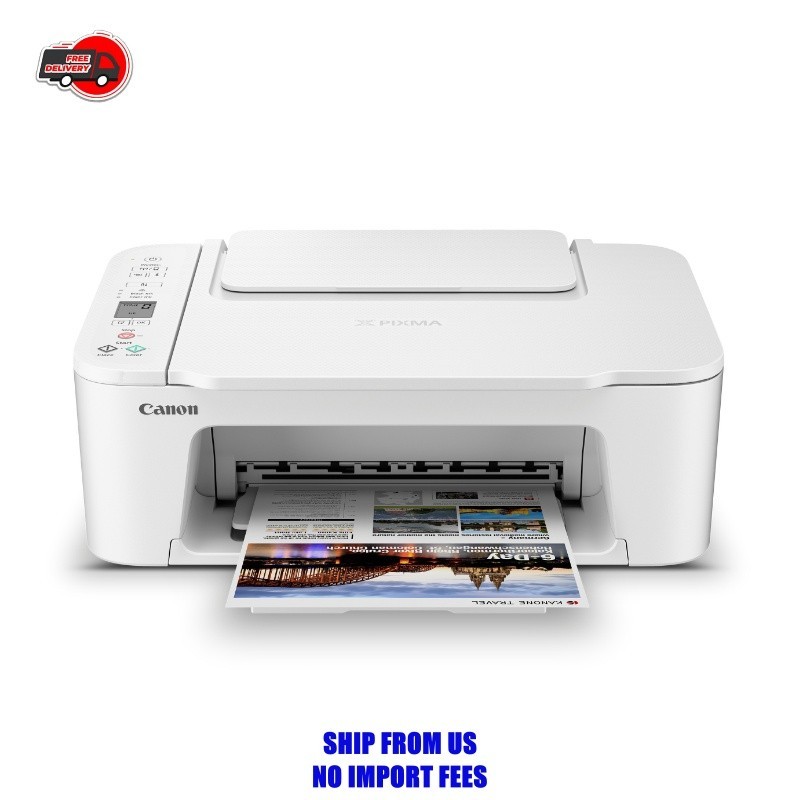 Canon PIXMA TS3722 Wireless All-In-One Inkjet Printer for Home Office$35.20View on eBay
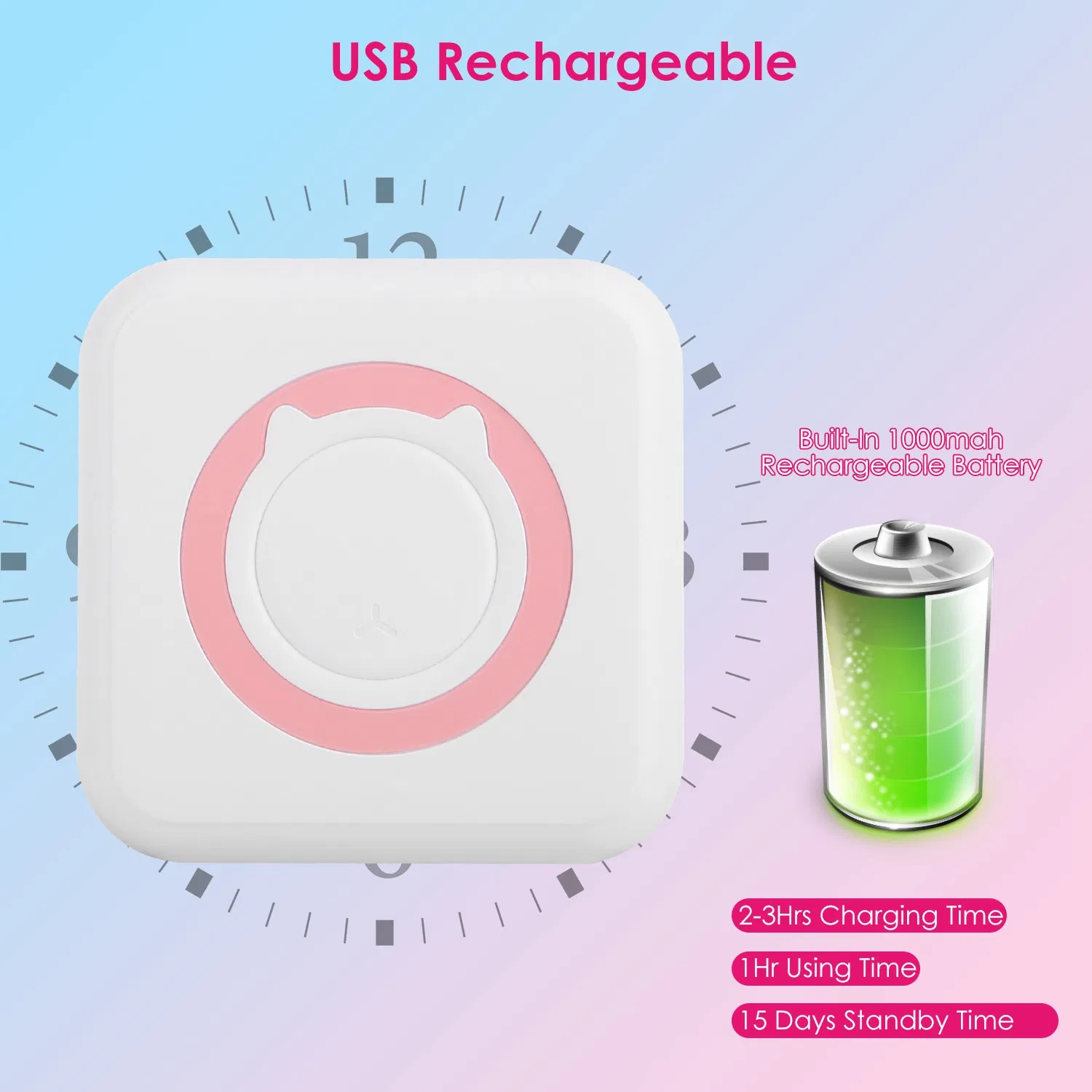 Portable Thermal Printer, Bluetooth Mini Ink-less Built-in Battery, Includes 2 Rolls Printing Paper, Compatible With For Label List Memo Picture$40.99View on Mallflare
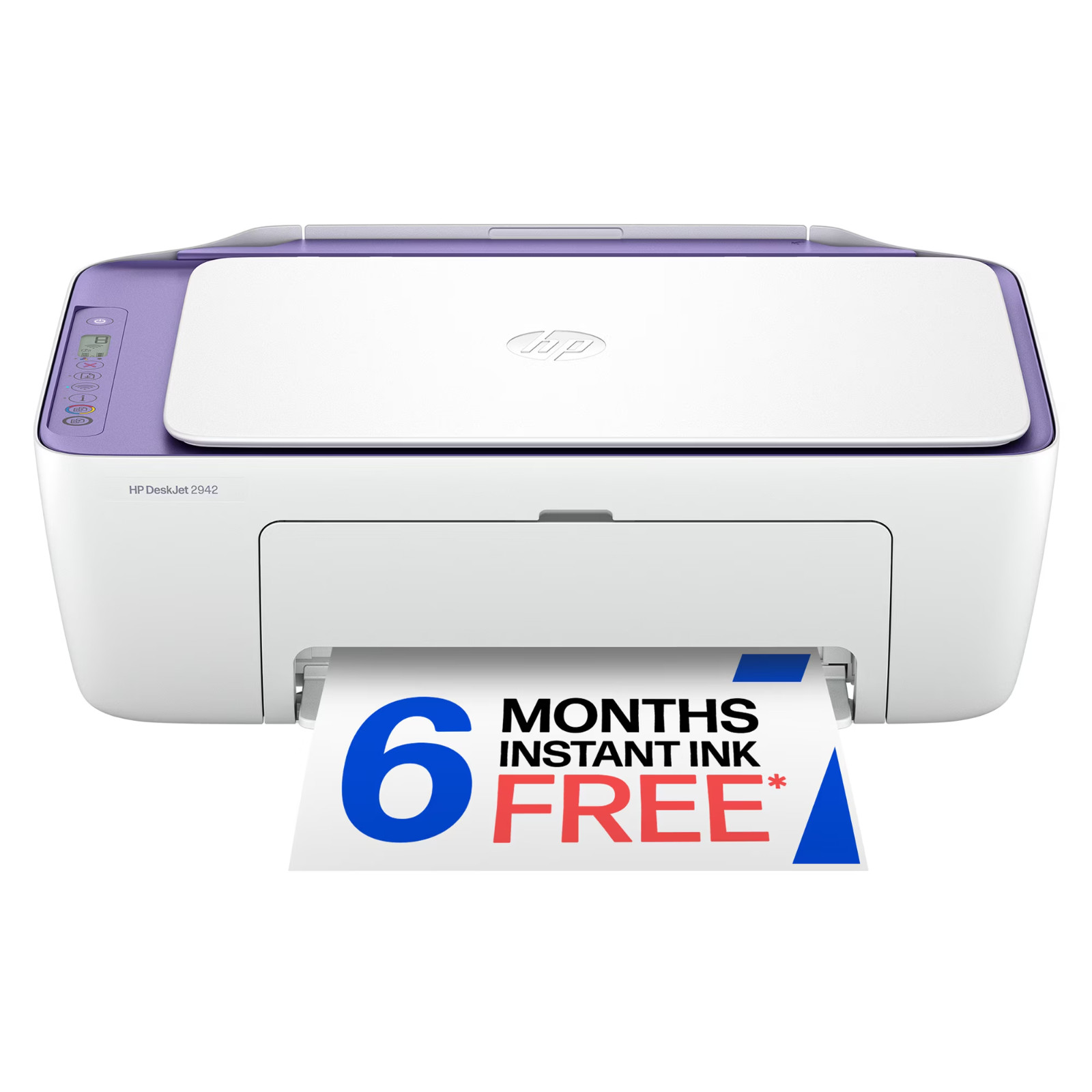 HP DeskJet 2942 Wireless All-in-One Printer Violet FREE SHIP$39.99View on eBay
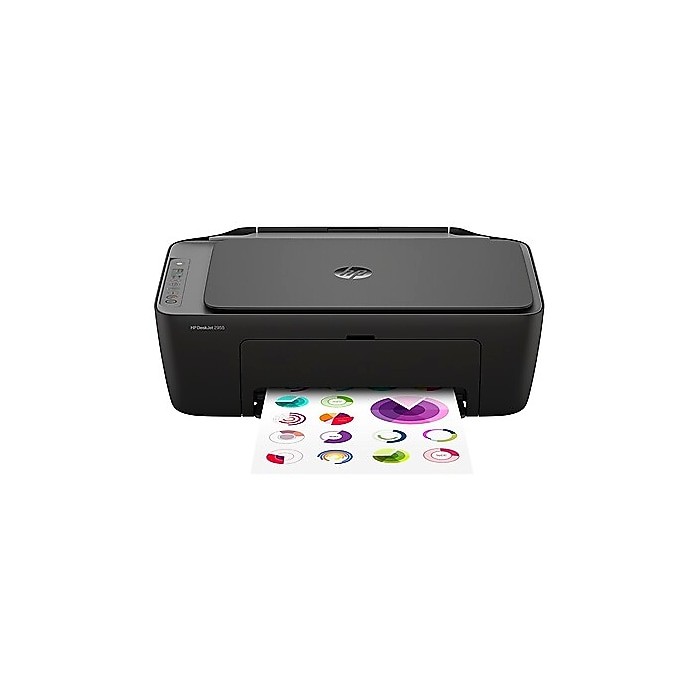 HP DeskJet 2955 Wireless All-in-One Color Inkjet Printer, 3 Months Free Instant$42.00View on eBay
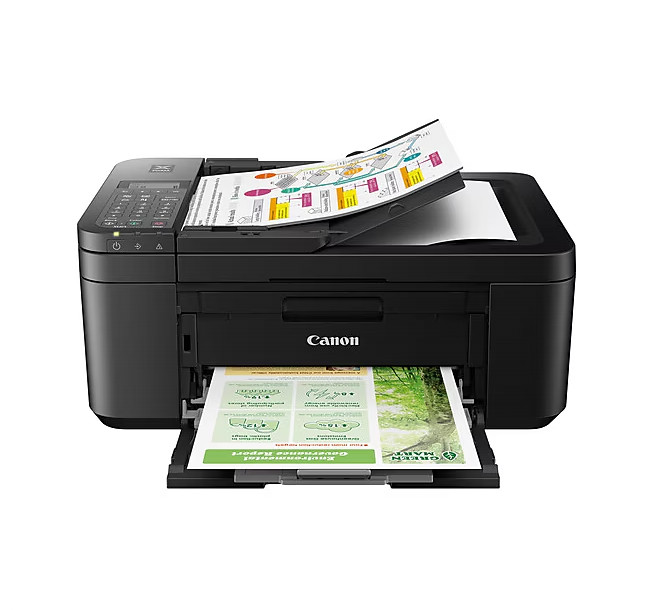 Canon PIXMA TR4720 Wireless Color Inkjet Printer, All-In-One (21-MFP4) New$46.10View on eBay
 Epson Expression Home XP-4205 Wireless Color Printer with Scanner and Copier$56.12View on eBay
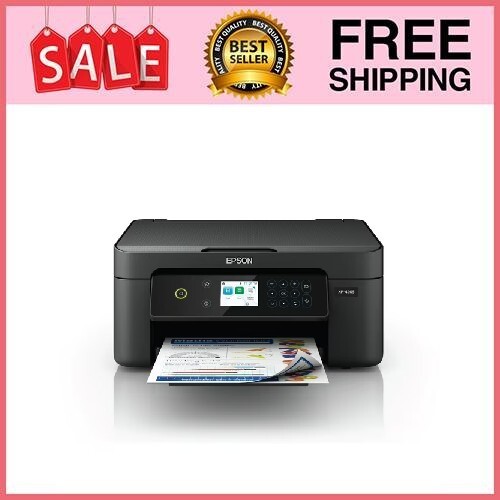 Epson Expression Home XP-4205 Wireless Color Printer with Scanner and Copier$66.82View on eBay
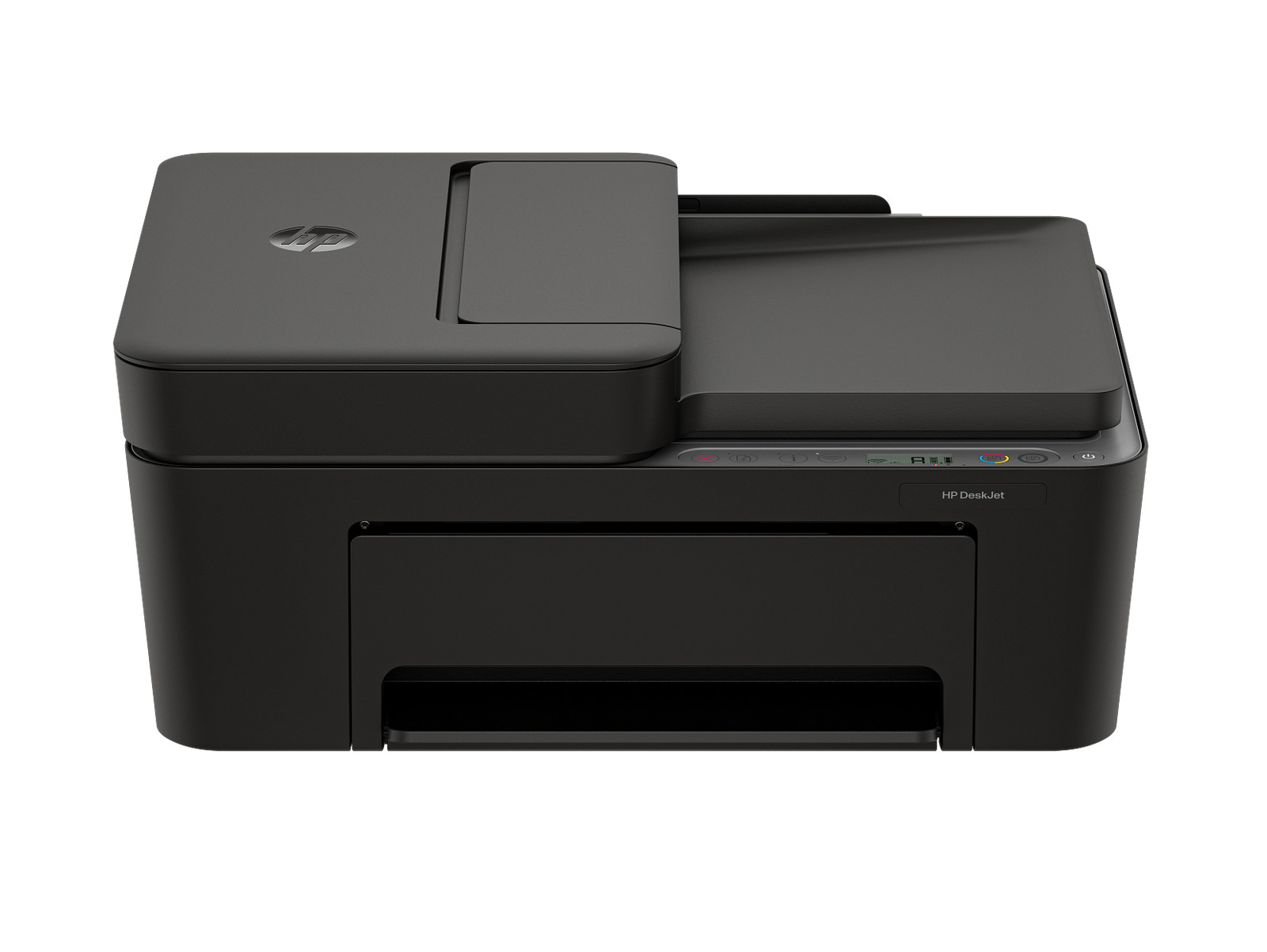 HP DeskJet 4355 All-in-One Inkjet Printer, Color Mobile Print, Copy, Scan Up to$69.99View on eBay
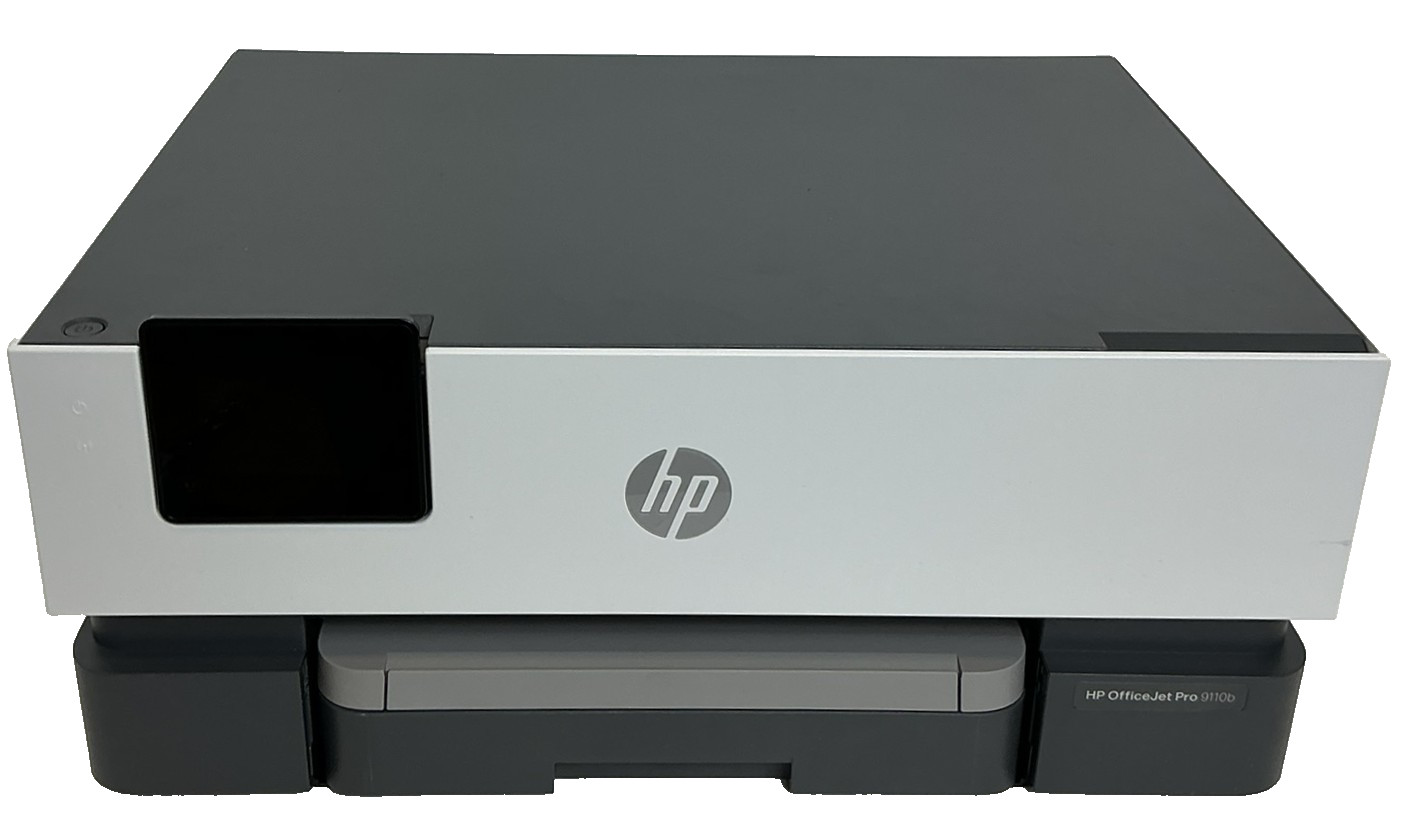 HP OfficeJet Pro 9110b Wireless Printer$75.00Last checked Nov 20, 2026View on eBay
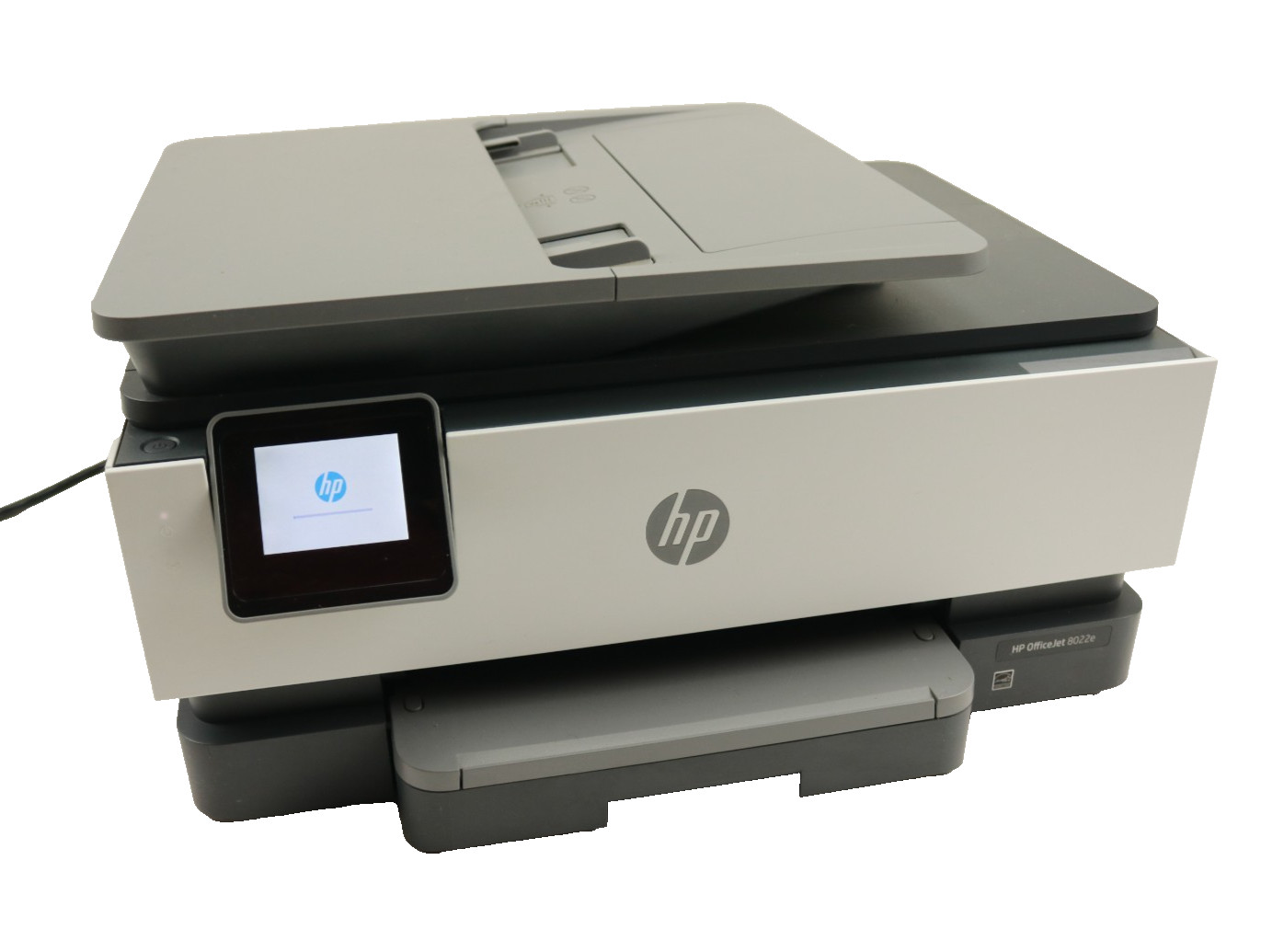 HP OfficeJet Pro 8022e All-in-One Printer-Fax-Office business$78.99Last checked Nov 20, 2026View on eBay
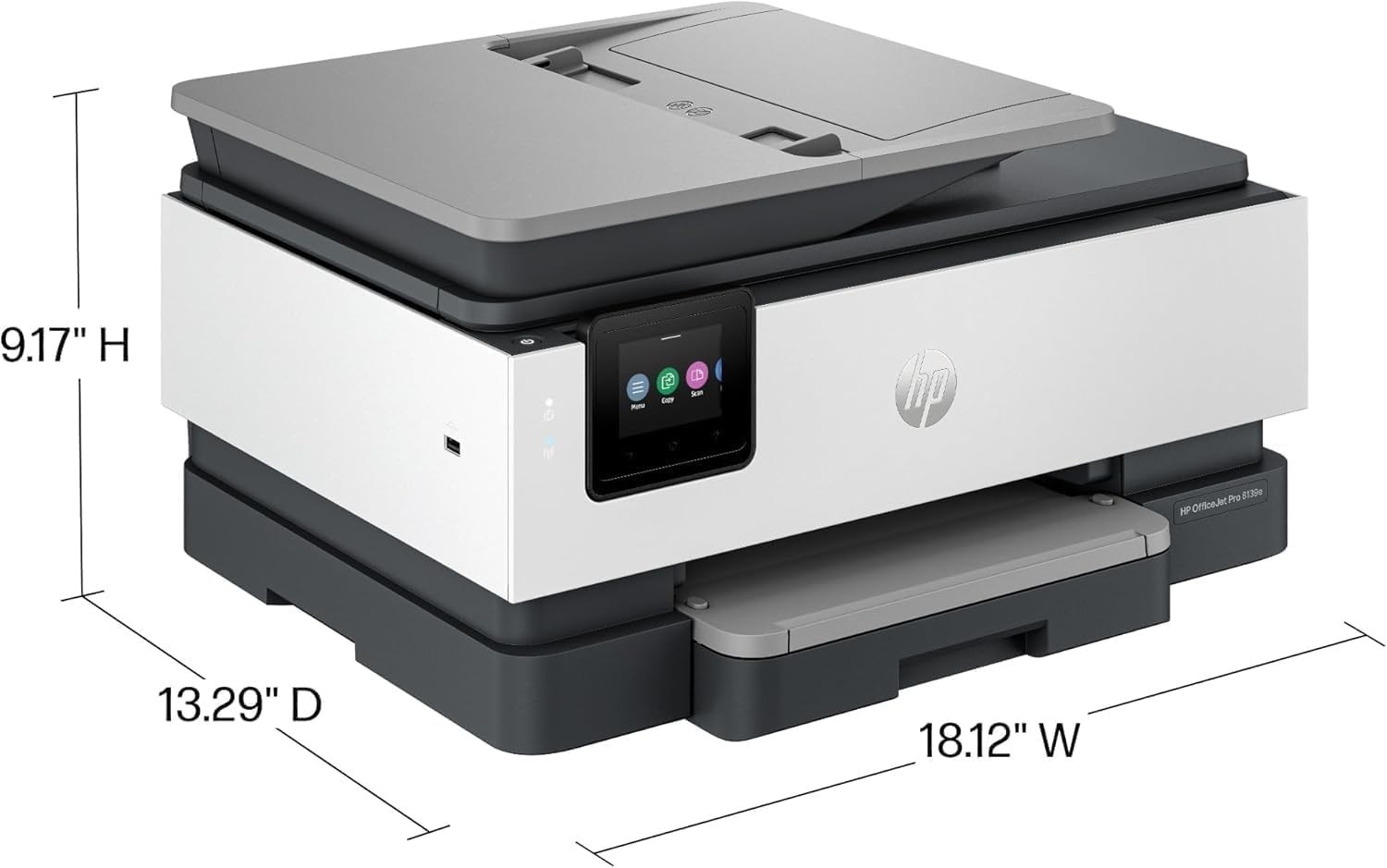 HP OfficeJet Pro 8138e Wireless AIO Color Inkjet Printer - Never Initialized$86.50Last checked Nov 21, 2026View on eBay
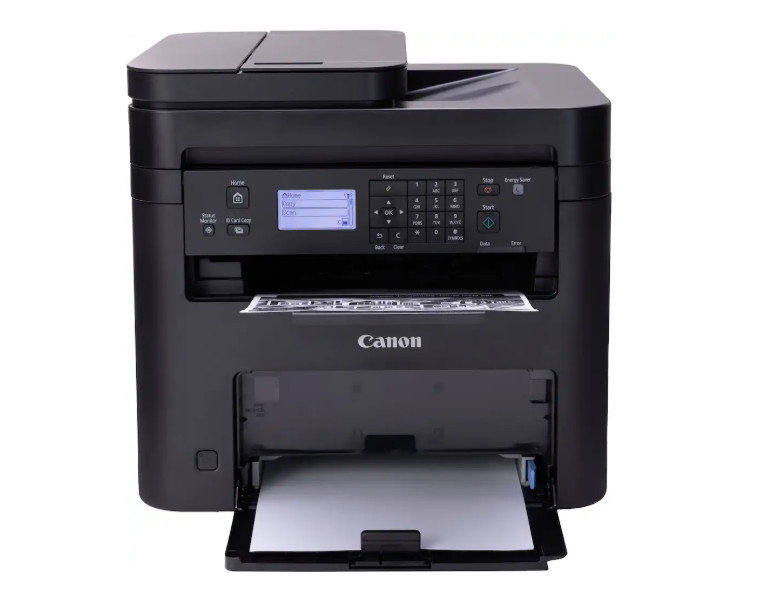 Canon - imageCLASS MF273dw Wireless Black-and-White All-In-One Laser Printer - B$86.67View on eBay
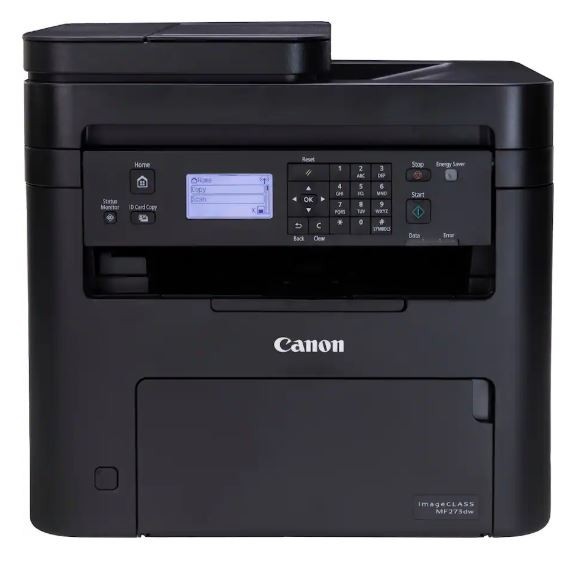 Canon - imageCLASS MF273dw Wireless Black-and-White All-In-One Laser Printer$89.99View on eBay
- Touch Screen Handheld Inkjet Printer Date QR Code Barcode Logo Label Machinek5$95.00View on eBay
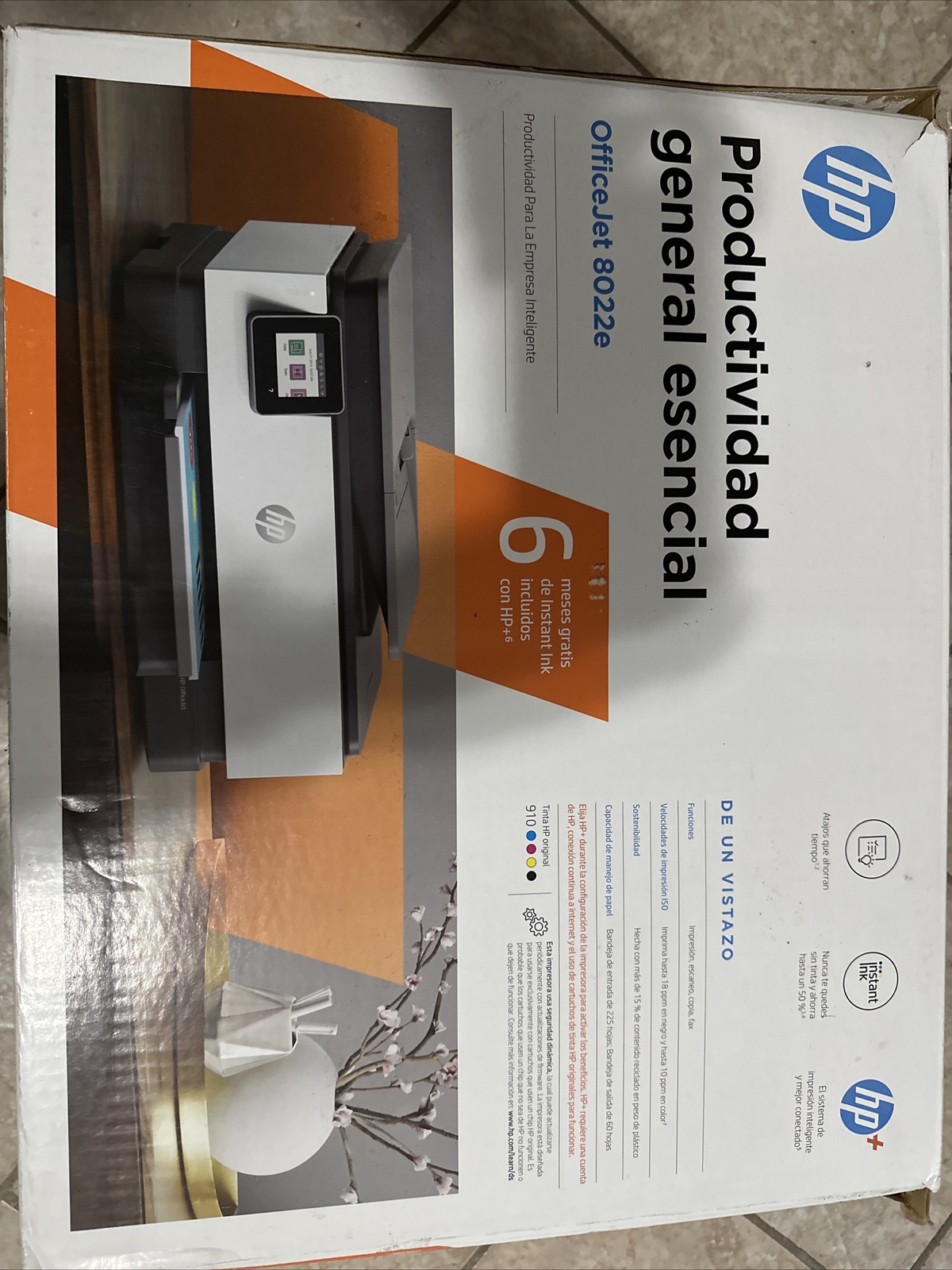 HP OfficeJet Pro 8022e All-in-One Printer-Fax-Office business-New$99.00Last checked Nov 19, 2026View on eBay
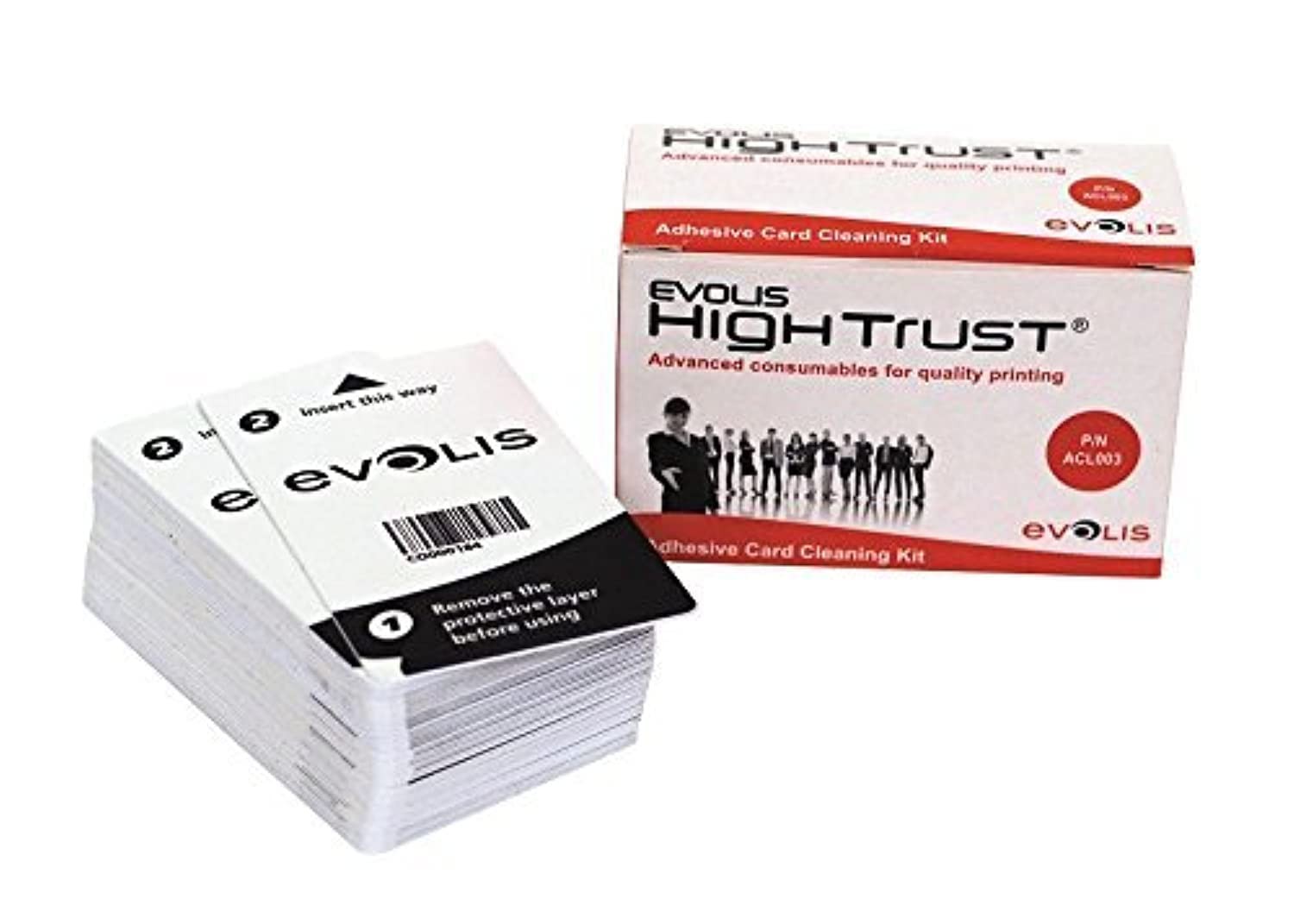 Evolis Primacy Printer Consumables Adhesive Cleaning Card Kit 50 Adhesive Car...$99.76View on eBay
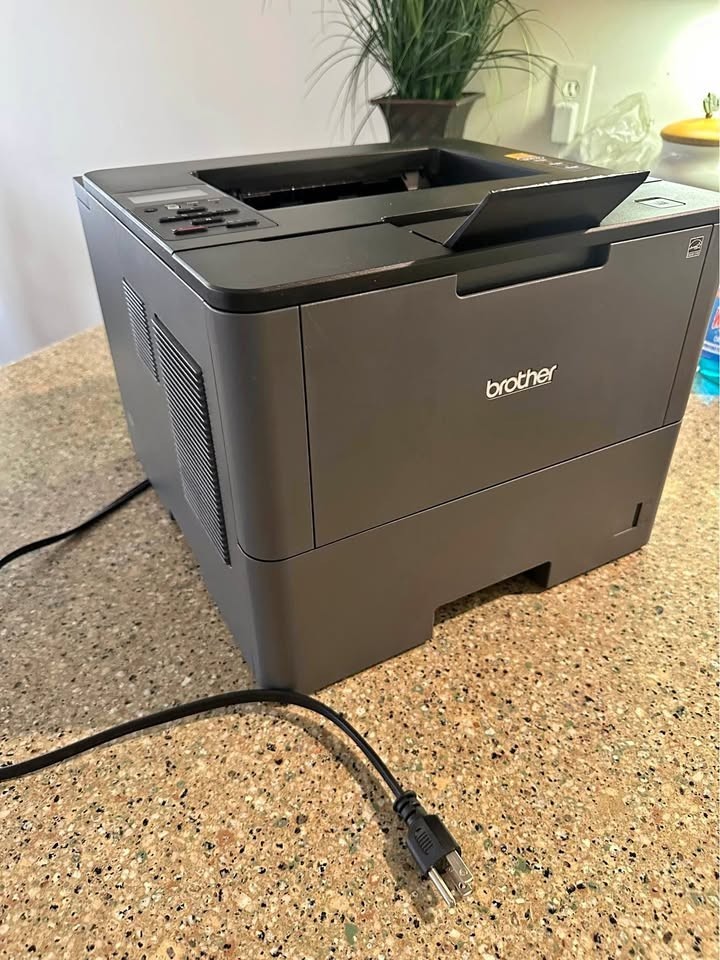 Brother HL-L6200DW Monochrome Laser Printer$100.00View on eBay
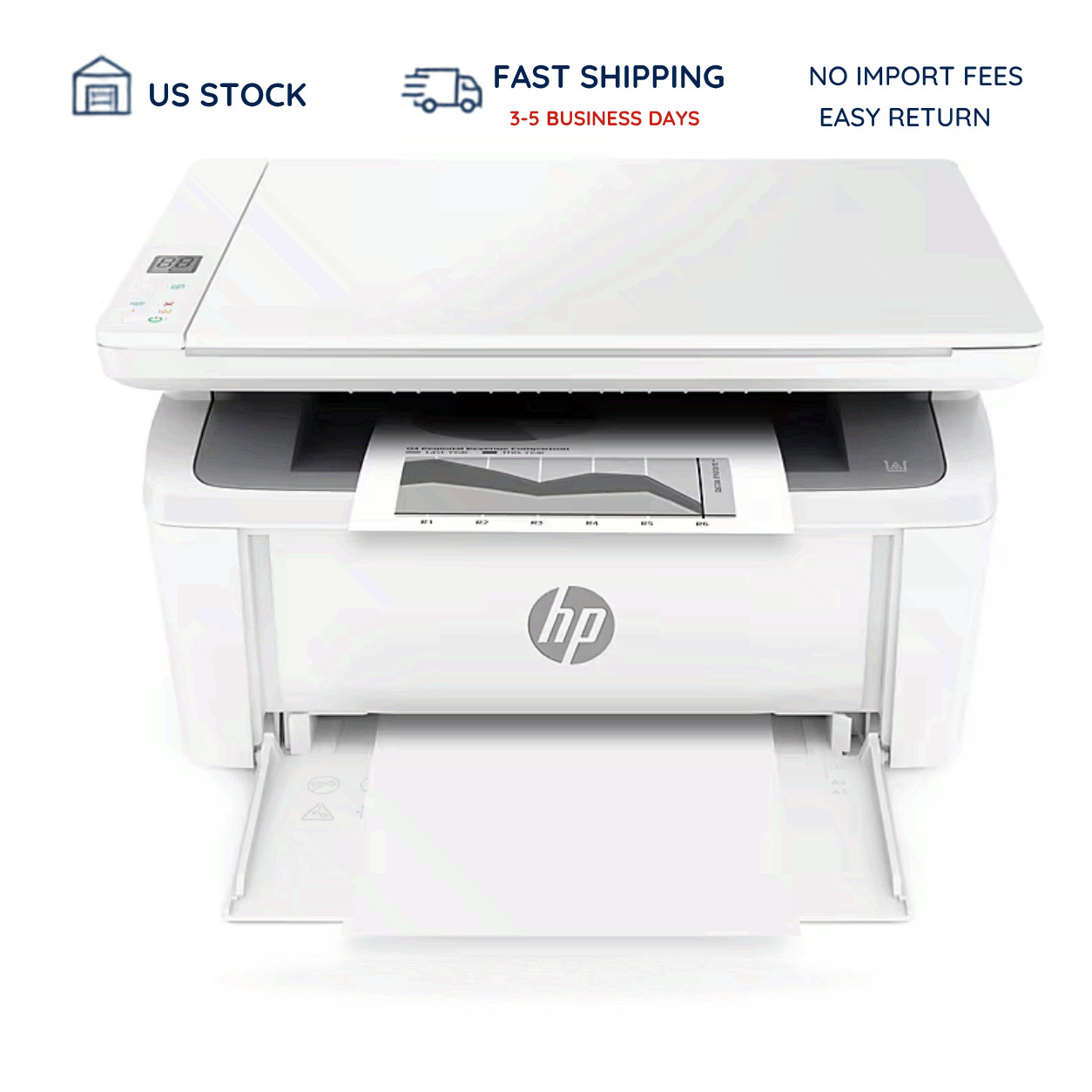 HP LaserJet MFP M140w Wireless B&W All-in-One Laser Printer Scanner Copier 7MD72$100.00View on eBay
Highlights
- Inkjet cartridges hold 5-15 ml and cost more per page than toner; tank inkjets use 50-100 ml bottles and cut color cost dramatically.
- Laser toner yields 1,000-3,000 pages per cartridge and doesn't dry out, making it the durable choice for intermittent B&W text printing.
- All-in-one flatbeds add scan/copy via CIS sensor; automatic document feeders (ADF) handle stacks but add bulk and mechanical failure points.
- Wireless connectivity is now standard (Wi-Fi 4/5, AirPrint, Mopria); USB-only models are older stock and limit placement flexibility.
Best use cases
- Choose a compact inkjet all-in-one (e.g., PIXMA TS series, DeskJet 2600 class) for dorms or apartments printing under 30 mixed pages monthly.
- Choose a monochrome laser (e.g., Dell B1163w class or Brother HL tier) for home-office text and shipping labels where toner sits for months without clogging.
- Choose a tank inkjet (EcoTank, MegaTank) for families printing 100+ color pages monthly; skip it if you print fewer than 20 pages monthly, where ink dries in the head.
- Skip portable thermal printers for document archiving—they need coated paper, fade over years, and are for labels and lists, not contracts or photos.
Buying tips
- Match paper path to media: rear/front single-sheet feeds handle cardstock and envelopes; bottom cassettes are convenient but jam on thick stock.
- Verify consumable pricing before buying: a printer with 2 ml starter cartridges costs more to run than one with 10 ml standard carts.
- For laser, check drum integration—cartridge-with-drum units simplify replacement; separate drum units last 10,000+ pages but add a second part to track.
- Confirm OS support: Windows/macOS drivers plus AirPrint/Mopria cover phones and tablets; older USB-only models may lack drivers for current OS versions.
Specs
| Print Technology | Inkjet / Laser / Thermal |
|---|---|
| Color Output | Monochrome vs Color |
| Connectivity | Wi-Fi / USB / Ethernet |
| Functions | Print only vs All-in-one (scan/copy) |
Related searches
What to check before buying
- Measure the shelf or desk footprint including output tray extension—compact inkjets need 15-20 cm clearance in front.
- Confirm a nearby power outlet and Wi-Fi band (2.4 GHz for older printers; 5 GHz only on newer models).
- Check you have the right cable or that Wi-Fi setup is possible—some budget models ship without USB cables.
- For laser, plan for toner disposal and a dry, level surface; for inkjet, plan to print at least weekly to prevent head clogging.
FAQ
Data sources: eBay / Amazon listings and product attribute feeds. Updated Nov 28, 2026.
Some links on this page are affiliate links. If you buy after clicking one, we may earn a commission at no extra cost to you. This does not change which products appear here or their order. Affiliate disclosure.