
Photos from current listings. Actual item, color, and included accessories may vary.
Laser Printer Buying Guide
Laser printers use a heated fuser and toner cartridge to produce fast, smudge-proof monochrome pages at a lower cost per print than inkjets. The core trade-off is upfront chassis and cartridge cost versus long-term toner yield: budget models ship with low-capacity starter toner, while mid-tier units accept high-yield cartridges. Choose a print-only model if you rarely scan; choose an all-in-one only if you need a flatbed or ADF, because the scanner assembly adds bulk and failure points.
Median $169.00
Key takeaways
- Monochrome laser engines print at 30-42 ppm; print-only units like Brother HL-L2405W are compact, while all-in-ones add a flatbed scanner and ADF.
- Starter toner yields 700-1,000 pages; high-yield cartridges for the same chassis reach 2,600-3,000 pages, cutting cost per page by half or more.
- Duplex (two-sided) printing is a hardware module, not firmware: models suffixed D or DW (e.g., M209D, HL-L6200DW) include it; W-only units do not.
At a glance
- Category
- Printers & Scanners
- Last updated
- Nov 28, 2026
Current offers
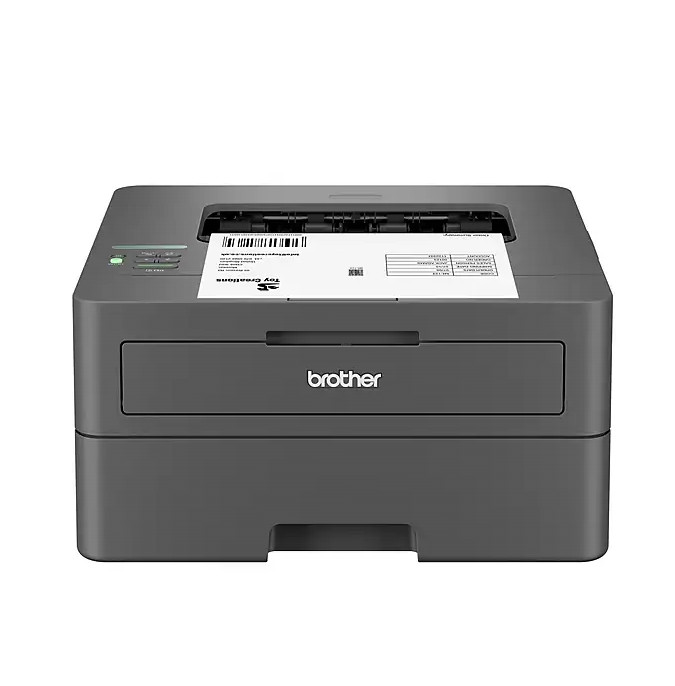 Brother HL-L2405W Wireless, Black & White, Print-Only, Laser Printer$73.99View on eBay
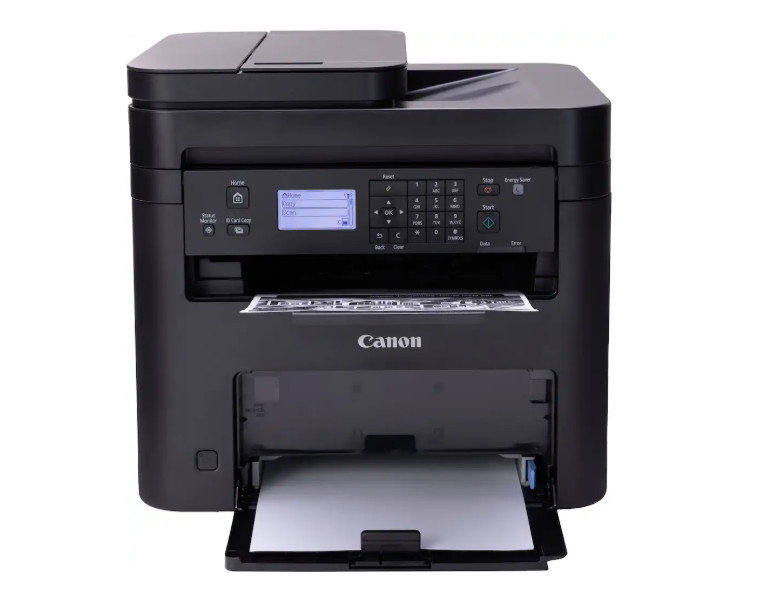 Canon - imageCLASS MF273dw Wireless Black-and-White All-In-One Laser Printer - B$86.67View on eBay
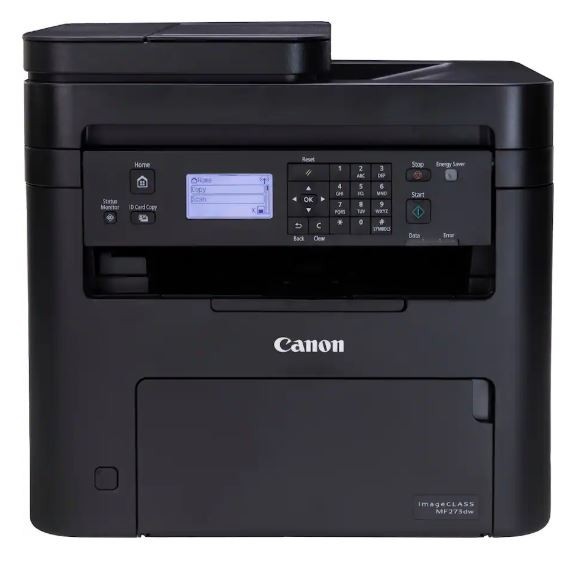 Canon - imageCLASS MF273dw Wireless Black-and-White All-In-One Laser Printer$89.99View on eBay
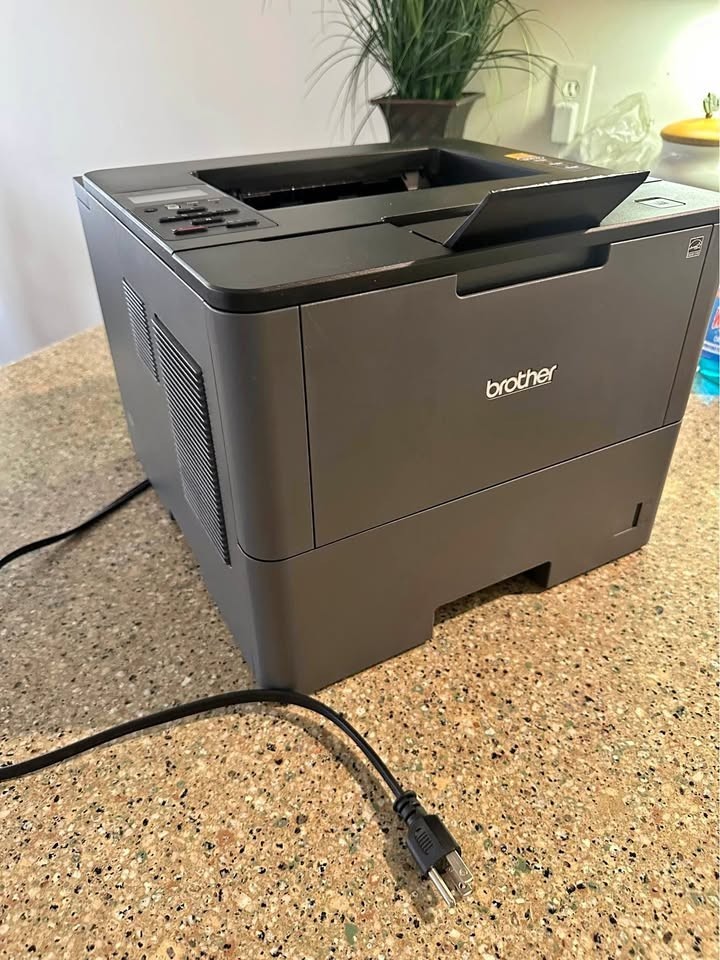 Brother HL-L6200DW Monochrome Laser Printer$100.00View on eBay
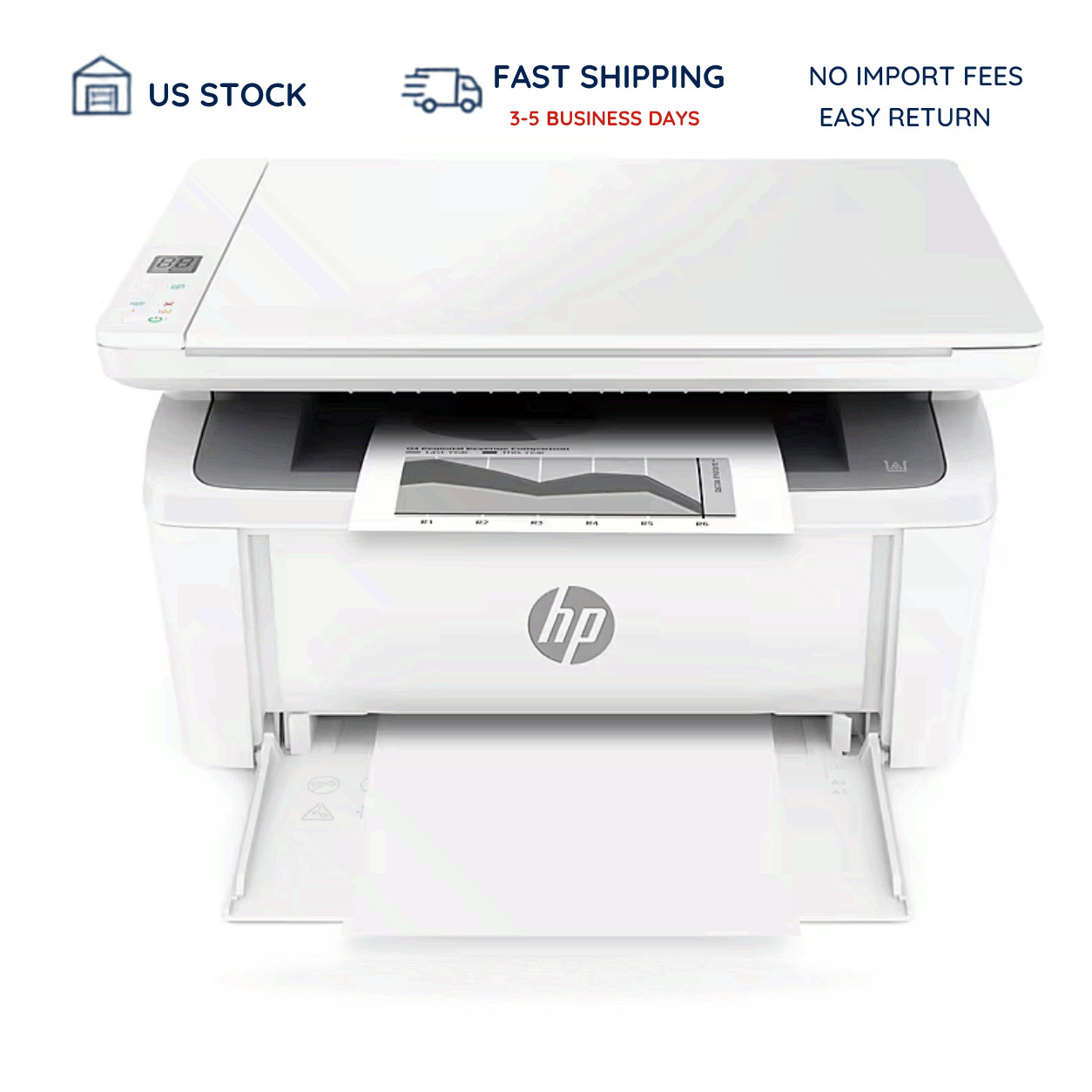 HP LaserJet MFP M140w Wireless B&W All-in-One Laser Printer Scanner Copier 7MD72$100.00View on eBay
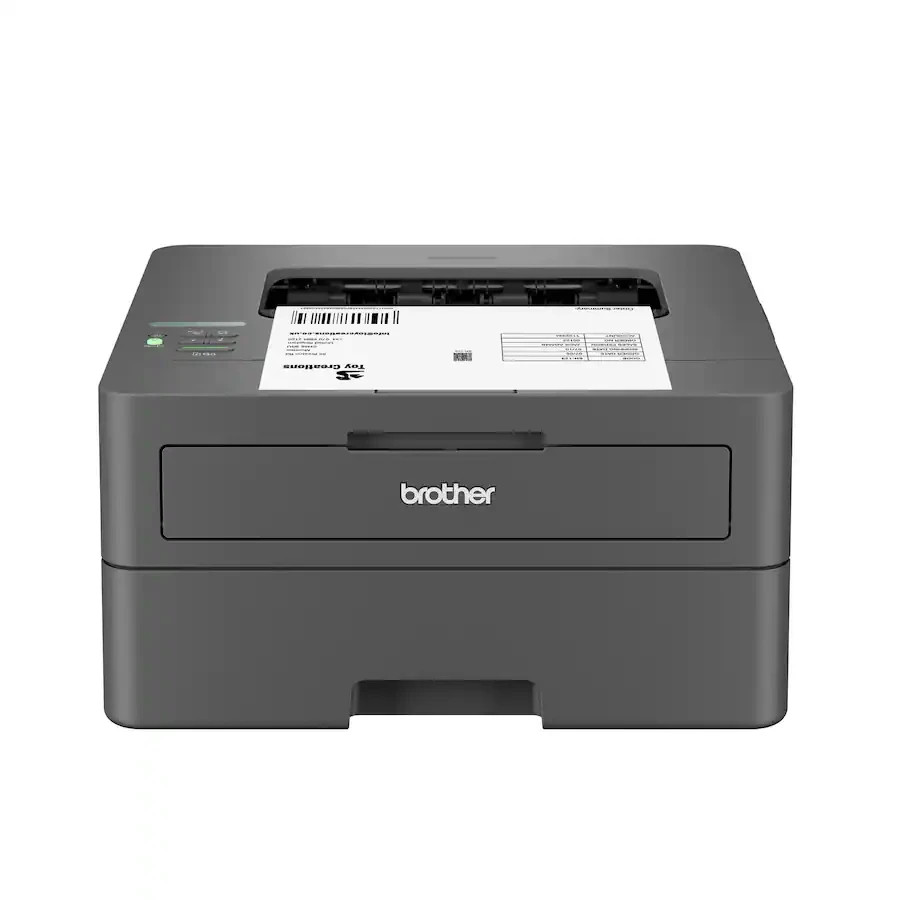 Brother HL-L2405W Wireless Monochrome Laser Printer$106.79View on eBay
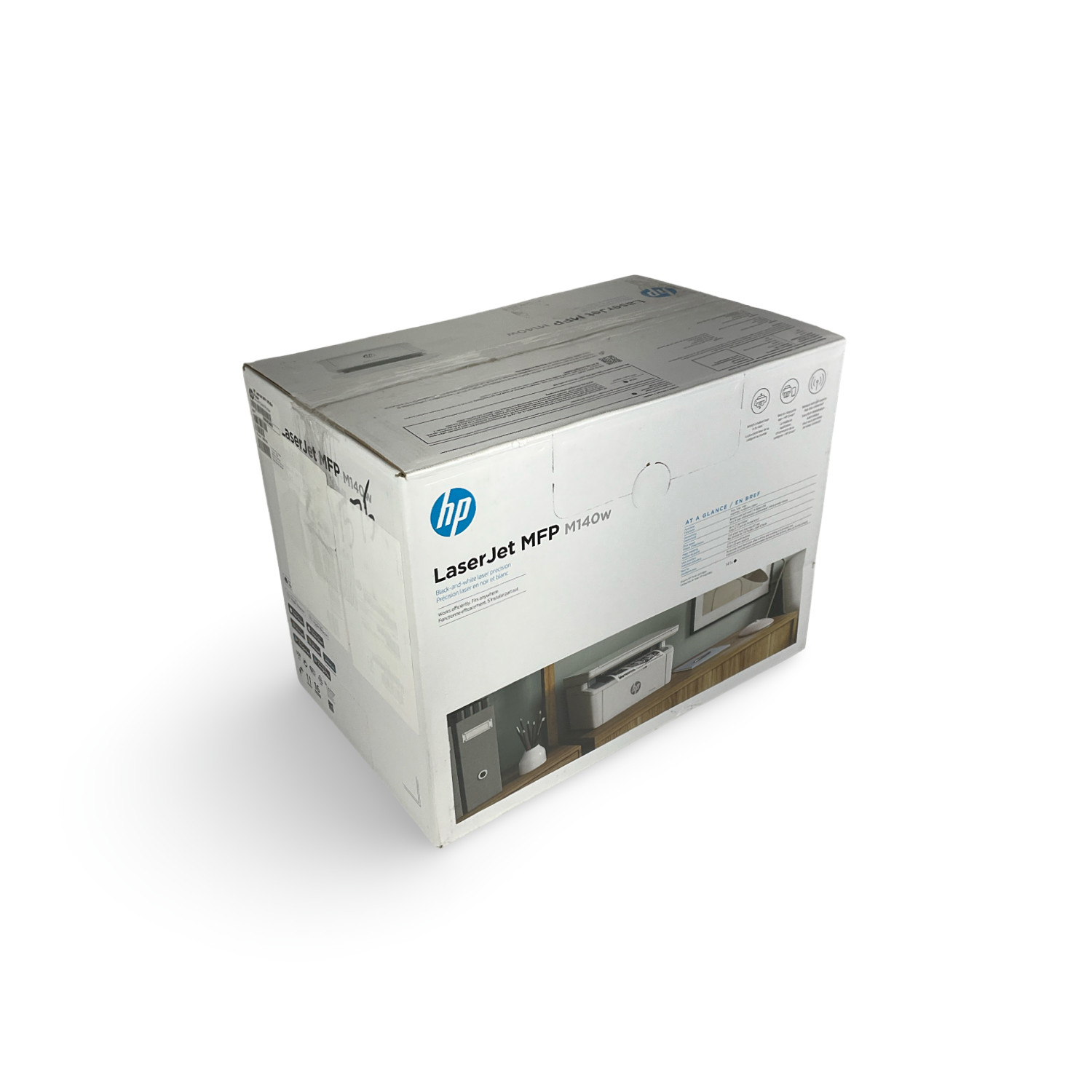 HP LaserJet MFP M140w Laser Printer Black And White 7MD72F with Toner$119.99Last checked Nov 21, 2026View on eBay
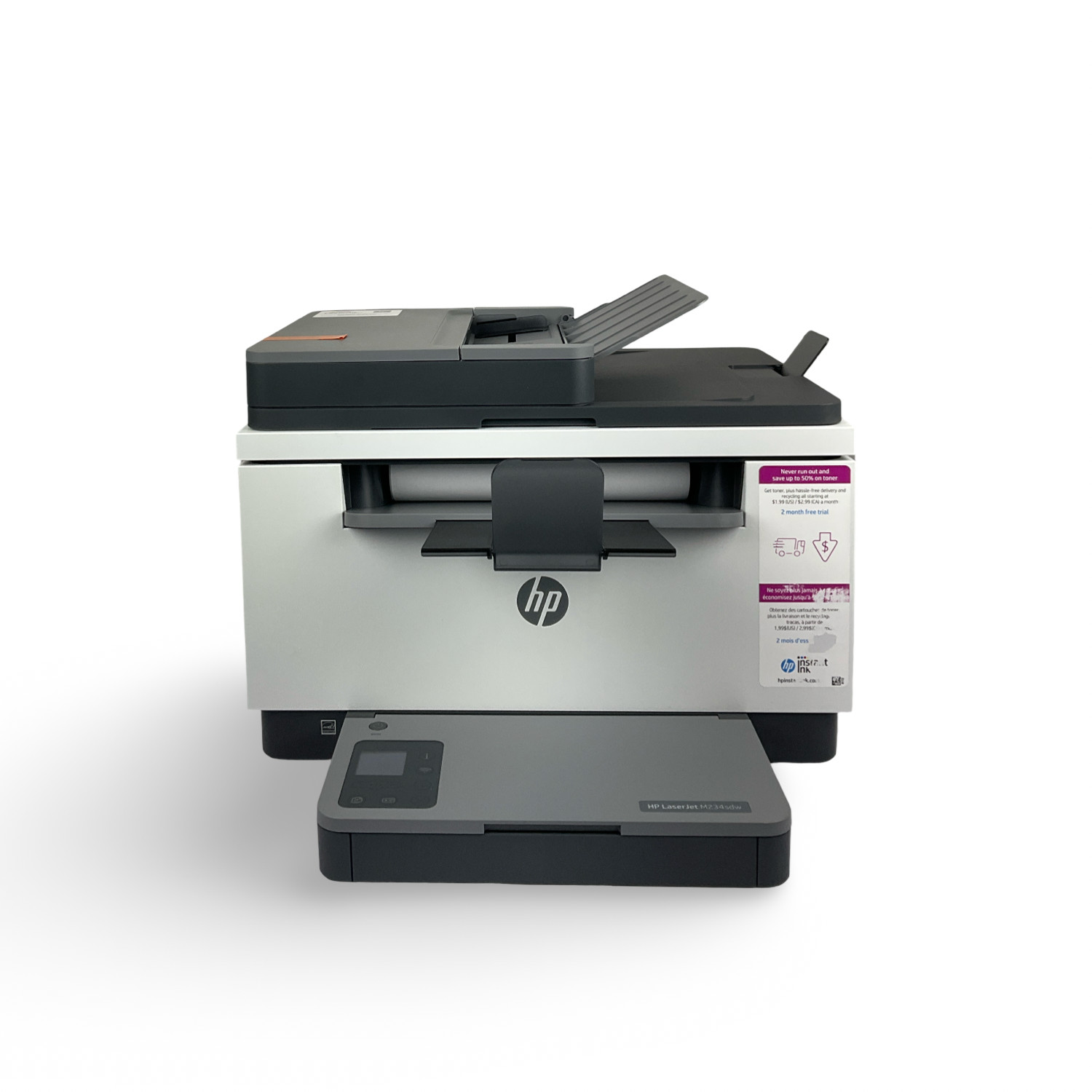 HP LaserJet Pro M234sdw All-In-One Monochrome Laser Printer 6GX01F$149.99Last checked Nov 21, 2026View on eBay
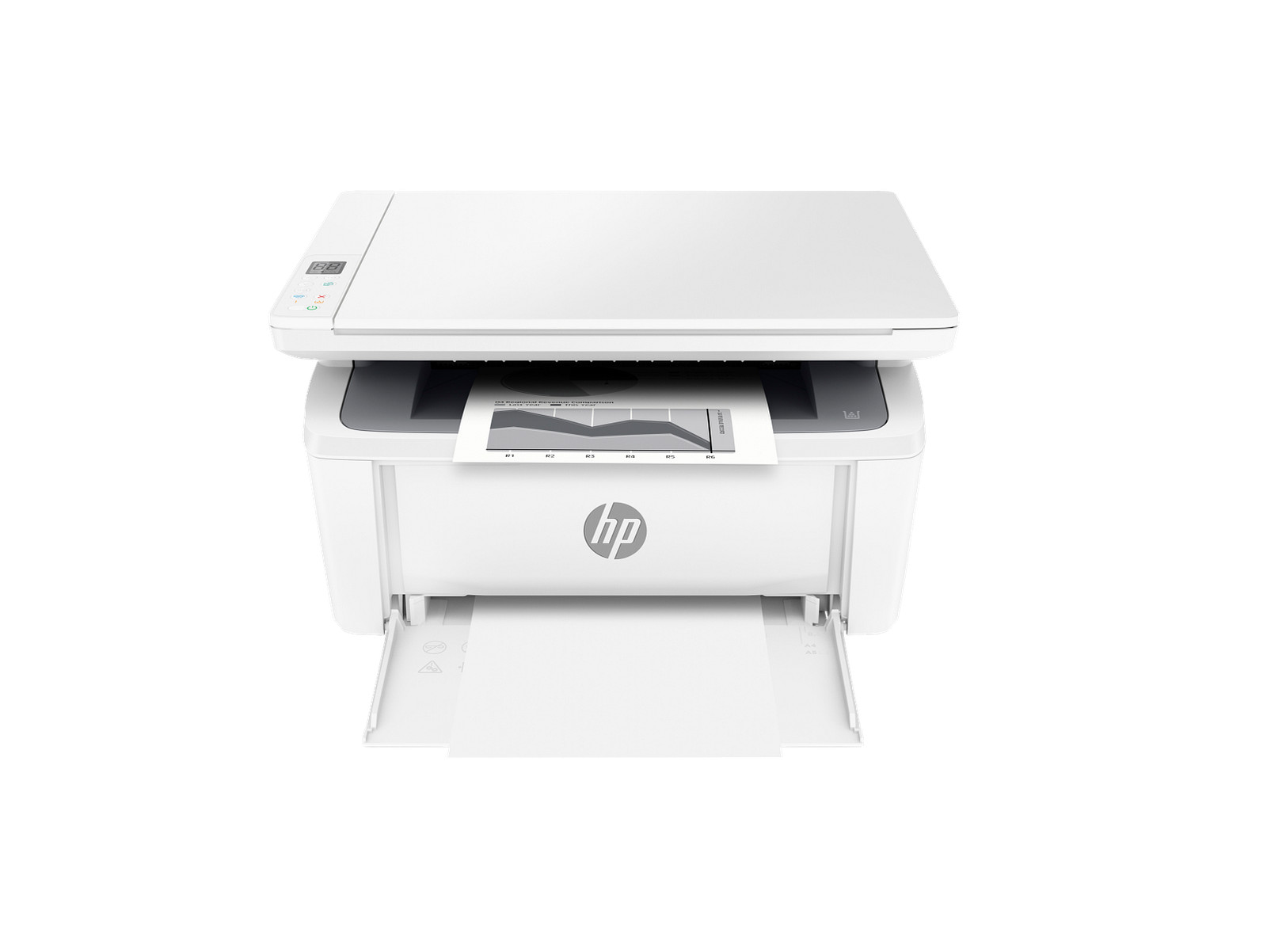 HP LaserJet MFP M140w Laser Printer, Black And White Mobile Print, Copy, Scan Up$169.00Last checked Nov 19, 2026View on eBay
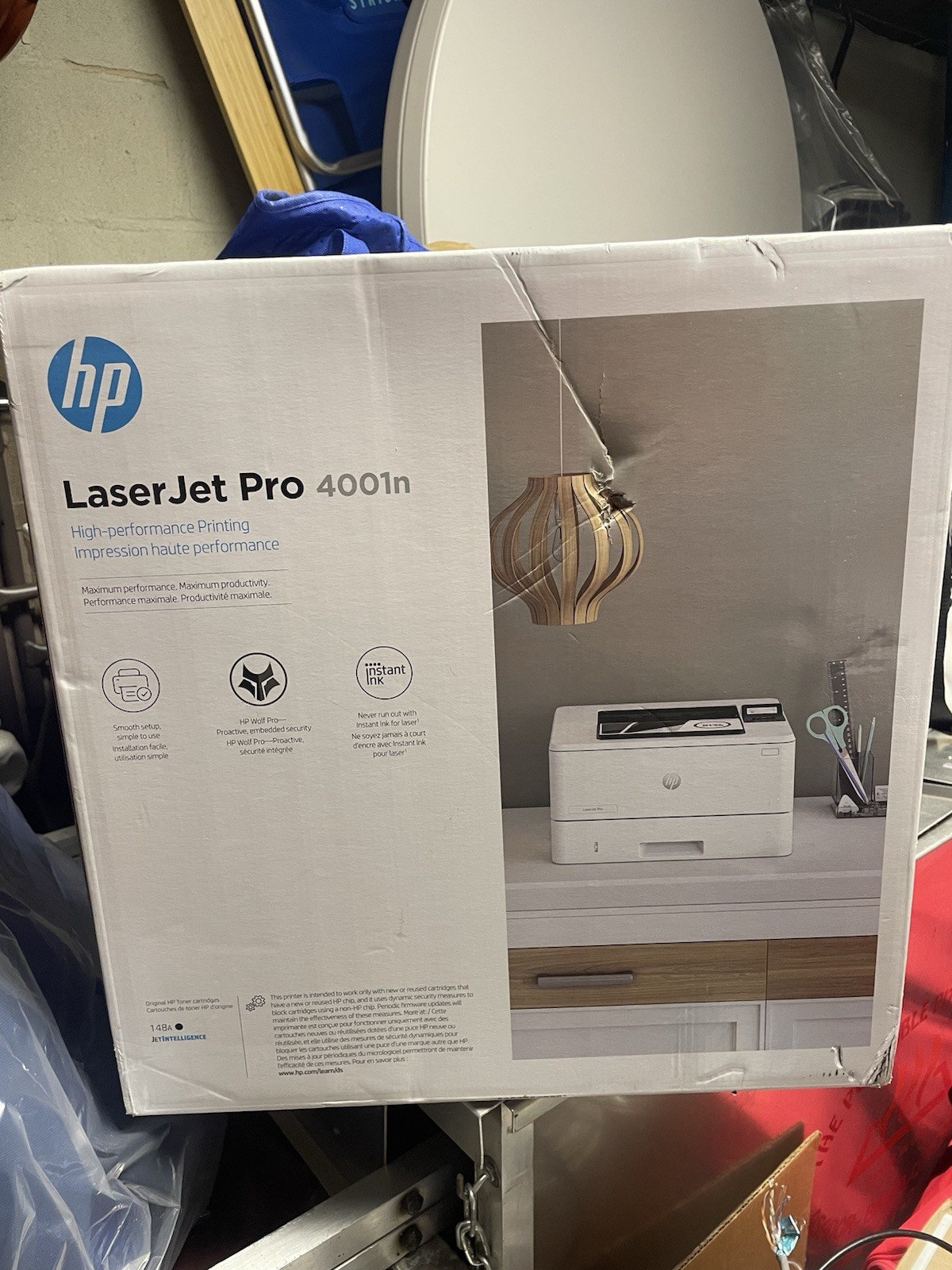 HP LaserJet Pro 4001n Monochrome Laser Printer NEW Factory Sealed EthernetOffice$199.00Last checked Nov 21, 2026View on eBay
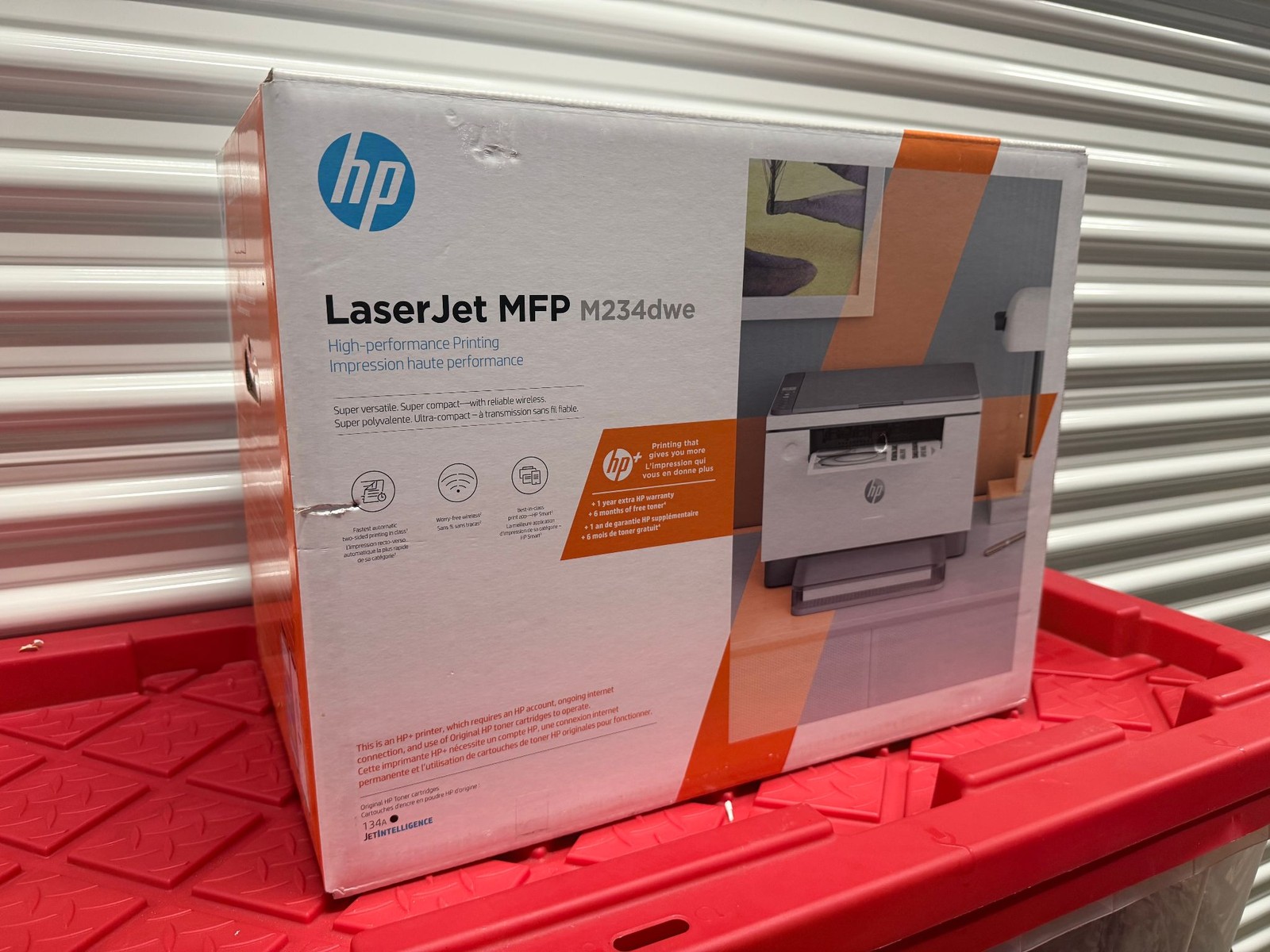 HP LaserJet MFP M234dwe Mono Laser Printer Wireless Duplex Sealed New In Box$199.99Last checked Nov 20, 2026View on eBay
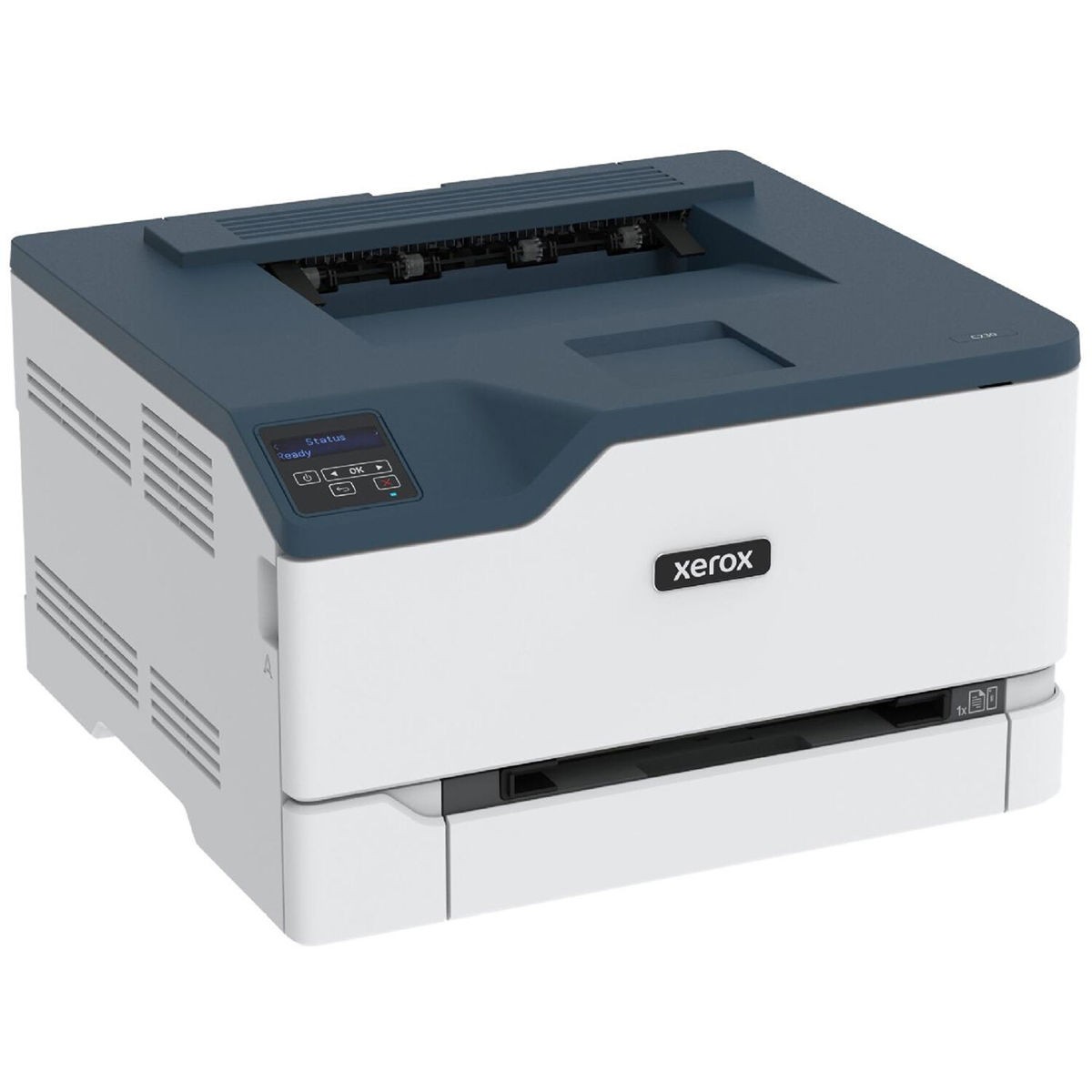 Xerox C230 Color Laser Printer$294.99Last checked Nov 17, 2026View on eBay
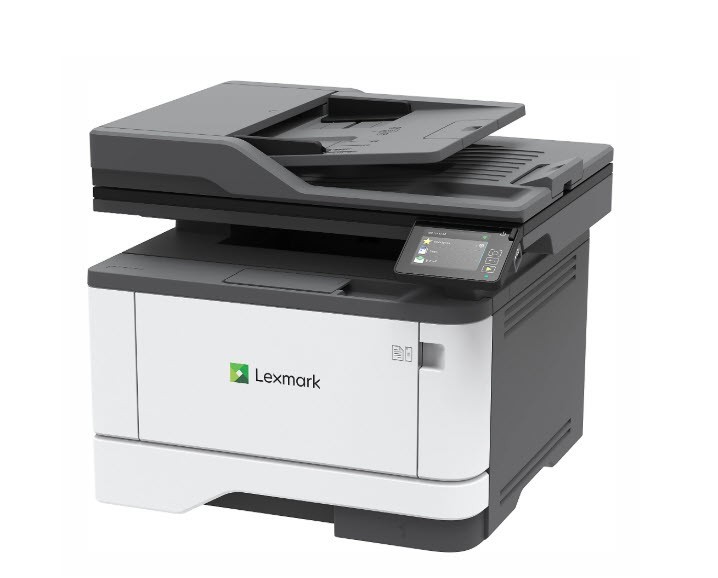 Lexmark MX331adn Laser All-In-One Copy/Print/Scan/Fax Monochrome Printer Sealed$300.00Last checked Nov 15, 2026View on eBay
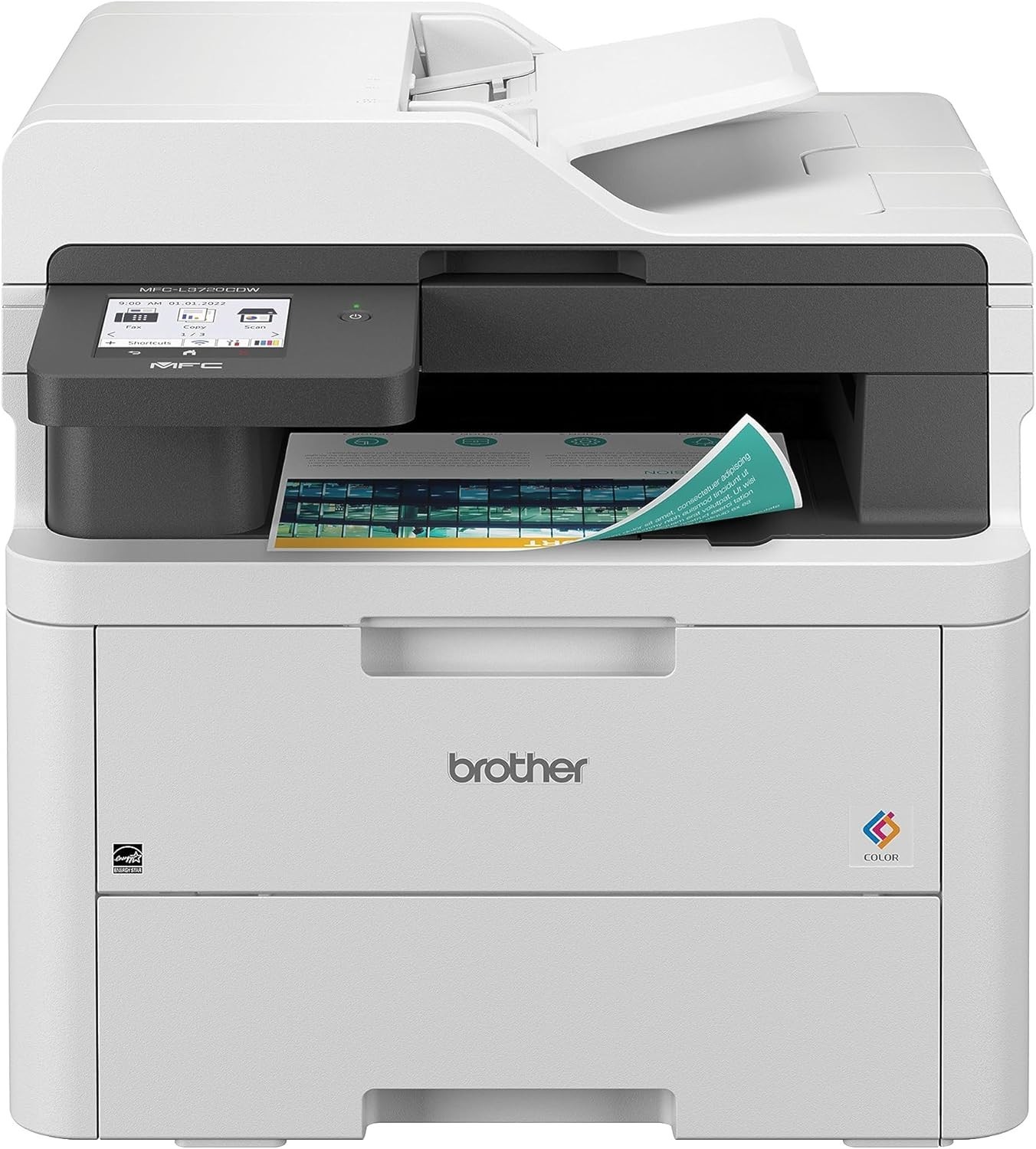 MFC-L3720CDW Wireless Color Laser Printer with Scanner, Copier and Fax | Auto Du$437.00Last checked Nov 18, 2026View on eBay
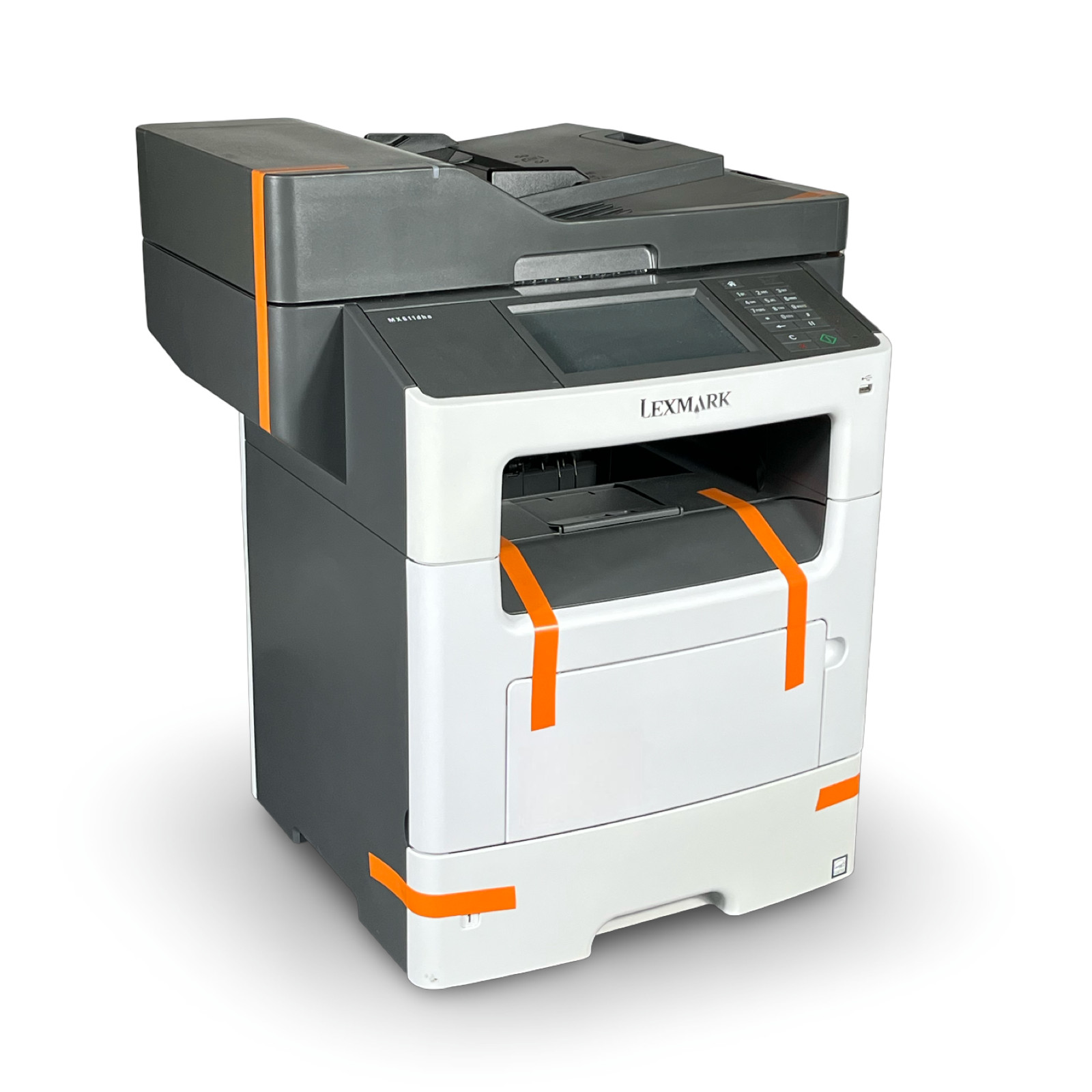 Lexmark MX611dhe Mono Laser Printer Copy Scan Fax Duplex Network | 35S6702$499.99Last checked Nov 17, 2026View on eBay
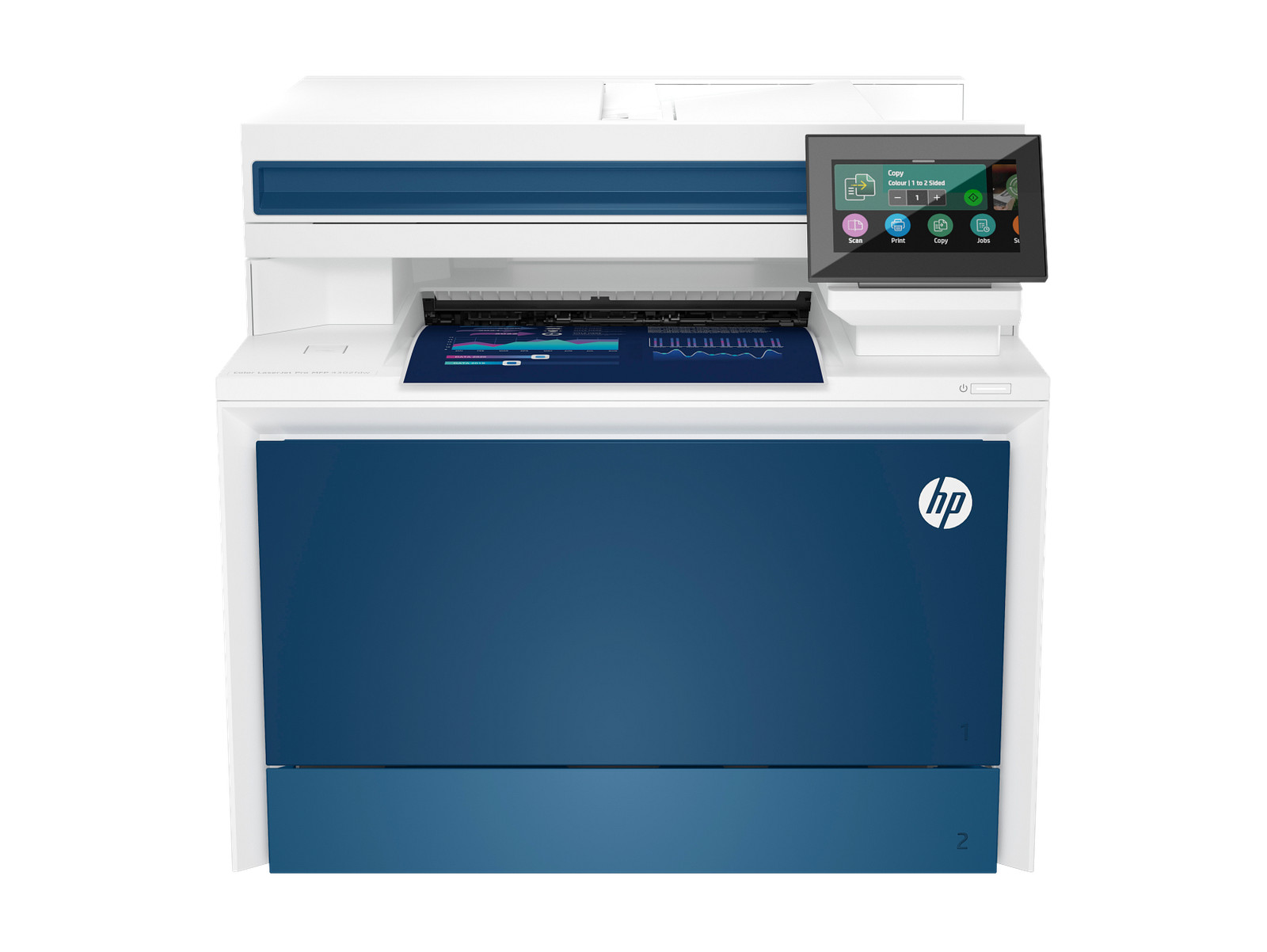 HP Color LaserJet Pro MFP 4301fdw Laser Printer, Color Mobile Print, Copy, Scan,$659.00Last checked Nov 15, 2026View on eBay
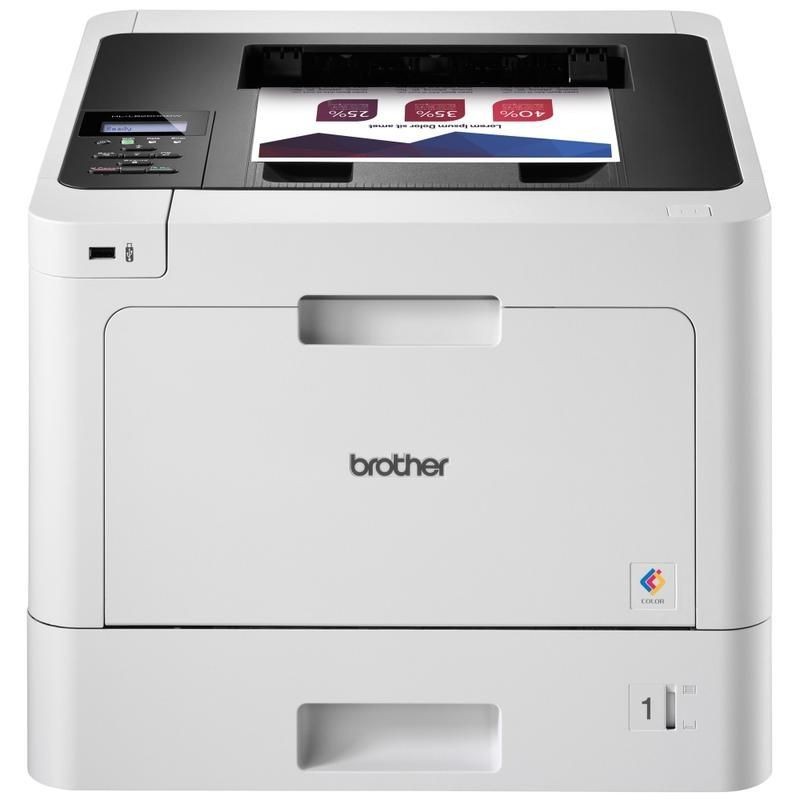 Brother HL-L8360CDWT Laser Color Business Office Printer$849.29Last checked Nov 14, 2026View on eBay
Highlights
- Monochrome laser engines print at 30-42 ppm; print-only units like Brother HL-L2405W are compact, while all-in-ones add a flatbed scanner and ADF.
- Starter toner yields 700-1,000 pages; high-yield cartridges for the same chassis reach 2,600-3,000 pages, cutting cost per page by half or more.
- Duplex (two-sided) printing is a hardware module, not firmware: models suffixed D or DW (e.g., M209D, HL-L6200DW) include it; W-only units do not.
- Wireless models use 2.4 GHz Wi-Fi only; 5 GHz-only routers require a 2.4 GHz guest band or USB/Ethernet connection.
Best use cases
- Best fit: a home office printing 200-800 monochrome pages monthly — pick a print-only wireless model with duplex and a high-yield toner option; skip the all-in-one unless you scan weekly.
- Best fit: a small business needing scan/copy — pick an all-in-one with a 50-sheet ADF and 250-sheet tray; skip compact all-in-ones with 150-sheet trays if you print daily.
- Wrong fit: color-heavy school projects or photo printing — a monochrome laser cannot produce color; choose a color laser or inkjet instead.
- Best fit: high-volume shared office — pick a 40+ ppm model with 500-sheet capacity and Ethernet; skip consumer 30 ppm units that lack network management.
Buying tips
- Verify the cartridge model number and its high-yield yield before buying; a cheap chassis with an 800-page starter toner costs more per page than a mid-tier unit with a 3,000-page cartridge.
- Match paper tray capacity to your print volume: 150-sheet trays need refilling every 3-4 days at 300 pages/week; 250-sheet trays last a week.
- Check duplex support in the model suffix: D or DW means automatic two-sided; W-only or no suffix means manual duplex only.
- Confirm connectivity: USB 2.0 is standard; add Ethernet for wired networks and 2.4 GHz Wi-Fi for mobile printing; AirPrint and Mopria work on most current models.
Specs
| Print Technology | Monochrome laser / color laser |
|---|---|
| Function | Print-only vs all-in-one (scan/copy) |
| Duplex | Automatic (D/DW) vs manual |
| Connectivity | USB 2.0 / 2.4 GHz Wi-Fi / Ethernet |
Related searches
What to check before buying
- Measure your desk or shelf footprint: compact print-only units need about 14 x 14 inches, while all-in-ones with ADF need 16 x 16 inches plus clearance for the output tray.
- Confirm your router broadcasts a 2.4 GHz band; 5 GHz-only networks block most budget laser printers from joining Wi-Fi.
- Check the duty cycle rating (pages per month) and ensure your volume stays under it; exceeding it voids warranty and wears the fuser early.
- Verify you have a standard 120V NEMA 5-15 outlet near the printer; laser printers draw 300-500W during fusing and should not share a circuit with high-draw appliances.
FAQ
Data sources: eBay / Amazon listings and product attribute feeds. Updated Nov 28, 2026.
Some links on this page are affiliate links. If you buy after clicking one, we may earn a commission at no extra cost to you. This does not change which products appear here or their order. Affiliate disclosure.