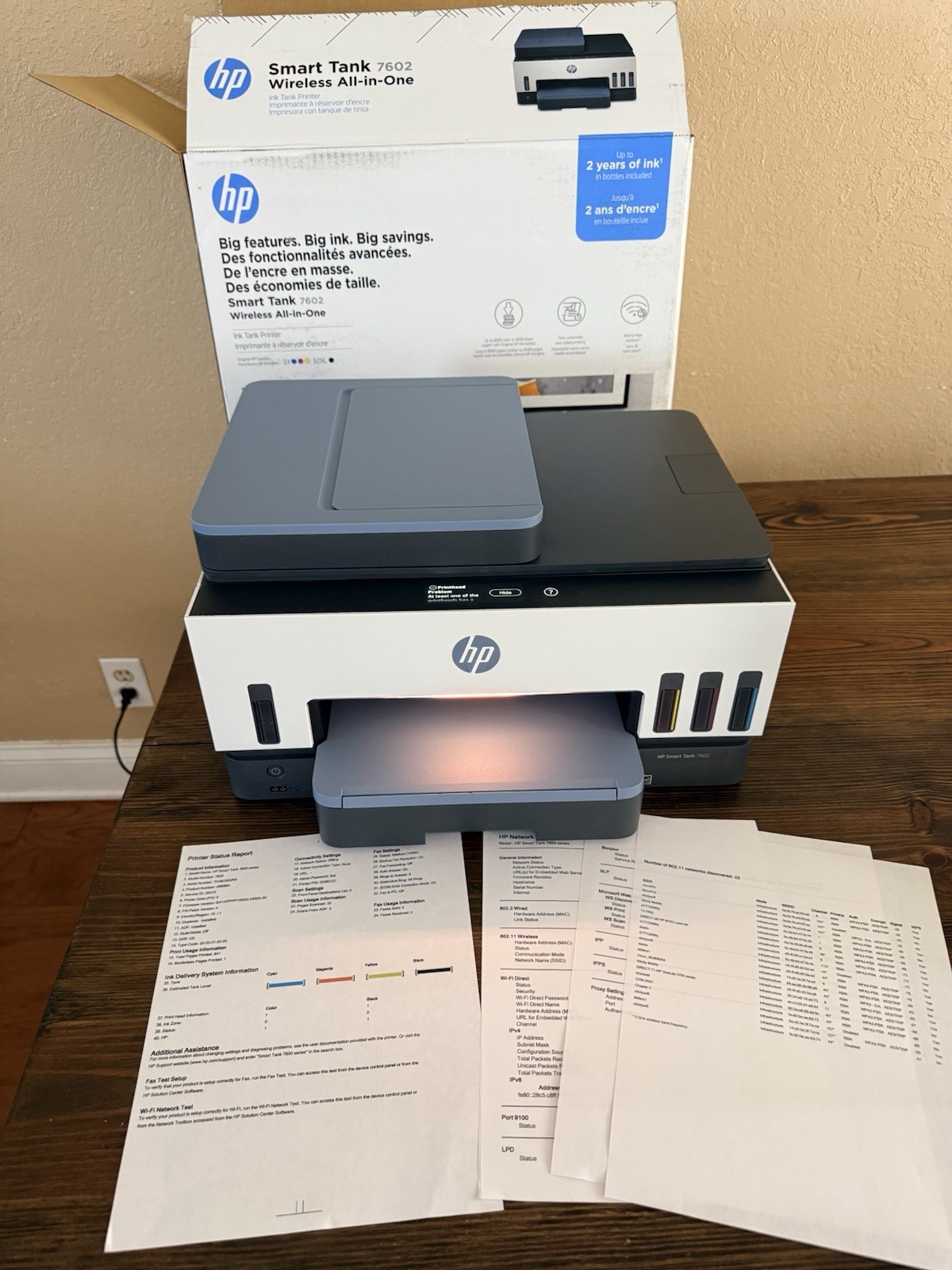

Photos from current listings. Actual item, color, and included accessories may vary.
HP Smart Tank Printer Buying Guide
HP Smart Tank printers are refillable ink-tank all-in-ones that replace costly cartridges with high-yield bottled ink, cutting per-page costs dramatically for high-volume homes and small offices. The core trade-off is upfront price versus long-term ink economy and print-head durability, with models tiered by paper capacity, ADF/fax features, and print speed. Buyers should prioritize models with user-replaceable print heads and higher paper input if they print frequently, and avoid entry-level units only if they rarely print.
Median $169.99
Key takeaways
- Refillable ink tanks hold 50–90 ml per color, yielding thousands of pages versus 200–300 pages from standard cartridges.
- Integrated thermal print heads are user-replaceable on most Smart Tank models, extending printer life beyond fixed-head designs.
- Tier differences: 5100 series lacks ADF; 6000/7000 series add automatic document feeder and higher paper capacity (up to 250 sheets).
At a glance
- Category
- Printers & Scanners
- Last updated
- Nov 28, 2026
Current offers
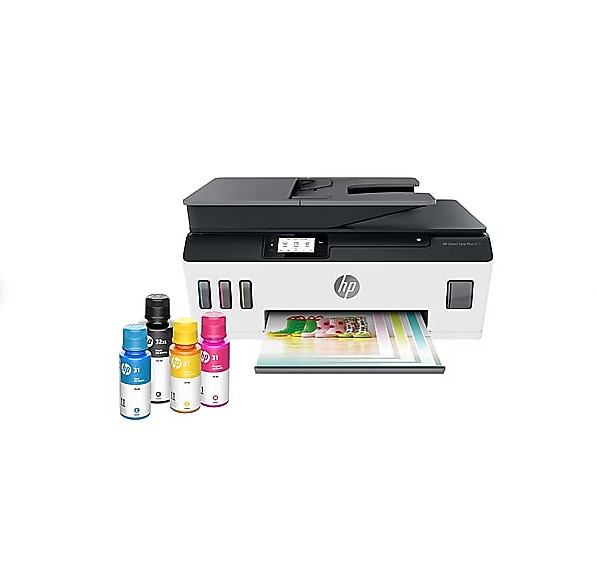
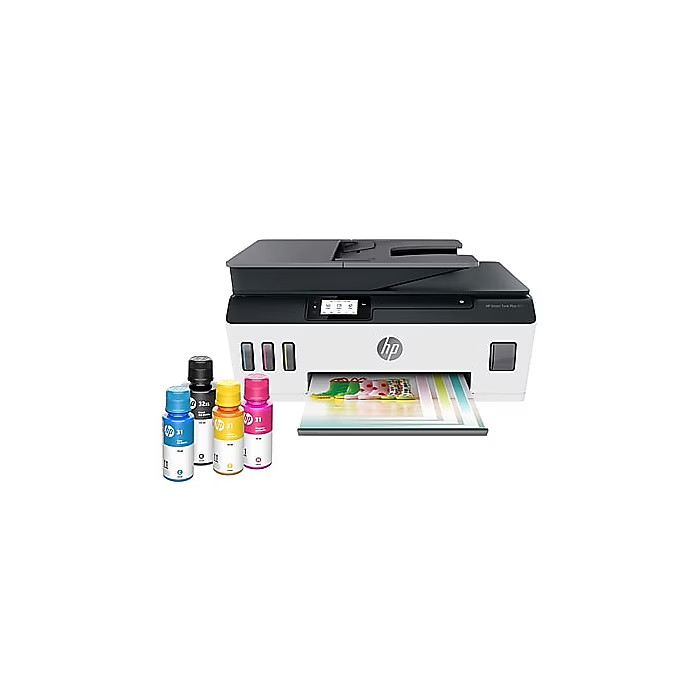
Highlights
- Refillable ink tanks hold 50–90 ml per color, yielding thousands of pages versus 200–300 pages from standard cartridges.
- Integrated thermal print heads are user-replaceable on most Smart Tank models, extending printer life beyond fixed-head designs.
- Tier differences: 5100 series lacks ADF; 6000/7000 series add automatic document feeder and higher paper capacity (up to 250 sheets).
- Connectivity includes Wi-Fi, USB 2.0, and HP Smart app; some Plus models add fax and Ethernet for office use.
Best use cases
- High-volume color printing (schoolwork, newsletters, photos): choose a 6000 or 7000 series with 250-sheet input and ADF for efficient scanning.
- Low-volume occasional printing: a 5100 series is sufficient and cheaper upfront, but expect slower speeds and no ADF.
- Small office with fax needs: select Smart Tank Plus 651 for fax and ADF; skip 5100 series which lacks fax and document feeder.
- Wireless-only home setup: any Smart Tank model works via Wi-Fi, but 7000 series offers faster duplex and mobile printing.
Buying tips
- Check tank yield: 6000/7000 series typically yield 6,000 black and 8,000 color pages; 5100 series yields 4,000 black and 6,000 color.
- Confirm user-replaceable print head: models like 6001 and 7602 allow head replacement; fixed-head units require service if clogged.
- Paper capacity matters: 5100 series holds 100 sheets; 6000/7000 series hold 250 sheets—choose based on weekly print volume.
- Verify connectivity: all have Wi-Fi and USB; Plus 651 adds Ethernet and fax; 7000 series adds auto-duplex printing.
Specs
| Ink System | Refillable tanks (bottled ink) |
|---|---|
| Print Head | Thermal, user-replaceable |
| Paper Capacity | 100–250 sheets |
| Connectivity | Wi-Fi, USB 2.0, optional Ethernet |
Related searches
What to check before buying
- Measure desk space: Smart Tank 7602 is 17.9 x 14.8 x 8.5 inches; ensure clearance for paper trays and venting.
- Check power: all models use 100–240V AC adapters; confirm outlet compatibility and use surge protection.
- Verify OS support: HP Smart app requires iOS 11+/Android 6+/Windows 10+; older systems may need USB driver.
- Plan ink disposal: refill bottles must be stored upright and away from light; check local recycling for empty bottles.
FAQ
Data sources: eBay / Amazon listings and product attribute feeds. Updated Nov 28, 2026.
Some links on this page are affiliate links. If you buy after clicking one, we may earn a commission at no extra cost to you. This does not change which products appear here or their order. Affiliate disclosure.