
Photos from current listings. Actual item, color, and included accessories may vary.
All In One Printer Buying Guide
An all-in-one printer combines printing, scanning, and copying (often faxing) in one chassis, with the primary trade-off being inkjet's low upfront cost and photo quality versus laser's speed, text sharpness, and lower cost per page. The decisive rule: buy inkjet only if you print photos or infrequently, and buy laser if you print text documents regularly or need volumes above 100 pages per month.
Median $154.99 · New & pre-owned listings
Key takeaways
- Inkjet models use thermal or piezo printheads with dye/pigment inks; laser models use toner and fuser units—laser wins on text sharpness and monthly duty cycle.
- Print resolution of 4800x1200 dpi (inkjet) or 600x600 dpi (laser) determines photo detail; laser 1200 dpi effective is sharper for text than inkjet 4800 dpi.
- Automatic document feeder (ADF) with duplex scanning separates office-grade units from home models; 35-sheet ADF and 50-sheet output are common office tiers.
At a glance
- Category
- Printers & Scanners
- Last updated
- Nov 28, 2026
Current offers
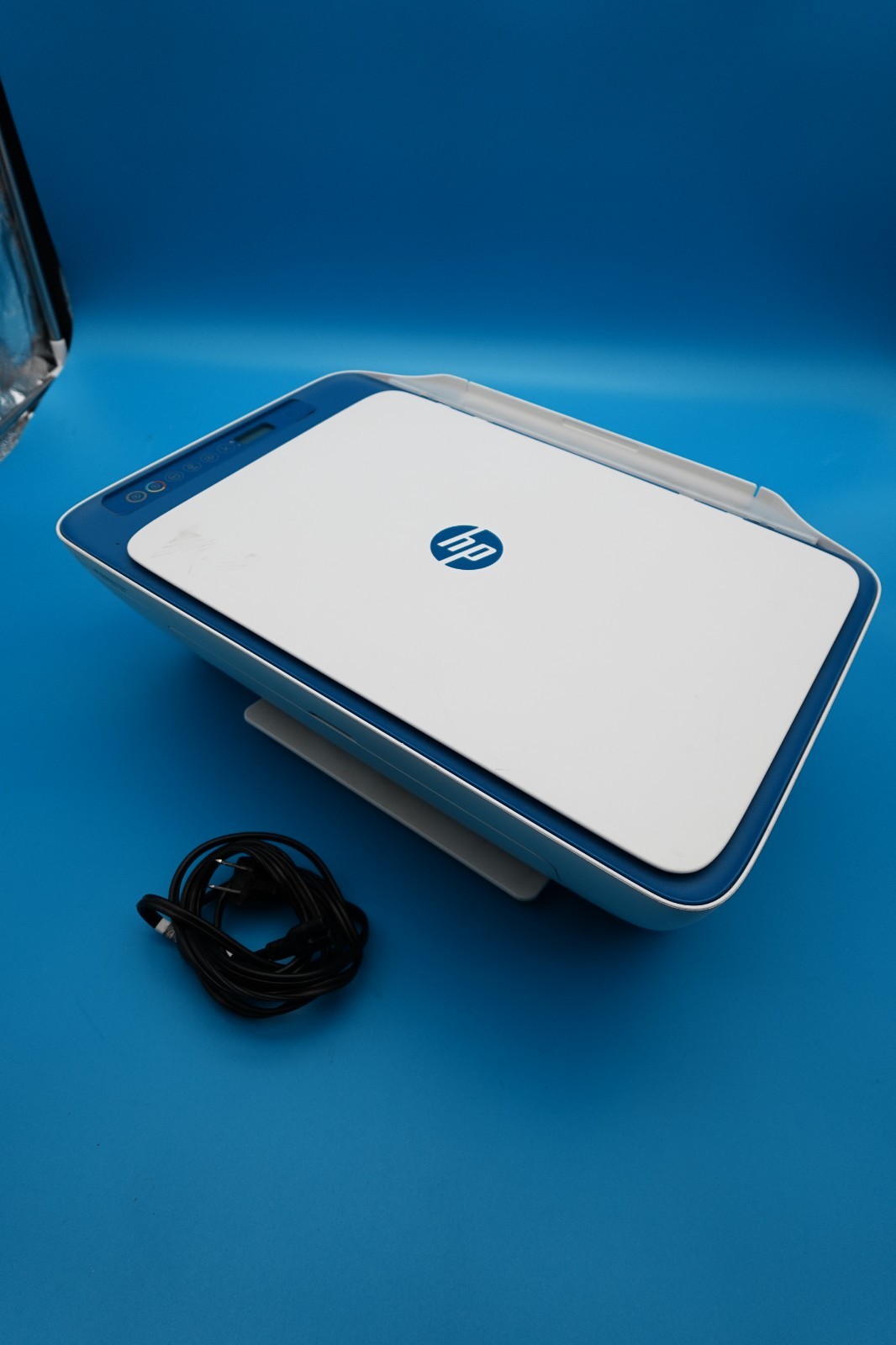 HP Deskjet 2622 All in One Compact Printer Scanner And Copier$24.99View on eBay
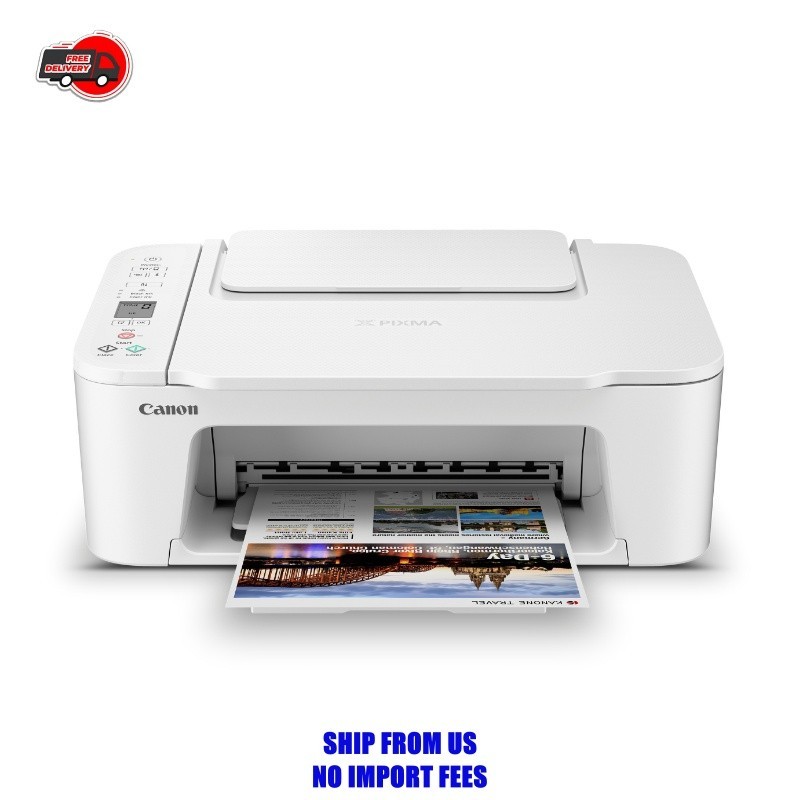 Canon PIXMA TS3722 Wireless All-In-One Inkjet Printer for Home Office$35.20View on eBay
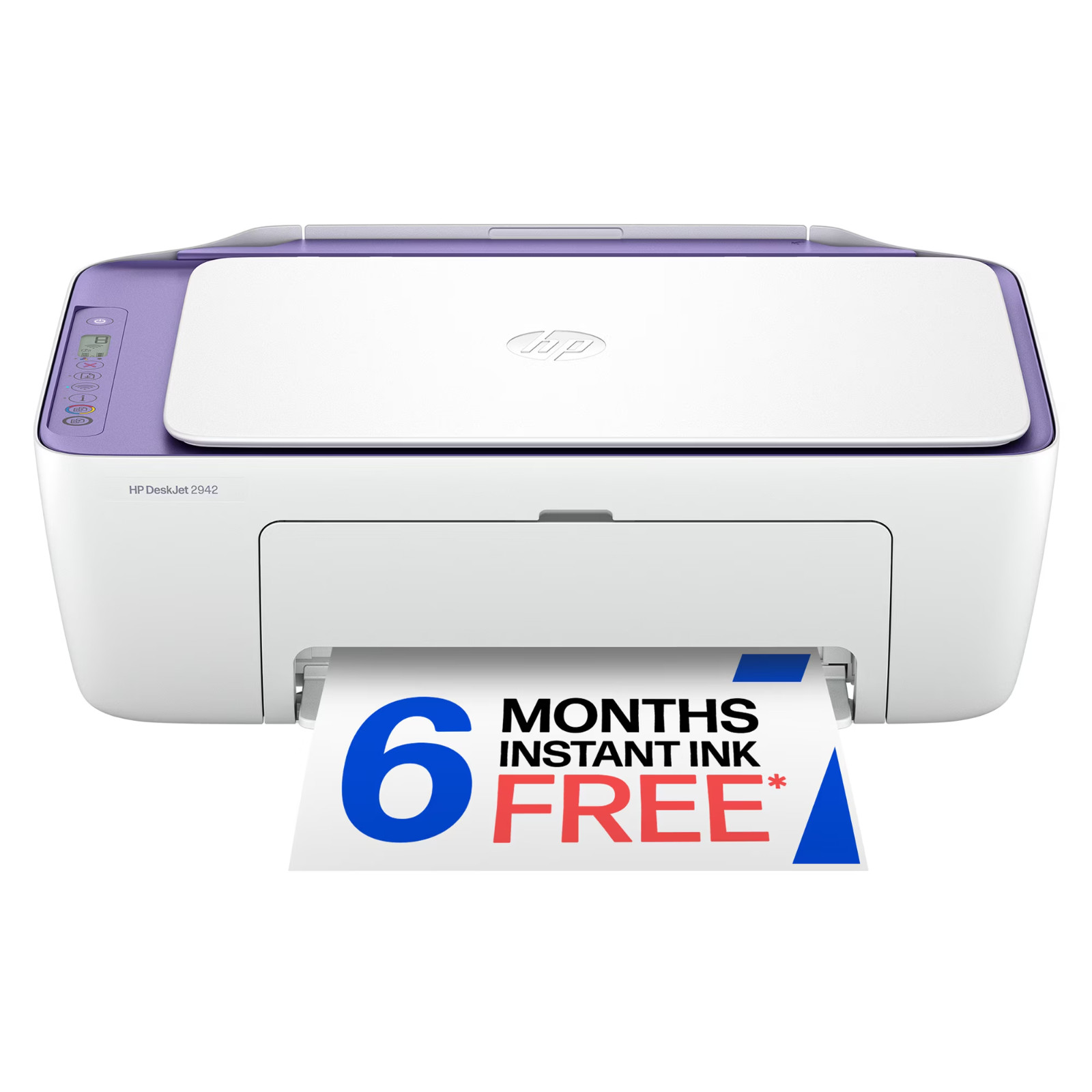 HP DeskJet 2942 Wireless All-in-One Printer Violet FREE SHIP$39.99View on eBay
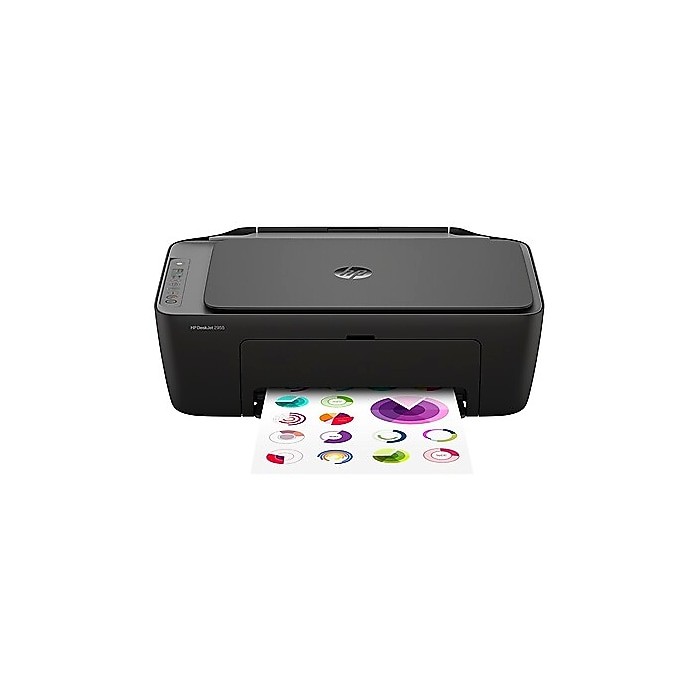 HP DeskJet 2955 Wireless All-in-One Color Inkjet Printer, 3 Months Free Instant$42.00View on eBay
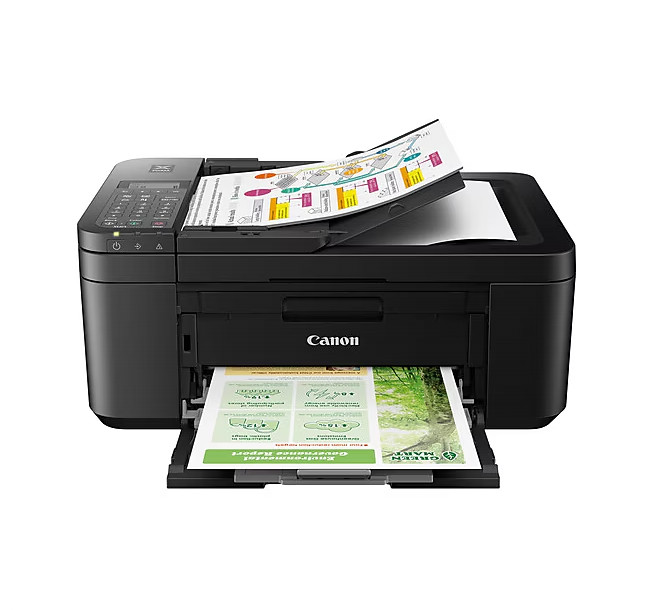 Canon PIXMA TR4720 Wireless Color Inkjet Printer, All-In-One (21-MFP4) New$46.10View on eBay
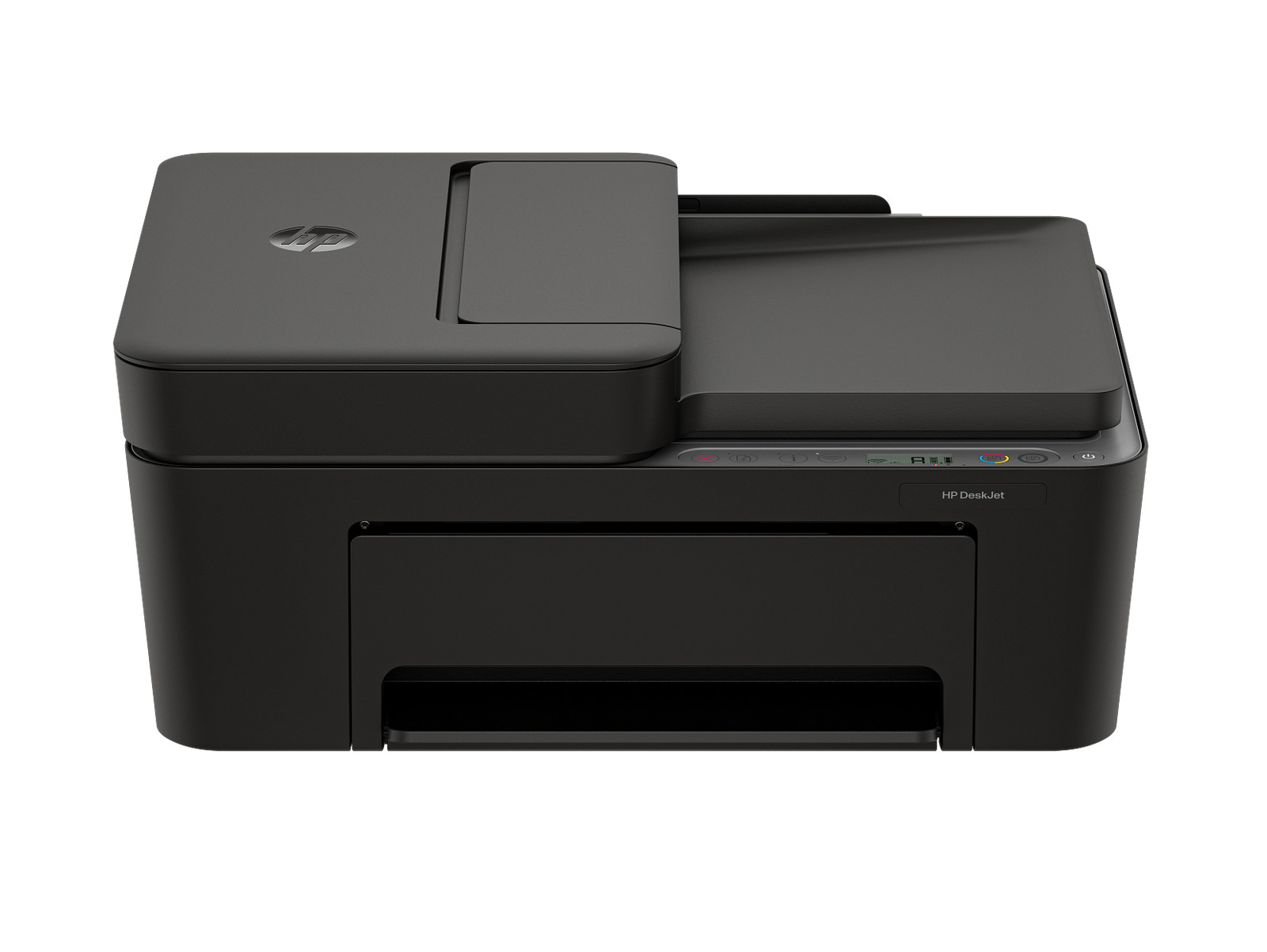 HP DeskJet 4355 All-in-One Inkjet Printer, Color Mobile Print, Copy, Scan Up to$69.99View on eBay
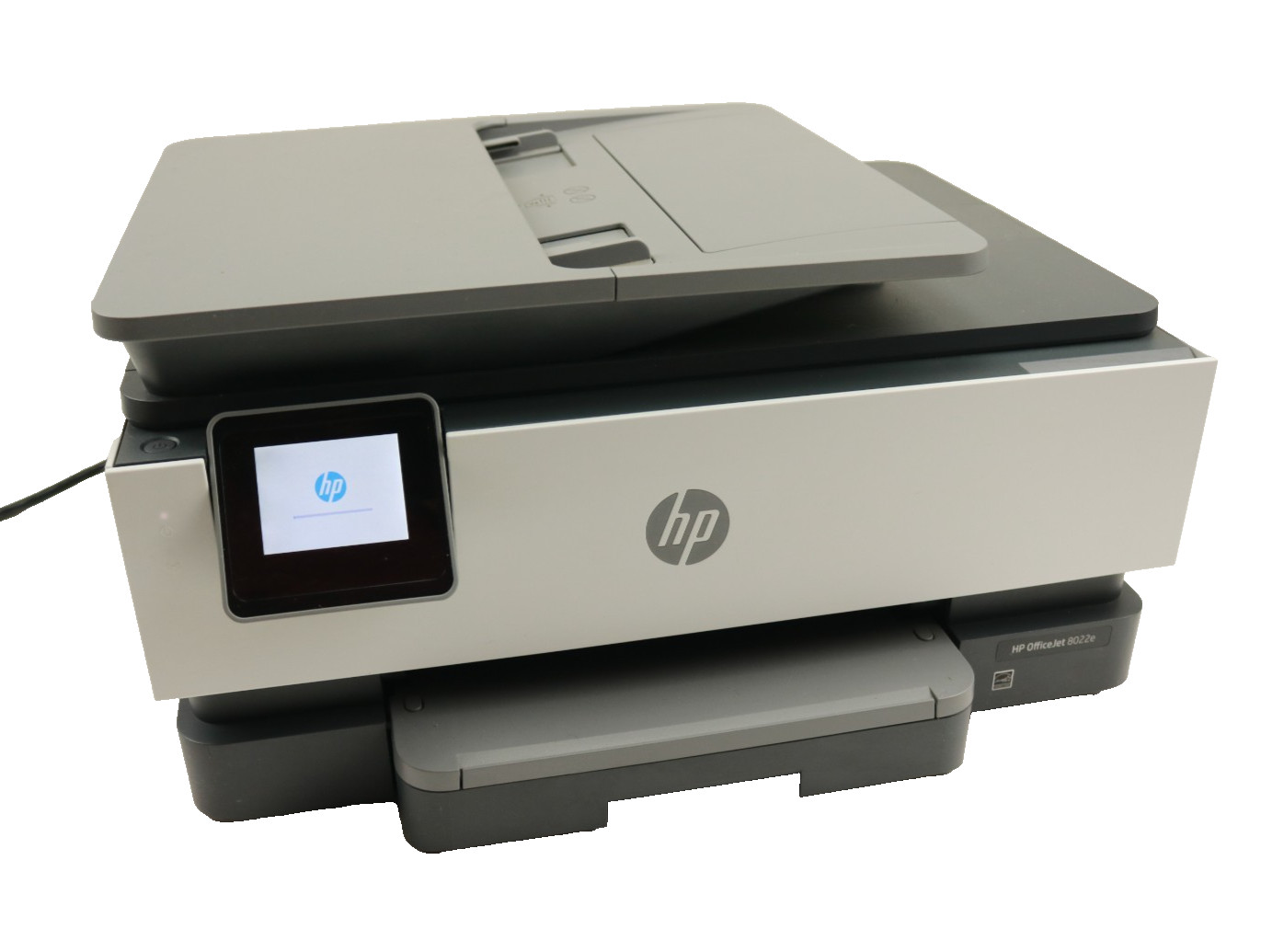 HP OfficeJet Pro 8022e All-in-One Printer-Fax-Office business$78.99Last checked Nov 20, 2026View on eBay
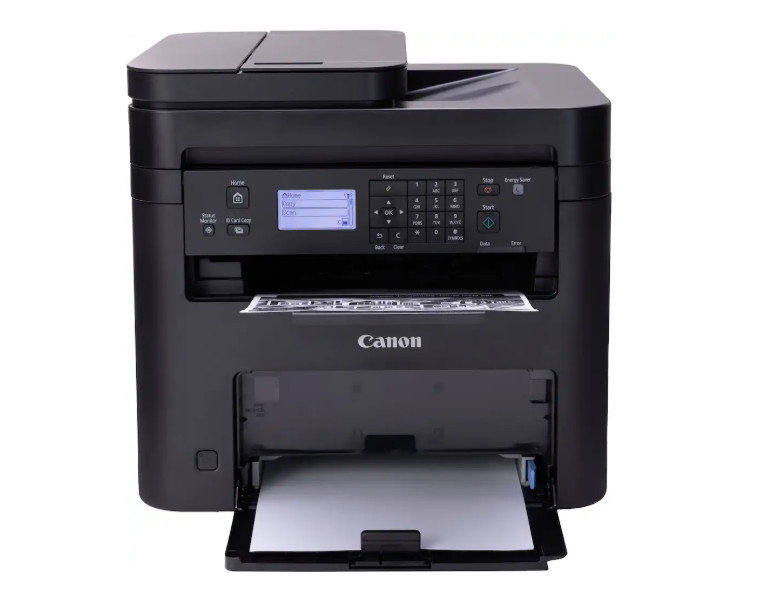 Canon - imageCLASS MF273dw Wireless Black-and-White All-In-One Laser Printer - B$86.67View on eBay
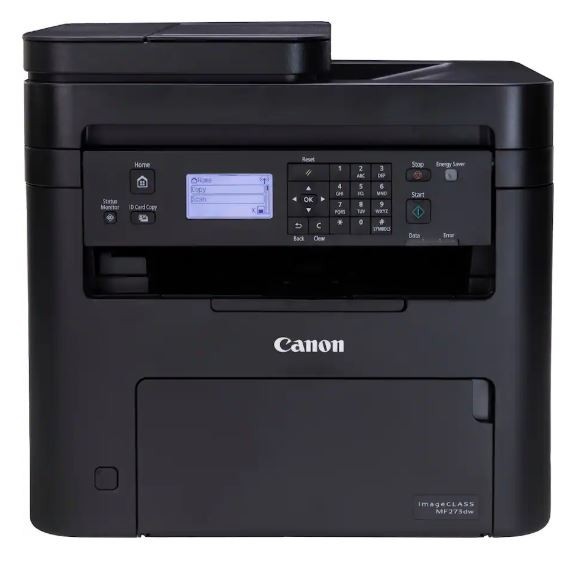 Canon - imageCLASS MF273dw Wireless Black-and-White All-In-One Laser Printer$89.99View on eBay
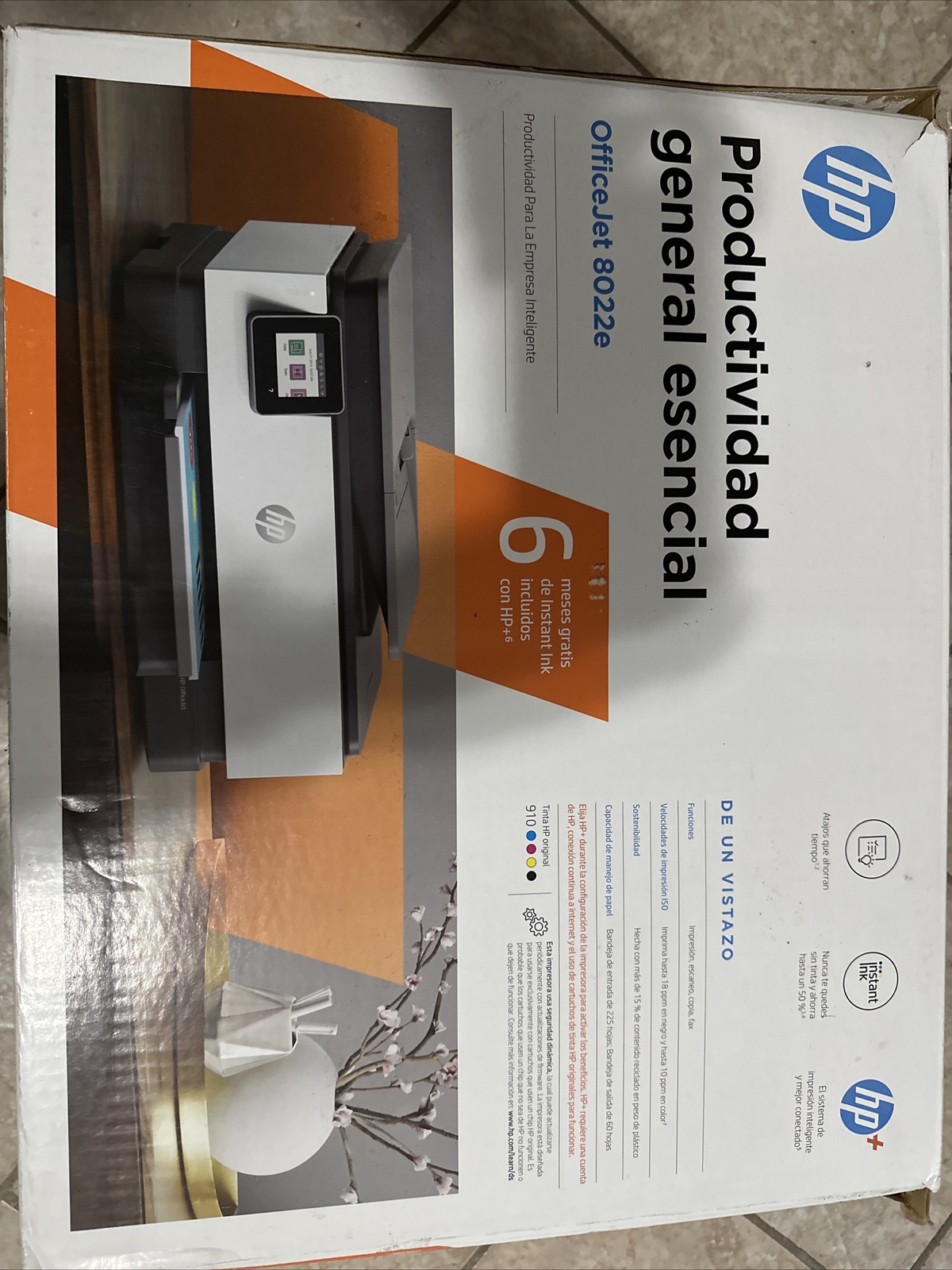 HP OfficeJet Pro 8022e All-in-One Printer-Fax-Office business-New$99.00Last checked Nov 19, 2026View on eBay
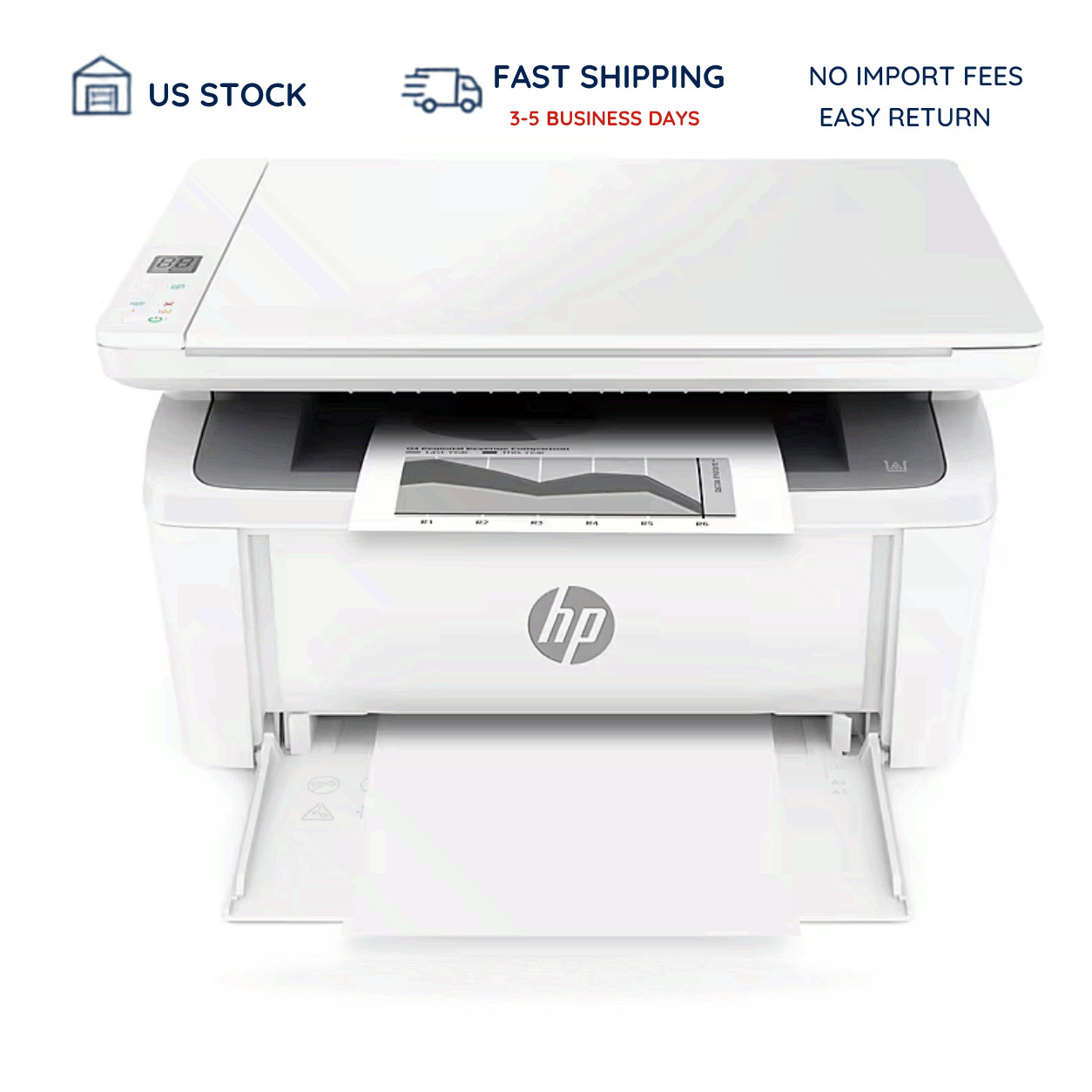 HP LaserJet MFP M140w Wireless B&W All-in-One Laser Printer Scanner Copier 7MD72$100.00View on eBay
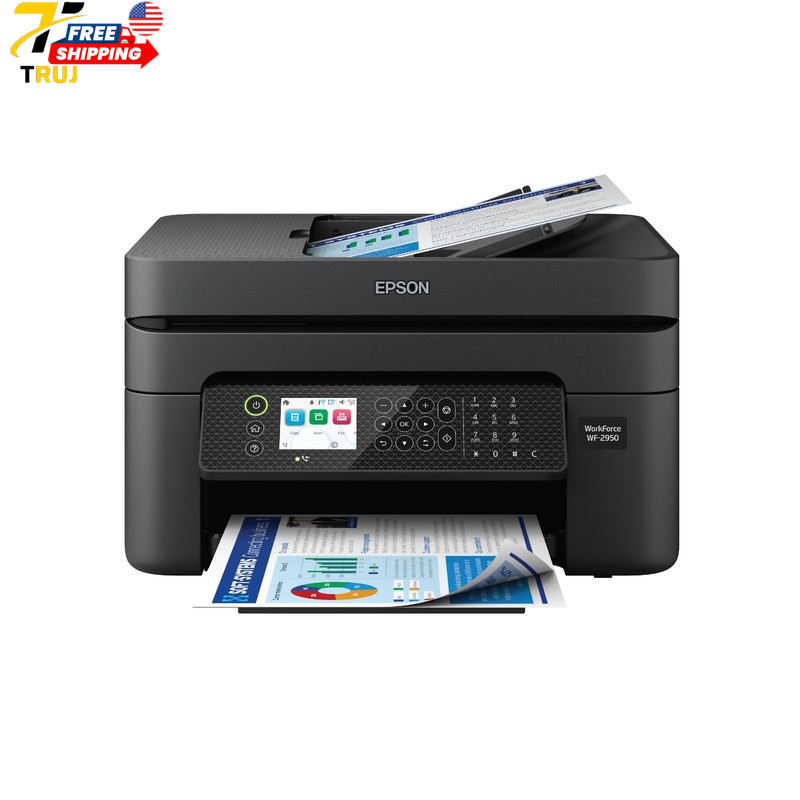 Workforce WF-2950 All-In-One Wireless Color Printer with Scanner Copier and Fax$100.20View on eBay
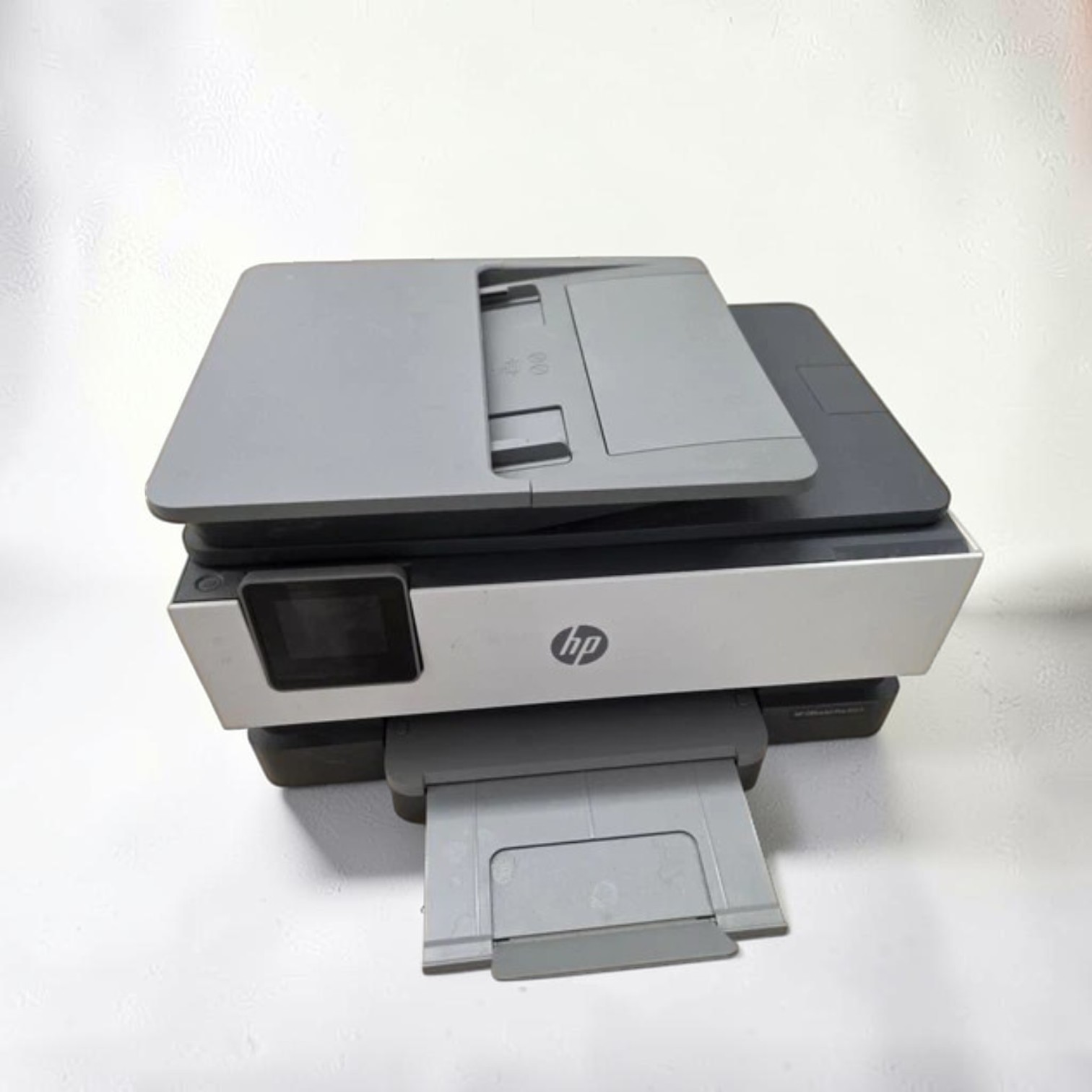 HP OfficeJet Pro 8022 All-in-One Wireless Color Printer Duplex Fax Refurbished$129.99View on eBay
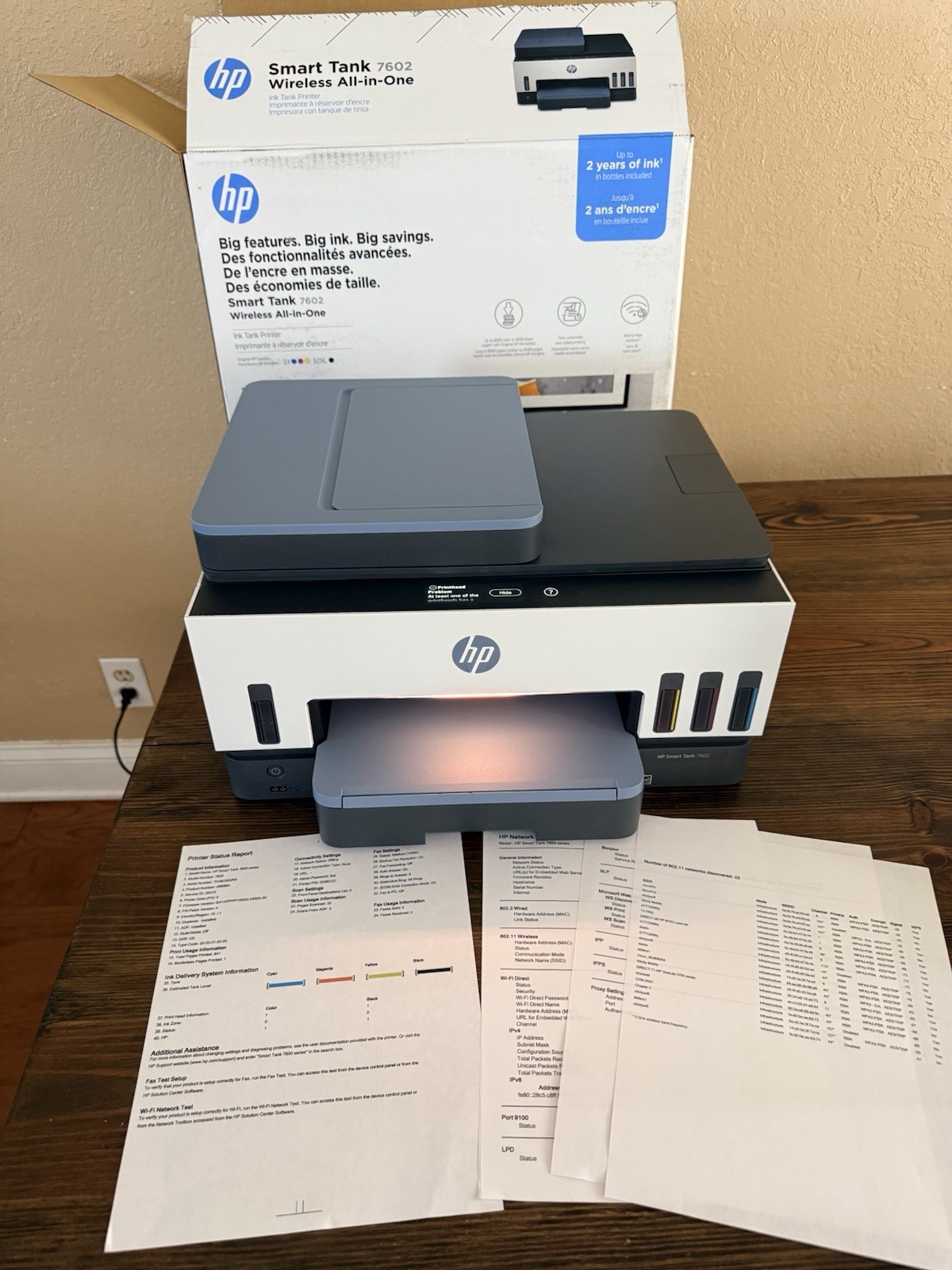 HP Smart Tank 7602 Wireless All-in-One Ink Printer Scanner Copier Home & Office$139.00View on eBay
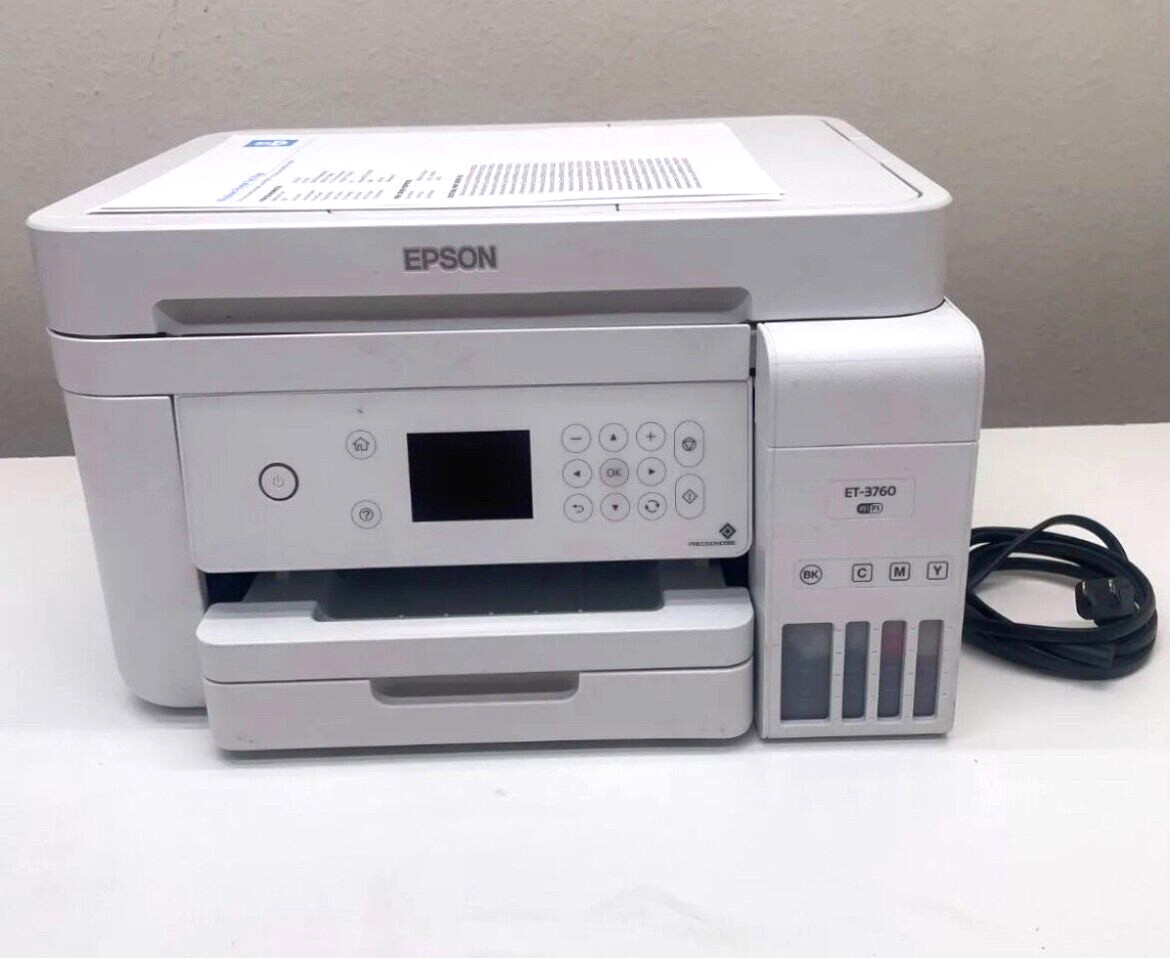 Epson EcoTank ET-3760 Wireless All in One Color Printer (Tested)$139.99Last checked Nov 21, 2026View on eBay
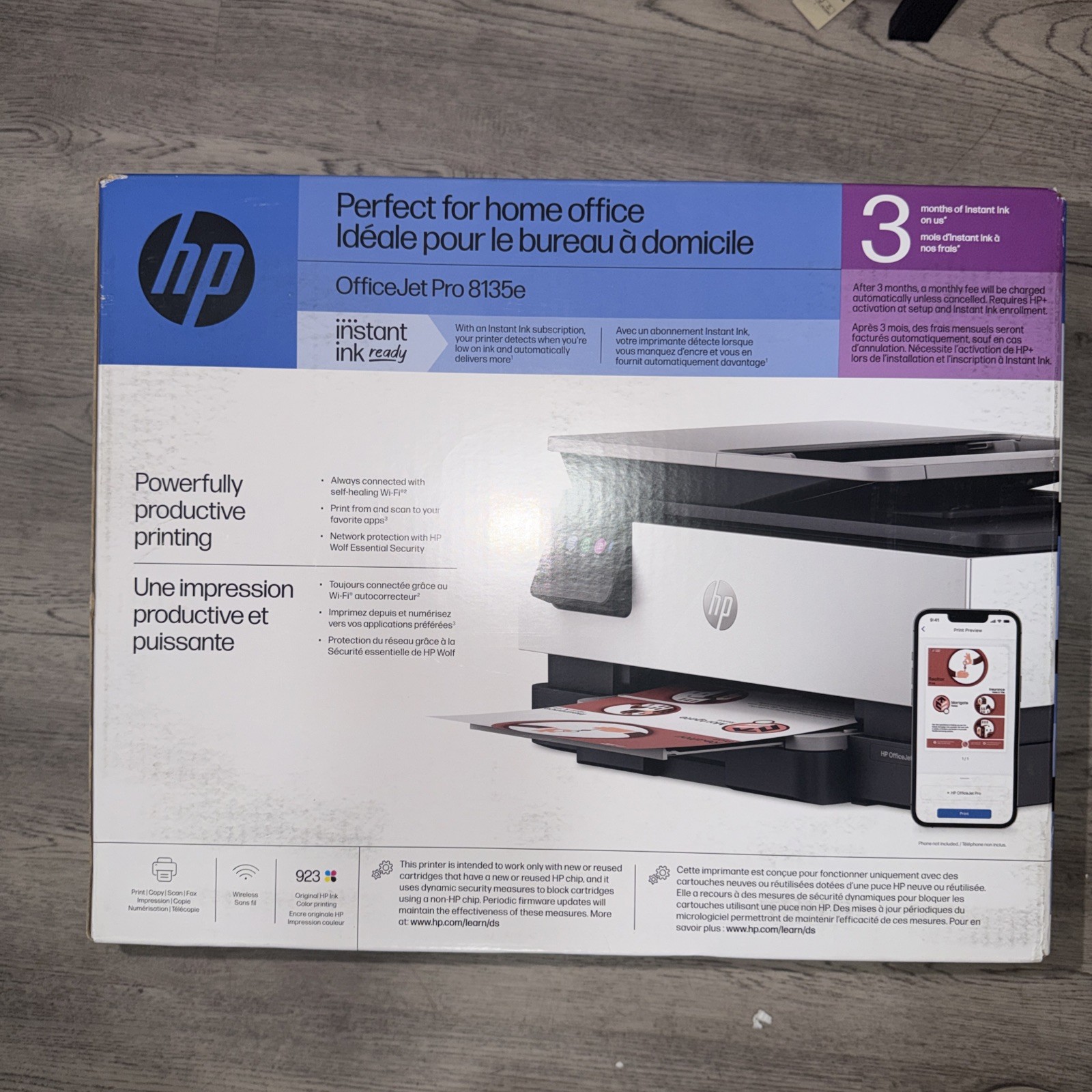 HP OfficeJet Pro 8135e Wireless All-in-One Printer with 3 Months of Instant Ink$140.00Last checked Nov 19, 2026View on eBay
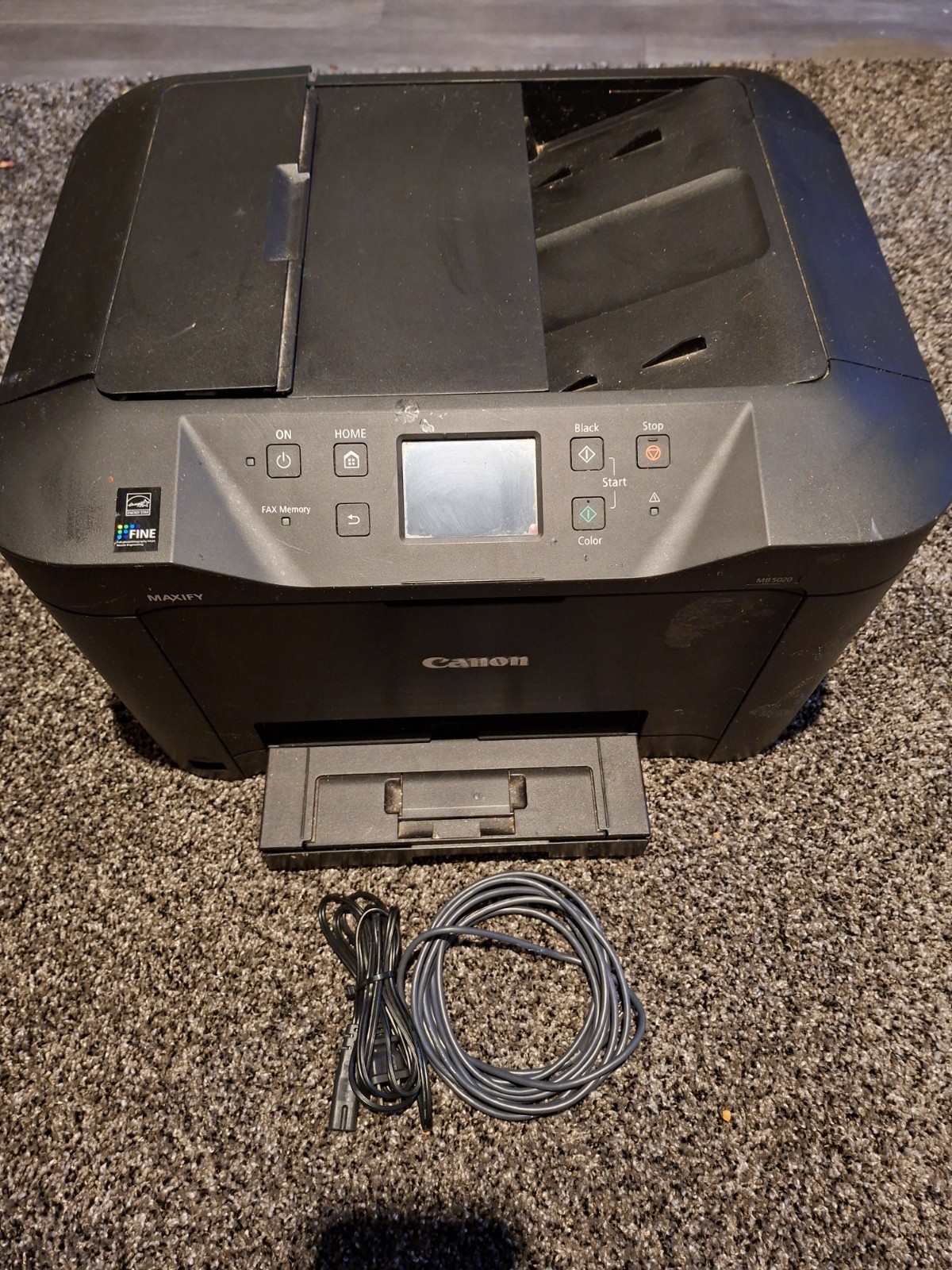 Canon MAXIFY MB5020 All-In-One Office Business Color Printer Fax Scanner Copier$149.95Last checked Nov 20, 2026View on eBay
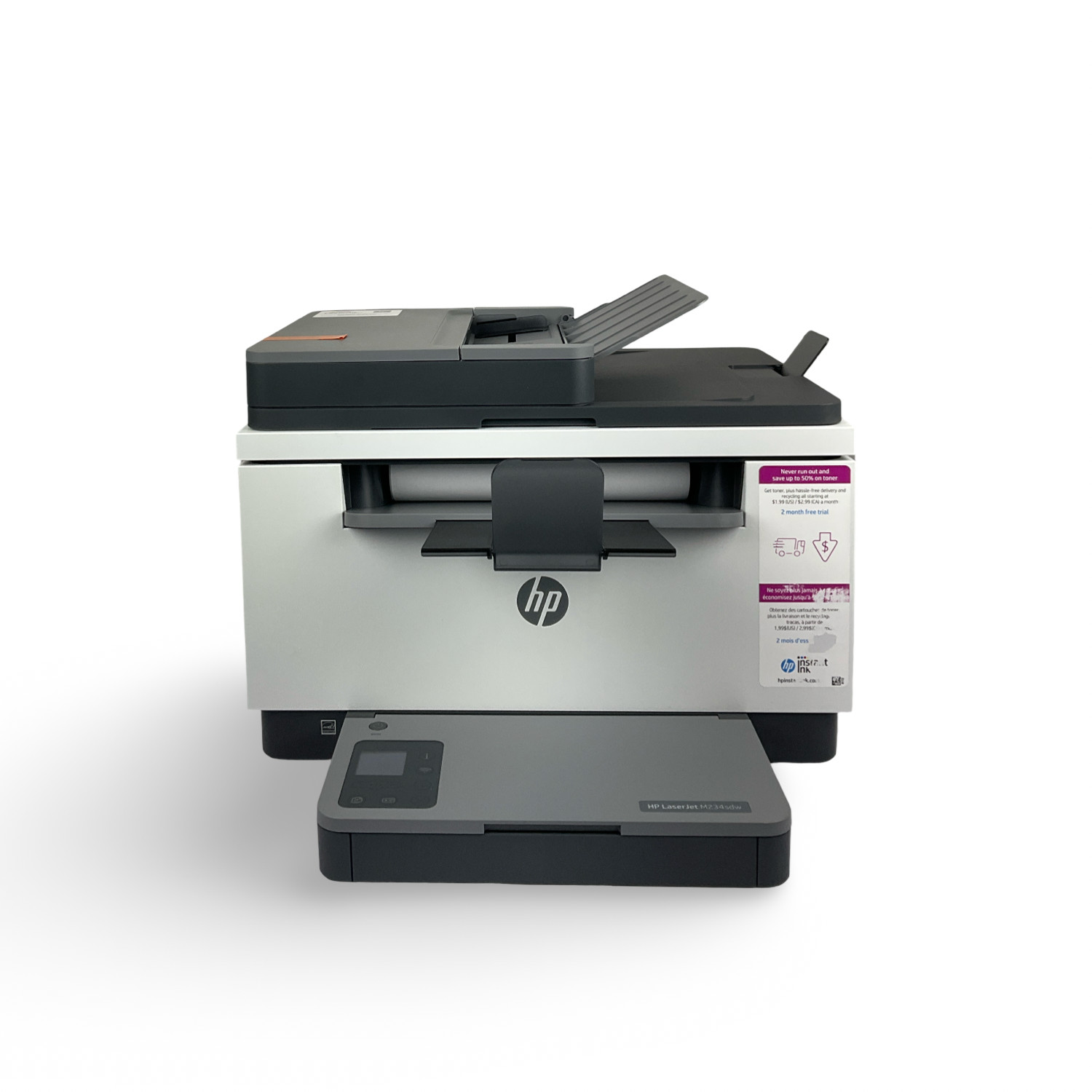 HP LaserJet Pro M234sdw All-In-One Monochrome Laser Printer 6GX01F$149.99Last checked Nov 21, 2026View on eBay
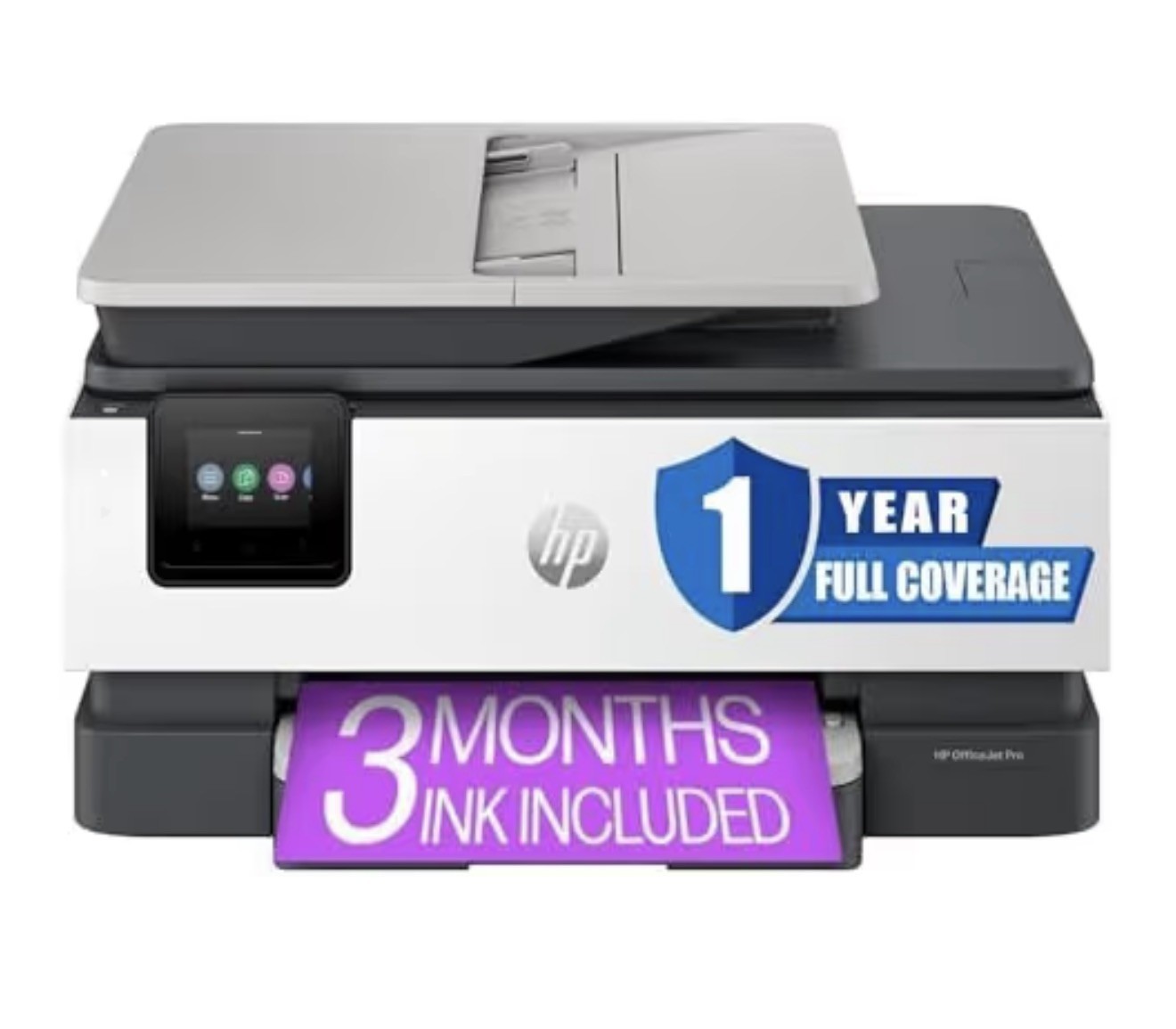 HP OfficeJet Pro 8135e All-in-One Printer w/3 Months Instant Ink free w/ HP+ NEW$154.99Last checked Nov 19, 2026View on eBay
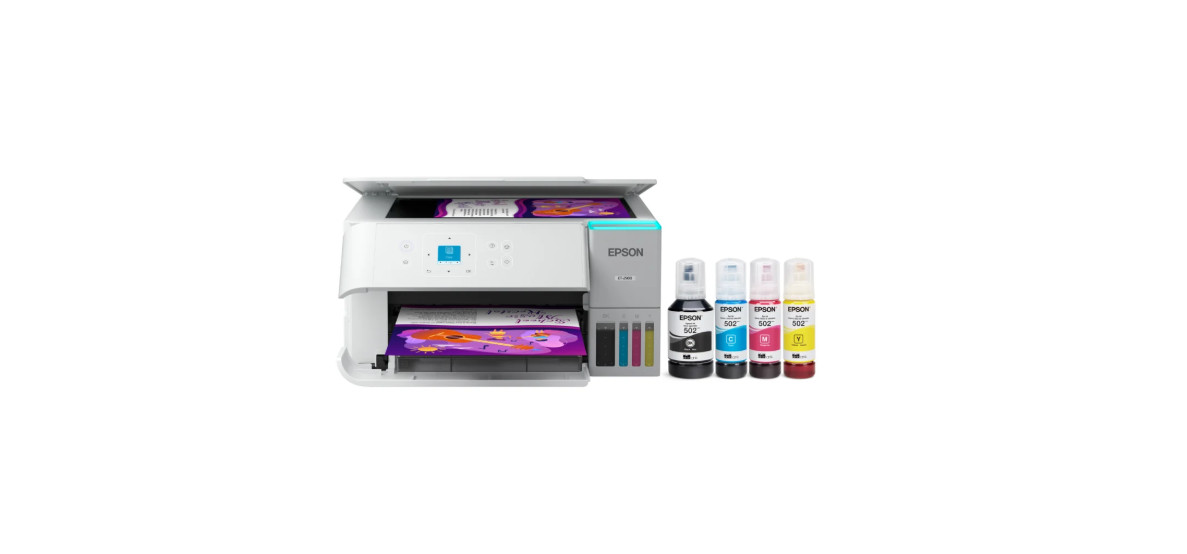 Epson EcoTank ET-2980 Wireless All-in-One Colour Supertank Printer - White$159.99View on eBay
Highlights
- Inkjet models use thermal or piezo printheads with dye/pigment inks; laser models use toner and fuser units—laser wins on text sharpness and monthly duty cycle.
- Print resolution of 4800x1200 dpi (inkjet) or 600x600 dpi (laser) determines photo detail; laser 1200 dpi effective is sharper for text than inkjet 4800 dpi.
- Automatic document feeder (ADF) with duplex scanning separates office-grade units from home models; 35-sheet ADF and 50-sheet output are common office tiers.
- Wireless standards: Wi-Fi 5 (802.11ac) and Wi-Fi Direct are standard on current models; USB 2.0 and Ethernet are the reliable wired fallbacks for office use.
Best use cases
- Best fit for home photo and color printing: inkjet all-in-one with individual ink tanks and 4800x1200 dpi—skip laser if you print photos weekly.
- Best fit for home office text documents: monochrome or color laser all-in-one with 250-sheet tray and duplex printing—skip inkjet if you print over 100 pages monthly.
- Best fit for small business with scanning needs: inkjet or laser with 35+ sheet ADF, duplex scanning, and Ethernet—skip compact models without ADF.
- Wrong fit: high-volume (>500 pages/month) on any consumer inkjet—choose a laser with a duty cycle rated at 2x your monthly volume.
Buying tips
- Match monthly duty cycle: consumer inkjets handle 100-500 pages/month; laser all-in-ones handle 1,000-5,000 pages/month—pick at least 2x your actual volume.
- Ink cost rule: individual ink tanks cost less per page than tri-color cartridges; tank-system inkjets (refillable reservoirs) reduce cost to pennies per page.
- Laser toner yields: standard toner cartridges print 1,000-3,000 pages; high-yield versions print 2x-3x more—buy high-yield if you print over 200 pages/month.
- Connectivity tier: USB-only is cheapest but limits sharing; Wi-Fi and Ethernet models support mobile printing and multi-device offices—choose Ethernet for reliability.
Specs
| Print Technology | Inkjet (thermal/piezo) vs Laser (toner) |
|---|---|
| Ink/Toner System | Individual tanks / tri-color / toner |
| ADF Capacity | None / 20-35 sheets / 50 sheets |
| Connectivity | USB 2.0 / Wi-Fi / Ethernet |
Related searches
What to check before buying
- Measure your desk or shelf space: compact all-in-ones need 16-20 inches width; office models with ADF and duplex need 20-24 inches width and 15+ inches depth.
- Confirm power: all-in-ones run on standard 120V AC (US) or 220-240V (EU) with included power adapter—no special voltage needed.
- Check paper tray capacity: 100-sheet trays suit home use; 250-sheet trays suit offices—ensure tray fits your paper size (letter/A4).
- Verify wireless router band: 2.4 GHz is required for most printer Wi-Fi setup; 5 GHz-only networks need Wi-Fi Direct or Ethernet.
FAQ
Data sources: eBay / Amazon listings and product attribute feeds. Updated Nov 28, 2026.
Some links on this page are affiliate links. If you buy after clicking one, we may earn a commission at no extra cost to you. This does not change which products appear here or their order. Affiliate disclosure.