
Photos from current listings. Actual item, color, and included accessories may vary.
Thermal Printer Buying Guide
Thermal printers are ink-free devices that create images by heating specially coated paper or transferring wax/resin via a ribbon, splitting into direct-thermal (receipts/labels) and thermal-transfer (durable barcode labels) architectures. The primary trade-off is between ultra-low consumable cost and long-term print durability, with direct-thermal fading under heat/light and thermal-transfer requiring ribbons but lasting years. The decision rule: pick direct-thermal for short-life receipts and shipping labels, thermal-transfer for permanent asset tags and chemical-exposed labels.
Median $40.99
Key takeaways
- Direct-thermal prints fade in 6–12 months when exposed to heat, sunlight, or friction; thermal-transfer with resin ribbon lasts 5+ years and resists chemicals and abrasion.
- Resolution tiers (203 dpi vs 300 dpi) determine barcode scannability and small-text legibility—300 dpi is mandatory for 2D codes under 10 mil and dense shipping labels.
- Print width classes (2-inch vs 4-inch) dictate media compatibility: 2-inch handles receipts and small labels, 4-inch handles standard 4x6 shipping labels and wider barcode formats.
At a glance
- Category
- Printers & Scanners
- Last updated
- Nov 28, 2026
Current offers
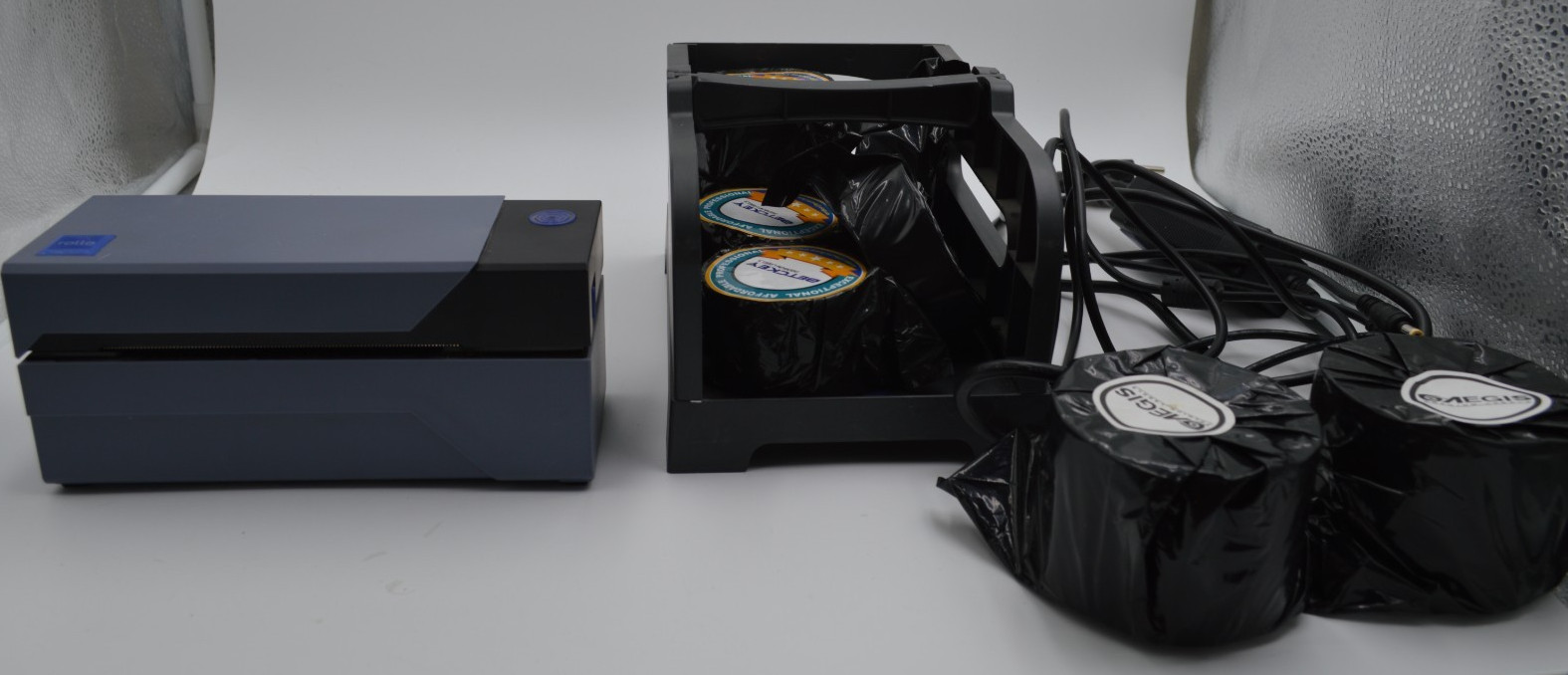 Rollo X1038 USB Thermal Label Printer Commercial Grade Shipping Printer w/ Cable$115.00View on eBay
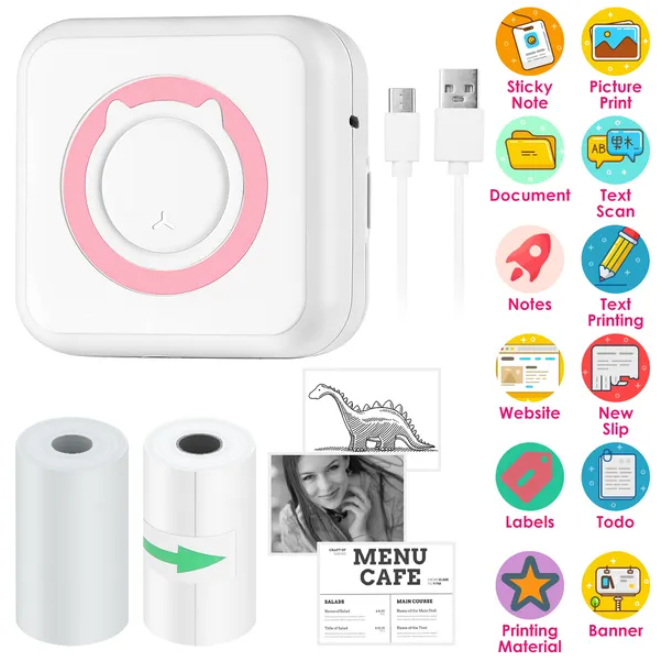 Portable Wireless Thermal Printer$34.99View on Mallflare
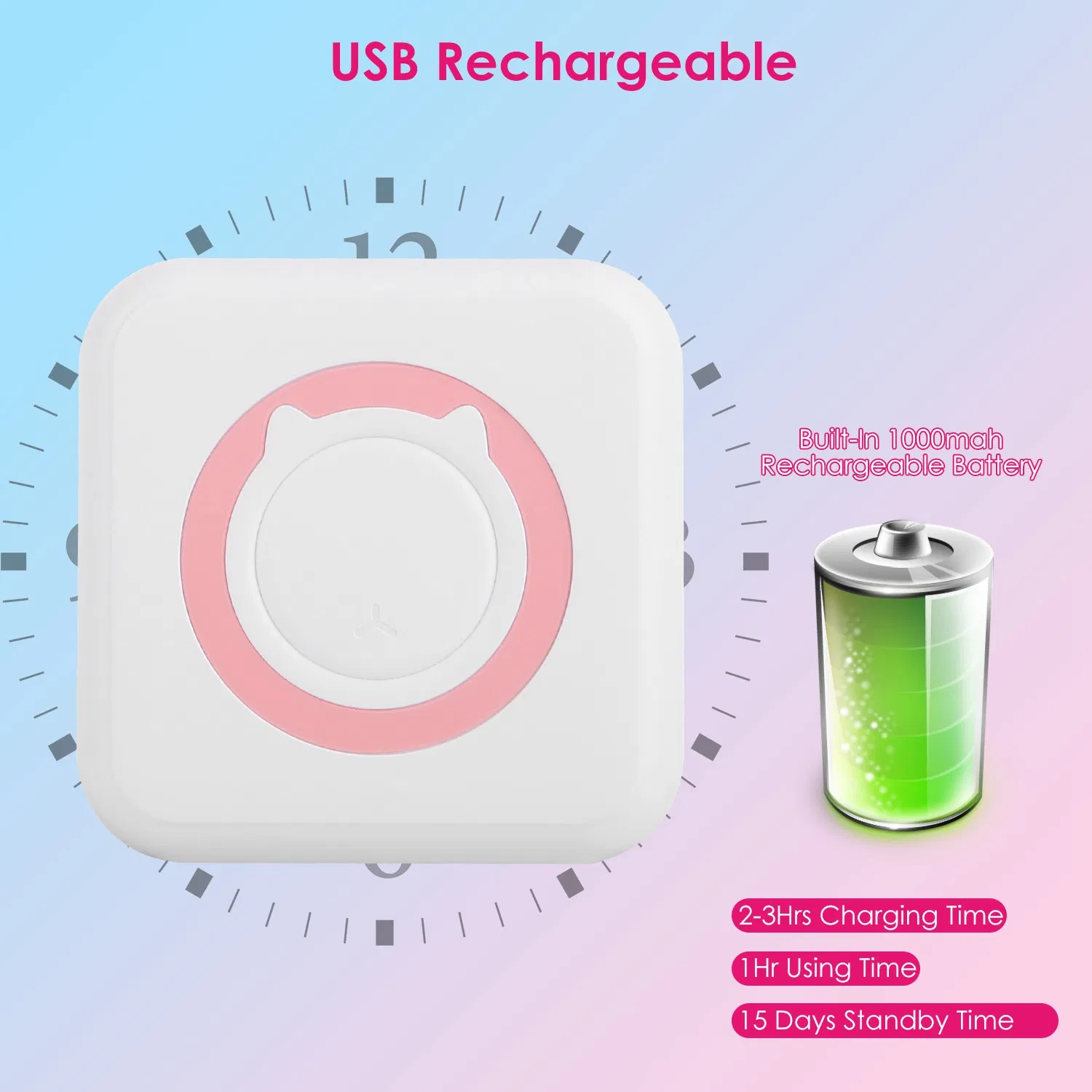 Portable Thermal Printer, Bluetooth Mini Ink-less Built-in Battery, Includes 2 Rolls Printing Paper, Compatible With For Label List Memo Picture$40.99View on Mallflare
Highlights
- Direct-thermal prints fade in 6–12 months when exposed to heat, sunlight, or friction; thermal-transfer with resin ribbon lasts 5+ years and resists chemicals and abrasion.
- Resolution tiers (203 dpi vs 300 dpi) determine barcode scannability and small-text legibility—300 dpi is mandatory for 2D codes under 10 mil and dense shipping labels.
- Print width classes (2-inch vs 4-inch) dictate media compatibility: 2-inch handles receipts and small labels, 4-inch handles standard 4x6 shipping labels and wider barcode formats.
- Connectivity modules (USB-only vs Bluetooth vs Wi-Fi/Ethernet) define deployment: USB for fixed workstation tethering, Bluetooth for mobile field printing, Ethernet for networked warehouse stations.
Best use cases
- Best fit: high-volume shipping operations—choose a 4-inch direct-thermal label printer with USB/Ethernet and 203 dpi for 4x6 labels; skip 2-inch portable units that require manual feeding and lack roll capacity.
- Best fit: mobile field receipts and on-the-spot labels—pick a Bluetooth direct-thermal printer with built-in battery and 2-inch media width; skip desktop 4-inch units that need AC power and fixed clearance.
- Best fit: permanent asset tags and outdoor barcode labels—invest in thermal-transfer with 300 dpi and resin ribbon; skip direct-thermal only models that will fade or smudge under heat and chemicals.
Buying tips
- Match media width to print width: a 4-inch printer accepts 4-inch-wide labels but prints max 4.09 inches; a 2-inch printer caps at 2.28 inches—buy media within the printer’s specified max width to avoid jams.
- For barcodes smaller than 10 mil or text under 6 pt, choose 300 dpi; 203 dpi is sufficient for standard 4x6 shipping labels and receipt text at 10 pt or larger.
- Direct-thermal media requires a topcoat for durability—specify labels with a protective topcoat if exposed to handling or mild moisture; thermal-transfer needs matching ribbon (wax for paper, resin for synthetics).
- Bluetooth models need a clear line of sight and typically support 30 ft range; for warehouse floors with metal shelving, choose Wi-Fi/Ethernet models to avoid dropped connections.
Specs
| Print Method | Direct-thermal vs thermal-transfer |
|---|---|
| Max Print Width | 2-inch (58mm) / 4-inch (108mm) |
| Resolution | 203 dpi vs 300 dpi |
| Connectivity | USB / Bluetooth / Wi-Fi / Ethernet |
Related searches
What to check before buying
- Measure your label or receipt roll core diameter (0.5 inch, 1 inch, or 3 inch) and max roll OD—printers have specific spindle and clearance limits; confirm the printer’s media compartment accommodates your roll.
- Verify voltage and plug standard for your region (100–240 VAC auto-switching is common, but some imports are single-voltage); confirm the included power adapter matches your outlet.
- Check OS and driver support: Windows and macOS have broad driver availability, but Linux and Chrome OS may require specific models or generic ESC/POS drivers.
- Confirm required companion parts: thermal-transfer needs ribbon cartridges or spindles; portable units need charging cables and may require specific label sizes; desktop units need USB or Ethernet cables.
FAQ
Data sources: eBay / Amazon listings and product attribute feeds. Updated Nov 28, 2026.
Some links on this page are affiliate links. If you buy after clicking one, we may earn a commission at no extra cost to you. This does not change which products appear here or their order. Affiliate disclosure.