
Photos from current listings. Actual item, color, and included accessories may vary.
Printer Scanner Copier Buying Guide
A printer-scanner-copier (all-in-one) combines printing, scanning, and copying in one chassis; the core trade-off is inkjet vs laser and cartridge vs ink-tank, which dictates cost-per-page and photo capability. Choose laser for high-volume text and ink-tank inkjet for low-cost color, and avoid low-yield cartridge inkjets if you print more than a few pages weekly.
Median $149.95
Key takeaways
- Inkjet models use either disposable cartridges (higher cost-per-page, lower upfront) or refillable ink tanks (bulk ink, dramatically lower cost-per-page).
- Laser MFPs use toner and are faster on text, never clog, and excel at monochrome volume; color laser costs far more upfront.
- Wireless connectivity is standard via Wi-Fi 802.11b/g/n and often Wi-Fi Direct; Ethernet and USB are tier differentiators.
At a glance
- Category
- Printers & Scanners
- Last updated
- Nov 28, 2026
Current offers
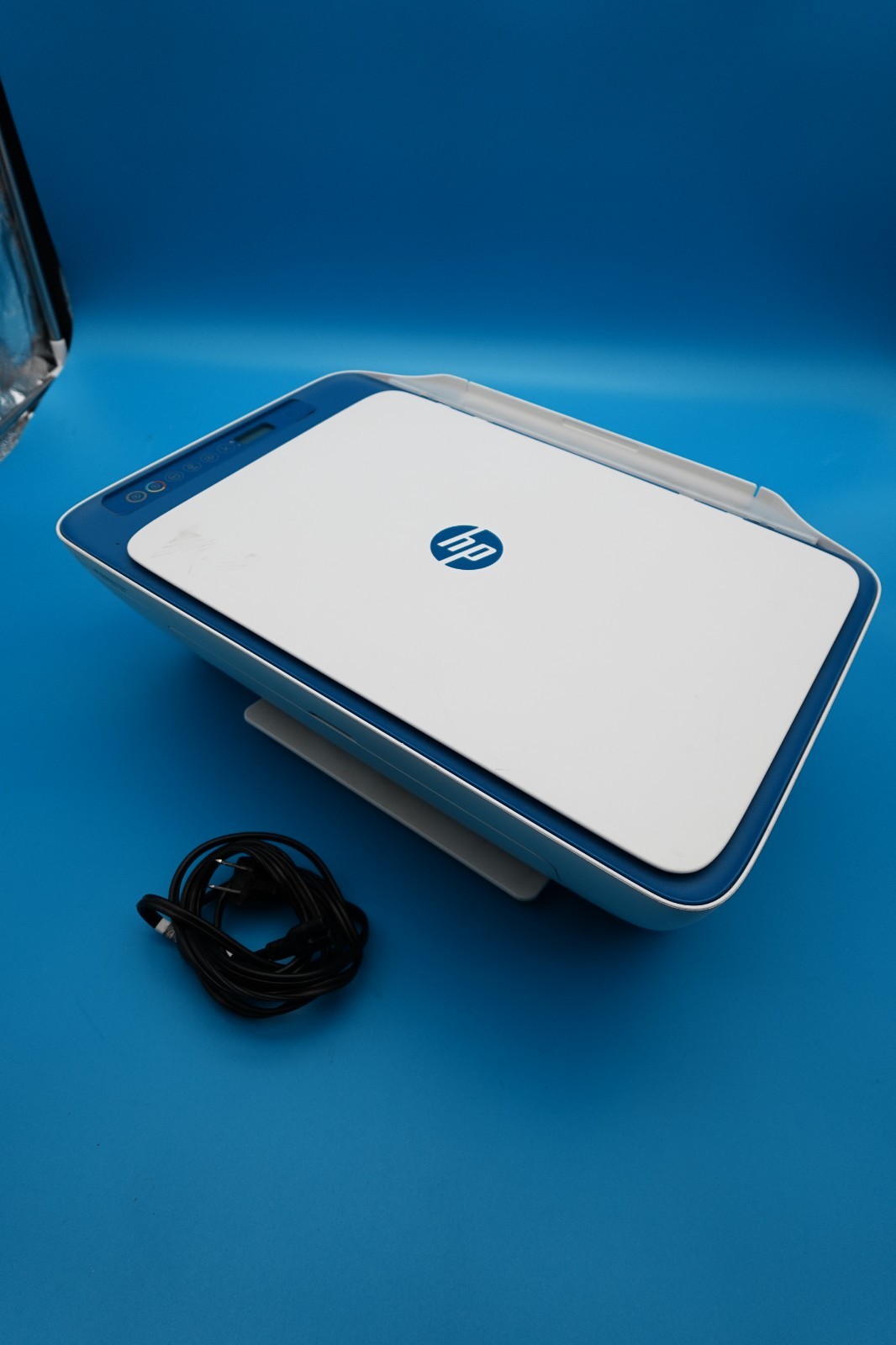 HP Deskjet 2622 All in One Compact Printer Scanner And Copier$24.99View on eBay
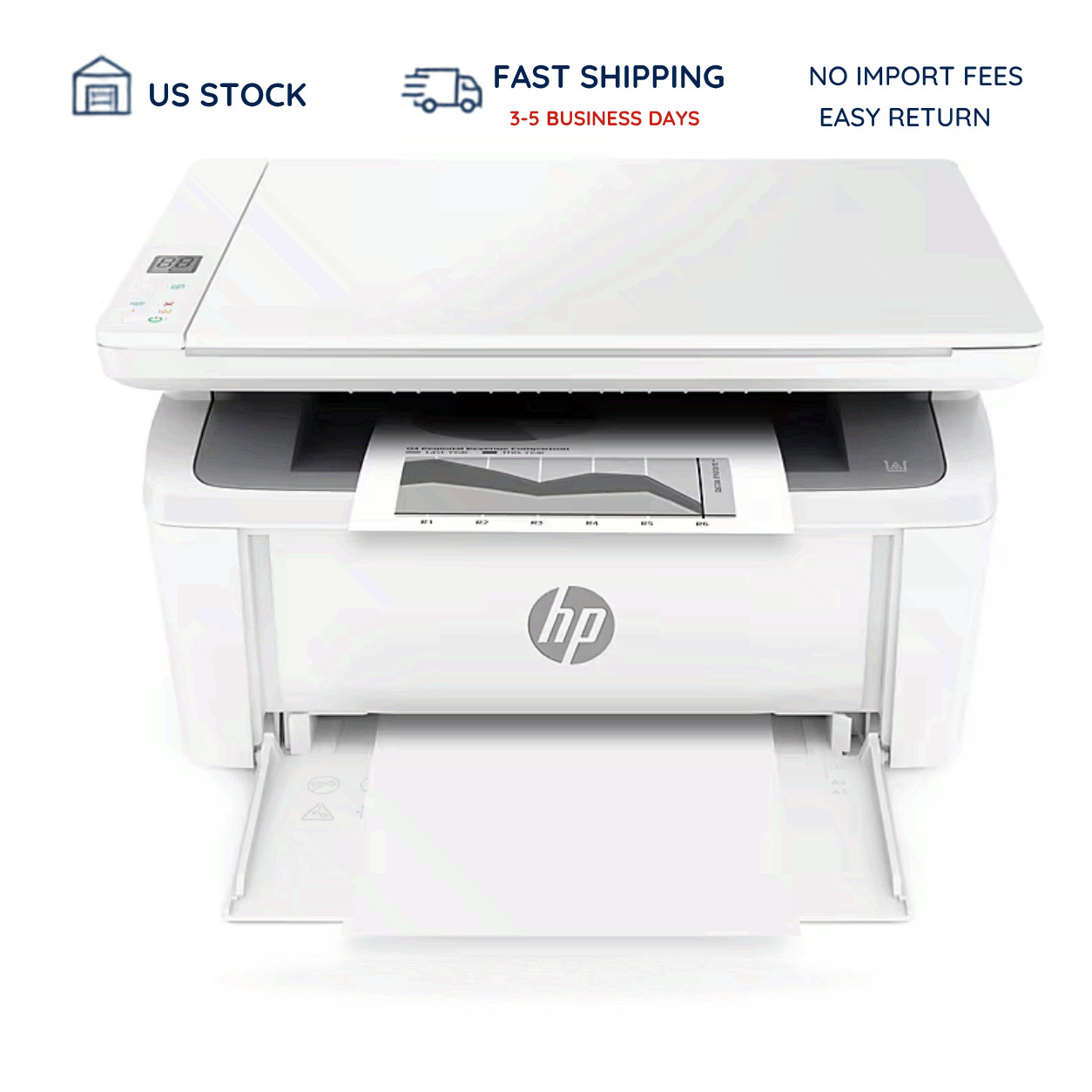 HP LaserJet MFP M140w Wireless B&W All-in-One Laser Printer Scanner Copier 7MD72$100.00View on eBay
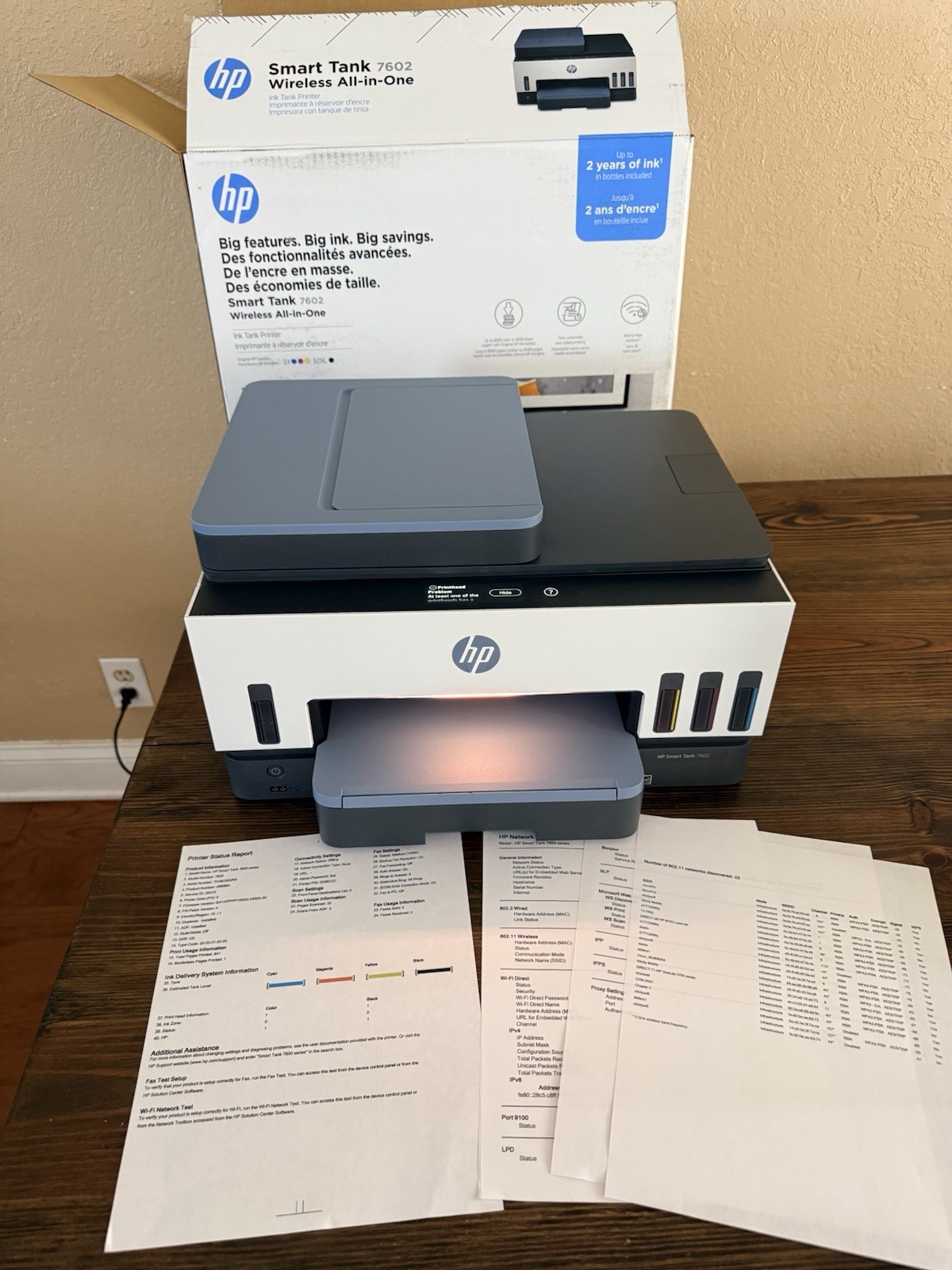 HP Smart Tank 7602 Wireless All-in-One Ink Printer Scanner Copier Home & Office$139.00View on eBay
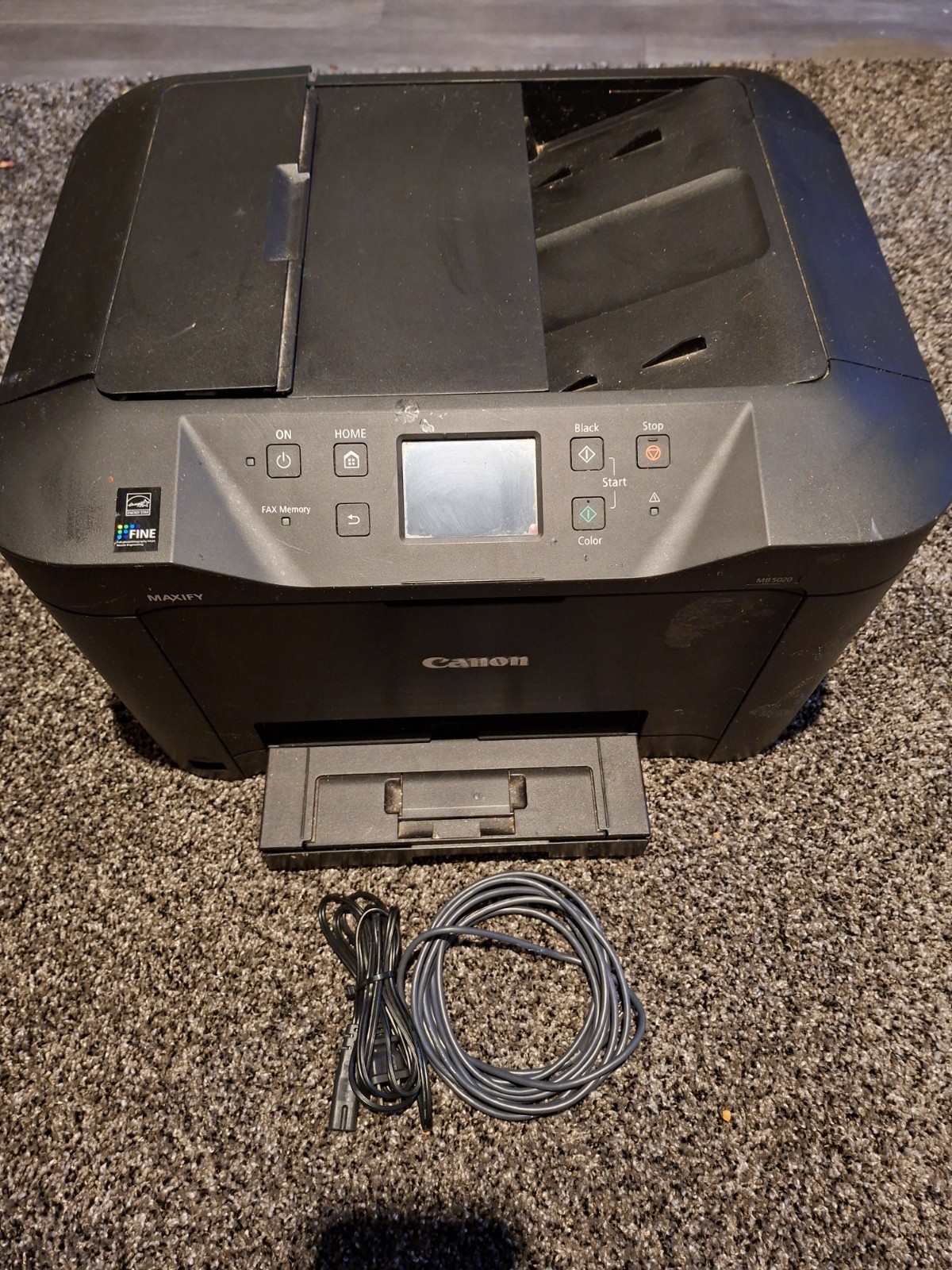 Canon MAXIFY MB5020 All-In-One Office Business Color Printer Fax Scanner Copier$149.95Last checked Nov 20, 2026View on eBay
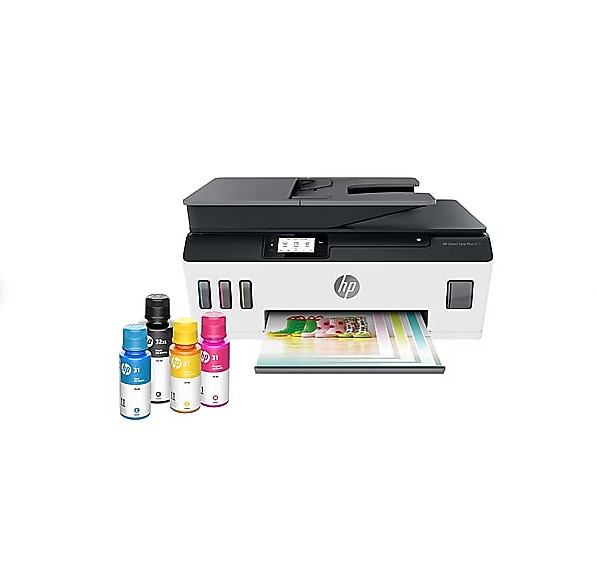 HP Smart Tank Plus 651 Wireless All-in-One Ink Tank Printer Scanner Fax 7XV38A$169.99View on eBay
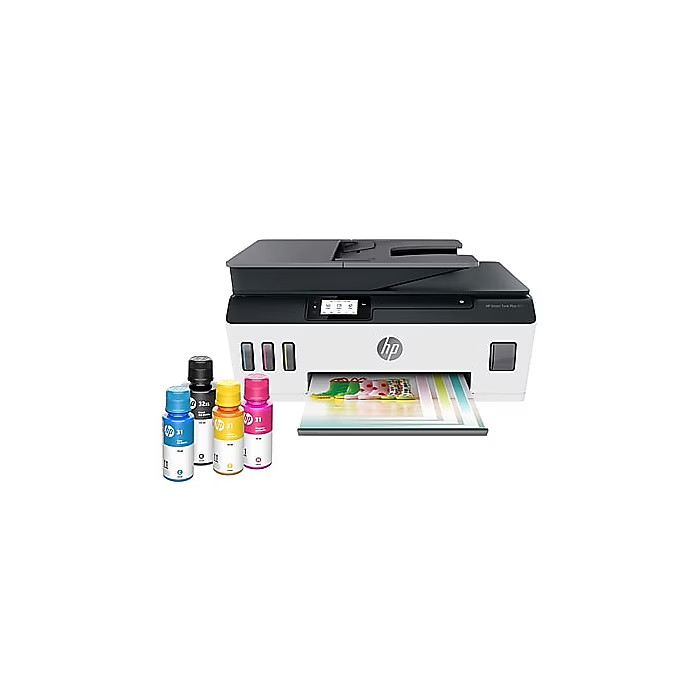 HP Smart Tank Plus 651 Wireless All-in-One Ink Tank Printer Scanner$174.99View on eBay
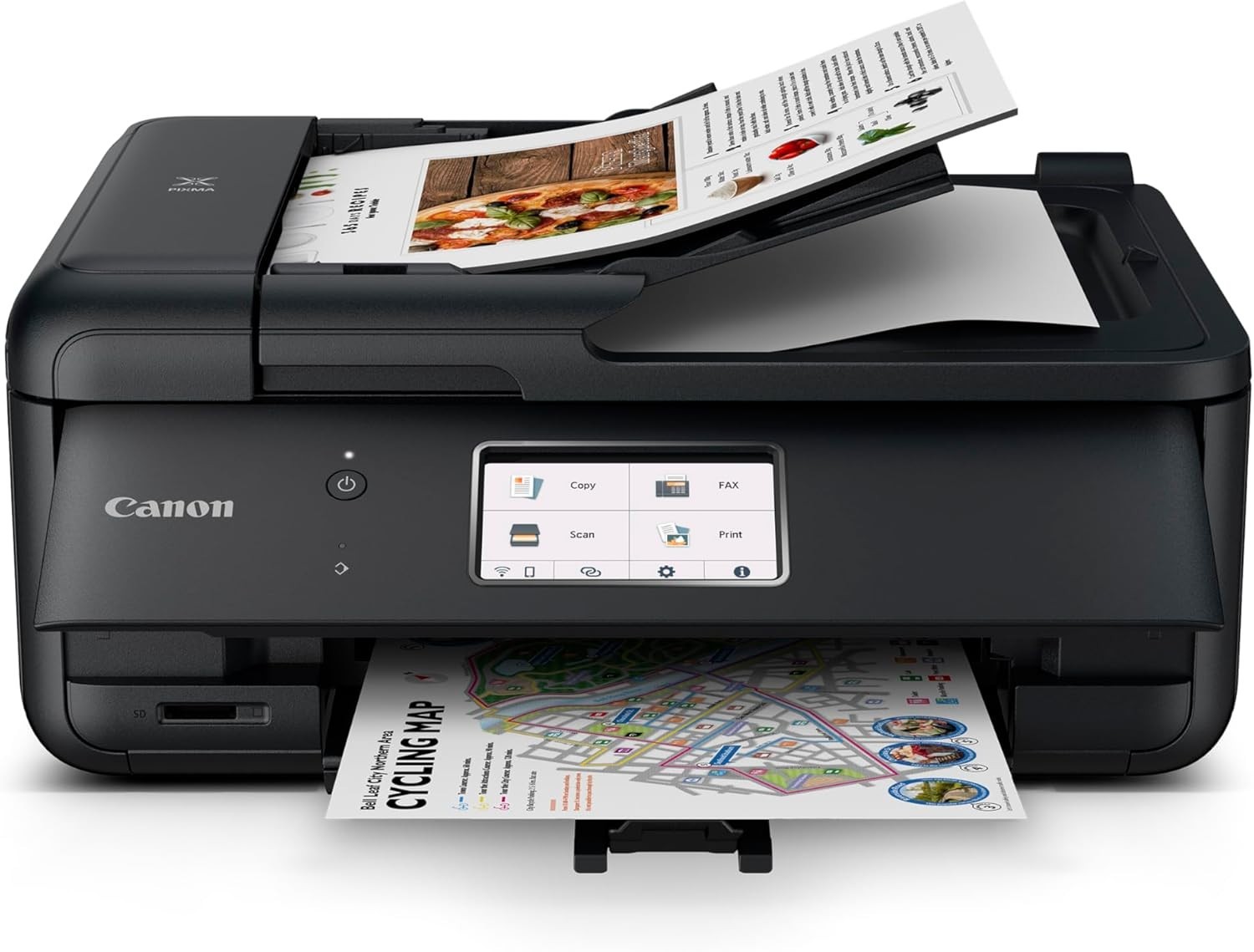 Canon PIXMA TR8620a - All-in-One Printer Home Office|Copier|Scanner|Fax|Auto$189.50View on eBay
Highlights
- Inkjet models use either disposable cartridges (higher cost-per-page, lower upfront) or refillable ink tanks (bulk ink, dramatically lower cost-per-page).
- Laser MFPs use toner and are faster on text, never clog, and excel at monochrome volume; color laser costs far more upfront.
- Wireless connectivity is standard via Wi-Fi 802.11b/g/n and often Wi-Fi Direct; Ethernet and USB are tier differentiators.
- Automatic document feeders (ADF) enable multi-page scan/copy/fax; flatbed-only models require manual page-by-page placement.
Best use cases
- Home with occasional color/photo printing: pick an inkjet all-in-one like Epson Expression Home or Canon PIXMA TS series; skip laser if photos matter.
- Home office with high text volume: pick a monochrome laser MFP (HP LaserJet MFP or Brother MFC-L2700 series); skip inkjet to avoid clogging and cartridge churn.
- Frequent color documents and low cost-per-page: pick an ink-tank model (HP Smart Tank, Epson EcoTank); skip cartridge inkjets for volume.
- Copy/scan/fax of multi-page documents: pick a model with an ADF; skip flatbed-only units if you regularly scan stacks.
Buying tips
- Calculate cost-per-page: cartridge inkjets often run high per page; ink-tank models cut color cost dramatically for volume users.
- Match paper handling to workload: standard 100-sheet tray suits light home use; 150+ sheets and ADF suit office copying.
- Check connectivity tier: Wi-Fi is baseline; add Ethernet or USB for stable office networking and direct connections.
- For laser, confirm toner yield and whether starter toner is low-capacity; high-yield toner lowers long-run cost.
Specs
| Print Technology | Inkjet vs Laser (mono/color) |
|---|---|
| Ink System | Cartridge vs Refillable Ink Tank |
| Connectivity | Wi-Fi / USB / Ethernet |
| Document Feeder | Flatbed only vs ADF |
Related searches
What to check before buying
- Measure the footprint: compact models fit narrow desks; verify depth for paper trays and output extenders.
- Confirm Wi-Fi band and router compatibility (2.4 GHz is common; 5 GHz support varies by model).
- Check power: standard 110-120V US plug; verify outlet access and cable reach.
- Confirm computer/phone compatibility (Windows, macOS, iOS/Android print apps) and included starter ink/toner.
FAQ
Data sources: eBay / Amazon listings and product attribute feeds. Updated Nov 28, 2026.
Some links on this page are affiliate links. If you buy after clicking one, we may earn a commission at no extra cost to you. This does not change which products appear here or their order. Affiliate disclosure.