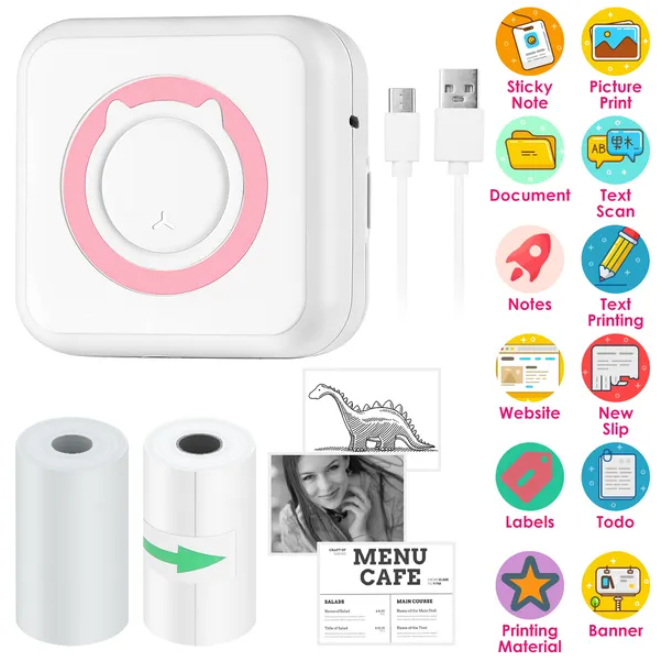

Photos from current listings. Actual item, color, and included accessories may vary.
Portable Printer Buying Guide
A portable printer is a compact, battery-powered device that lets you print documents, labels, or photos away from a desk, with the core trade-off being inkless thermal speed versus pigment-based photo quality. The decision rule: choose thermal for high-volume text, labels, and receipts; choose inkjet or dye-sub only when you need full-color, fade-resistant photos or graphics.
Median $37.99
Key takeaways
- Thermal printers use direct thermal (no ink) or Zink (dye crystals) heads that print 200–300 dpi monochrome; inkjet portables use 4-color cartridges for 4800 dpi color but cost more per page.
- Direct thermal paper is heat-sensitive and fades in sunlight or above 140°F; Zink and dye-sub prints are more durable but cost 3–5x more per print.
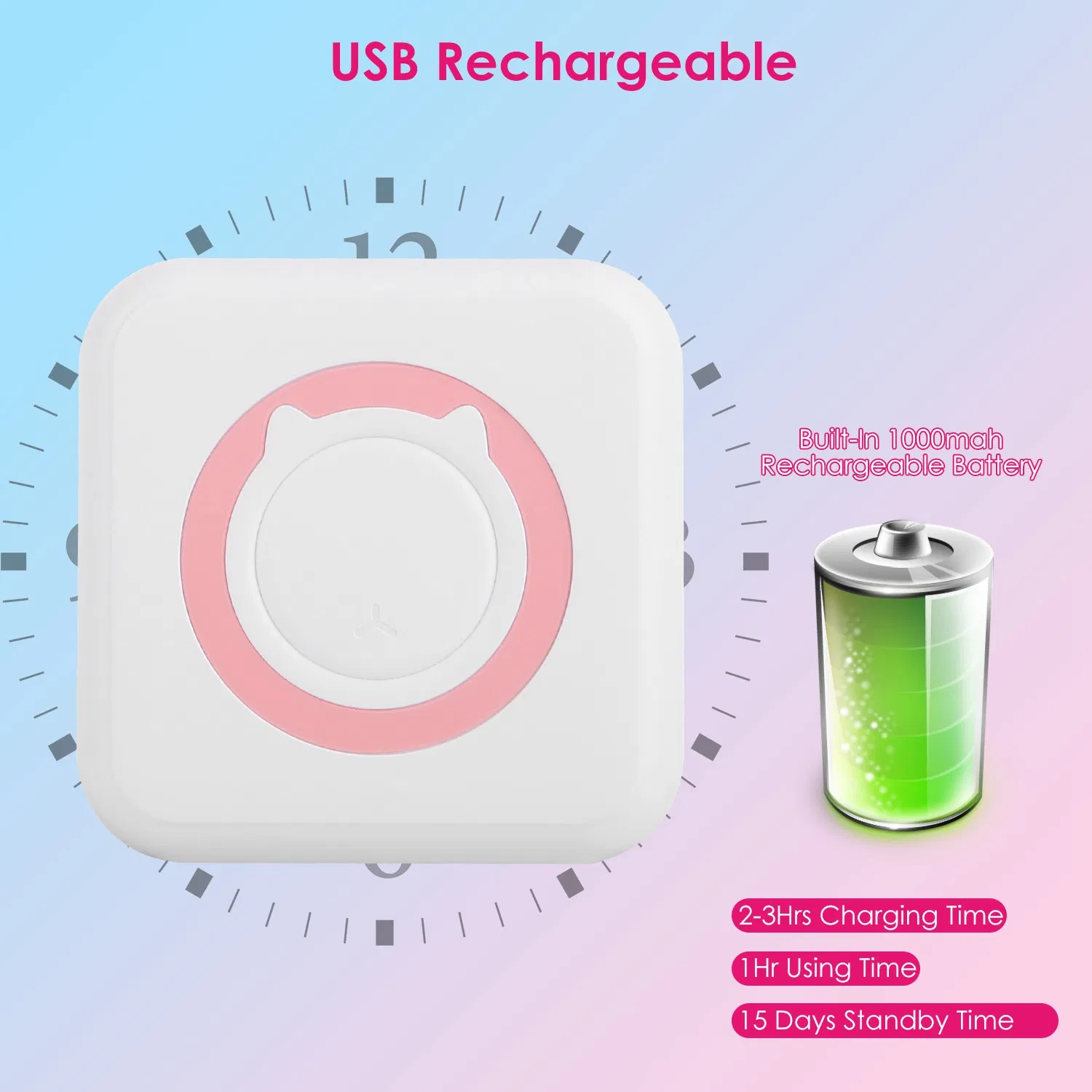
- Battery capacity ranges from 1000–2500 mAh (20–50 prints) to 5000+ mAh (100+ prints); USB-C charging with 5V/2A input is the modern standard.
At a glance
- Category
- Printers & Scanners
- Last updated
- Nov 28, 2026
Current offers
Highlights
- Thermal printers use direct thermal (no ink) or Zink (dye crystals) heads that print 200–300 dpi monochrome; inkjet portables use 4-color cartridges for 4800 dpi color but cost more per page.
- Direct thermal paper is heat-sensitive and fades in sunlight or above 140°F; Zink and dye-sub prints are more durable but cost 3–5x more per print.
- Battery capacity ranges from 1000–2500 mAh (20–50 prints) to 5000+ mAh (100+ prints); USB-C charging with 5V/2A input is the modern standard.
- Connectivity tiers: Bluetooth-only for phone apps, Wi-Fi Direct for laptop/tablet, and USB-C for wired fallback; AirPrint and Mopria support are rare on portables and must be confirmed.
Best use cases
- Best fit: field service, delivery, and retail staff printing receipts, labels, or invoices from a phone — pick a 203 dpi direct thermal printer with 2000+ mAh battery and Bluetooth.
- Best fit: students and remote workers printing text documents from a laptop — choose a Wi-Fi Direct or USB-C thermal printer with 300 dpi and A4/Letter thermal paper support.
- Wrong fit: photographers needing color-accurate, archival prints — skip thermal and buy a dye-sub or inkjet portable with manufacturer ICC profiles and fade-resistance ratings.
- Wrong fit: high-volume office printing — portable printers are limited to 50–150 prints per charge and paper rolls are narrow; use a desktop laser instead.
Buying tips
- For thermal paper, verify roll width (typically 2-inch/58mm or 4-inch/110mm) and core diameter; 4-inch rolls need a wider printer body and cost more per roll.
- Battery life math: 1500 mAh at 5V yields roughly 25–40 prints on 203 dpi thermal; for 100+ prints per charge, choose 5000 mAh or more.
- DPI matters: 203 dpi is fine for receipts and labels; 300 dpi is needed for small text, barcodes, and document scans.
- Check paper type: direct thermal paper is not the same as Zink paper; each printer accepts only its specified media, and refills must match the model.
Specs
| Print Technology | Direct thermal / Zink / Inkjet |
|---|---|
| Resolution | 203 dpi mono / 300 dpi mono / 4800 dpi color |
| Paper Width | 58mm (2-inch) / 110mm (4-inch) |
| Battery / Connectivity | 1500–5000 mAh; BT / Wi-Fi / USB-C |
Related searches
What to check before buying
- Measure your paper source: confirm you can buy thermal rolls in 58mm or 110mm width with the correct core size for your printer model.
- Check voltage/plug standard: portable printers charge via USB-C 5V; ensure your power bank or charger supports 5V/2A output.
- Verify connectivity with your devices: Bluetooth for iOS/Android apps, Wi-Fi Direct for Windows/macOS laptops; confirm AirPrint only if needed.
- Assess environment: direct thermal prints fade above 140°F or in direct sunlight; store prints in cool, dark conditions or choose Zink/dye-sub for outdoor use.
FAQ
Data sources: eBay / Amazon listings and product attribute feeds. Updated Nov 28, 2026.
Some links on this page are affiliate links. If you buy after clicking one, we may earn a commission at no extra cost to you. This does not change which products appear here or their order. Affiliate disclosure.