
Photos from current listings. Actual item, color, and included accessories may vary.
Monochrome Printer Buying Guide
Monochrome printers are laser-based machines optimized for high-volume black-and-white text, trading color capability for lower cost-per-page and faster duplex output. The primary decision is laser engine class (entry vs. business), which dictates duty cycle, toner yield, and paper handling, while all-in-one vs. printer-only determines whether you add scan/copy/fax hardware. Choose a business-class engine with a rated monthly duty cycle above your peak volume if you print daily; entry models are fine for light intermittent use but have lower-yield toners and plastic feed paths.
Median $139.97
Key takeaways
- Laser engines dominate monochrome printing: toner fusing yields sharper text and far lower cost-per-page than inkjet, with no nozzle clogging during idle periods.
- Business-class models (e.g., Brother HL-L6200DW, HP LaserJet Pro 4001n, Lexmark MX331adn) carry higher duty cycles and 3,000–12,000-page toner cartridges versus 700–1,200-page starter toners on entry units.
- All-in-one chassis (MFC-L2740DW, M234sdw, MX331adn) add ADF scanning, copying, and fax; printer-only units (HL-L2405W, 4001n) are smaller, cheaper to run, and fewer parts to fail.
At a glance
- Category
- Printers & Scanners
- Last updated
- Nov 28, 2026
Current offers
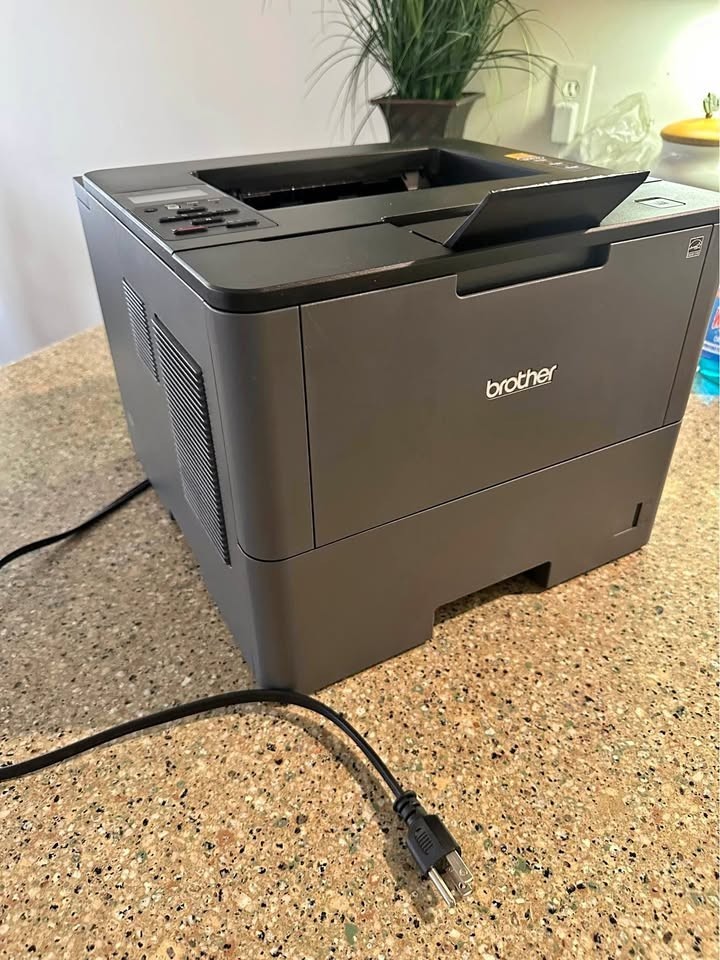 Brother HL-L6200DW Monochrome Laser Printer$100.00View on eBay
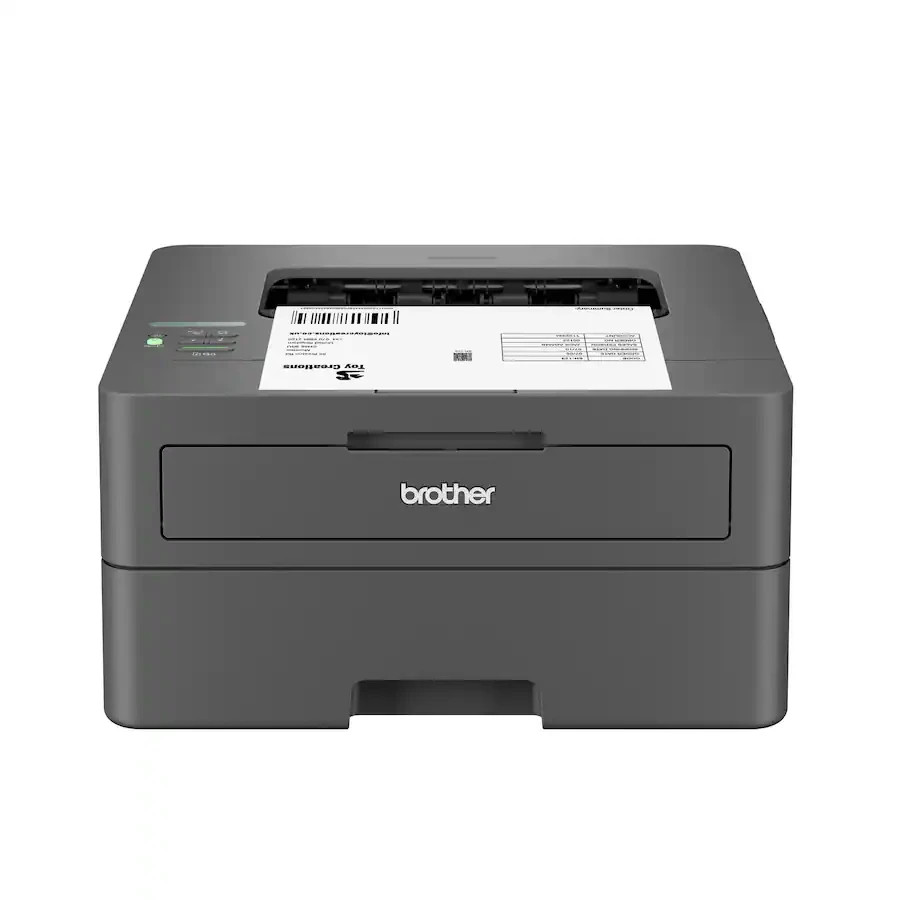 Brother HL-L2405W Wireless Monochrome Laser Printer$106.79View on eBay
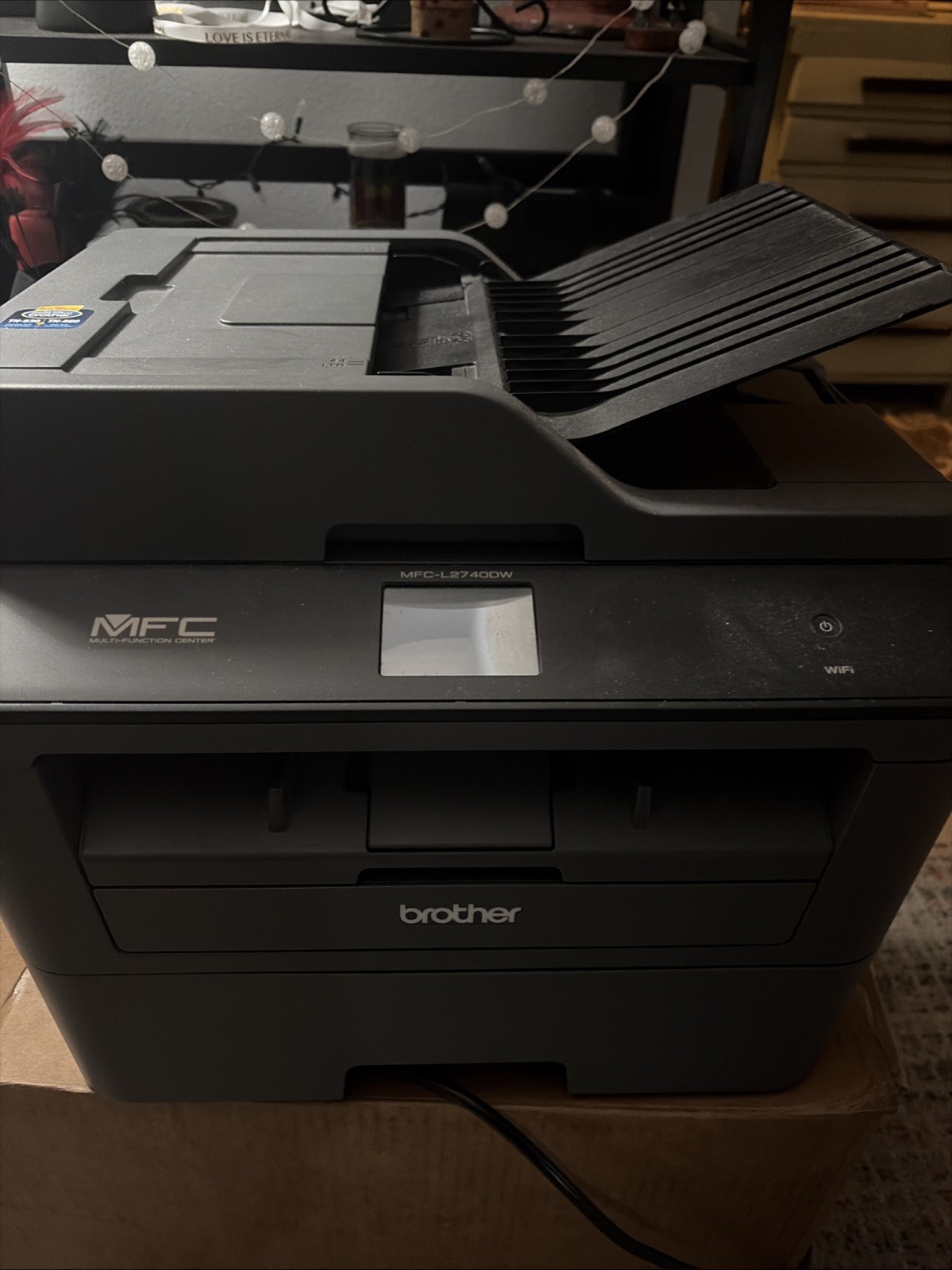 Brother MFCL2740DW Wireless Monochrome Printer with Scanner, Copier and Fax -...$129.95View on eBay
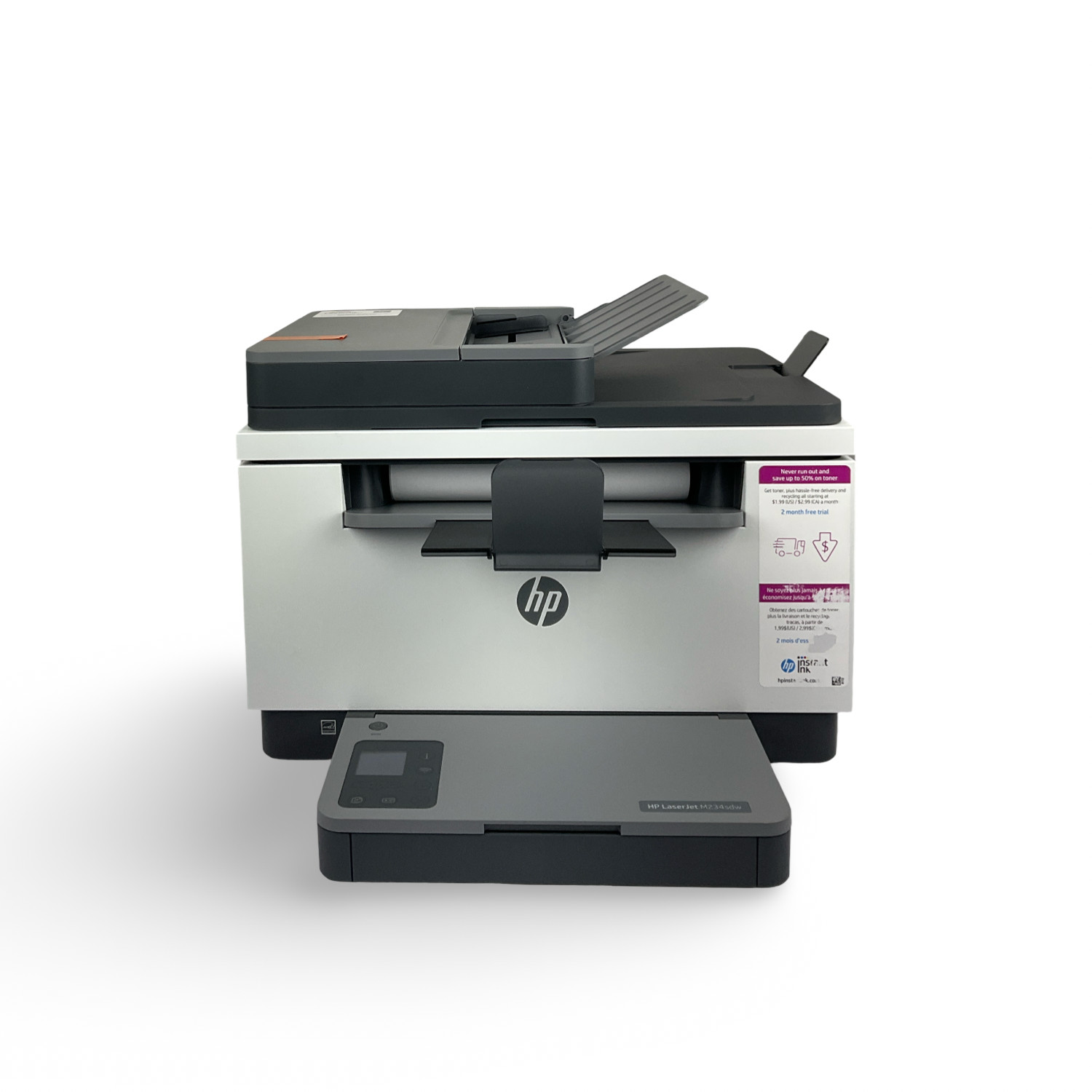 HP LaserJet Pro M234sdw All-In-One Monochrome Laser Printer 6GX01F$149.99Last checked Nov 21, 2026View on eBay
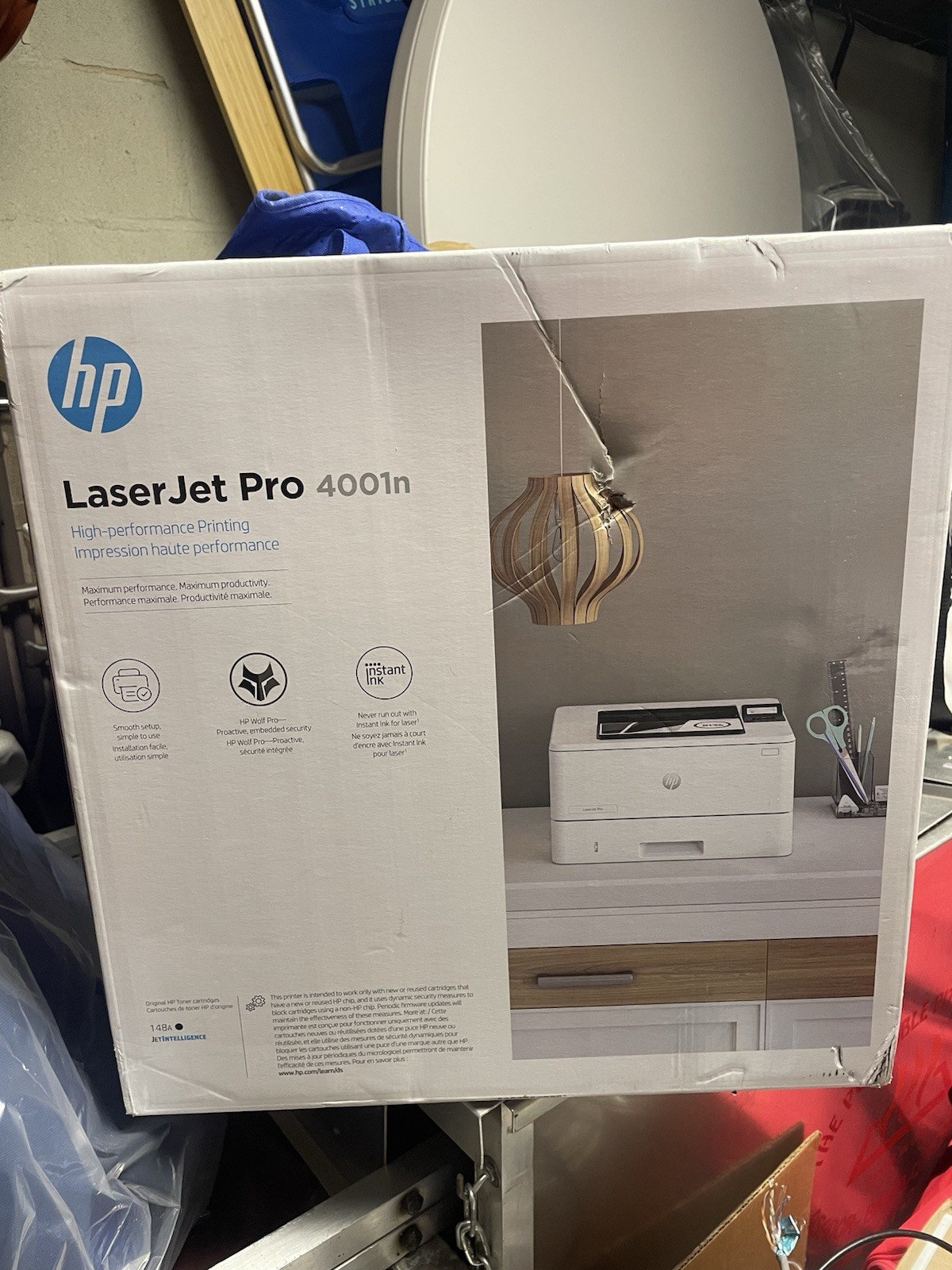 HP LaserJet Pro 4001n Monochrome Laser Printer NEW Factory Sealed EthernetOffice$199.00Last checked Nov 21, 2026View on eBay
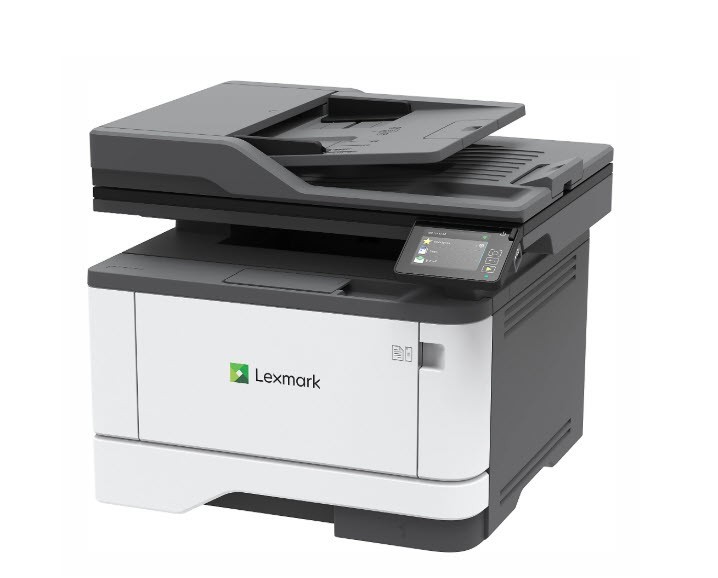 Lexmark MX331adn Laser All-In-One Copy/Print/Scan/Fax Monochrome Printer Sealed$300.00Last checked Nov 15, 2026View on eBay
Highlights
- Laser engines dominate monochrome printing: toner fusing yields sharper text and far lower cost-per-page than inkjet, with no nozzle clogging during idle periods.
- Business-class models (e.g., Brother HL-L6200DW, HP LaserJet Pro 4001n, Lexmark MX331adn) carry higher duty cycles and 3,000–12,000-page toner cartridges versus 700–1,200-page starter toners on entry units.
- All-in-one chassis (MFC-L2740DW, M234sdw, MX331adn) add ADF scanning, copying, and fax; printer-only units (HL-L2405W, 4001n) are smaller, cheaper to run, and fewer parts to fail.
- Duplex (automatic two-sided) printing and Ethernet are the practical dividing line: entry wireless models often omit duplex or wired LAN, while business tiers include both plus PCL/PostScript emulation.
Best use cases
- Home office with light weekly printing: pick a compact wireless printer-only model (HL-L2405W class) with a 700–1,200-page starter toner; skip all-in-one units whose scanner glass and ADF add bulk and failure points you won't use.
- Small workgroup printing 500–2,000 pages/month: choose a business printer-only engine (HL-L6200DW or LaserJet Pro 4001n) with a 250+ sheet tray, duplex, and Ethernet; skip entry models that cap duty cycle and force frequent toner swaps.
- Front-desk or clinic needing copy/scan/fax: select an all-in-one with ADF (MFC-L2740DW, M234sdw, MX331adn) and confirm ADF duplex scanning; skip printer-only units because a separate scanner costs more and clutters the desk.
Buying tips
- Match rated monthly duty cycle to peak volume: aim for a printer rated at least 2–3x your busiest month (e.g., 2,000 pages/month needs a 5,000+ page duty engine) to avoid premature feed-roller wear.
- Compare toner yield, not starter cartridge page counts: standard cartridges run roughly 1,000–3,000 pages, high-yield 3,000–12,000 pages; cost-per-page drops sharply with high-yield toner in business-class engines.
- Confirm connection and driver support: Ethernet plus USB is standard on business models, Wi-Fi on entry; verify PCL/PostScript or host-based driver availability for your OS before buying used enterprise units.
- Check paper path and tray capacity: 250-sheet main trays with a bypass slot handle letter/A4 plus envelopes; 50-sheet trays on ultra-compact models require constant refilling at volume.
Specs
| Engine Type | Laser (monochrome) vs LED |
|---|---|
| Duty Cycle | Entry <5k / Business 5k–50k pages/mo |
| Toner Yield | Starter 700–1.2k / High-yield 3k–12k |
| Functions | Printer-only vs All-in-one (ADF/fax) |
Related searches
What to check before buying
- Measure the footprint and clearance: business lasers with 250-sheet trays need roughly 15–18 inches of width and several inches behind for rear feed and duplex path.
- Confirm voltage and plug standard for your region (120V North America vs. 230V EU/UK) especially on used enterprise units sold cross-border.
- Verify toner and drum availability: models using separate drum units (many Brother lasers) need both consumables tracked; cartridge-only designs simplify long-term supply.
- Check OS and network compatibility: older enterprise units (e.g., LaserJet 4200n) may lack modern Wi-Fi or driver support and need Ethernet plus a print server.
FAQ
Data sources: eBay / Amazon listings and product attribute feeds. Updated Nov 28, 2026.
Some links on this page are affiliate links. If you buy after clicking one, we may earn a commission at no extra cost to you. This does not change which products appear here or their order. Affiliate disclosure.