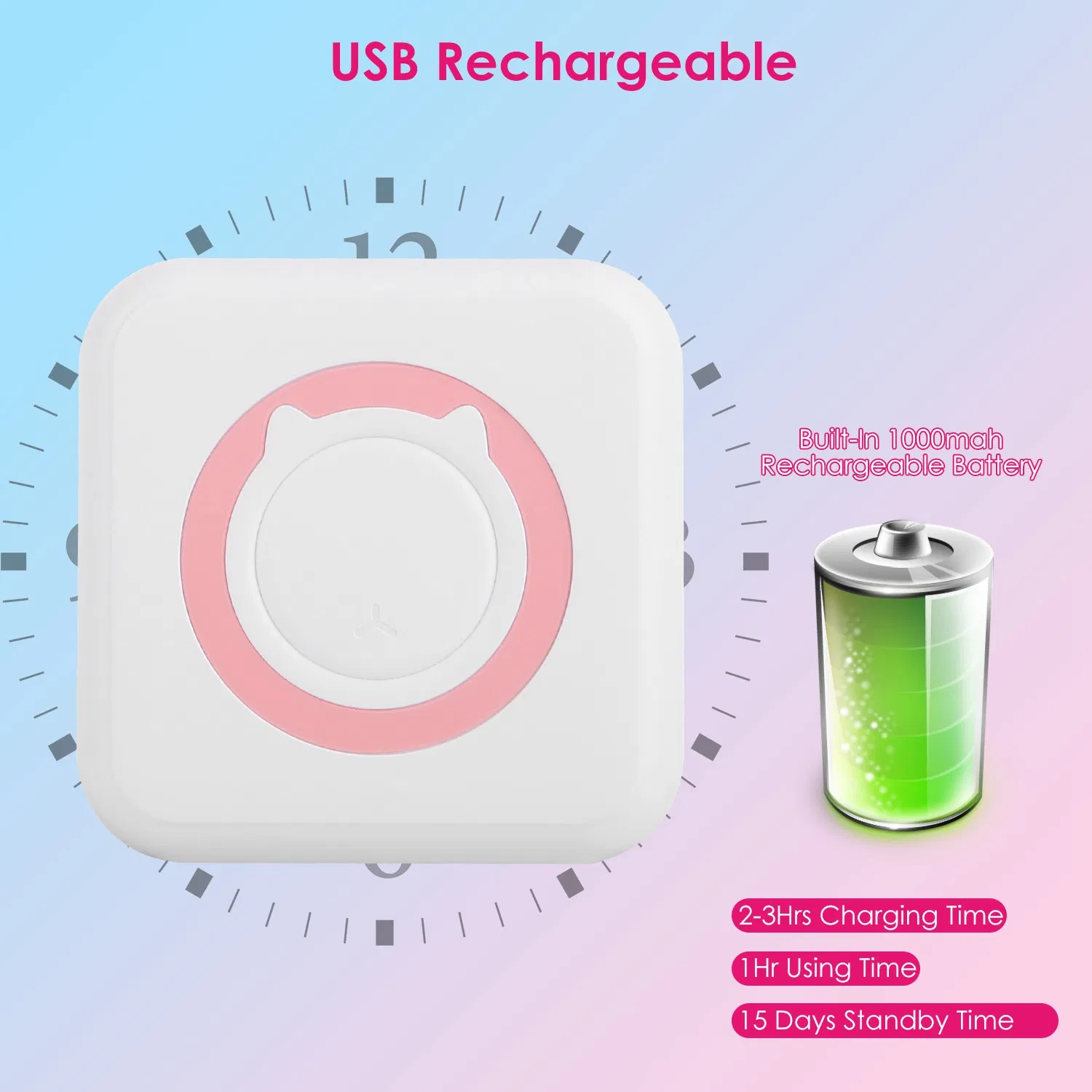

Photos from current listings. Actual item, color, and included accessories may vary.
Mini Thermal Printer Buying Guide
Mini thermal printers are compact, ink-free devices that use a heated printhead and treated paper to output receipts, labels, photos, and notes, typically paired to a phone via Bluetooth. The core trade-off is print width (58mm receipt vs 80mm wide-format) versus portability and battery life, with durability hinging on printhead resolution and paper grade. Buy a 203dpi direct-thermal unit with a replaceable battery and standard 58mm rolls for everyday notes; step up to 300dpi or 80mm width only if you need crisp graphics or archival labels.
Key takeaways
- Direct thermal printing needs no ink or toner; output fades under heat, sunlight, or UV exposure, so archival use requires top-coated thermal paper.
- Printhead resolution of 203dpi suits text and receipts; 300dpi is required for legible small fonts, barcodes, and photo detail.
- 58mm (2-inch) paper is the universal pocket-printer width; 80mm (3-inch) delivers wider receipts but doubles device bulk.
At a glance
- Category
- Printers & Scanners
- Last updated
- Nov 28, 2026
Current offers
Highlights
- Direct thermal printing needs no ink or toner; output fades under heat, sunlight, or UV exposure, so archival use requires top-coated thermal paper.
- Printhead resolution of 203dpi suits text and receipts; 300dpi is required for legible small fonts, barcodes, and photo detail.
- 58mm (2-inch) paper is the universal pocket-printer width; 80mm (3-inch) delivers wider receipts but doubles device bulk.
- Built-in Li-ion batteries in the 1000-2000mAh range yield roughly 50-100 prints per charge; USB-C charging is the modern standard.
Best use cases
- Best fit: students and commuters printing notes, memos, and checklists — pick a 58mm 203dpi Bluetooth unit with 1000mAh+ battery and USB-C.
- Best fit: small retail or market stalls printing receipts — choose an 80mm 203dpi model with tear bar and 2000mAh+ battery for all-day shifts.
- Wrong fit: shipping labels and barcode compliance — skip pocket printers and buy a dedicated 4x6 thermal label printer with 300dpi.
- Wrong fit: long-term archival documents or photos — direct thermal fades; use an inkjet or dye-sub photo printer instead.
Buying tips
- Match paper width to purpose: 58mm for pocket portability, 80mm for receipt-grade width; both use direct thermal rolls with a treated coated side.
- Choose 300dpi over 203dpi if you print barcodes, QR codes, or small text; 203dpi is adequate for plain notes and lists.
- Confirm Bluetooth 4.0/5.0 and iOS/Android app support; some units are Android-only or require a proprietary app for full formatting.
- Prefer USB-C charging and a user-replaceable 18650 or Li-ion cell; sealed batteries turn the device into e-waste when they degrade.
Specs
| Print Technology | Direct thermal (inkless) |
|---|---|
| Print Resolution | 203dpi standard / 300dpi detail |
| Paper Width | 58mm pocket / 80mm receipt |
| Connectivity | Bluetooth 4.0+ / USB-C |
Related searches
What to check before buying
- Measure your intended print area: 58mm rolls yield ~48mm printable width; 80mm rolls yield ~72mm printable width.
- Check phone OS and app compatibility (iOS vs Android) before buying; some printers lack native iOS support.
- Verify paper availability: standard 58mm thermal rolls are widely stocked; proprietary widths lock you into one supplier.
- Confirm the device ships with at least one roll and a USB-C cable; paper type must be direct thermal, not standard bond.
FAQ
Data sources: eBay / Amazon listings and product attribute feeds. Updated Nov 28, 2026.
Some links on this page are affiliate links. If you buy after clicking one, we may earn a commission at no extra cost to you. This does not change which products appear here or their order. Affiliate disclosure.