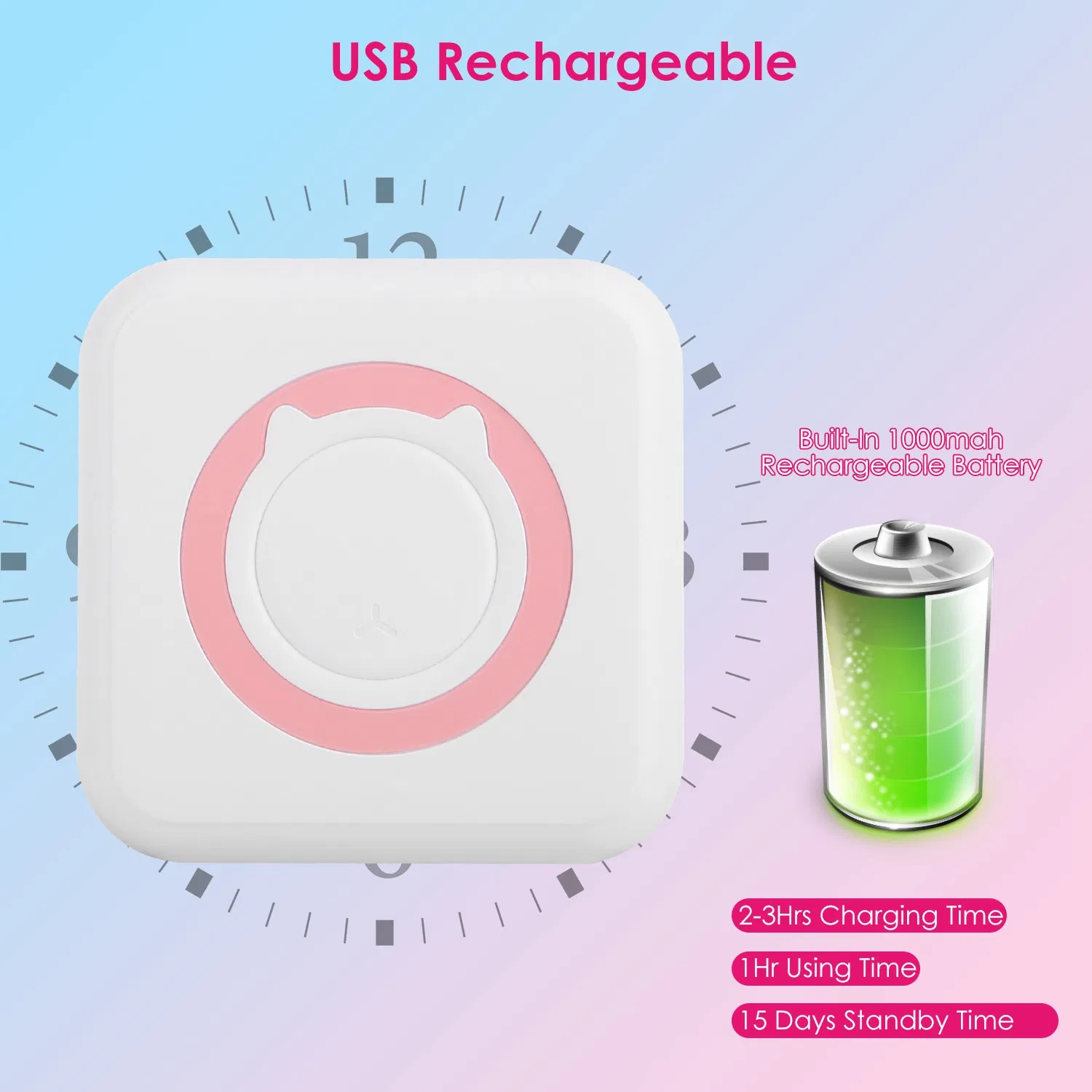

Photos from current listings. Actual item, color, and included accessories may vary.
Mini Printer Buying Guide
Mini printers are compact, battery-powered devices that connect wirelessly to phones or tablets for on-the-spot printing of notes, labels, and photos. The primary trade-off is between ultra-portable thermal models (no ink, but limited to monochrome and special paper) and slightly larger inkjet or dye-sub units (full-color, but heavier and costlier per print). Choose thermal if you need pocketable convenience for text and labels; choose color inkjet or dye-sub only if photo quality is non-negotiable.
Key takeaways
- Thermal mini printers use direct thermal printing—no ink cartridges—but require specially coated thermal paper that fades over time and is sensitive to heat and light.
- Bluetooth connectivity is standard, but some models only support proprietary apps; check for compatibility with both iOS and Android and whether the app requires an internet login.
- Print width is typically 48–80 mm (2–3 inches) for receipt-style thermal printers, while photo-capable mini printers often use ZINK or dye-sub media at 2x3 inches.
At a glance
- Category
- Printers & Scanners
- Last updated
- Nov 28, 2026
Current offers
Highlights
- Thermal mini printers use direct thermal printing—no ink cartridges—but require specially coated thermal paper that fades over time and is sensitive to heat and light.
- Bluetooth connectivity is standard, but some models only support proprietary apps; check for compatibility with both iOS and Android and whether the app requires an internet login.
- Print width is typically 48–80 mm (2–3 inches) for receipt-style thermal printers, while photo-capable mini printers often use ZINK or dye-sub media at 2x3 inches.
- Battery capacity ranges from 1000–2500 mAh; a 2000 mAh battery yields roughly 50–100 prints per charge depending on density and Bluetooth usage.
Best use cases
- Best for students and office workers: pick a 80mm-wide thermal printer with 203 dpi for printing lecture notes, to-do lists, and quick labels—skip if you need archival-quality or color output.
- Best for travelers and field workers: choose a model under 300g with built-in battery and micro-USB/USB-C charging for portable receipts and memos—skip models requiring a wall outlet.
- Best for crafters and scrapbookers: select a dye-sub or ZINK photo printer that supports 2x3-inch sticky-backed paper for smudge-proof color prints—avoid cheap thermal units that only print monochrome.
- Wrong fit: do not buy a mini thermal printer for printing shipping labels at high volume—dedicated 4x6 thermal label printers are faster and cheaper per label.
Buying tips
- Match print width to your primary use: 58mm (2-inch) for receipts and small notes, 80mm (3-inch) for wider lists and labels—paper rolls are not interchangeable between the two.
- Check resolution: 203 dpi is standard for text receipts; 300 dpi models produce sharper small text and barcodes, which matters for legibility on 58mm paper.
- Verify paper type: direct thermal paper requires no ink but must be stored away from heat and sunlight; ZINK paper is ink-free but prints have a glossy finish and are not cheap per sheet.
- Prefer USB-C charging over micro-USB for longevity and cable compatibility; models with 2000 mAh or larger batteries handle a full day of intermittent printing.
Specs
| Print Technology | Direct thermal vs ZINK vs dye-sub |
|---|---|
| Print Width | 48–80 mm (2–3 in) thermal |
| Resolution | 203 dpi standard / 300 dpi high |
| Connectivity | Bluetooth + app / USB / Wi-Fi |
Related searches
What to check before buying
- Measure the space where you will use it—most mini printers are 8–12 cm wide and 3–5 cm tall; ensure the paper roll compartment fits standard roll diameters (usually 30–40 mm).
- Confirm your phone's OS version is supported by the companion app; some older Android versions (below 8.0) or iOS versions (below 12) may not work with newer models.
- Check the charging port and included cable: USB-C is now common, but some budget models still use micro-USB or proprietary connectors.
- Ensure you have a supply of the correct paper size and type—thermal paper rolls are widely available, but ZINK or dye-sub cartridges are model-specific and costlier.
FAQ
Data sources: eBay / Amazon listings and product attribute feeds. Updated Nov 28, 2026.
Some links on this page are affiliate links. If you buy after clicking one, we may earn a commission at no extra cost to you. This does not change which products appear here or their order. Affiliate disclosure.