
Photos from current listings. Actual item, color, and included accessories may vary.
Laser Printer With Scanner Buying Guide
A laser printer with scanner combines laser printing with flatbed or ADF scanning, letting you print, copy, and digitize documents in one compact unit. The key trade-off is monochrome vs. color: mono units cost less per page and are faster, while color units add toner complexity and higher running costs. Buy a mono all-in-one for text-heavy office work; only step up to color if you regularly print client-facing color documents.
Median $169.00
Key takeaways
- Monochrome laser engines typically print at 30–40 ppm with 600×600 dpi native resolution, while color lasers run slower at 20–30 ppm and use four toner cartridges instead of one.
- Scanning hardware splits into flatbed-only (single sheets, bound books) and ADF-equipped models; ADFs handle 35–50 sheets for batch copying and faxing but add bulk and cost.
- Connectivity tiers separate USB-only budget units from Wi-Fi/Ethernet models with mobile print (AirPrint, Mopria) and cloud services; duplex printing is often omitted on entry models.
At a glance
- Category
- Printers & Scanners
- Last updated
- Nov 28, 2026
Current offers
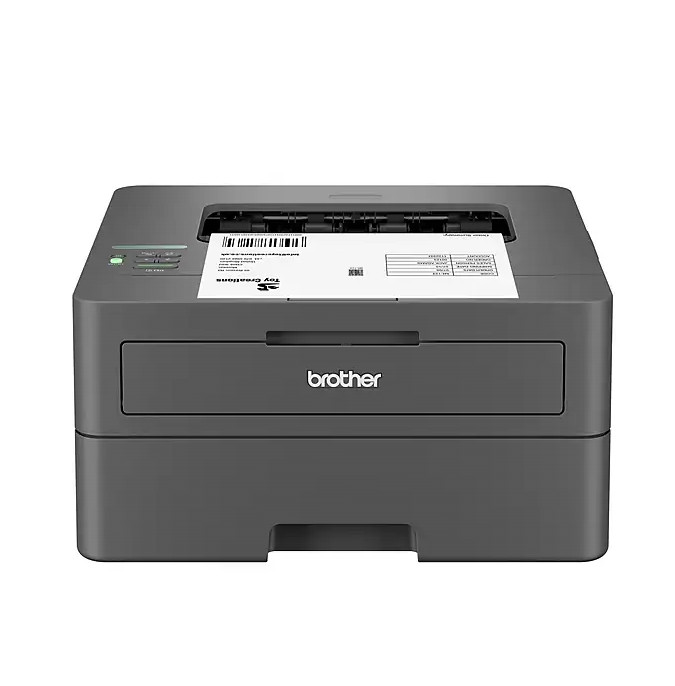 Brother HL-L2405W Wireless, Black & White, Print-Only, Laser Printer$73.99View on eBay
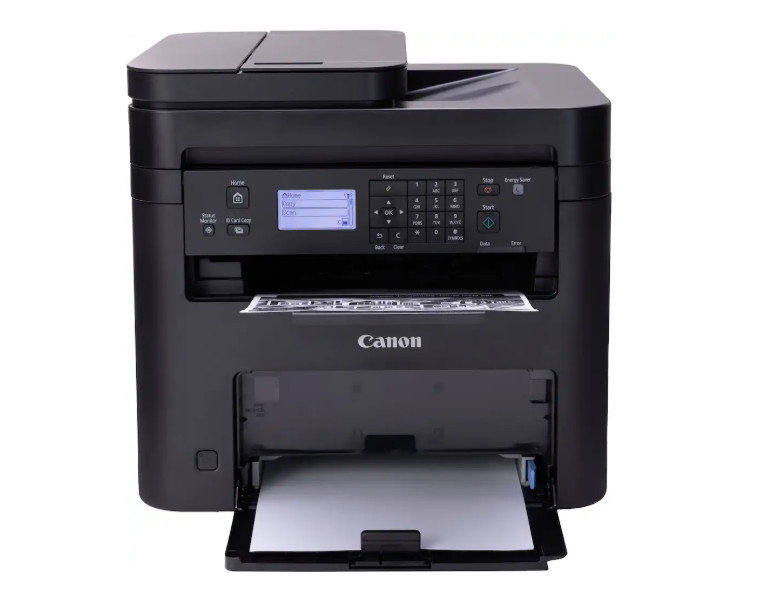 Canon - imageCLASS MF273dw Wireless Black-and-White All-In-One Laser Printer - B$86.67View on eBay
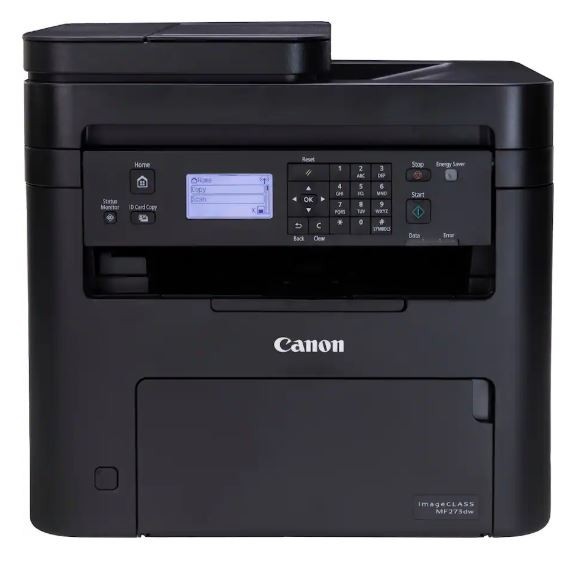 Canon - imageCLASS MF273dw Wireless Black-and-White All-In-One Laser Printer$89.99View on eBay
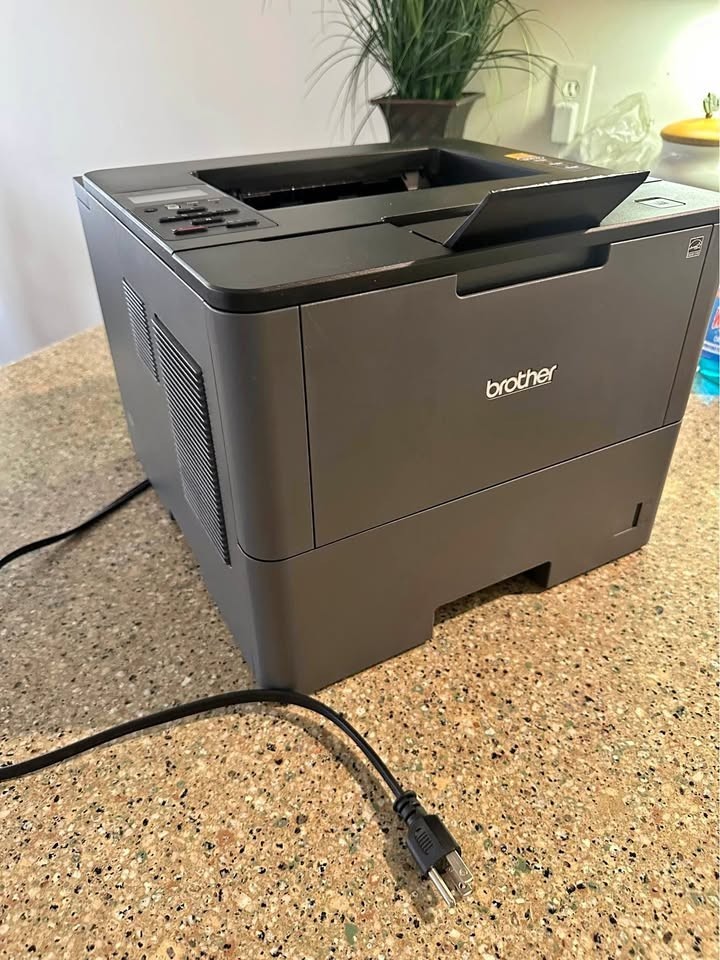 Brother HL-L6200DW Monochrome Laser Printer$100.00View on eBay
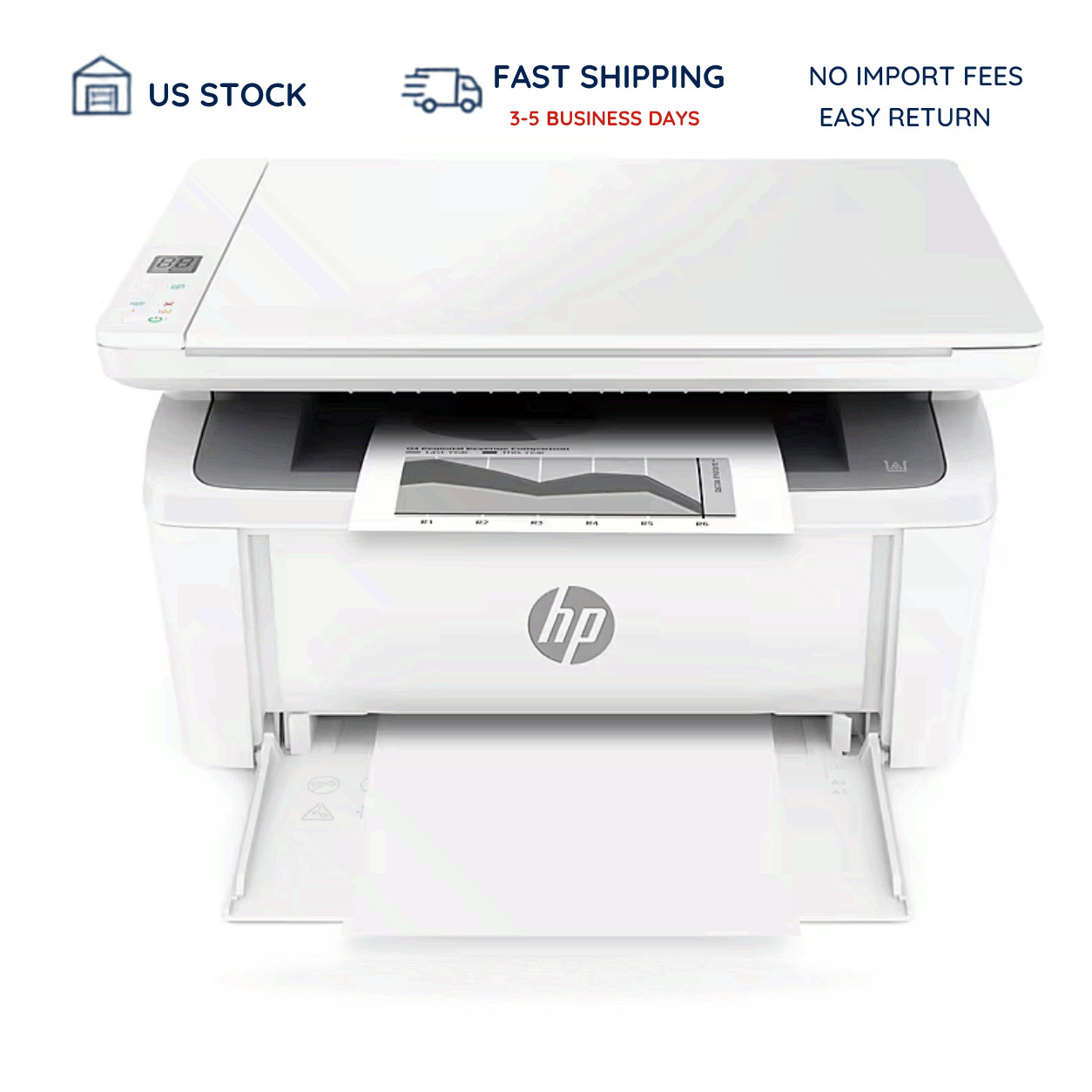 HP LaserJet MFP M140w Wireless B&W All-in-One Laser Printer Scanner Copier 7MD72$100.00View on eBay
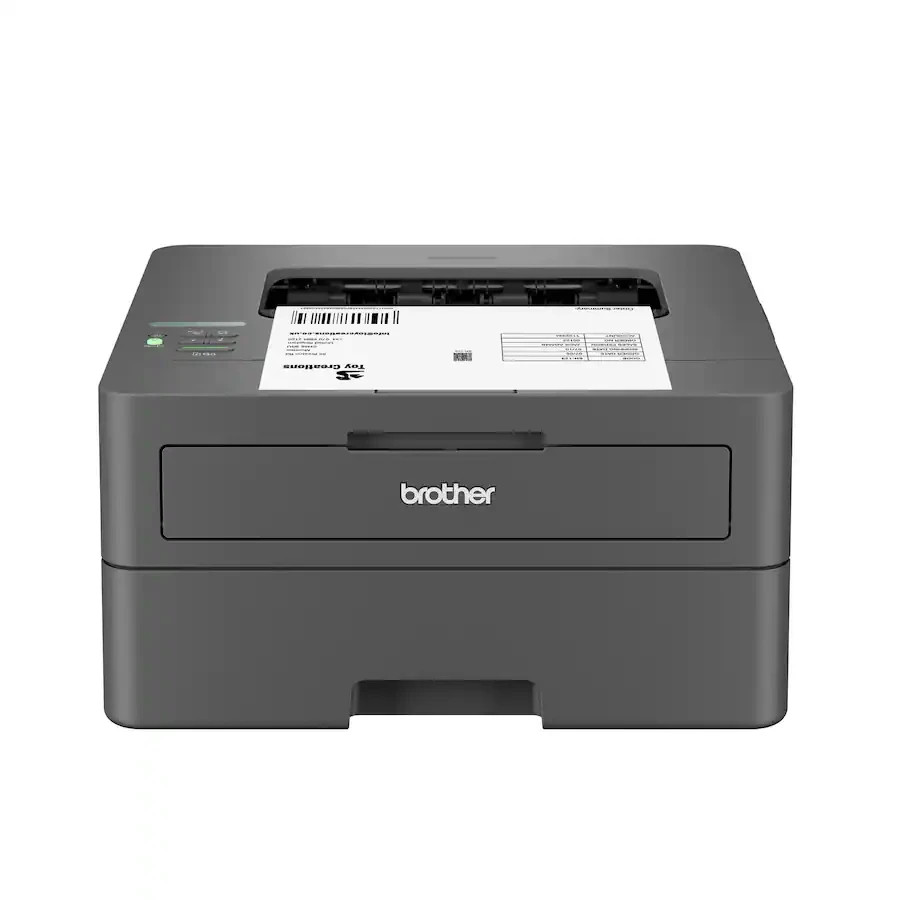 Brother HL-L2405W Wireless Monochrome Laser Printer$106.79View on eBay
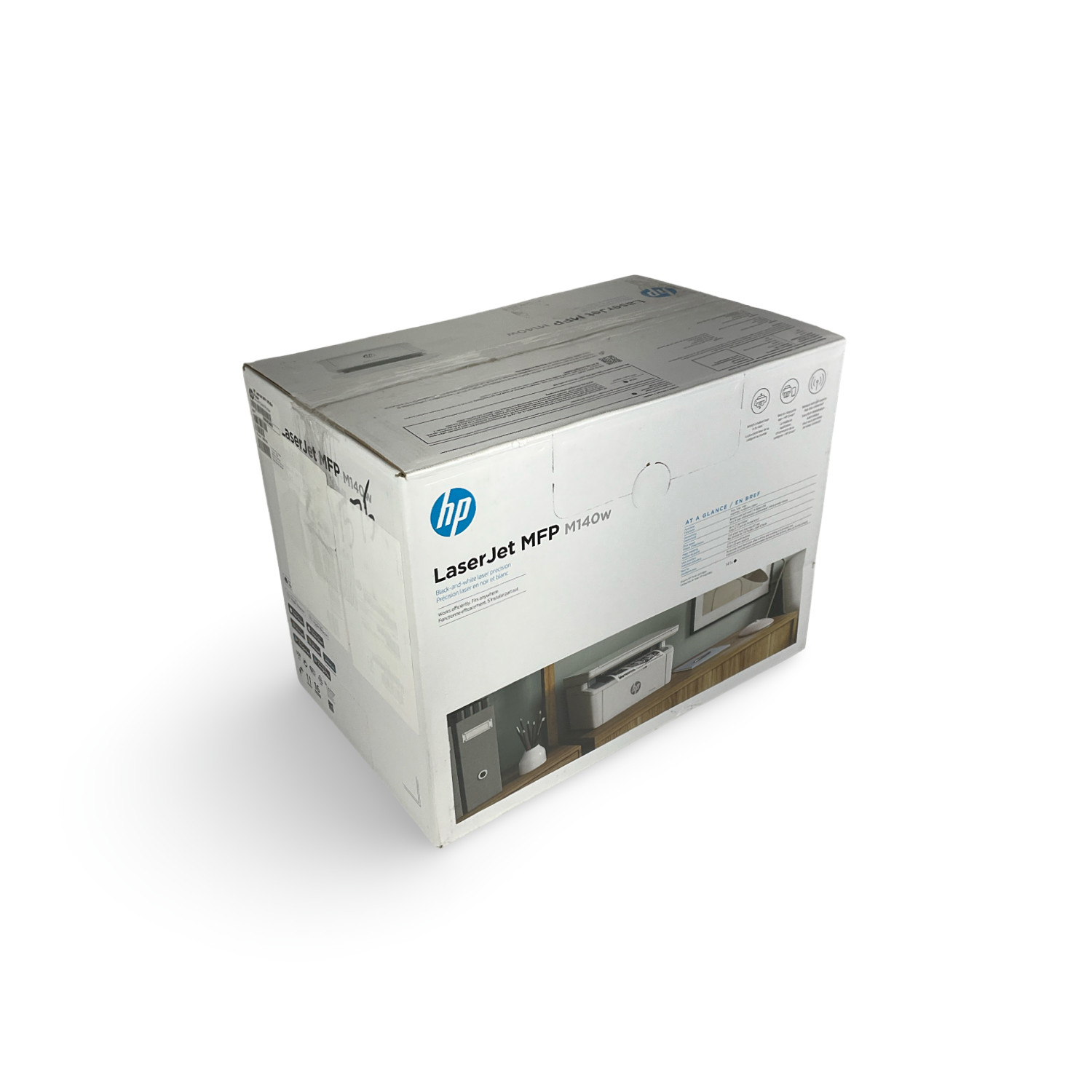 HP LaserJet MFP M140w Laser Printer Black And White 7MD72F with Toner$119.99Last checked Nov 21, 2026View on eBay
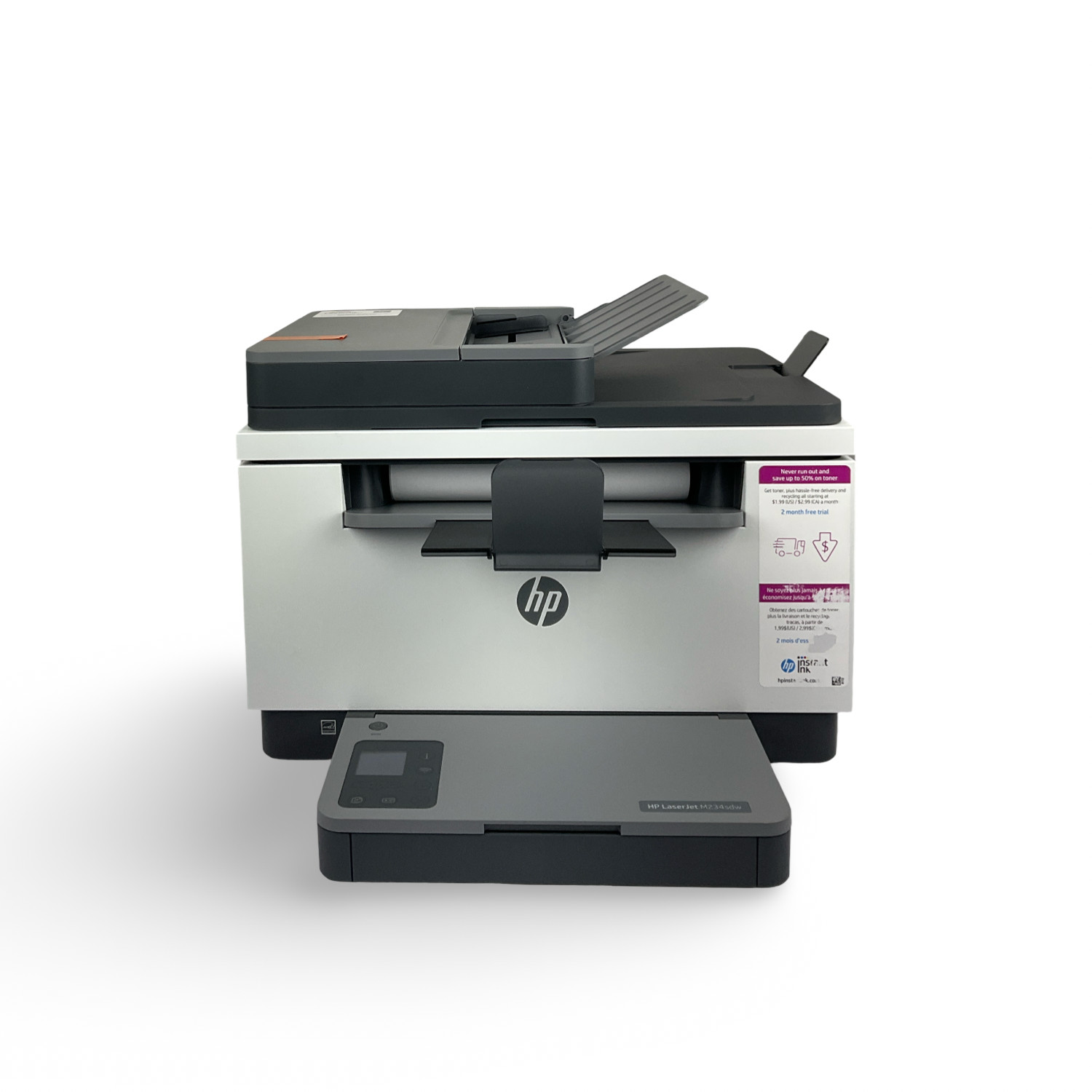 HP LaserJet Pro M234sdw All-In-One Monochrome Laser Printer 6GX01F$149.99Last checked Nov 21, 2026View on eBay
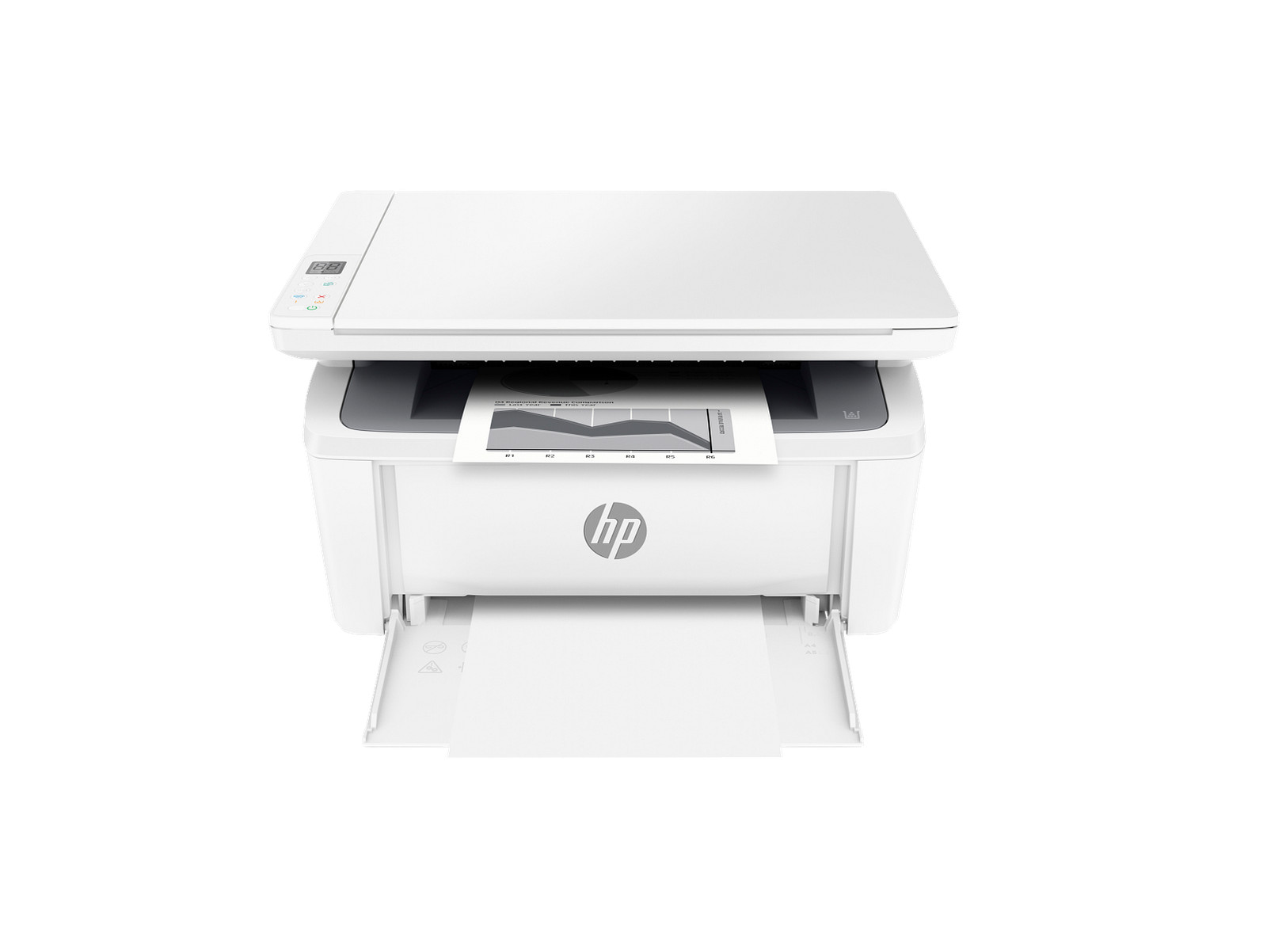 HP LaserJet MFP M140w Laser Printer, Black And White Mobile Print, Copy, Scan Up$169.00Last checked Nov 19, 2026View on eBay
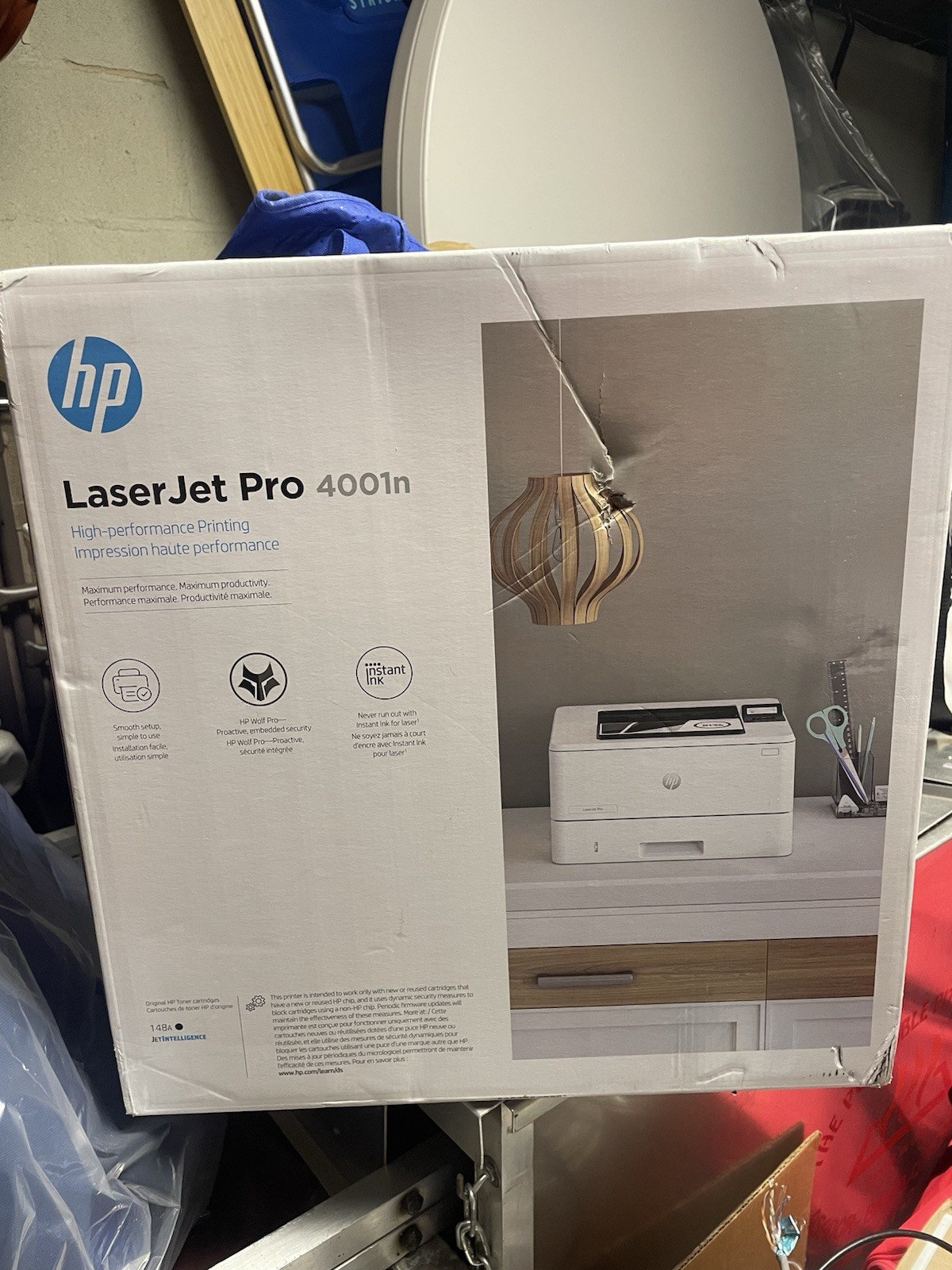 HP LaserJet Pro 4001n Monochrome Laser Printer NEW Factory Sealed EthernetOffice$199.00Last checked Nov 21, 2026View on eBay
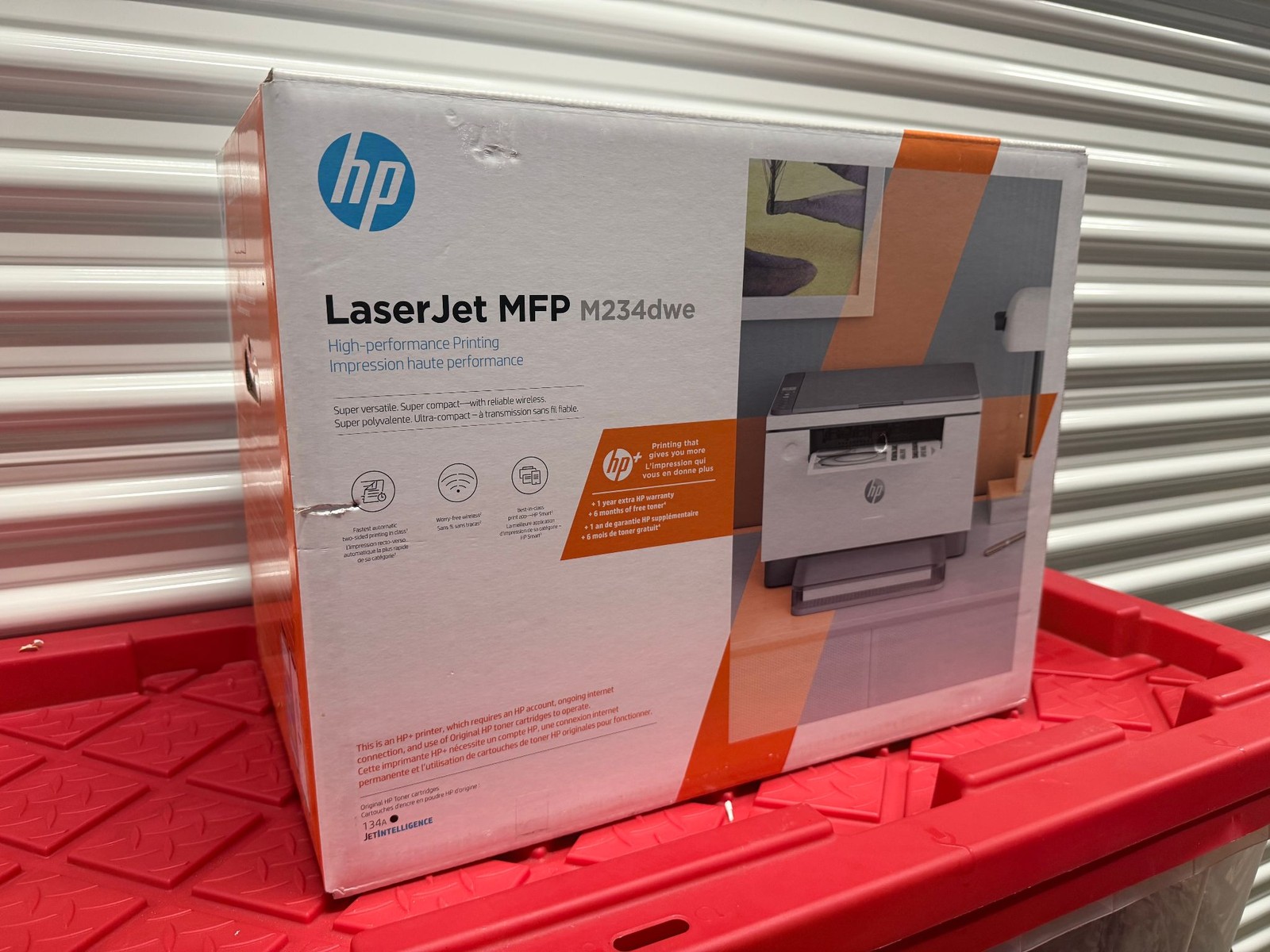 HP LaserJet MFP M234dwe Mono Laser Printer Wireless Duplex Sealed New In Box$199.99Last checked Nov 20, 2026View on eBay
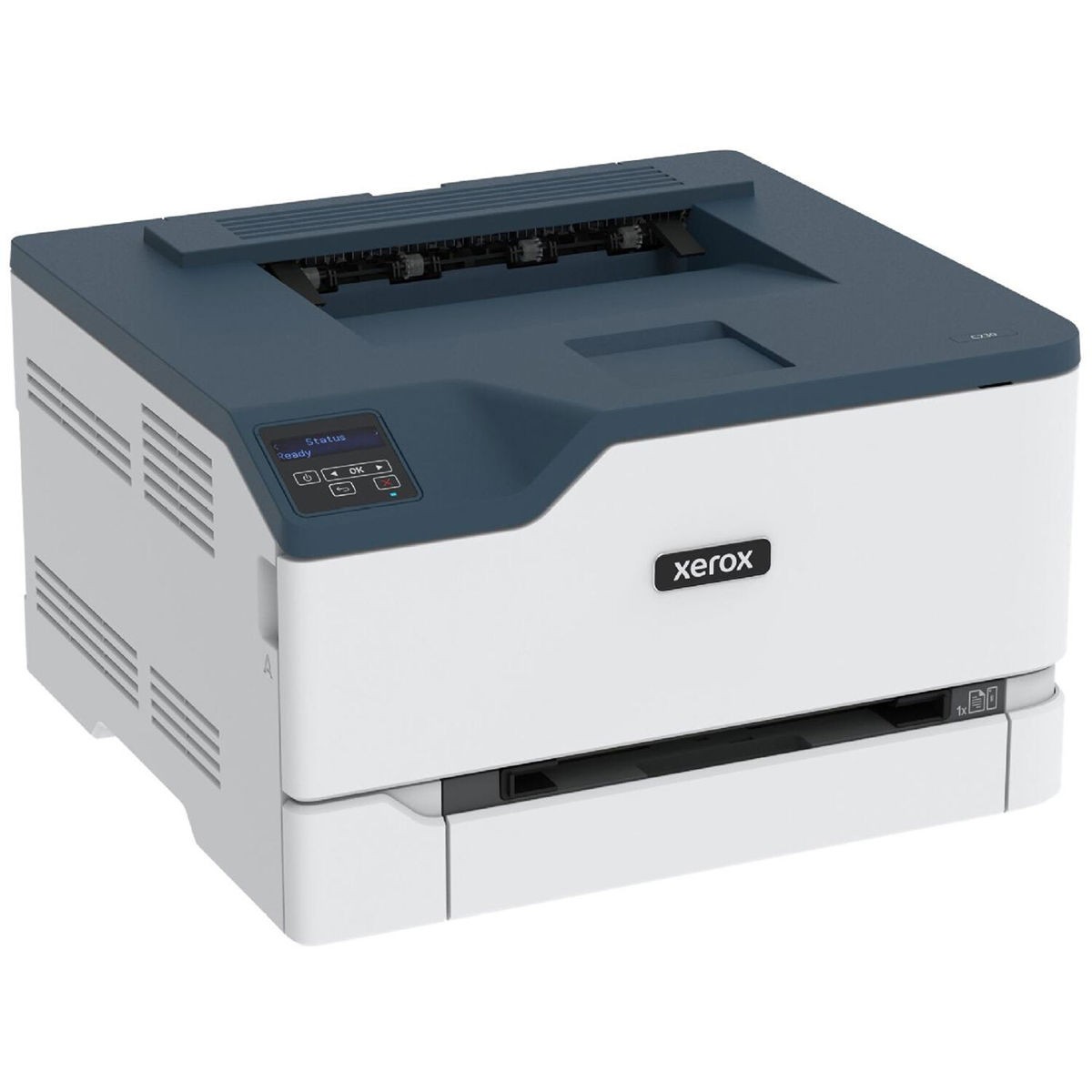 Xerox C230 Color Laser Printer$294.99Last checked Nov 17, 2026View on eBay
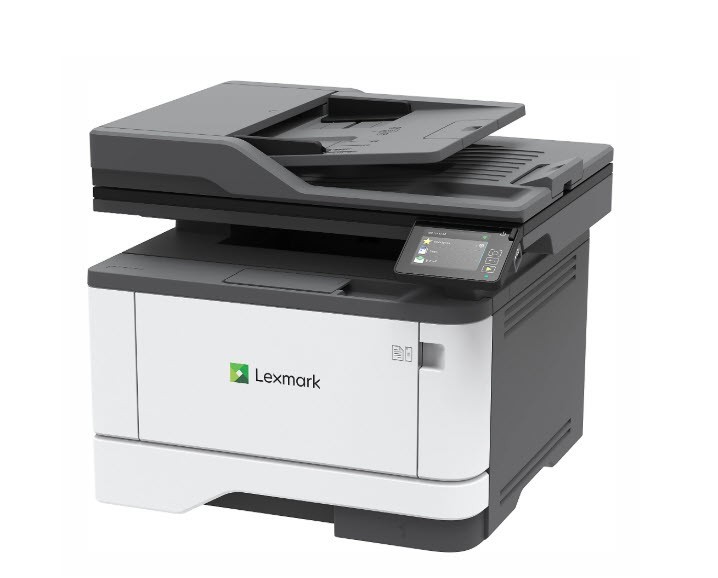 Lexmark MX331adn Laser All-In-One Copy/Print/Scan/Fax Monochrome Printer Sealed$300.00Last checked Nov 15, 2026View on eBay
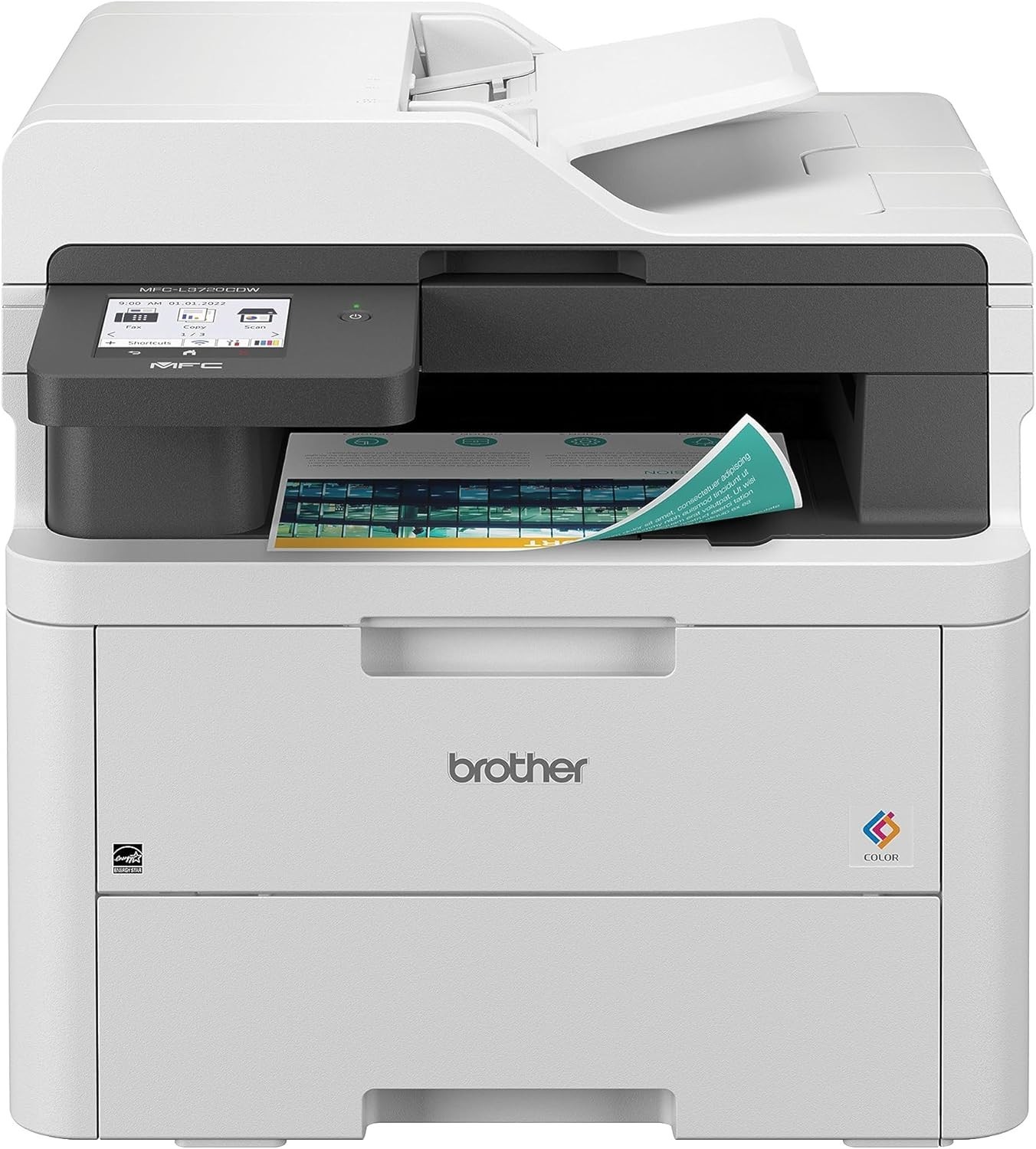 MFC-L3720CDW Wireless Color Laser Printer with Scanner, Copier and Fax | Auto Du$437.00Last checked Nov 18, 2026View on eBay
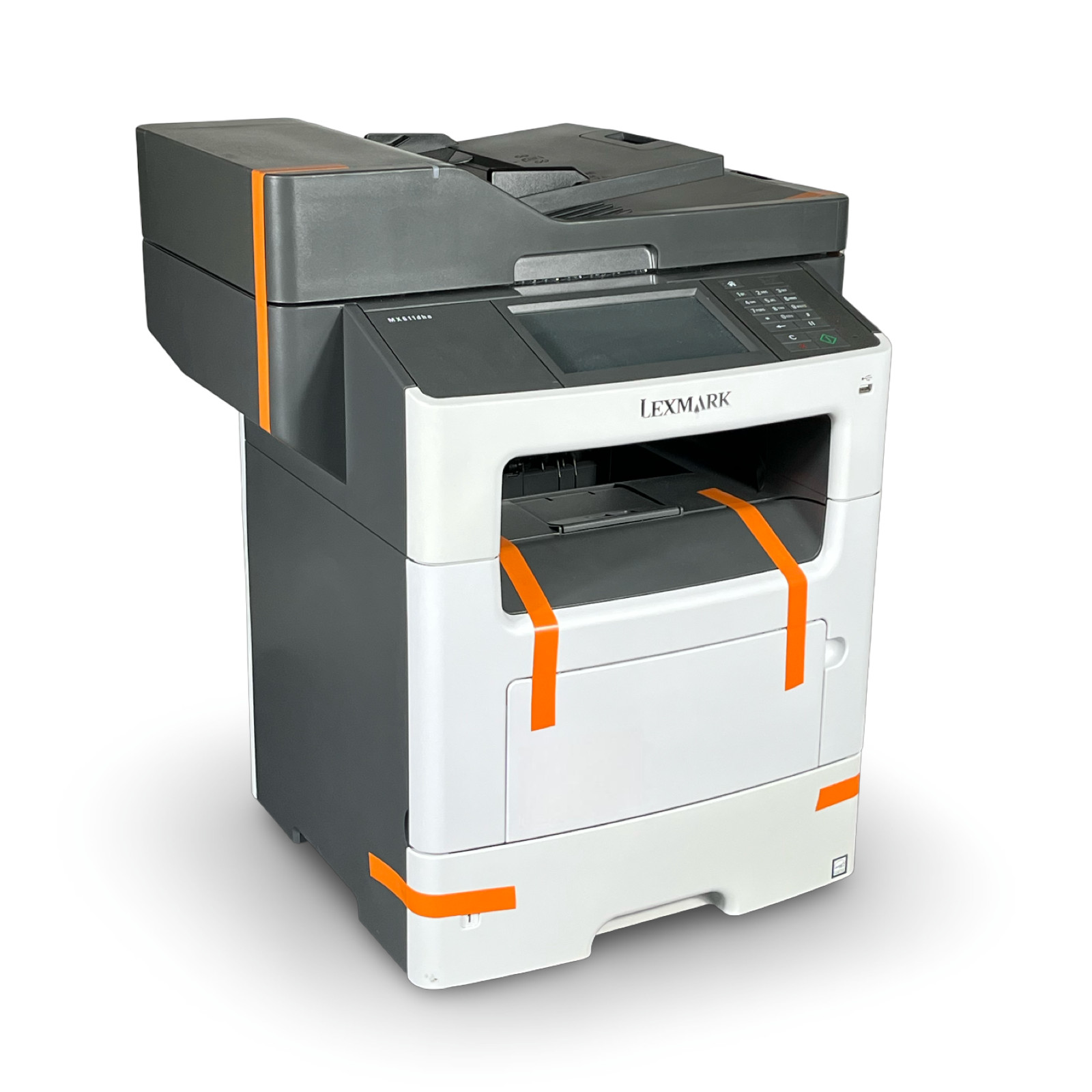 Lexmark MX611dhe Mono Laser Printer Copy Scan Fax Duplex Network | 35S6702$499.99Last checked Nov 17, 2026View on eBay
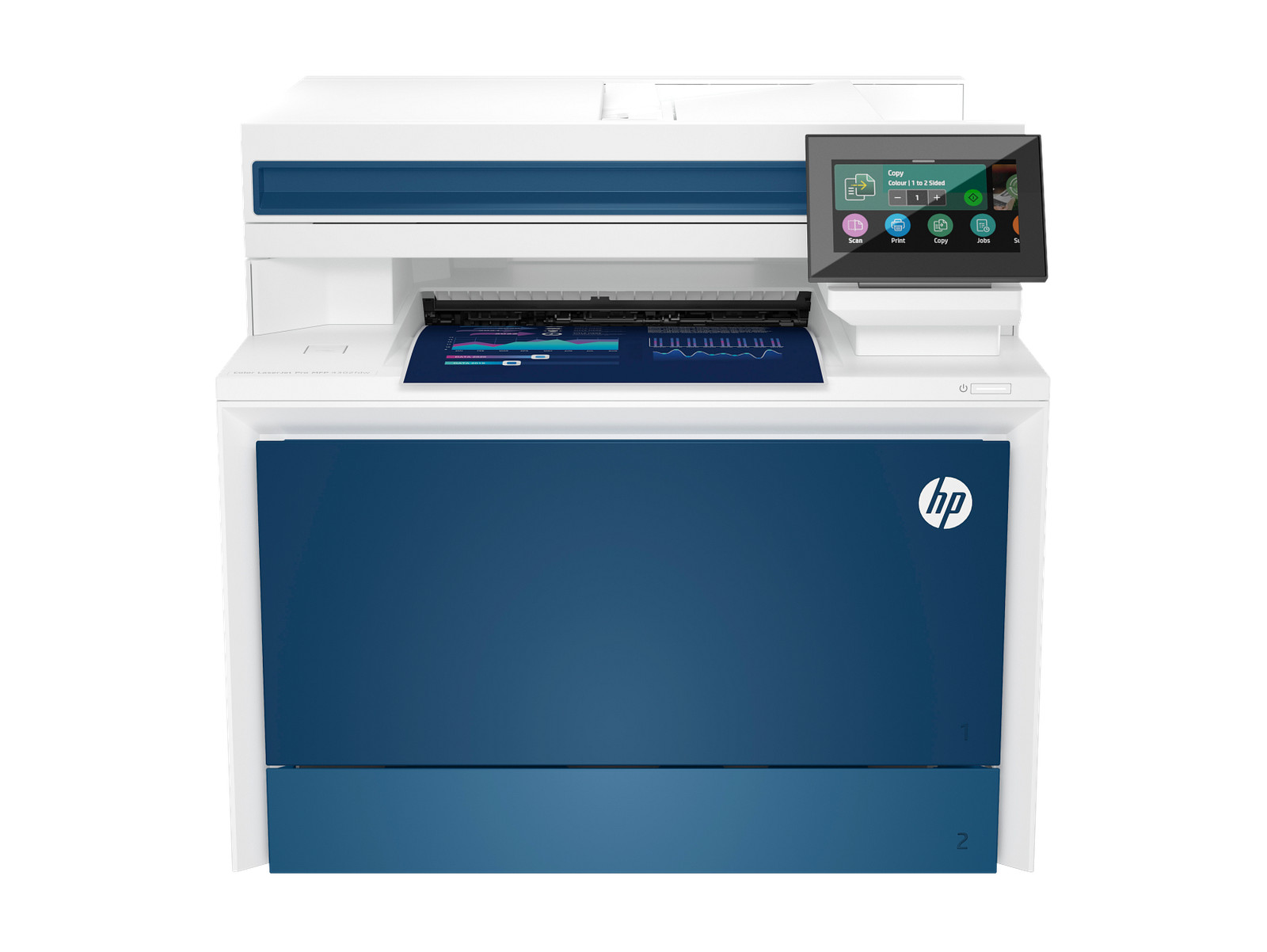 HP Color LaserJet Pro MFP 4301fdw Laser Printer, Color Mobile Print, Copy, Scan,$659.00Last checked Nov 15, 2026View on eBay
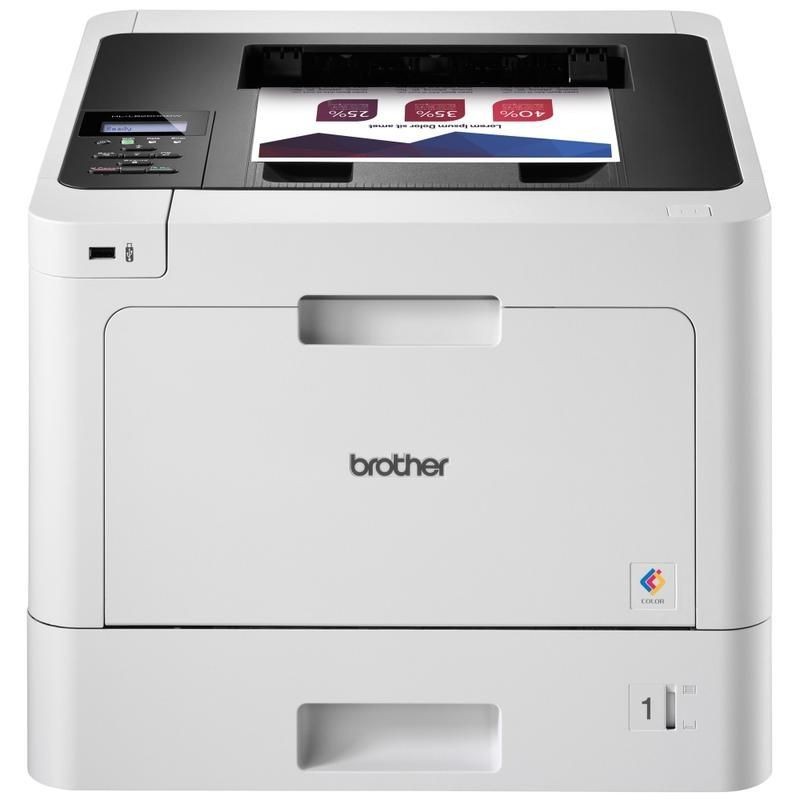 Brother HL-L8360CDWT Laser Color Business Office Printer$849.29Last checked Nov 14, 2026View on eBay
Highlights
- Monochrome laser engines typically print at 30–40 ppm with 600×600 dpi native resolution, while color lasers run slower at 20–30 ppm and use four toner cartridges instead of one.
- Scanning hardware splits into flatbed-only (single sheets, bound books) and ADF-equipped models; ADFs handle 35–50 sheets for batch copying and faxing but add bulk and cost.
- Connectivity tiers separate USB-only budget units from Wi-Fi/Ethernet models with mobile print (AirPrint, Mopria) and cloud services; duplex printing is often omitted on entry models.
- Monthly duty cycle and recommended page volume determine durability: small-office models handle 2,000–5,000 pages/month, while heavy-duty units rate 50,000+ pages with metal frames and higher-capacity cartridges.
Best use cases
- Best fit for home offices printing contracts, invoices, and schoolwork: pick a monochrome all-in-one with ADF and auto-duplex, like the HP LaserJet MFP M140w or Canon imageCLASS MF273dw.
- Best fit for small workgroups needing occasional color flyers and proposals: choose a color laser MFP such as the Brother MFC-L3720CDW, accepting higher toner costs per page.
- Wrong fit for high-volume scanning of bound books or fragile originals: a flatbed-only unit forces manual page placement; look for a model with a flatbed plus ADF if you need both.
- Wrong fit for photo printing: laser printers cannot reproduce continuous-tone photos; buyers needing gallery-quality color should choose an inkjet photo printer instead.
Buying tips
- Match the printer's recommended monthly page volume to your actual output: 200–800 pages/month suits a personal mono MFP, while 2,000+ pages/month requires a small-workgroup model with a higher duty cycle.
- Check whether the quoted price includes a starter toner cartridge, which typically yields 500–1,000 pages—well below the standard cartridge's 1,500–3,000 pages—so budget for a replacement soon after purchase.
- Prefer models with automatic duplex printing if you regularly produce double-sided documents; entry-level MFPs often omit duplex and require manual page flipping.
- Confirm connectivity: Wi-Fi and Ethernet are essential for shared office use, while USB-only is adequate for a single desk; AirPrint and Mopria support ensure mobile and tablet printing.
Specs
| Print Technology | Laser (mono or color) |
|---|---|
| Scanner Type | Flatbed / Flatbed + ADF |
| Print Speed | 20–40 ppm (mono) |
| Connectivity | USB / Wi-Fi / Ethernet |
Related searches
What to check before buying
- Measure your desk or shelf space: compact MFPs need about 16×14 inches of footprint, while ADF-equipped models extend to 18×16 inches and require 4–6 inches of clearance above for the scan lid.
- Verify your Wi-Fi network band: most lasers connect on 2.4 GHz only, so ensure your router broadcasts a 2.4 GHz SSID or use Ethernet for stable connectivity.
- Check the voltage and plug standard for your region (120V/60Hz in North America, 220–240V/50Hz elsewhere) and confirm the unit ships with the correct power cord.
- Account for consumables storage: toner cartridges should be kept sealed in a cool, dry place and used within two years; confirm you can source replacement toner locally before committing to a model.
FAQ
Data sources: eBay / Amazon listings and product attribute feeds. Updated Nov 28, 2026.
Some links on this page are affiliate links. If you buy after clicking one, we may earn a commission at no extra cost to you. This does not change which products appear here or their order. Affiliate disclosure.