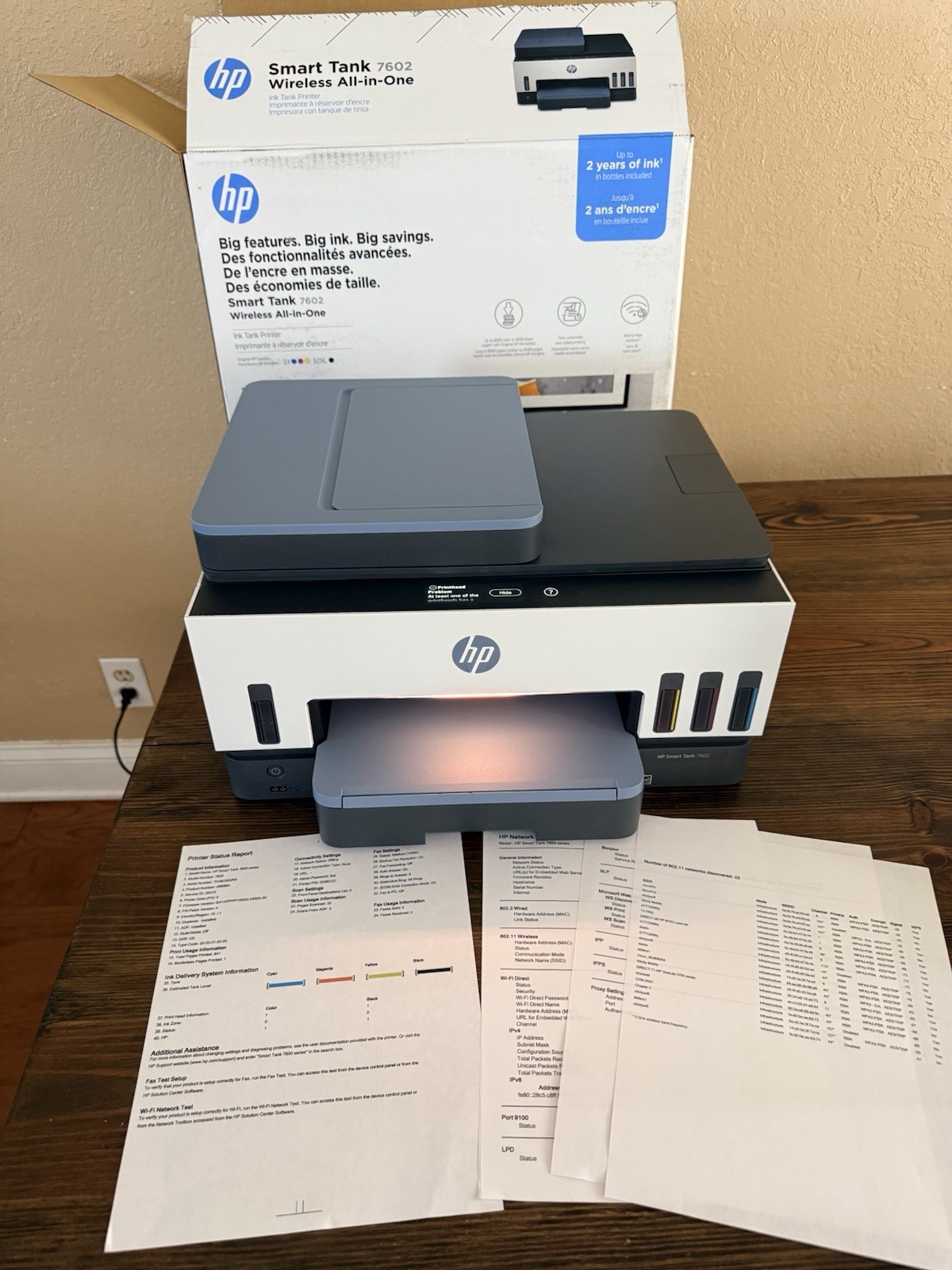

Photos from current listings. Actual item, color, and included accessories may vary.
Ink Tank Printer Buying Guide
Ink tank printers replace costly cartridges with refillable reservoirs, trading a higher upfront cost for very low per-page ink expenses. The key trade-off is print-head durability and ink-system design: heat-based thermal heads (HP, Canon) are user-replaceable but wear out, while piezo heads (Epson, Brother) last longer but are factory-serviceable only. Choose a tank model only if you print more than roughly 200 pages a month; below that, a cartridge or laser printer usually makes more financial sense.
Median $169.99
Key takeaways
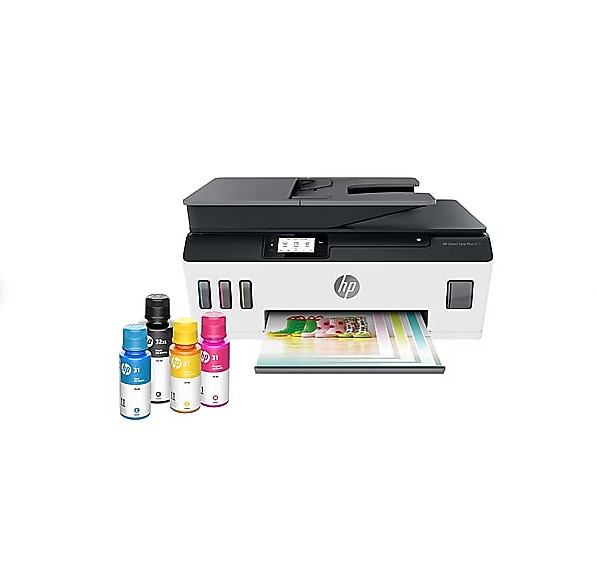
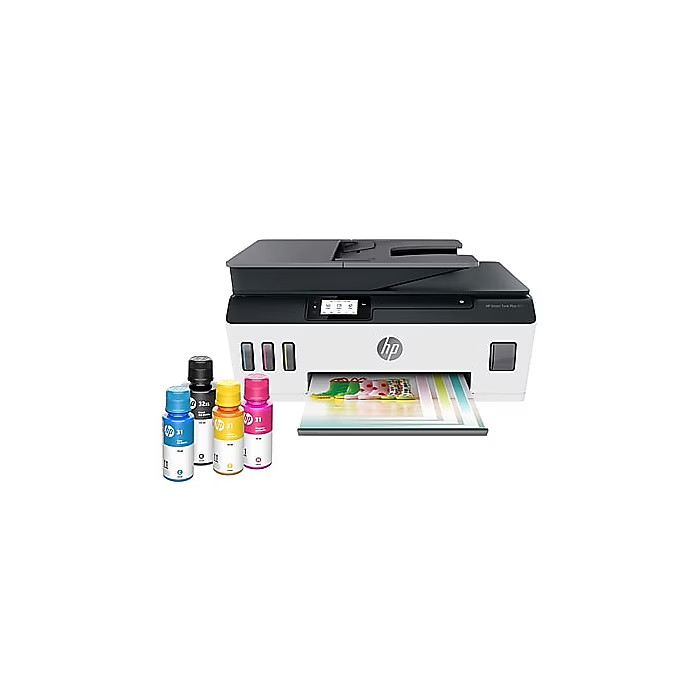
- HP Smart Tank 5101/5102 use a 2-printhead thermal system with user-replaceable heads, while 6001/7602 add an automatic document feeder and higher duty cycles.
- Epson EcoTank and Brother INKvestment use piezo printheads that typically outlast thermal heads but require factory service if clogged or damaged.
- Tank yields are quoted in ISO pages: entry models ship with roughly 6,000 black / 8,000 color pages, and refill bottles cost a fraction of cartridge equivalents.
At a glance
- Category
- Printers & Scanners
- Last updated
- Nov 28, 2026
Current offers
Highlights
- HP Smart Tank 5101/5102 use a 2-printhead thermal system with user-replaceable heads, while 6001/7602 add an automatic document feeder and higher duty cycles.
- Epson EcoTank and Brother INKvestment use piezo printheads that typically outlast thermal heads but require factory service if clogged or damaged.
- Tank yields are quoted in ISO pages: entry models ship with roughly 6,000 black / 8,000 color pages, and refill bottles cost a fraction of cartridge equivalents.
- Smart Tank 7602 adds duplex printing, a 35-sheet ADF, and fax versus the 5100-series, which is manual-duplex only with a flatbed scanner.
Best use cases
- Best fit: households or small offices printing 200–1,500 pages per month of mixed documents and color graphics — pick a tank model with an ADF if you scan multi-page contracts.
- Wrong fit: light users printing under 50 pages a month — ink sits in the tanks, clogs the head, and the higher purchase price never pays back; choose a cartridge or monochrome laser instead.
- Best fit for photo-heavy work: choose a tank model with individual dye-color tanks and a dedicated photo-black option rather than a 4-tank CMYK office unit.
- Skip tank printers entirely if you need fast duplex-heavy office output — laser or business inkjet units deliver higher pages-per-minute and better text sharpness.
Buying tips
- Buy a model with user-replaceable printheads (HP Smart Tank) if you print intermittently; sealed piezo heads (Epson EcoTank) suit steady weekly use.
- Match tank capacity to workload: 4-tank entry units suit up to ~800 pages/month, while 6-tank or high-capacity models handle 1,500+ pages before refilling.
- Prioritize an ADF and auto-duplex if you scan or copy multi-page documents; flatbed-only models force manual page flipping and slow workflows.
- Confirm wireless standard and app support: Wi-Fi 5 with AirPrint/Mopria covers most homes, but Ethernet is required for reliable shared-office networking.
Specs
| Print Head | Thermal (replaceable) vs Piezo |
|---|---|
| Tank Setup | 4-tank CMYK vs 6-tank photo |
| Starter Yield | ~6,000 black / 8,000 color ISO |
| Duplex & ADF | Manual flatbed vs auto-duplex + ADF |
Related searches
What to check before buying
- Measure your shelf or desk footprint: most ink tank all-in-ones need roughly 45 × 35 cm of surface and 10 cm clearance above for the scanner lid.
- Confirm your Wi-Fi band and router placement — tank printers typically support 2.4 GHz only, so a 5 GHz-only network needs a dual-band router.
- Check the included starter ink volume: some models ship with partially filled tanks, so budget for a first refill set within the first few months.
- Verify OS and mobile support (Windows, macOS, iOS AirPrint, Android Mopria) and that a USB cable is included or purchased separately.
FAQ
Data sources: eBay / Amazon listings and product attribute feeds. Updated Nov 28, 2026.
Some links on this page are affiliate links. If you buy after clicking one, we may earn a commission at no extra cost to you. This does not change which products appear here or their order. Affiliate disclosure.