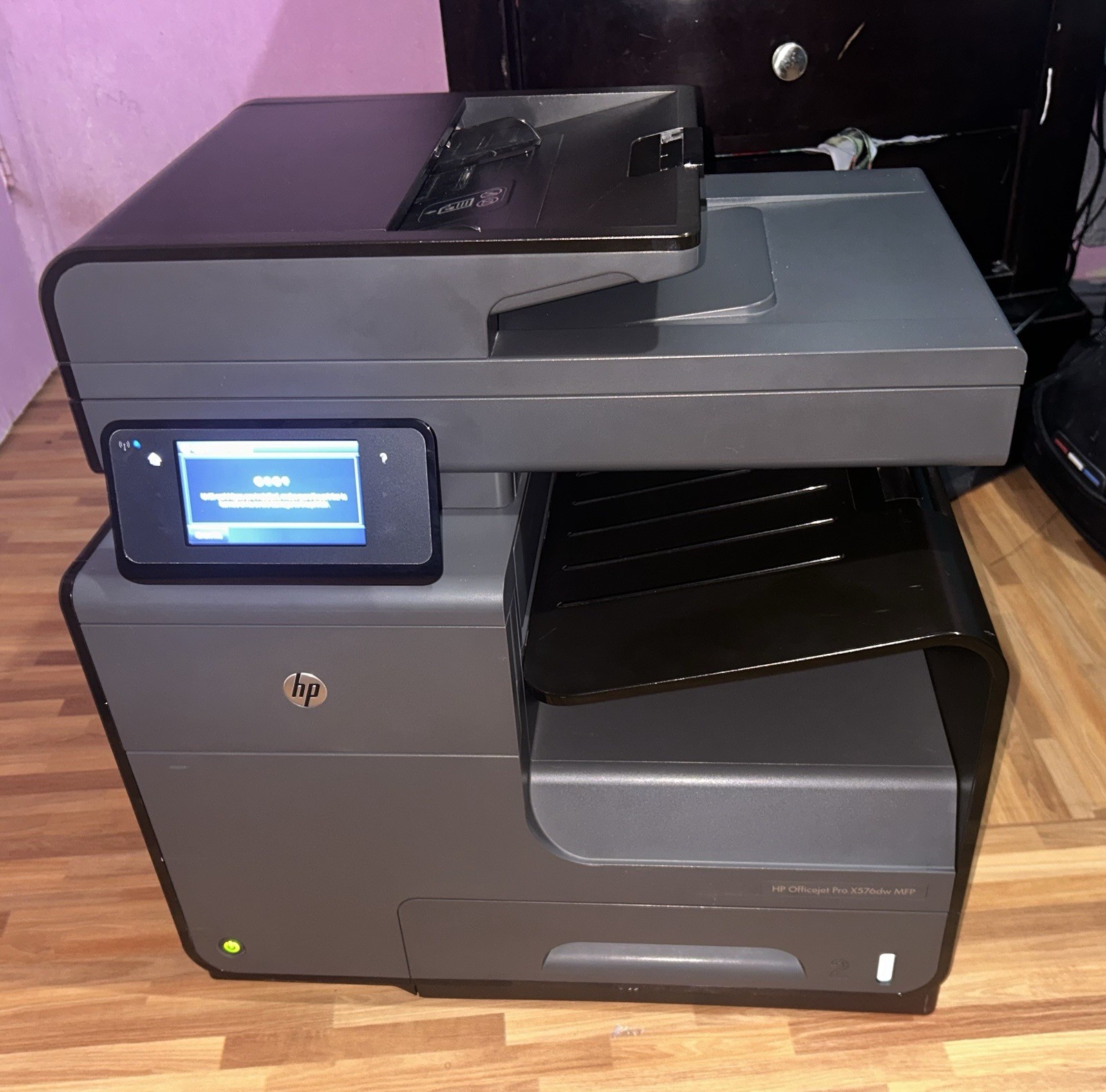

Photos from current listings. Actual item, color, and included accessories may vary.
HP X576dw Buying Guide
The HP OfficeJet Pro X576dw is a discontinued wide-format business inkjet designed for high-volume color printing at up to 42 ppm black, with built-in duplex, fax, and network scanning. Shoppers today are usually replacing a failed unit or hunting consumables, so the real decision is whether a used or open-box X576dw fits your monthly volume and whether genuine ink cartridges remain available. Its 4.3-inch touchscreen, Ethernet/Wi-Fi, and 500-sheet tray make it a serious small-office machine, but driver support stops at Windows 8-era software for many users.
Key takeaways
- PageWide fixed printhead spans the full page width, delivering 42 ppm black and up to 42 ppm color without a moving carriage.
- Standard paper capacity is 500 sheets with a 50-sheet multipurpose tray; optional second 500-sheet tray raises total input to 1,050 sheets.
- Genuine HP 970/971 cartridges use pigment ink for smudge-resistant business documents; third-party refills often trigger supply errors.
At a glance
- Category
- Printers & Scanners
- Status
- Listings available
- Last updated
- Nov 28, 2026
Current offers
Highlights
- PageWide fixed printhead spans the full page width, delivering 42 ppm black and up to 42 ppm color without a moving carriage.
- Standard paper capacity is 500 sheets with a 50-sheet multipurpose tray; optional second 500-sheet tray raises total input to 1,050 sheets.
- Genuine HP 970/971 cartridges use pigment ink for smudge-resistant business documents; third-party refills often trigger supply errors.
- Connectivity includes USB 2.0, Ethernet RJ-45, Wi-Fi 802.11b/g/n, and fax over RJ-11; ePrint and AirPrint are supported on older firmware.
Best use cases
- Best fit: a small office printing 2,000–6,000 pages per month that needs fast duplex color and already has a stock of HP 970/971 cartridges.
- Wrong fit: a home user printing under 200 pages monthly—PageWide heads clog during idle periods and the X576dw is large and heavy.
- Pick the X576dw only if you have a Windows 7/8 or macOS 10.13-or-earlier driver path; skip it for Windows 11-only environments needing current HP Smart drivers.
- Choose it for ledger-size (11x17) color scanning and copying; skip if you only need A4/letter and want a lighter, cheaper inkjet.
Buying tips
- Inspect the printhead health first: request a nozzle-check printout, since a clogged or dead PageWide head costs more than the printer itself.
- Prioritize units with genuine HP 970/971 cartridges installed and avoid any open-box offer missing the setup cartridges, which are hard to source.
- Verify the firmware version supports your OS: X576dw drivers are not natively bundled with Windows 11 or macOS 11+, so confirm a workable driver before buying.
- Check the page counter via the built-in reports menu; units past roughly 150,000 pages are nearing end-of-life for rollers and fuser assembly.
Specs
| Print Technology | HP PageWide fixed-head inkjet |
|---|---|
| Black Print Speed | Up to 42 ppm |
| Standard Paper Capacity | 500 sheets + 50-sheet MP tray |
| Connectivity | USB 2.0, Ethernet, Wi-Fi, RJ-11 fax |
Alternatives to compare
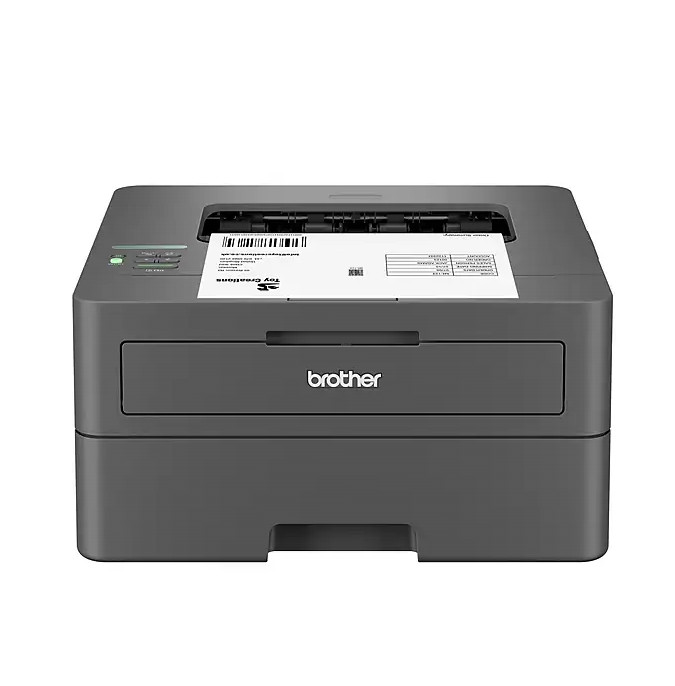
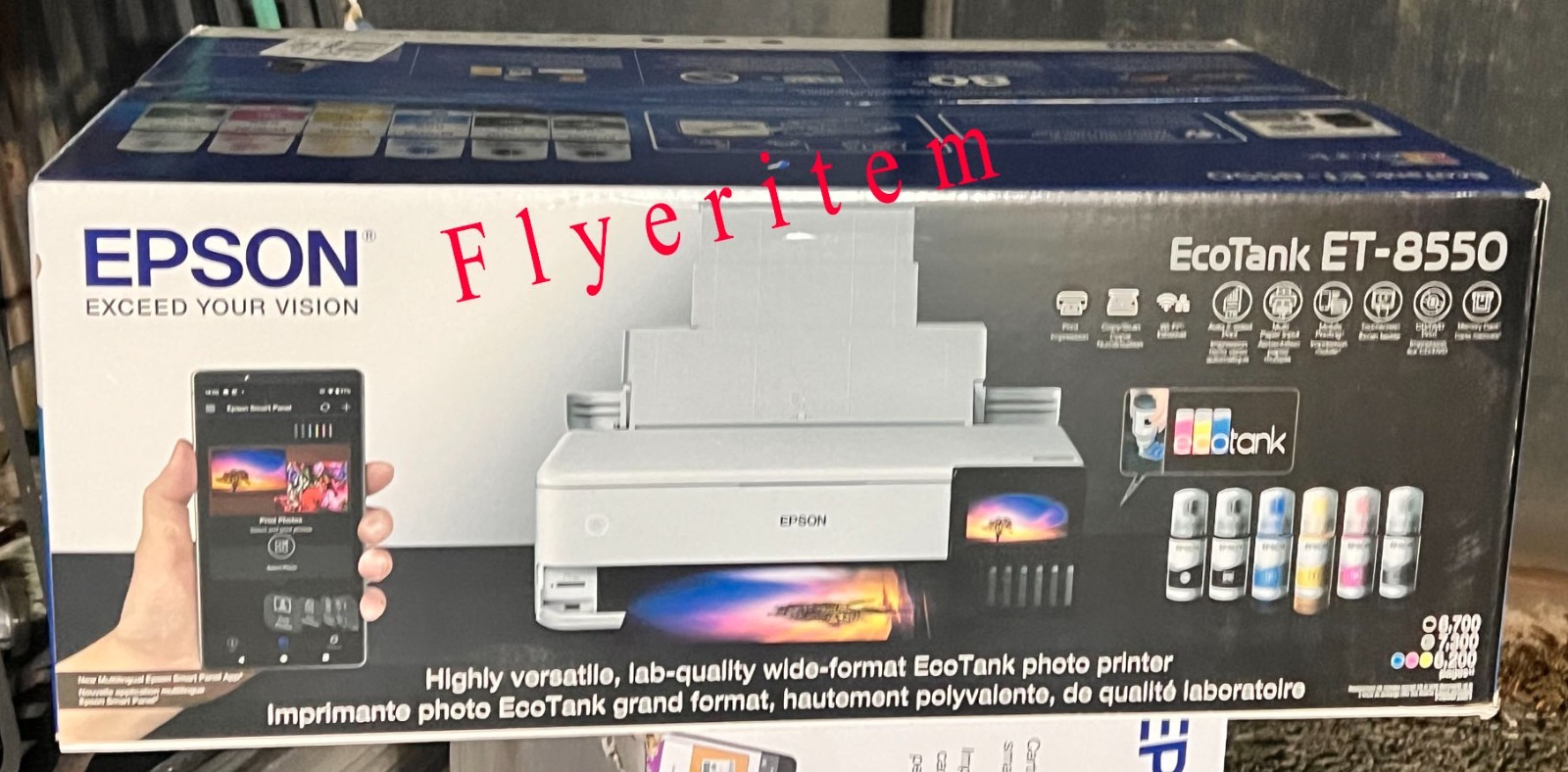
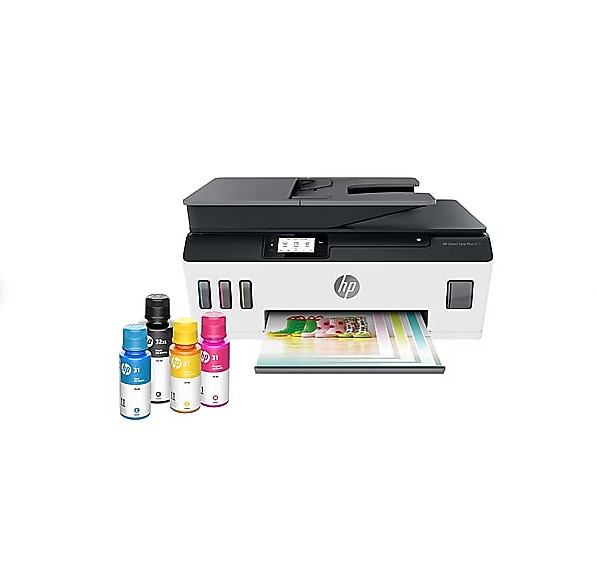
Related searches
What to check before buying
- Measure your desk or floor space: the X576dw is roughly 20 x 21 x 16 inches and weighs about 46 pounds, so confirm a stable surface and clearance.
- Confirm a nearby 100–240V AC outlet and either an Ethernet drop or 2.4 GHz Wi-Fi network, since the unit does not support 5 GHz.
- Have a USB-A to USB-B cable or RJ-45 Ethernet cable ready; neither is always included in used or open-box listings.
- Check that you can source HP 970 (black) and 971 (color) cartridges locally or online before committing to the printer.
FAQ
Data sources: eBay / Amazon listings and product attribute feeds. Updated Nov 28, 2026.
Some links on this page are affiliate links. If you buy after clicking one, we may earn a commission at no extra cost to you. This does not change which products appear here or their order. Affiliate disclosure.