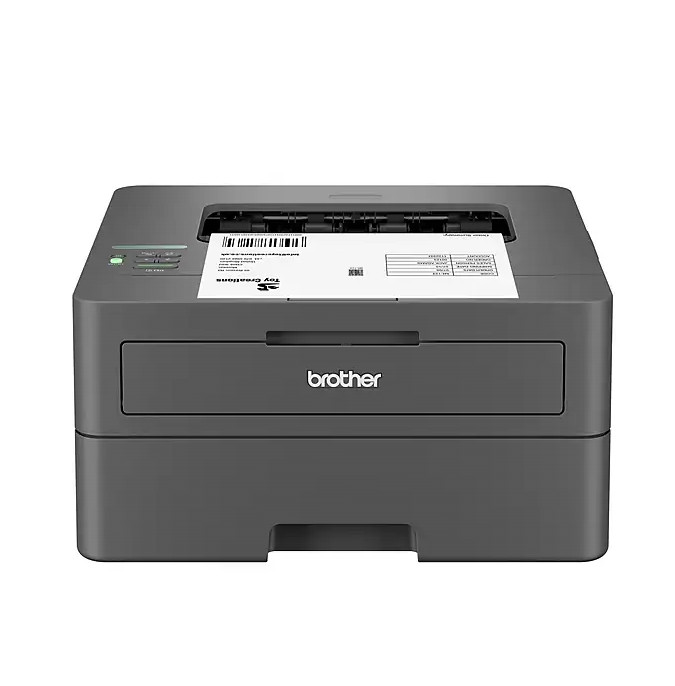

Photos from current listings. Actual item, color, and included accessories may vary.
Brother HL-L2405W Buying Guide
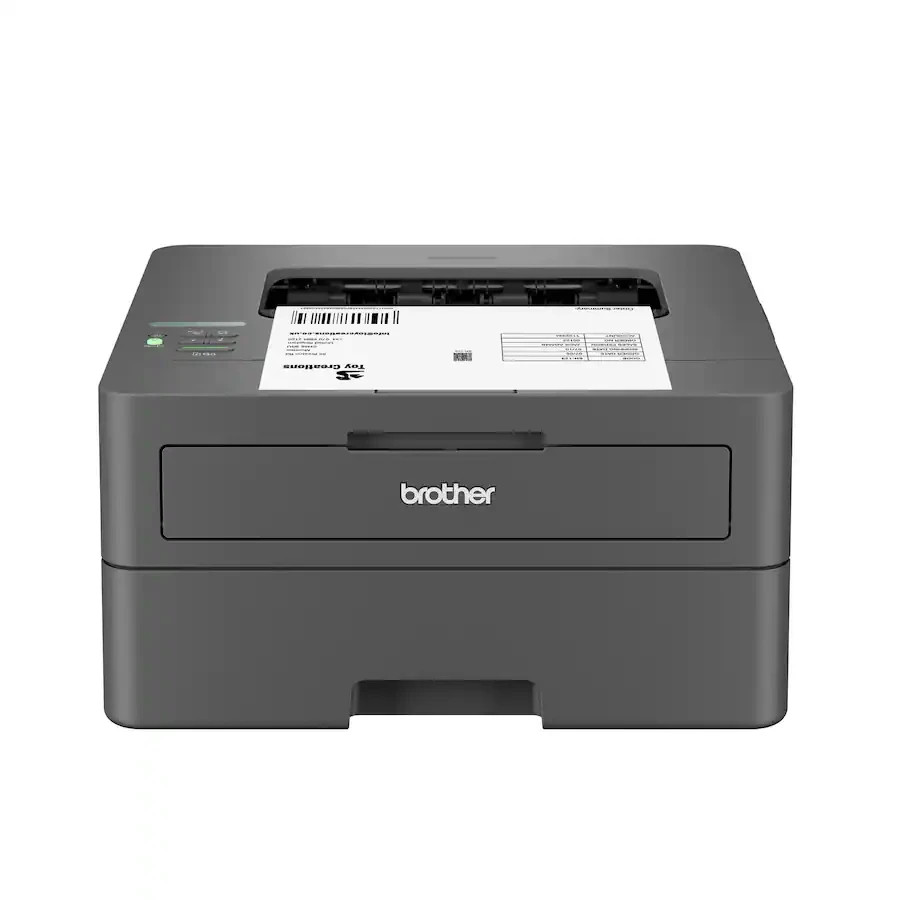
The Brother HL-L2405W is a compact monochrome laser printer built for single-function, high-volume black-and-white text output. The core trade-off at this tier is sacrificing color, scanning, and automatic duplexing for a lower upfront cost and a simple, durable print engine. The clear decision rule: buy it only if you print mostly text and occasional PDFs and can live without a scanner, copier, or two-sided printing; otherwise step up to a multifunction or duplex-capable model.
Median $90.39
Key takeaways
- Print-only laser architecture: no scanner, copier, or fax, so every dollar goes into the print engine and paper feed.
- Manual duplex only: two-sided output requires flipping the stack yourself; no automatic duplex unit is included.
- Wireless plus USB connectivity: 802.11b/g/n Wi-Fi and Hi-Speed USB 2.0, with mobile printing via Brother Mobile Connect and Apple AirPrint-style protocols.
At a glance
- Category
- Printers & Scanners
- Status
- Listings available
- Last updated
- Nov 28, 2026
Current offers
Highlights
- Print-only laser architecture: no scanner, copier, or fax, so every dollar goes into the print engine and paper feed.
- Manual duplex only: two-sided output requires flipping the stack yourself; no automatic duplex unit is included.
- Wireless plus USB connectivity: 802.11b/g/n Wi-Fi and Hi-Speed USB 2.0, with mobile printing via Brother Mobile Connect and Apple AirPrint-style protocols.
- Toner-tier economics: ships with a starter cartridge; standard and high-yield replacement toners determine the real cost per page, not the printer price.
Best use cases
- Best fit: a home office or dorm desk printing invoices, labels, school packets, and shipping documents in black and white only.
- Best fit: a low-interruption workflow where a 250-sheet input tray and manual feed slot cover occasional envelopes and cardstock.
- Wrong fit: anyone who needs to scan, copy, or email documents — choose a Brother MFC or DCP multifunction instead.
- Wrong fit: double-sided reports at volume — pick a model with automatic duplex rather than flipping pages by hand.
Buying tips
- Confirm you need print-only: if scanning or copying appears in your week, this model is the wrong tier regardless of price.
- Check toner tier before buying: standard-yield cartridges cost more per page than high-yield; match the cartridge to your monthly volume.
- Plan for manual duplex: for two-sided documents, budget time to reinsert pages or step up to an auto-duplex Brother laser.
- Verify wireless band: this class uses 2.4 GHz Wi-Fi; a 5 GHz-only router setting will block setup, so keep a 2.4 GHz SSID active.
Specs
| Printer Type | Monochrome laser, print-only |
|---|---|
| Duplex | Manual (no auto-duplex unit) |
| Connectivity | Wi-Fi 2.4 GHz + USB 2.0 |
| Paper Input | 250-sheet tray + manual feed slot |
Alternatives to compare
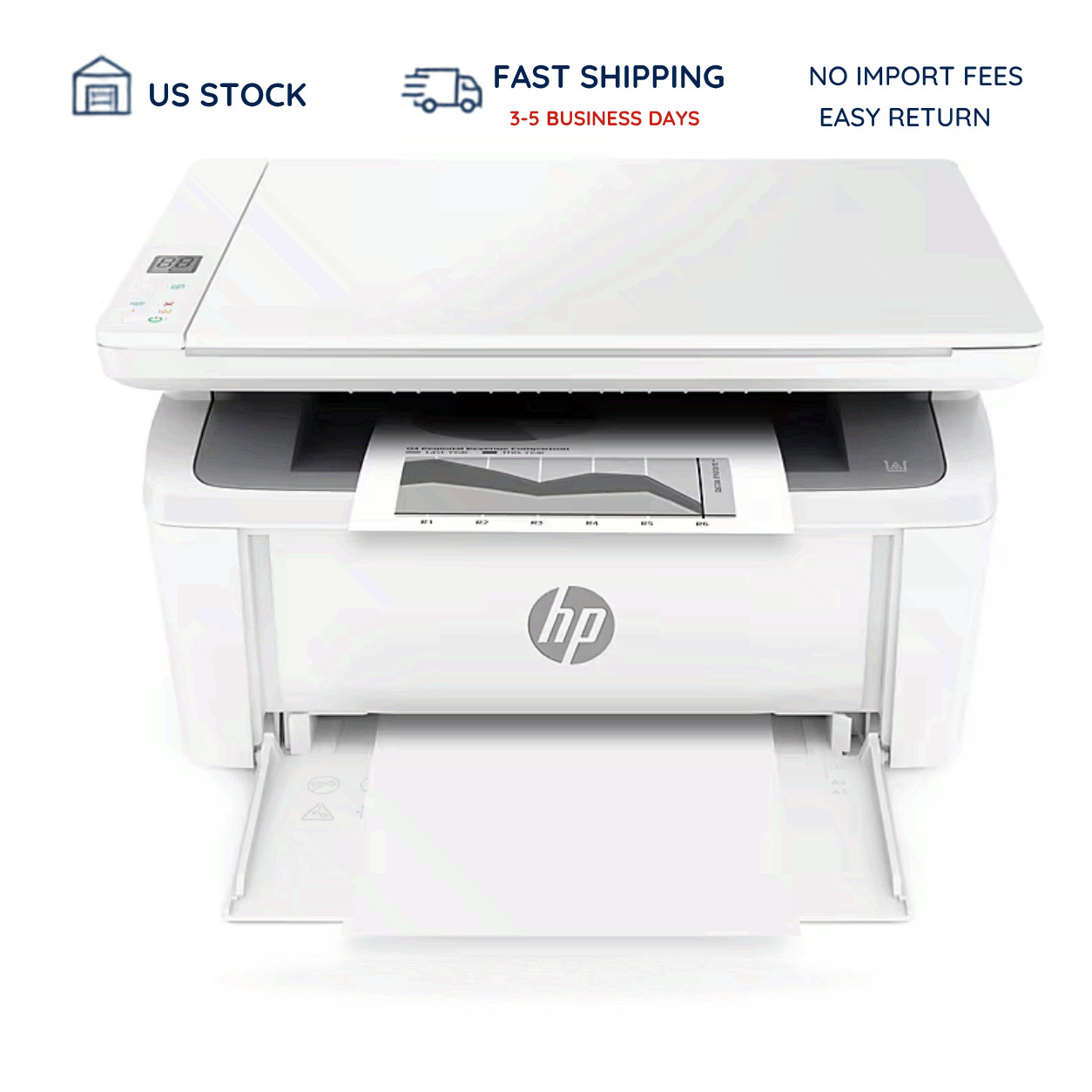
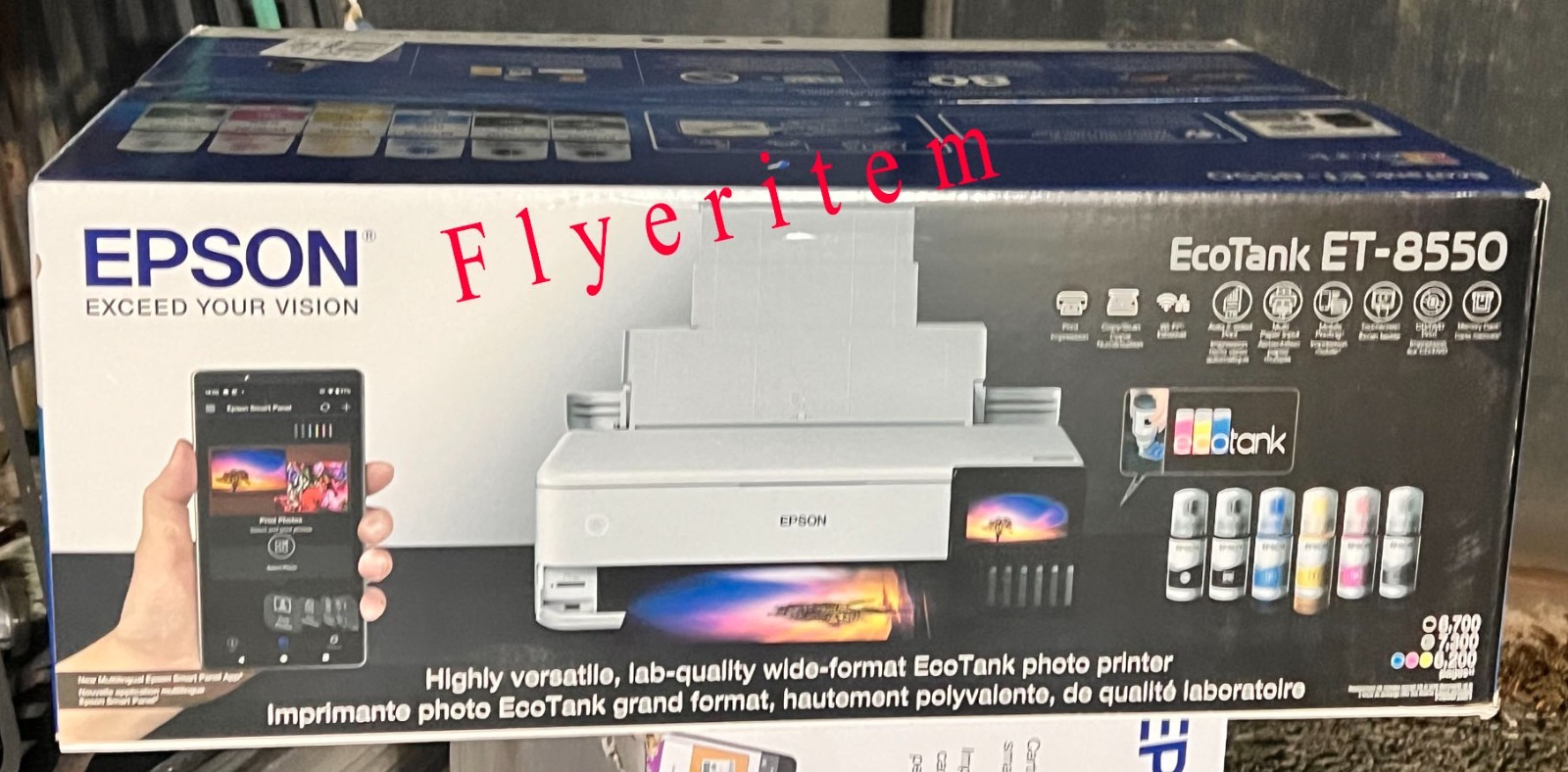
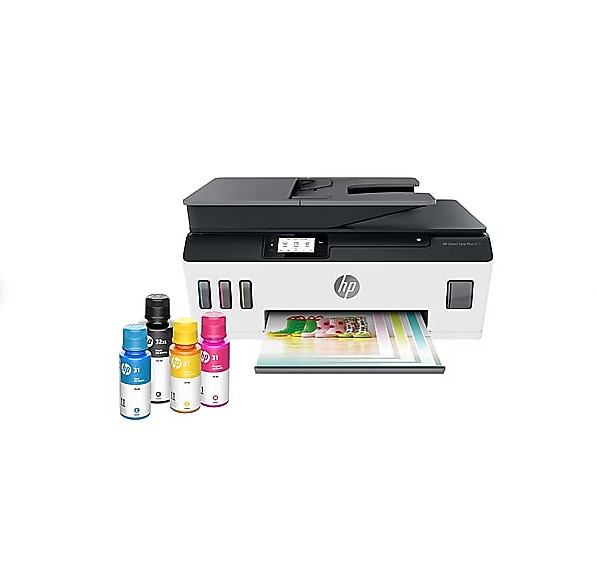
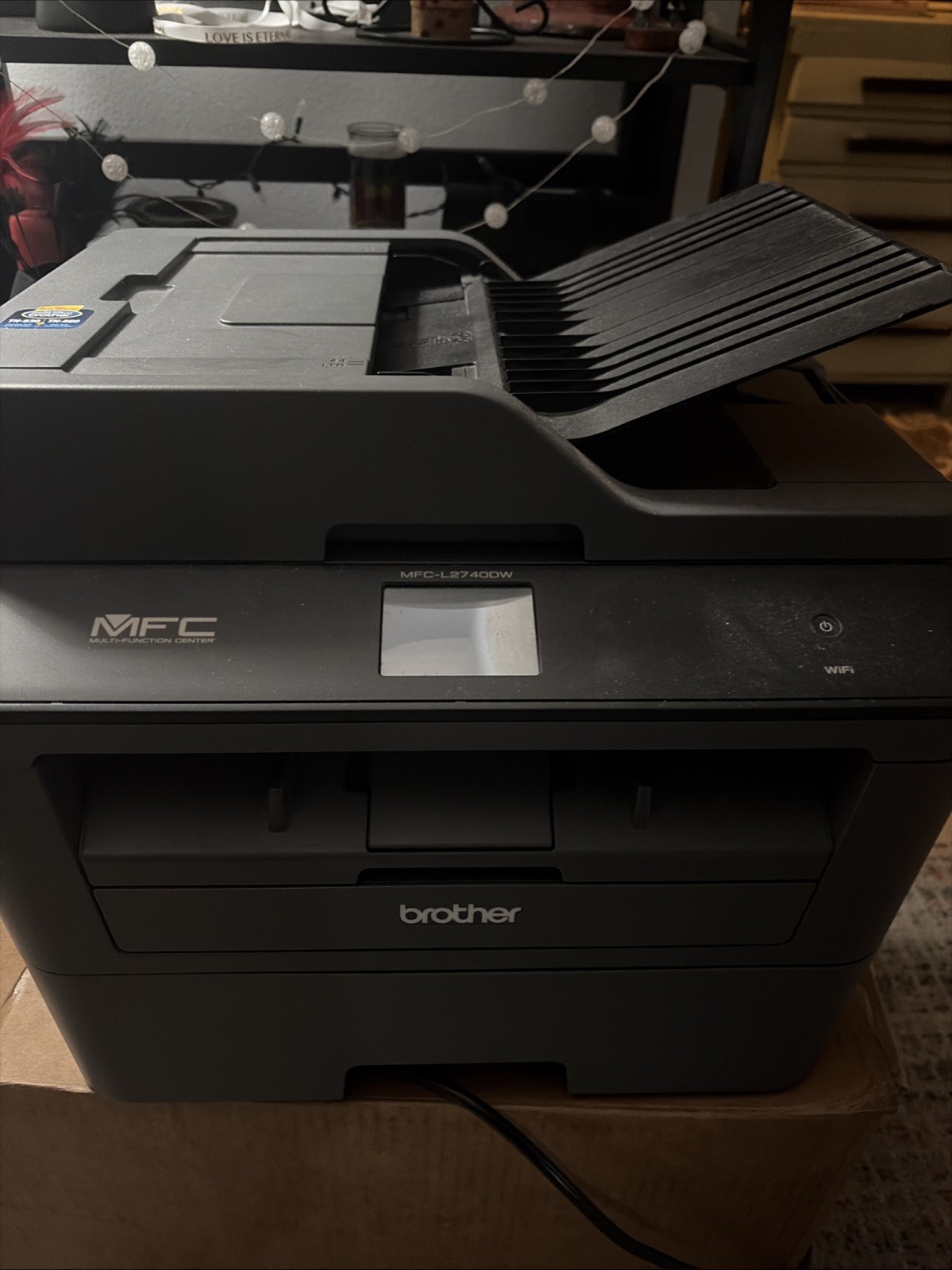
Related searches
What to check before buying
- Measure desk footprint: compact laser bodies still need rear clearance for the paper path and front clearance for the output tray.
- Confirm 2.4 GHz Wi-Fi is available at the print location, or plan a USB cable run to the computer.
- Check the input tray capacity against your weekly page volume: 250 sheets suits light-to-moderate homes, not shared offices.
- Verify the starter toner included in the box covers your first month, and buy a spare cartridge with the printer.
FAQ
Data sources: eBay / Amazon listings and product attribute feeds. Updated Nov 28, 2026.
Some links on this page are affiliate links. If you buy after clicking one, we may earn a commission at no extra cost to you. This does not change which products appear here or their order. Affiliate disclosure.