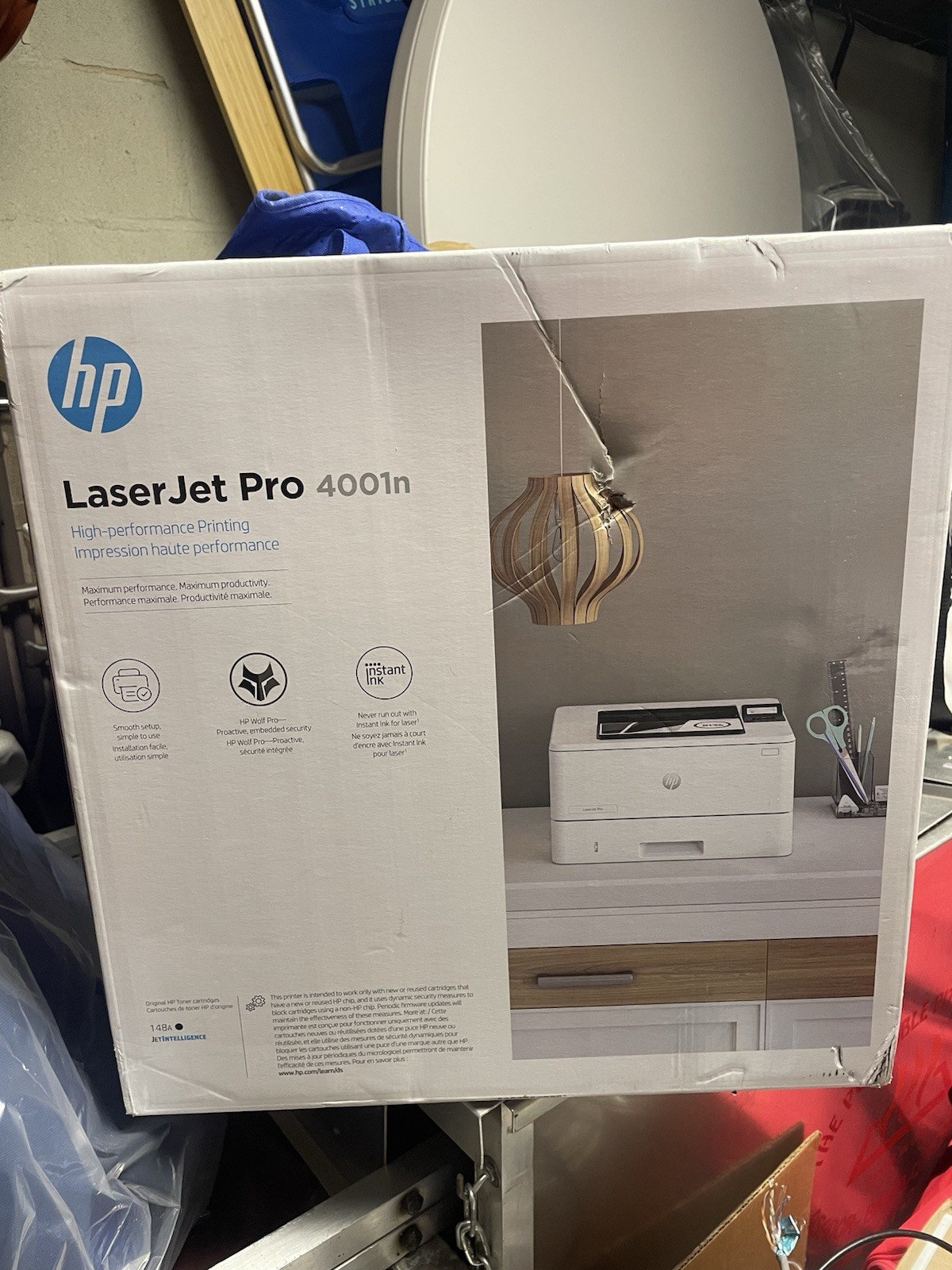

Photos from current listings. Actual item, color, and included accessories may vary.
HP LaserJet Pro 4001N Printer Buying Guide
The HP LaserJet Pro 4001N is a monochrome laser printer built for small offices that need fast, reliable duplex text printing over Ethernet or USB. The core trade-off is between this single-function workhorse and multifunction or color laser models: the 4001N wins on speed and duty cycle but cannot scan, copy, or fax. Buy the 4001N if you print high volumes of black-and-white documents and already have a scanner; skip it if you need all-in-one capability or occasional color.
Key takeaways
- Up to 42 ppm print speed with a 250-sheet main tray and 100-sheet multipurpose feeder; first page out in about 6.3 seconds.
- Gigabit Ethernet and Hi-Speed USB 2.0 (plus rear host USB) are standard; no Wi-Fi or Bluetooth, so plan for a wired network or a USB print server.
- Recommended monthly volume of 750–4,000 pages with a maximum duty cycle of 80,000 pages; supports high-yield 9,000-page toner cartridges.
At a glance
- Category
- Printers & Scanners
- Status
- Listings available
- Last updated
- Nov 28, 2026
Current offers
Highlights
- Up to 42 ppm print speed with a 250-sheet main tray and 100-sheet multipurpose feeder; first page out in about 6.3 seconds.
- Gigabit Ethernet and Hi-Speed USB 2.0 (plus rear host USB) are standard; no Wi-Fi or Bluetooth, so plan for a wired network or a USB print server.
- Recommended monthly volume of 750–4,000 pages with a maximum duty cycle of 80,000 pages; supports high-yield 9,000-page toner cartridges.
- Automatic duplex printing is built in; manual duplexing and separate scan/copy functions are not available on this single-function model.
Best use cases
- Best fit: a small office or home office printing 500–3,000 black-and-white pages monthly with a wired network drop nearby; choose the 4001N.
- Wrong fit: anyone who needs to scan, copy, or fax; step up to the LaserJet Pro MFP 4101fdw or 4001dw series with wireless and a document feeder.
- Best fit: a reception desk or shared workgroup where Ethernet is already run; the 4001N's Gigabit port and 42 ppm engine handle multiple users well.
- Wrong fit: printing photos or color marketing materials; this is a monochrome-only engine, so choose a color laser such as the LaserJet Pro 4301fdw instead.
Buying tips
- Match toner to volume: the standard 3,000-page cartridge suits under 1,000 pages/month; the 9,000-page high-yield cartridge lowers cost per page above 1,500 pages/month.
- Confirm wired connectivity: the 4001N has no Wi-Fi, so ensure a router/switch port or a USB 2.0 cable run is available at the printer location.
- Check paper handling for your media: the 250-sheet tray handles letter/A4, while envelopes and labels go through the 100-sheet multipurpose feeder.
- Verify the model code: 4001N ends in N for network-only; 4001dw adds wireless and duplex, and 4001dwe adds wireless plus a 3-year warranty extension.
Specs
| Print Technology | Monochrome laser, 42 ppm |
|---|---|
| Connectivity | Gigabit Ethernet + USB 2.0 |
| Duplex Printing | Automatic built-in |
| Toner Yield | 3,000 std / 9,000 high-yield |
Alternatives to compare
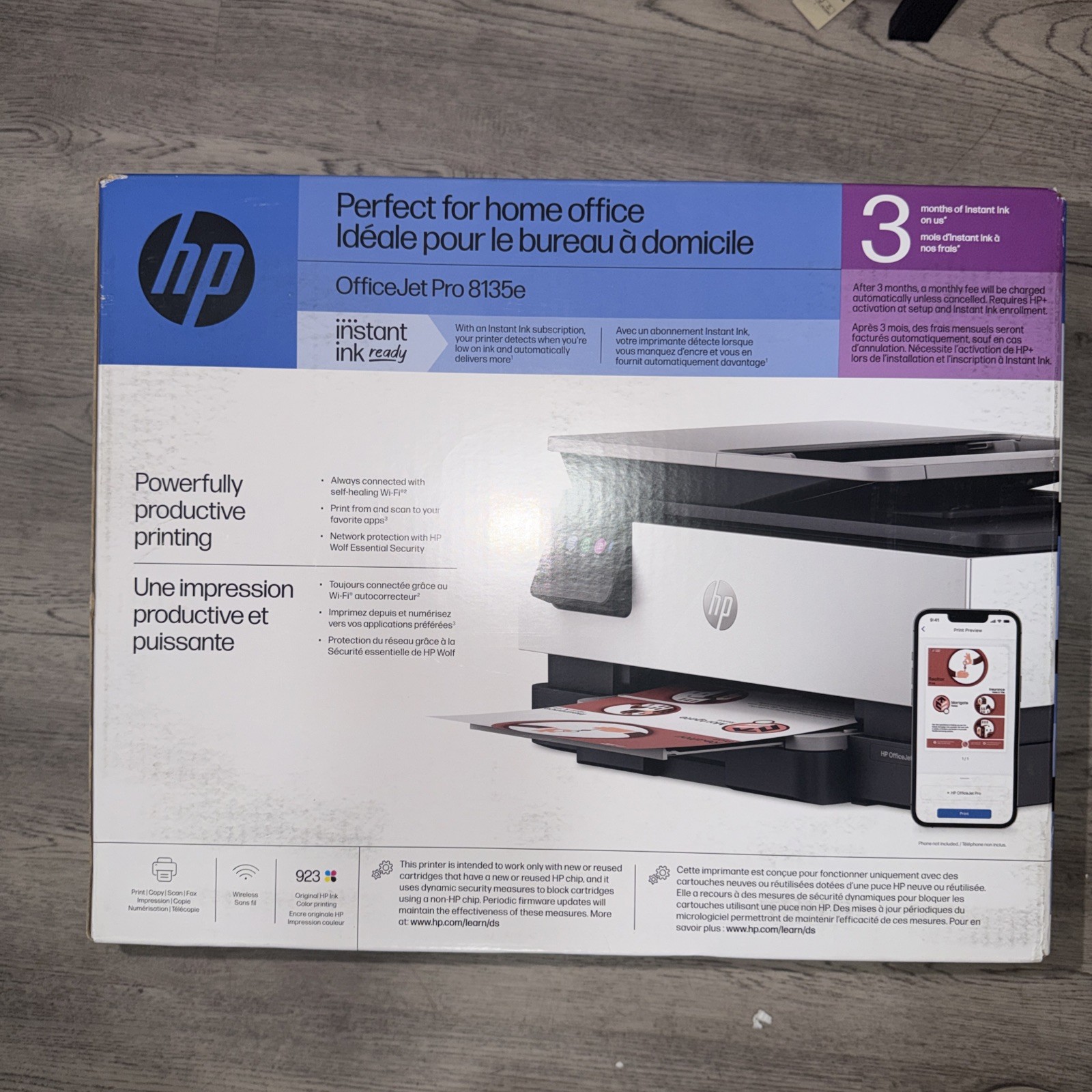
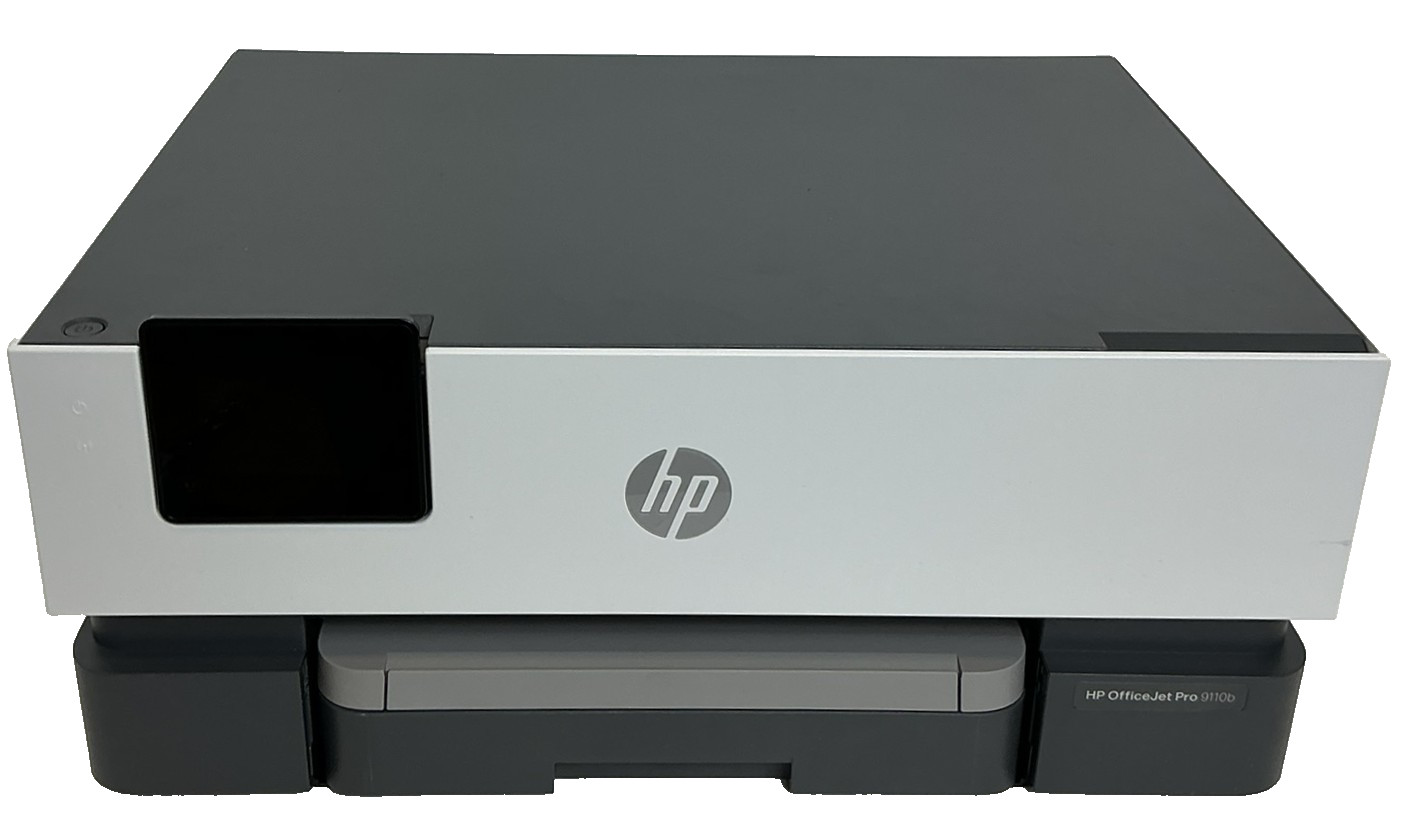
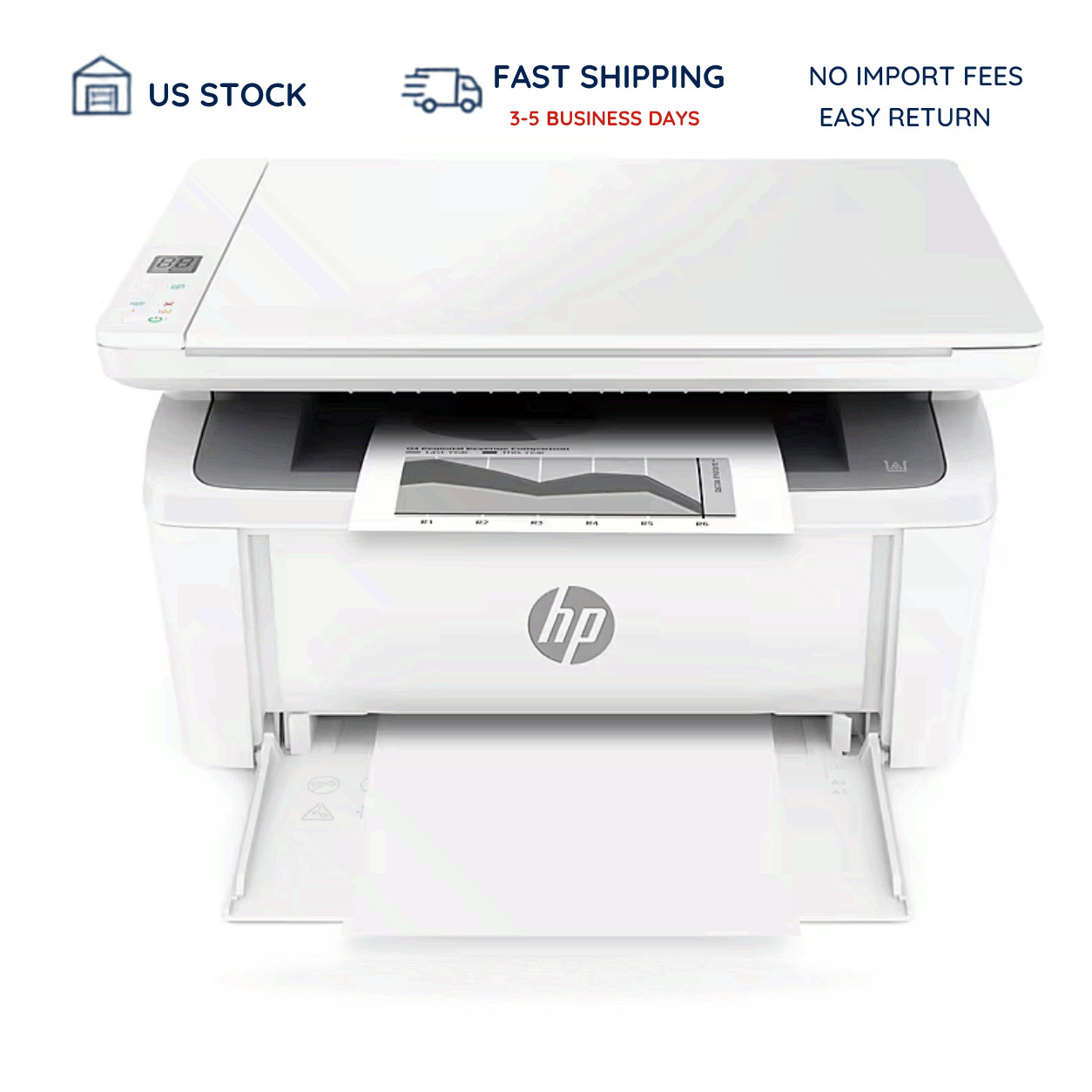
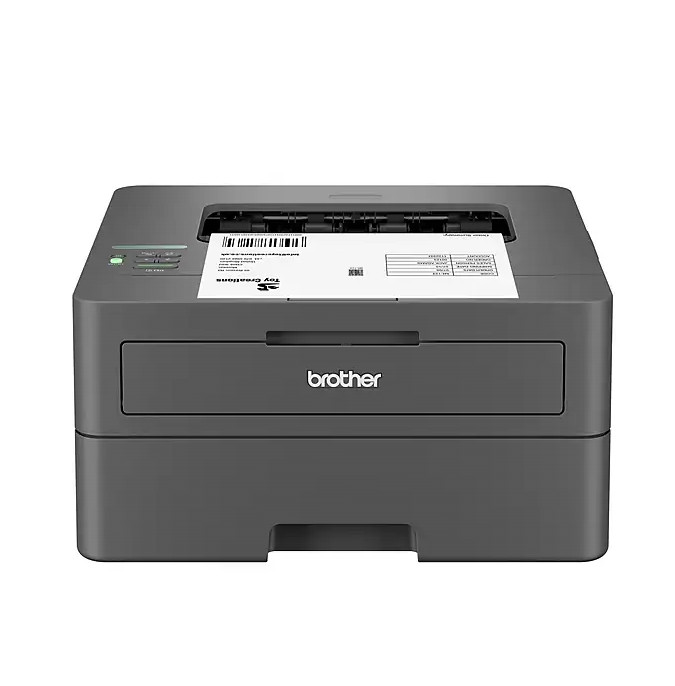
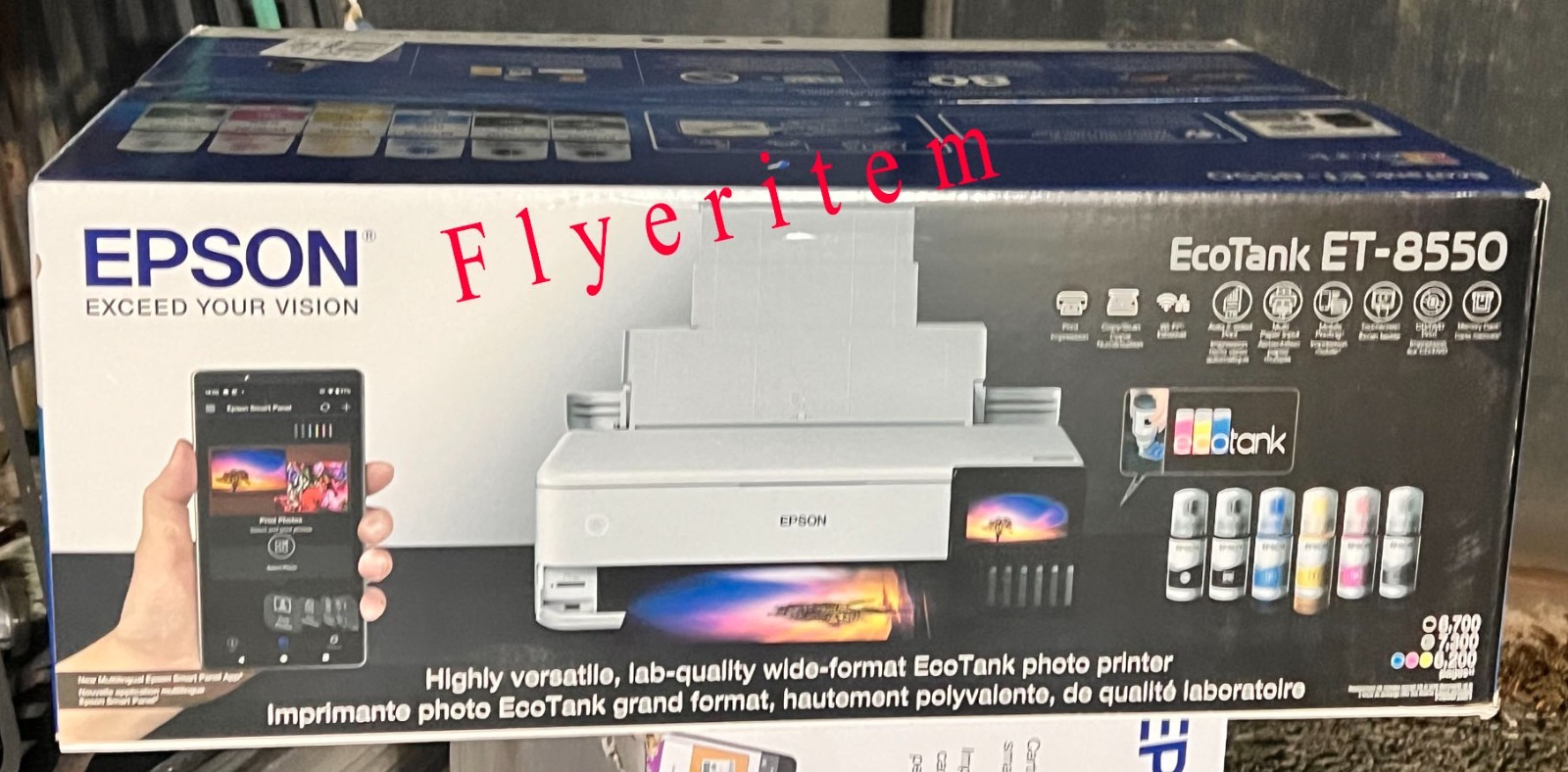
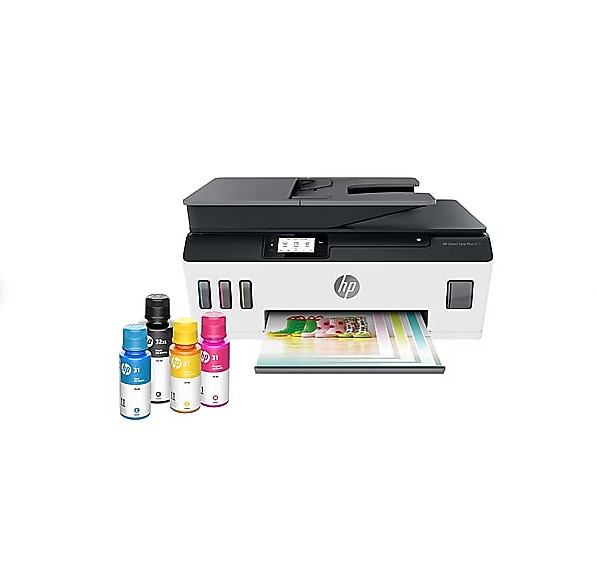
Related searches
What to check before buying
- Measure the footprint: the 4001N is roughly 15 x 14 x 10 inches and needs 4 inches of clearance behind for the rear USB host port and ventilation.
- Confirm a wired network drop or a USB 2.0 Type-B cable within reach; the printer has no wireless radio.
- Check that your computer or print server supports HP's driverless IPP or the HP Smart app for installation without a CD.
- Verify your paper supply matches standard letter/A4 and that heavier stock (up to 43 lb bond) is loaded in the multipurpose feeder, not the main tray.
FAQ
Data sources: eBay / Amazon listings and product attribute feeds. Updated Nov 28, 2026.
Some links on this page are affiliate links. If you buy after clicking one, we may earn a commission at no extra cost to you. This does not change which products appear here or their order. Affiliate disclosure.