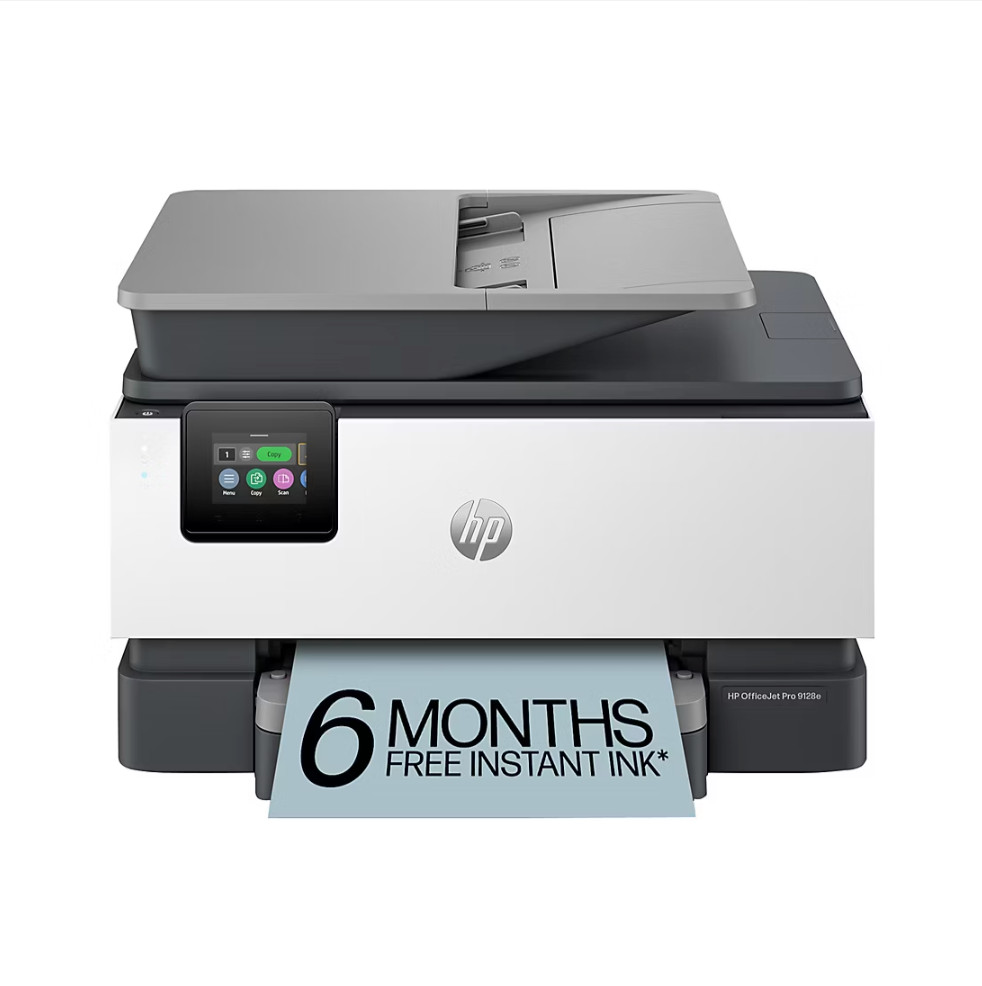

Photos from current listings. Actual item, color, and included accessories may vary.
HP OfficeJet Pro 9128E Buying Guide
The HP OfficeJet Pro 9128e is a business-class all-in-one inkjet printer with print, scan, copy, and fax, engineered for small offices needing fast duplex output and wired/wireless connectivity. The primary trade-off is its reliance on HP's e-series firmware and Instant Ink subscription for low running costs versus the higher upfront cost of its high-yield cartridge option. The decision rule: buy only if you accept HP's subscription ink model and need Ethernet plus 22 ppm black speed; otherwise choose a tank printer for lower volume or a laser for heavy text workloads.
Key takeaways
- Print speed up to 22 ppm black and 18 ppm color, with automatic duplex printing reducing paper use by half versus single-sided models.
- Connectivity includes Ethernet, Hi-Speed USB 2.0 (device and host), and dual-band Wi-Fi with self-healing and Wi-Fi Direct for direct mobile printing.
- Uses HP 936/936XL cartridges, with the 936XL black yielding roughly 2.5x the standard cartridge for lower cost per page on high-volume months.
At a glance
- Category
- Printers & Scanners
- Status
- Listings available
- Last updated
- Nov 28, 2026
Current offers
Highlights
- Print speed up to 22 ppm black and 18 ppm color, with automatic duplex printing reducing paper use by half versus single-sided models.
- Connectivity includes Ethernet, Hi-Speed USB 2.0 (device and host), and dual-band Wi-Fi with self-healing and Wi-Fi Direct for direct mobile printing.
- Uses HP 936/936XL cartridges, with the 936XL black yielding roughly 2.5x the standard cartridge for lower cost per page on high-volume months.
- e-series firmware requires HP account setup and enables HP+ features including Instant Ink eligibility and cloud print via HP Smart app.
Best use cases
- Best fit: a 2-5 person home office printing 300-800 pages monthly with a mix of text and color, needing Ethernet for a wired network and duplex scanning via the 35-page ADF.
- Wrong fit: high-volume text-only printing above 1,500 pages monthly — choose a monochrome laser for lower cost per page and no ink-clog risk.
- Best fit: remote teams needing secure cloud print and scan-to-email without a local server, using HP Smart and Ethernet or Wi-Fi.
- Wrong fit: buyers who refuse subscription ink or account-bound firmware — pick a tank printer like EcoTank or MegaTank for cartridge-free refilling.
Buying tips
- Confirm monthly duty cycle: the 9128e is rated for up to 2,000 pages recommended monthly, so skip it if you routinely exceed that for warranty longevity.
- Check Instant Ink eligibility: e-series models qualify for page-based plans starting at 15 pages/month; enrollment is optional but required for the lowest cost per page.
- Verify paper handling: the main tray holds 250 sheets and the ADF holds 35 sheets, so add a second tray if you switch between letter and legal often.
- Ensure your network supports 2.4/5 GHz Wi-Fi or Ethernet; USB host port allows direct printing from flash drives without a computer.
Specs
| Print Technology | Inkjet (thermal) |
|---|---|
| Black Print Speed | Up to 22 ppm |
| Connectivity | Ethernet / USB 2.0 / Wi-Fi |
| Cartridge System | HP 936 / 936XL |
Alternatives to compare
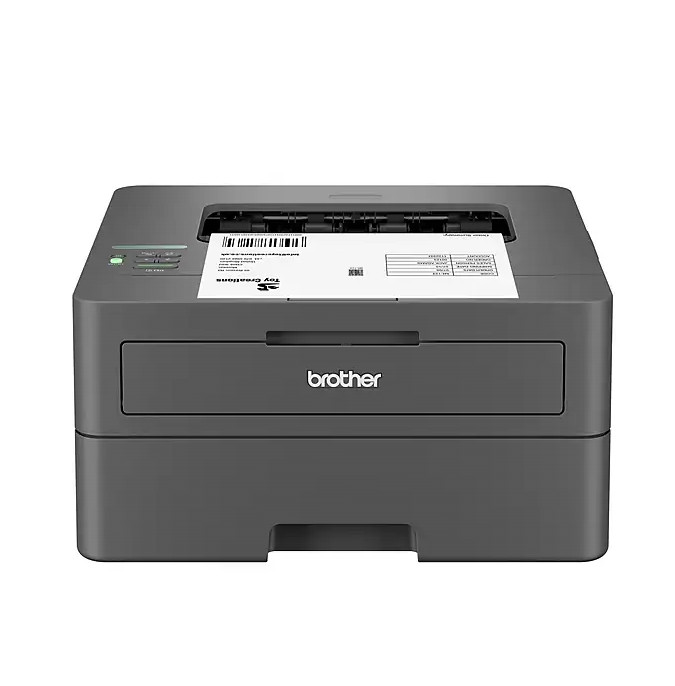
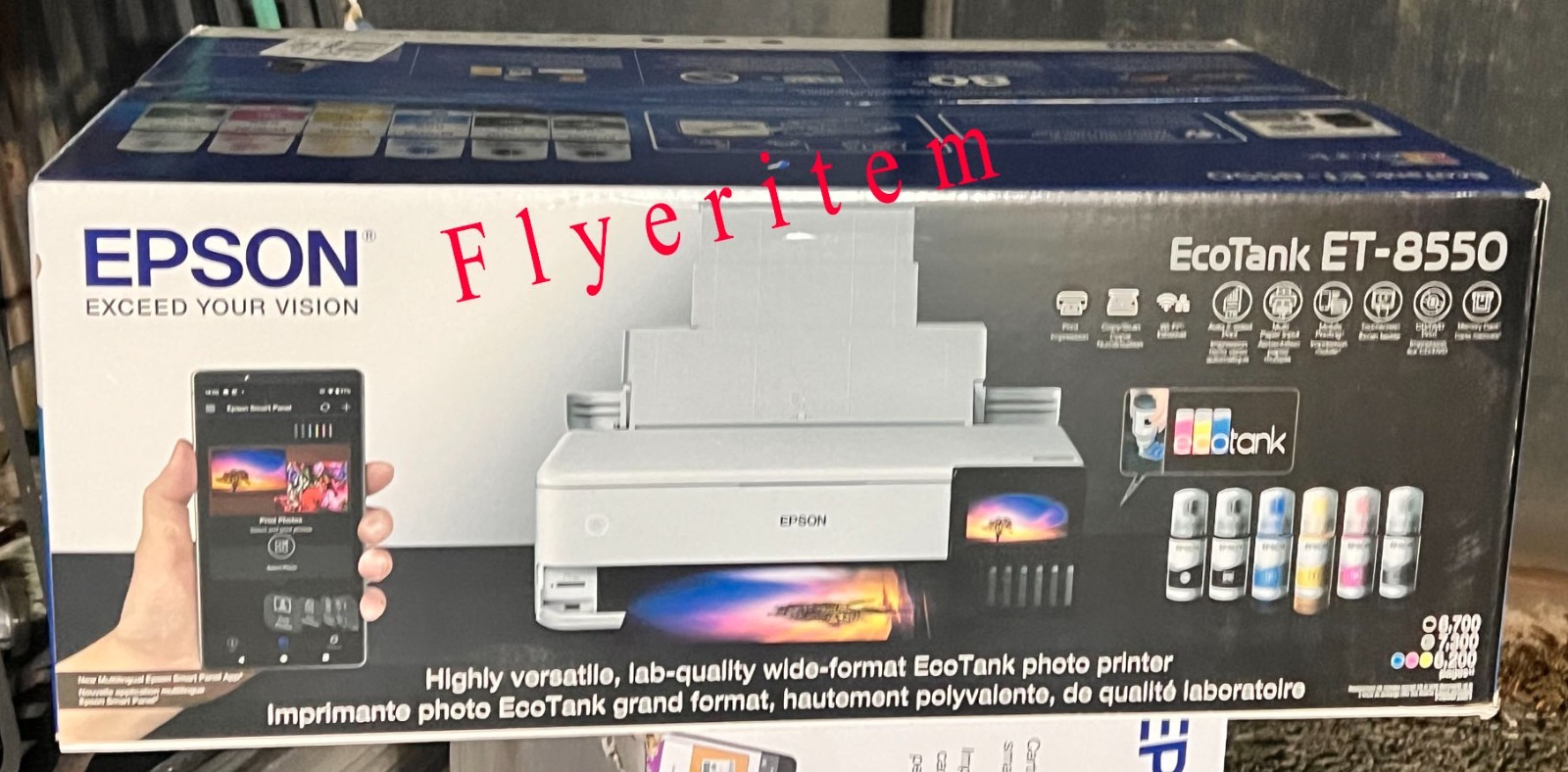
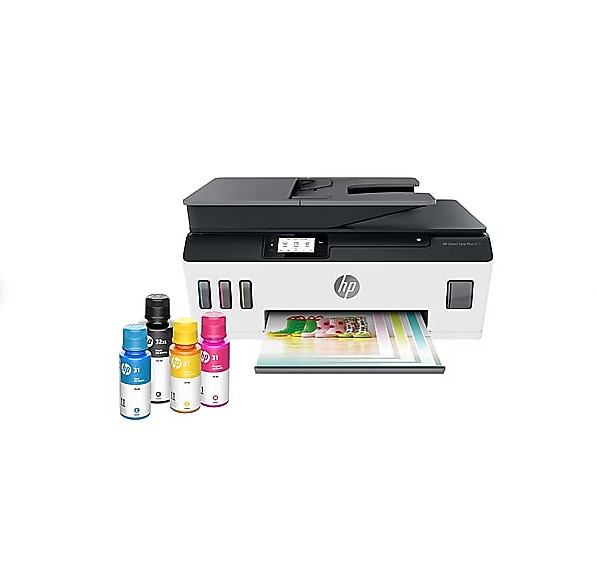
Related searches
What to check before buying
- Measure your desk or shelf: the unit is approximately 17.3 x 13.5 x 10.6 inches and needs 4 inches of clearance behind for the rear feed and cables.
- Confirm power: requires 100-240V AC, 50/60Hz input with a standard grounded plug; check your outlet voltage if outside North America.
- Verify cartridge compatibility: uses HP 936 (standard) or 936XL (high yield) black and color cartridges; the 936XL black yields about 1,200 pages.
- Check OS support: requires Windows 10/11, macOS 10.15+, or mobile iOS/Android with HP Smart app for full scan and cloud features.
FAQ
Data sources: eBay / Amazon listings and product attribute feeds. Updated Nov 28, 2026.
Some links on this page are affiliate links. If you buy after clicking one, we may earn a commission at no extra cost to you. This does not change which products appear here or their order. Affiliate disclosure.