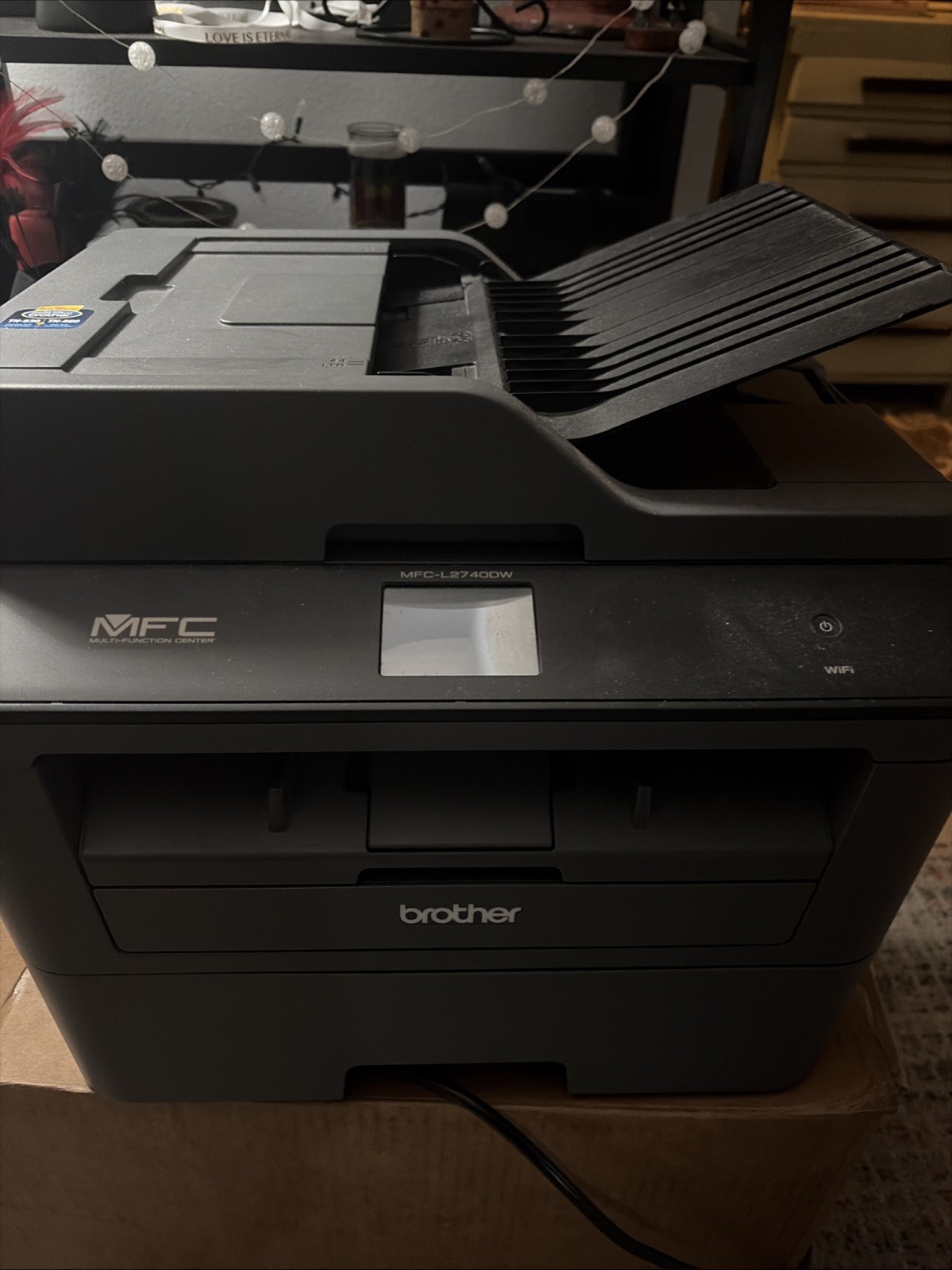

Photos from current listings. Actual item, color, and included accessories may vary.
Brother MFC-L2740DW Buying Guide
The Brother MFC-L2740DW is a monochrome laser all-in-one (print, scan, copy, fax) built for small-office document workloads, where the key trade-off is upfront cost versus long-term toner economy and automatic duplexing. Unlike inkjet AIOs, it uses dry toner and a laser engine, so the decision rule is simple: buy it only if your output is mostly black-and-white text and you value low cost-per-page and duplex automation over color.
Key takeaways
- Monochrome laser engine with automatic duplex printing and 50-sheet ADF; scan/copy/fax are all black-and-white only.
- Print speed rated around 32 ppm; first page out in under 8 seconds from ready mode.
- Uses Brother TN-730 (standard) or TN-760 (high-yield) toner; DR-730 drum is a separate consumable, not bundled with toner.
At a glance
- Category
- Printers & Scanners
- Status
- Listings available
- Last updated
- Nov 28, 2026
Current offers
Highlights
- Monochrome laser engine with automatic duplex printing and 50-sheet ADF; scan/copy/fax are all black-and-white only.
- Print speed rated around 32 ppm; first page out in under 8 seconds from ready mode.
- Uses Brother TN-730 (standard) or TN-760 (high-yield) toner; DR-730 drum is a separate consumable, not bundled with toner.
- USB 2.0, Ethernet, and 802.11b/g/n Wi-Fi with mobile print (AirPrint, Google Cloud Print); no USB-C and no color scanning.
Best use cases
- Best fit: home office or small workgroup printing 200-800 text pages monthly needing duplex, scanning, and faxing over Ethernet/Wi-Fi.
- Wrong fit: anyone needing color prints, photo scanning, or borderless output compromise; buy a color laser or inkjet MFP instead.
- Wrong fit: high-volume monthly users above roughly 2,000 pages should step up to a higher-duty laser with a larger paper tray and higher-yield toner.
Buying tips
- Budget the drum: DR-730 drum life is separate from toner, so factor drum replacement into cost-per-page if you print heavily.
- Pick TN-760 high-yield over TN-730 standard when monthly volume exceeds about 300 pages; high-yield lowers cost per page.
- For office networking, use Ethernet rather than Wi-Fi; Wi-Fi is fine for a single home user but drops on dense office networks.
- Confirm paper handling needs: 250-sheet main tray plus a 50-sheet ADF; no built-in second tray, so large jobs need manual reloads.
Specs
| Print Engine | Monochrome laser, 32 ppm |
|---|---|
| Functions | Print / scan / copy / fax |
| Duplex & ADF | Auto duplex print; 50-sheet simplex ADF |
| Connectivity | USB 2.0, Ethernet, 2.4GHz Wi-Fi |
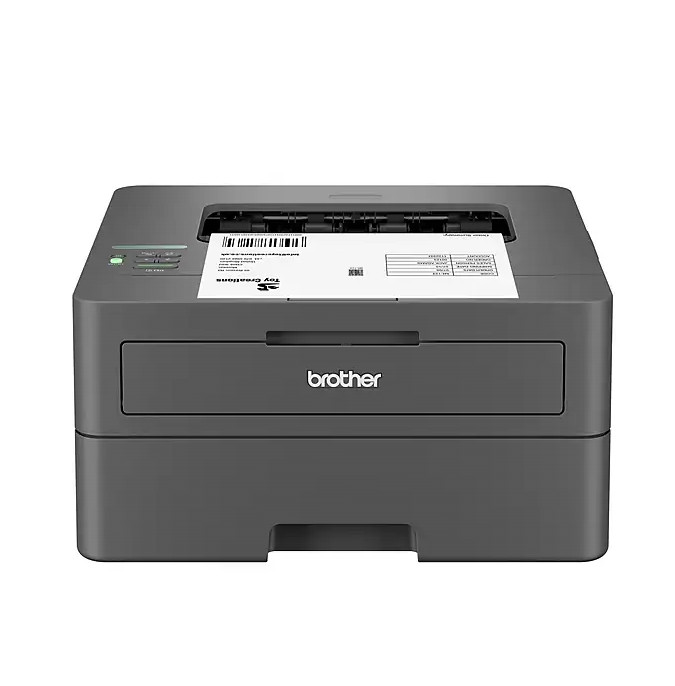
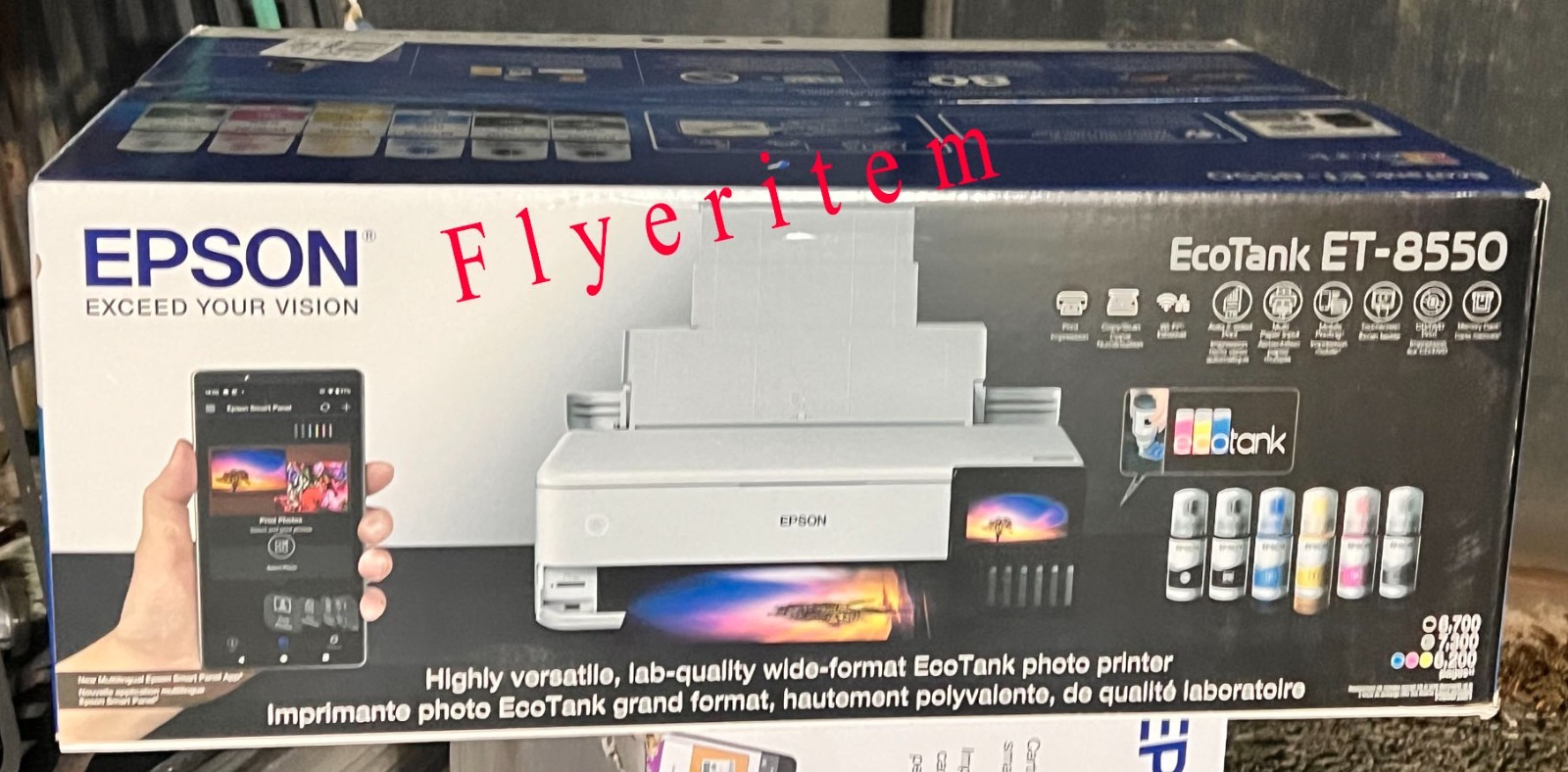
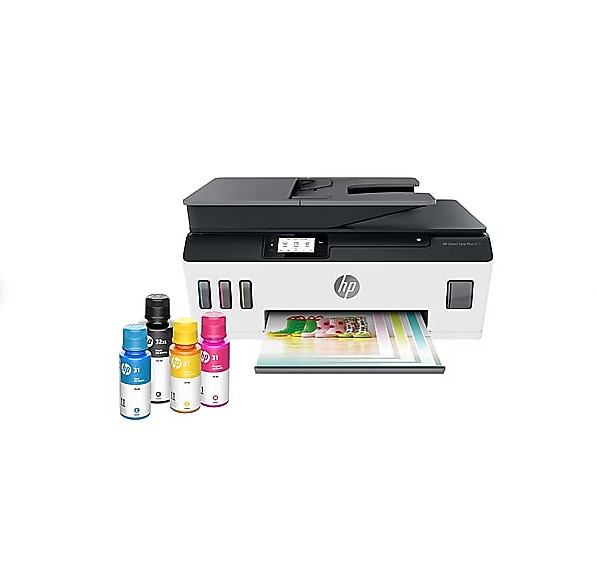
Alternatives to compare
Related searches
What to check before buying
- Measure desk footprint and clearance for the rear duplex path and front output tray; this is a compact but not tiny desktop unit.
- Confirm you have a grounded 120V US outlet and either an Ethernet drop or 2.4GHz Wi-Fi; the radio does not support 5GHz.
- Verify computer/phone OS supports Brother's driver package (Windows, macOS, iOS/Android via AirPrint or Brother app).
- Check you have a fax line (RJ-11) only if faxing is required; fax is optional and not needed for print/scan/copy.
FAQ
Data sources: eBay / Amazon listings and product attribute feeds. Updated Nov 28, 2026.
Some links on this page are affiliate links. If you buy after clicking one, we may earn a commission at no extra cost to you. This does not change which products appear here or their order. Affiliate disclosure.