
Photos from current listings. Actual item, color, and included accessories may vary.
HP Printer Buying Guide
HP printers span three core architectures: compact inkjet all-in-ones (DeskJet/Envy), high-volume inkjet (OfficeJet), and laser (LaserJet). The primary trade-off is up-front cost versus cost-per-page and duty cycle: inkjet all-in-ones are cheapest to buy but cost more per page and suit light monthly volume, while laser models cost more upfront yet deliver lower per-page cost and higher monthly duty cycles. The decision rule: match the printer's recommended monthly page volume to your actual print load, and choose laser for text-heavy volume and inkjet only for color/photo needs.
Median $161.99 · Pre-owned listings
Key takeaways
- DeskJet 2600/2800/2900 series are compact two-cartridge inkjets (black + tri-color), while Envy models add photo output and mobile app features for slightly higher volume.
- OfficeJet Pro models use higher-yield cartridges and faster print engines, with automatic duplex and larger paper capacity than DeskJet/Envy tier.
- LaserJet models like the M209d are monochrome-only, automatic duplex, and rated for far higher monthly duty cycles than any inkjet all-in-one.
At a glance
- Category
- Printers & Scanners
- Last updated
- Nov 28, 2026
Current offers
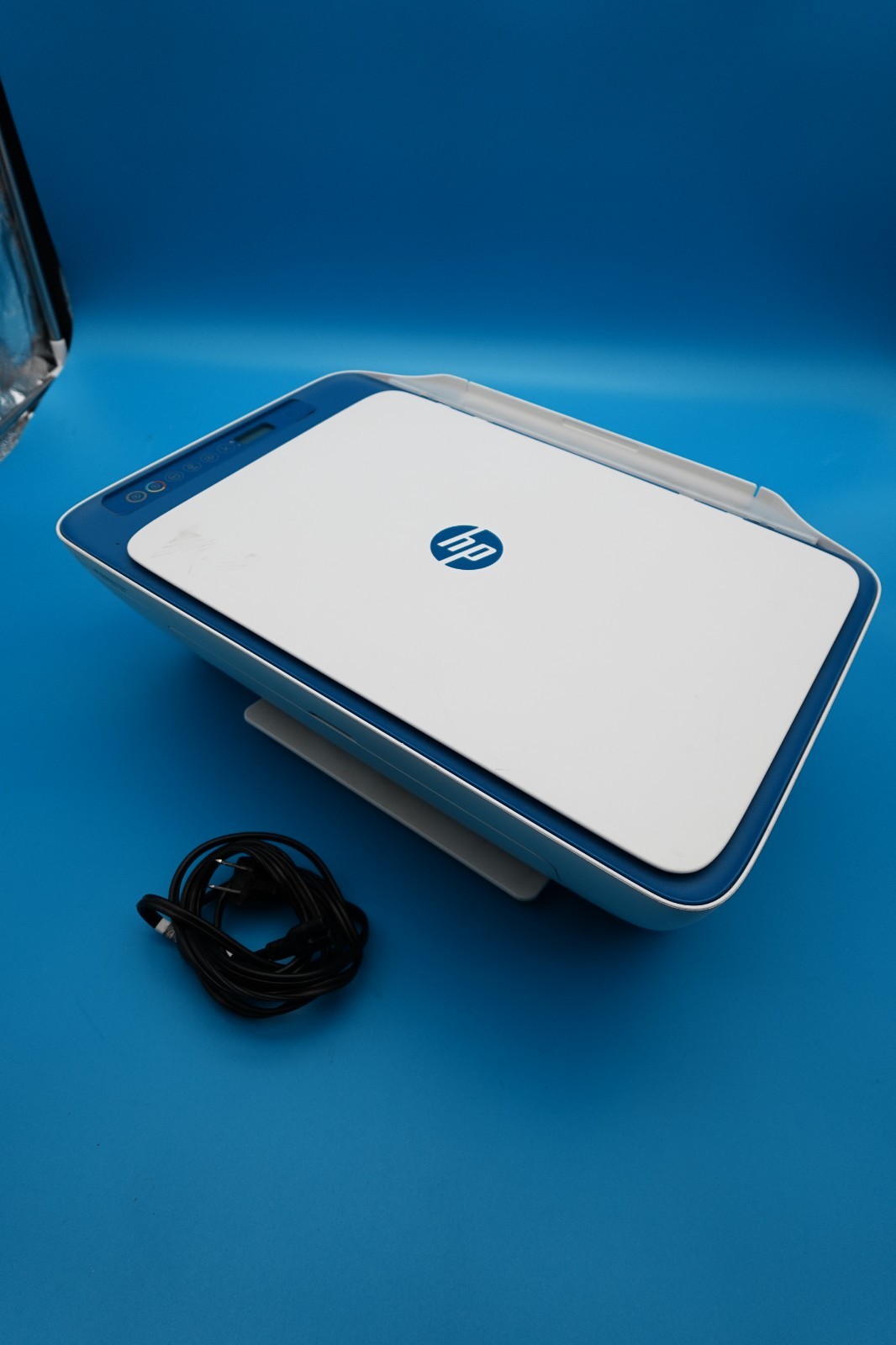 HP Deskjet 2622 All in One Compact Printer Scanner And Copier$24.99View on eBay
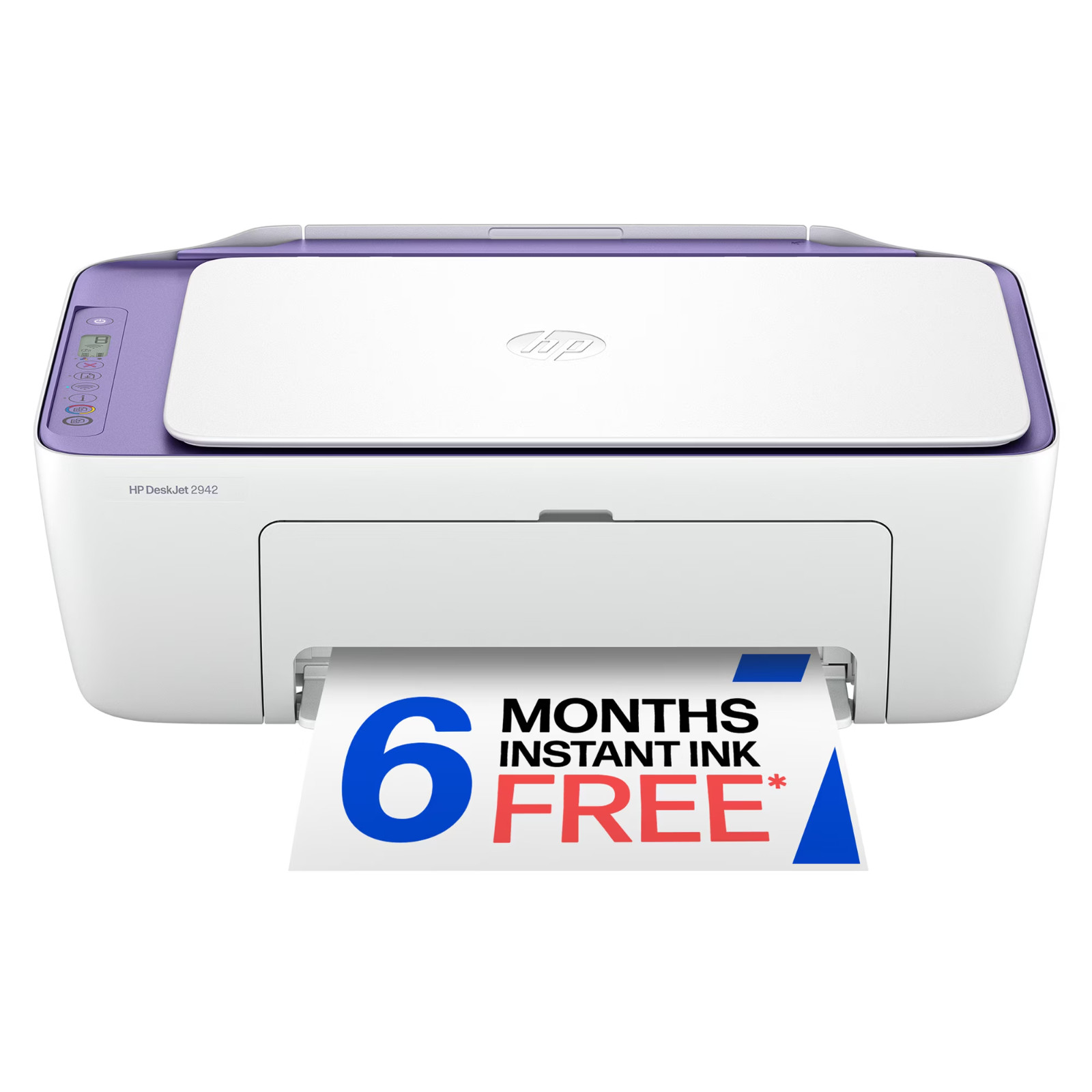 HP DeskJet 2942 Wireless All-in-One Printer Violet FREE SHIP$39.99View on eBay
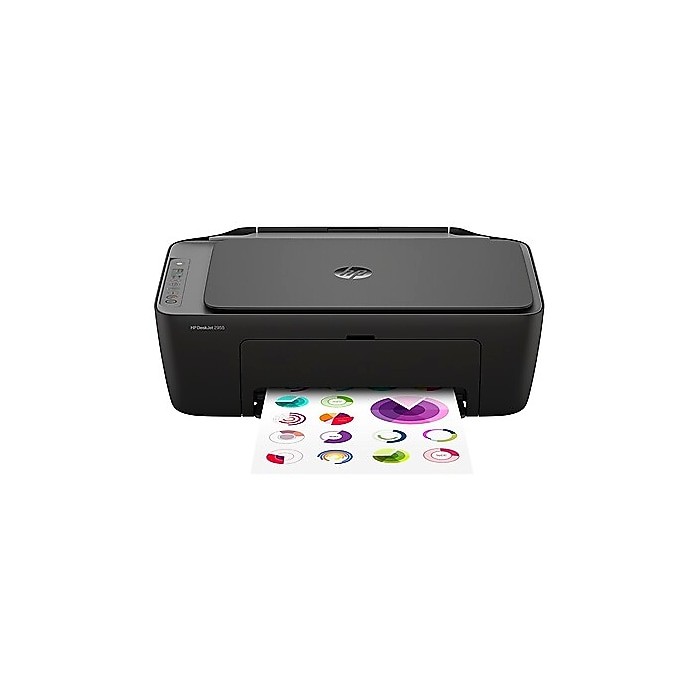 HP DeskJet 2955 Wireless All-in-One Color Inkjet Printer, 3 Months Free Instant$42.00View on eBay
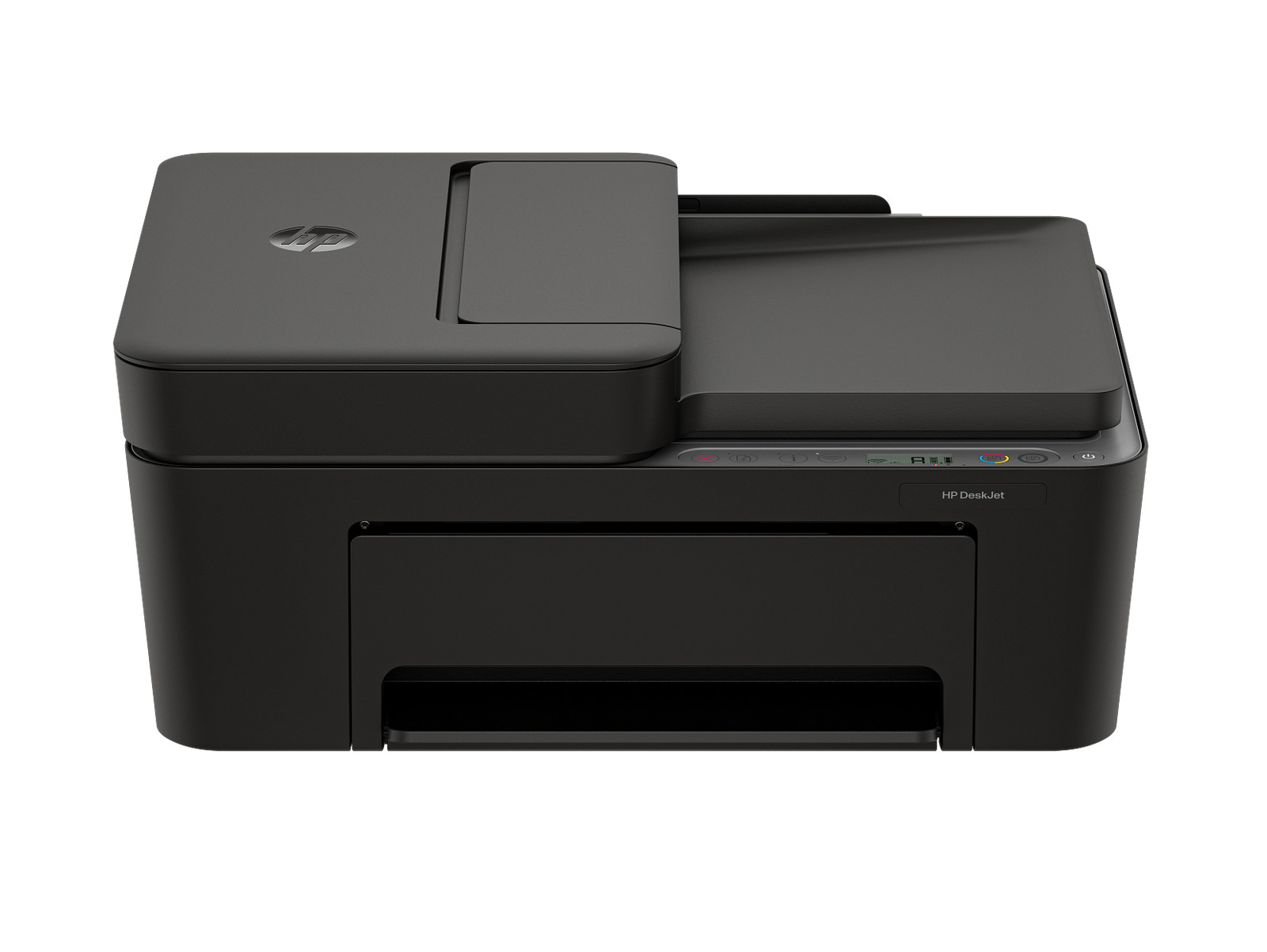 HP DeskJet 4355 All-in-One Inkjet Printer, Color Mobile Print, Copy, Scan Up to$69.99View on eBay
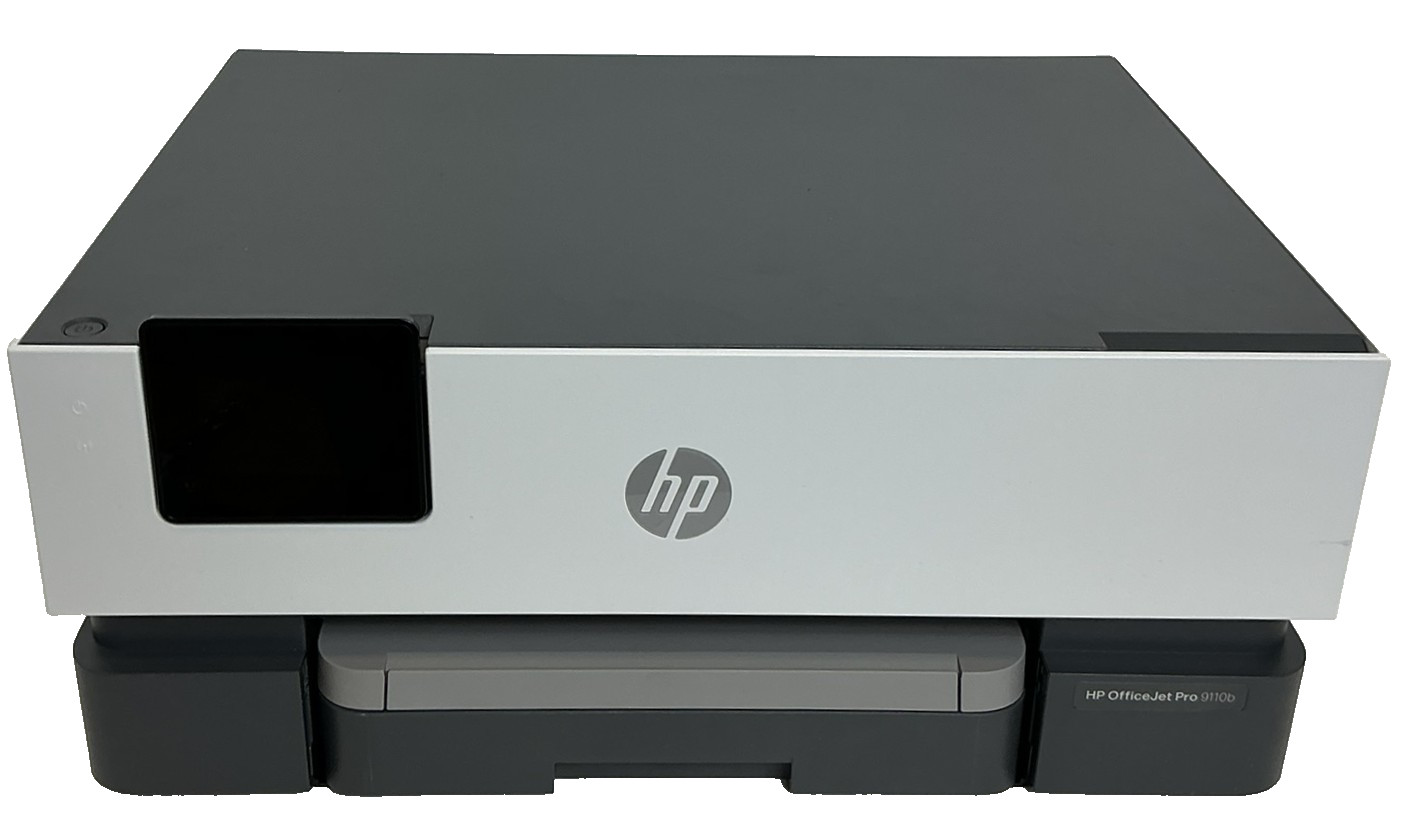 HP OfficeJet Pro 9110b Wireless Printer$75.00Last checked Nov 20, 2026View on eBay
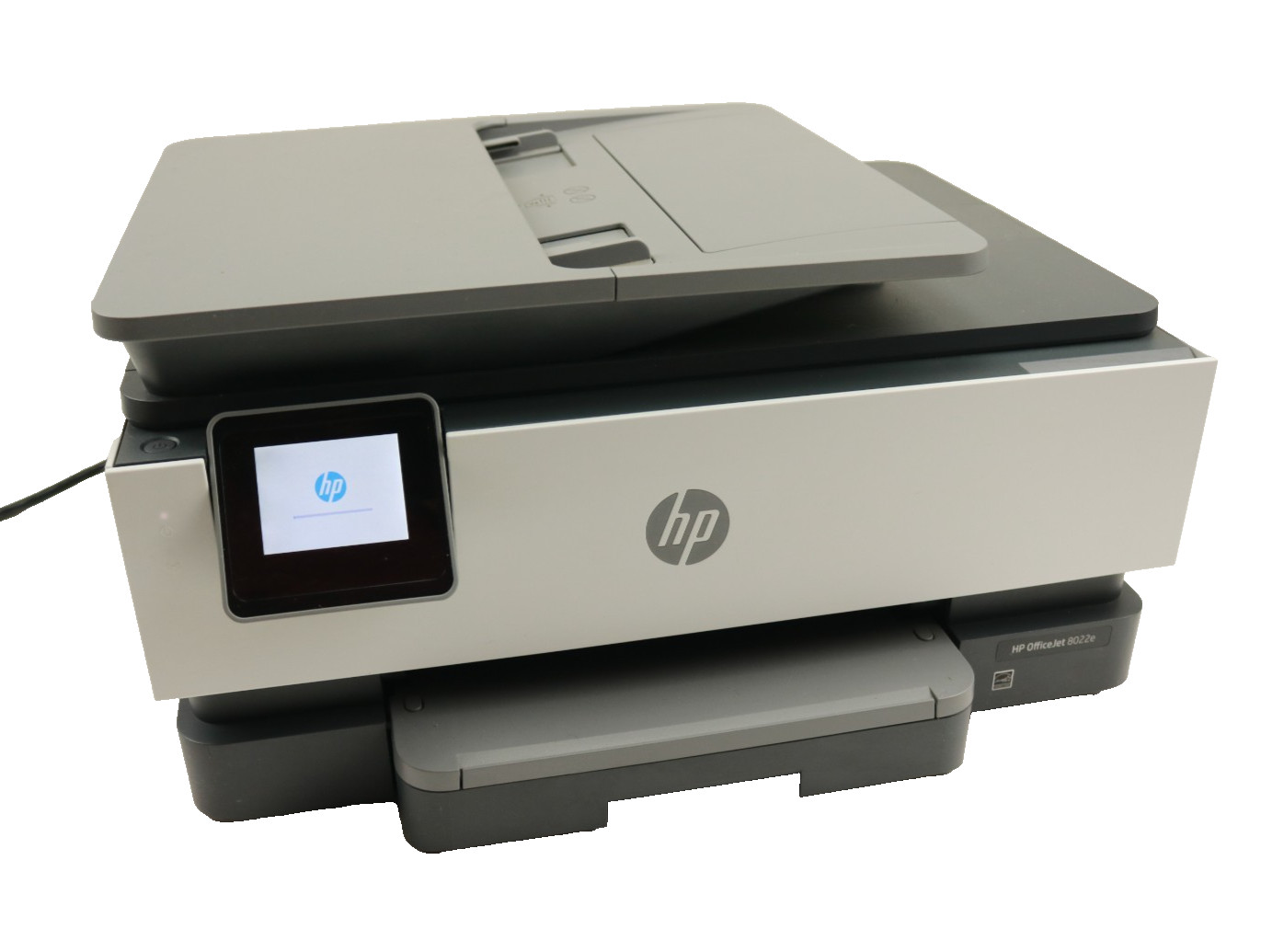 HP OfficeJet Pro 8022e All-in-One Printer-Fax-Office business$78.99Last checked Nov 20, 2026View on eBay
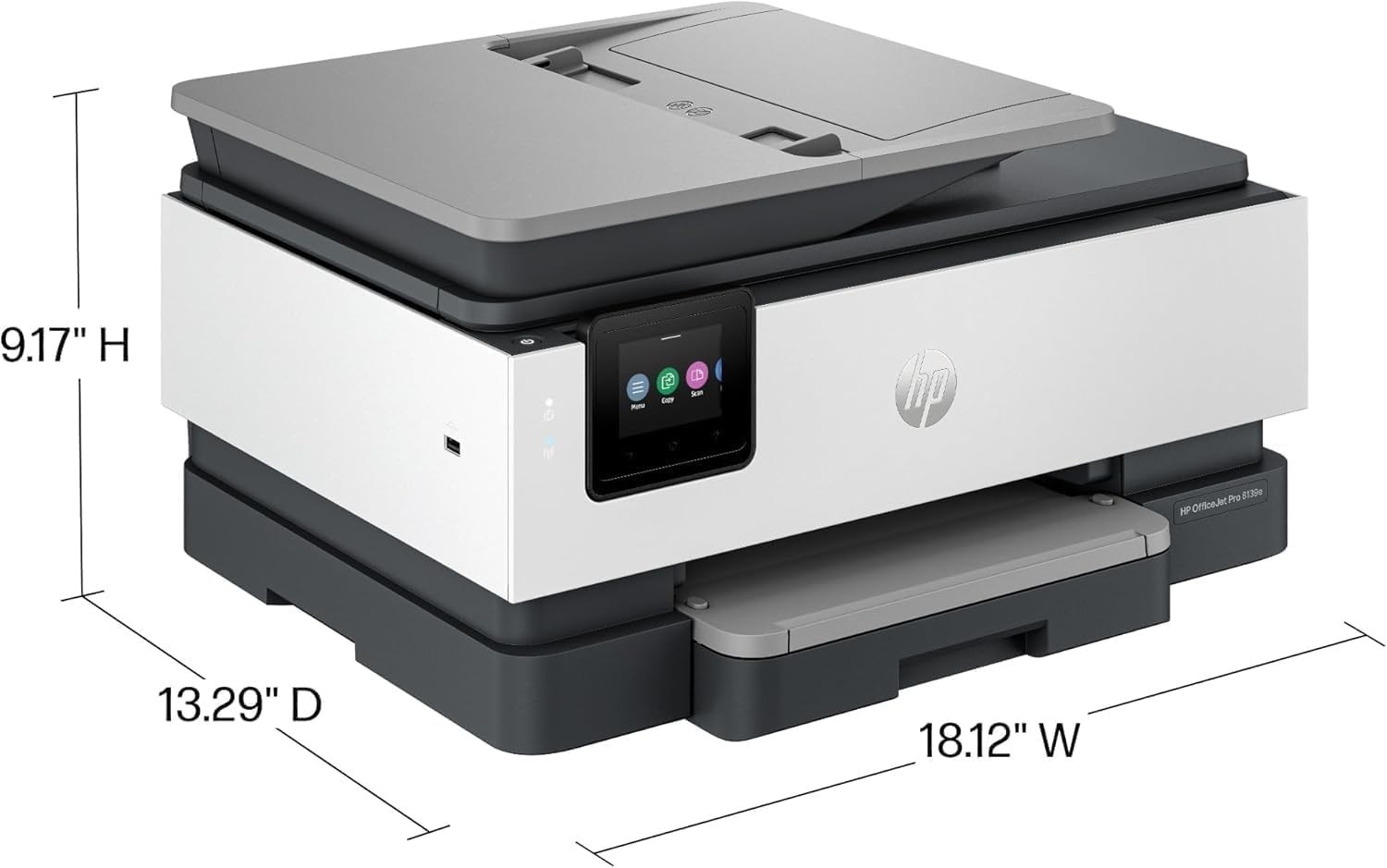 HP OfficeJet Pro 8138e Wireless AIO Color Inkjet Printer - Never Initialized$86.50Last checked Nov 21, 2026View on eBay
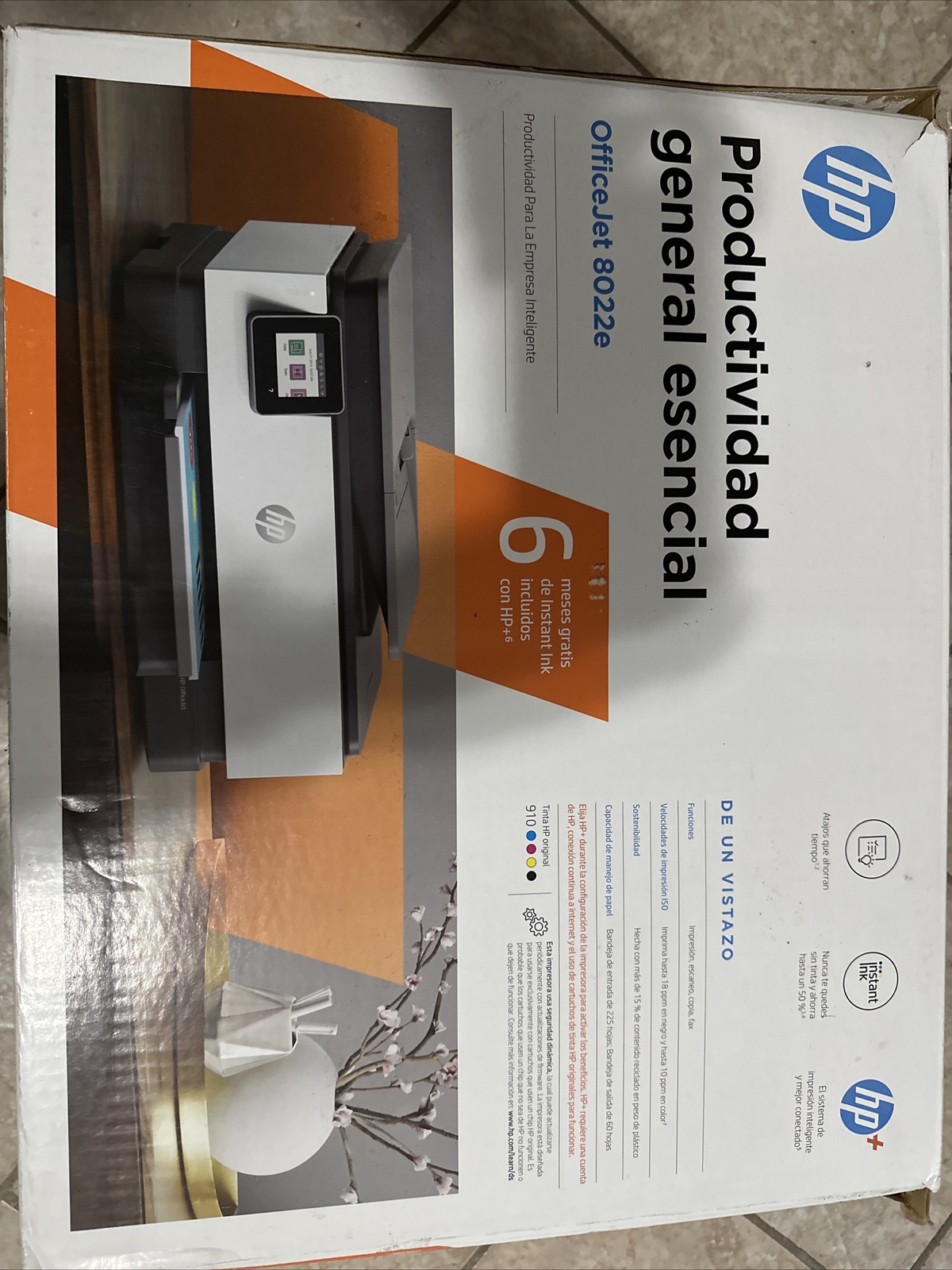 HP OfficeJet Pro 8022e All-in-One Printer-Fax-Office business-New$99.00Last checked Nov 19, 2026View on eBay
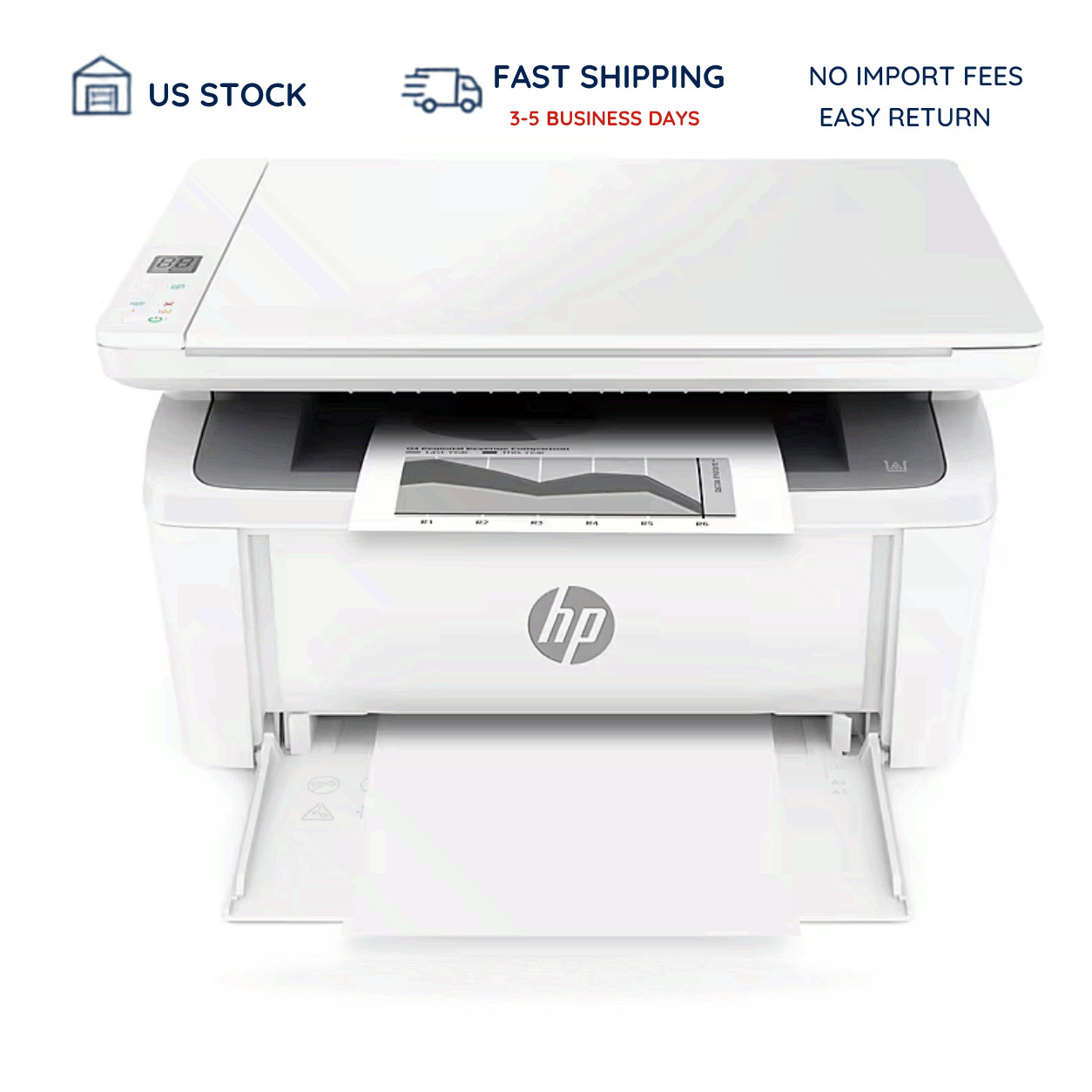 HP LaserJet MFP M140w Wireless B&W All-in-One Laser Printer Scanner Copier 7MD72$100.00View on eBay
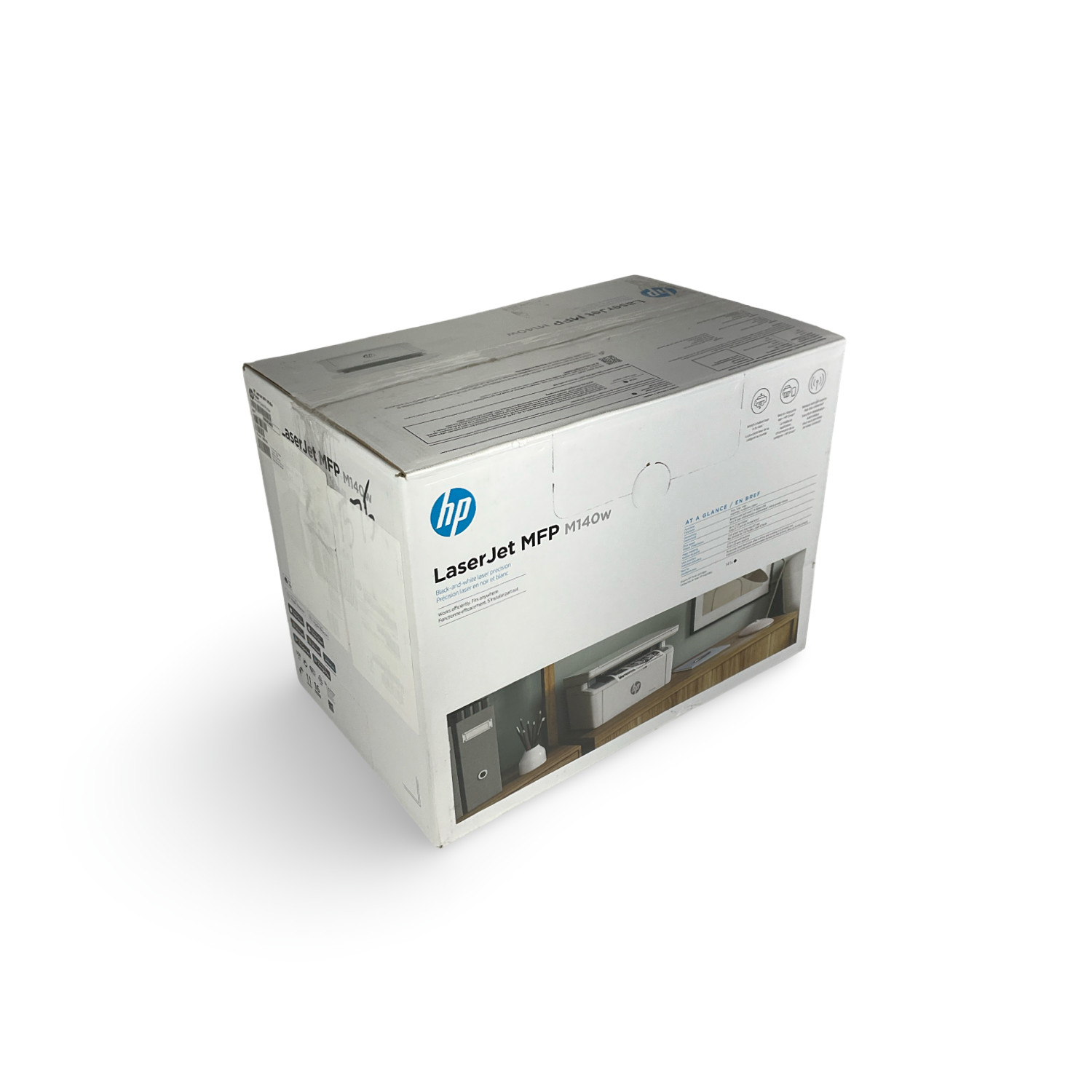 HP LaserJet MFP M140w Laser Printer Black And White 7MD72F with Toner$119.99Last checked Nov 21, 2026View on eBay
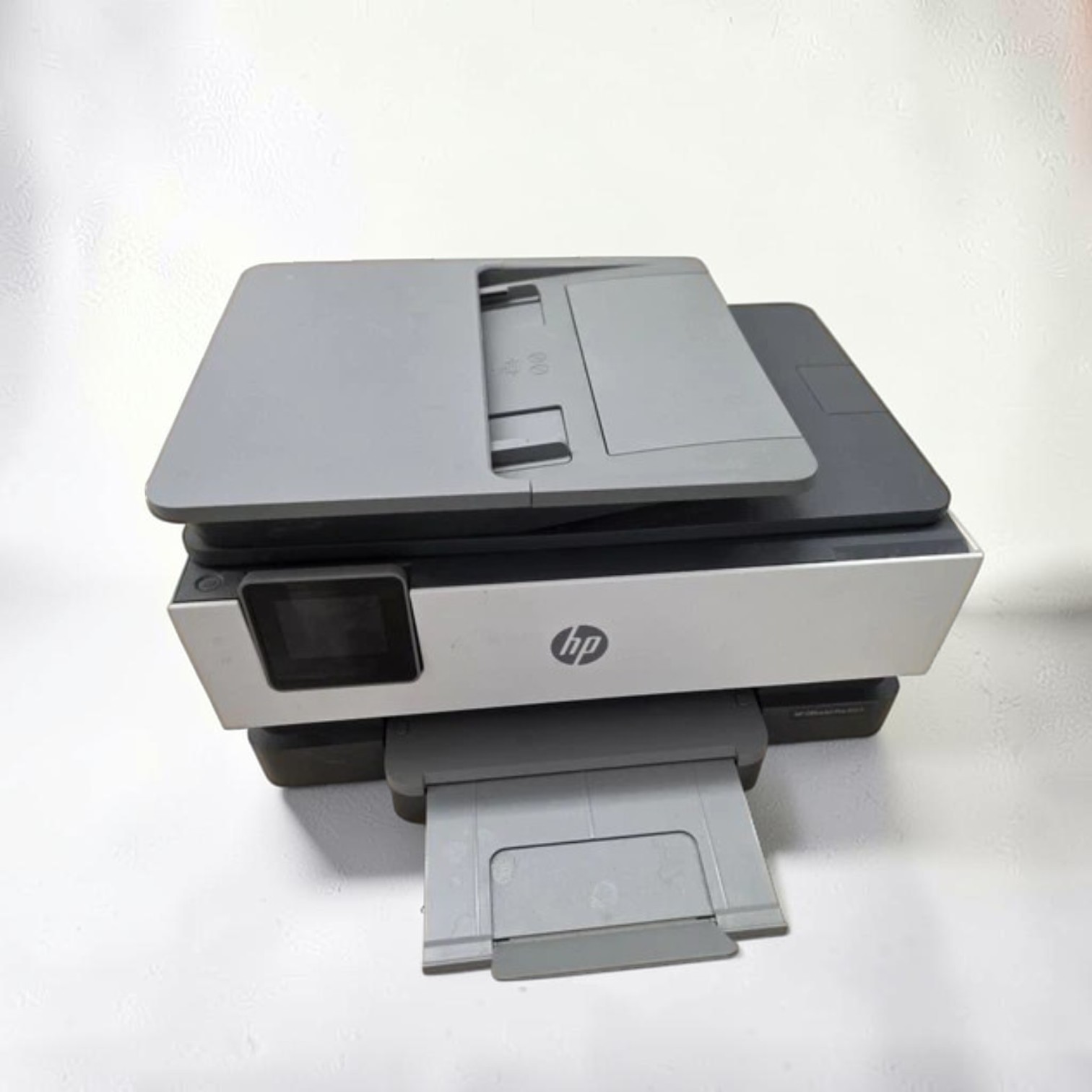 HP OfficeJet Pro 8022 All-in-One Wireless Color Printer Duplex Fax Refurbished$129.99View on eBay
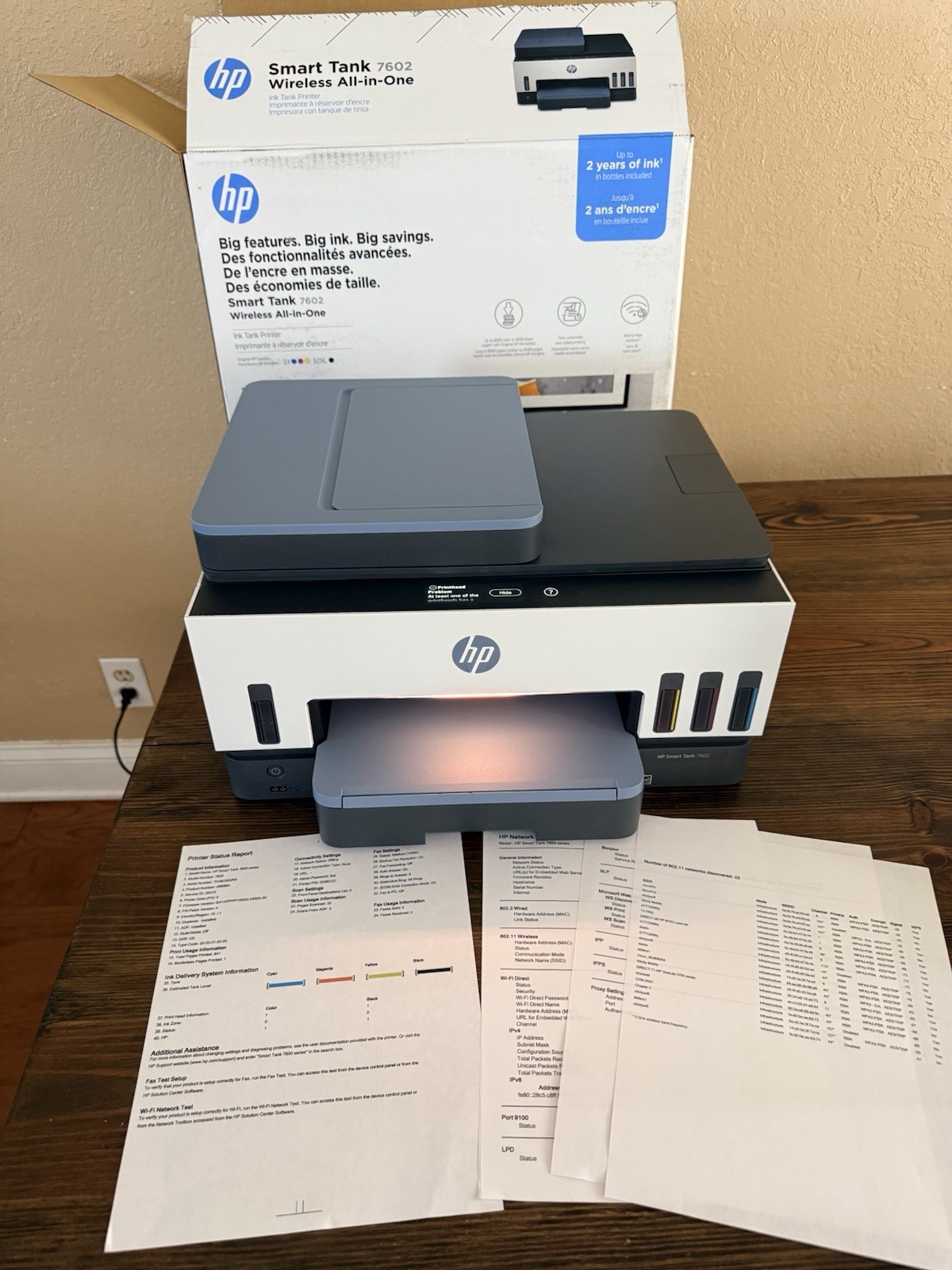 HP Smart Tank 7602 Wireless All-in-One Ink Printer Scanner Copier Home & Office$139.00View on eBay
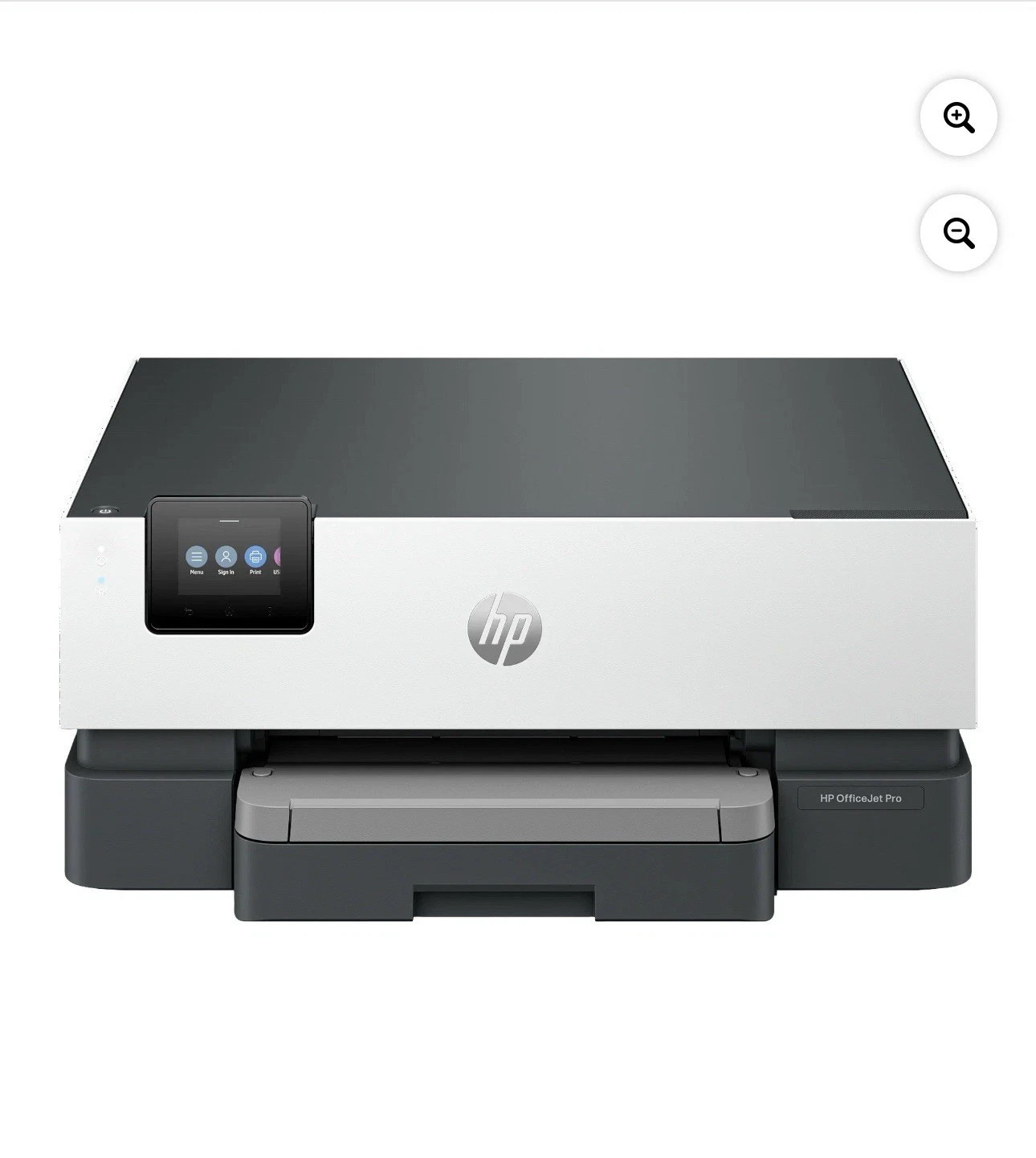 HP OfficeJet Pro 9110 Wireless Printer with PDL Page Descriptive Language$140.00Last checked Nov 20, 2026View on eBay
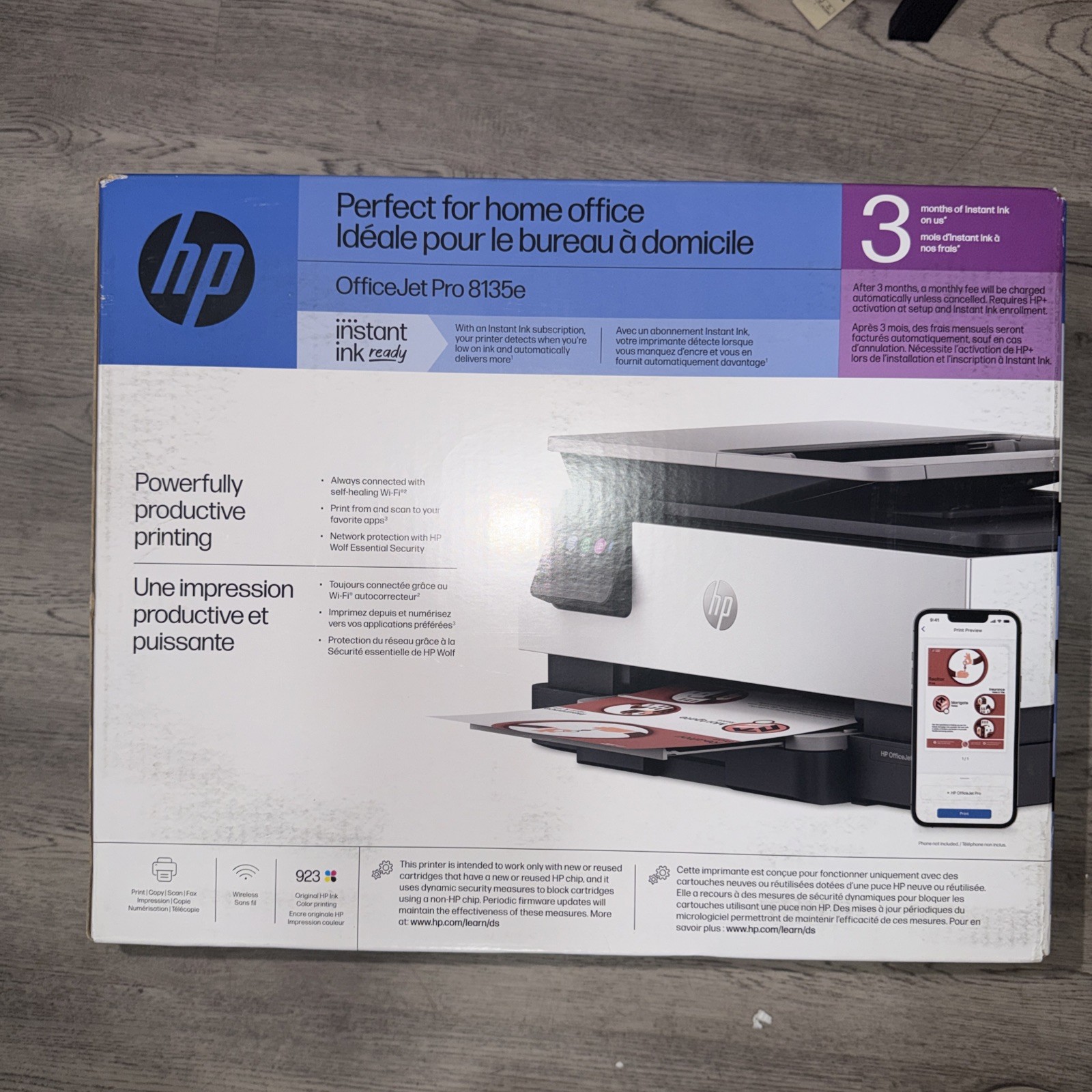 HP OfficeJet Pro 8135e Wireless All-in-One Printer with 3 Months of Instant Ink$140.00Last checked Nov 19, 2026View on eBay
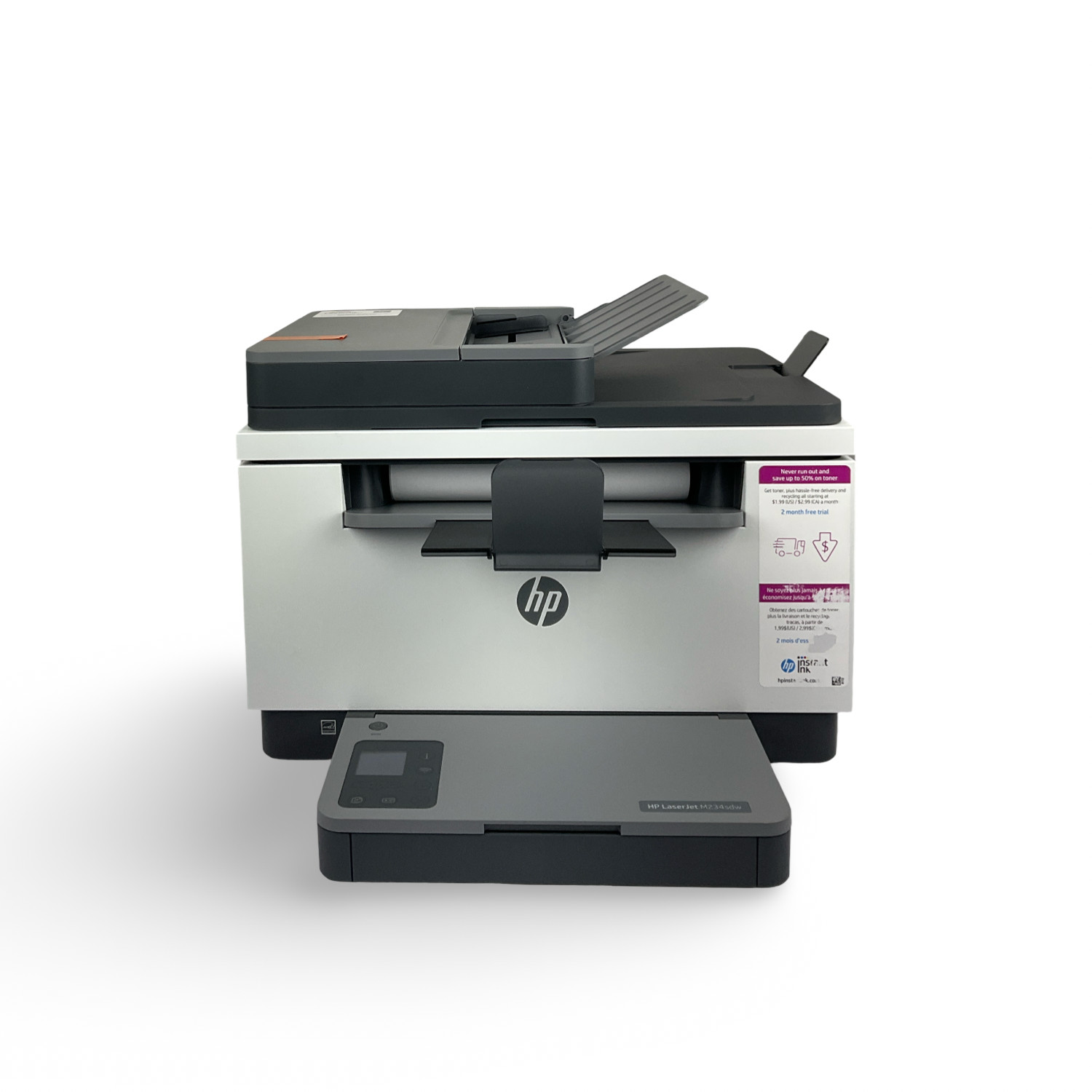 HP LaserJet Pro M234sdw All-In-One Monochrome Laser Printer 6GX01F$149.99Last checked Nov 21, 2026View on eBay
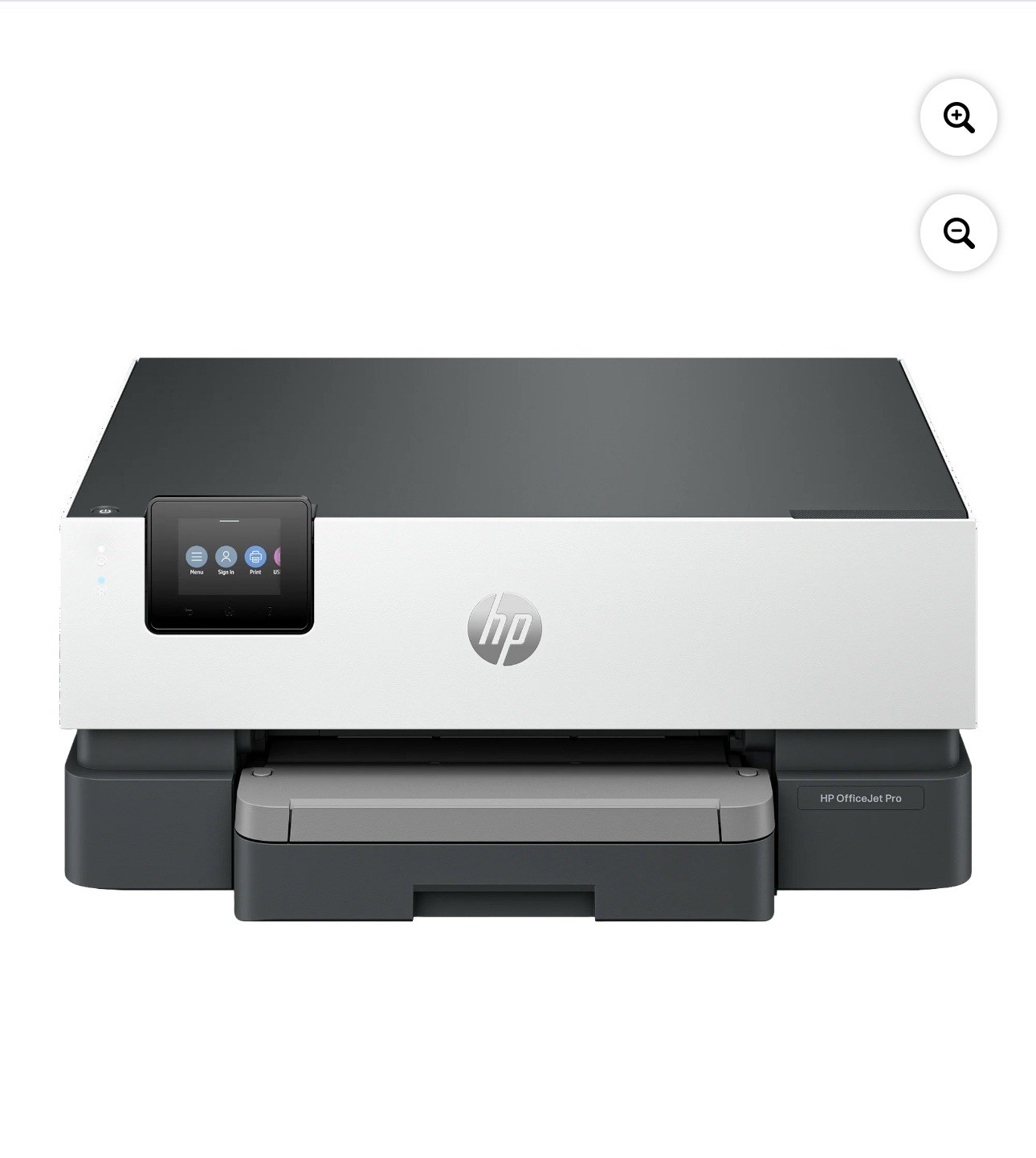 HP OfficeJet Pro 9110b Wireless Printer with PDL Page Descriptive Language$150.00Last checked Nov 19, 2026View on eBay
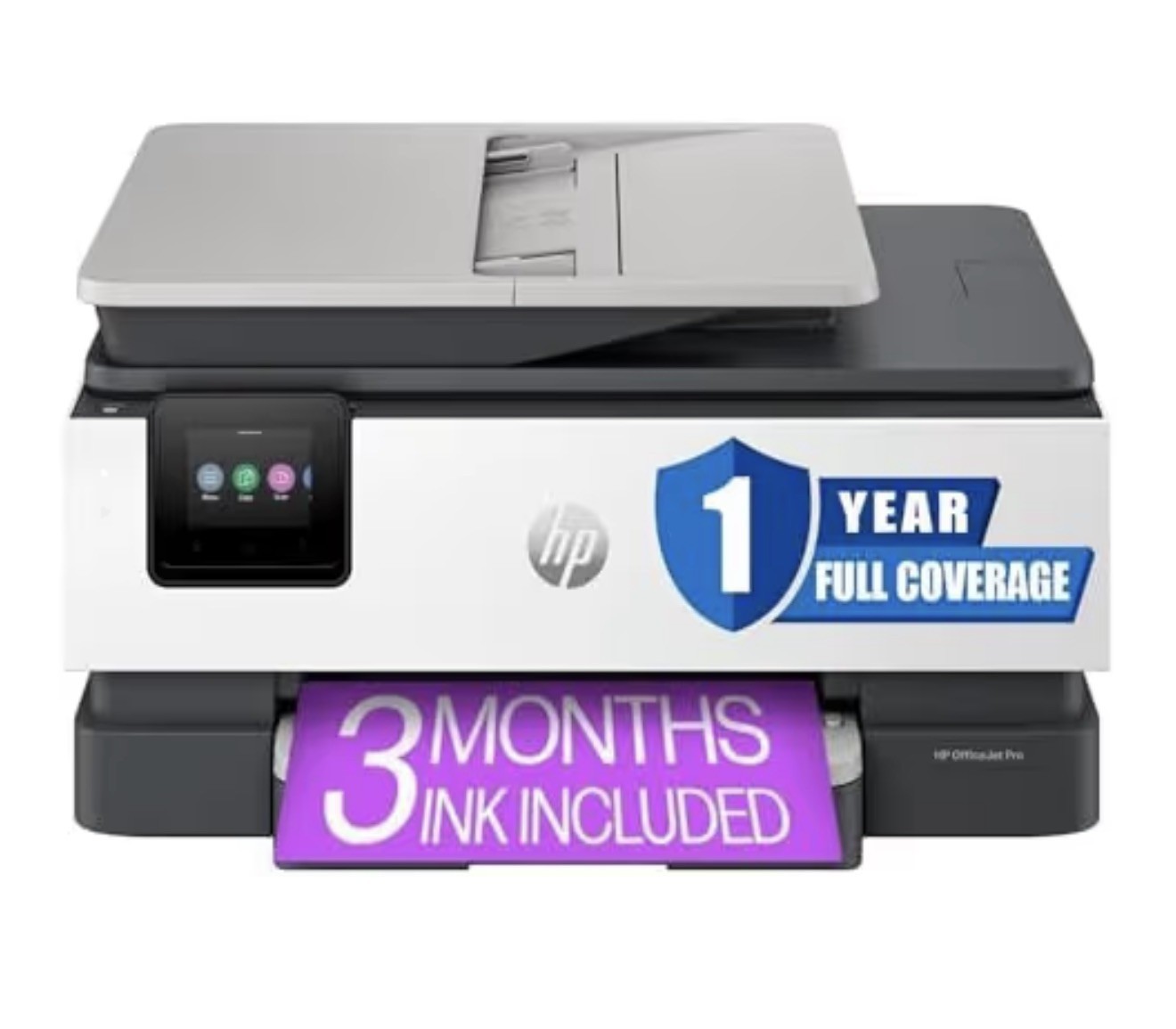 HP OfficeJet Pro 8135e All-in-One Printer w/3 Months Instant Ink free w/ HP+ NEW$154.99Last checked Nov 19, 2026View on eBay
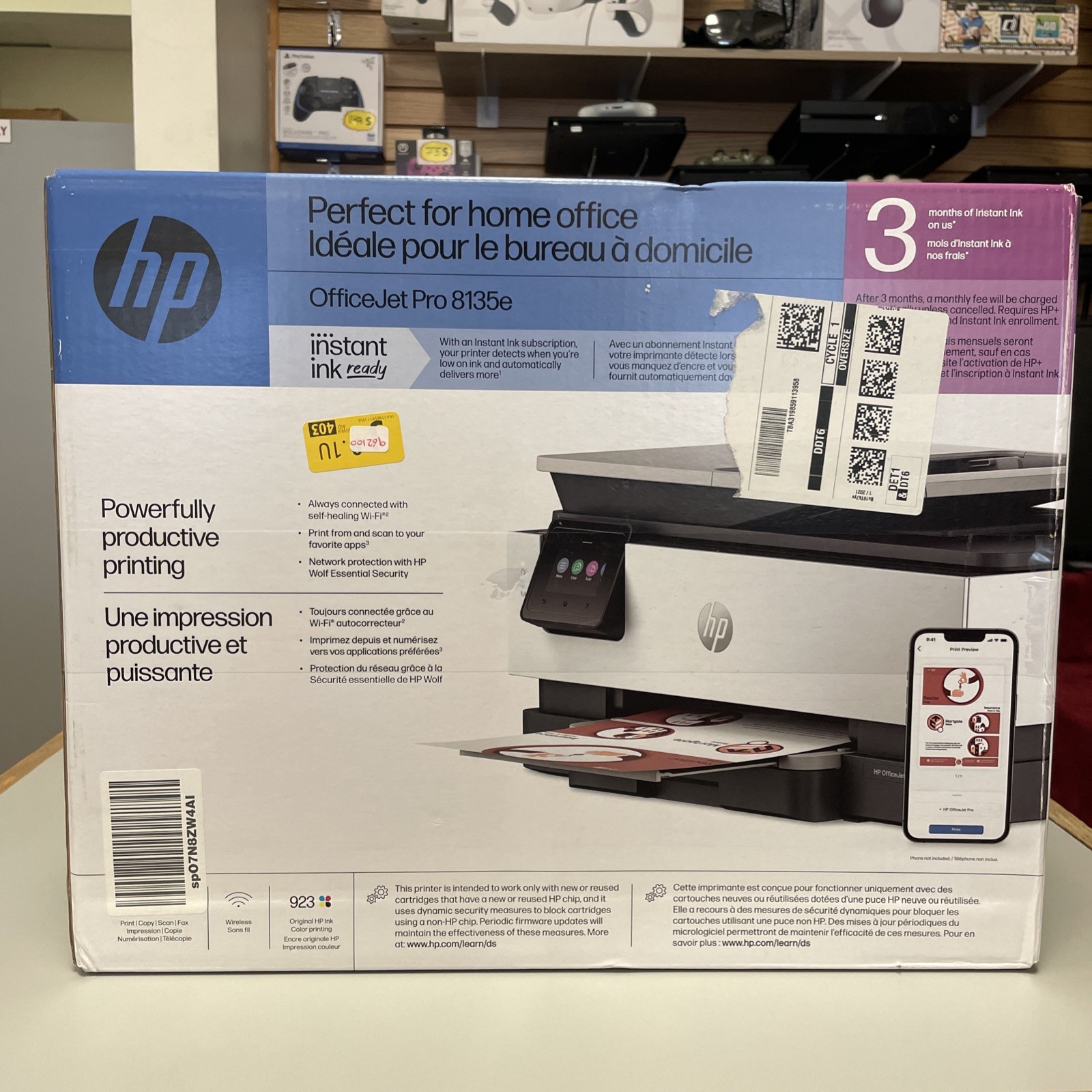 HP OfficeJet Pro 8135e Wireless Printer$159.00Last checked Nov 19, 2026View on eBay
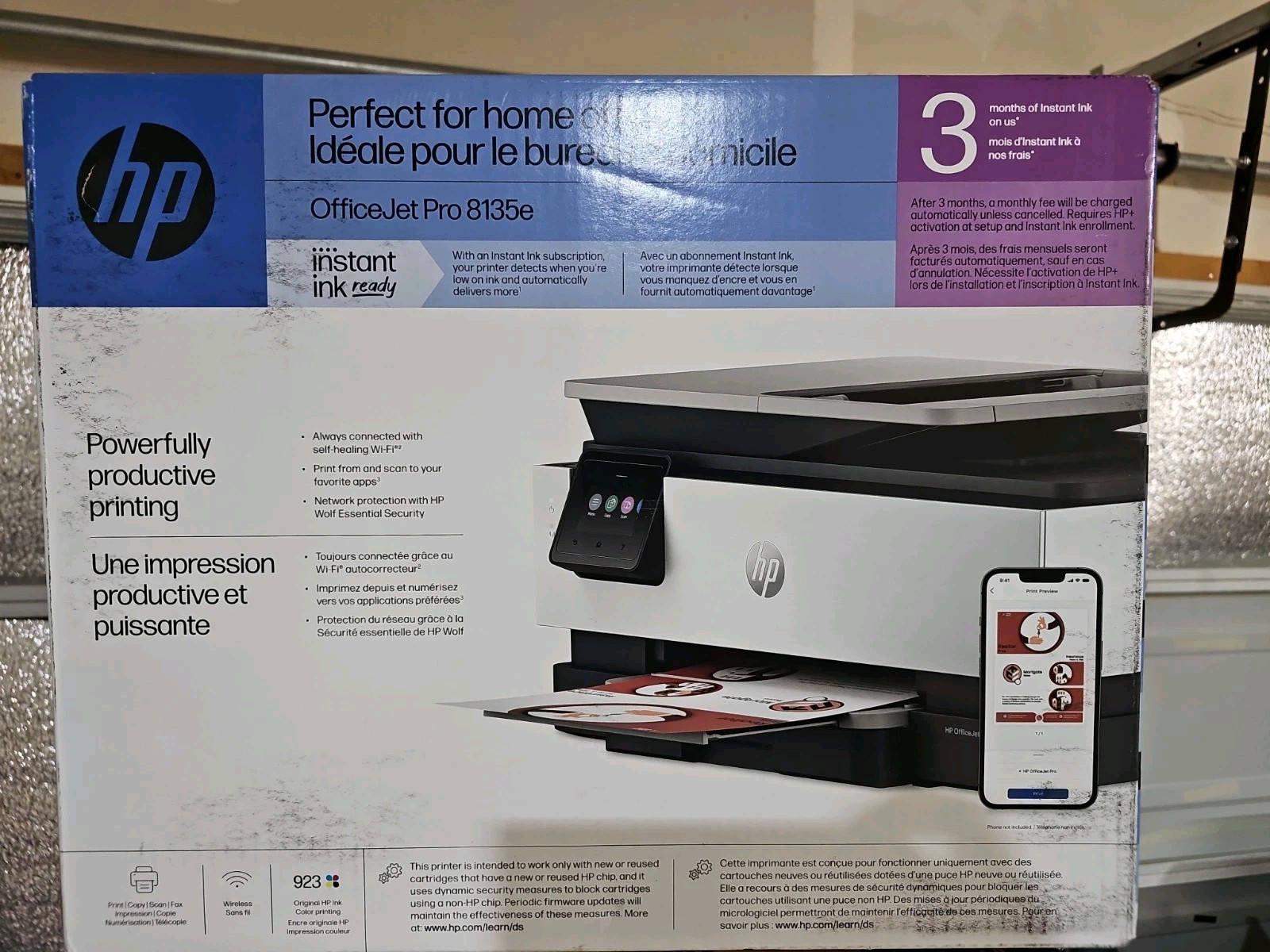 HP OfficeJet Pro 8135e All-in-One Printer w/3 Months Instant Ink free w/ HP+$161.99Last checked Nov 22, 2026View on eBay
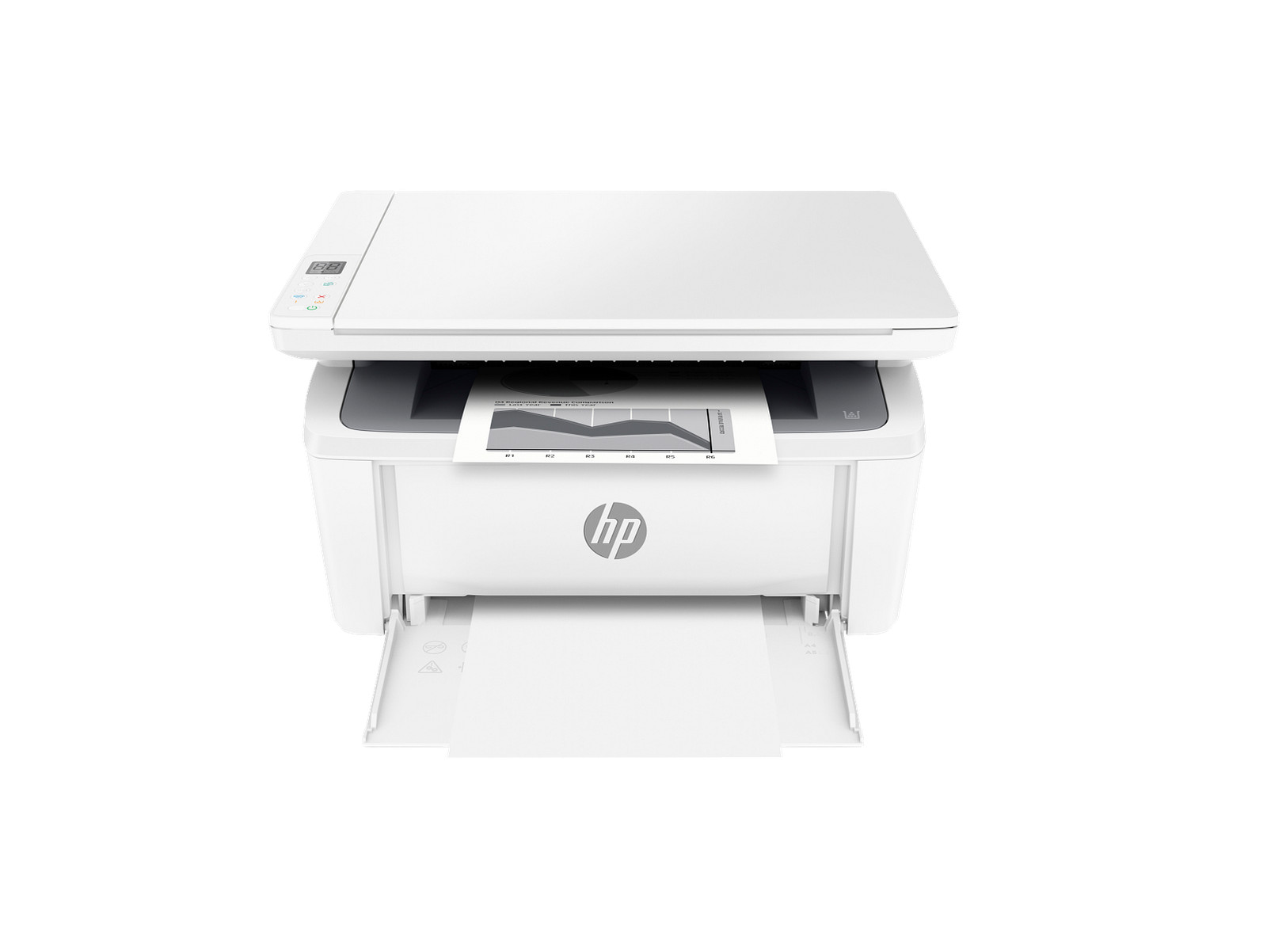 HP LaserJet MFP M140w Laser Printer, Black And White Mobile Print, Copy, Scan Up$169.00Last checked Nov 19, 2026View on eBay
Highlights
- DeskJet 2600/2800/2900 series are compact two-cartridge inkjets (black + tri-color), while Envy models add photo output and mobile app features for slightly higher volume.
- OfficeJet Pro models use higher-yield cartridges and faster print engines, with automatic duplex and larger paper capacity than DeskJet/Envy tier.
- LaserJet models like the M209d are monochrome-only, automatic duplex, and rated for far higher monthly duty cycles than any inkjet all-in-one.
- Instant Ink subscription models (e.g., 'e' suffix 2827e/2942e) require HP account enrollment; cartridge cost shifts to a monthly page plan instead of retail cartridges.
Best use cases
- Best for light home printing (under ~100 pages/month, occasional color): pick a DeskJet 2800/2900 series all-in-one; skip OfficeJet and LaserJet tiers, which cost more upfront.
- Best for home-office color + duplex volume (200-500 pages/month): pick an OfficeJet Pro with automatic duplex; skip two-cartridge DeskJets, whose small cartridges and slower engines bottleneck at this volume.
- Best for text-heavy documents and school/work packets (300+ pages/month): pick a monochrome LaserJet (e.g., M209d) for lowest cost-per-page; skip inkjets, which dry out and cost more per page at high text volume.
- Wrong fit: photo-quality printing from a LaserJet (monochrome only) or heavy monthly volume from a base DeskJet—both force premature replacement or cartridge waste.
Buying tips
- Check recommended monthly page volume: base DeskJet suits roughly 50-100 pages/month; OfficeJet Pro handles several hundred; LaserJet is rated for high hundreds to thousands.
- Count cartridge slots: two-cartridge (black + tri-color) systems waste color ink when one color runs out; individual-ink or high-yield toner systems lower running cost.
- Confirm automatic duplex is listed if you print double-sided regularly—base DeskJet models often lack it, while OfficeJet Pro and LaserJet M209d include it.
- On 'e'-suffix Instant Ink models, factor the mandatory subscription into lifetime cost; standard cartridge models let you buy retail ink or remanufactured cartridges instead.
Specs
| Print Technology | Inkjet (DeskJet/Envy/OfficeJet) vs Laser |
|---|---|
| Ink System | 2-cartridge vs high-yield / toner |
| Duplex | Manual flip vs automatic 2-sided |
| Connectivity | USB + Wi-Fi 2.4 GHz / mobile app |
Related searches
What to check before buying
- Measure the shelf or desk footprint and confirm clearance for the output tray and rear paper feed—compact DeskJets are smallest, OfficeJet Pro and LaserJet are larger.
- Verify your Wi-Fi band and router setup: these printers are 2.4 GHz-only for initial setup, so a 5 GHz-only network needs a 2.4 GHz band enabled.
- Check paper size support: letter/A4 standard on all tiers, but photo sizes and envelopes vary—confirm the tray supports your media before choosing the compact tier.
- For LaserJet, confirm you have a nearby power outlet and enough ventilation; laser fusers draw more power and emit heat versus inkjets.
FAQ
Data sources: eBay / Amazon listings and product attribute feeds. Updated Nov 28, 2026.
Some links on this page are affiliate links. If you buy after clicking one, we may earn a commission at no extra cost to you. This does not change which products appear here or their order. Affiliate disclosure.