
Photos from current listings. Actual item, color, and included accessories may vary.
HP Officejet Pro 8135e Buying Guide
The HP OfficeJet Pro 8135e is a wireless all-in-one inkjet printer with print, copy, scan, and fax capabilities, designed for small offices and home workers who need versatile document handling. The core trade-off is between HP+'s lower upfront cost and Instant Ink subscription convenience versus the long-term flexibility of using third-party ink and avoiding cloud tethering. The decision rule: choose the 8135e if you want automatic two-sided printing, a 35-page ADF, and Ethernet, and are comfortable with an HP+ account; skip it if you require high-volume laser-speed output or refuse subscription-locked firmware.
Median $159.00
Key takeaways
- HP+ model requires an HP account, constant internet connection, and Original HP ink only — third-party cartridges are blocked by firmware.
- Print speed rated up to 20 ppm black and 10 ppm color in ISO draft mode, with automatic duplex printing standard.
- 35-sheet automatic document feeder supports copy, scan, and fax; flatbed scanner handles up to 8.5x11.7 inch originals.
At a glance
- Category
- Printers & Scanners
- Last updated
- Nov 28, 2026
Current offers
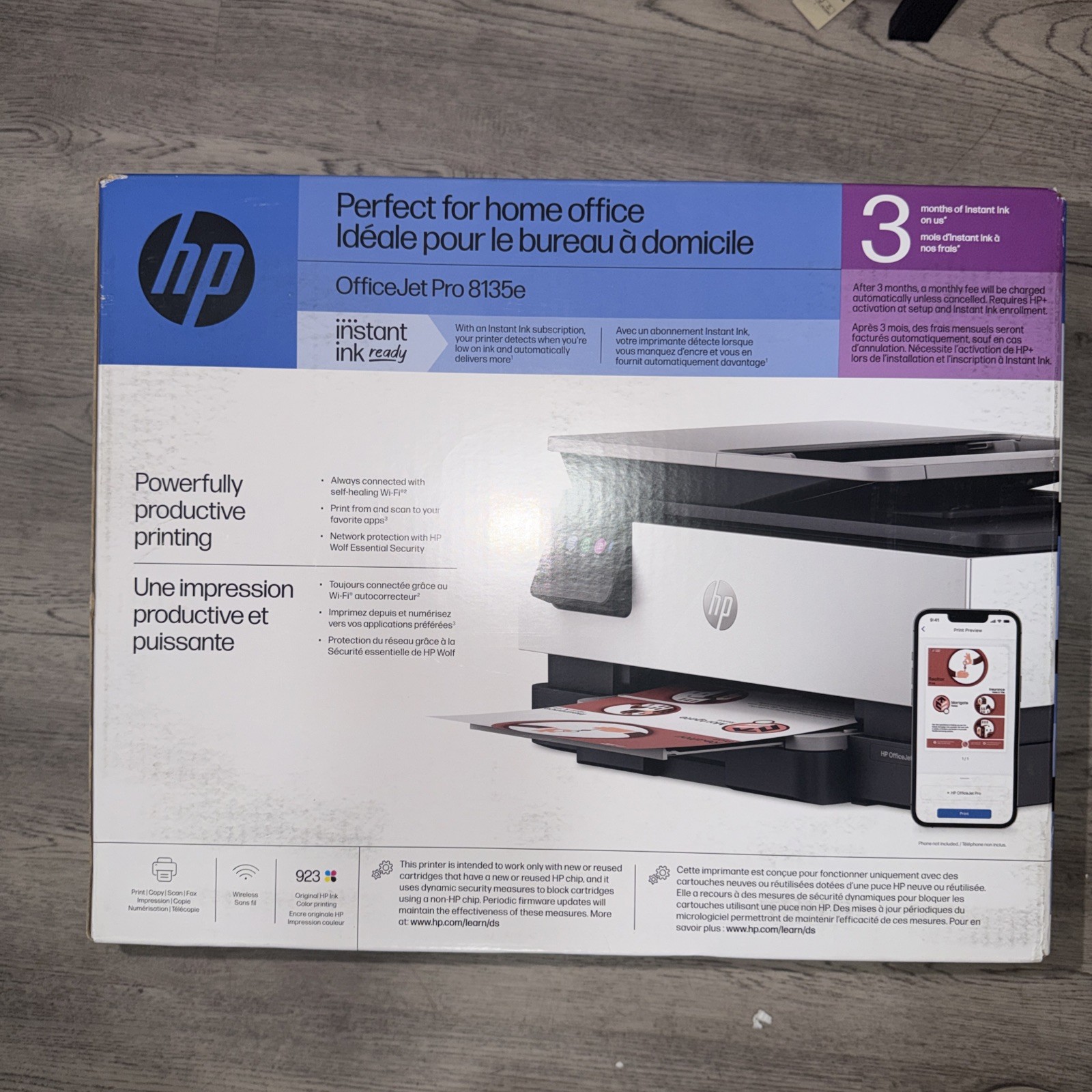 HP OfficeJet Pro 8135e Wireless All-in-One Printer with 3 Months of Instant Ink$140.00Last checked Nov 19, 2026View on eBay
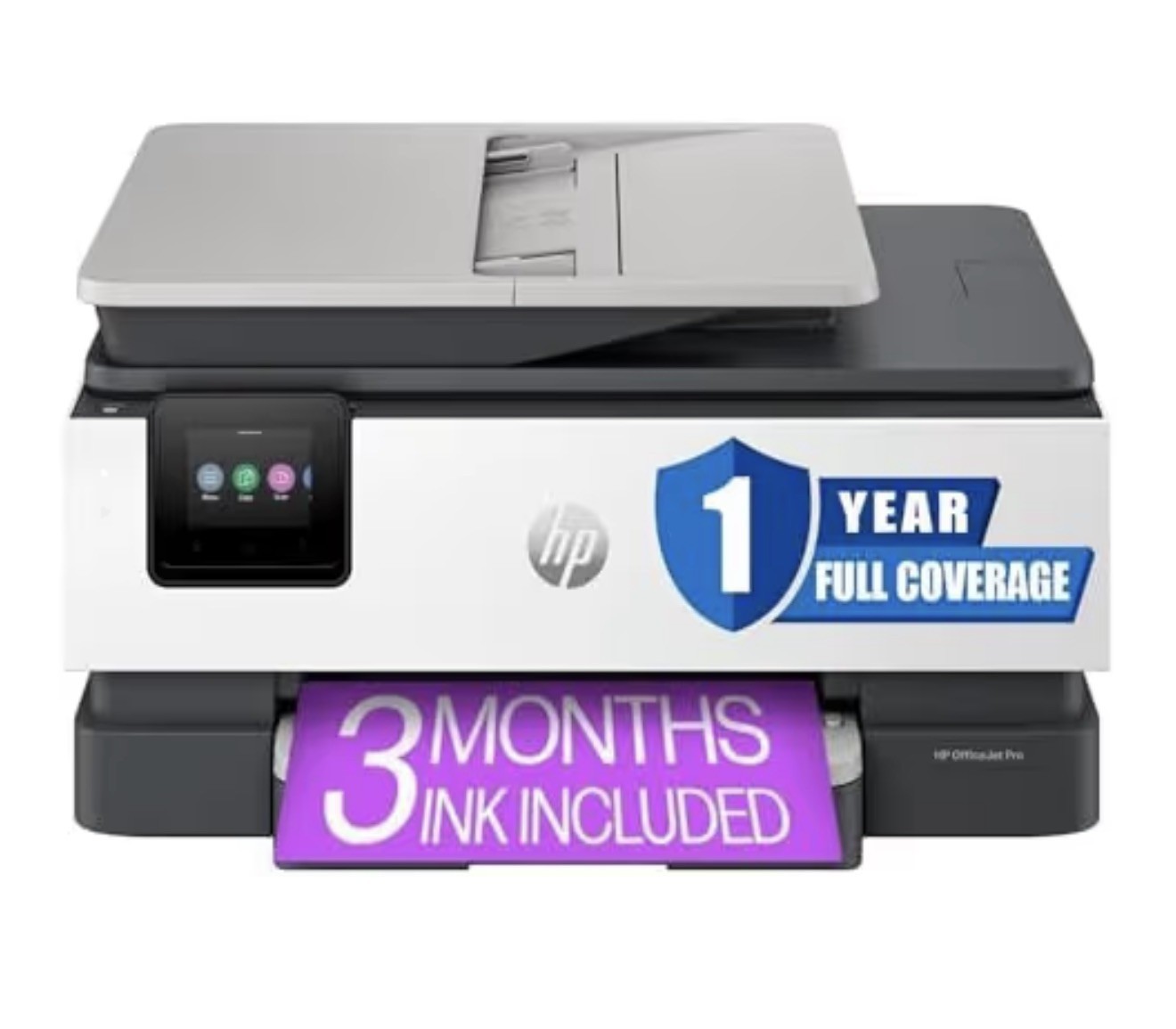 HP OfficeJet Pro 8135e All-in-One Printer w/3 Months Instant Ink free w/ HP+ NEW$154.99Last checked Nov 19, 2026View on eBay
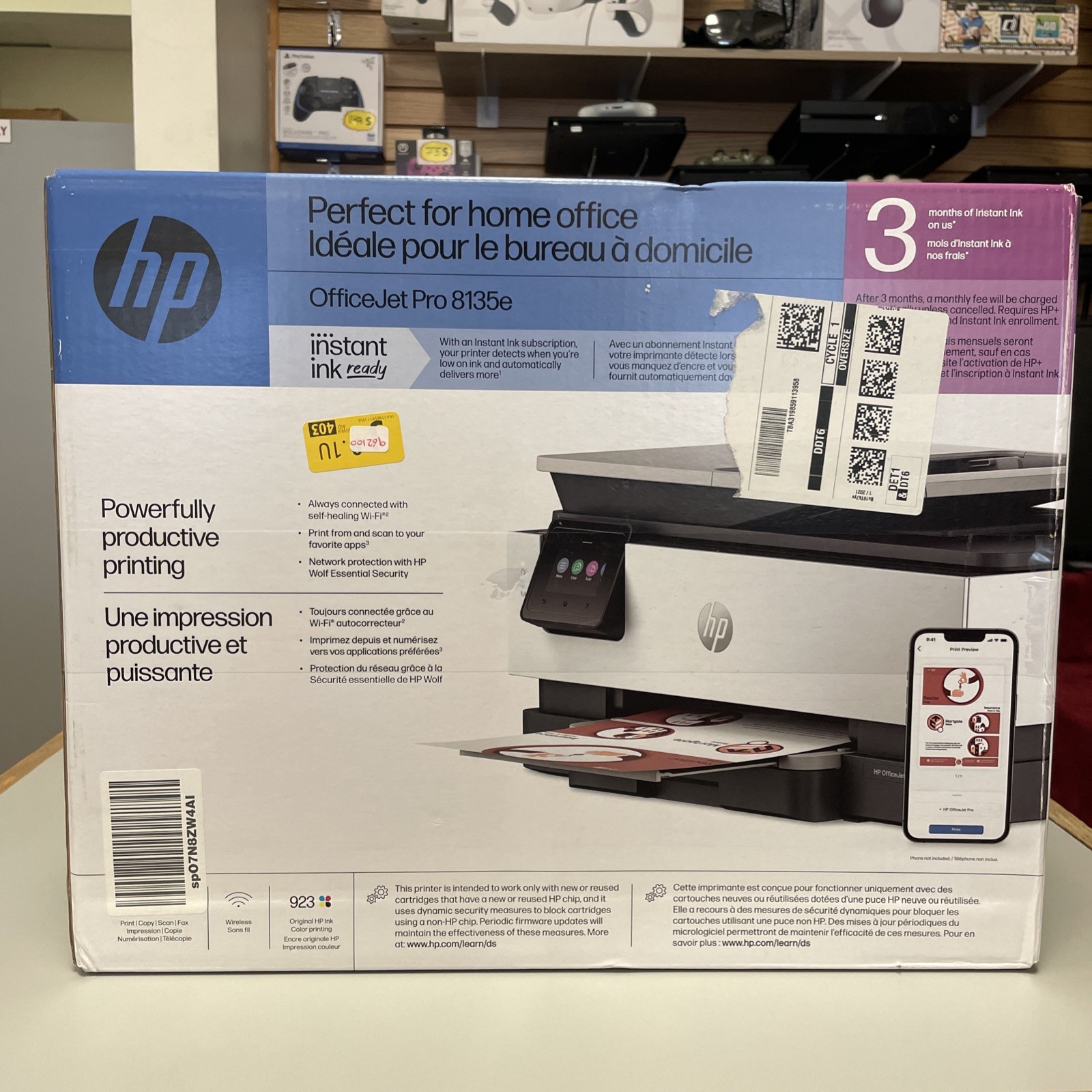 HP OfficeJet Pro 8135e Wireless Printer$159.00Last checked Nov 19, 2026View on eBay
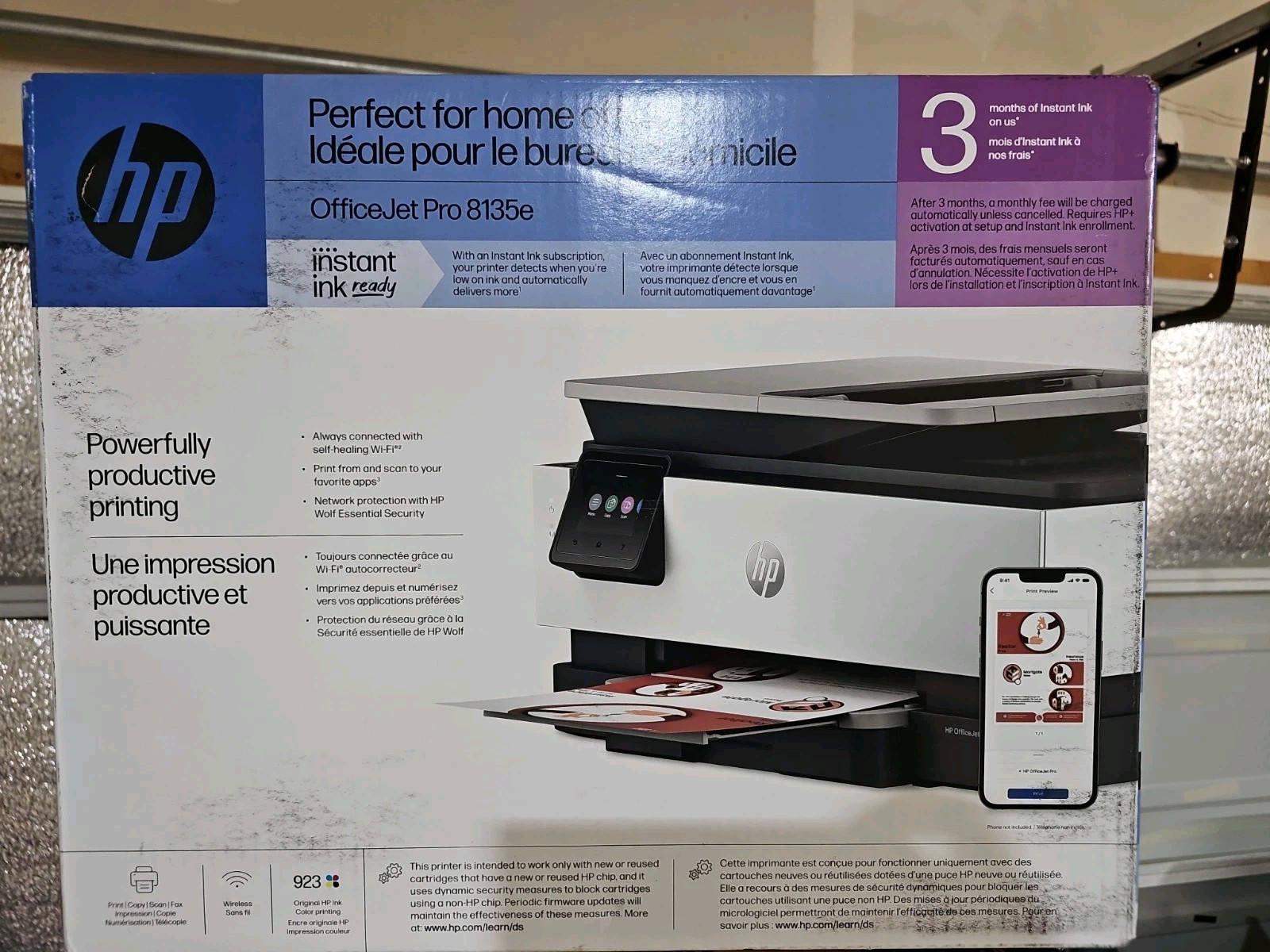 HP OfficeJet Pro 8135e All-in-One Printer w/3 Months Instant Ink free w/ HP+$161.99Last checked Nov 22, 2026View on eBay
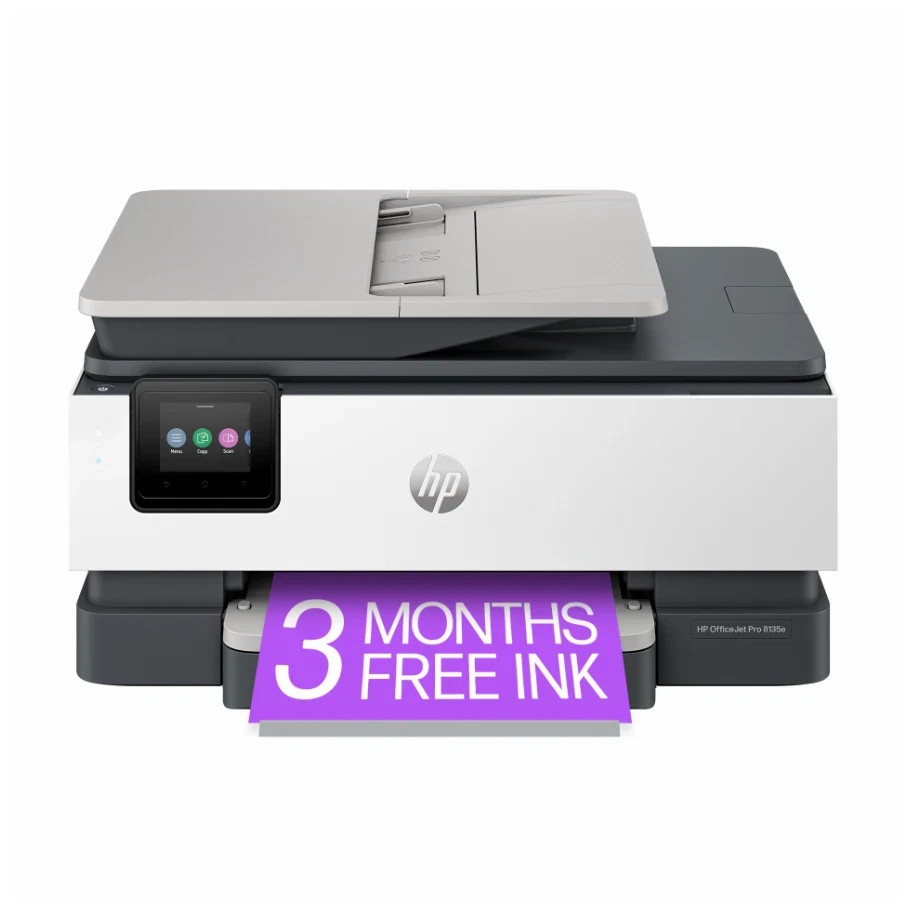 NEW HP OfficeJet Pro 8135e All-in-One Printer w/3 Months Instant Ink free w/ HP+$179.98Last checked Nov 22, 2026View on eBay
Highlights
- HP+ model requires an HP account, constant internet connection, and Original HP ink only — third-party cartridges are blocked by firmware.
- Print speed rated up to 20 ppm black and 10 ppm color in ISO draft mode, with automatic duplex printing standard.
- 35-sheet automatic document feeder supports copy, scan, and fax; flatbed scanner handles up to 8.5x11.7 inch originals.
- Connectivity includes Wi-Fi 802.11ac, Ethernet, USB 2.0, and Apple AirPrint/Chrome OS; 2.7-inch color touchscreen for walk-up tasks.
Best use cases
- Best fit: home office or small team printing 300-800 pages/month with mixed documents, needing duplex, ADF scanning, and fax — pick the 8135e with HP+ for lowest ink cost.
- Right fit for remote workers who print contracts and scan IDs: use the 35-sheet ADF for batch scans and Ethernet for a stable wired connection to a router.
- Wrong fit: high-volume print shops or users printing 2,000+ pages/month — choose a color laser or business inkjet with higher duty cycle instead of the 8135e.
- Skip if you refill with third-party ink or demand offline operation — the HP+ firmware locks cartridges and requires an active HP account.
Buying tips
- Confirm the box states 'HP+ enabled' — the 8135e is an HP+ model, so you must activate HP+ to use the 3-month Instant Ink trial; standard non-HP+ firmware is not available.
- Check your monthly volume: HP+ Instant Ink plans are tiered by pages (e.g., 50, 100, 300 pages/month); overage fees apply, so match the plan to your average print count.
- Duty cycle is 1,000 pages/month recommended; exceeding this accelerates wear on the printhead and feed rollers — for higher volumes choose a laser or business inkjet.
- Verify paper handling: main tray holds 250 sheets, output tray 60 sheets; ADF accepts 35 sheets of 20 lb bond — thicker cardstock must use the manual feed slot.
Specs
| Print Technology | Thermal inkjet, 4-color |
|---|---|
| Functions | Print / Copy / Scan / Fax |
| Duplex & ADF | Auto duplex / 35-sheet ADF |
| Connectivity | Wi-Fi 802.11ac, Ethernet, USB 2.0 |
Related searches
What to check before buying
- Measure your desk or shelf space: the 8135e is approximately 17.3 x 13.6 x 10.2 inches (WxDxH) and weighs about 18.6 lb — confirm clearance for the 250-sheet tray and rear access.
- Confirm a 2.4/5 GHz Wi-Fi network or Ethernet drop within cable reach; HP+ setup requires internet during activation and periodic firmware checks.
- Check power: 100-240V AC, 50/60 Hz universal input — no voltage converter needed, but use a grounded outlet.
- Have an HP account email ready and ensure your phone/computer supports the HP Smart app (iOS, Android, Windows 10/11, macOS) for driverless setup.
FAQ
Data sources: eBay / Amazon listings and product attribute feeds. Updated Nov 28, 2026.
Some links on this page are affiliate links. If you buy after clicking one, we may earn a commission at no extra cost to you. This does not change which products appear here or their order. Affiliate disclosure.