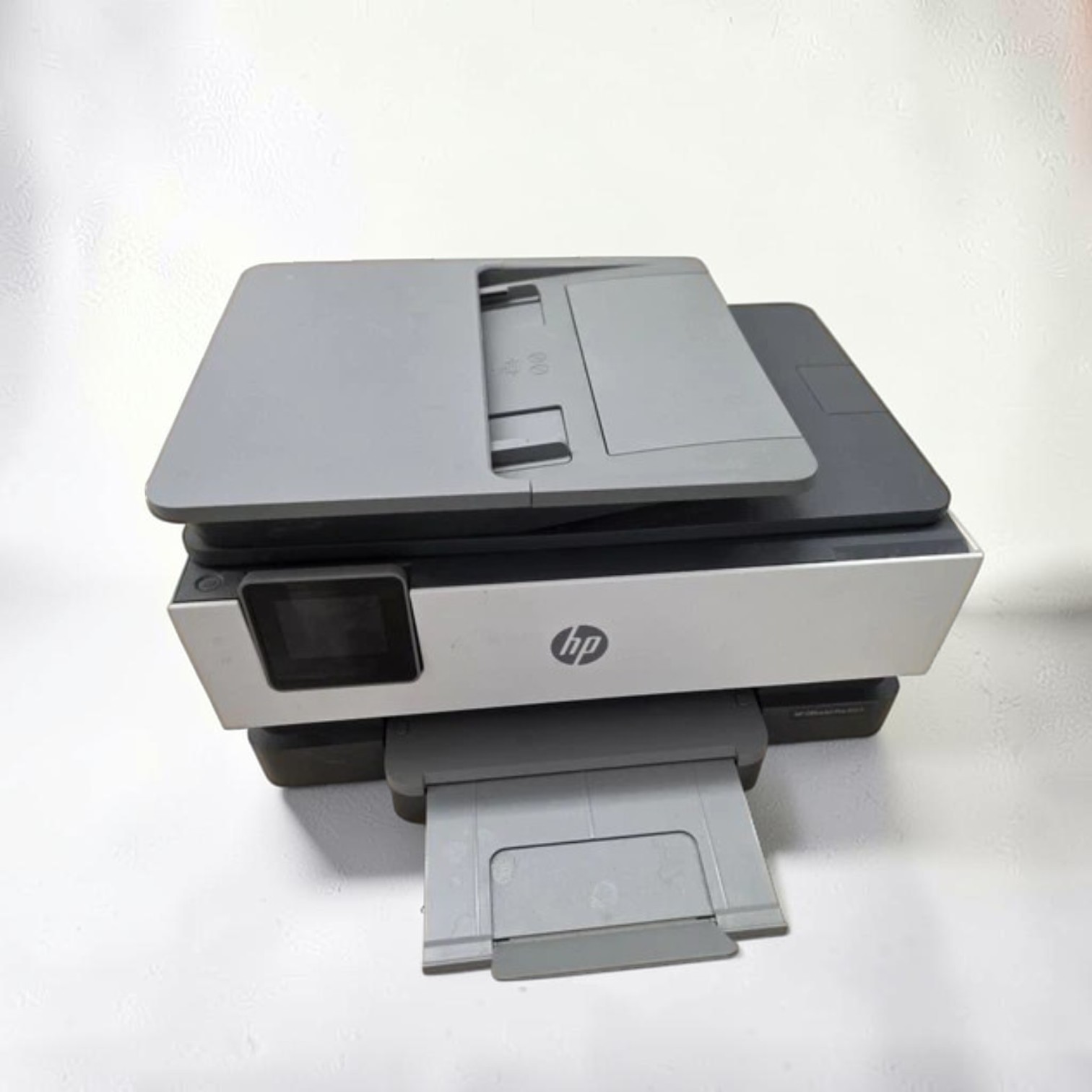

Photos from current listings. Actual item, color, and included accessories may vary.
HP OfficeJet Pro 8022 Buying Guide
The HP OfficeJet Pro 8022 is a business-class color inkjet all-in-one with duplex printing, fax, and a 35-page automatic document feeder, built around HP's 910-series pigment inks for smudge-resistant, highlighter-proof output. The core trade-off is ink economics versus print volume: its compact 225-sheet tray and 250-sheet recommended monthly duty cycle suit a small office, not a workgroup. Buy it if you need fast duplex color scans, copies, and faxes in one desktop footprint; skip it if you routinely exceed 500 pages a month or need tabloid/A3 output.
Key takeaways
- Four-cartridge HP 910 ink system (black plus cyan/magenta/yellow) keeps replacement costs granular instead of forcing a single tri-color cartridge swap.
- Pigment-based ink produces sharp, water- and highlighter-resistant text on plain paper, unlike dye-based photo inks that smear on highlighted documents.
- Automatic duplex printing plus a 35-sheet ADF with duplex copy/scan/fax handles two-sided multi-page jobs without manual paper flipping.
At a glance
- Category
- Printers & Scanners
- Status
- Listings available
- Last updated
- Nov 28, 2026
Current offers
Highlights
- Four-cartridge HP 910 ink system (black plus cyan/magenta/yellow) keeps replacement costs granular instead of forcing a single tri-color cartridge swap.
- Pigment-based ink produces sharp, water- and highlighter-resistant text on plain paper, unlike dye-based photo inks that smear on highlighted documents.
- Automatic duplex printing plus a 35-sheet ADF with duplex copy/scan/fax handles two-sided multi-page jobs without manual paper flipping.
- Contact Image Sensor (CIS) flatbed and 24-bit grayscale depth are standard office-scan architecture; there is no transparency/backlight unit, so slides and negatives are out.
Best use cases
- Best fit: a home office or small team printing 200 to 500 pages monthly with duplex reports, scans, and faxes, where a compact footprint and Ethernet/Wi-Fi/USB connectivity matter.
- Best fit: buyers replacing a dying OfficeJet Pro 8020-series unit who already hold HP 910 cartridges, since the ink modules are interchangeable across the line.
- Wrong fit: high-volume workgroups above roughly 500 pages a month; step up to a tank or laser-class model with higher duty cycle and paper capacity.
- Wrong fit: photo labs or users needing borderless A3/tabloid prints, transparency scanning, or archival pigment photo output.
Buying tips
- Match the 250-sheet recommended monthly volume to your real usage; sustained output beyond that accelerates roller wear and raises cost per page.
- Confirm the 225-sheet input tray and 35-sheet ADF fit your workflow; heavy ADF users should accept frequent reloads or pick a higher-capacity model.
- Favor the four-cartridge HP 910 setup if you print mostly black-and-white drafts, since you replace only the black cartridge, not a tri-color unit.
- Check that your network has a spare Ethernet port or stable 2.4/5 GHz Wi-Fi; the 8022 supports wired and wireless plus USB, and AirPrint/Mopria cover mobile printing.
Specs
| Printer Type | Color inkjet all-in-one (print/scan/copy/fax) |
|---|---|
| Ink System | 4 cartridges: HP 910 black + CMY |
| Duplex & ADF | Auto duplex print; 35-sheet duplex ADF |
| Connectivity | Wi-Fi, Ethernet, USB, AirPrint/Mopria |
Alternatives to compare
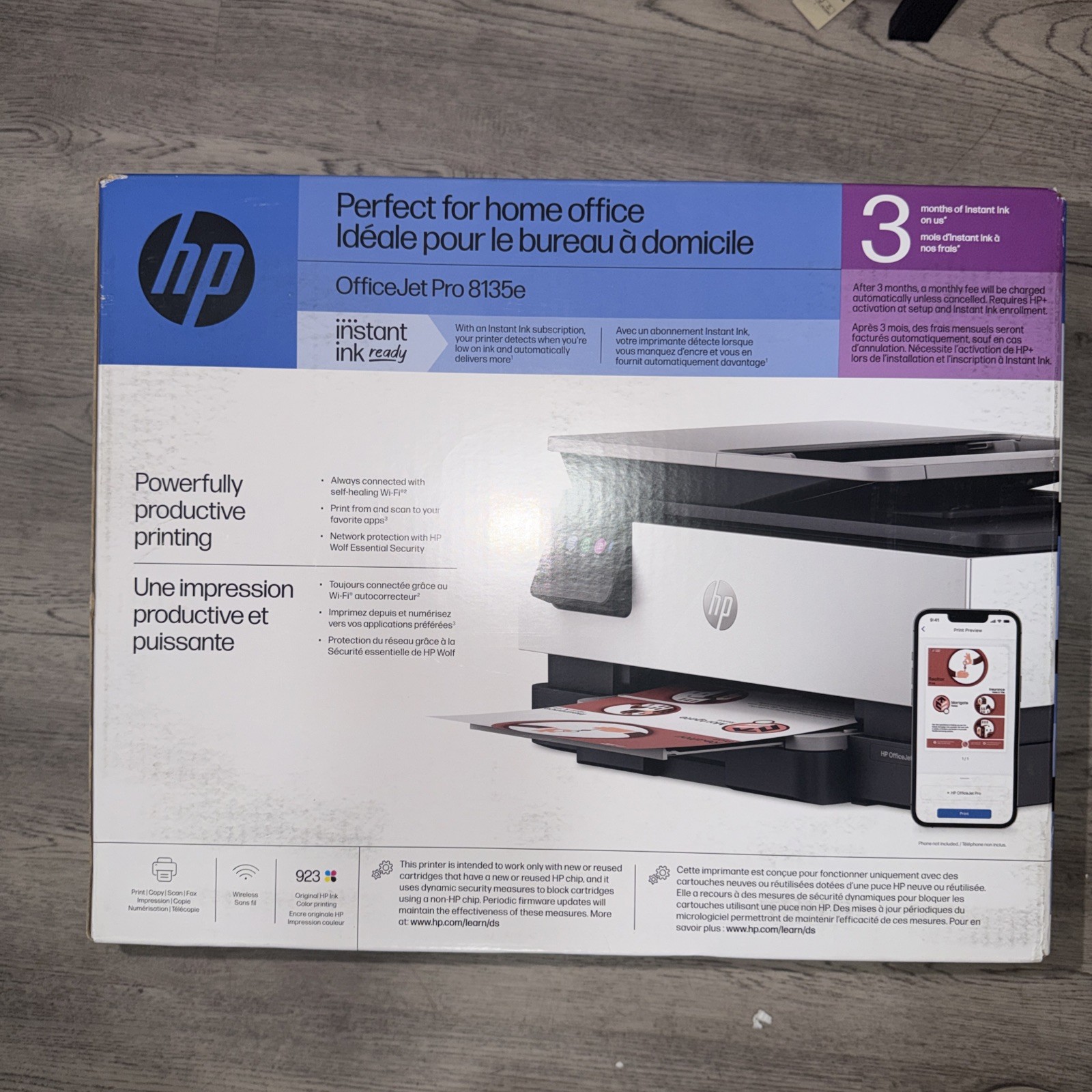
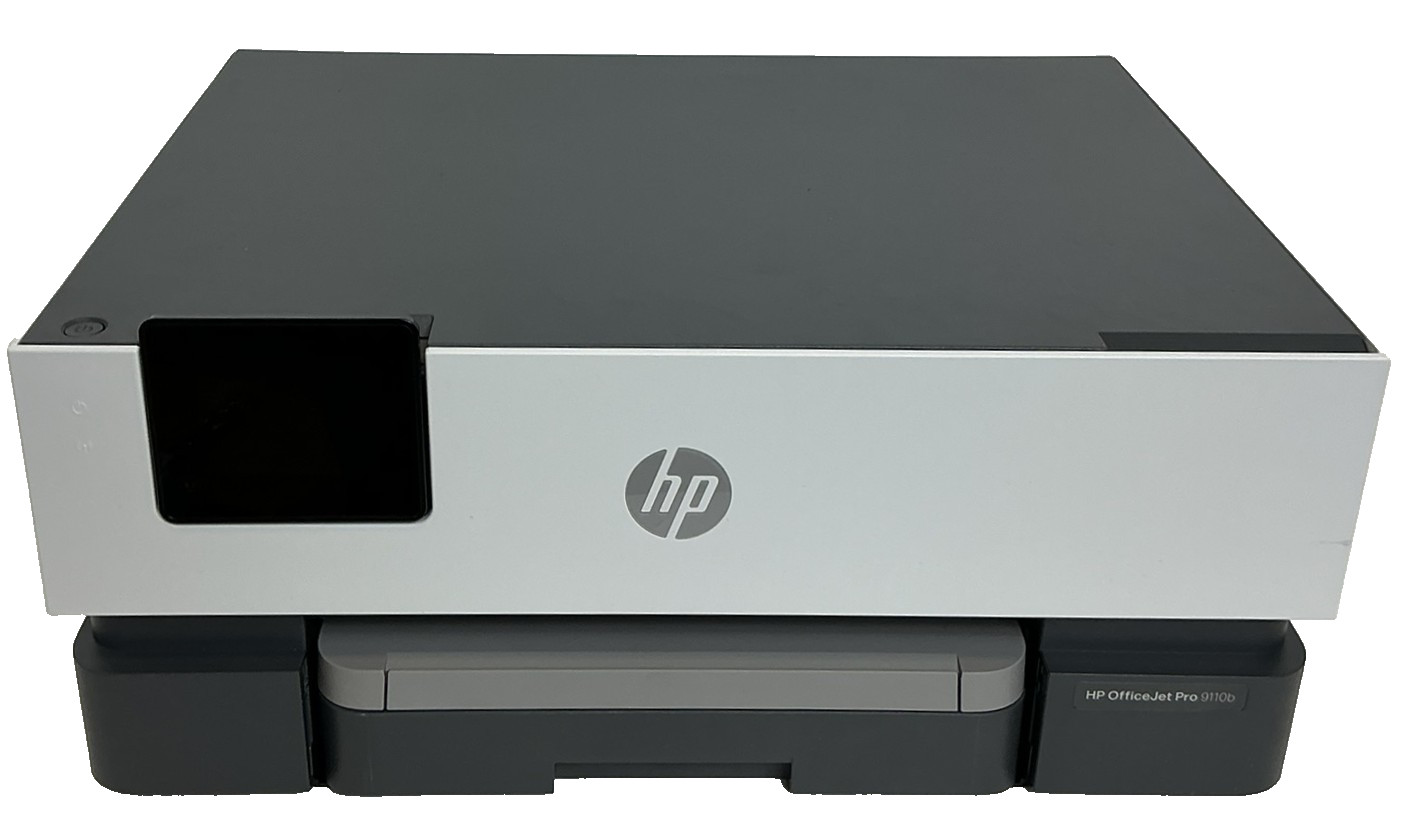
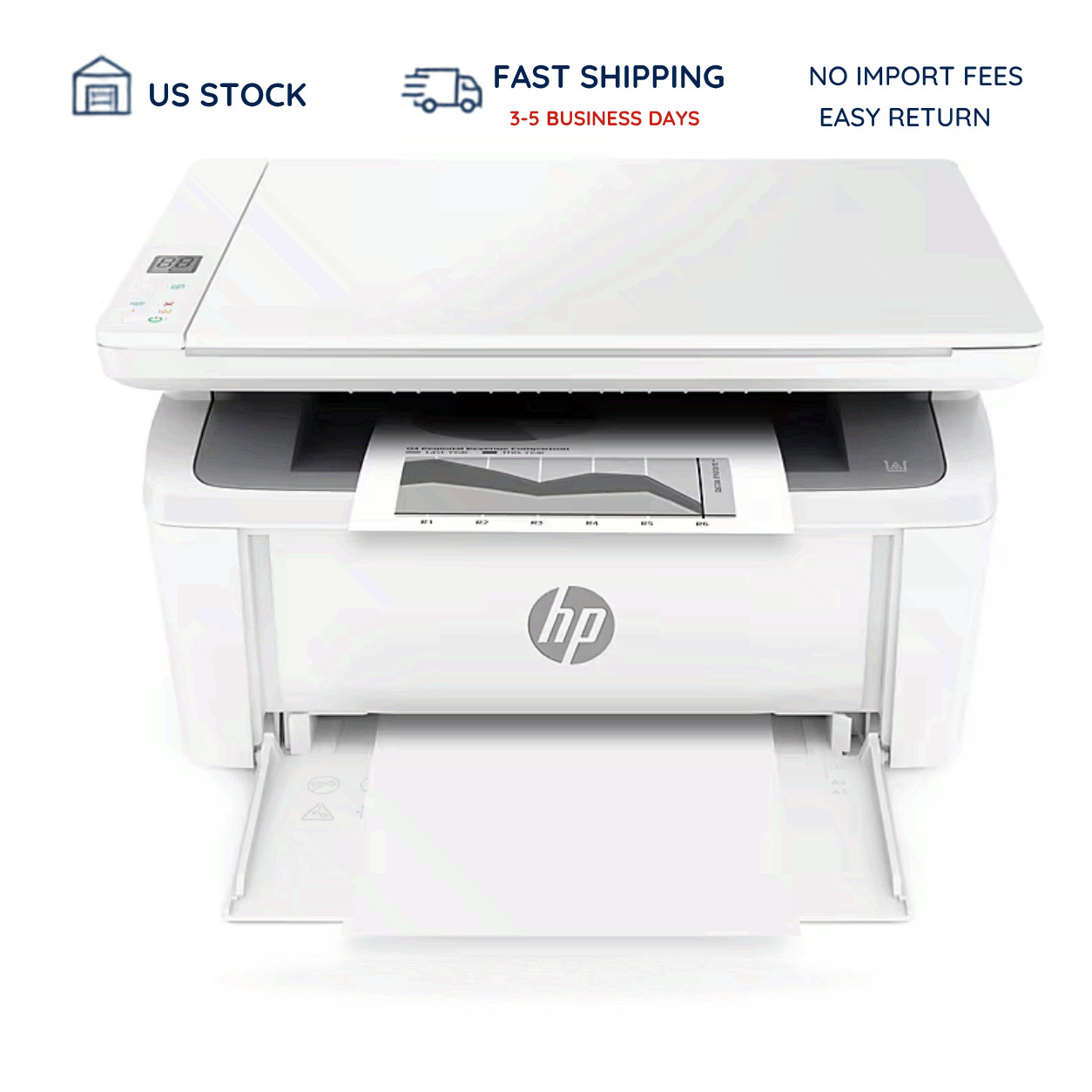
Related searches
What to check before buying
- Measure your desk or shelf: the unit is roughly 18 x 13 x 9 inches, so confirm clearance for the 225-sheet tray and 35-sheet ADF to open fully.
- Verify your paper stock: plain and inkjet papers are fine, but heavy cardstock and specialty media need checking against the rear feed and weight rating.
- Confirm power: it uses a standard 100-240 V AC adapter with a region-specific plug, so match the plug type to your outlet standard.
- Check connectivity needs: Ethernet, Wi-Fi, USB, and mobile printing (AirPrint/Mopria) are covered, but there is no Bluetooth or SD-card slot for direct printing.
FAQ
Data sources: eBay / Amazon listings and product attribute feeds. Updated Nov 28, 2026.
Some links on this page are affiliate links. If you buy after clicking one, we may earn a commission at no extra cost to you. This does not change which products appear here or their order. Affiliate disclosure.