
Photos from current listings. Actual item, color, and included accessories may vary.
HP Officejet Pro Buying Guide
HP OfficeJet Pro is a line of business-class inkjet all-in-one printers covering print, copy, scan, and fax, with core trade-offs in print volume (monthly duty cycle), connectivity (Wi-Fi, Ethernet, USB), and ink subscription (HP+). The decisive rule: choose models with genuine business duty cycles and Ethernet, and avoid consumer-grade or Instant Ink-locked units if you need low-cost bulk printing or offline reliability.
Median $159.00 · Pre-owned listings
Key takeaways
- Pro 8000 series (e.g., 8022, 8025e, 8035e) typically targets small offices with ~20-30 ppm mono and 20-30k pages monthly duty cycle, while Pro 9000 series (9110b, 9125e) adds higher speeds, larger touchscreens, and improved security features.
- Models ending in 'e' (8125e, 8135e, 8138e, 9125e) ship with HP+ firmware requiring an HP account and Instant Ink enrollment, which can limit third-party cartridge use and add mandatory cloud connectivity.
- Standard Pro models (8022, 9110b) use traditional HP 962/952/910 cartridges with higher yield options, allowing refill or remanufactured supplies for lower cost per page.
At a glance
- Category
- Printers & Scanners
- Last updated
- Nov 28, 2026
Current offers
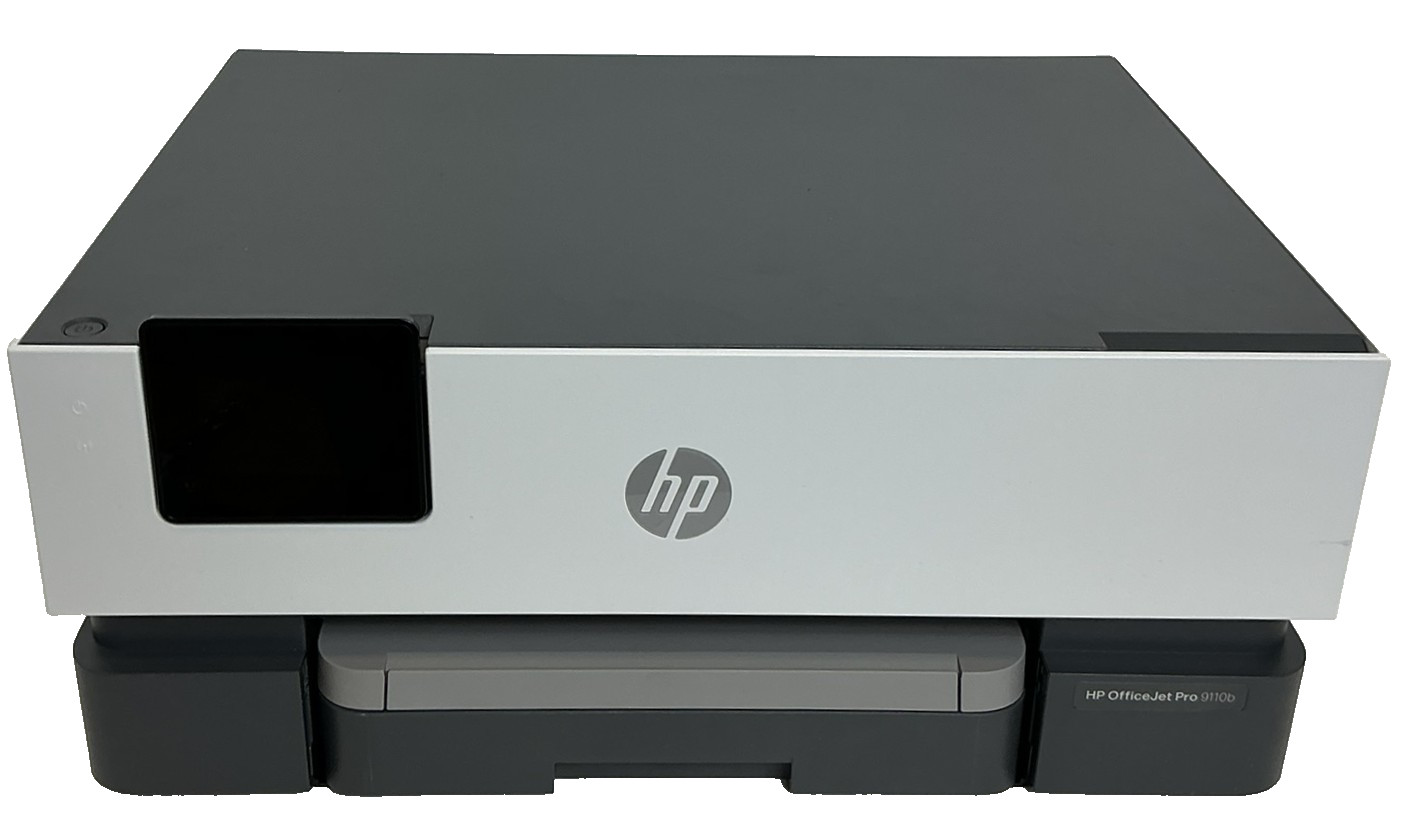 HP OfficeJet Pro 9110b Wireless Printer$75.00Last checked Nov 20, 2026View on eBay
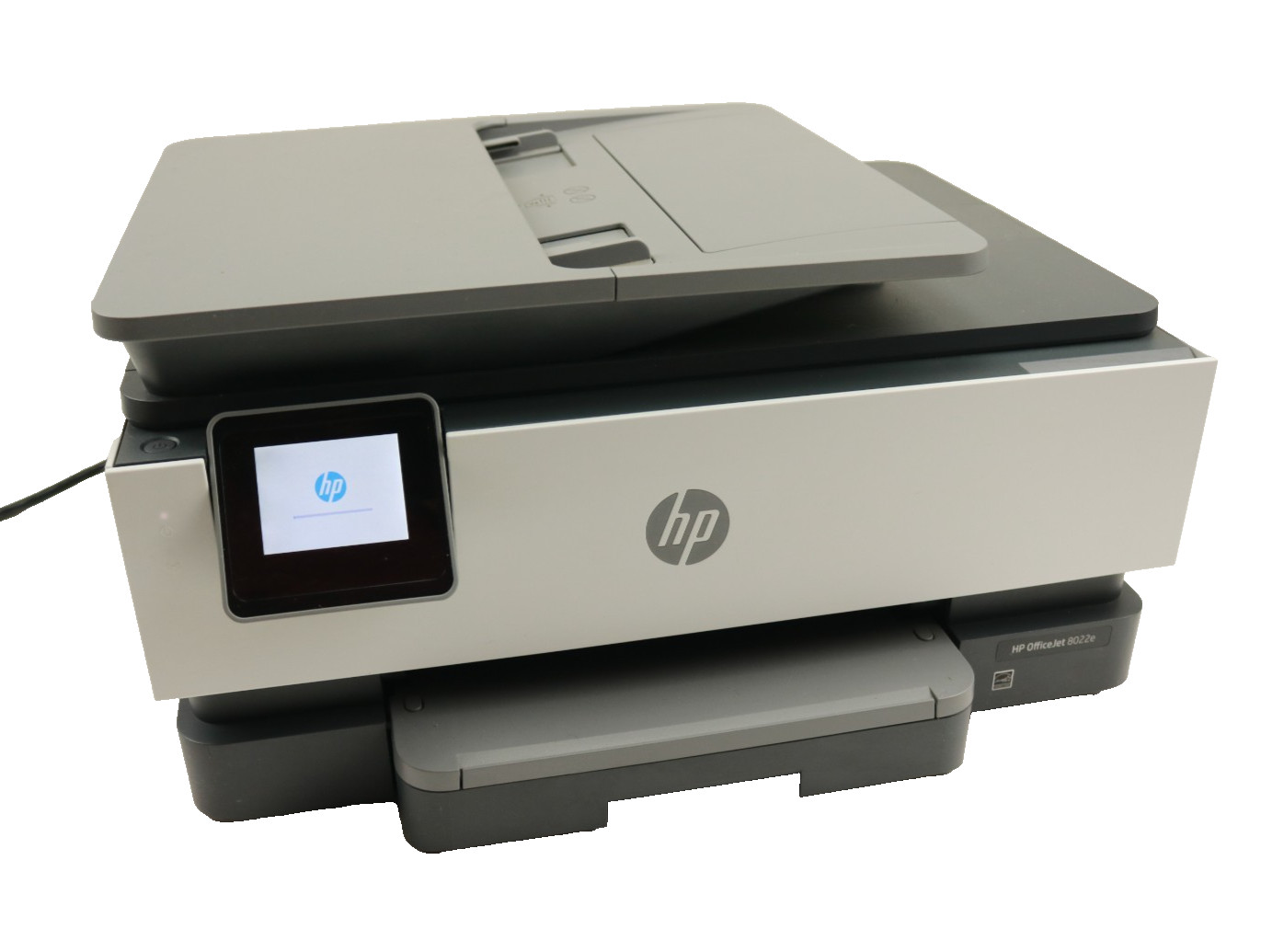 HP OfficeJet Pro 8022e All-in-One Printer-Fax-Office business$78.99Last checked Nov 20, 2026View on eBay
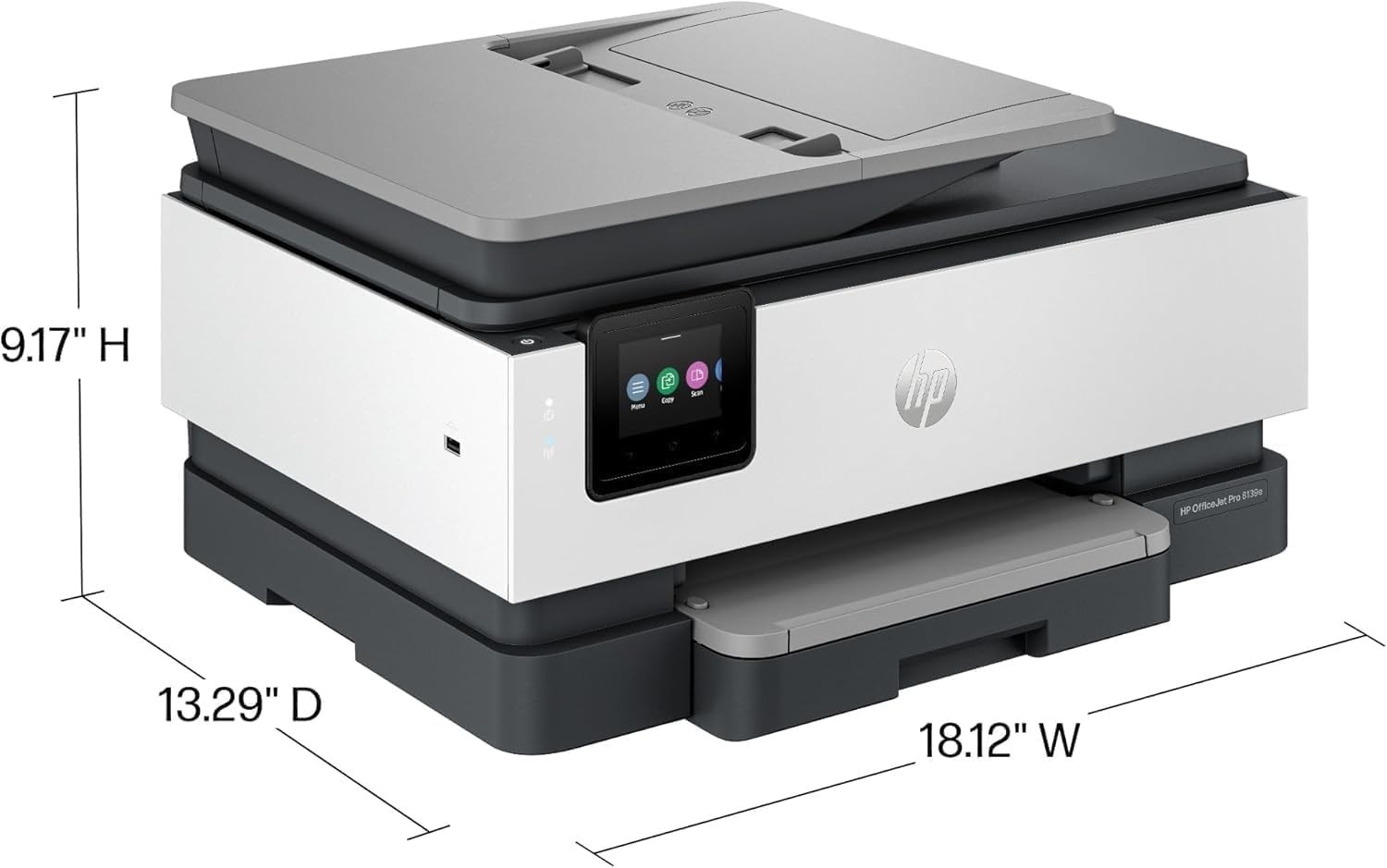 HP OfficeJet Pro 8138e Wireless AIO Color Inkjet Printer - Never Initialized$86.50Last checked Nov 21, 2026View on eBay
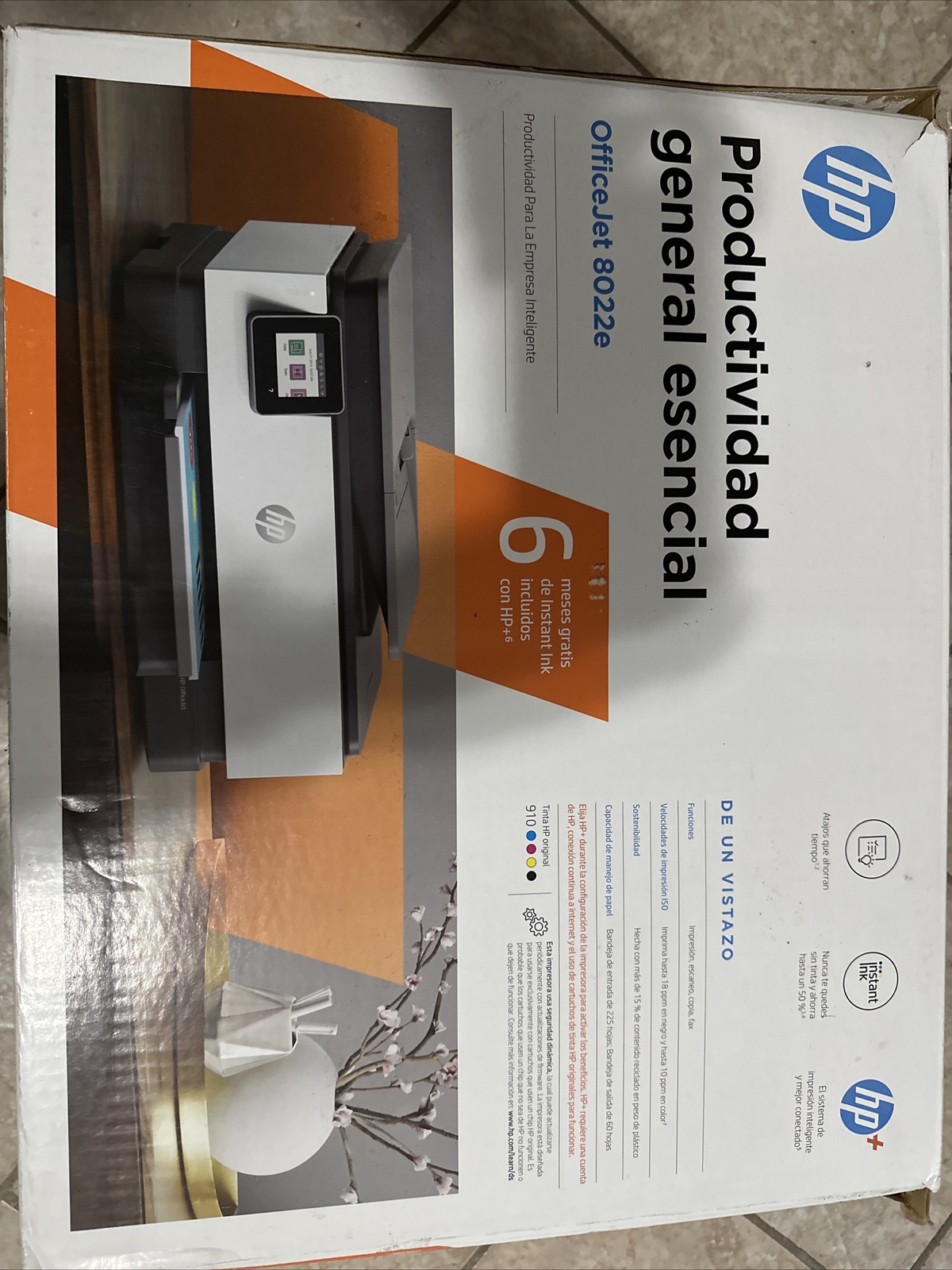 HP OfficeJet Pro 8022e All-in-One Printer-Fax-Office business-New$99.00Last checked Nov 19, 2026View on eBay
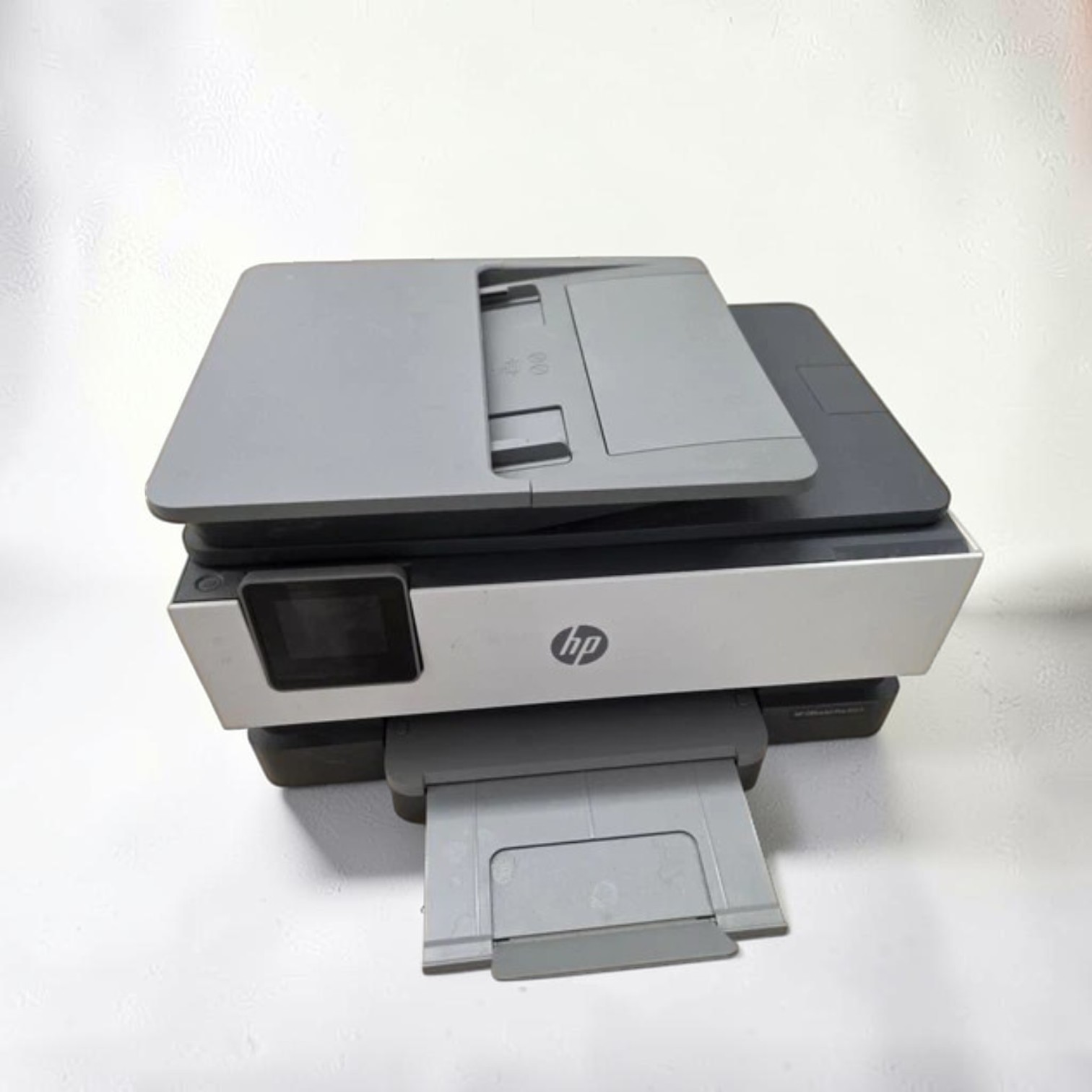 HP OfficeJet Pro 8022 All-in-One Wireless Color Printer Duplex Fax Refurbished$129.99View on eBay
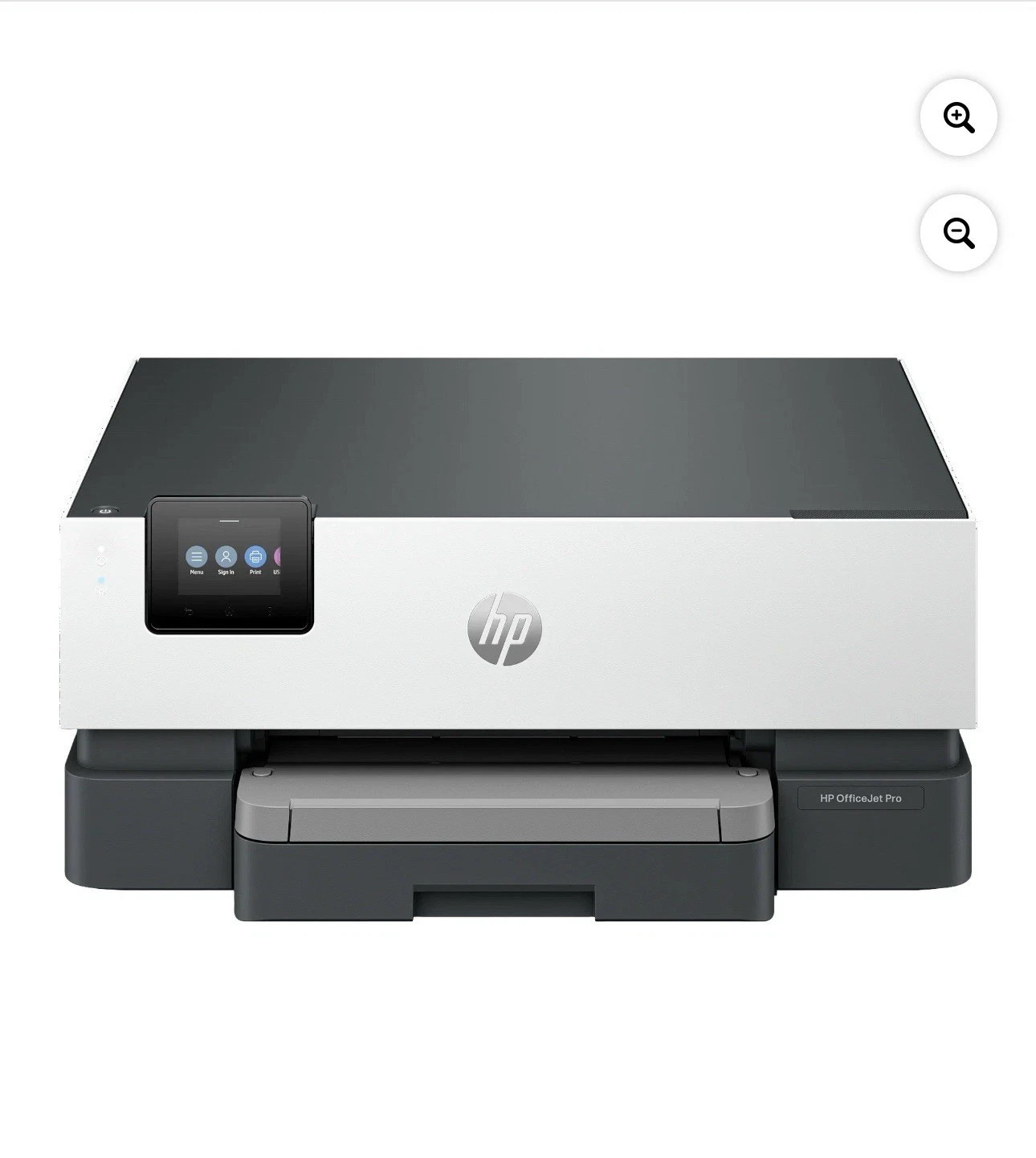 HP OfficeJet Pro 9110 Wireless Printer with PDL Page Descriptive Language$140.00Last checked Nov 20, 2026View on eBay
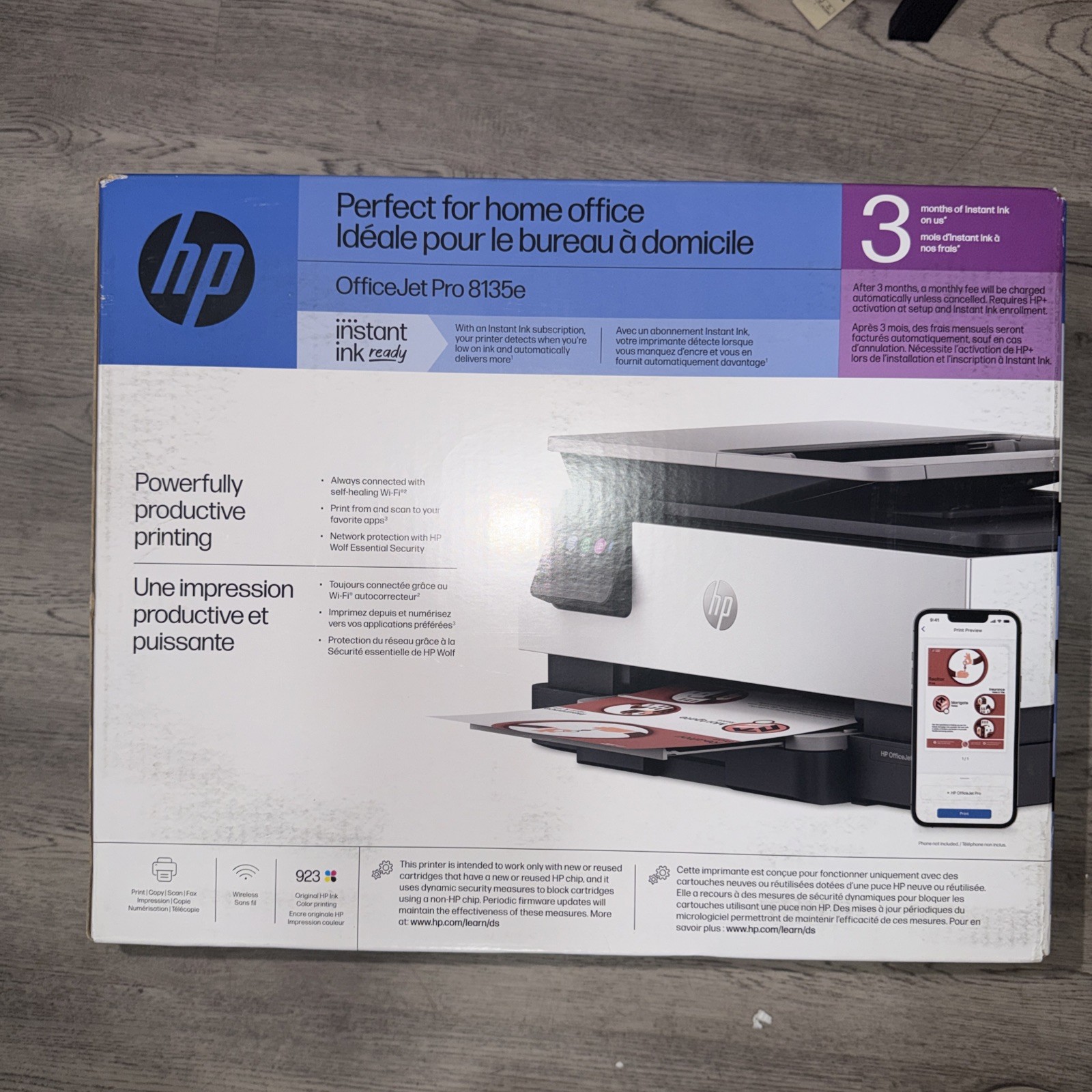 HP OfficeJet Pro 8135e Wireless All-in-One Printer with 3 Months of Instant Ink$140.00Last checked Nov 19, 2026View on eBay
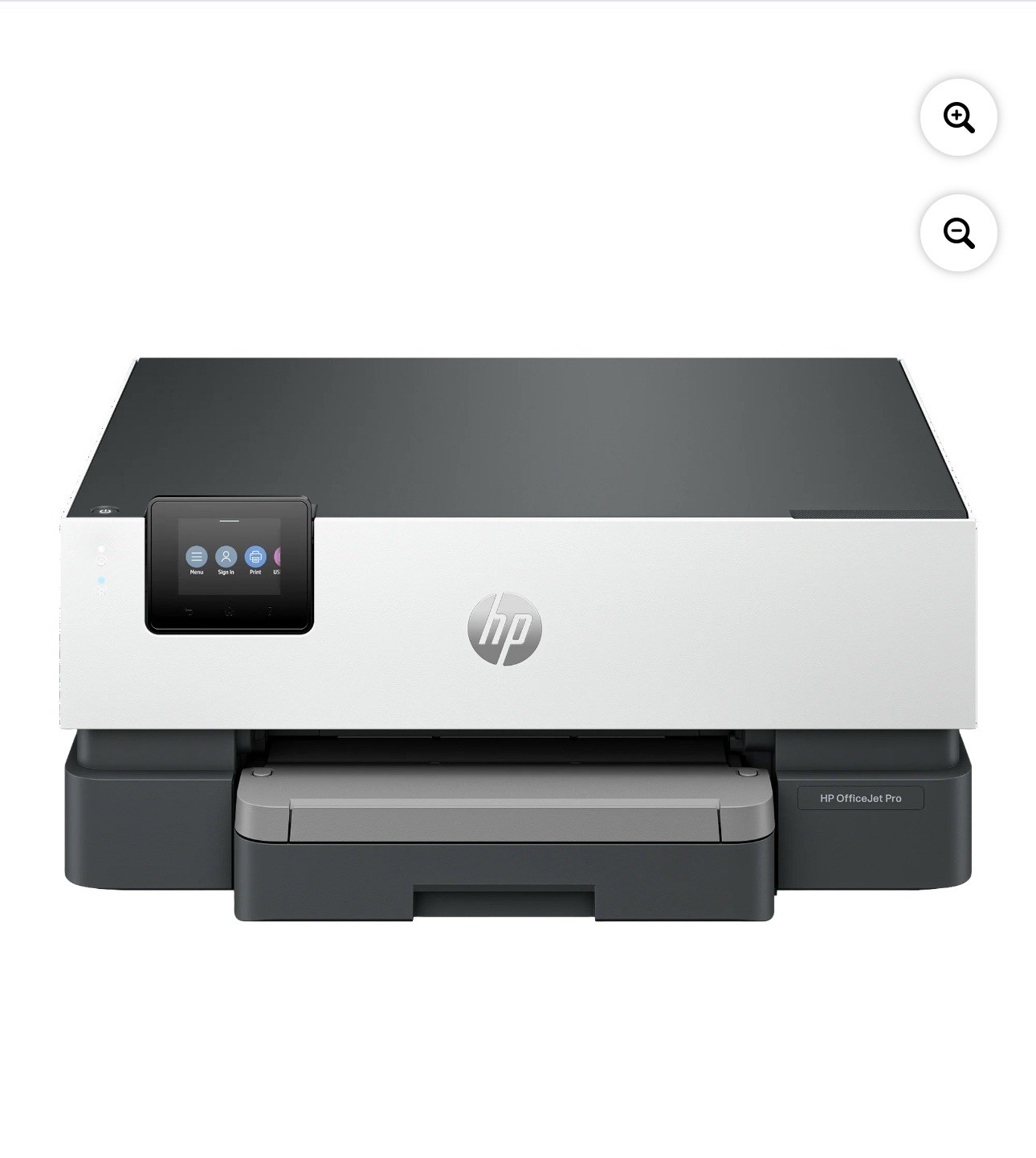 HP OfficeJet Pro 9110b Wireless Printer with PDL Page Descriptive Language$150.00Last checked Nov 19, 2026View on eBay
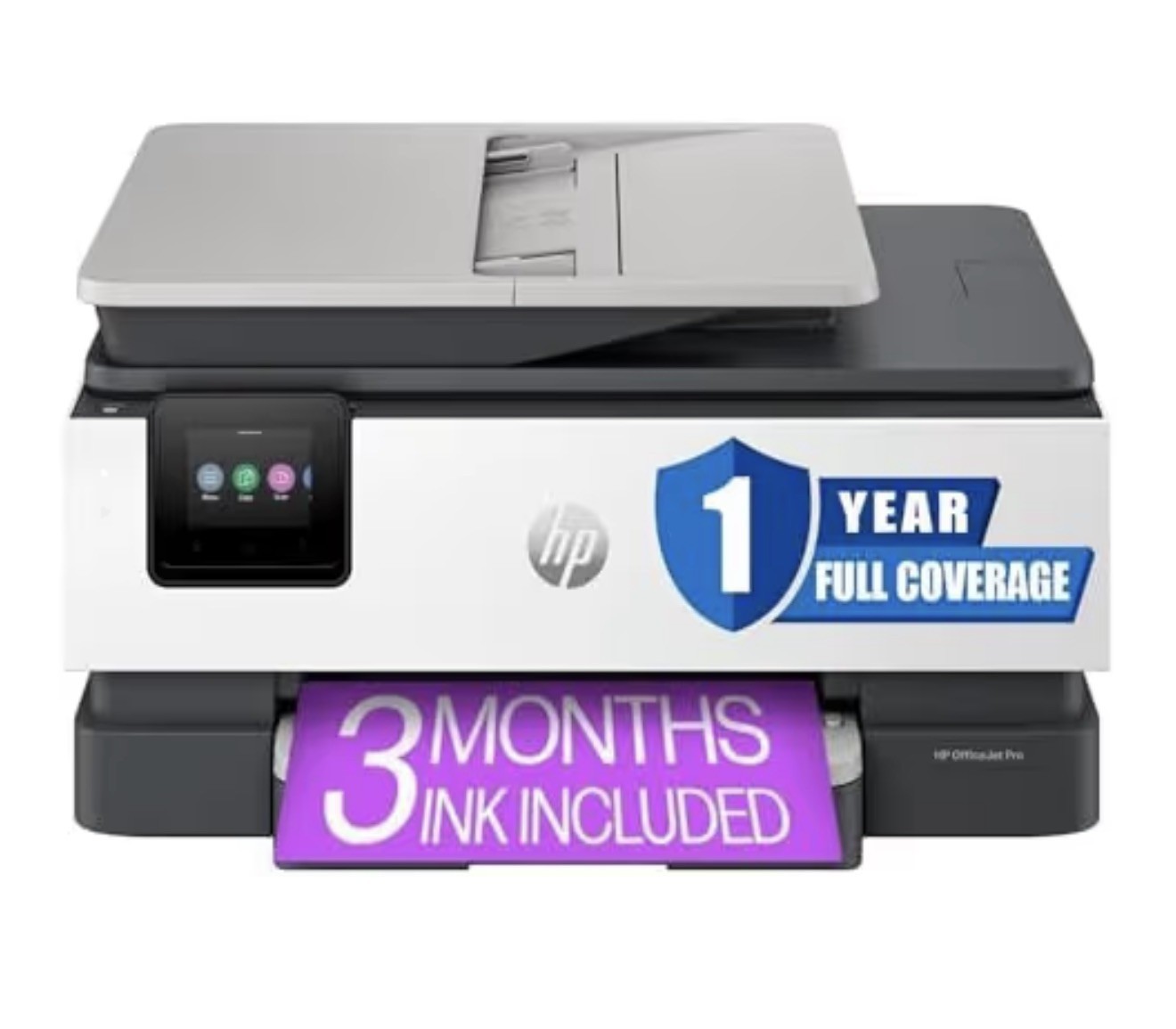 HP OfficeJet Pro 8135e All-in-One Printer w/3 Months Instant Ink free w/ HP+ NEW$154.99Last checked Nov 19, 2026View on eBay
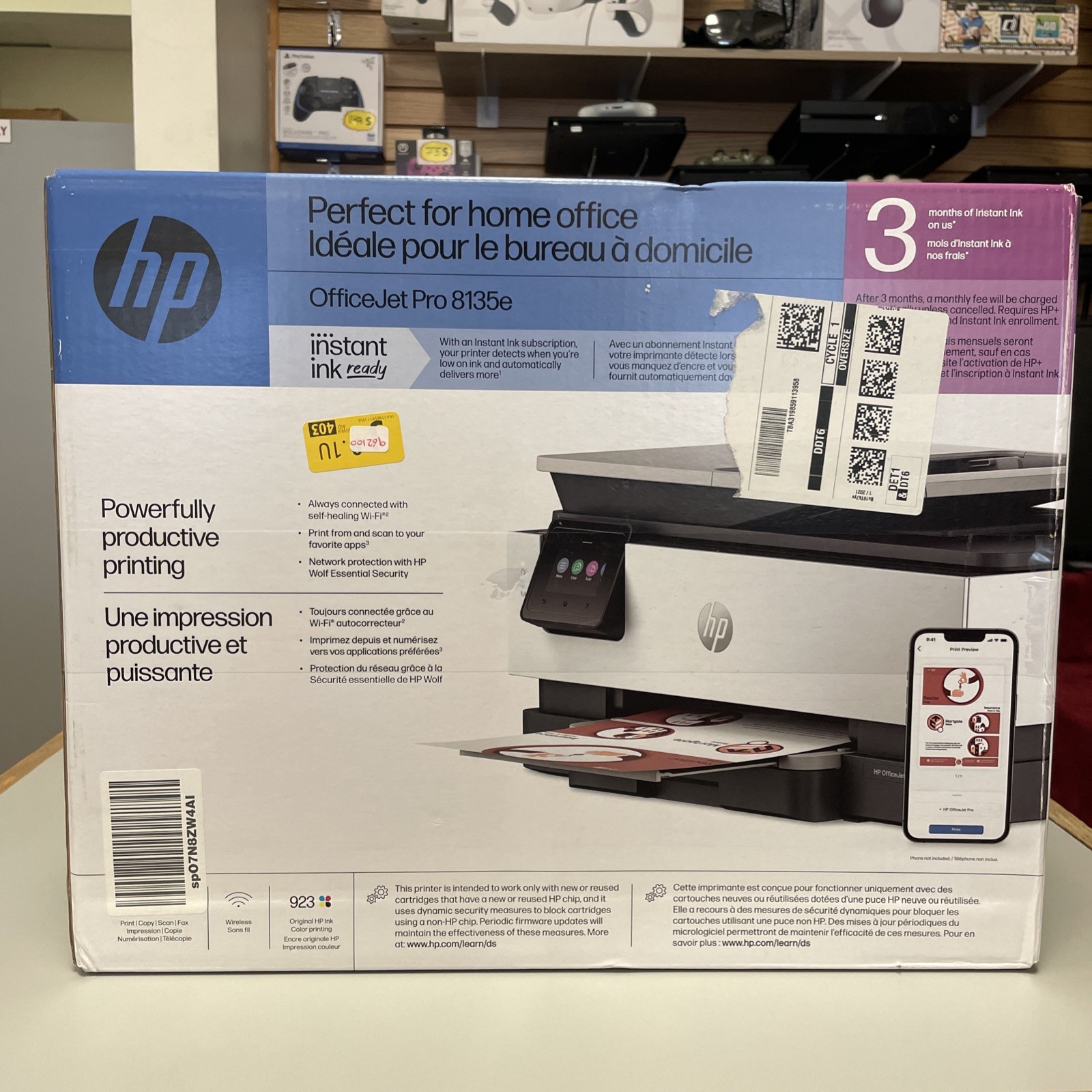 HP OfficeJet Pro 8135e Wireless Printer$159.00Last checked Nov 19, 2026View on eBay
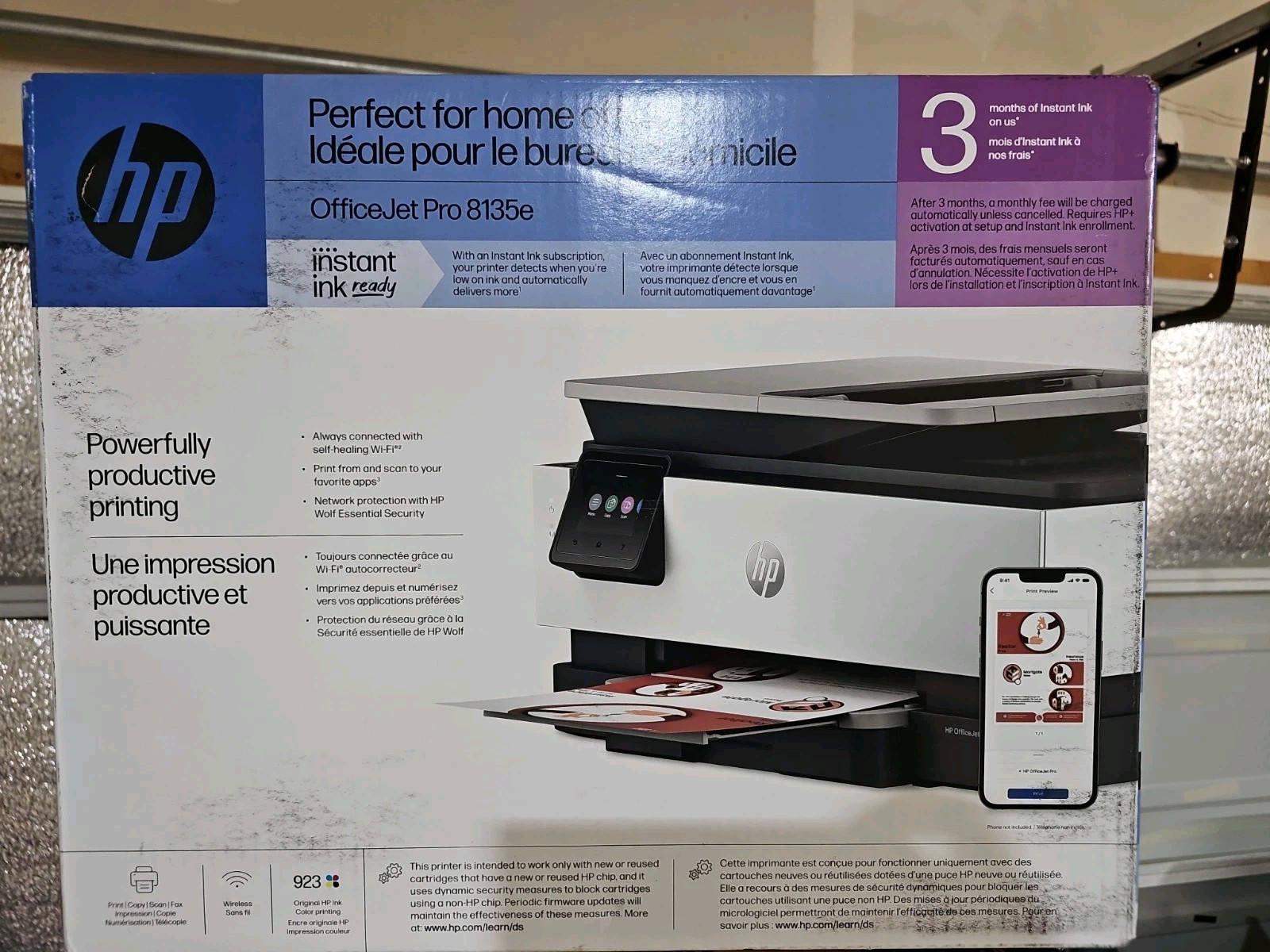 HP OfficeJet Pro 8135e All-in-One Printer w/3 Months Instant Ink free w/ HP+$161.99Last checked Nov 22, 2026View on eBay
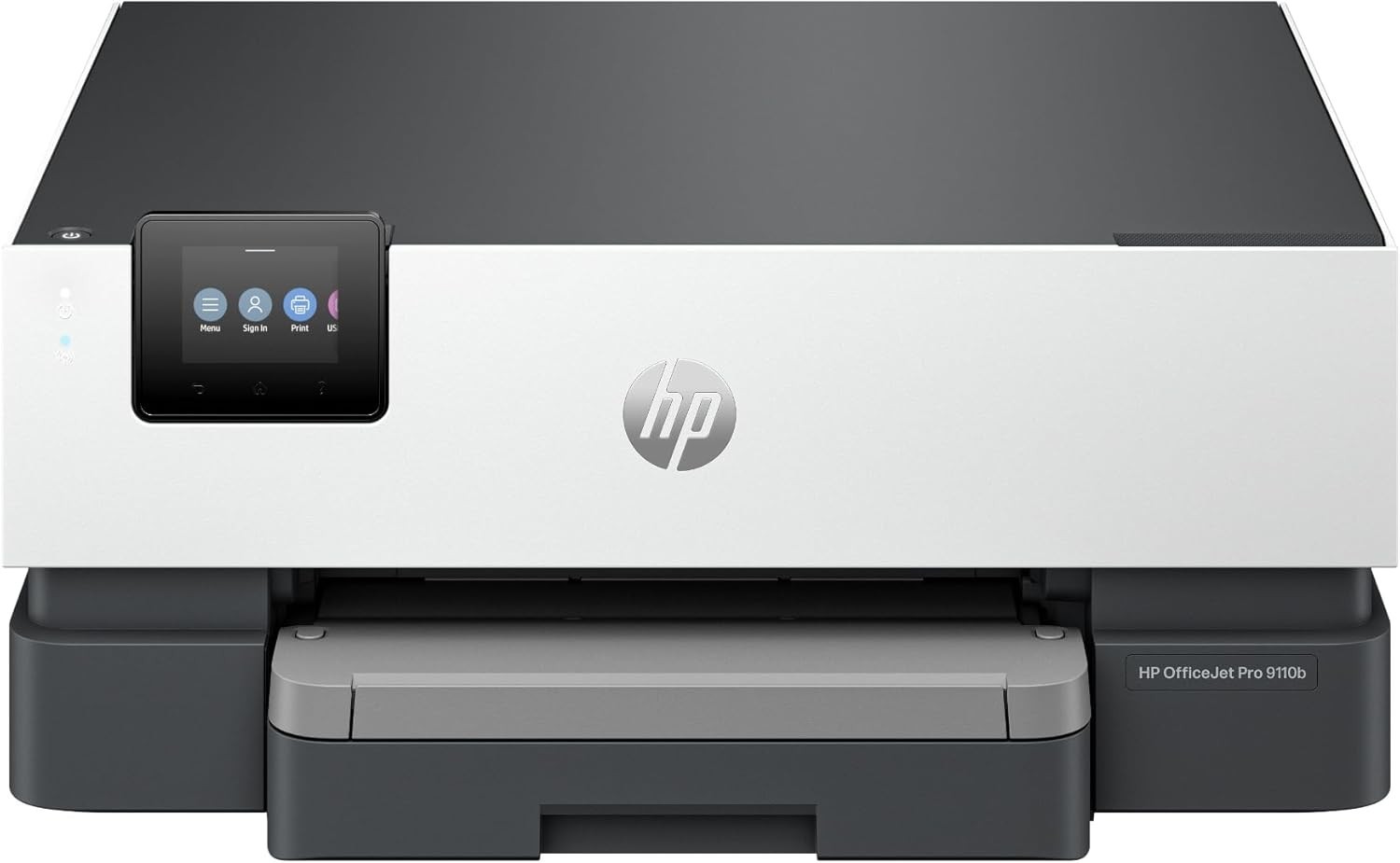 HP OfficeJet Pro 9110b Wireless Printer with PDL Page Descriptive Language$179.00Last checked Nov 19, 2026View on eBay
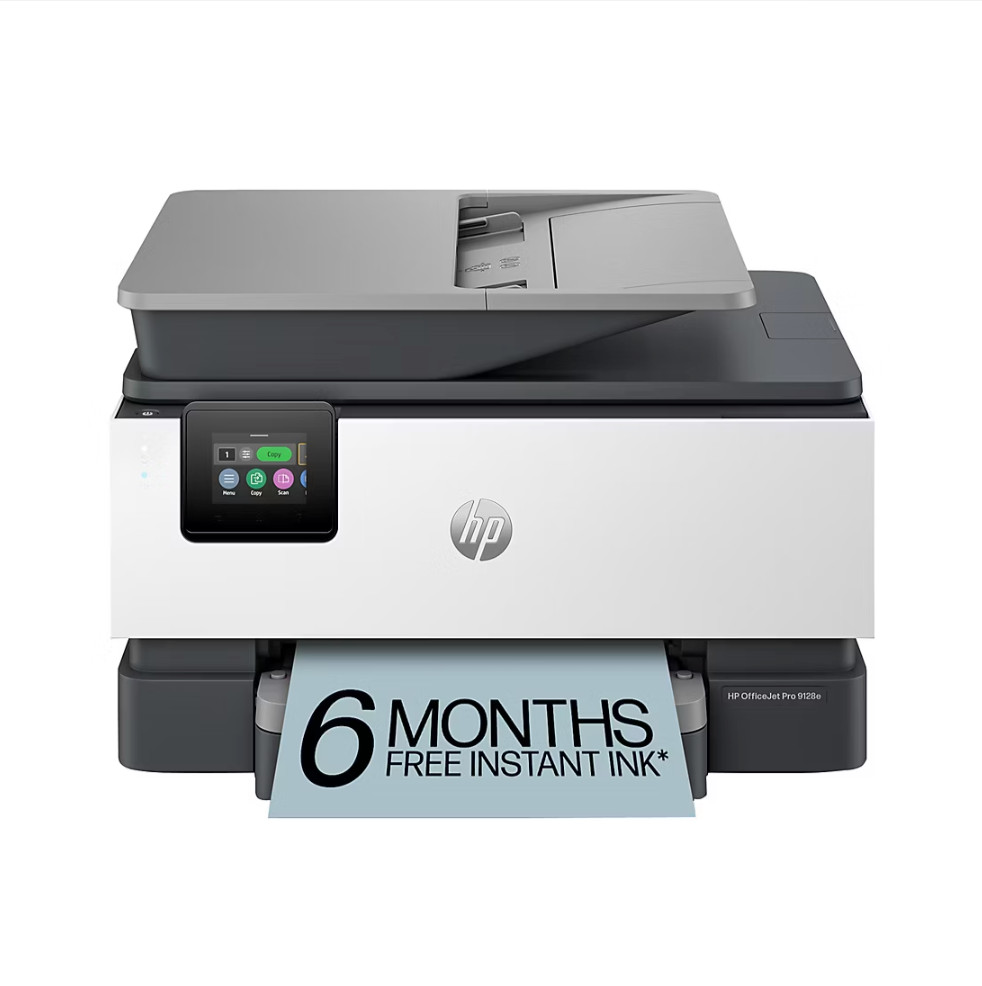 HP OfficeJet Pro 9128e All-in-One Wireless Inkjet Printer, 6 Months Free INK$179.88Last checked Nov 14, 2026View on eBay
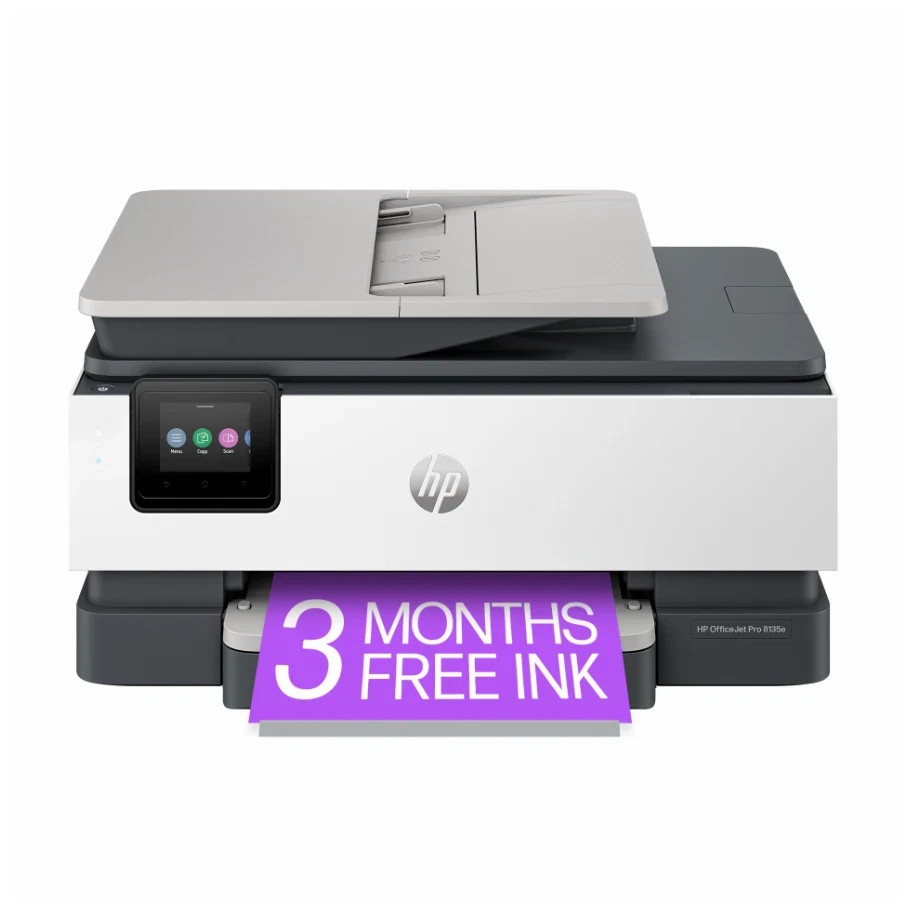 NEW HP OfficeJet Pro 8135e All-in-One Printer w/3 Months Instant Ink free w/ HP+$179.98Last checked Nov 22, 2026View on eBay
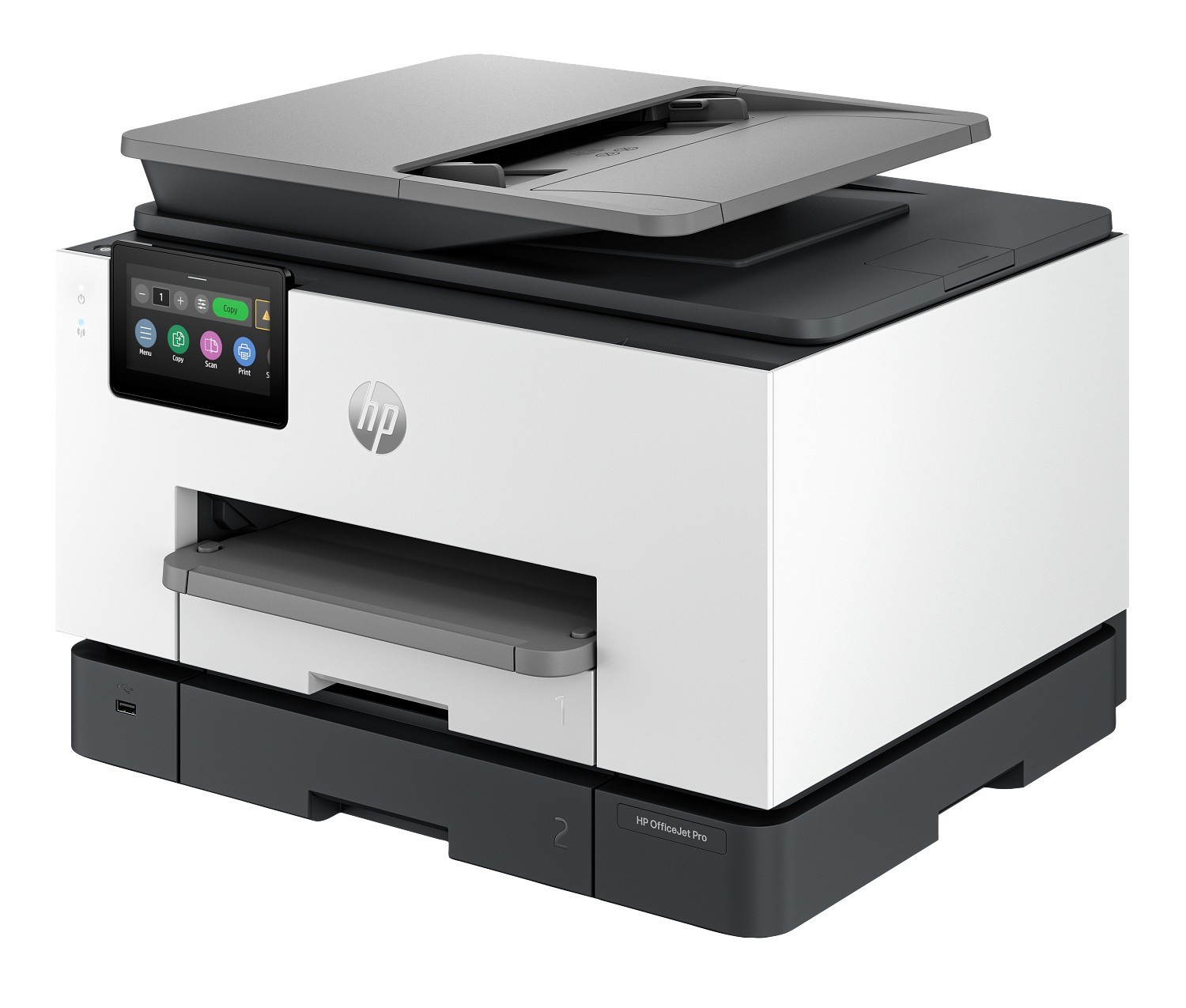 HP OfficeJet Pro 9135e All-in-One Printer w/additional set 4x brand new of Ink$206.10Excellent - Refurbished · Last checked Nov 21, 2026View on eBay
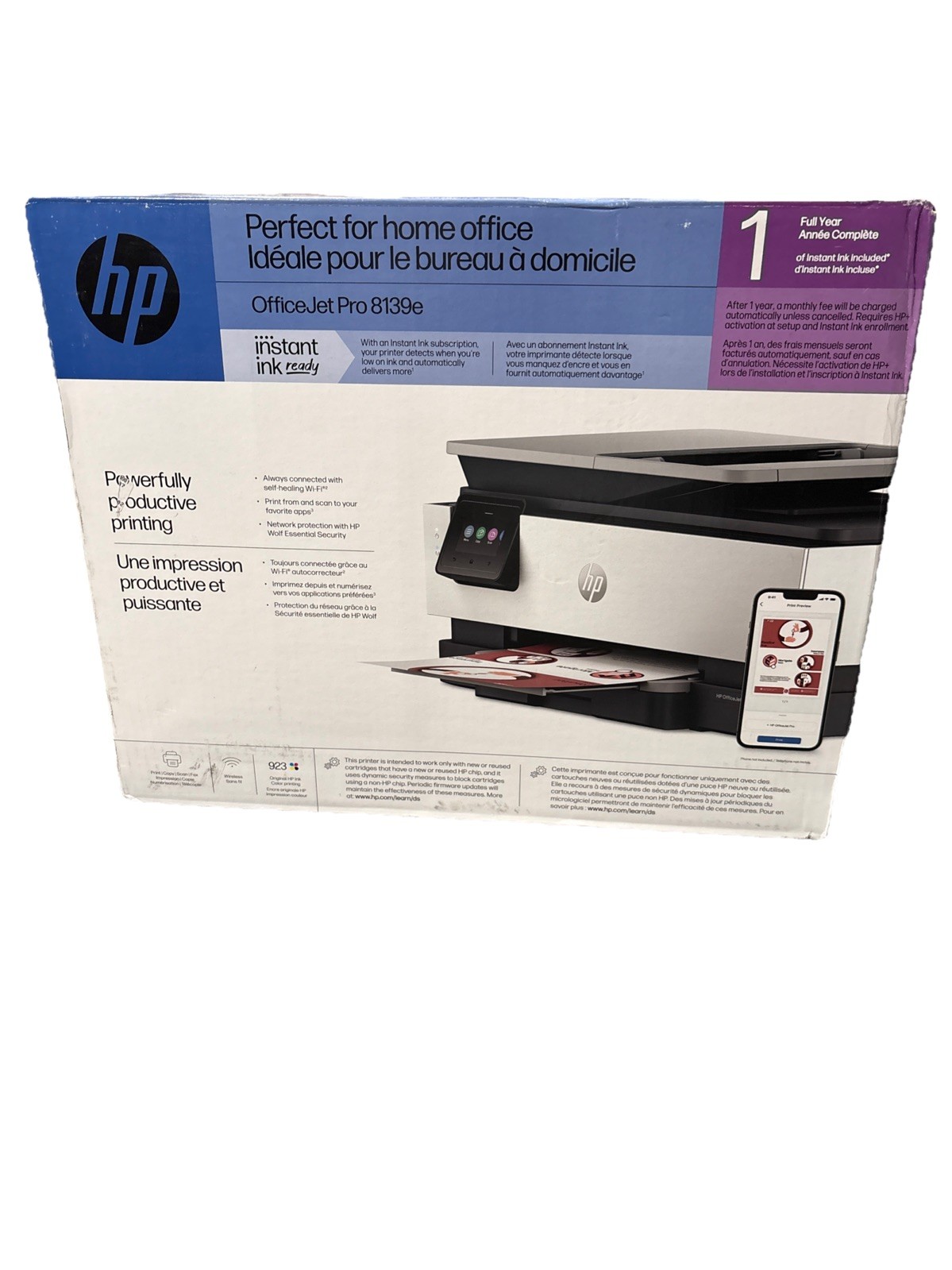 HP OfficeJet Pro 8139e Wireless All-in-One Printer with 1 Full Year Instant Ink$225.89Last checked Nov 14, 2026View on eBay
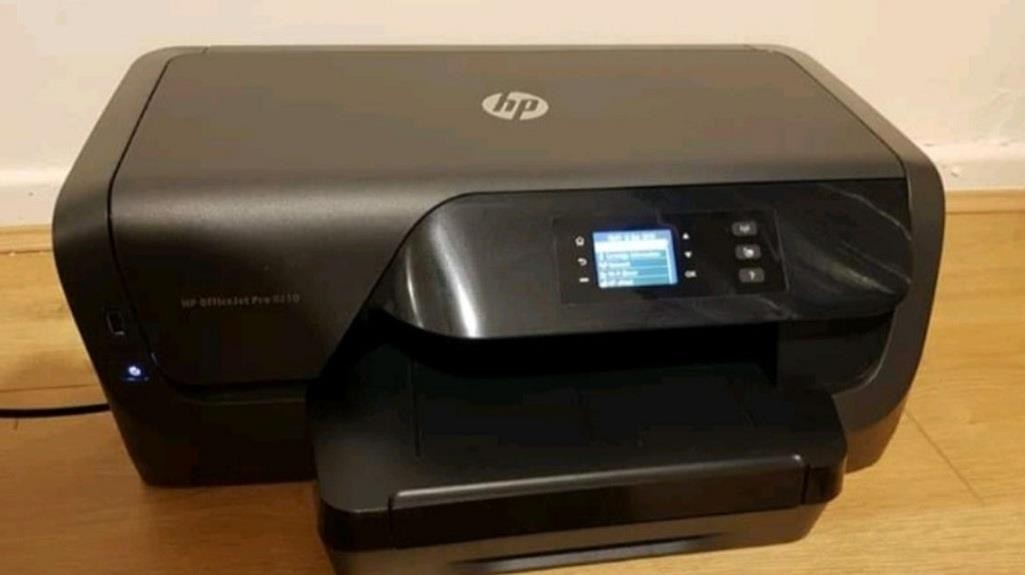 HP OfficeJet Pro 8210 Inkjet All-In-One Printer - Black (D9L64AB1H)$298.00Used · Last checked Nov 21, 2026View on eBay
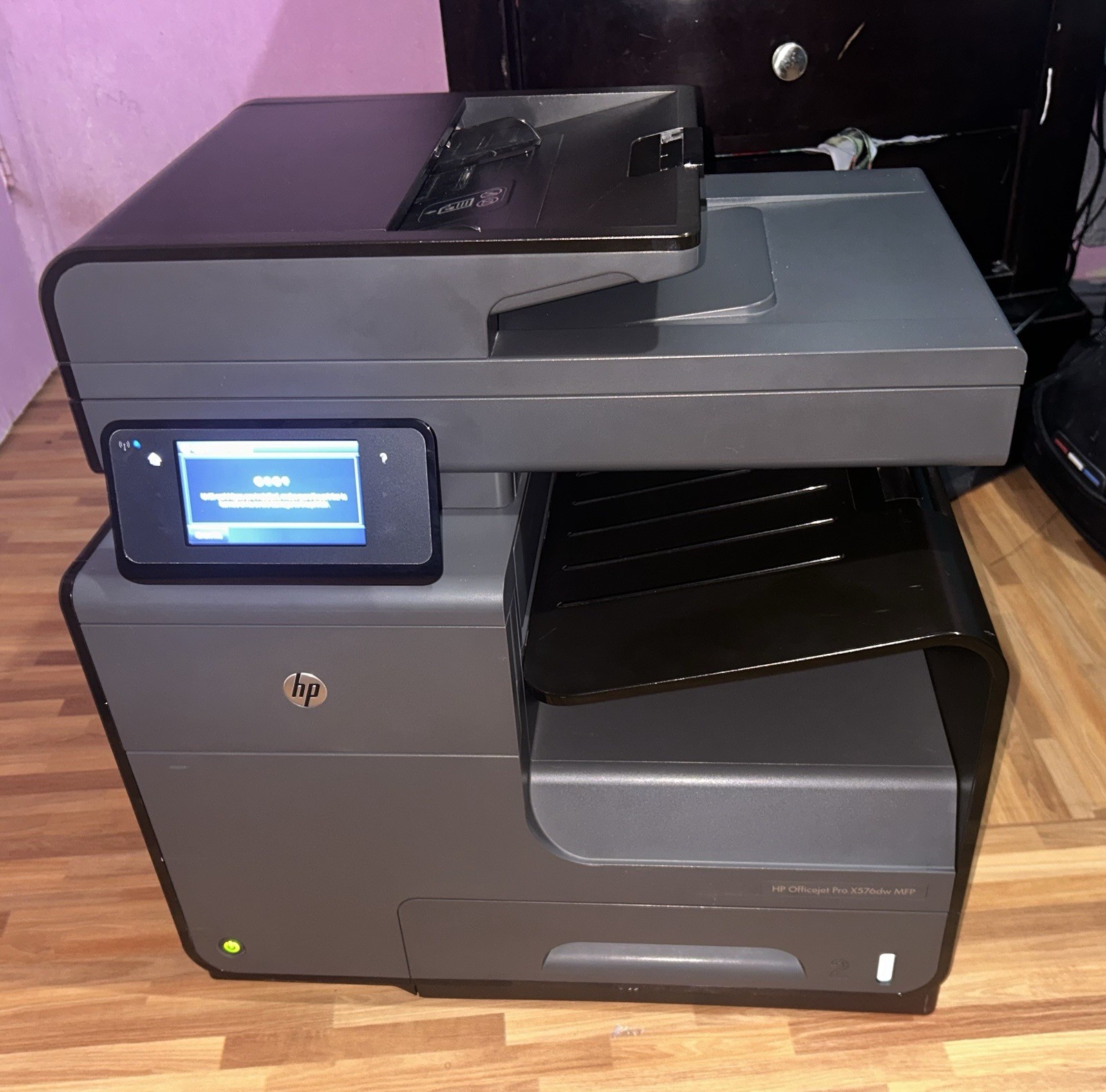 HP Officejet Pro X576dw All-In-One Inkjet Printer | CN598A | Color All-in-One$750.00Open box · Last checked Nov 21, 2026View on eBay
- HP Officejet Pro X576dw All-In-One Inkjet Printer$850.00Open box · Last checked Nov 21, 2026View on eBay
Highlights
- Pro 8000 series (e.g., 8022, 8025e, 8035e) typically targets small offices with ~20-30 ppm mono and 20-30k pages monthly duty cycle, while Pro 9000 series (9110b, 9125e) adds higher speeds, larger touchscreens, and improved security features.
- Models ending in 'e' (8125e, 8135e, 8138e, 9125e) ship with HP+ firmware requiring an HP account and Instant Ink enrollment, which can limit third-party cartridge use and add mandatory cloud connectivity.
- Standard Pro models (8022, 9110b) use traditional HP 962/952/910 cartridges with higher yield options, allowing refill or remanufactured supplies for lower cost per page.
- Connectivity tiers matter: base models often include Wi-Fi and USB, while 'b' suffixes (9110b) indicate Ethernet for wired office networks; fax is present on most AIO models but absent on print-only variants.
Best use cases
- Best fit: a small office printing 500-1500 pages/month with mixed color documents, scanning, and faxing — pick an 8000-series AIO (e.g., 8022, 8135e) with Ethernet if wired networking is needed.
- Best fit: a home office needing occasional high-quality color prints and scanning — choose a 9000-series (9110b, 9125e) for faster duplex and larger paper capacity, but only if you accept HP+ enrollment on 'e' models.
- Wrong fit: high-volume (3000+ pages/month) or low-cost-per-page needs — skip OfficeJet Pro entirely; a laser or business inkjet with bulk ink tanks is required.
- Wrong fit: fully offline or third-party ink users — avoid any 'e' or HP+ model and select a standard cartridge model like the 8022 or 9110b.
Buying tips
- Check the monthly duty cycle: 8000-series typically handles 20,000-30,000 pages, 9000-series up to 30,000-50,000; choose a model with at least 2x your expected monthly volume for longevity.
- Avoid 'e' suffix models (8125e, 8135e, 9125e) if you want to use remanufactured or refill cartridges — they require HP+ and Instant Ink, which locks you into HP supplies.
- Prefer models with Ethernet (e.g., 9110b) for office networks; Wi-Fi-only models are fine for home but can suffer from dropouts in busy RF environments.
- Verify cartridge family: 8000-series often uses HP 962/952, 9000-series uses HP 910/912; higher-yield XL cartridges reduce per-page cost but check availability before buying.
Specs
| Series Tier | 8000 (small office) vs 9000 (workgroup) |
|---|---|
| HP+ Lock | 'e' models require HP+ / Instant Ink |
| Connectivity | Wi-Fi + USB; Ethernet on 'b' models |
| Cartridge Family | HP 962/952 (8000) vs 910/912 (9000) |
Related searches
What to check before buying
- Measure your desk or shelf footprint: OfficeJet Pro units are typically 17-20 inches wide and 15-20 inches deep; ensure clearance for paper trays and output.
- Confirm your network: if you need wired Ethernet, choose a model with an 'b' suffix or specified Ethernet port; Wi-Fi-only models require 2.4/5 GHz stability.
- Check voltage and plug: these printers are 100-240V with regional plugs; if buying cross-border, confirm the included power cord matches your outlet.
- Ensure you have a USB cable (Type-A to Type-B) if you plan to connect directly; many models do not include one in the box.
FAQ
Data sources: eBay / Amazon listings and product attribute feeds. Updated Nov 28, 2026.
Some links on this page are affiliate links. If you buy after clicking one, we may earn a commission at no extra cost to you. This does not change which products appear here or their order. Affiliate disclosure.