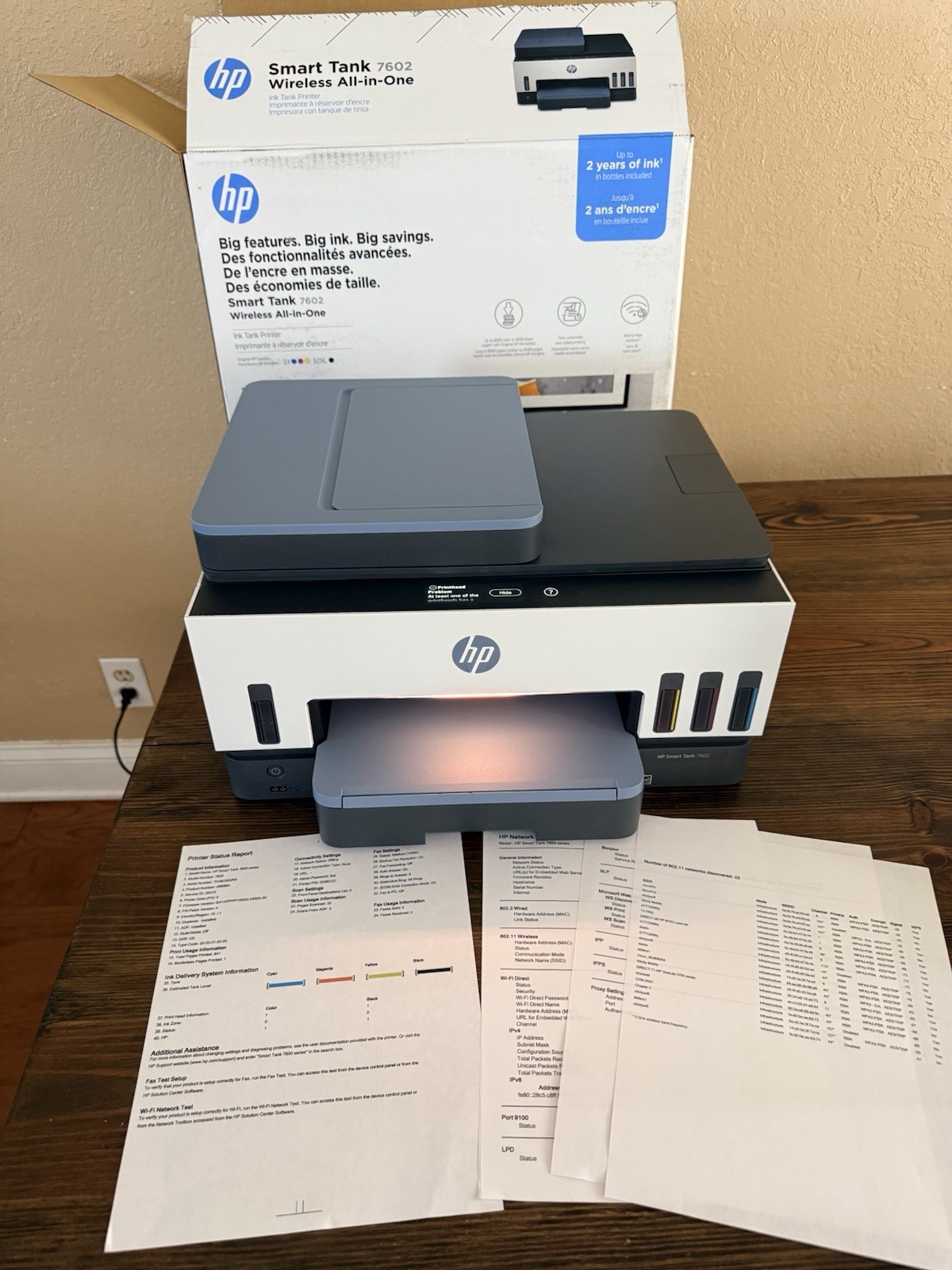

Photos from current listings. Actual item, color, and included accessories may vary.
Home Office Printer Scanner Buying Guide
A home office printer-scanner is an all-in-one device combining printing, scanning, and copying for remote work, schoolwork, and small-business paperwork. The primary trade-off is ink cost versus upfront hardware: tank printers use high-yield refillable reservoirs for low running costs, while cartridge all-in-ones offer faster speeds and richer features like auto-duplexing and ADF scanning. Choose a tank model for high-volume document printing on a budget, or a cartridge all-in-one for versatile, fast mixed-media output and automatic scanning workflows.
Median $164.25
Key takeaways
- Tank printers (HP Smart Tank 7602, Epson EcoTank) use refillable reservoirs yielding thousands of pages per fill versus cartridge models at tens of pages per cartridge.
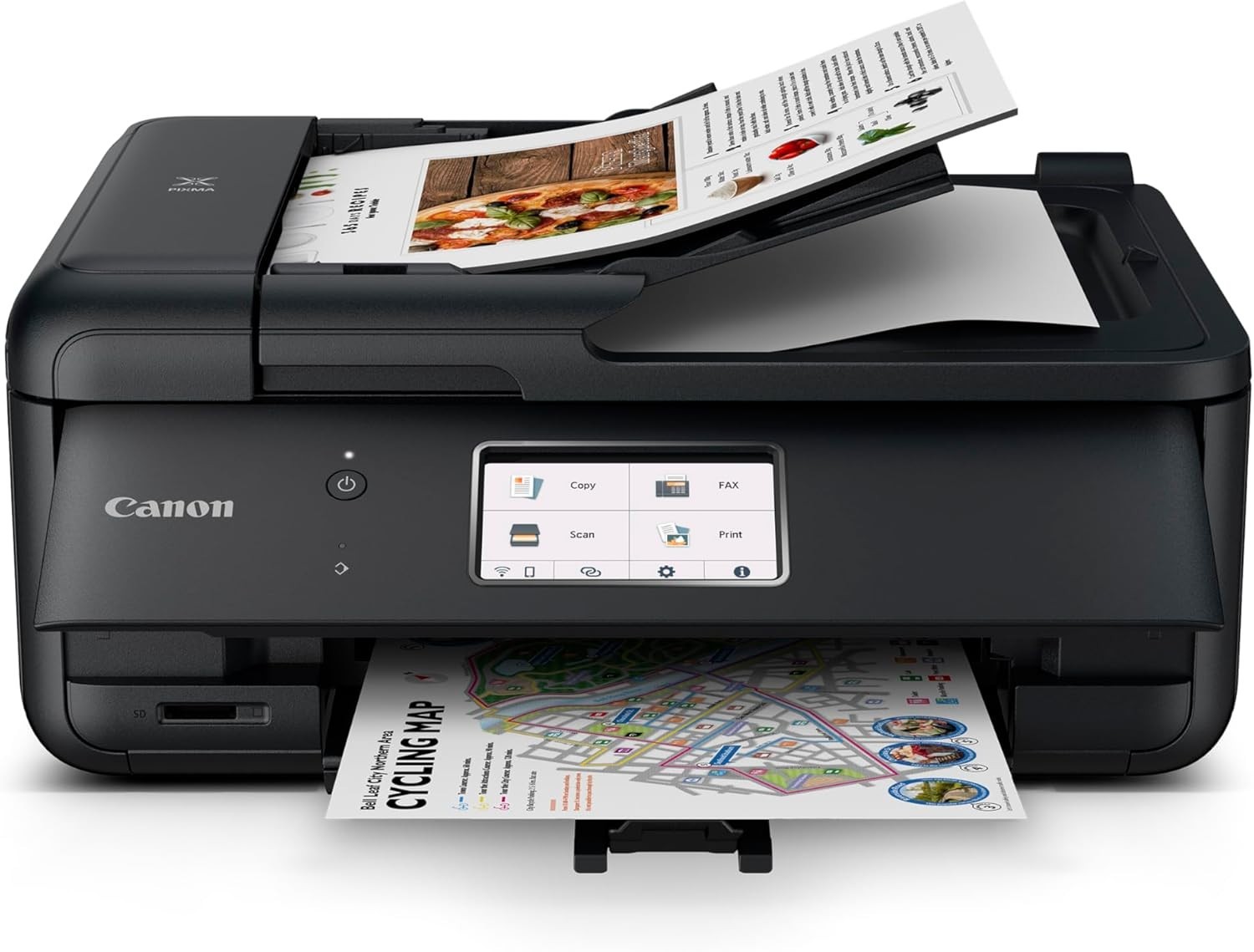
- Automatic document feeders (ADF) on models like Canon PIXMA TR8620a enable unattended multi-page scanning, copying, and faxing; flatbed-only units require page-by-page handling.
- Auto-duplex printing cuts paper use by roughly half, but compact all-in-ones often sacrifice duplexing or ADF capacity to hit smaller footprints.
At a glance
- Category
- Printers & Scanners
- Last updated
- Nov 28, 2026
Current offers
Highlights
- Tank printers (HP Smart Tank 7602, Epson EcoTank) use refillable reservoirs yielding thousands of pages per fill versus cartridge models at tens of pages per cartridge.
- Automatic document feeders (ADF) on models like Canon PIXMA TR8620a enable unattended multi-page scanning, copying, and faxing; flatbed-only units require page-by-page handling.
- Auto-duplex printing cuts paper use by roughly half, but compact all-in-ones often sacrifice duplexing or ADF capacity to hit smaller footprints.
- Wireless connectivity (Wi-Fi, AirPrint, Mopria) is standard on current home office models; USB-only connection limits shared use across devices and mobile printing.
Best use cases
- Choose a tank all-in-one like the HP Smart Tank 7602 if you print hundreds of pages monthly and want the lowest cost per page; skip cartridge models that burn through ink quickly.
- Pick a cartridge all-in-one like the Canon PIXMA TR8620a if you need auto-duplex printing, ADF scanning, and fax for mixed documents and occasional photo output; skip tank models if upfront speed matters more.
- Go with a compact flatbed all-in-one if desk space is tight and you scan single pages or IDs; skip ADF-equipped units that add footprint and height without need.
- For remote-work tax and contract paperwork, prioritize a model with a 20-sheet-plus ADF and auto-duplex scanning; skip photo-centric printers that lack document feeders.
Buying tips
- Calculate cost per page: tank ink runs well under a cent per page for mono, while cartridge all-in-ones often cost several cents per page, so match capacity to your monthly volume.
- Match ADF capacity to your scanning load: 20-sheet feeders handle typical home office batches, while 35-sheet or larger units suit heavier contract or tax document runs.
- Confirm duplex support: auto-duplex printing saves paper on multi-page documents, but many budget all-in-ones only offer manual duplexing or none at all.
- Check ink system type before buying: refillable tanks need periodic bottle refills with less waste, while cartridges demand replacement and often trigger low-ink warnings early.
Specs
| Ink System | Refillable tank vs cartridge |
|---|---|
| Scanner Type | Flatbed vs ADF + flatbed |
| Duplex Printing | Auto-duplex vs manual/simplex |
| Connectivity | Wi-Fi + USB vs USB only |
Related searches
What to check before buying
- Measure your desk or shelf footprint against the unit's dimensions, and leave clearance for paper trays extended and top-lid scanning access.
- Verify your Wi-Fi band and router placement: most all-in-ones connect on 2.4 GHz, so ensure signal reaches the printer location for reliable wireless printing.
- Confirm voltage and plug standard for your region (120V North America vs 230V Europe) and that the power adapter matches your outlet.
- Check whether you need a USB cable, extra ink bottles or cartridges, and whether ADF replacement rollers are available for long-term maintenance.
FAQ
Data sources: eBay / Amazon listings and product attribute feeds. Updated Nov 28, 2026.
Some links on this page are affiliate links. If you buy after clicking one, we may earn a commission at no extra cost to you. This does not change which products appear here or their order. Affiliate disclosure.