
Photos from current listings. Actual item, color, and included accessories may vary.
Epson Printer Buying Guide
Epson printers range from cartridge-based Expression Home all-in-ones to refillable EcoTank Supertank models and specialized sublimation units. The core trade-off is upfront cost versus per-page ink economics: cartridge models suit low-volume occasional printing, while EcoTank tanks slash running costs for high-volume users. Choose EcoTank for any sustained printing; choose Expression or WorkForce only for light duty or when you need a specific feature like ADF scanning.
Median $149.99 · New & pre-owned listings
Key takeaways
- EcoTank models use refillable ink reservoirs with bottled ink, cutting per-page cost to a fraction of cartridge printers and typically including two years of ink in the box.
- Expression Home XP series are compact cartridge all-in-ones; they use individual ink cartridges (often 232/234 series) and are best for under 100 pages per month.
- Sublimation requires a dedicated sublimation printer or a converted EcoTank using sublimation ink; standard EcoTank models with pigment/ dye ink are not sublimation-ready out of the box.
At a glance
- Category
- Printers & Scanners
- Last updated
- Nov 28, 2026
Current offers
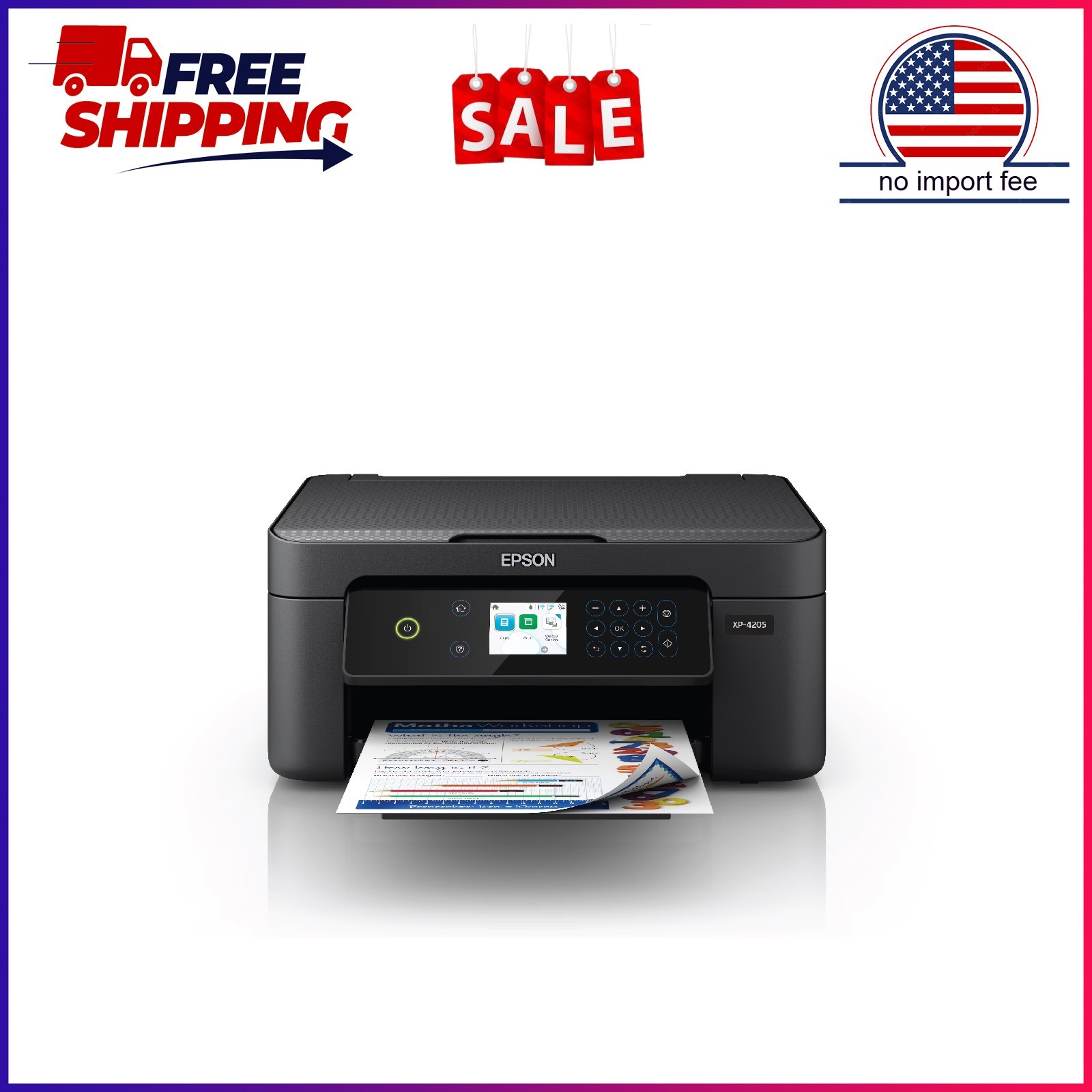 Epson Expression Home XP-4205 Wireless Color Printer with Scanner and Copier$56.12View on eBay
 Epson Expression Home XP-4205 Wireless Color Printer with Scanner and Copier$66.82View on eBay
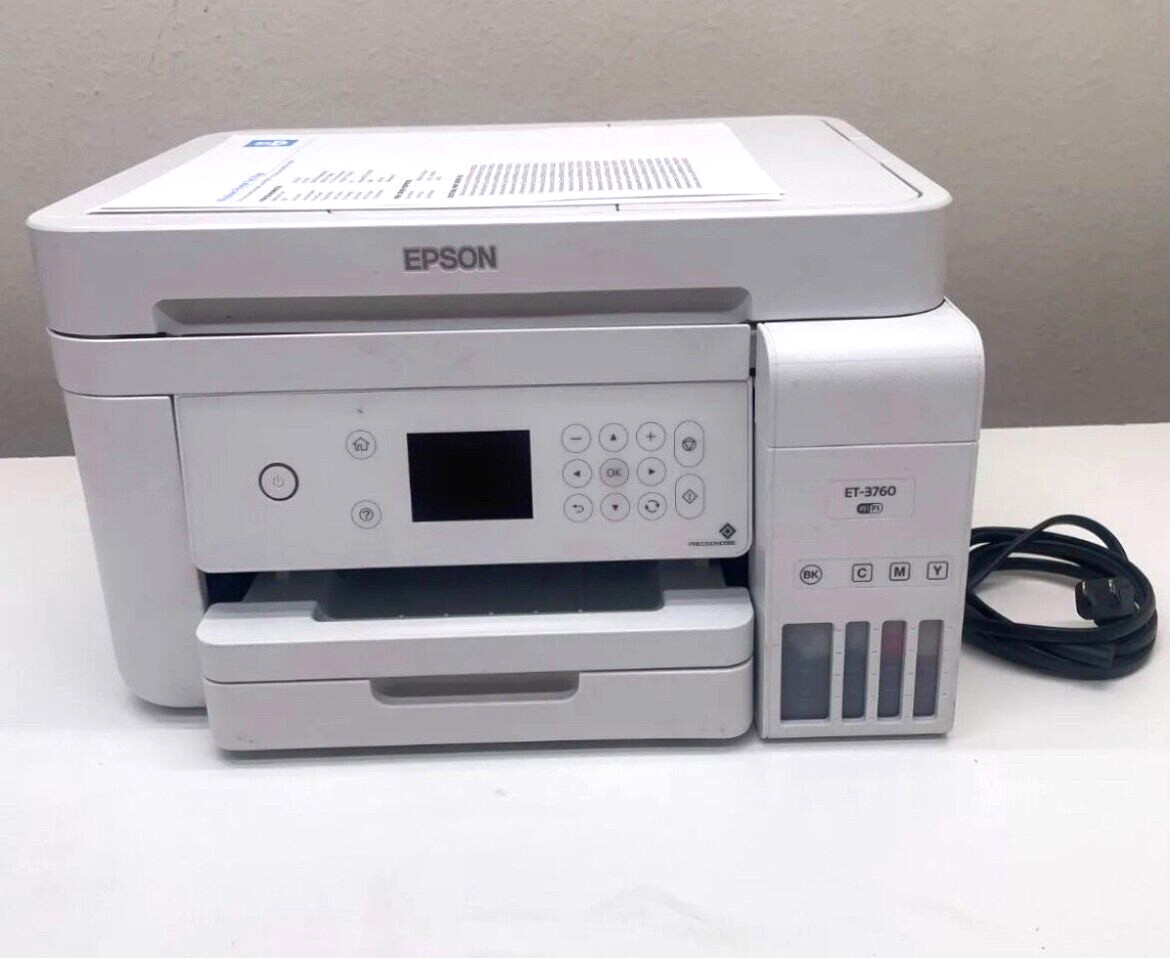 Epson EcoTank ET-3760 Wireless All in One Color Printer (Tested)$139.99Last checked Nov 21, 2026View on eBay
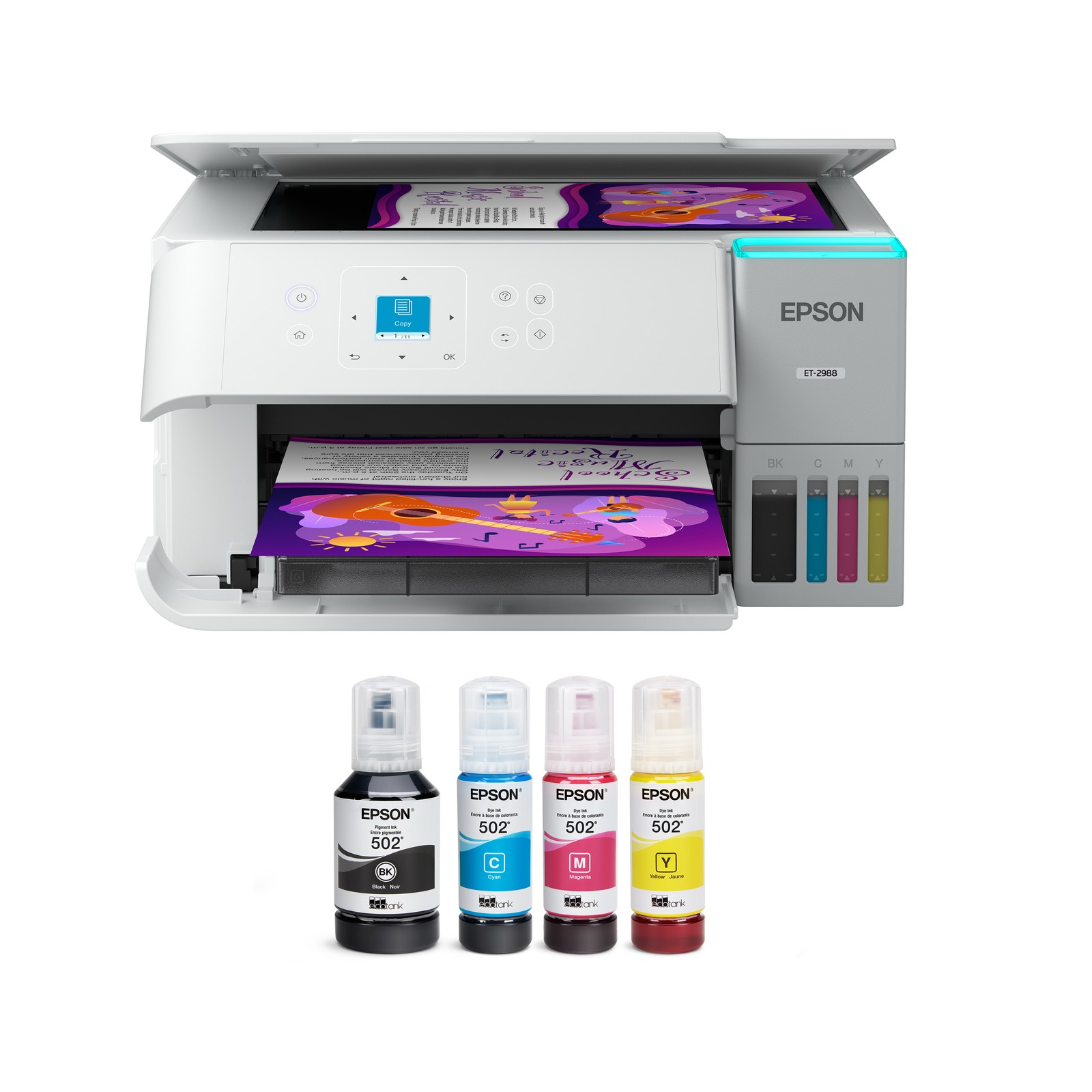 Epson EcoTank ET-2988 Printer - White - Certified Refurbished$149.99Last checked Nov 18, 2026View on eBay
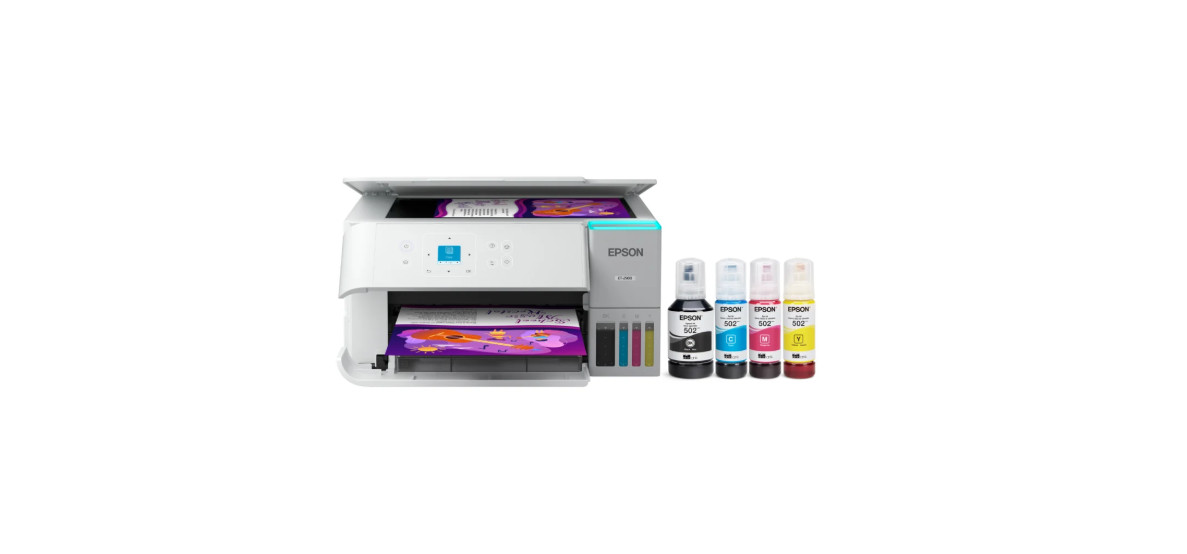 Epson EcoTank ET-2980 Wireless All-in-One Colour Supertank Printer - White$159.99View on eBay
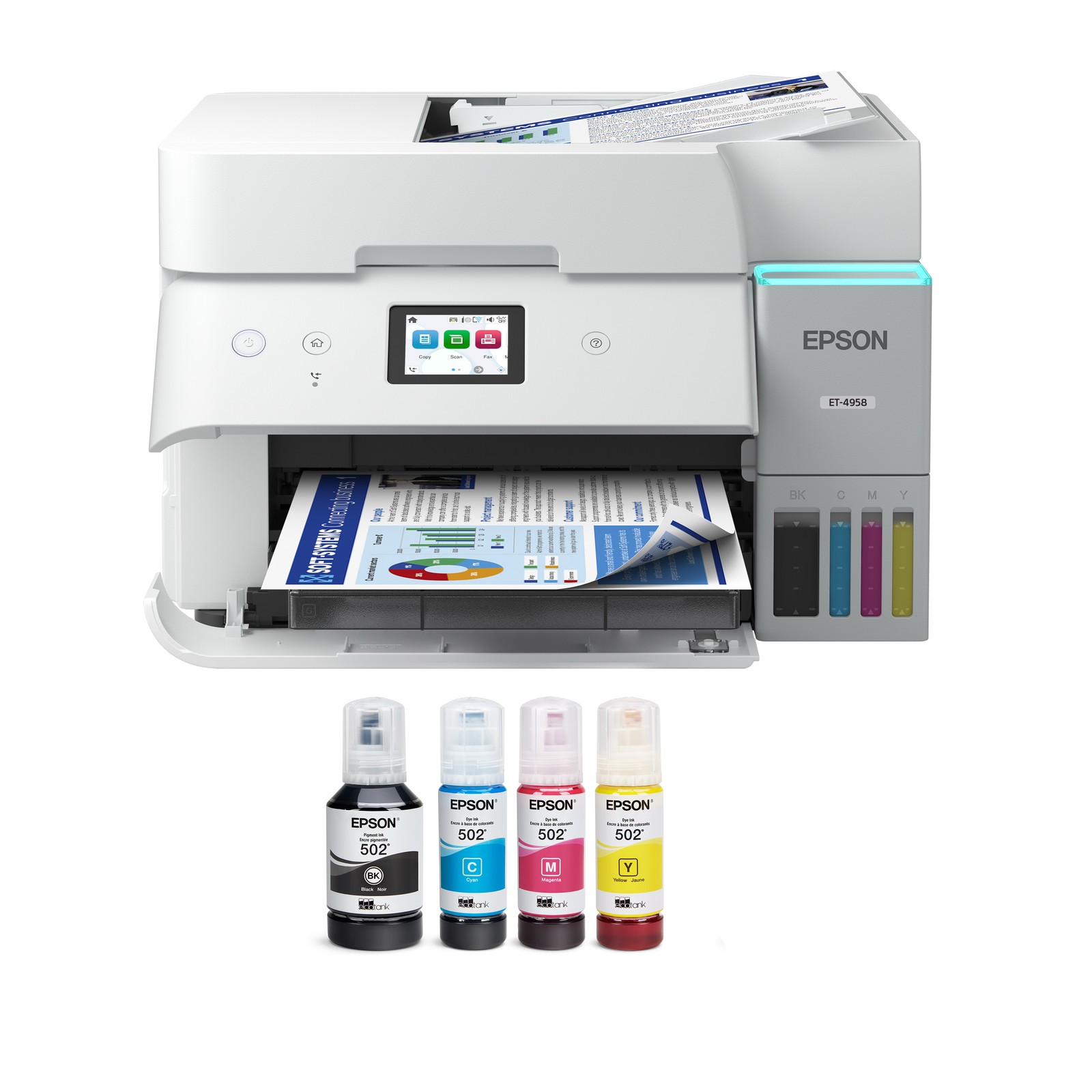 Epson EcoTank ET-4958 Wireless Printer - Certified Refurbished$269.99Certified - Refurbished · Last checked Nov 25, 2026View on eBay
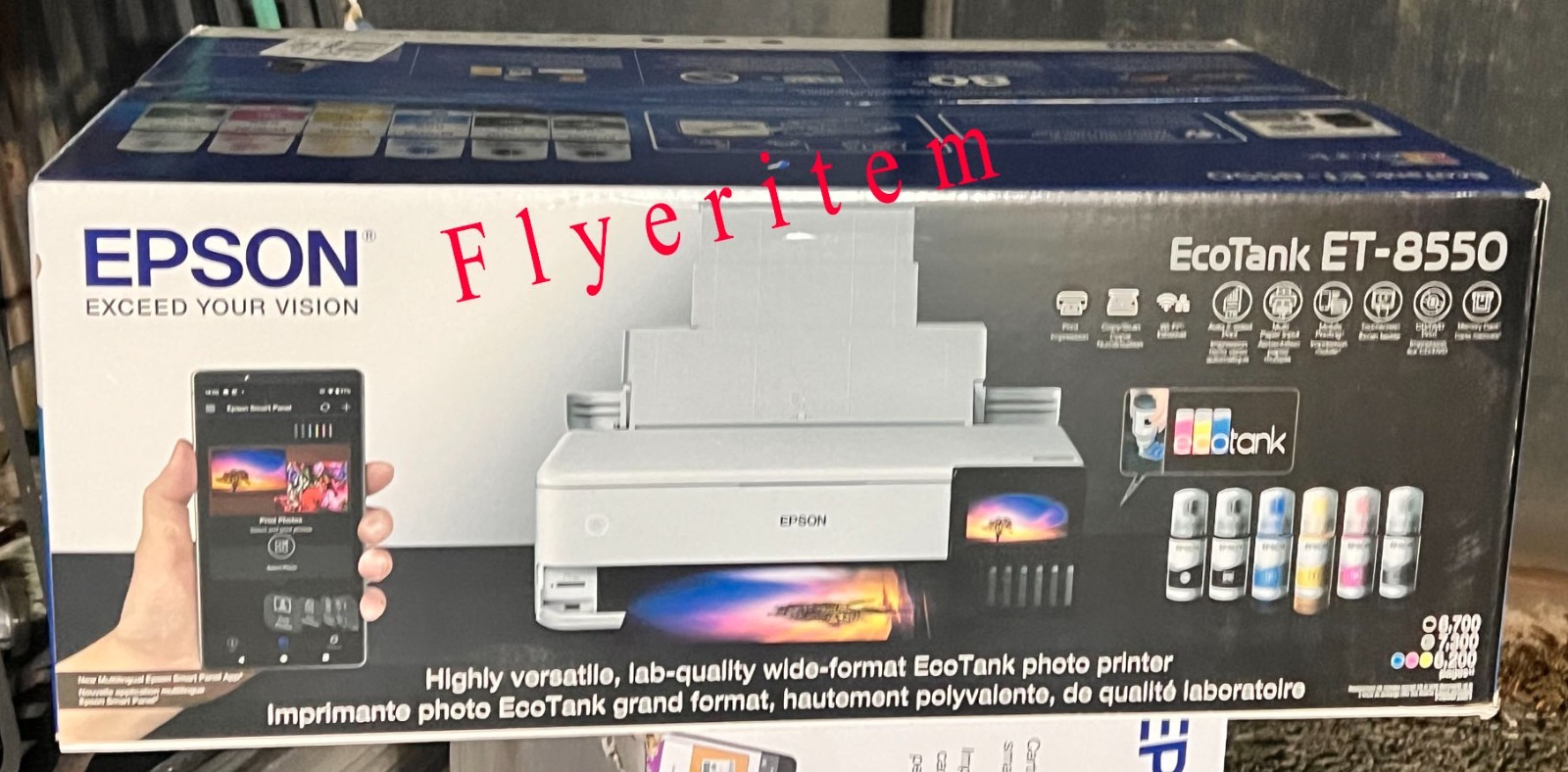 NEW in Box Epson EcoTank Photo ET-8550 Wireless Color Inkjet Printer, All-In-One$449.99New · Last checked Nov 25, 2026View on eBay
Highlights
- EcoTank models use refillable ink reservoirs with bottled ink, cutting per-page cost to a fraction of cartridge printers and typically including two years of ink in the box.
- Expression Home XP series are compact cartridge all-in-ones; they use individual ink cartridges (often 232/234 series) and are best for under 100 pages per month.
- Sublimation requires a dedicated sublimation printer or a converted EcoTank using sublimation ink; standard EcoTank models with pigment/ dye ink are not sublimation-ready out of the box.
- WorkForce Pro and EcoTank Pro models add duplex printing, ADF scanning, and higher monthly duty cycles; EcoTank ET-4800 includes ADF and fax for small-office use.
Best use cases
- High-volume home or small-office printing (300+ pages/month): pick an EcoTank Supertank (ET-2400/2980/3760/4800) for low ink costs and bottled refills.
- Sublimation and craft printing: choose a dedicated Epson sublimation printer (SureColor F-series) or a converted EcoTank with sublimation ink; skip standard EcoTank models with OEM ink.
- Light occasional printing (under 50 pages/month) with scanning: Expression Home XP-4205 is compact and affordable; skip it if you print photos or documents weekly in volume.
- Small-office with copy/scan/fax needs: EcoTank ET-4800 with ADF and fax; skip cartridge models if you need low running costs and higher duty cycles.
Buying tips
- Calculate cost per page: EcoTank bottled ink yields thousands of pages per bottle; cartridge models cost several cents per page, so EcoTank pays back quickly above ~100 pages/month.
- Check ink type: standard EcoTank uses pigment black and dye color for documents; for photo quality look for Claria dye inks, for sublimation use dedicated sublimation ink and printer.
- Verify connectivity and duplex: ET-2400 is basic wireless; ET-2980/3760/4800 add duplex printing, ADF, and Ethernet on some models; match to your workflow.
- For sublimation, buy a printer designed for it (SureColor F170/F570) or a convert-ready EcoTank; using sublimation ink in a standard EcoTank voids warranty and clogs printheads if not used regularly.
Specs
| Ink System | Cartridge vs Refillable EcoTank |
|---|---|
| Primary Use | Home/Office vs Sublimation/Photo |
| Functions | Print only vs Print/Scan/Copy/Fax |
| Connectivity | USB / Wi-Fi / Ethernet / Mobile |
Related searches
What to check before buying
- Measure your desk or shelf space: EcoTank models are larger than Expression Home; confirm width and depth fit, and leave clearance for paper trays and ink bottle access.
- Confirm voltage and plug standard for your region; Epson sells region-specific models, and imports may need a step-down transformer.
- Check that your computer or mobile device supports Epson Smart Panel or the Epson Connect service for wireless setup; Ethernet models need a router port.
- For sublimation, ensure you have a heat press and sublimation blanks; the printer alone does not produce sublimated products.
FAQ
Data sources: eBay / Amazon listings and product attribute feeds. Updated Nov 28, 2026.
Some links on this page are affiliate links. If you buy after clicking one, we may earn a commission at no extra cost to you. This does not change which products appear here or their order. Affiliate disclosure.