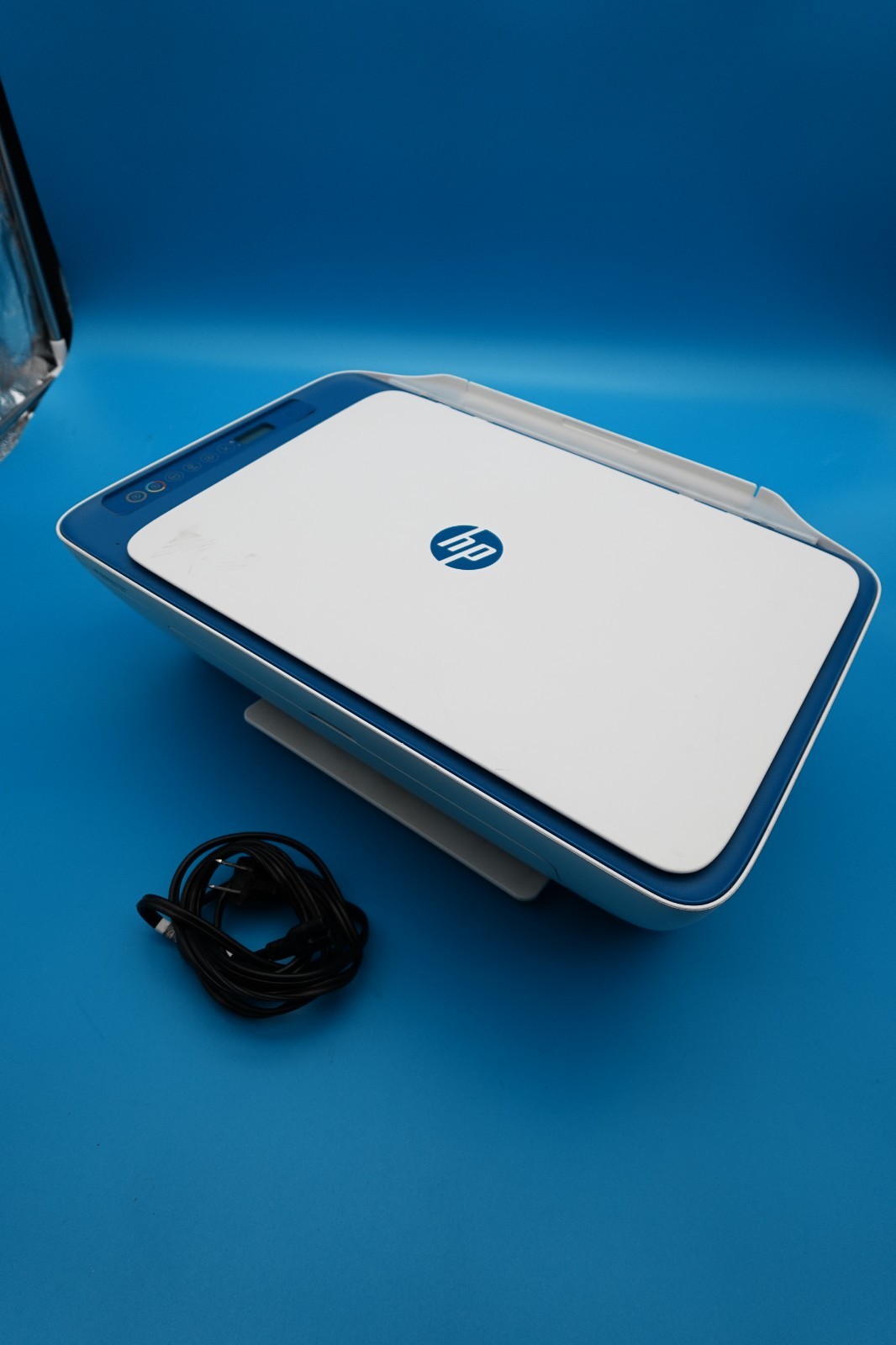

Photos from current listings. Actual item, color, and included accessories may vary.
Compact Printer Buying Guide
Compact printers are space-saving inkjets and lasers built for home desks and light office duty, where the core trade-off is upfront simplicity versus long-term ink cost and print volume. The clear decision rule: choose a tank or laser model if you print more than a few dozen pages monthly, and an entry all-in-one only for occasional, low-volume jobs.
Print Technology:Inkjet cartridge / Inkjet tank / Mono laserFunction Set:Print-only vs All-in-one (scan/copy)Connectivity:Wi-Fi + app / Wi-Fi Direct / USB 2.0Footprint Tier:Compact ~16-17 in wide / Standard 18+ in
Typical price range$24.99
Key takeaways
- Inkjet all-in-ones like the HP DeskJet 2622 use integrated or entry printheads with low-yield cartridges, keeping the chassis small but raising per-page ink cost for frequent printing.
- Tank inkjets (EcoTank, MegaTank, Smart Tank) ship with refillable reservoirs rated for thousands of pages, cutting cost per page dramatically at a larger footprint and higher purchase tier.
- Compact monochrome lasers use toner and fuser heat, delivering sharper text and no ink drying, but they add warm-up time and weigh more than comparable inkjets.
At a glance
- Category
- Printers & Scanners
- Last updated
- Nov 28, 2026
Current offers
Highlights
- Inkjet all-in-ones like the HP DeskJet 2622 use integrated or entry printheads with low-yield cartridges, keeping the chassis small but raising per-page ink cost for frequent printing.
- Tank inkjets (EcoTank, MegaTank, Smart Tank) ship with refillable reservoirs rated for thousands of pages, cutting cost per page dramatically at a larger footprint and higher purchase tier.
- Compact monochrome lasers use toner and fuser heat, delivering sharper text and no ink drying, but they add warm-up time and weigh more than comparable inkjets.
- Wireless standards matter: models with Wi-Fi Direct or app-based setup (HP Smart, Epson Smart Panel) print from phones without a router, while USB-only units need a tethered computer.
Best use cases
- Best fit: occasional school forms, shipping labels, and boarding passes — pick a compact inkjet all-in-one with a flatbed scanner and Wi-Fi setup; skip tank models if you print under 50 pages monthly.
- Best fit: home-office document volume above roughly 200 pages monthly — buy a refillable tank inkjet or a compact mono laser; avoid entry cartridge inkjets that drive ink cost above the hardware savings.
- Best fit: tight dorm or apartment desks — choose a unit under about 16 inches wide with a rear or fold-up paper feed; skip models with bulky automatic document feeders if you never scan multipage stacks.
Buying tips
- Match print technology to volume: cartridge inkjet for under ~50 pages/month, tank inkjet for 100–1,000 pages/month, and mono laser for high-volume text where color is unnecessary.
- Measure your shelf before buying: compact inkjets typically run 16–17 inches wide and need 4–6 inches of clearance behind for the paper path and cables.
- Check cartridge economics: standard vs XL vs tank yields per cartridge or bottle determine real cost per page — calculate yield against your monthly volume, not the sticker tier.
- Confirm connectivity: Wi-Fi 5 with app setup and AirPrint/Mopria support covers phone and laptop printing; USB 2.0-only units are fine only for a permanently tethered desktop.
Specs
| Print Technology | Inkjet cartridge / Inkjet tank / Mono laser |
|---|---|
| Function Set | Print-only vs All-in-one (scan/copy) |
| Connectivity | Wi-Fi + app / Wi-Fi Direct / USB 2.0 |
| Footprint Tier | Compact ~16-17 in wide / Standard 18+ in |
Related searches
What to check before buying
- Desk footprint: measure width, depth, and rear clearance against the printer's dimensions with trays extended and paper loaded.
- Print volume and color need: estimate monthly pages and whether color is required before choosing inkjet versus laser.
- Power and cabling: confirm a nearby outlet and either Wi-Fi coverage or a USB cable long enough to reach your computer.
- Consumables and software: verify cartridge or bottle availability and that the vendor app supports your phone and computer OS versions.
FAQ
Data sources: eBay / Amazon listings and product attribute feeds. Updated Nov 28, 2026.
Some links on this page are affiliate links. If you buy after clicking one, we may earn a commission at no extra cost to you. This does not change which products appear here or their order. Affiliate disclosure.