
Photos from current listings. Actual item, color, and included accessories may vary.
Canon All In One Printer Buying Guide
Canon all-in-one printers fall into two distinct architectures: PIXMA inkjet (TS/TR/MX series) for color/photo versatility, and imageCLASS laser (MF series) for high-volume monochrome text. The core trade-off is inkjet's lower upfront cost and color capability versus laser's speed, toner yield, and no-clog reliability. The decision rule: choose inkjet for color, photos, and low monthly volume; choose imageCLASS laser for fast duplex text, high duty cycles, and low per-page cost without ink drying risks.
Median $119.97 · New listings
Key takeaways
- PIXMA TS-series (TS3722, TS6420a, TS6520) uses combined or separate FINE cartridges; TR-series (TR4720, TR7820) adds a 35-sheet ADF for copy/scan/fax.
- imageCLASS MF273dw is a monochrome laser with duplex printing, 30+ ppm, and a 250-sheet tray; toner yield far exceeds inkjet cartridges.
- TS3722 is a basic 2-cartridge (black + tri-color) unit with no ADF and manual duplex; TS6420a adds a 1.44-inch display and auto-duplex.
At a glance
- Category
- Printers & Scanners
- Last updated
- Nov 28, 2026
Current offers
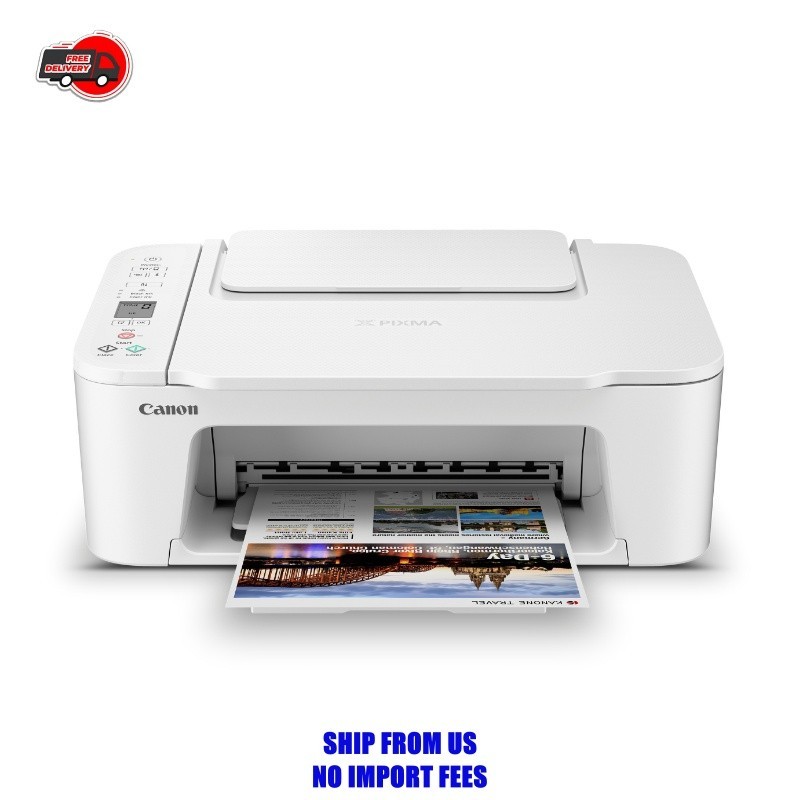 Canon PIXMA TS3722 Wireless All-In-One Inkjet Printer for Home Office$35.20View on eBay
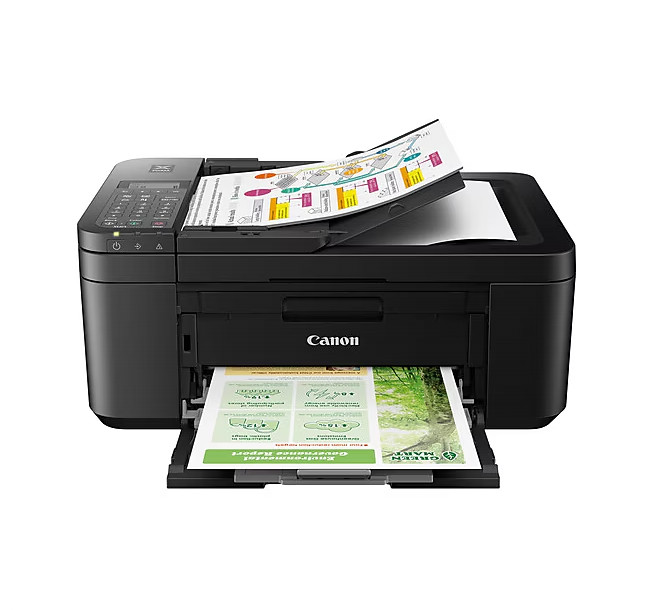 Canon PIXMA TR4720 Wireless Color Inkjet Printer, All-In-One (21-MFP4) New$46.10View on eBay
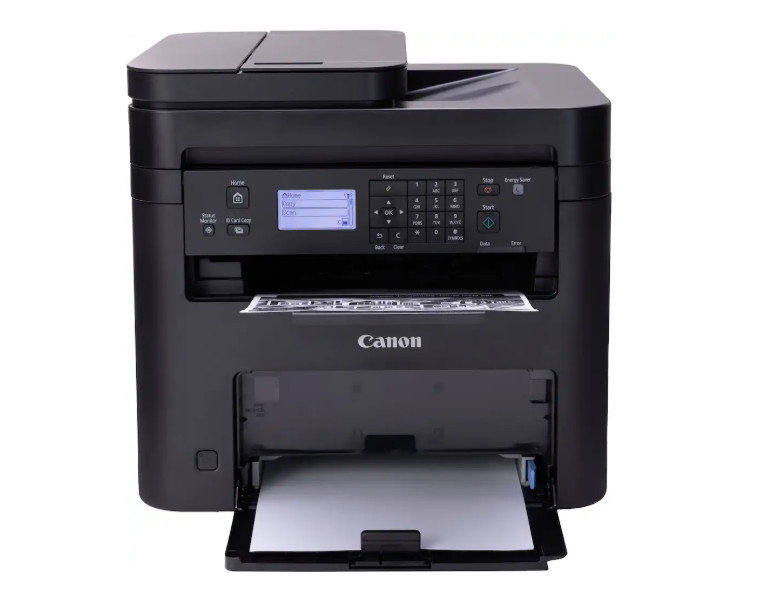 Canon - imageCLASS MF273dw Wireless Black-and-White All-In-One Laser Printer - B$86.67View on eBay
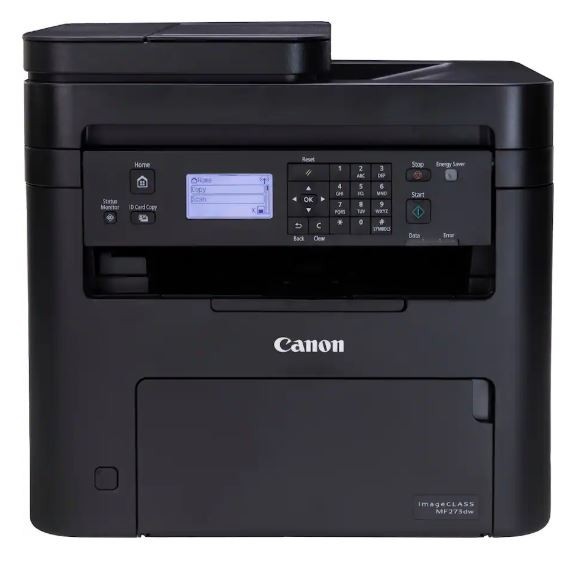 Canon - imageCLASS MF273dw Wireless Black-and-White All-In-One Laser Printer$89.99View on eBay
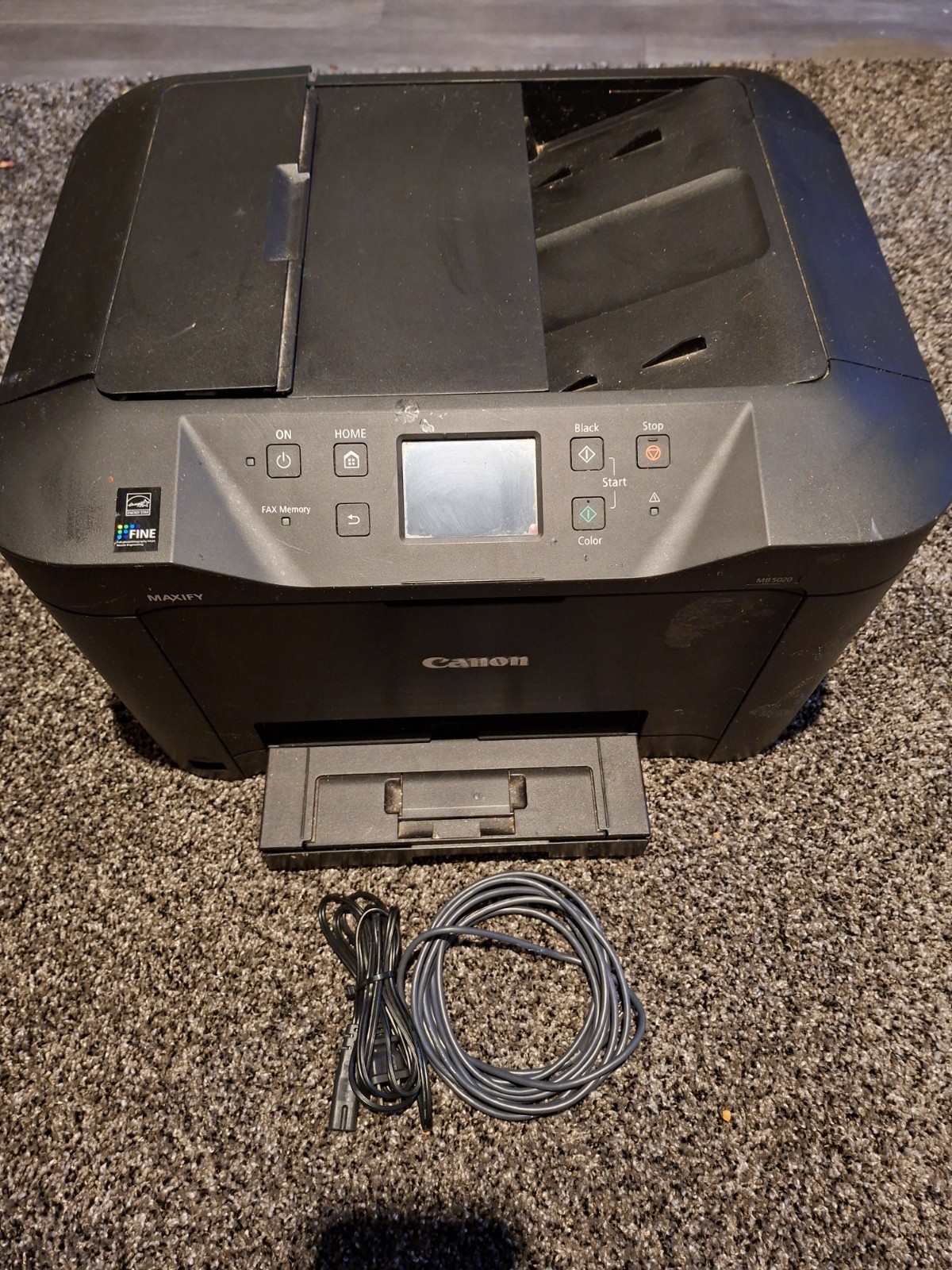 Canon MAXIFY MB5020 All-In-One Office Business Color Printer Fax Scanner Copier$149.95Last checked Nov 20, 2026View on eBay
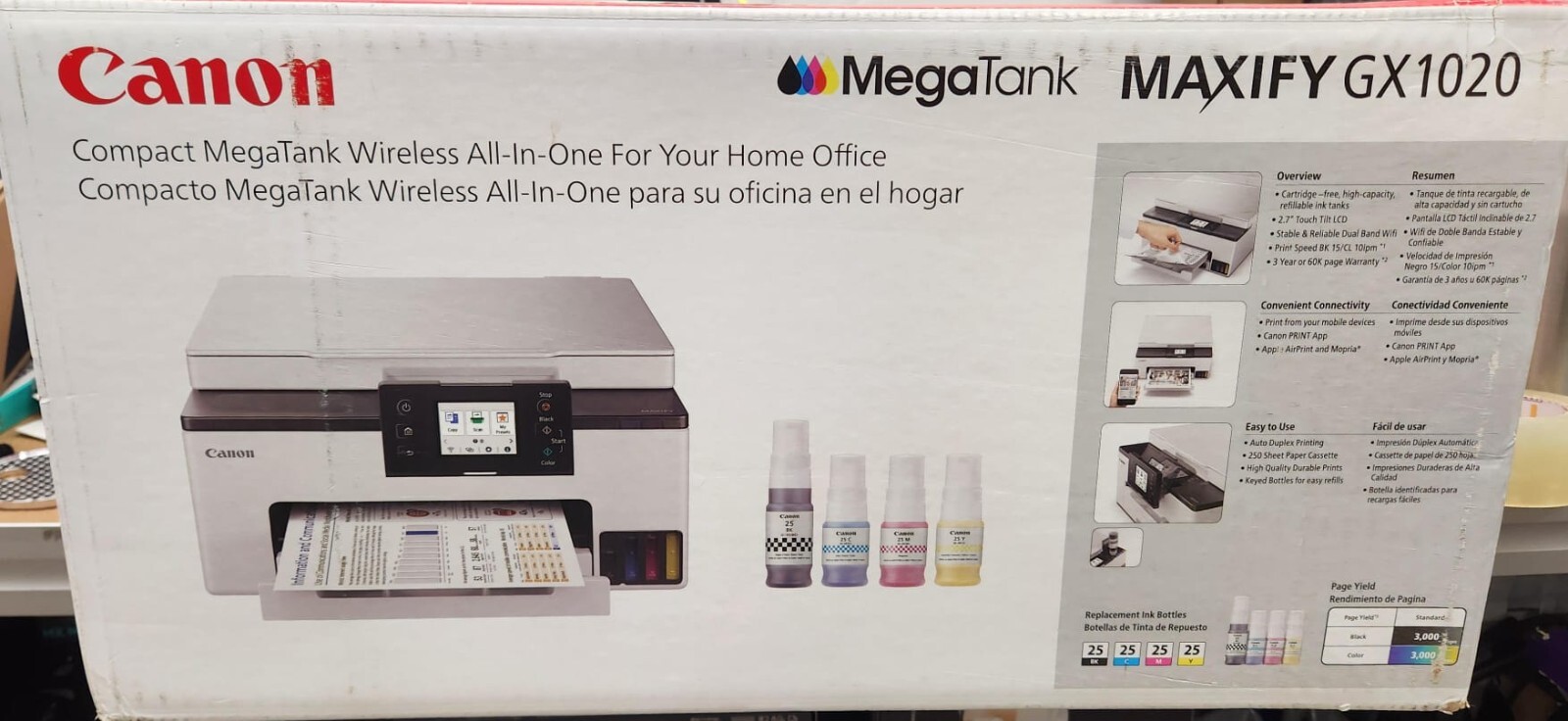 Canon MAXIFY GX1020 MegaTank Wireless Home & Office All-In-One Color Printer$169.99View on eBay
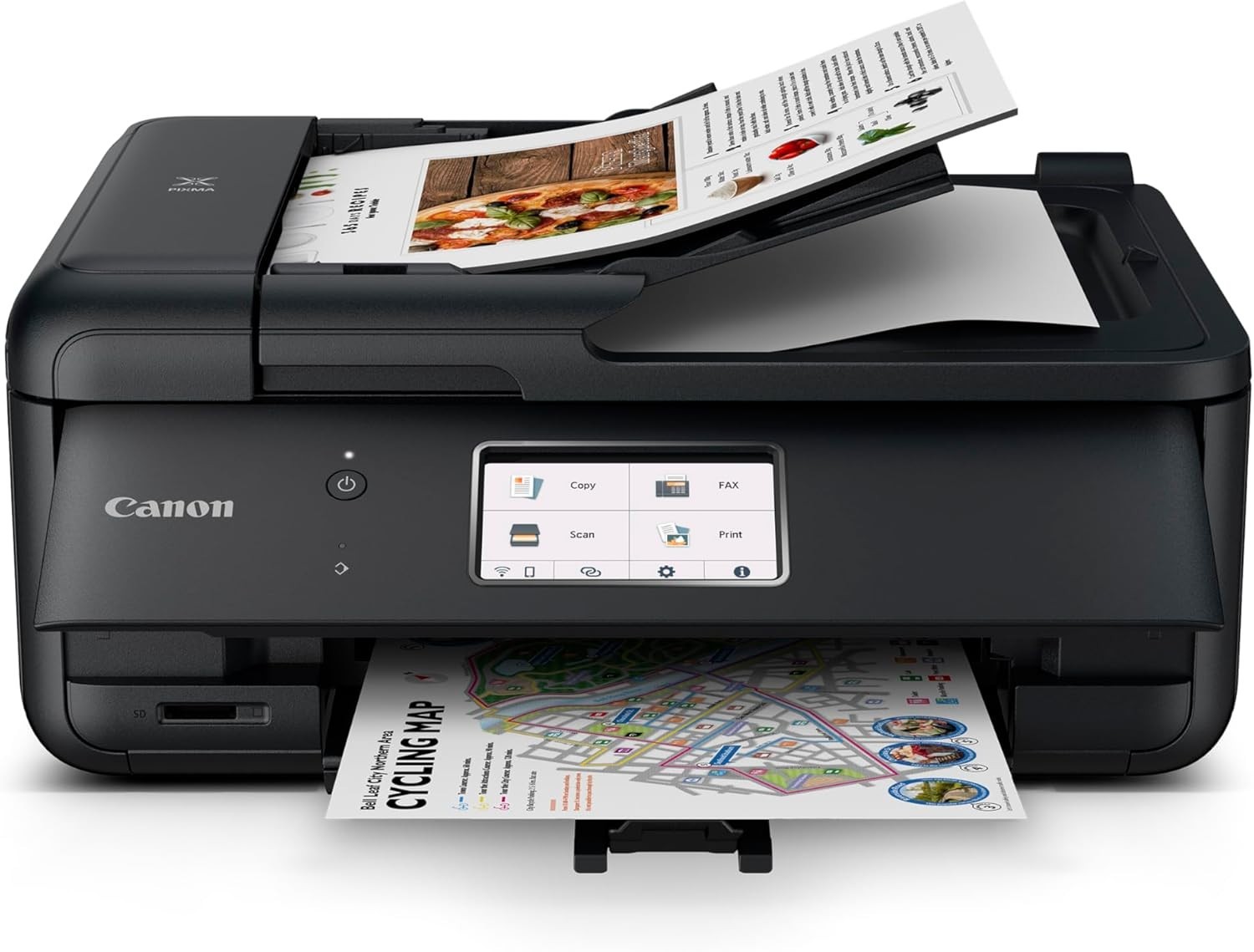 Canon PIXMA TR8620a - All-in-One Printer Home Office|Copier|Scanner|Fax|Auto$189.50View on eBay
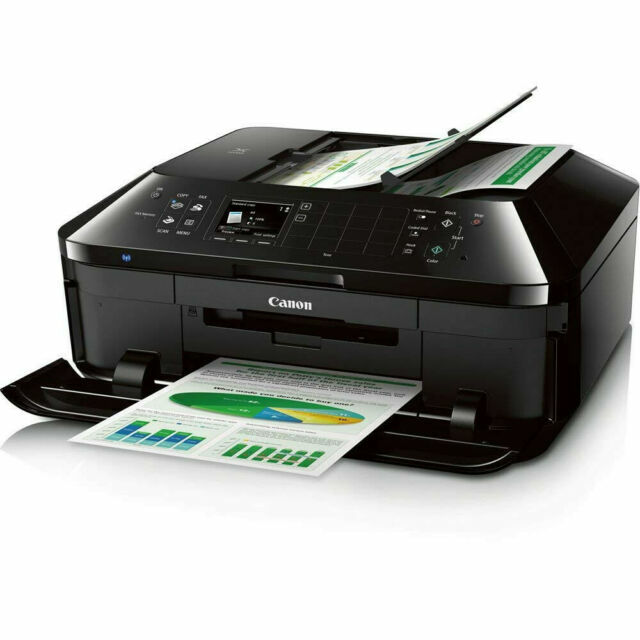 Canon PIXMA MX922 Wireless All-In-One Inkjet Printer Brand New Sealed$399.00New · Last checked Nov 25, 2026View on eBay
Highlights
- PIXMA TS-series (TS3722, TS6420a, TS6520) uses combined or separate FINE cartridges; TR-series (TR4720, TR7820) adds a 35-sheet ADF for copy/scan/fax.
- imageCLASS MF273dw is a monochrome laser with duplex printing, 30+ ppm, and a 250-sheet tray; toner yield far exceeds inkjet cartridges.
- TS3722 is a basic 2-cartridge (black + tri-color) unit with no ADF and manual duplex; TS6420a adds a 1.44-inch display and auto-duplex.
- All models support Wi-Fi and Canon PRINT app; budget PIXMA lack Ethernet, while imageCLASS MF273dw offers USB and Wi-Fi only.
Best use cases
- Pick PIXMA TS6420a or TR7820 for home color printing, schoolwork, and occasional photos; skip if you print 500+ mono pages monthly.
- Pick imageCLASS MF273dw for a home office printing contracts, labels, and forms at high speed; skip if you need color or photo output.
- Pick PIXMA TR4720 for a small office needing fax and ADF copy/scan; skip if you require duplex scanning or high-yield cartridges.
- Pick PIXMA TS3722 only as a low-cost secondary color printer; skip for any workload above 100 pages/month or ADF needs.
Buying tips
- Match architecture to volume: inkjet PIXMA suits under 300 pages/month; imageCLASS laser handles 1,000+ pages/month without clogging.
- Check cartridge strategy: TS3722 uses 2-cartridge (black + tri-color); TS6420a/TR7820 use 5-cartridge or high-yield options for lower cost per color page.
- For duplex printing, confirm auto-duplex: TS6420a, TS6520, TR7820, and MF273dw include it; TS3722 and TR4720 are manual duplex only.
- Verify ADF: only TR-series (TR4720, TR7820) include a 35-sheet automatic document feeder; TS-series are flatbed only.
Specs
| Print Technology | Inkjet (PIXMA) vs Laser (imageCLASS) |
|---|---|
| Color Output | PIXMA color / imageCLASS mono only |
| Duplex Printing | Auto: TS6420a, TS6520, TR7820, MF273dw |
| ADF Capacity | 35 sheets (TR4720, TR7820) / none |
Related searches
What to check before buying
- Measure desk footprint: PIXMA TS units need roughly 17 x 13 inches; imageCLASS MF273dw needs about 15 x 15 inches plus rear clearance for rear-feed paper path.
- Confirm Wi-Fi router band: all models are 2.4 GHz only; ensure your network broadcasts a 2.4 GHz SSID for setup.
- Check paper support: PIXMA rear trays handle photo paper and envelopes; imageCLASS MF273dw rear feed supports labels and cardstock up to 163 gsm.
- Verify computer connection: no model includes Ethernet; use USB 2.0 or Wi-Fi, and ensure device supports Canon PRINT app for mobile setup.
FAQ
Data sources: eBay / Amazon listings and product attribute feeds. Updated Nov 28, 2026.
Some links on this page are affiliate links. If you buy after clicking one, we may earn a commission at no extra cost to you. This does not change which products appear here or their order. Affiliate disclosure.