
Photos from current listings. Actual item, color, and included accessories may vary.
Brother Printer Buying Guide
Brother printers span entry-level mono lasers to business color lasers, with the primary trade-off being upfront cost versus per-page economics and duty cycle. Choose a laser with a rated monthly volume and high-yield toner support for durable output; avoid ultra-cheap inkjet or low-duty models if you print frequently.
Technology:Mono Laser / Color Laser / InkjetFunction:Print-only / All-in-one (ADF)Monthly Duty Cycle:250-50,000 pagesConnectivity:USB / Ethernet / Wi-Fi / AirPrint
Typical price range$100.00 – $849.29
Median $118.37
Key takeaways
- Mono laser models (HL-L2405W, HL-L6200DW) use toner cartridges with yields from ~1,200 to 12,000 pages, driving cost-per-page down versus inkjet.
- Business lasers (HL-L6200DW, HL-L8360CDW) offer 50+ ppm and 1,000+ sheet paper capacity for high-volume offices.
- Color laser (HL-L8360CDWT) uses four toner cartridges (CMYK) and supports automatic duplex and network security features.
At a glance
- Category
- Printers & Scanners
- Last updated
- Nov 28, 2026
Current offers
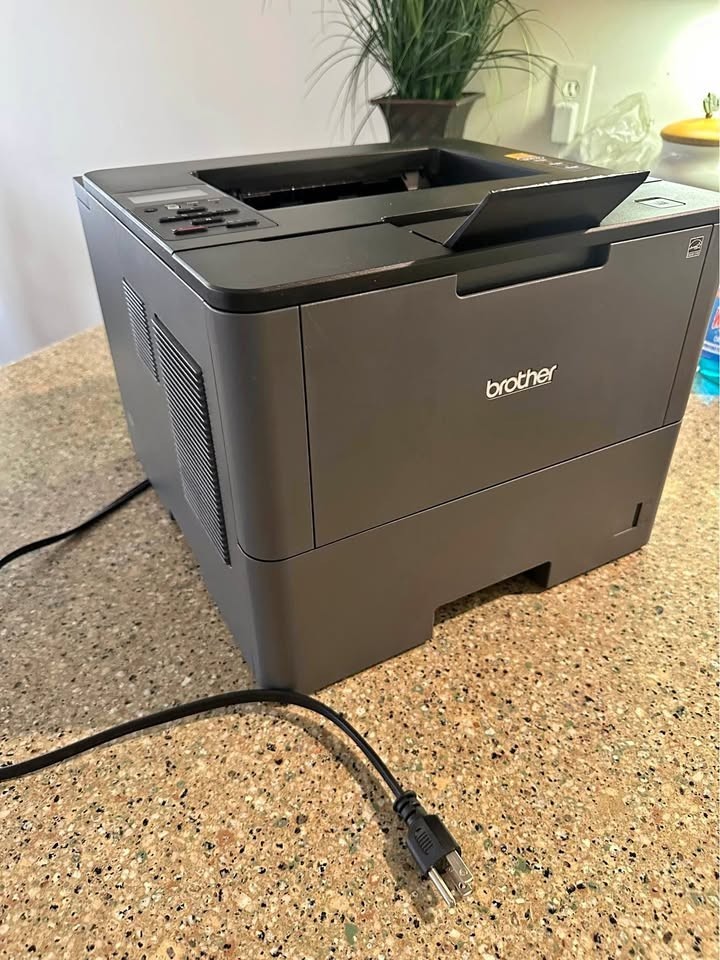 Brother HL-L6200DW Monochrome Laser Printer$100.00View on eBay
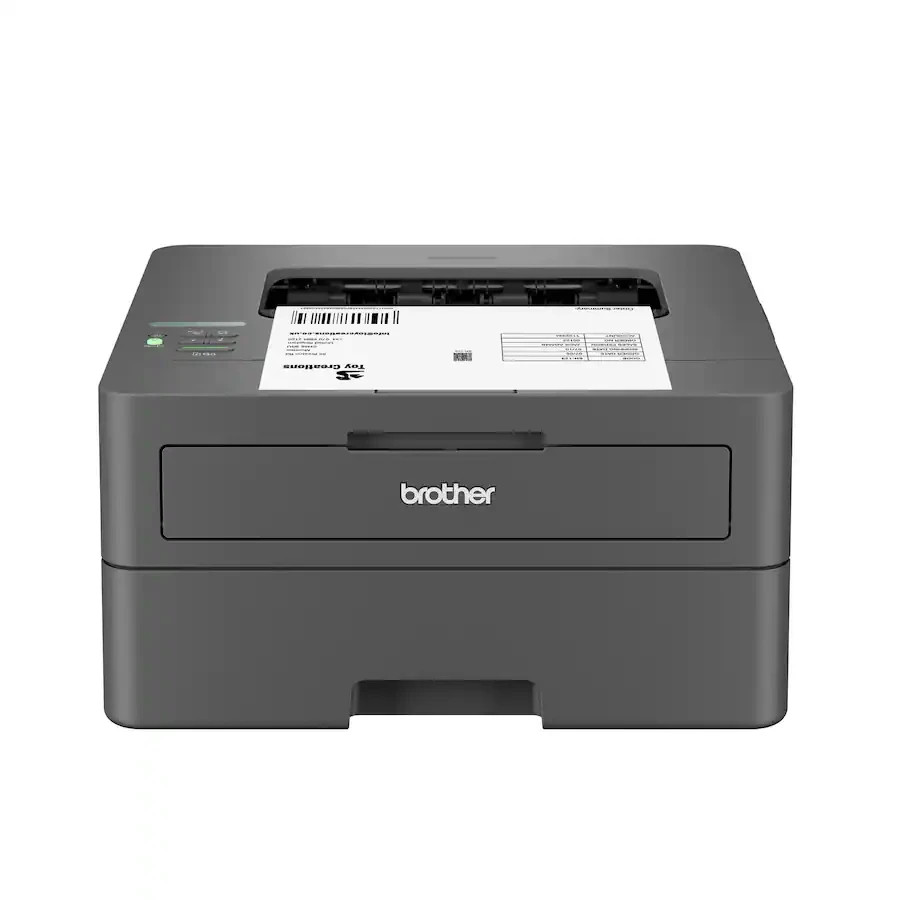 Brother HL-L2405W Wireless Monochrome Laser Printer$106.79View on eBay
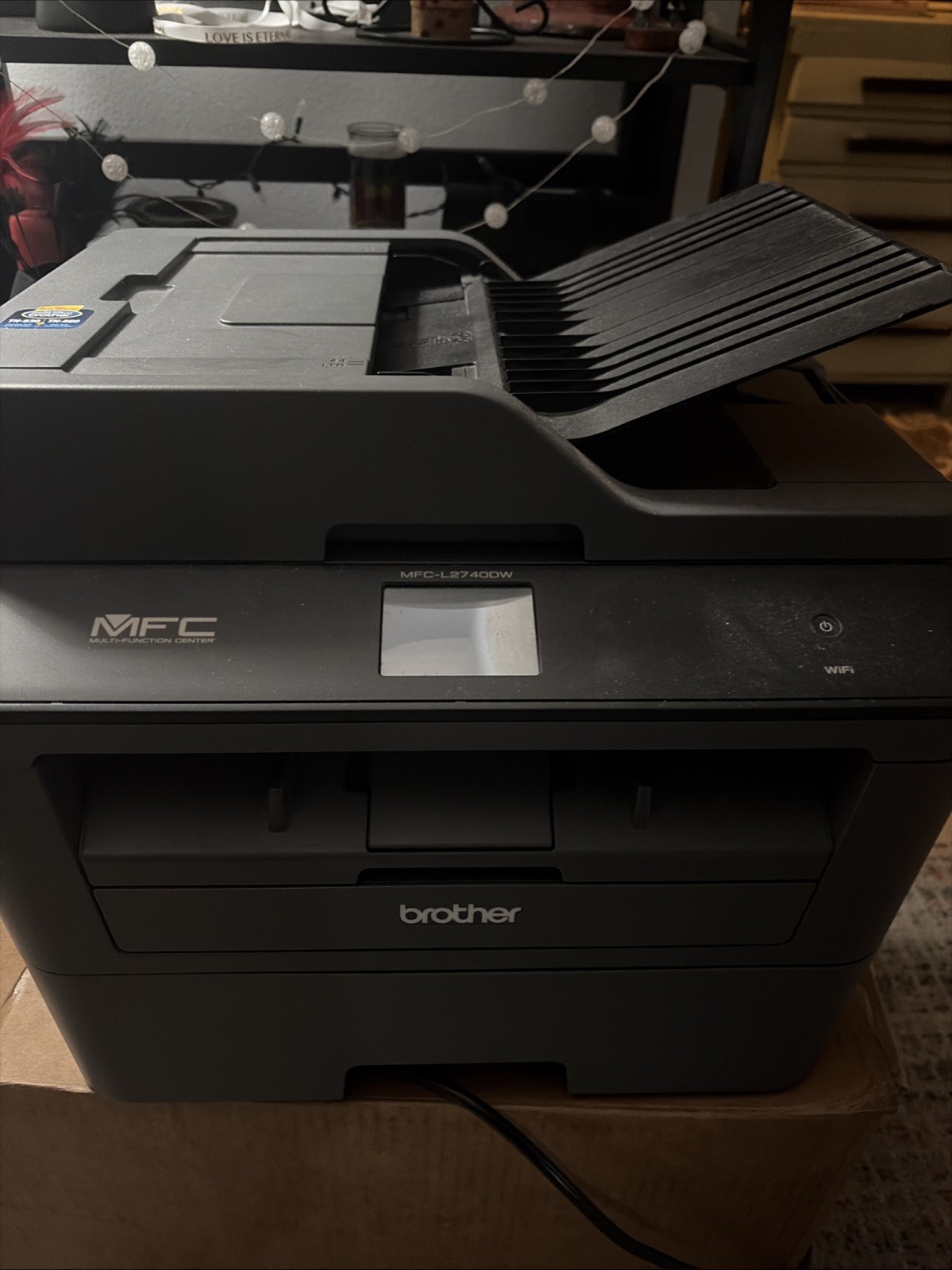 Brother MFCL2740DW Wireless Monochrome Printer with Scanner, Copier and Fax -...$129.95View on eBay
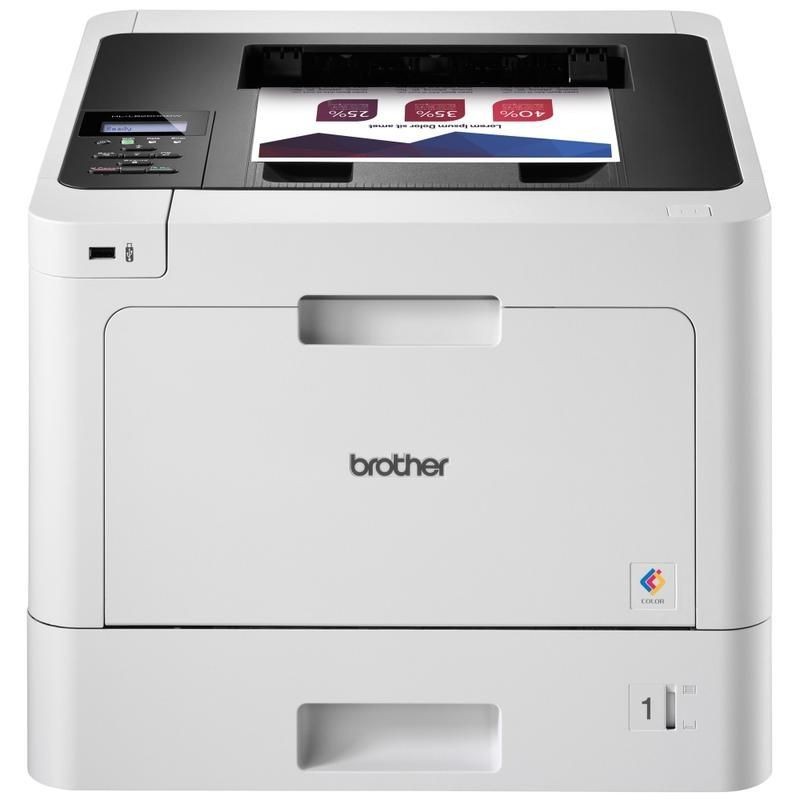 Brother HL-L8360CDWT Laser Color Business Office Printer$849.29Last checked Nov 14, 2026View on eBay
Highlights
- Mono laser models (HL-L2405W, HL-L6200DW) use toner cartridges with yields from ~1,200 to 12,000 pages, driving cost-per-page down versus inkjet.
- Business lasers (HL-L6200DW, HL-L8360CDW) offer 50+ ppm and 1,000+ sheet paper capacity for high-volume offices.
- Color laser (HL-L8360CDWT) uses four toner cartridges (CMYK) and supports automatic duplex and network security features.
- All-in-one (MFC-L2740DW) adds scanning, copying, and fax with a 35-page ADF, but shares the same laser engine as mono printers.
Best use cases
- Home office with light mono text printing: pick HL-L2405W wireless mono laser; skip color lasers or high-capacity models unless you need scanning.
- Small workgroup printing 2,000+ pages/month: choose HL-L6200DW with high-yield toner and 500-sheet tray; avoid entry-level models with 250-sheet trays.
- Department needing color and tabloid printing: select HL-L8360CDWT with 1,200-sheet capacity and duplex; skip mono-only models if color is required.
- Home office needing scan/copy/fax: choose MFC-L2740DW all-in-one; skip print-only models if you need a document feeder or flatbed scanner.
Buying tips
- Match duty cycle to monthly volume: entry mono lasers handle ~250-2,000 pages; business models 5,000-50,000 pages for durability.
- Check toner yield: standard cartridges ~1,200 pages; high-yield ~3,000 pages; ultra-high-yield ~12,000 pages for lower cost per page.
- Confirm connectivity: USB 2.0, Ethernet, Wi-Fi, and mobile print (AirPrint, Mopria) vary by model; business models include Gigabit Ethernet.
- Verify paper handling: standard trays 250 sheets; optional trays add 500+ sheets; duplex printing is standard on business models, optional on entry.
Specs
| Technology | Mono Laser / Color Laser / Inkjet |
|---|---|
| Function | Print-only / All-in-one (ADF) |
| Monthly Duty Cycle | 250-50,000 pages |
| Connectivity | USB / Ethernet / Wi-Fi / AirPrint |
Related searches
What to check before buying
- Measure desk space: mono lasers need ~14x14 inches footprint; color lasers and all-in-ones require 18x18 inches or more.
- Check power: standard 120V 60Hz outlet required; ensure dedicated circuit for business lasers with high peak power draw.
- Confirm network: Ethernet cable or Wi-Fi router within range; business models may require static IP for setup.
- Verify consumables: ensure genuine Brother toner or reputable third-party cartridges are available; check drum unit life (12,000-50,000 pages).
FAQ
Data sources: eBay / Amazon listings and product attribute feeds. Updated Nov 28, 2026.
Some links on this page are affiliate links. If you buy after clicking one, we may earn a commission at no extra cost to you. This does not change which products appear here or their order. Affiliate disclosure.