
Photos from current listings. Actual item, color, and included accessories may vary.
All In One Laser Printer Buying Guide
All-in-one laser printers combine monochrome or color laser print engines with scanning, copying, and often faxing in one chassis. The core trade-off is between a cheaper single-function laser and a multifunction unit whose added scan bed and document feeder must match your monthly volume and media sizes. Buy a true laser AIO if you print more than a few dozen pages monthly and need archival-quality text; otherwise a compact single-function laser or inkjet AIO is the rational compromise.
Median $100.00
Key takeaways
- Print engine: monochrome laser delivers 20-40 ppm and sharp 600-1200 dpi text; color laser AIOs cost roughly double and are bulkier.
- Scan hardware: flatbed only handles single sheets and books; an automatic document feeder (ADF) adds 20-50 sheet capacity and duplex scanning for multi-page jobs.
- Connectivity tiers: USB-only base models vs Ethernet/Wi-Fi with AirPrint and Mopria; duplex printing and Wi-Fi Direct are the key differentiators between budget and mid tiers.
At a glance
- Category
- Printers & Scanners
- Last updated
- Nov 28, 2026
Current offers
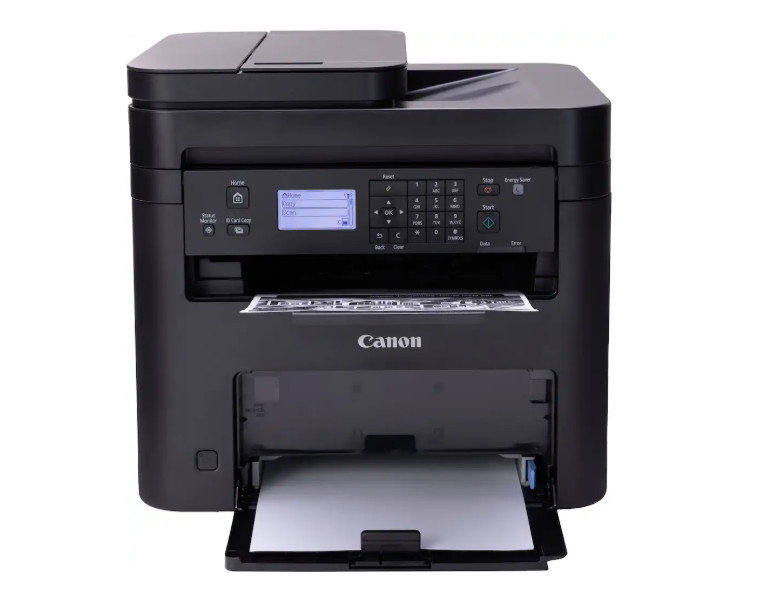 Canon - imageCLASS MF273dw Wireless Black-and-White All-In-One Laser Printer - B$86.67View on eBay
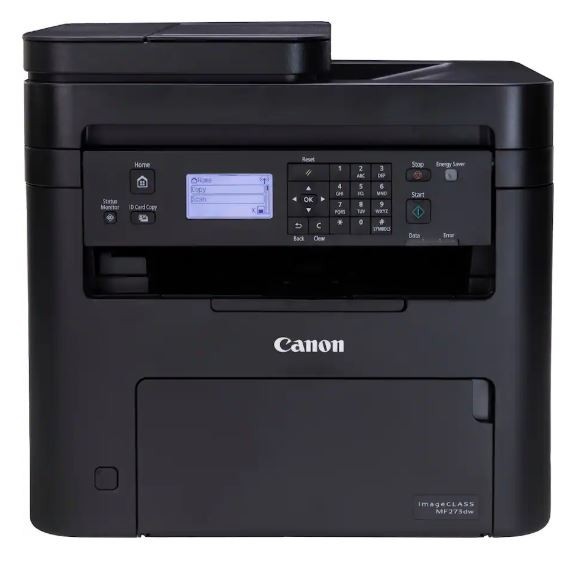 Canon - imageCLASS MF273dw Wireless Black-and-White All-In-One Laser Printer$89.99View on eBay
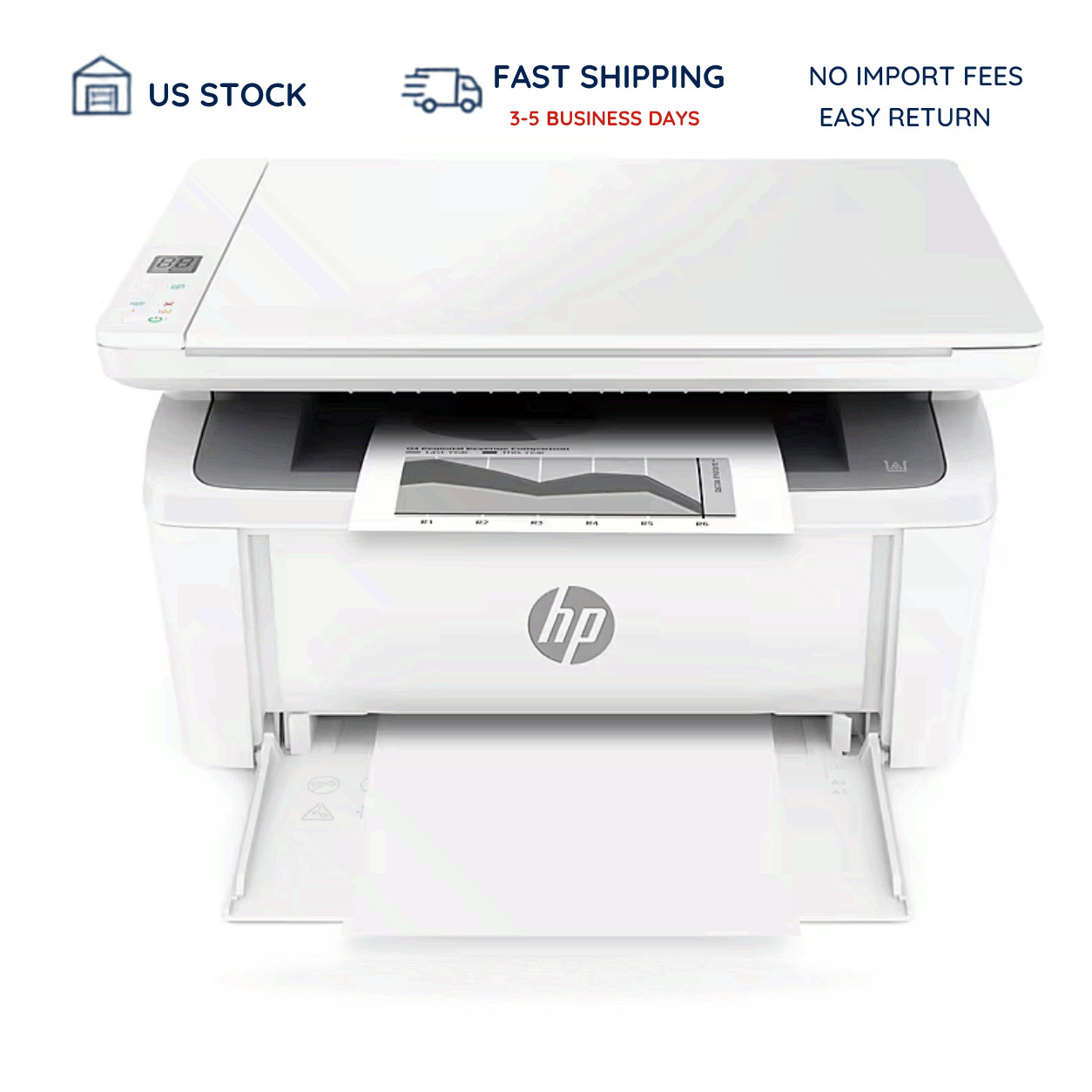 HP LaserJet MFP M140w Wireless B&W All-in-One Laser Printer Scanner Copier 7MD72$100.00View on eBay
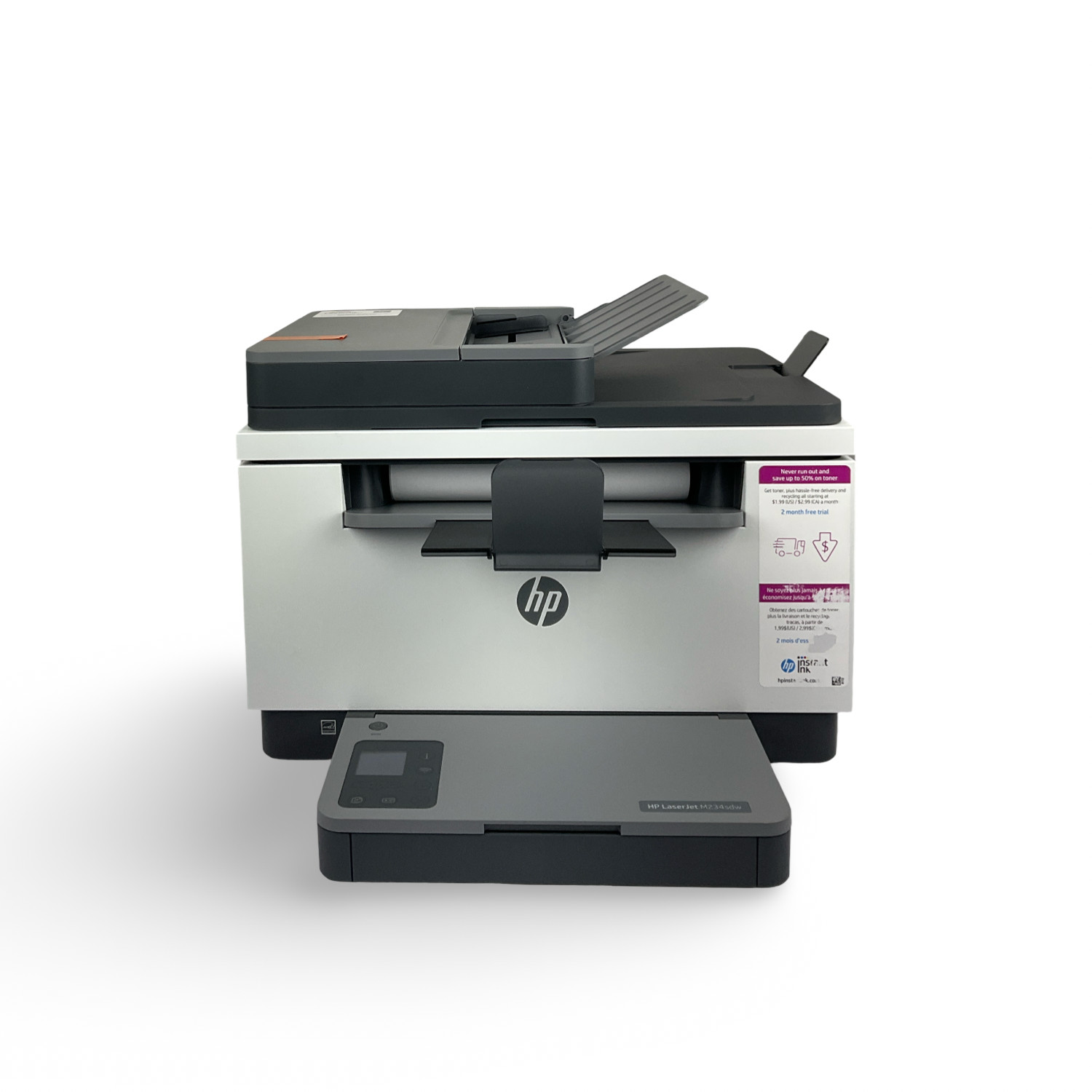 HP LaserJet Pro M234sdw All-In-One Monochrome Laser Printer 6GX01F$149.99Last checked Nov 21, 2026View on eBay
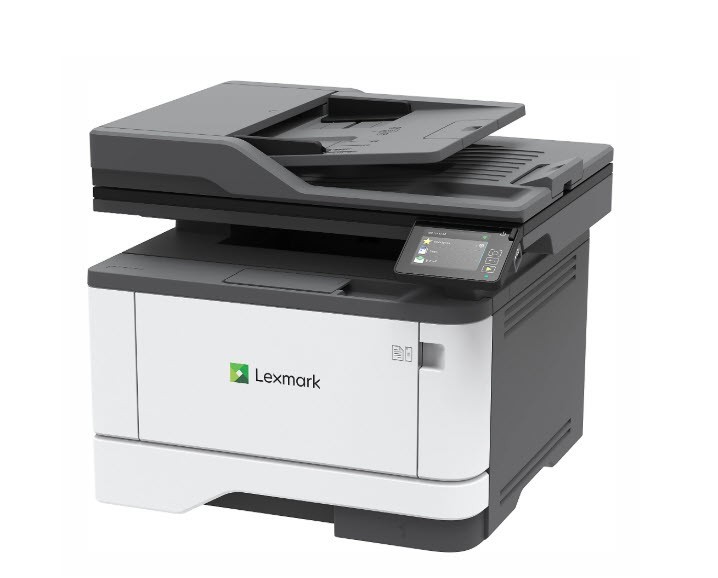 Lexmark MX331adn Laser All-In-One Copy/Print/Scan/Fax Monochrome Printer Sealed$300.00Last checked Nov 15, 2026View on eBay
Highlights
- Print engine: monochrome laser delivers 20-40 ppm and sharp 600-1200 dpi text; color laser AIOs cost roughly double and are bulkier.
- Scan hardware: flatbed only handles single sheets and books; an automatic document feeder (ADF) adds 20-50 sheet capacity and duplex scanning for multi-page jobs.
- Connectivity tiers: USB-only base models vs Ethernet/Wi-Fi with AirPrint and Mopria; duplex printing and Wi-Fi Direct are the key differentiators between budget and mid tiers.
- Duty cycle and toner: monthly duty cycles range from about 1,000 to 15,000 pages; starter cartridges ship at 30-50% yield, so factor high-yield toner cost per page.
Best use cases
- Home office with mostly text documents: pick a compact monochrome AIO with Wi-Fi, auto-duplex printing, and a flatbed; skip color laser and fax modules.
- Small workgroup scanning contracts and receipts: choose a model with a 35-50 sheet ADF and duplex scan-to-PDF; a flatbed-only unit will bottleneck multi-page jobs.
- Low-volume occasional printing: a single-function laser or inkjet AIO is the better fit; a full laser AIO's idle toner and fuser upkeep isn't justified below roughly 50 pages monthly.
Buying tips
- Match paper handling to media: standard trays hold 150-250 sheets of letter/A4; legal-size printing requires a tray that extends to 14 inches, common on office-tier models.
- Check duplex: automatic two-sided printing is standard on mid-tier AIOs but absent on many entry models; manual duplex means flipping the stack yourself.
- Verify scan resolution and format: 600x600 dpi optical is fine for documents, but photo or archive scanning benefits from 1200 dpi optical and TIFF/PDF output.
- Account for toner: high-yield cartridges roughly double page yield; compare cost-per-page rather than cartridge sticker, and confirm the drum is separate or included.
Specs
| Print Engine | Monochrome laser vs color laser |
|---|---|
| Scan Hardware | Flatbed only vs flatbed + ADF |
| Duplex Printing | Automatic vs manual |
| Connectivity | USB-only vs Wi-Fi/Ethernet |
Related searches
What to check before buying
- Measure the footprint and clearance: most laser AIOs need roughly 16x16 inches of desk space plus several inches above for the scan lid and output tray.
- Confirm your network and devices: Wi-Fi 5 with AirPrint/Mopria covers phones and tablets; Ethernet is more reliable for a fixed desktop setup.
- Check voltage and plug standard for your region (120V North America vs 230V Europe) and whether the unit ships with the correct power cord.
- Verify consumables availability for your model's toner and drum before buying, and note the starter cartridge yield.
FAQ
Data sources: eBay / Amazon listings and product attribute feeds. Updated Nov 28, 2026.
Some links on this page are affiliate links. If you buy after clicking one, we may earn a commission at no extra cost to you. This does not change which products appear here or their order. Affiliate disclosure.