
Photos from current listings. Actual item, color, and included accessories may vary.
Vinyl Plotter Printer Buying Guide
A vinyl plotter printer is a wide-format machine that cuts adhesive-backed vinyl, heat-transfer film, and sign media from vector files rather than printing ink onto paper. The core trade-off is cutter width and blade carriage precision versus software compatibility and stand stability: entry models cut thin calendered vinyl well but struggle with thick cast films or contour cutting. The decision rule is simple—buy a plotter whose maximum media width matches your widest substrate roll and whose control software supports your design workflow; skip any unit that cannot contour-cut if you need print-and-cut registration.
Median $318.99
Key takeaways
- Cutting width tiers are 28 in, 34 in, and 53 in; the 53 in class handles full 48 in sign blanks and 50 in roll media without tiling, while 28 in models are limited to small decals and apparel film.
- Blade carriage type separates tiers: standard steel blade holders cut calendered vinyl up to 3 mil, while carbide or tangential blade holders are required for thick cast films, reflective media, and sandblast stencil.
- Optical eye contour alignment (registration mark sensor) is the key feature separating print-and-cut plotters from plain cutters; units without it cannot align to pre-printed graphics.
At a glance
- Category
- Wide-Format Printers & Plotters
- Last updated
- Nov 23, 2026
Current offers
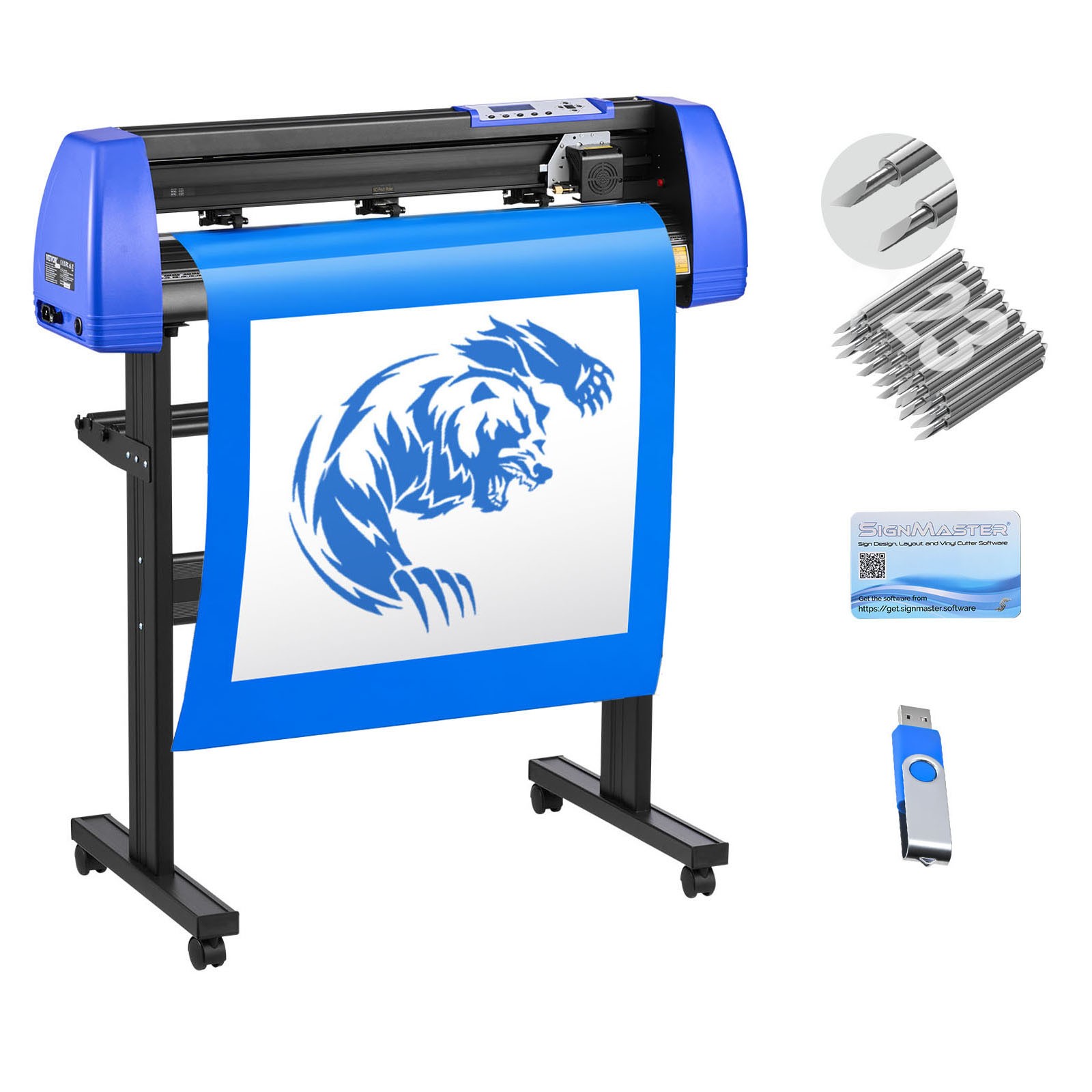 Uimoso 28" Vinyl Cutter/Plotter Sign Cutting Machine Software 20Blades LCD Black$268.99Last checked Nov 18, 2026View on eBay
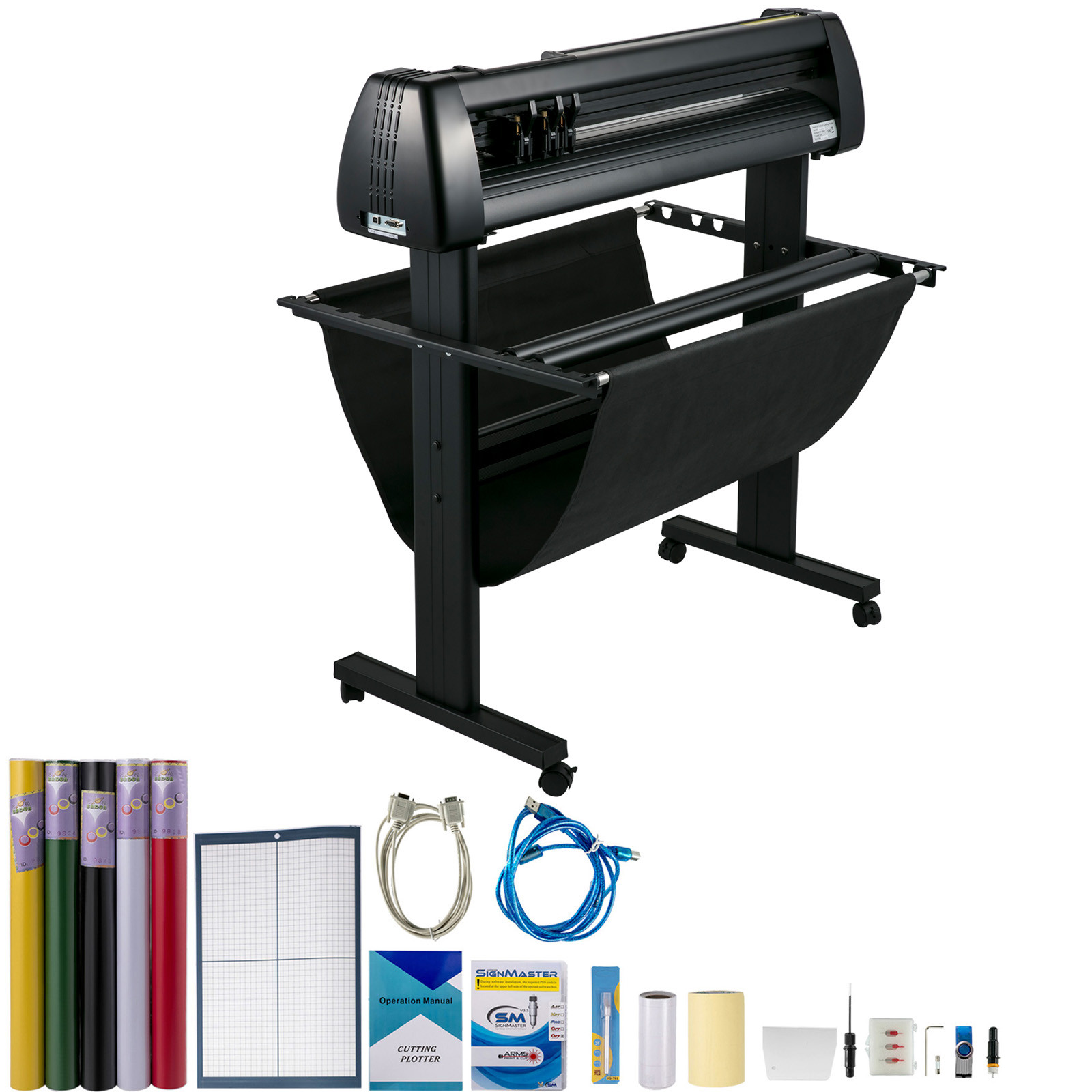 34" Vinyl Cutter Machine Cuttiing Plotter SignMaster Kit with Stand$318.99Last checked Nov 18, 2026View on eBay
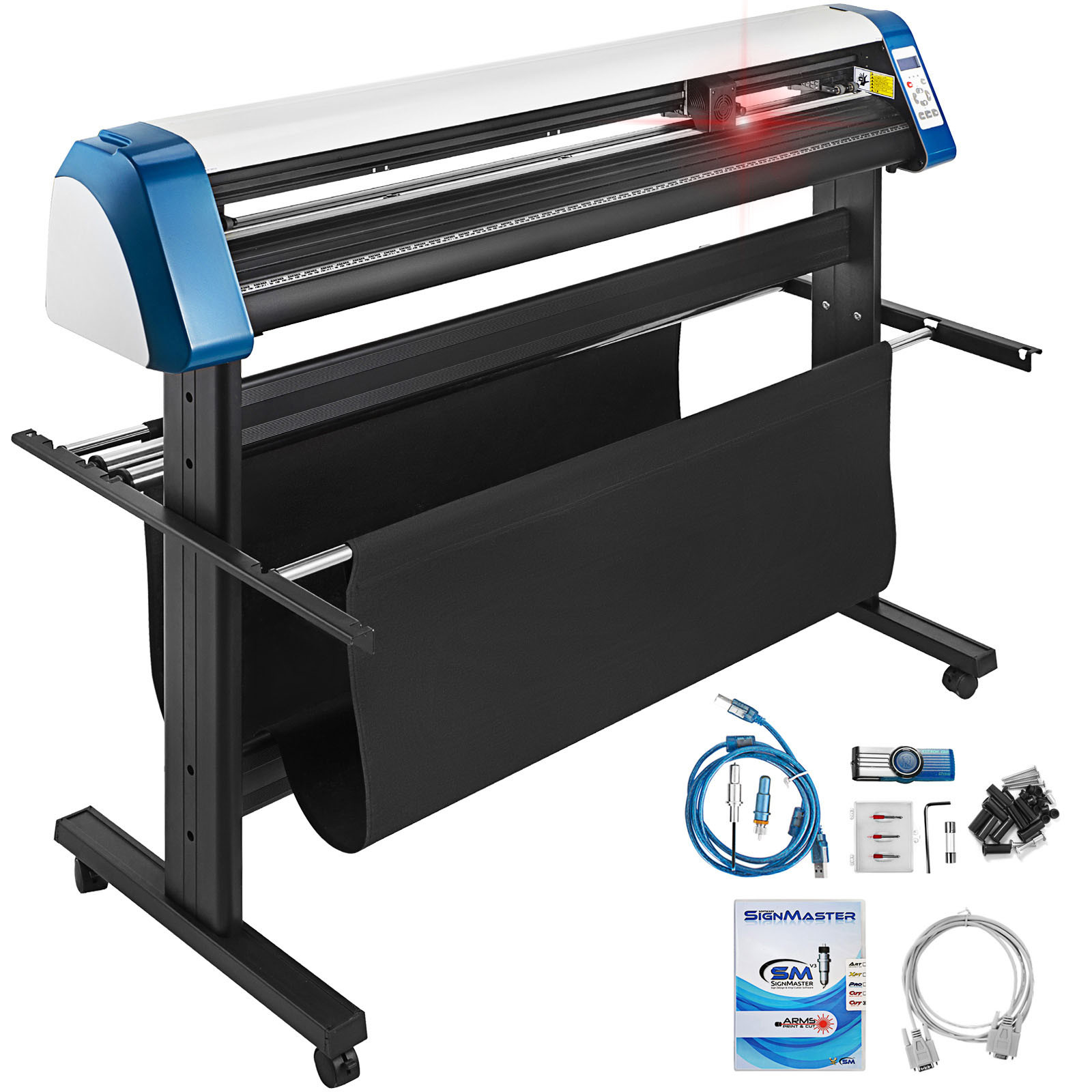 53in Vinyl Cutter Plotter Machine Sign Cutting Optical Eye Signmaster DIY$427.49Last checked Nov 17, 2026View on eBay
Highlights
- Cutting width tiers are 28 in, 34 in, and 53 in; the 53 in class handles full 48 in sign blanks and 50 in roll media without tiling, while 28 in models are limited to small decals and apparel film.
- Blade carriage type separates tiers: standard steel blade holders cut calendered vinyl up to 3 mil, while carbide or tangential blade holders are required for thick cast films, reflective media, and sandblast stencil.
- Optical eye contour alignment (registration mark sensor) is the key feature separating print-and-cut plotters from plain cutters; units without it cannot align to pre-printed graphics.
- Stand construction matters at 34 in and above: aluminum or steel feed stands with media flanges prevent roll walk and edge curling, while compact 28 in units often ship without a stand.
Best use cases
- Best fit: a 28 in plotter with a stand and SignMaster-class software for home-based decal, heat-transfer, and small sign shops cutting rolls up to 24 in wide—skip 53 in units if your media never exceeds 24 in.
- Best fit: a 34 in plotter with optical eye for shops doing print-and-cut vehicle graphics, window decals, and laminated labels—choose this tier over 28 in when you need 30 in finished width or contour registration.
- Best fit: a 53 in plotter with optical eye and heavy-duty stand for full-service sign shops cutting 48 in media, reflective film, and banner material—skip it if you lack floor space for a 5 ft wide feed path.
- Wrong fit: buying a 53 in plotter for apparel heat-transfer only—you pay for width and stand you do not need, and 28–34 in units cut HTV film with equal precision.
Buying tips
- Match plotter width to your widest roll: a 28 in plotter accepts 24 in rolls with margin, a 34 in accepts 30 in rolls, and a 53 in accepts 48 in rolls—never buy a width that cannot take your standard media size.
- Demand optical eye contour cutting if you print designs on an inkjet or sublimation printer first; plotters without registration sensors can only cut pre-spaced vector files, not align to printed graphics.
- Check blade and holder compatibility: standard 2 mm steel blades handle calendered vinyl, but cast vinyl, reflective, and sandblast media need carbide or tangential blades and a compatible holder.
- Confirm the control software supports your file format: SignMaster, Flexi, and VinylMaster are common bundles, and a plotter that only accepts proprietary software locks you out of SVG, AI, and PDF workflows.
Specs
| Max Media Width | 28 in / 34 in / 53 in tiers |
|---|---|
| Contour Cutting | Optical eye vs blade-only |
| Blade Type | Steel vs carbide/tangential |
| Stand Included | Aluminum/steel feed stand |
Related searches
What to check before buying
- Measure your widest vinyl roll and finished graphic width: add 2–4 in of margin when choosing between 28 in, 34 in, and 53 in plotter classes.
- Verify floor or bench space for the feed path: a 53 in plotter needs roughly 6 ft of clearance front and back for roll feed and cut-off media.
- Check that the bundled stand and media flanges match your roll core diameter (typically 2 in or 3 in) to prevent roll walk during long cuts.
- Confirm your computer has the required USB or serial port and that the bundled software runs on your OS version—legacy plotters often ship with Windows-only drivers.
FAQ
Data sources: eBay / Amazon listings and product attribute feeds. Updated Nov 23, 2026.
Some links on this page are affiliate links. If you buy after clicking one, we may earn a commission at no extra cost to you. This does not change which products appear here or their order. Affiliate disclosure.