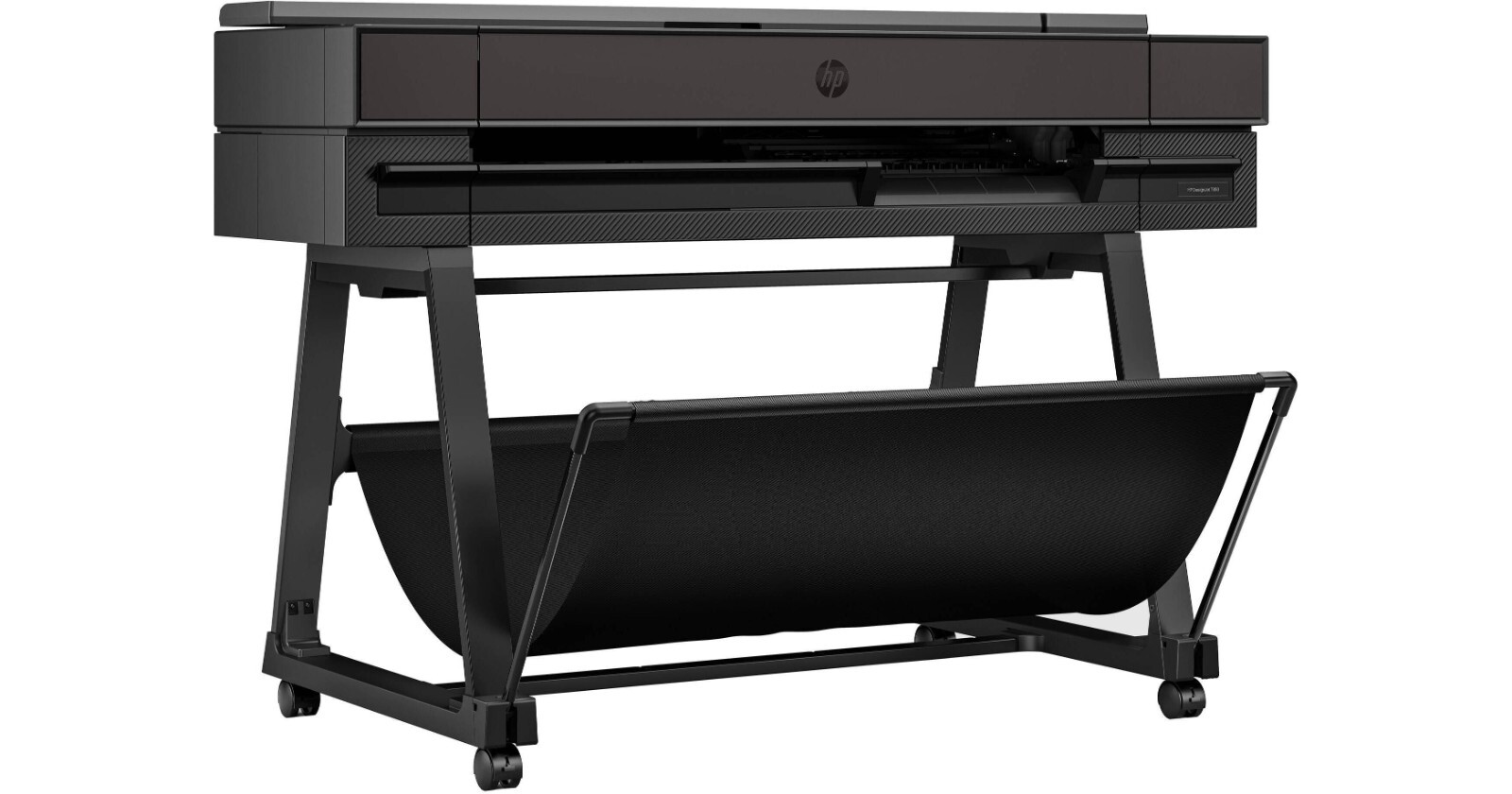

Photos from current listings. Actual item, color, and included accessories may vary.
Large Format Color Printer Buying Guide
Large-format color printers (plotters) are wide-format inkjet devices for CAD drawings, posters, and signage, where the key trade-off is between thermal/inkjet head durability, ink cost per print, and media handling width. Your decision rule: choose a 36-inch thermal-inkjet plotter for high-volume linework and mixed graphics, or a 24-inch pigment-ink model for lower-volume archival color work.
Key takeaways
- Printhead architecture: thermal inkjet (HP DesignJet) vs piezo printheads (Epson SureColor, Canon imagePROGRAF) determines nozzle life and ink compatibility.
- Roll width tiers: 24-inch for A1/D-size output, 36-inch for A0/E-size drawings and 914mm media rolls; wider needs 44-inch+ production class.
- Ink type: dye-based for vivid posters, pigment for fade resistance on CAD bonds and archival documents; six-color sets add photo realism.
At a glance
- Category
- Wide-Format Printers & Plotters
- Last updated
- Nov 23, 2026
Current offers
Highlights
- Printhead architecture: thermal inkjet (HP DesignJet) vs piezo printheads (Epson SureColor, Canon imagePROGRAF) determines nozzle life and ink compatibility.
- Roll width tiers: 24-inch for A1/D-size output, 36-inch for A0/E-size drawings and 914mm media rolls; wider needs 44-inch+ production class.
- Ink type: dye-based for vivid posters, pigment for fade resistance on CAD bonds and archival documents; six-color sets add photo realism.
- Connectivity and processing: built-in Ethernet, USB 2.0, and optional Wi-Fi; models with internal hard drives and PostScript handle PDF-heavy workloads faster.
Best use cases
- Best fit: architectural or engineering office printing 36-inch CAD/PDF sets daily — pick a 36-inch thermal plotter with dual roll feed and Ethernet.
- Best fit: print shop or marketing team producing posters and signage — choose a 36- or 44-inch pigment-ink model with six colors and PostScript support.
- Wrong fit: low-volume home office needing occasional A2 prints — a 24-inch pigment model or outsourced printing is cheaper and avoids ink waste from infrequent use.
- Skip: 24-inch models if your drawings require E-size (34x44) or 36-inch rolls; also skip dye-ink units for archival CAD work where fade resistance matters.
Buying tips
- Measure your largest required print: 24-inch roll = 610mm media width; 36-inch = 914mm; 44-inch = 1118mm. Buy one size up for margin.
- Check ink cost per ml and head replacement price; pigmented ink sets typically cost more per ml but yield better fade resistance.
- Prefer models with separate maintenance cartridges and user-replaceable printheads to avoid service downtime on high-volume runs.
- Verify driver support for your OS and workflow; PostScript/PDF hardware interpreters reduce RIP software dependence.
Specs
| Max Roll Width | 24 in / 36 in / 44 in |
|---|---|
| Ink Type | Pigment vs dye-based |
| Printhead Tech | Thermal vs piezo |
| Connectivity | Ethernet / USB / Wi-Fi |
Related searches
What to check before buying
- Measure floor space and door clearance: 36-inch plotters often exceed 1.2m width; confirm room for roll loading and output stacking.
- Confirm power: most large-format plotters require a dedicated 15A/230V circuit; check plug type (NEMA 5-15 or IEC) against your outlet.
- Verify network: Ethernet drop near the device or stable Wi-Fi; USB-only connection limits placement and sharing.
- Check consumable availability: ensure ink cartridges, printheads, and media rolls are stocked locally or via reliable suppliers.
FAQ
Data sources: eBay / Amazon listings and product attribute feeds. Updated Nov 23, 2026.
Some links on this page are affiliate links. If you buy after clicking one, we may earn a commission at no extra cost to you. This does not change which products appear here or their order. Affiliate disclosure.