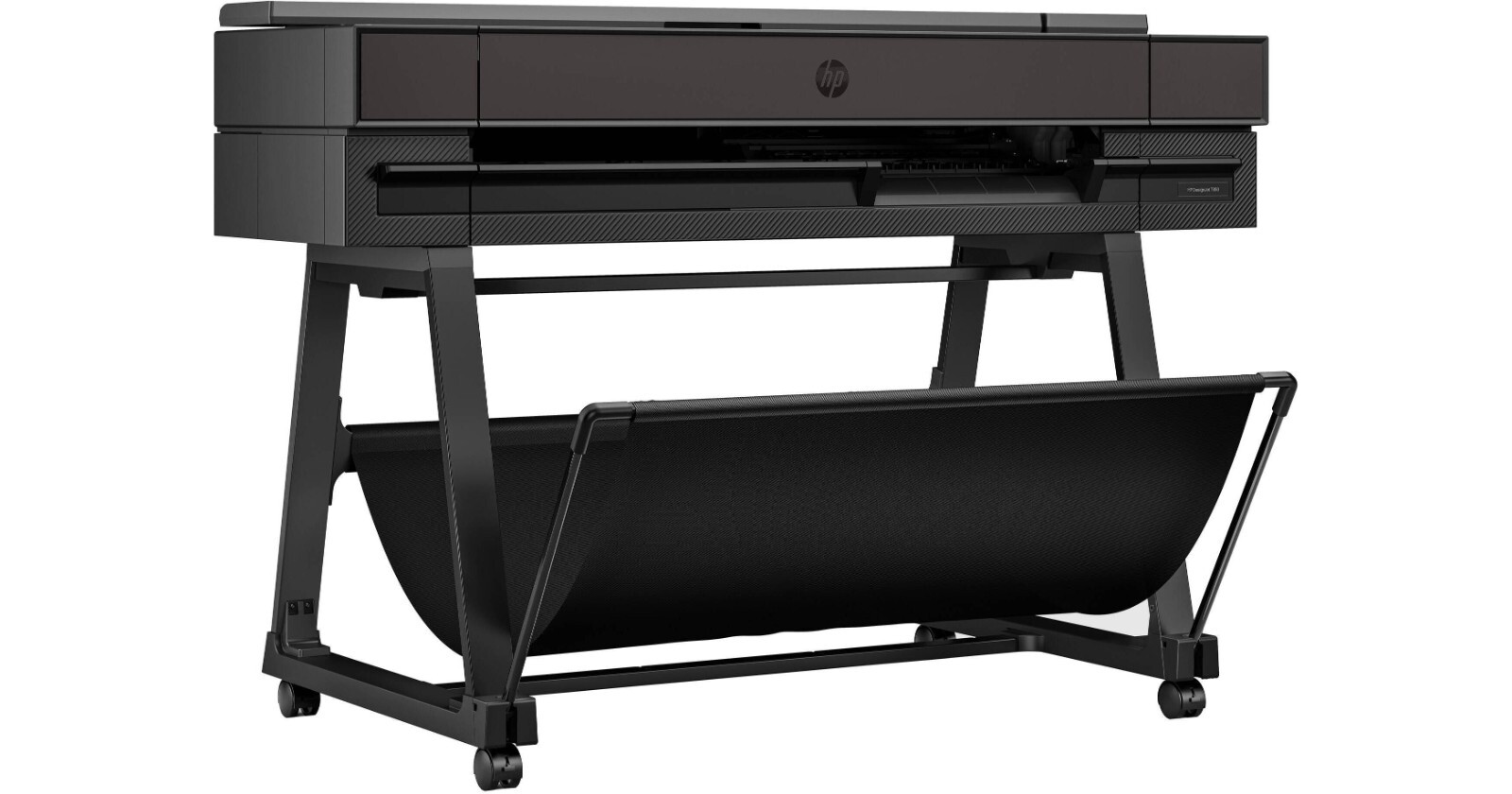

Photos from current listings. Actual item, color, and included accessories may vary.
HP Designjet Large Format Printer Buying Guide
HP DesignJet is a family of large-format inkjet printers and plotters for CAD, posters, and technical documents. Buyers must choose between entry-level single-roll models and higher-volume dual-roll models with faster print speeds and advanced features. The key rule: match the series to your monthly volume and required print width—T200/T600 for light duty, T800/T1600 for heavier production.
Key takeaways
- Series tiers: T200 (entry, 24-inch), T600 (mid, 24/36-inch), T800 (advanced, 36-inch with dual rolls), T1600 (production, 36/44-inch, dual rolls, high speed)
- Print width determines maximum media size: 24-inch models handle A1/E, 36-inch handle A0/D, 44-inch handle A0+/E+
- Ink systems: T200/T600 use 4-color (CMYK) thermal inkjet with integrated printheads; T800/T1600 add pigment inks for better durability on plain paper
At a glance
- Category
- Wide-Format Printers & Plotters
- Last updated
- Nov 23, 2026
Current offers
Highlights
- Series tiers: T200 (entry, 24-inch), T600 (mid, 24/36-inch), T800 (advanced, 36-inch with dual rolls), T1600 (production, 36/44-inch, dual rolls, high speed)
- Print width determines maximum media size: 24-inch models handle A1/E, 36-inch handle A0/D, 44-inch handle A0+/E+
- Ink systems: T200/T600 use 4-color (CMYK) thermal inkjet with integrated printheads; T800/T1600 add pigment inks for better durability on plain paper
- Connectivity: all current models offer USB, Ethernet, and Wi-Fi; higher tiers include mobile printing and cloud features
Best use cases
- Best fit: Home office or small studio printing occasional CAD drawings and posters—choose T200 or T600 24-inch to save space and cost.
- Best fit: Architecture or engineering firm printing daily large-format plans—pick T800 or T1600 36-inch with dual rolls for uninterrupted workflow.
- Wrong fit: High-volume print shop needing production speeds—skip DesignJet and consider HP PageWide XL or other production plotters.
- Wrong fit: Photographic fine-art printing—DesignJet is optimized for line drawings and graphics, not wide-gamut photos; choose a photo-specific printer.
Buying tips
- Measure your space: 24-inch models need about 3 feet of width, 36-inch about 4.5 feet, and 44-inch about 5.5 feet including clearances.
- Check monthly duty cycle: T200 rated for low volume (under 100 prints/month), T600 for moderate (100-300), T800/T1600 for high (300+).
- Verify ink type: pigment inks (T800/T1600) resist fading and water better than dye inks (T200/T600) for archival documents.
- Ensure driver compatibility: DesignJet drivers support Windows and Mac; for Linux, check support for your model series.
Specs
| Print Width | 24 / 36 / 44 inch |
|---|---|
| Ink Type | Dye (T200/T600) vs Pigment (T800+) |
| Roll Configuration | Single roll vs Dual roll |
| Connectivity | USB / Ethernet / Wi-Fi |
Related searches
What to check before buying
- Measure doorways and installation path: 36-inch and 44-inch models require at least 30 inches of clearance to move through standard doors.
- Confirm power: all models require a standard 100-240V AC outlet; no special voltage needed.
- Check network: Ethernet or Wi-Fi required for shared printing; USB only for direct connection.
- Verify media: ensure your preferred paper rolls (width, core diameter) match the printer's spindle—most use 2-inch core.
FAQ
Data sources: eBay / Amazon listings and product attribute feeds. Updated Nov 23, 2026.
Some links on this page are affiliate links. If you buy after clicking one, we may earn a commission at no extra cost to you. This does not change which products appear here or their order. Affiliate disclosure.