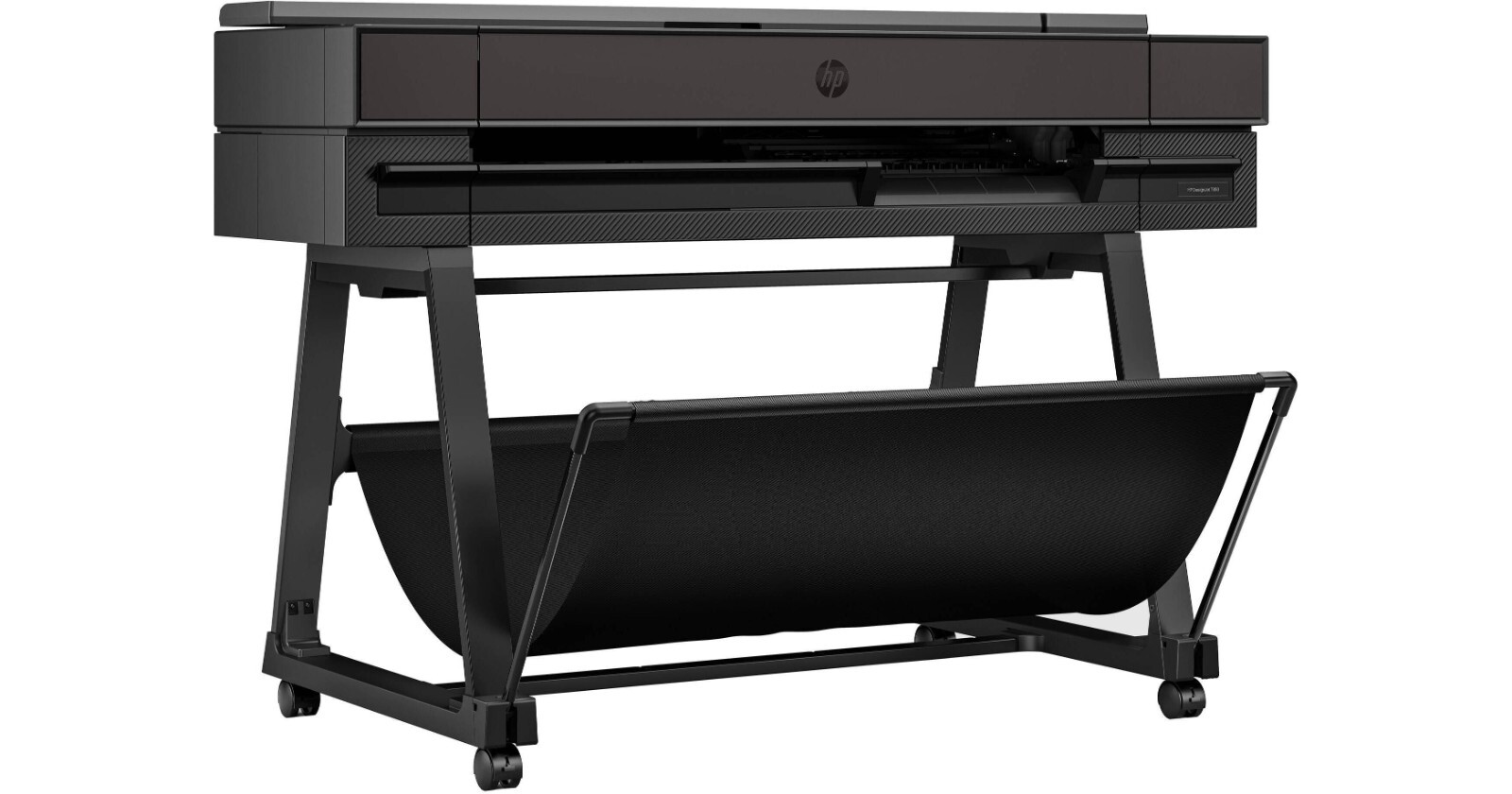

Photos from current listings. Actual item, color, and included accessories may vary.
HP Designjet 510 Buying Guide
The HP DesignJet 510 is a legacy large-format thermal inkjet plotter line (24-inch and 42-inch carriage widths) built for CAD, GIS, and technical document output, not photographic fine-art printing. The core trade-off is buying a discontinued 2006-era chassis for low entry cost versus facing end-of-life printheads, driver gaps on modern operating systems, and limited ink supply. The decision rule: only choose a DesignJet 510 if you can source genuine HP 82 consumables locally and run it from a legacy or VM Windows environment; otherwise, budget for a current-generation wide-format printer.
Key takeaways
- Two carriage widths exist: 24-inch (610 mm) and 42-inch (1067 mm); the 42-inch accepts roll media up to 1067 mm and handles A0/E-size sheets, while the 24-inch tops out at A1/D-size.
- Uses HP 82 ink cartridge system (four colors: cyan, magenta, yellow, black) with separate long-life printheads, so consumable cost splits between ink cartridges and replaceable printhead assemblies.
- Thermal inkjet print engine with maximum resolution up to 2400 x 1200 dpi on select media; draft-mode throughput is the practical metric for CAD linework, not photo-grade dpi.
At a glance
- Category
- Wide-Format Printers & Plotters
- Last updated
- Nov 23, 2026
Current offers
Highlights
- Two carriage widths exist: 24-inch (610 mm) and 42-inch (1067 mm); the 42-inch accepts roll media up to 1067 mm and handles A0/E-size sheets, while the 24-inch tops out at A1/D-size.
- Uses HP 82 ink cartridge system (four colors: cyan, magenta, yellow, black) with separate long-life printheads, so consumable cost splits between ink cartridges and replaceable printhead assemblies.
- Thermal inkjet print engine with maximum resolution up to 2400 x 1200 dpi on select media; draft-mode throughput is the practical metric for CAD linework, not photo-grade dpi.
- Connectivity is legacy: USB 2.0 and Ethernet (10/100) on most variants, with driver support officially ending around Windows 7/8 era—modern Windows 10/11 and macOS require workarounds or a dedicated print server.
Best use cases
- Best fit: a small architecture or engineering shop needing occasional A1/A0 CAD check plots and willing to maintain a legacy Windows 7 VM or dedicated RIP workstation.
- Best fit: a buyer who already owns a working DesignJet 510 and needs guidance on consumables, maintenance, and media sizing rather than a new purchase.
- Wrong fit: anyone needing photographic color accuracy, pigment-ink archival output, or Pantone-critical proofing—skip this and choose a current 8-12 color pigment printer.
- Wrong fit: a home office or Mac-only studio without legacy driver support—skip the 510 and pick a modern 24-inch model with current OS drivers and WiFi.
Buying tips
- Match carriage width to your largest required sheet: 24-inch for A1/D (594 x 841 mm), 42-inch for A0/E (841 x 1189 mm); buying the 42-inch for A1 work wastes floor space and media flexibility.
- Confirm the unit includes or can source HP 82 cartridges and printheads—without a local consumable supply, the printer is a paperweight regardless of condition.
- Inspect printhead health and nozzle check on any used unit; a missing nozzle pattern on the test print signals a failing printhead assembly that costs more than the chassis is worth.
- Verify firmware and driver availability for your OS before purchase; plan a dedicated Windows 7/10 VM or a hardware RIP if you run macOS or Windows 11.
Specs
| Carriage Width | 24 in (610 mm) or 42 in (1067 mm) |
|---|---|
| Ink System | HP 82: CMYK + replaceable printheads |
| Max Resolution | Up to 2400 x 1200 dpi |
| Connectivity | USB 2.0 + Ethernet 10/100 |
Related searches
What to check before buying
- Measure your floor footprint and door clearance: the 42-inch model needs roughly 1.5 m of wall width plus rear media clearance for roll feed and output stacking.
- Confirm your power outlet matches the printer's voltage (100-240 V auto-ranging on most variants) and that the circuit handles the unit's peak draw alongside other shop equipment.
- Check that your workflow software (AutoCAD, Revit, GIS) can output to a legacy driver or that you have a PDF-to-plot RIP path.
- Verify you have a stable Ethernet drop or USB host near the printer; the 510 has no WiFi and no cloud print path.
FAQ
Data sources: eBay / Amazon listings and product attribute feeds. Updated Nov 23, 2026.
Some links on this page are affiliate links. If you buy after clicking one, we may earn a commission at no extra cost to you. This does not change which products appear here or their order. Affiliate disclosure.