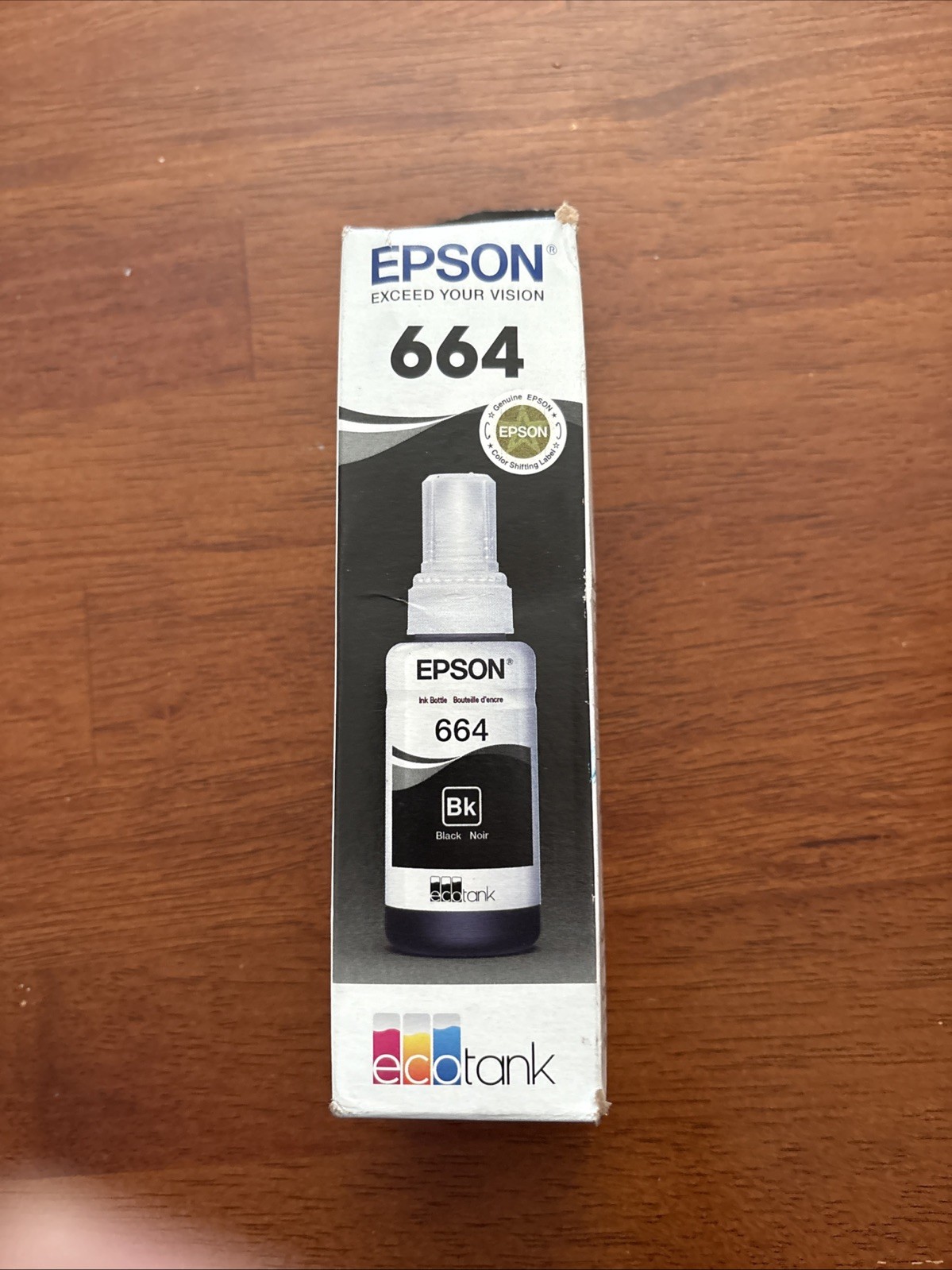

Photos from current listings. Actual item, color, and included accessories may vary.
Epson Ecotank Sublimation Printer Buying Guide
Epson EcoTank sublimation printers combine refillable ink tanks with sublimation ink chemistry or conversion to print dye-sub transfer sheets for apparel and hard goods. The key trade-off is between factory-built sublimation models (F170, F570) that use dedicated Sublimation Ink and standard EcoTank photo printers that require third-party ink and void Epson warranty. Buy factory sublimation if you need consistent ICC profiles and warranty coverage; convert only if you accept color management tuning and no warranty.
Key takeaways
- Factory sublimation models (SureColor F170/F570) ship with Epson Sublimation Ink and are warrantied for dye-sub use; standard EcoTank models are not.
- Conversion requires third-party sublimation ink (e.g., Cosmos, InkOwl) plus custom ICC profiles; printhead warranty is voided on standard EcoTank units.
- Tank capacity ranges from 70 mL per color on compact F170 to 140 mL on F570; standard EcoTank ET-2800 holds 65 mL per color but is not sublimation-rated.
At a glance
- Category
- Wide-Format Printers & Plotters
- Last updated
- Nov 23, 2026
Current offers
Highlights
- Factory sublimation models (SureColor F170/F570) ship with Epson Sublimation Ink and are warrantied for dye-sub use; standard EcoTank models are not.
- Conversion requires third-party sublimation ink (e.g., Cosmos, InkOwl) plus custom ICC profiles; printhead warranty is voided on standard EcoTank units.
- Tank capacity ranges from 70 mL per color on compact F170 to 140 mL on F570; standard EcoTank ET-2800 holds 65 mL per color but is not sublimation-rated.
- Sublimation requires 100% polyester or polymer-coated blanks; cotton and untreated surfaces will not accept dye transfer regardless of printer model.
Best use cases
- Buy factory F170/F570: best for small apparel and mug shops needing warranty-backed sublimation with Epson ICC profiles and no ink mixing risk.
- Buy standard EcoTank ET-2800/ET-15000 only if you accept third-party sublimation ink, custom ICC profiling, and voided printhead warranty for lower entry cost.
- Skip any EcoTank for high-volume production over 100 shirts/day—step up to SureColor F-series or a 24-inch roll printer for duty cycle and tank capacity.
Buying tips
- Match print width to blank size: 8.5x11 or A4 for mugs and small shirts; 13x19 (F570/ET-15000) for full-bleed adult tees and larger hard goods.
- Factory sublimation ink tanks are 70–140 mL per color; standard EcoTank tanks are 65–70 mL—budget refill frequency by prints per mL at 5–10% coverage.
- Conversion voids Epson warranty on standard EcoTank; factory F-series retains warranty but costs more upfront—decide based on production volume and risk tolerance.
- Use only sublimation ICC profiles matched to your exact printer, ink brand, and substrate; generic profiles produce color shift on polyester and coated blanks.
Specs
| Ink Type | Epson Sublimation vs third-party dye-sub |
|---|---|
| Max Print Width | 8.5x11 / 13x19 in |
| Tank Capacity | 70–140 mL per color |
| Warranty Coverage | Factory sublimation only; conversion voids |
Related searches
What to check before buying
- Measure your heat press platen and blank size—printer max width must cover your largest transfer sheet (8.5x11, 11x17, or 13x19).
- Confirm you have a heat press (380–400°F) and 100% polyester or polymer-coated blanks; sublimation cannot work without both.
- Check ink availability: factory F-series uses Epson Sublimation Ink bottles; standard EcoTank conversion needs third-party ink with ongoing supply.
- Verify computer has ICC profile support (Photoshop, Affinity, or RIP software) for color-managed sublimation workflow.
FAQ
Data sources: eBay / Amazon listings and product attribute feeds. Updated Nov 23, 2026.
Some links on this page are affiliate links. If you buy after clicking one, we may earn a commission at no extra cost to you. This does not change which products appear here or their order. Affiliate disclosure.