
Photos from current listings. Actual item, color, and included accessories may vary.
Pos System Hair Salon Buying Guide
A salon POS system combines appointment scheduling, client history, stylist commission tracking, and payment processing into one terminal—software is the real product, and the hardware must survive daily chemical and hairspray exposure. The core trade-off is all-in-one tablet bundles (cheap, fast setup, locked ecosystem) versus modular PC-based terminals (durable, flexible, higher setup cost). Buy the software stack your salon workflow demands first, then choose hardware rated for spa-grade cleaning and continuous AC power.
Median $497.00 · New & pre-owned listings
Key takeaways
- Salon-specific POS software (Booksy, Vagaro, Fresha, Square Appointments) is the deciding layer; generic retail POS lacks stylist commission splitting, booth-rental billing, and color-formula client records.
- All-in-one tablet terminals typically use consumer-grade glass and 8–10 hr batteries; modular POS terminals use IP54-rated front panels and are powered continuously from AC with a UPS backup.
- Thermal receipt printers should be 80mm USB/Ethernet with auto-cutter; 58mm units are slower and produce narrower receipts unsuitable for itemized service + tip breakdowns.
At a glance
- Category
- POS & Retail Supplies
- Last updated
- Nov 28, 2026
Current offers
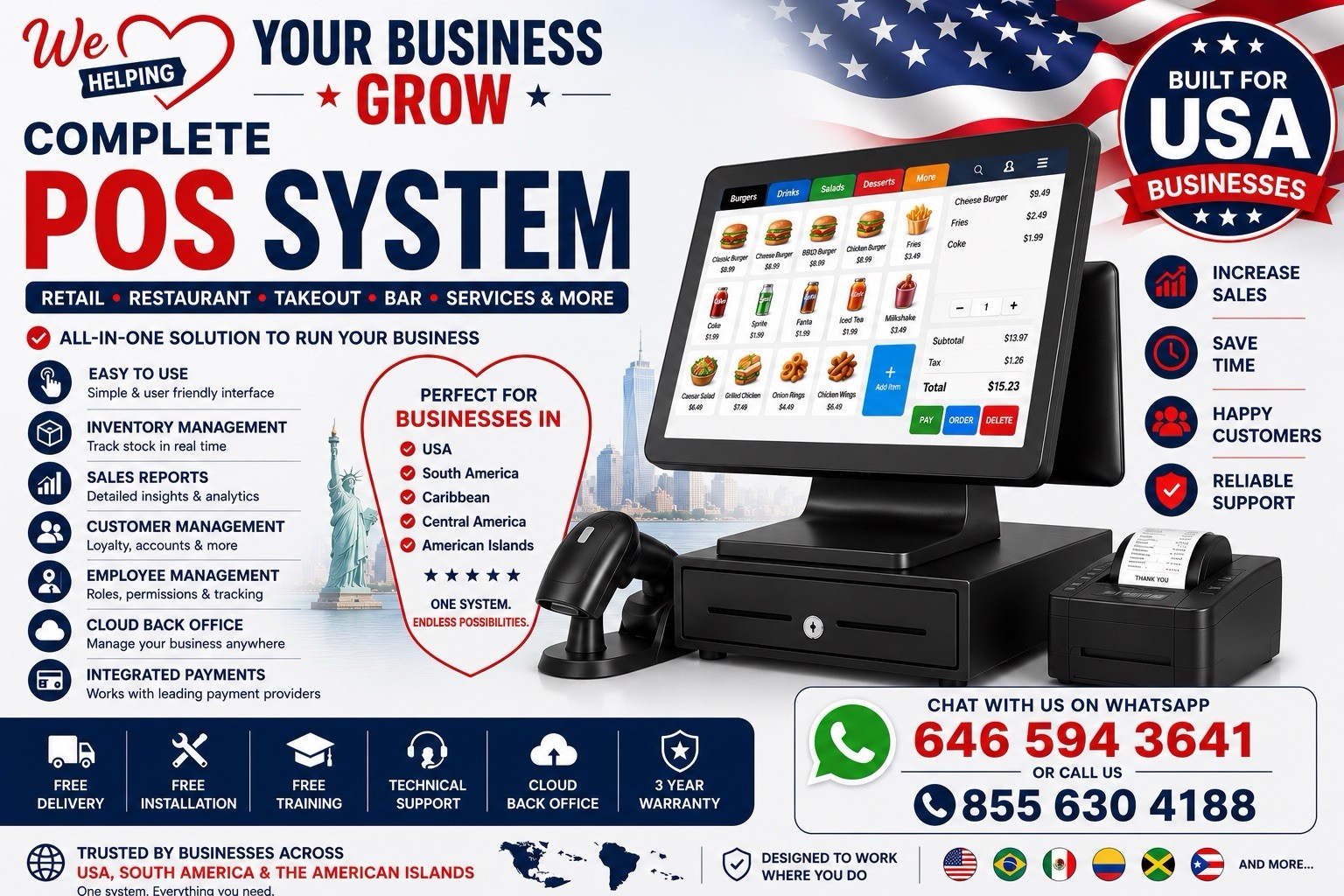 Full POS System for Retail Restaurant includes All Hardware & Software$199.00View on eBay
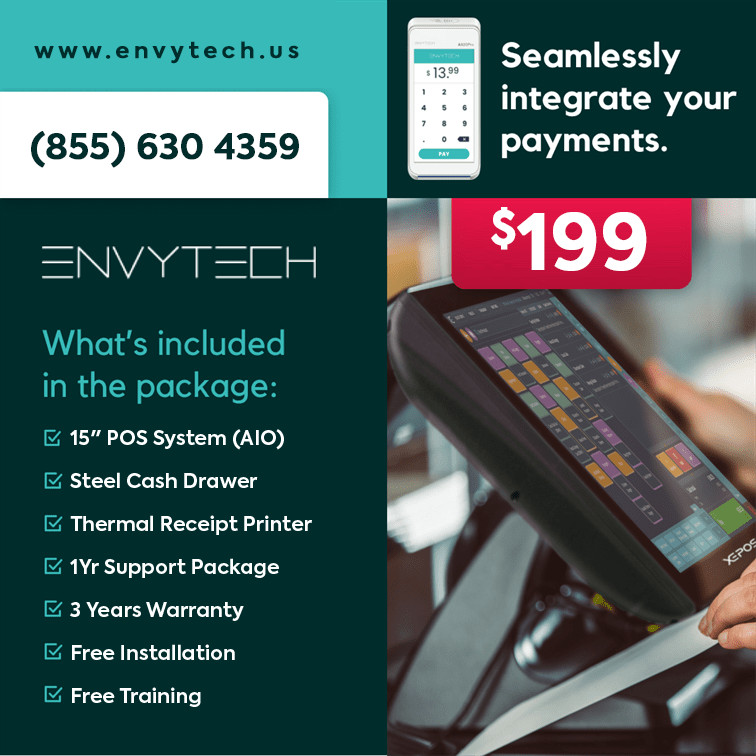 15" Full POS System For Jewelry Stores & Boutiques - $199$199.00View on eBay
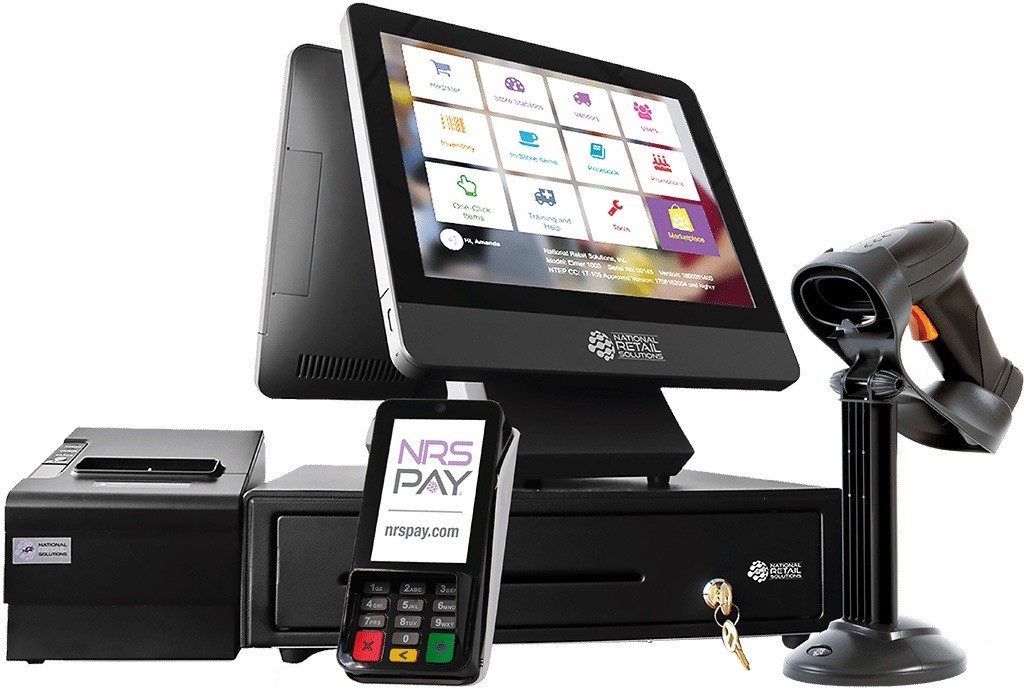 Discount! NRS POS System -Requires Merchant Account Prior to Shipping! USA Only$200.00New · Last checked Nov 26, 2026View on eBay
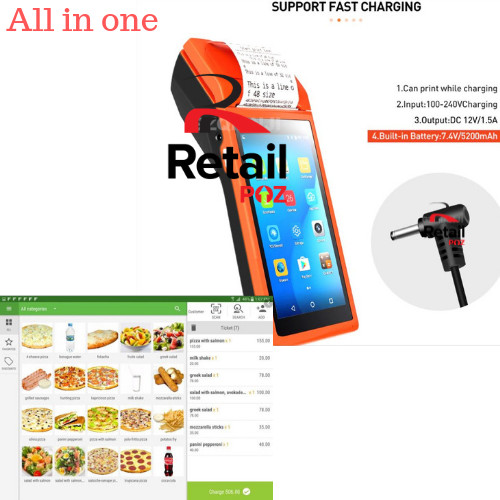 All in one Entry level POS Point of Sale System Combo Kit Retail Store PDA$239.00Last checked Nov 14, 2026View on eBay
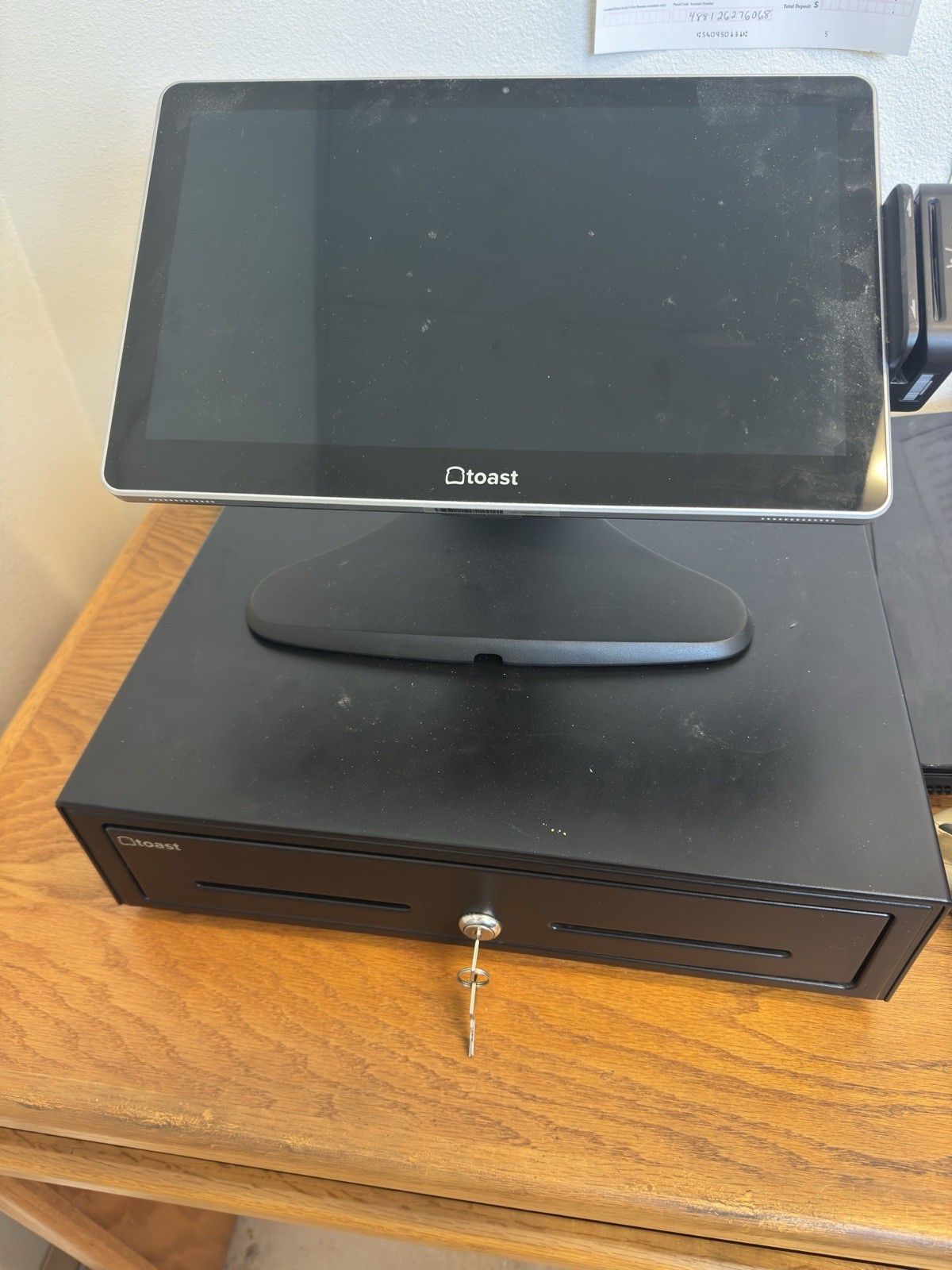 2 Complete Touchscreen POS Systems w/ Cash Drawers Receipt Printers & Stands$250.00Used · Last checked Nov 26, 2026View on eBay
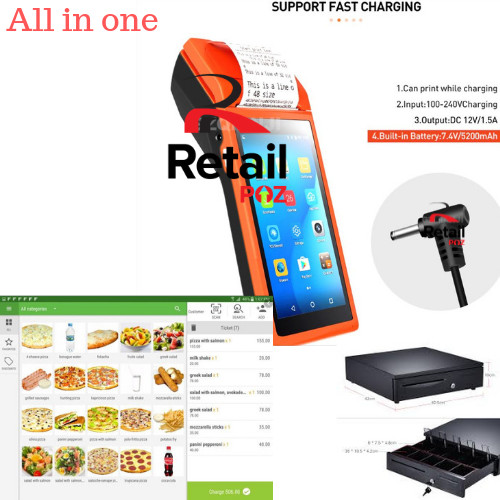 All in one Entry level POS Point of Sale System Combo Kit Retail Store PDA CASH$299.00Last checked Nov 14, 2026View on eBay
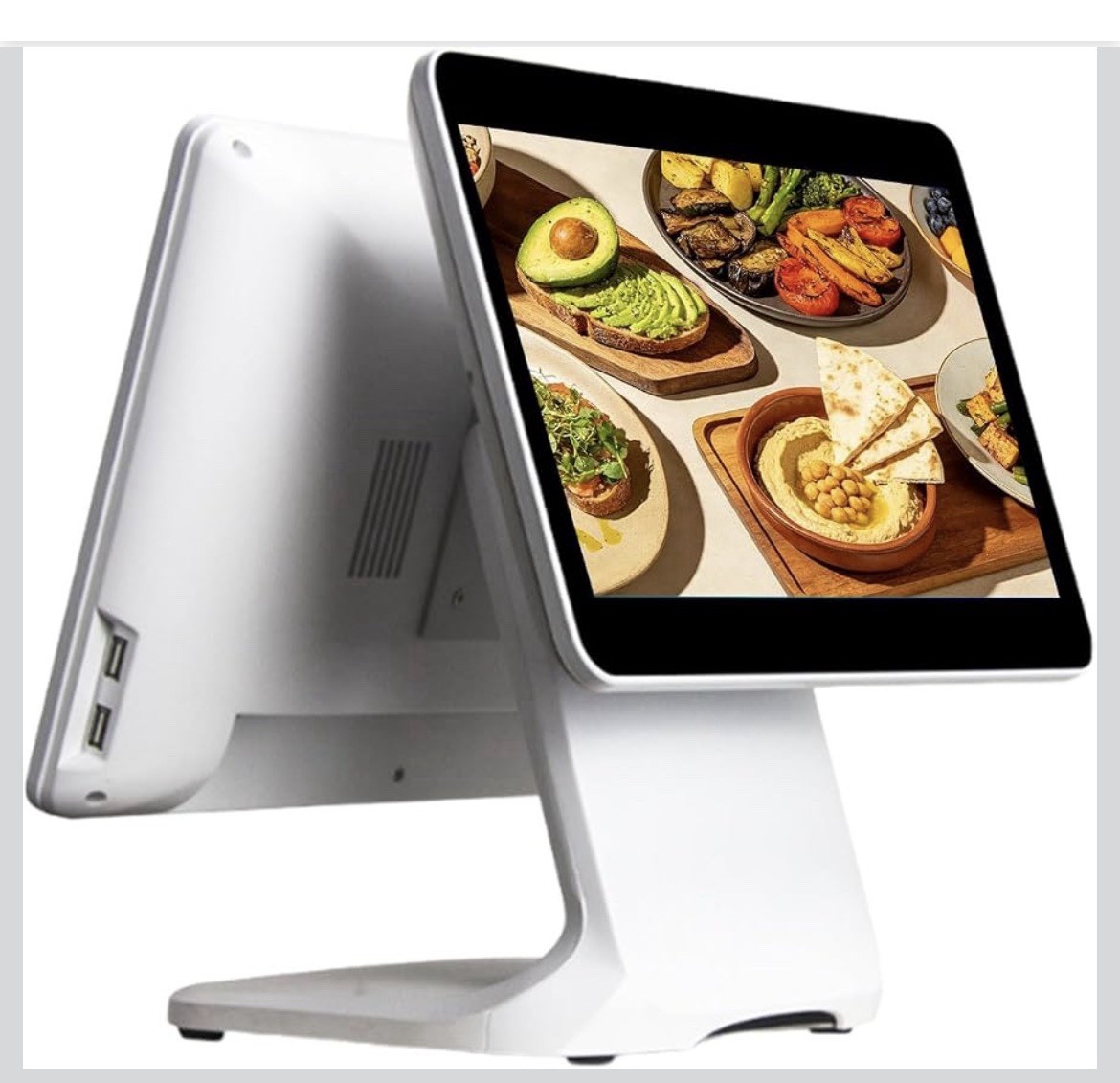 POS Touchscreen Terminal Point of Sale System w/ Stand, Instructions Manual$320.99New – Open box · Last checked Nov 26, 2026View on eBay
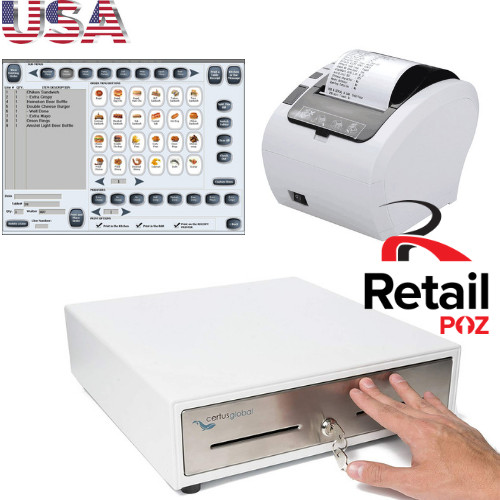 Bundle New Business Entry level POS Point of Sale System Combo Kit Retail Store$342.81Last checked Nov 14, 2026View on eBay
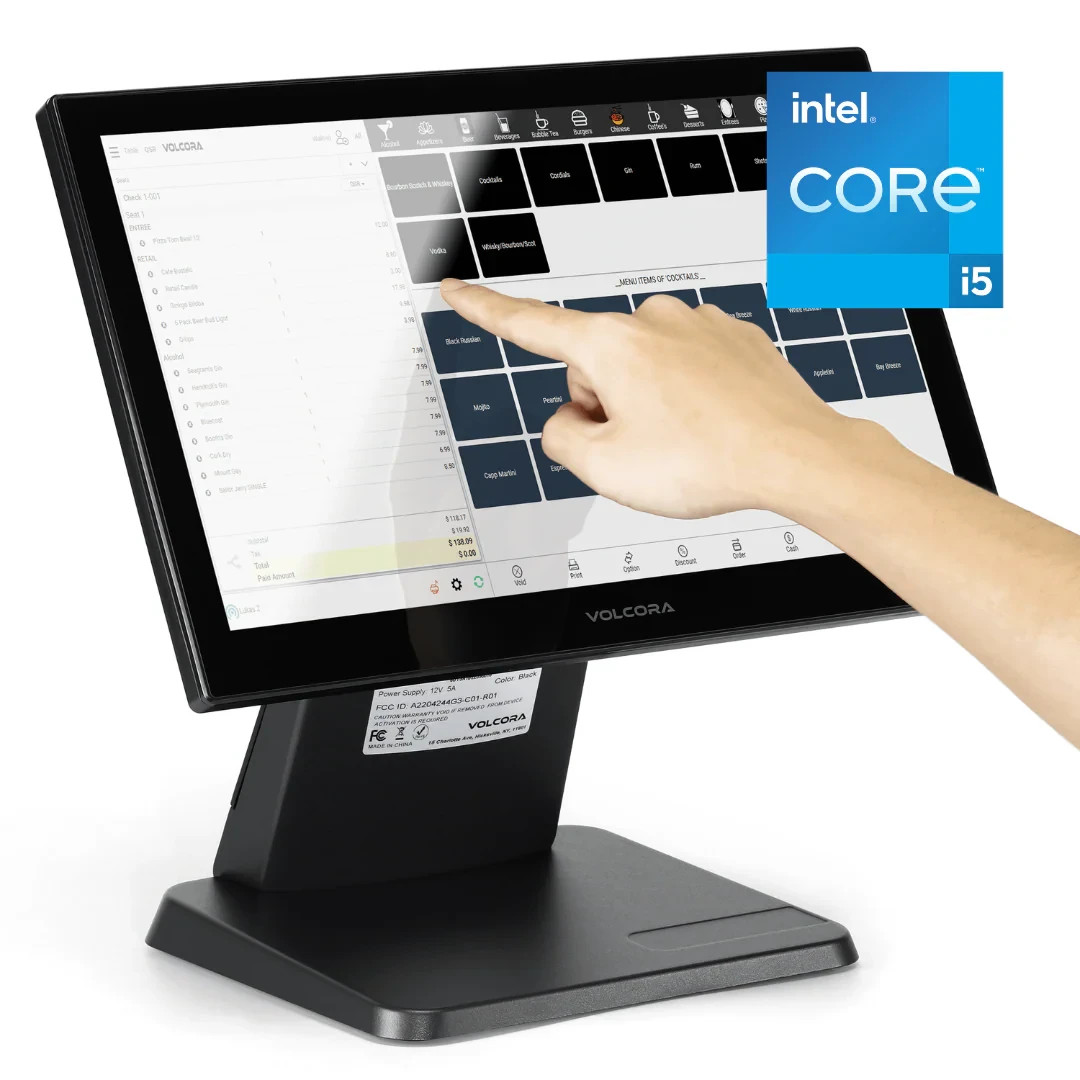 POS Touch System NEW great for restaurants or any business i5 4th SSD 1.7 GHZ$495.00New · Last checked Nov 26, 2026View on eBay
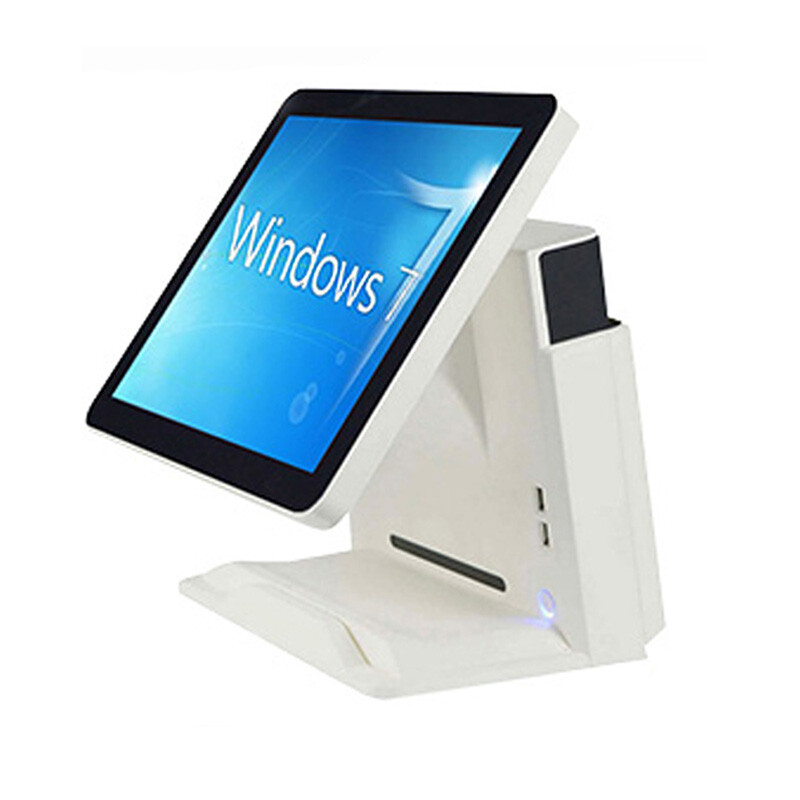 Super Charge BRAND NEW POS ALLINONE System Touch Screen Restaurant Retail Pizza$499.00Last checked Nov 14, 2026View on eBay
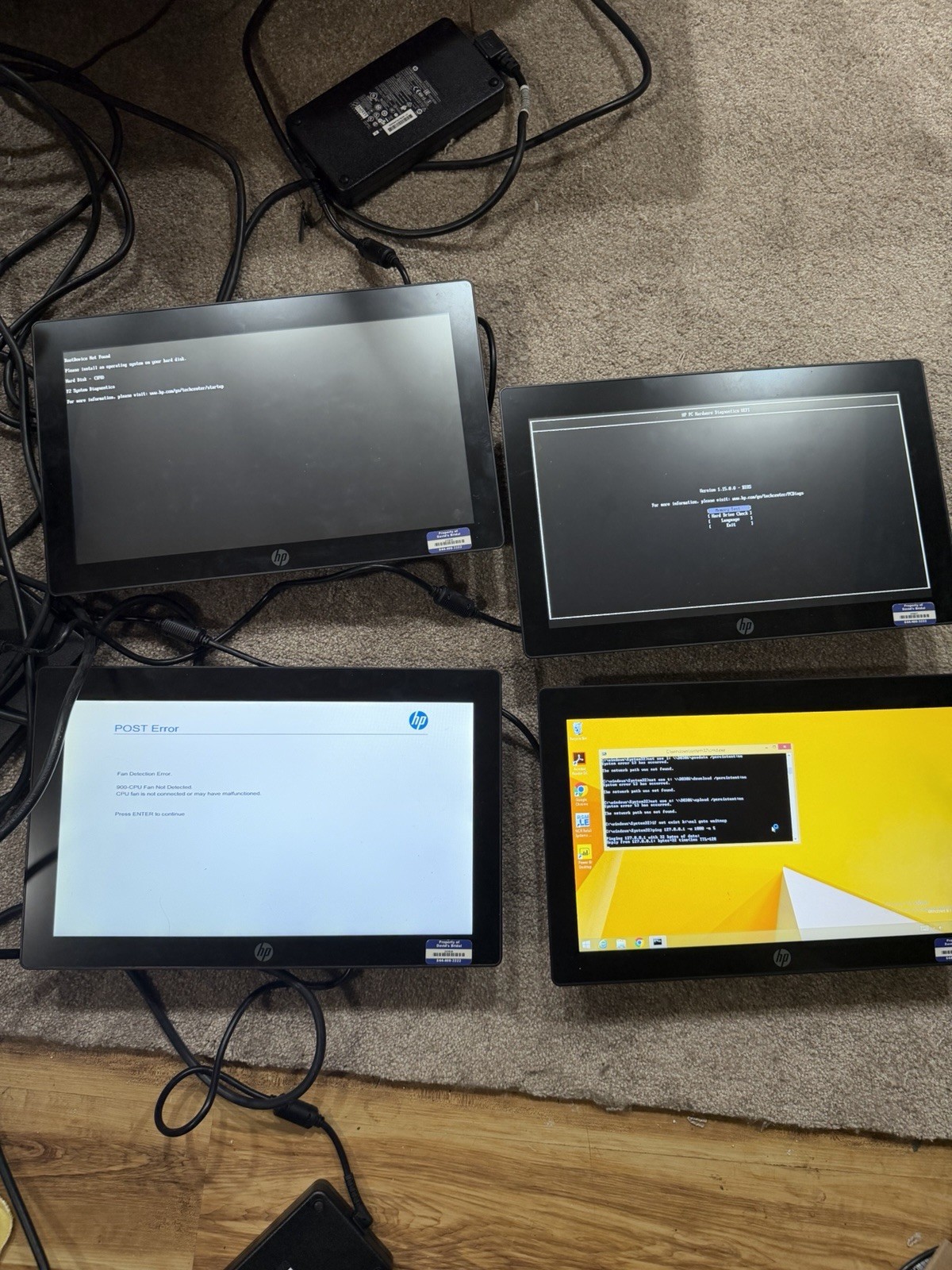 4 X HP RP9 G1 Retail System Model 9015 TOUCHSCREEN POS - Repair Needed$550.00Last checked Nov 14, 2026View on eBay
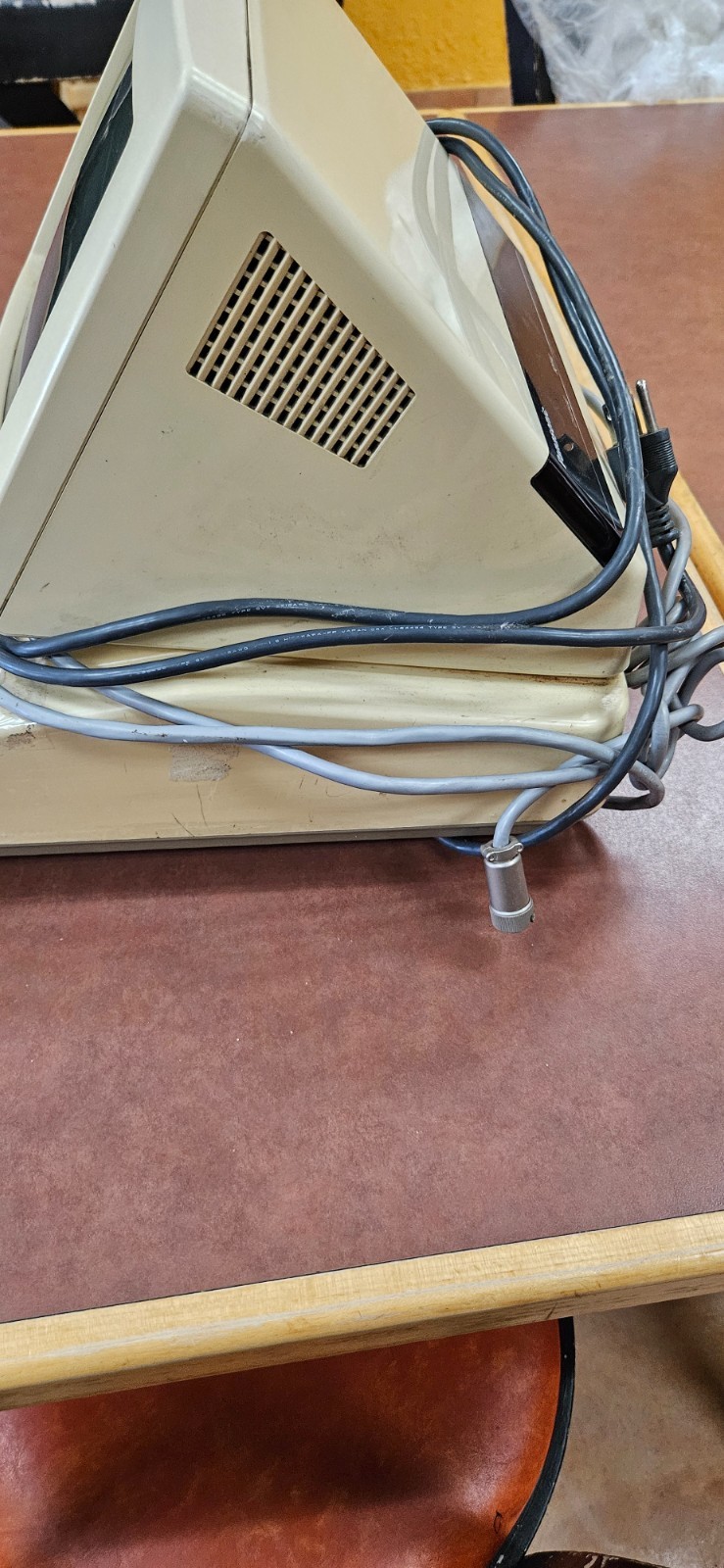 Hard to find Panisonic POS System. 3 stations JS700WS, 7 printers, 1 cash drawer$650.00Last checked Nov 14, 2026View on eBay
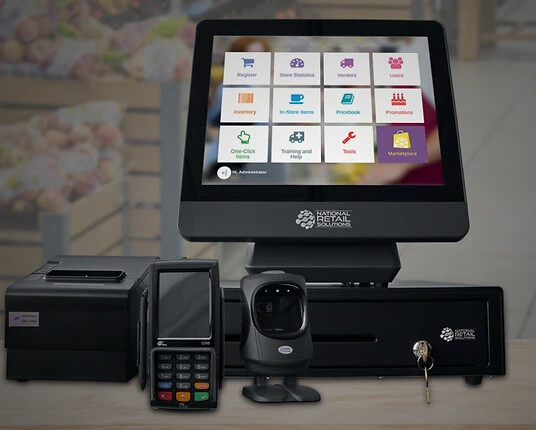 NRS POS System For Retail -Requires Merchant Account Prior to Shipping! USA Only$699.00New · Last checked Nov 26, 2026View on eBay
- Discount! NRS POS System -Requires Merchant Account Prior to Shipping! USA Only$699.00New · Last checked Nov 26, 2026View on eBay
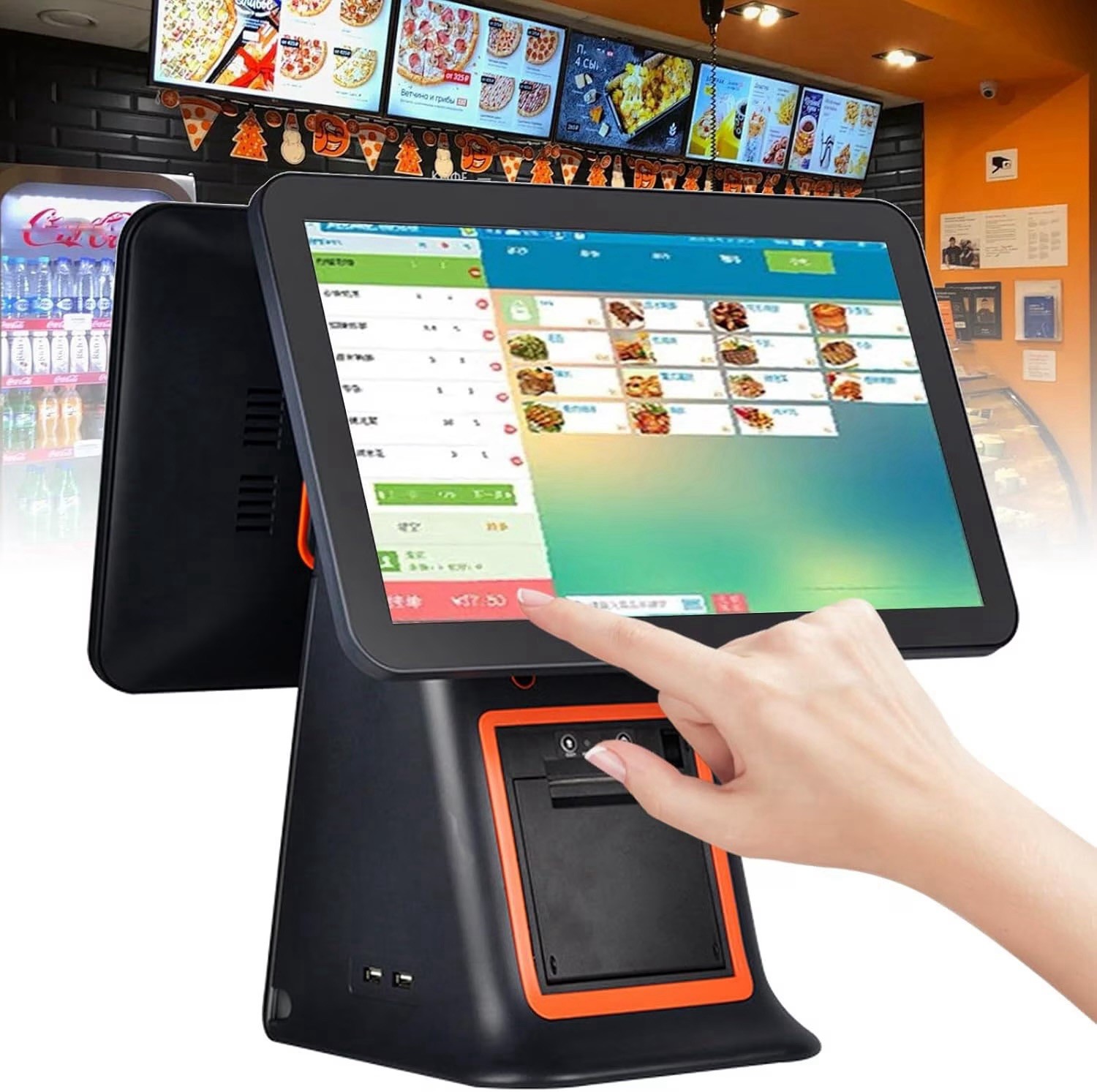 POS System - F.A.S.T - Integrated Printer & 15" CFD - Internal WiFi Module$900.00Used · Last checked Nov 26, 2026View on eBay
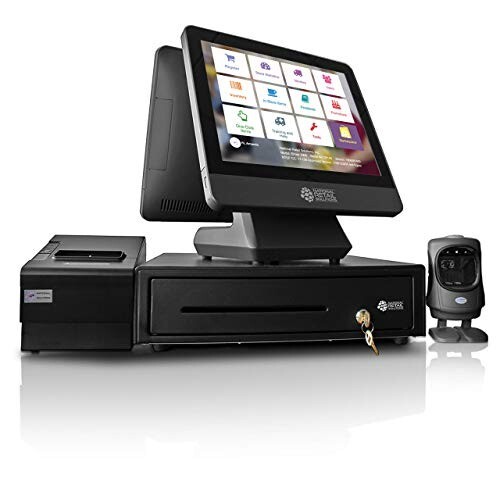 NRS POS System for Small Businesses (USA ONLY)- New Merchant Account Required$989.87New · Last checked Nov 26, 2026View on eBay
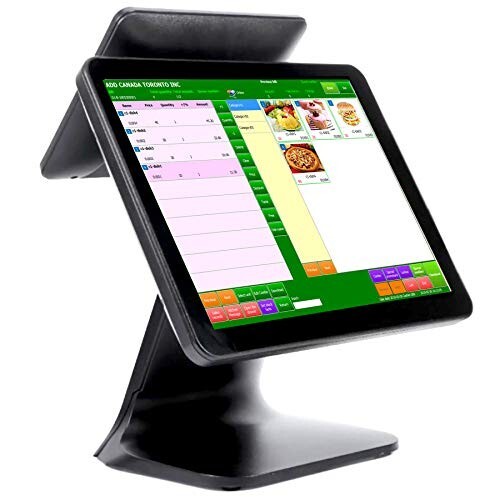 ASSUR W9 15" POS System, Cash Register Touch Screen + 9.7" customer display$1,299.00New · Last checked Nov 26, 2026View on eBay
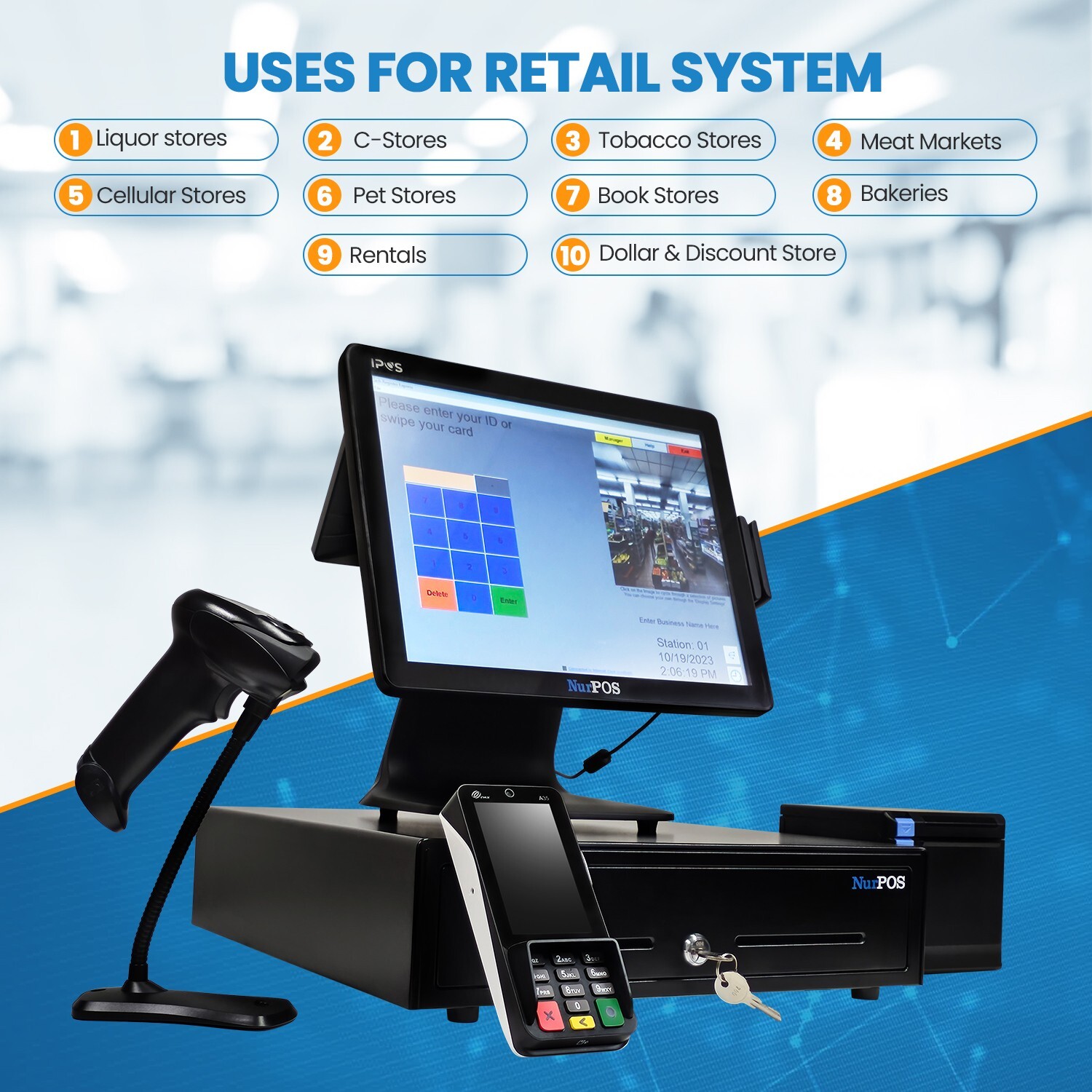 All-in-One POS System - Premium Retail Point of Sale Solution$1,549.00New · Last checked Nov 26, 2026View on eBay
Highlights
- Salon-specific POS software (Booksy, Vagaro, Fresha, Square Appointments) is the deciding layer; generic retail POS lacks stylist commission splitting, booth-rental billing, and color-formula client records.
- All-in-one tablet terminals typically use consumer-grade glass and 8–10 hr batteries; modular POS terminals use IP54-rated front panels and are powered continuously from AC with a UPS backup.
- Thermal receipt printers should be 80mm USB/Ethernet with auto-cutter; 58mm units are slower and produce narrower receipts unsuitable for itemized service + tip breakdowns.
- Integrated payment processing rates and hardware compatibility vary by software ecosystem—Square Reader works only with Square POS, while Clover and Stripe terminals integrate through respective partner apps.
Best use cases
- Choose an iPad-based bundle (Square Appointments or Vagaro) if you are a single-chair or booth-rental salon needing fast setup, built-in scheduling, and under 3 service providers.
- Choose a modular Windows PC terminal with 80mm printer and cash drawer if you run 4+ stylists, sell retail products, and need offline mode plus detailed commission reporting.
- Skip all-in-one tablet bundles with non-replaceable batteries and plastic screen bezels if your station is within 1 meter of color mixing or wash basins—chemical splatter degrades unsealed consumer glass.
- Pick a software ecosystem with native client photo and formula storage (e.g., salon-specific apps) over generic retail POS if color history and before/after photos are part of your service record.
Buying tips
- Count your stations and daily transactions: 1–3 stylists and under 30 transactions/day run fine on a tablet bundle; 4+ stylists or 60+ daily transactions need a modular terminal with Ethernet and a dedicated 80mm printer.
- Verify the payment processor integration before buying hardware—terminal hardware is often locked to one processor (Square, Clover, Stripe), so changing processors later may require replacing the card reader.
- Measure your reception counter depth: an all-in-one stand needs at least 30 cm depth and a nearby AC outlet; cash drawers add 40 cm width and require a USB or RJ11 trigger port.
- Require offline card processing or manual entry fallback: salon Wi-Fi outages during peak Saturday hours will block payments on cloud-only terminals without local queueing.
Specs
| Software Focus | Salon scheduling vs generic retail |
|---|---|
| Terminal Type | Tablet all-in-one vs modular PC |
| Printer Width | 80mm thermal / auto-cutter |
| Payment Lock-In | Processor-locked reader vs open |
Related searches
What to check before buying
- Confirm the software supports your state's booth-rental or commission payroll reporting before choosing hardware, since tax and split-pay logic is software-bound, not hardware-bound.
- Check counter space and cable routing: terminal + 80mm printer + cash drawer + card reader consume roughly 60 cm of width and need one grounded AC outlet plus Ethernet or stable 5 GHz Wi-Fi.
- Verify your payment processor's terminal compatibility list and whether the reader accepts chip, tap, and mobile wallet—salon clients expect tap-to-pay at checkout.
- Confirm client-facing display or customer screen option if your salon collects reviews or displays loyalty points at checkout; many tablet bundles support a second screen, modular terminals need a VGA/USB display.
FAQ
Data sources: eBay / Amazon listings and product attribute feeds. Updated Nov 28, 2026.
Some links on this page are affiliate links. If you buy after clicking one, we may earn a commission at no extra cost to you. This does not change which products appear here or their order. Affiliate disclosure.