
Photos from current listings. Actual item, color, and included accessories may vary.
Point System Buying Guide
A retail point-of-sale (POS) system is the hardware-and-software stack that rings sales, takes payment, and tracks inventory, and buyers face a core trade-off between all-in-one entry kits and modular, upgradeable registers. Durable picks use fanless industrial PCs or tablet-class processors with SSD storage, a dedicated cash drawer interface, and a mainstream receipt printer standard; compromises are ARM tablets paired with locked cloud subscriptions or kits bundling flimsy 58mm printers.
Median $331.90 · New listings
Key takeaways
- Entry combo kits typically pair a 15-inch all-in-one terminal, thermal receipt printer, barcode scanner, cash drawer, and card reader; the terminal's CPU (Celeron vs Core i3/i5) sets checkout speed.
- Receipt printers split into 80mm (3-inch) and 58mm (2-inch) widths; 80mm prints faster and is the retail standard, while 58mm rolls are cheaper but slower per line.
- Cash drawer connectivity is either RJ11/RJ12 triggered by the printer or USB-driven; printer-triggered drawers are the more reliable, widely compatible wiring in retail kits.
At a glance
- Category
- POS & Retail Supplies
- Last updated
- Nov 28, 2026
Current offers
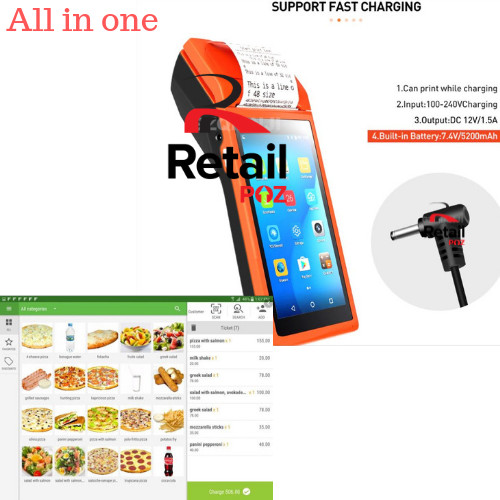 All in one Entry level POS Point of Sale System Combo Kit Retail Store PDA$239.00Last checked Nov 14, 2026View on eBay
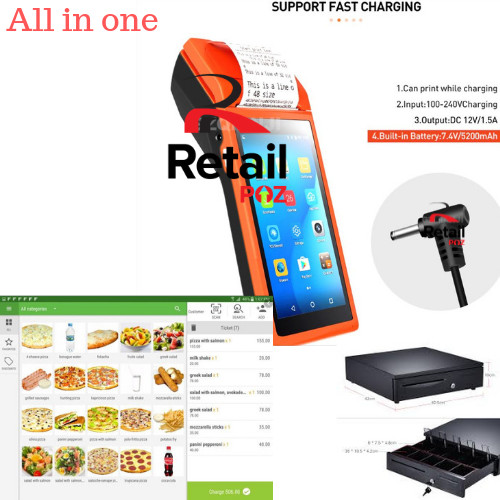 All in one Entry level POS Point of Sale System Combo Kit Retail Store PDA CASH$299.00Last checked Nov 14, 2026View on eBay
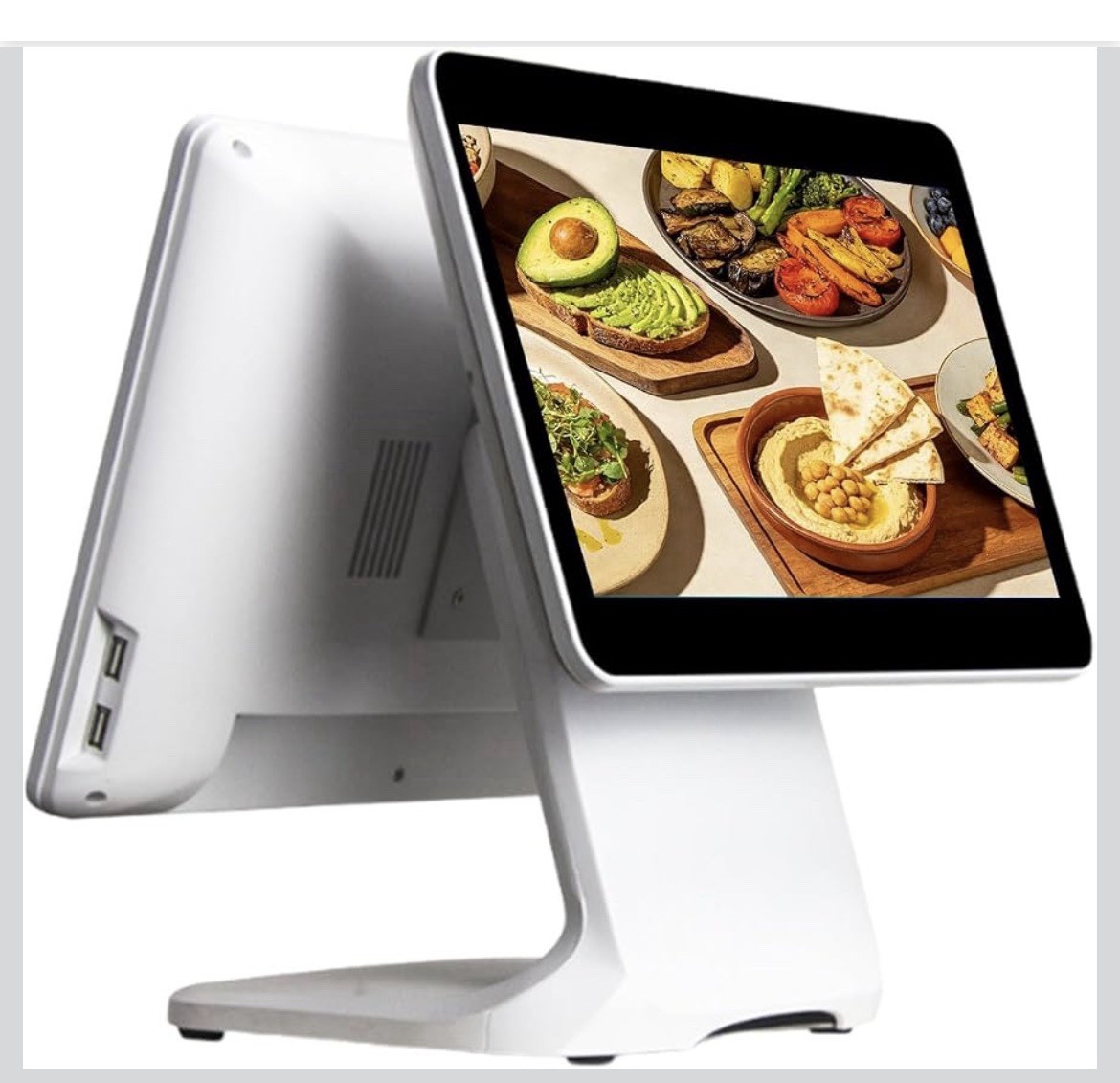 POS Touchscreen Terminal Point of Sale System w/ Stand, Instructions Manual$320.99New – Open box · Last checked Nov 26, 2026View on eBay
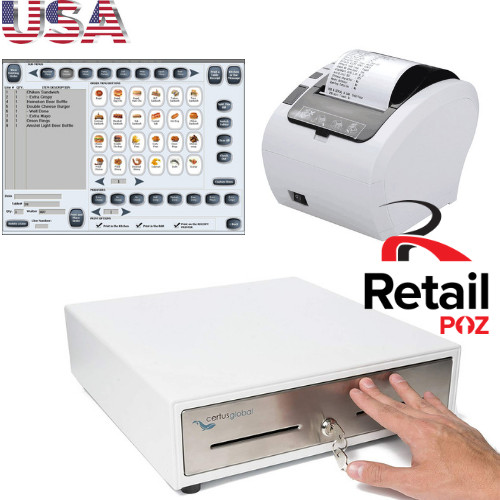 Bundle New Business Entry level POS Point of Sale System Combo Kit Retail Store$342.81Last checked Nov 14, 2026View on eBay
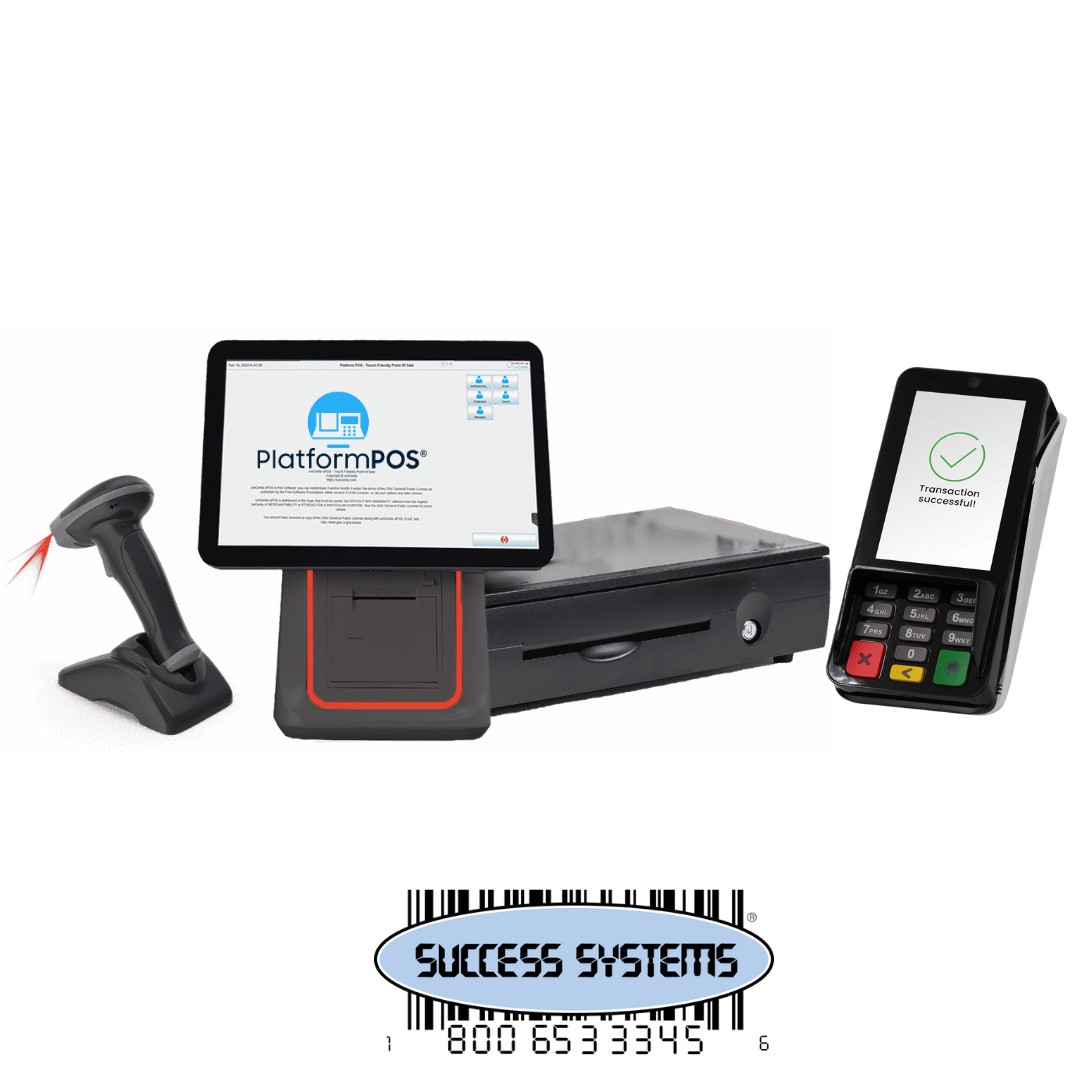 Platform POS® - Point of Sale Register System Designed for Independent Retailers$399.00Last checked Nov 17, 2026View on eBay
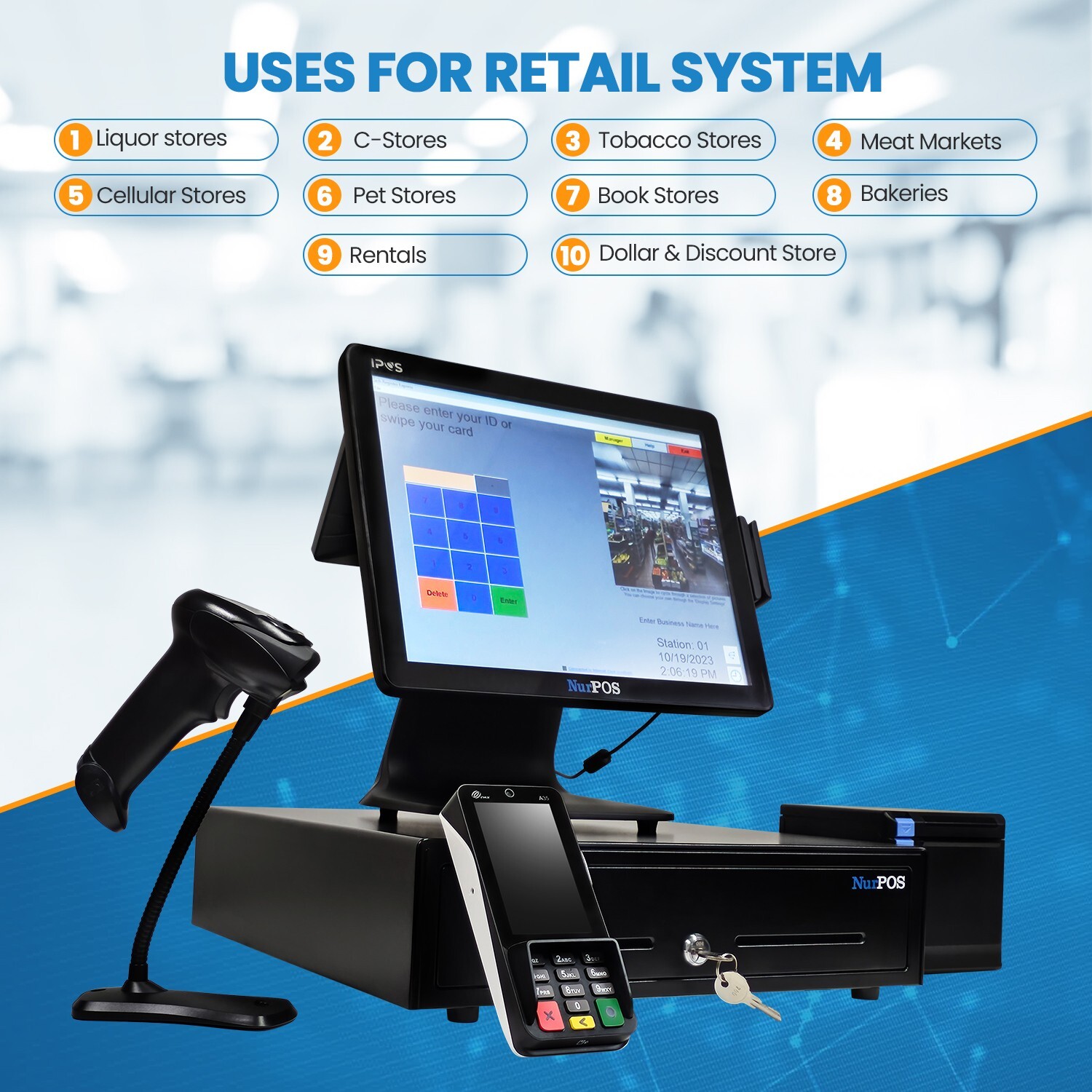 All-in-One POS System - Premium Retail Point of Sale Solution$1,549.00New · Last checked Nov 26, 2026View on eBay
Highlights
- Entry combo kits typically pair a 15-inch all-in-one terminal, thermal receipt printer, barcode scanner, cash drawer, and card reader; the terminal's CPU (Celeron vs Core i3/i5) sets checkout speed.
- Receipt printers split into 80mm (3-inch) and 58mm (2-inch) widths; 80mm prints faster and is the retail standard, while 58mm rolls are cheaper but slower per line.
- Cash drawer connectivity is either RJ11/RJ12 triggered by the printer or USB-driven; printer-triggered drawers are the more reliable, widely compatible wiring in retail kits.
- Cloud POS runs on iPad or Android tablets with subscription software, while local POS runs Windows or Linux on an all-in-one; cloud wins on remote inventory visibility, local wins on offline uptime.
Best use cases
- Best fit: a single-location boutique or specialty shop with 1-3 lanes should pick an all-in-one Windows combo kit with an 80mm thermal printer and RJ11 cash drawer for offline reliability.
- Best fit: a multi-store or pop-up retailer needing remote sales and inventory dashboards should pick a tablet/cloud POS with a card reader and cloud subscription, accepting internet dependency.
- Wrong fit: high-volume grocery or liquor stores should skip entry kits with Celeron-class terminals and 58mm printers; step up to Core i3/i5 terminals, 80mm printers, and a scales/POS integration.
- Wrong fit: buyers wanting to reuse an existing Windows PC should skip all-in-one kits and buy a peripheral bundle (USB barcode scanner, 80mm USB printer, USB cash drawer) instead.
Buying tips
- Match printer width to workflow: 80mm thermal for standard retail receipts and faster throughput; 58mm only for tight counters or mobile setups where space is critical.
- Check terminal processor and storage tiers: Celeron with 64GB eMMC handles basic ringing; Core i3/i5 with 128GB+ SSD is needed for inventory-heavy or multi-app use.
- Confirm cash drawer trigger method: printer-driven RJ11/RJ12 is the most compatible; USB drawers work but require software support on the POS terminal.
- For card payments, budget for a separate EMV chip/contactless reader unless the kit explicitly includes an integrated payment terminal, since entry kits rarely bundle one.
Specs
| Terminal Type | All-in-one PC vs tablet/cloud |
|---|---|
| Receipt Printer Width | 80mm (3-inch) vs 58mm (2-inch) |
| Cash Drawer Trigger | RJ11/RJ12 printer-driven vs USB |
| Software Model | Local Windows/Linux vs cloud subscription |
Related searches
What to check before buying
- Measure counter depth and lane width: an all-in-one terminal plus printer and drawer needs roughly 24-30 inches of depth; tablet POS needs a secure stand footprint.
- Verify power: US retail kits ship 110-120V plugs; confirm outlet placement and whether the printer and terminal need separate outlets or a shared power strip.
- Check receipt paper supply: 80mm thermal rolls are widely stocked; 58mm rolls are common but lower per-roll yield, so plan reorder cadence.
- Confirm software compatibility: Windows all-in-one POS runs legacy or local software; iPad/Android cloud POS needs a supported card reader and stable Wi-Fi.
FAQ
Data sources: eBay / Amazon listings and product attribute feeds. Updated Nov 28, 2026.
Some links on this page are affiliate links. If you buy after clicking one, we may earn a commission at no extra cost to you. This does not change which products appear here or their order. Affiliate disclosure.