
Photos from current listings. Actual item, color, and included accessories may vary.
Pos System Buying Guide
A POS system is the hardware and software bundle that rings up sales, takes payment, and tracks inventory. The core trade-off is between locked, merchant-account-tied bundles and open, modular systems where you choose the payment processor. Choose open hardware with standard interfaces (RJ11 cash drawer, USB/Ethernet peripherals) if you want competitive processing rates; accept a locked bundle only if the software fit is exceptional and the rate is transparent.
Median $497.00 · New & pre-owned listings
Key takeaways
- Terminal class splits into all-in-one touchscreen units (15-inch typical) and box-plus-peripherals kits; all-in-ones save counter space but lock you to one screen size and repair path.
- Cash drawers use SPCC steel bodies with ABS fronts and connect via RJ11/RJ12 to the receipt printer, not the computer; a drawer without printer kick-out support needs a separate trigger.
- Payment terminals range from countertop Verifone-style consoles to handheld transaction terminals; EMV/NFC capability and processor certification determine what rates and apps you can use.
At a glance
- Category
- POS & Retail Supplies
- Last updated
- Nov 28, 2026
Current offers
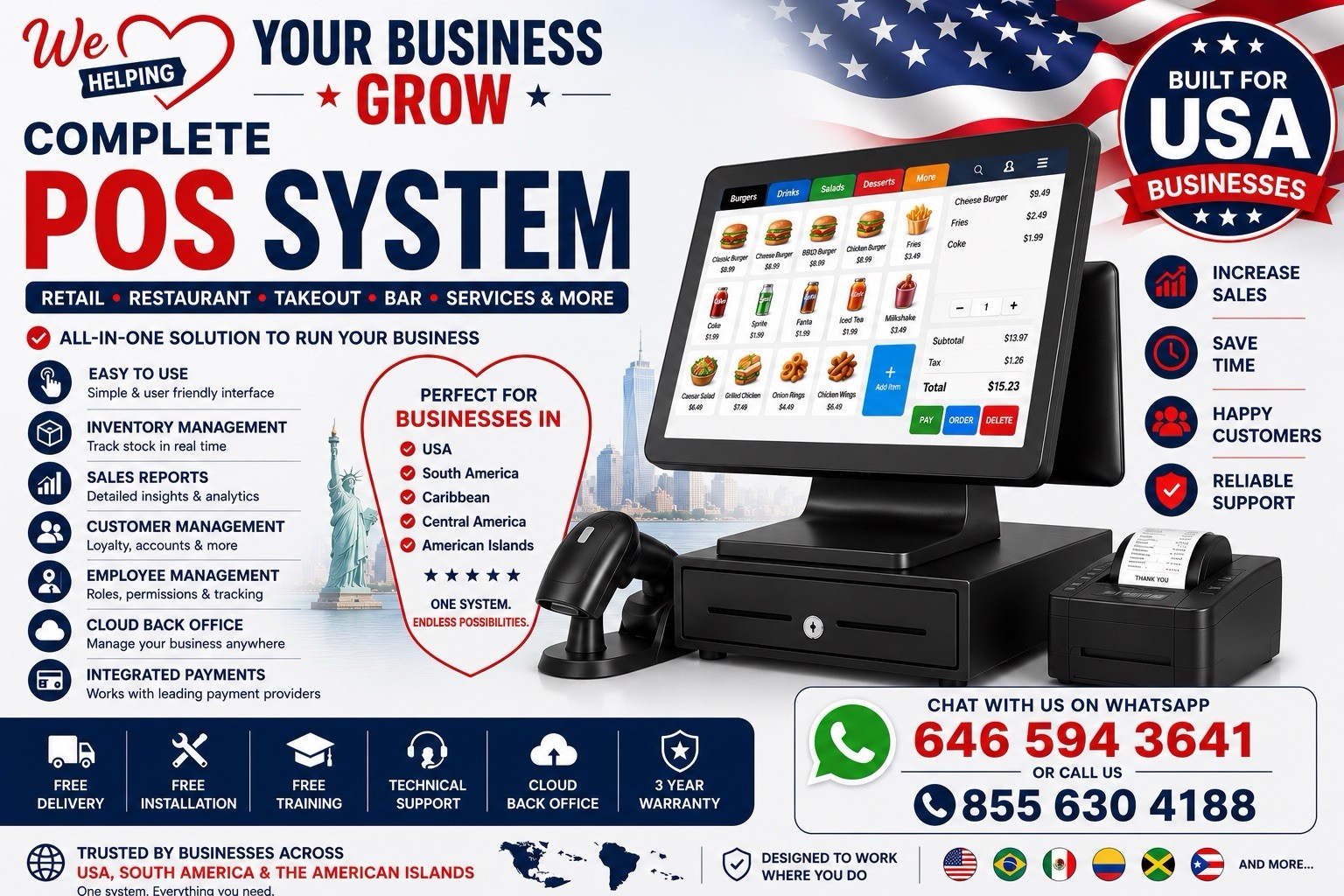 Full POS System for Retail Restaurant includes All Hardware & Software$199.00View on eBay
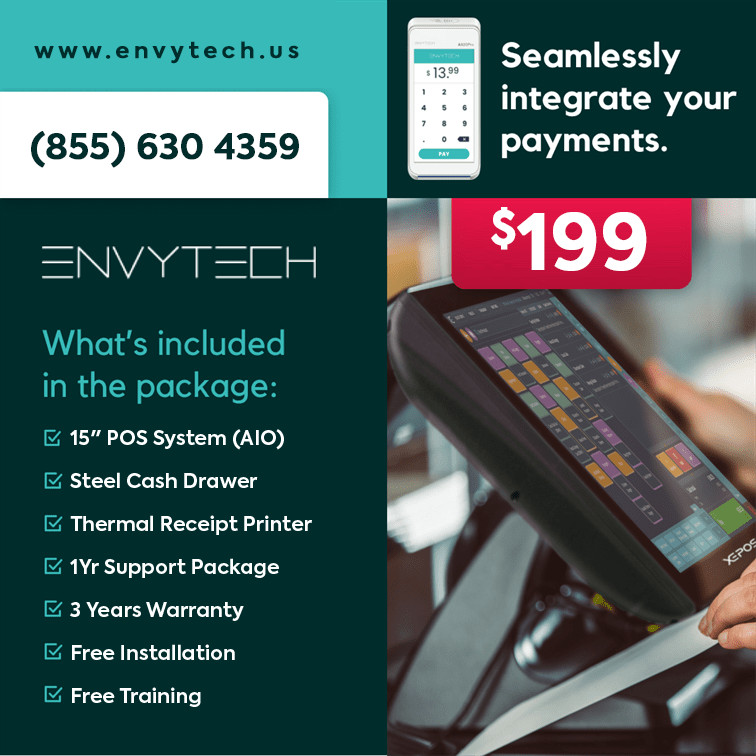 15" Full POS System For Jewelry Stores & Boutiques - $199$199.00View on eBay
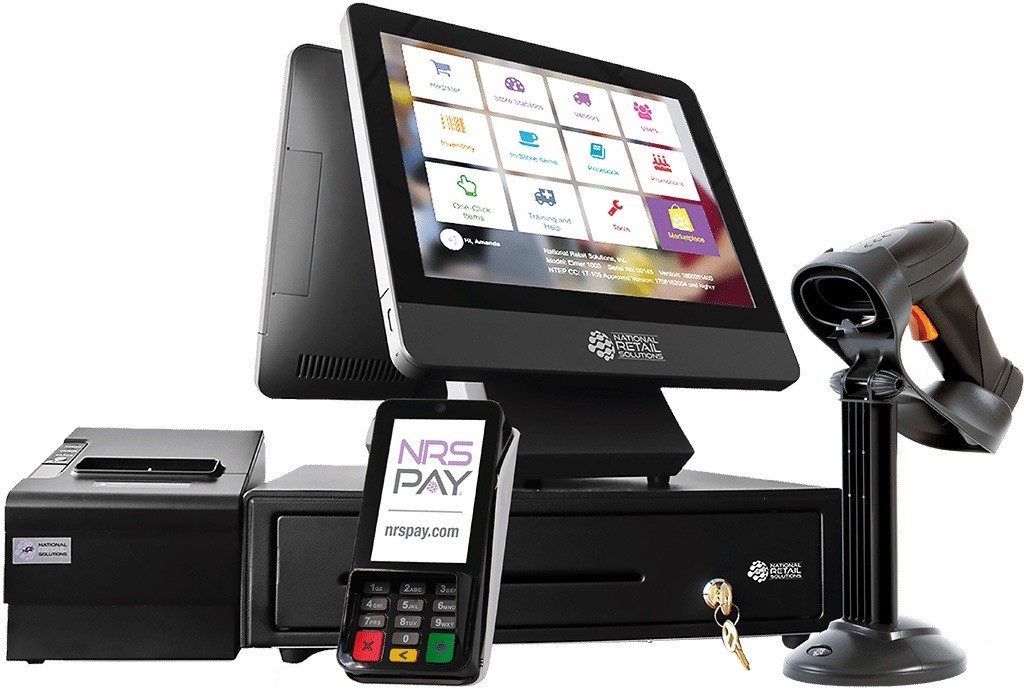 Discount! NRS POS System -Requires Merchant Account Prior to Shipping! USA Only$200.00New · Last checked Nov 26, 2026View on eBay
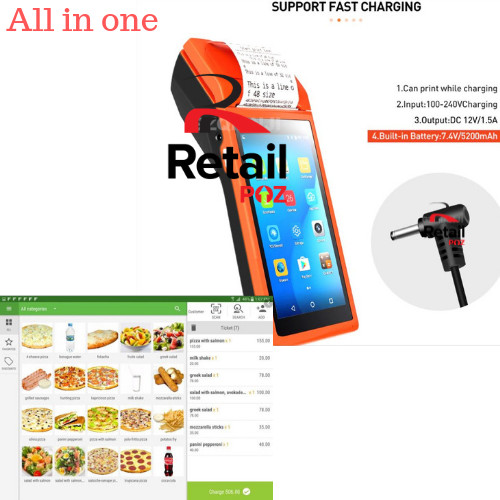 All in one Entry level POS Point of Sale System Combo Kit Retail Store PDA$239.00Last checked Nov 14, 2026View on eBay
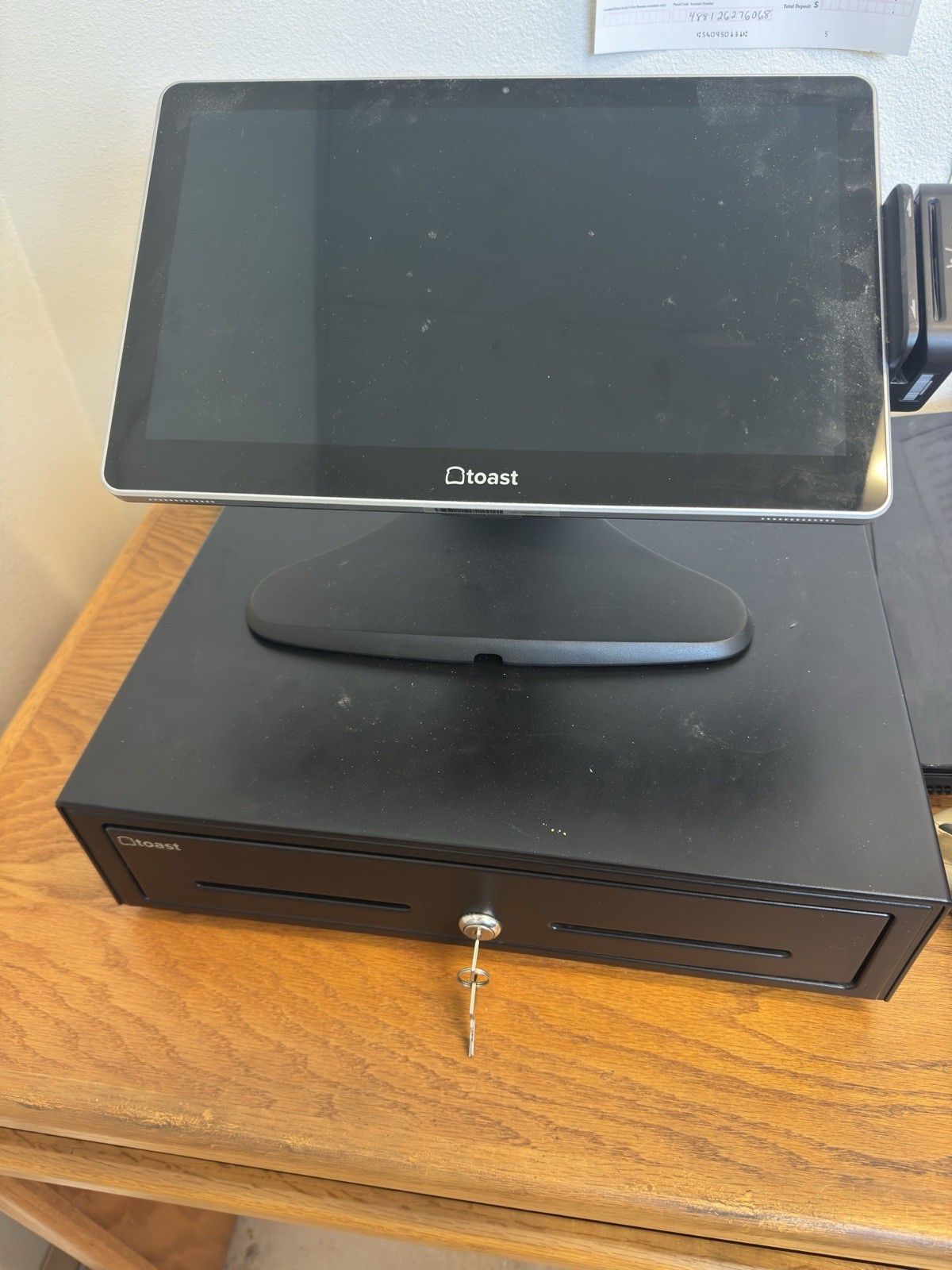 2 Complete Touchscreen POS Systems w/ Cash Drawers Receipt Printers & Stands$250.00Used · Last checked Nov 26, 2026View on eBay
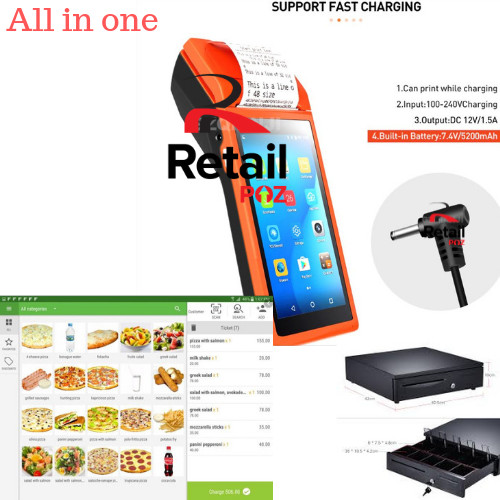 All in one Entry level POS Point of Sale System Combo Kit Retail Store PDA CASH$299.00Last checked Nov 14, 2026View on eBay
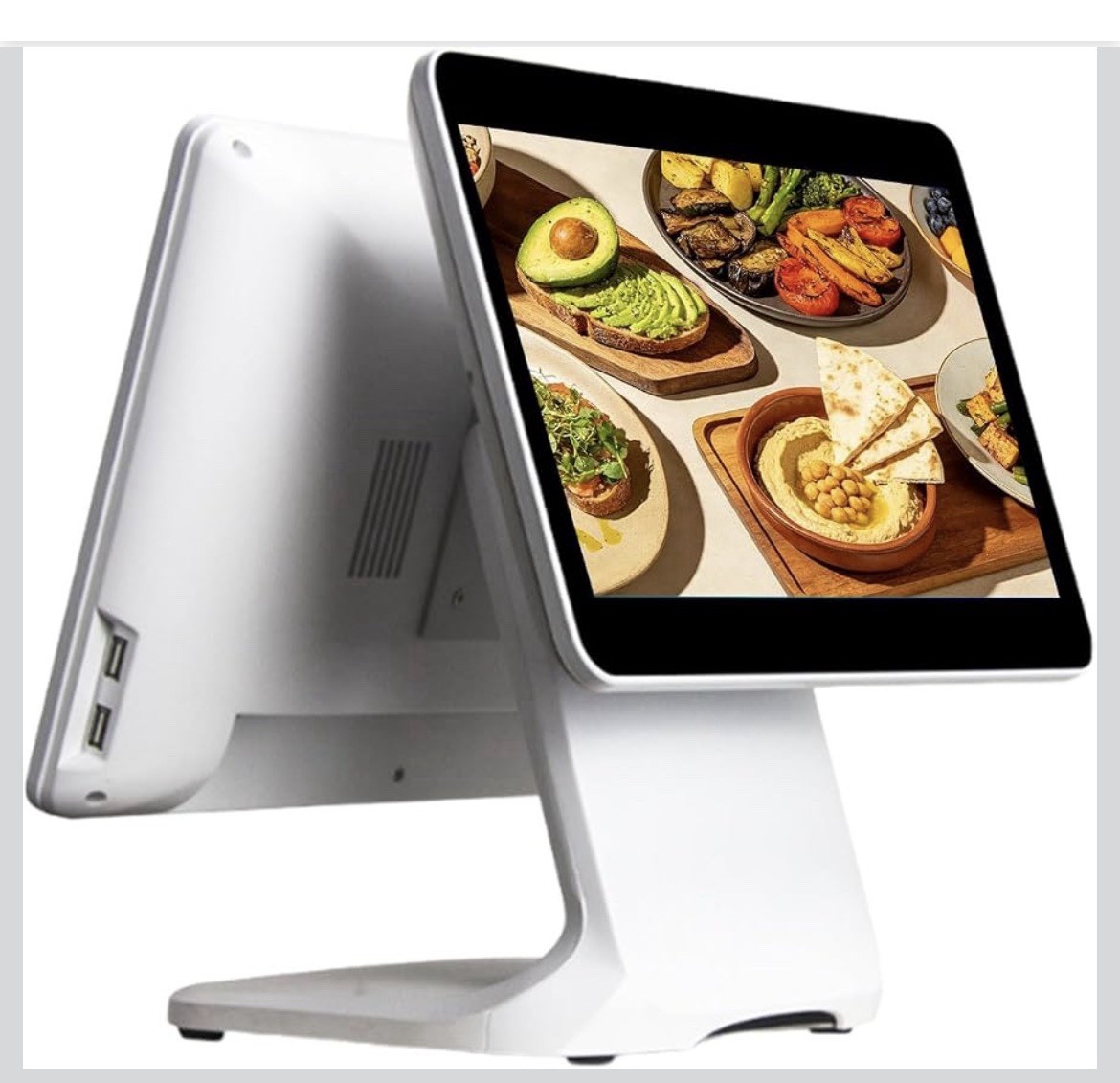 POS Touchscreen Terminal Point of Sale System w/ Stand, Instructions Manual$320.99New – Open box · Last checked Nov 26, 2026View on eBay
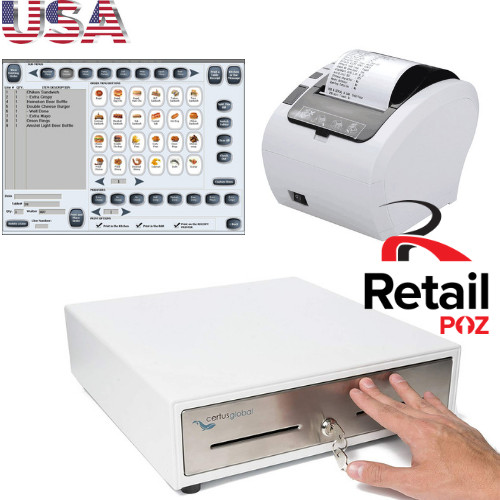 Bundle New Business Entry level POS Point of Sale System Combo Kit Retail Store$342.81Last checked Nov 14, 2026View on eBay
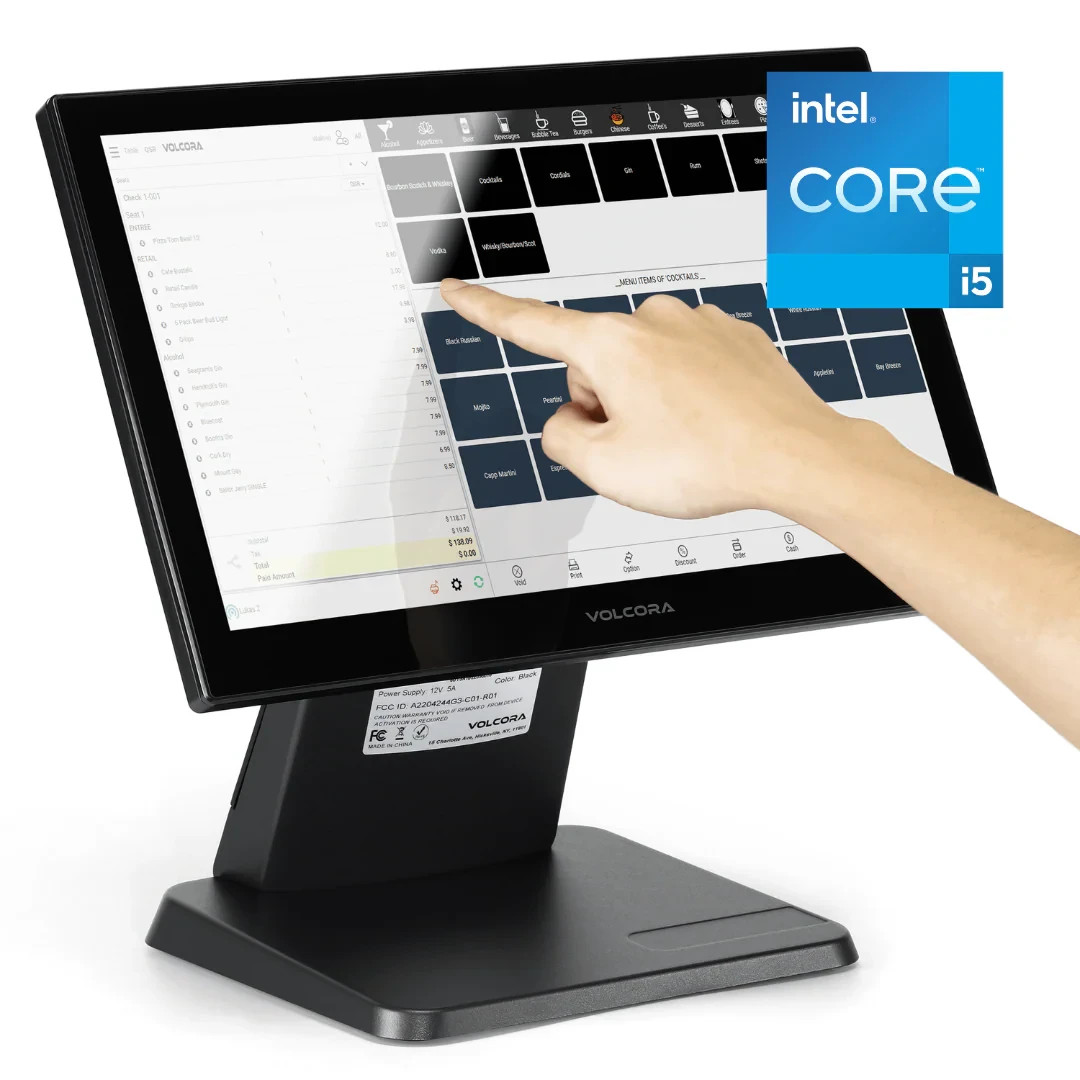 POS Touch System NEW great for restaurants or any business i5 4th SSD 1.7 GHZ$495.00New · Last checked Nov 26, 2026View on eBay
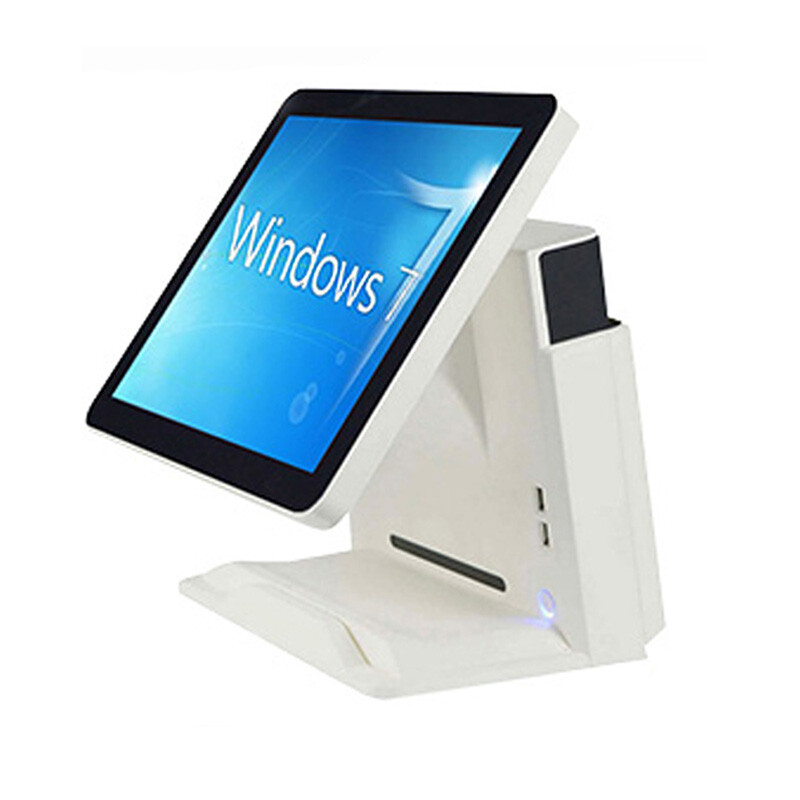 Super Charge BRAND NEW POS ALLINONE System Touch Screen Restaurant Retail Pizza$499.00Last checked Nov 14, 2026View on eBay
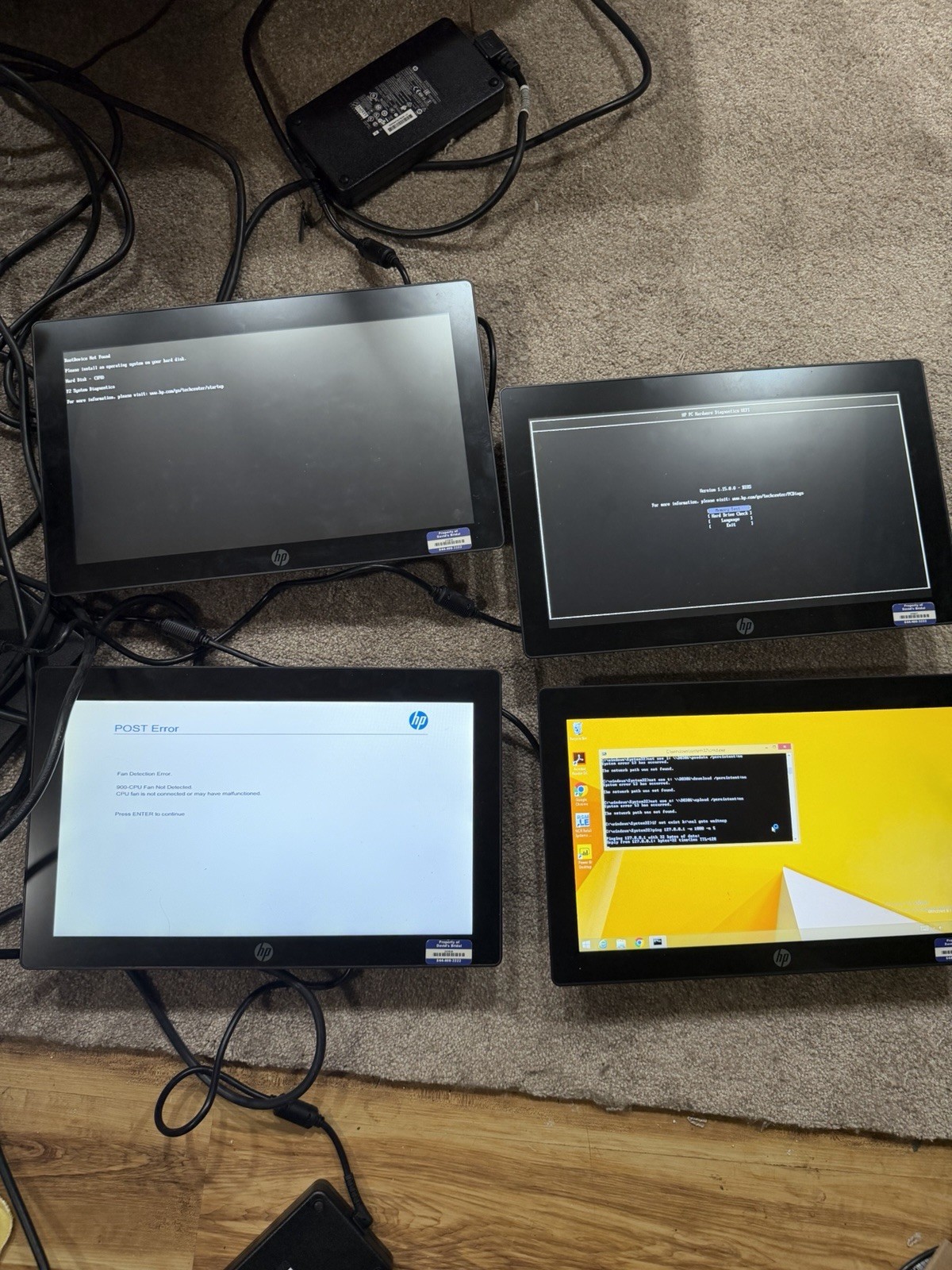 4 X HP RP9 G1 Retail System Model 9015 TOUCHSCREEN POS - Repair Needed$550.00Last checked Nov 14, 2026View on eBay
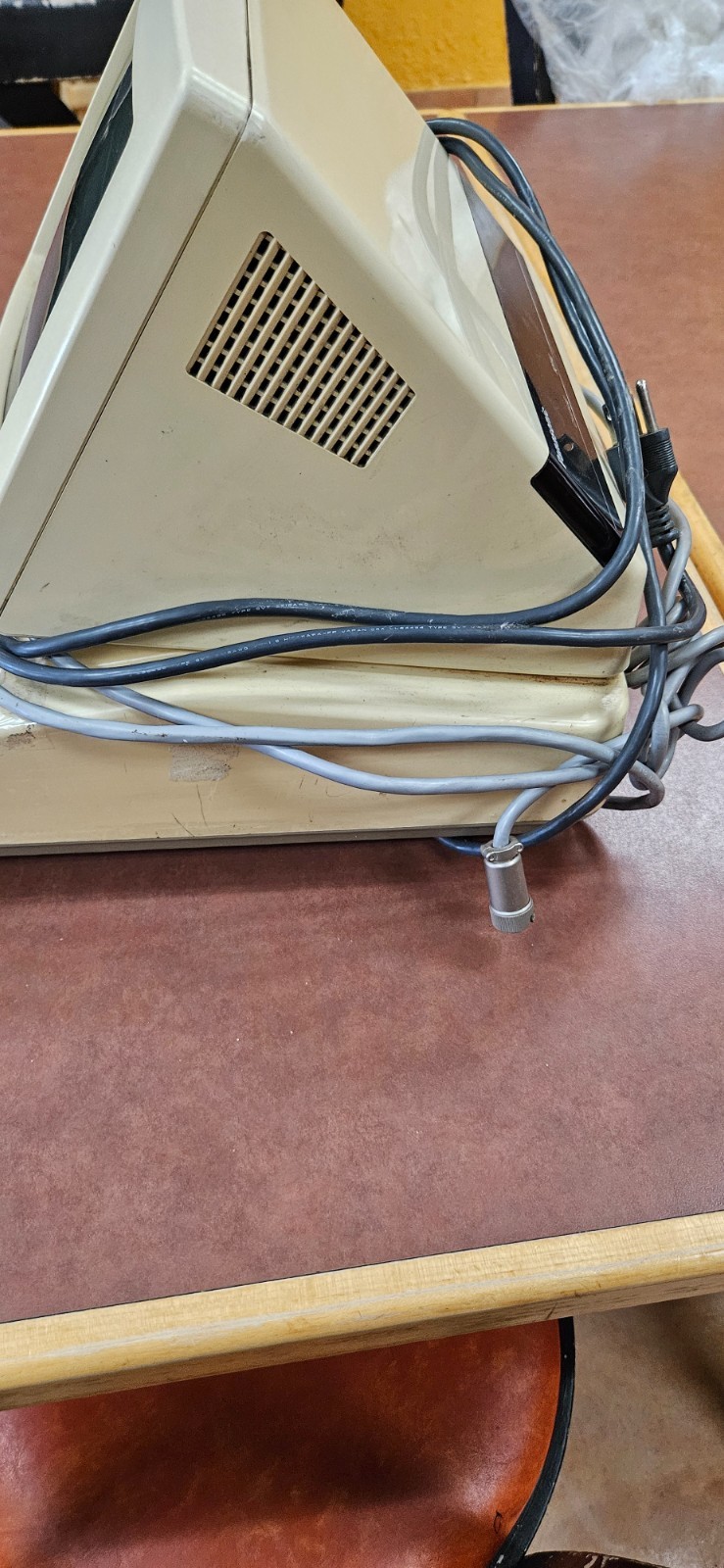 Hard to find Panisonic POS System. 3 stations JS700WS, 7 printers, 1 cash drawer$650.00Last checked Nov 14, 2026View on eBay
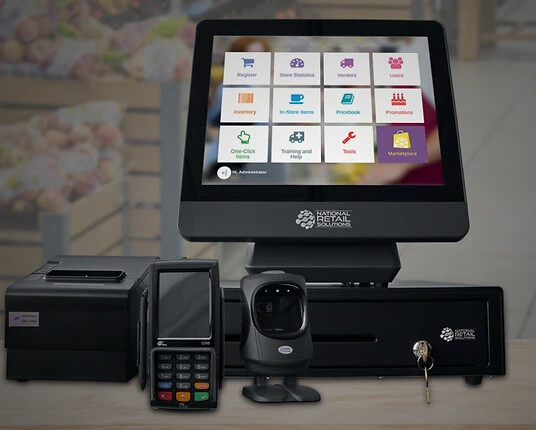 NRS POS System For Retail -Requires Merchant Account Prior to Shipping! USA Only$699.00New · Last checked Nov 26, 2026View on eBay
- Discount! NRS POS System -Requires Merchant Account Prior to Shipping! USA Only$699.00New · Last checked Nov 26, 2026View on eBay
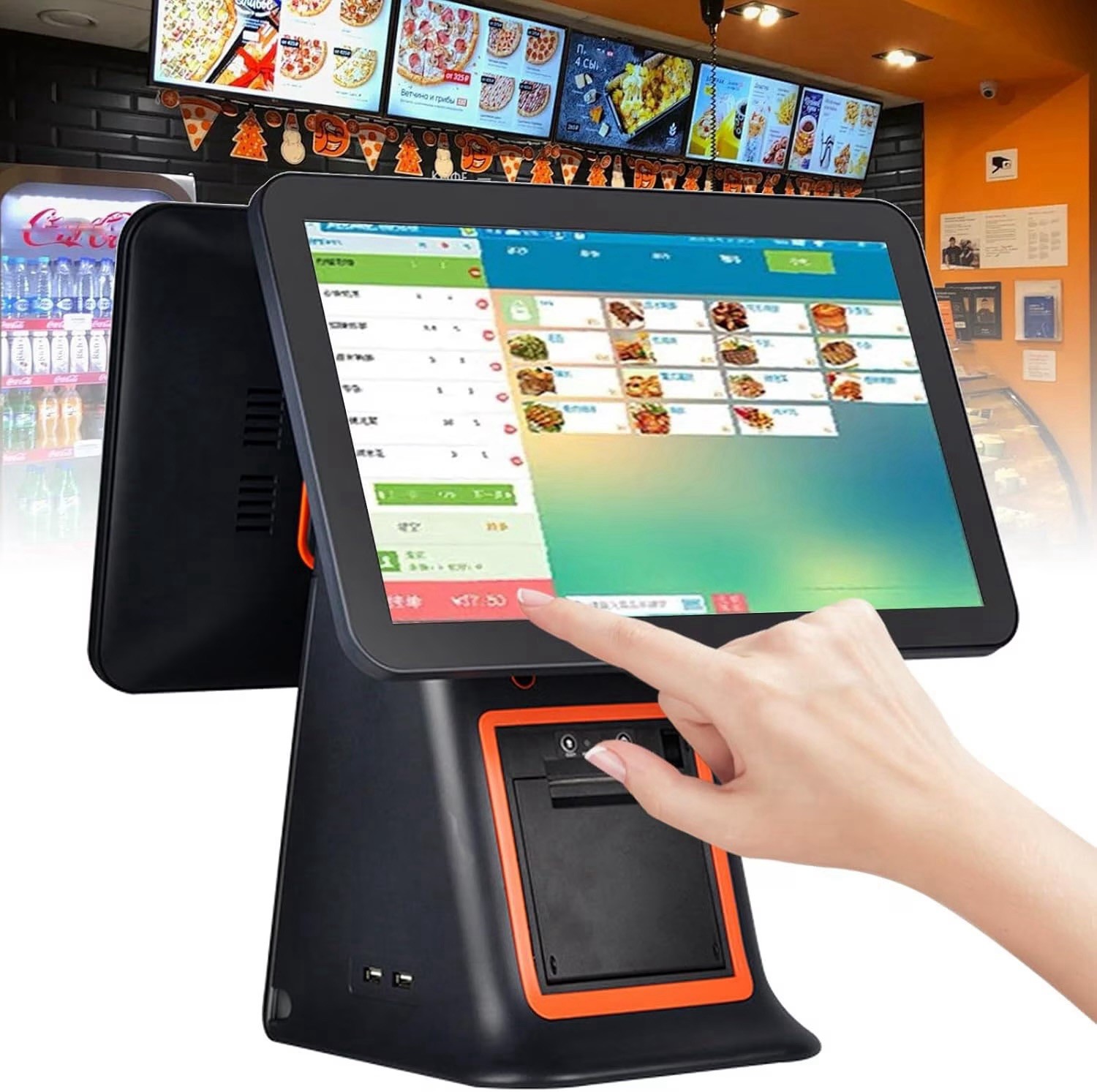 POS System - F.A.S.T - Integrated Printer & 15" CFD - Internal WiFi Module$900.00Used · Last checked Nov 26, 2026View on eBay
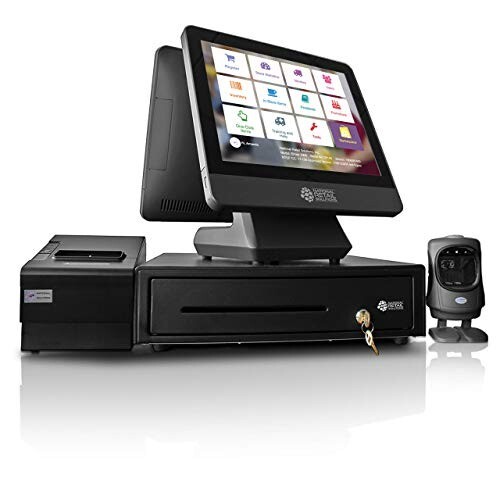 NRS POS System for Small Businesses (USA ONLY)- New Merchant Account Required$989.87New · Last checked Nov 26, 2026View on eBay
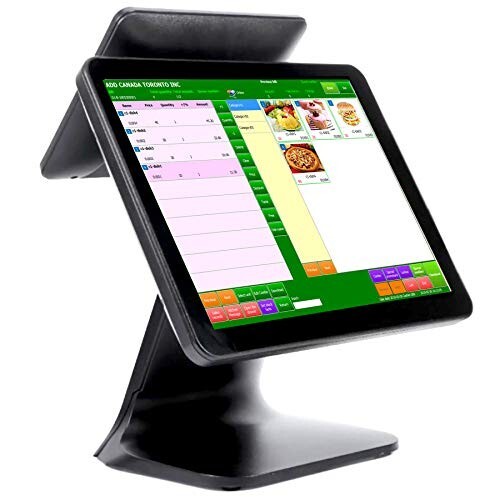 ASSUR W9 15" POS System, Cash Register Touch Screen + 9.7" customer display$1,299.00New · Last checked Nov 26, 2026View on eBay
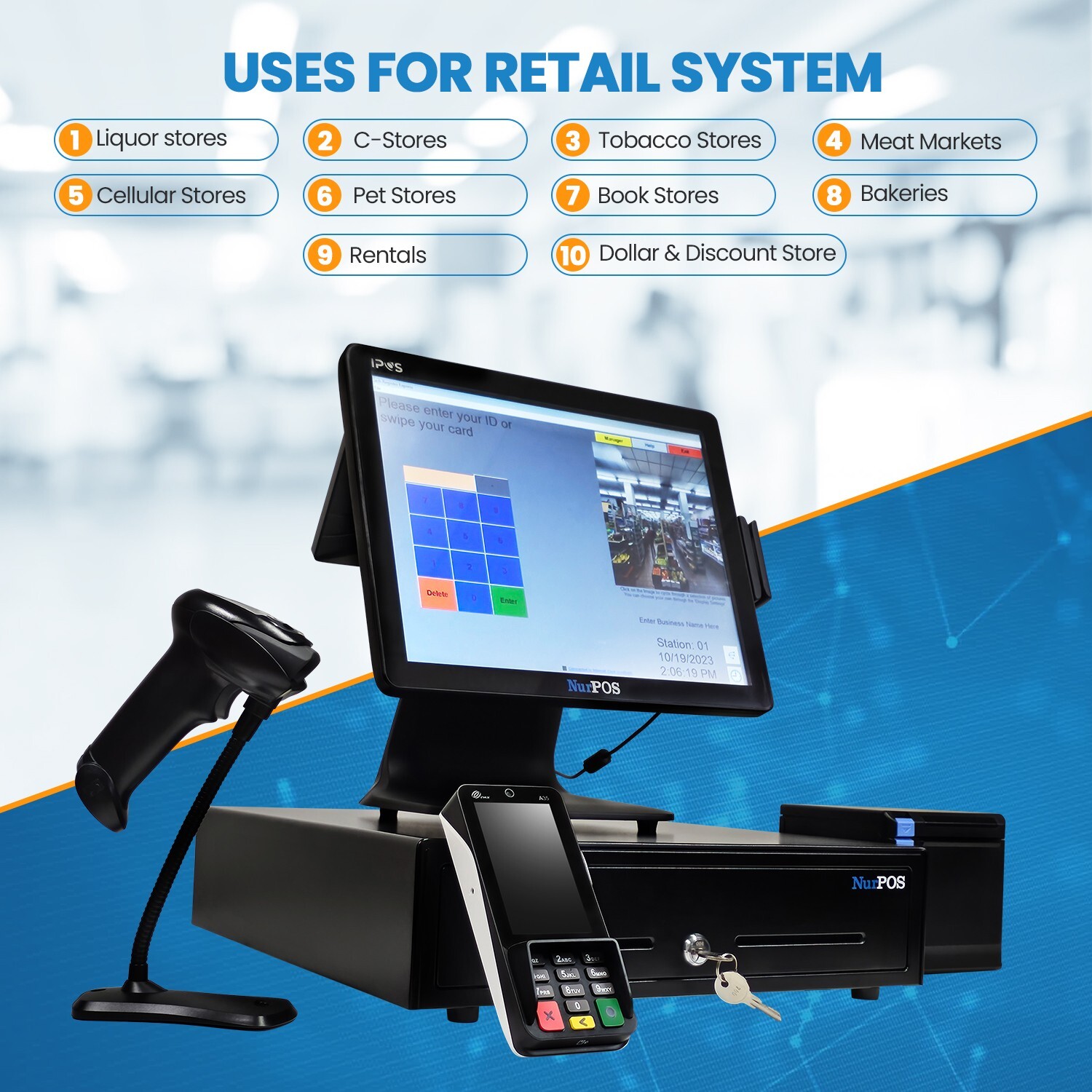 All-in-One POS System - Premium Retail Point of Sale Solution$1,549.00New · Last checked Nov 26, 2026View on eBay
Highlights
- Terminal class splits into all-in-one touchscreen units (15-inch typical) and box-plus-peripherals kits; all-in-ones save counter space but lock you to one screen size and repair path.
- Cash drawers use SPCC steel bodies with ABS fronts and connect via RJ11/RJ12 to the receipt printer, not the computer; a drawer without printer kick-out support needs a separate trigger.
- Payment terminals range from countertop Verifone-style consoles to handheld transaction terminals; EMV/NFC capability and processor certification determine what rates and apps you can use.
- Merchant-account-required listings shift cost to processing fees; open software (free or subscription) with your own terminal keeps hardware and processing costs separate and negotiable.
Best use cases
- Retail boutique or jewelry store: pick a 15-inch all-in-one with a high-resolution screen and a lockable cash drawer; skip CPU-box kits that add cable clutter in a small footprint.
- Restaurant or bar: choose a system with a splash-resistant front panel, printer support for kitchen tickets, and handheld or tablet ordering; skip fixed all-in-ones with no peripheral expansion.
- Multi-station shop: buy modular CPU boxes with standard USB/Ethernet ports and one receipt printer per station; skip single-station bundles that cannot add a second screen or drawer.
Buying tips
- Count peripherals first: each station needs one receipt printer, one cash drawer (RJ11/RJ12), one card reader, and one barcode scanner for retail; budget ports accordingly.
- Match the drawer to the printer: confirm the printer has a 24V RJ11 kick-out port; otherwise add a USB trigger cable or choose a drawer with a manual key override.
- For retail, prioritize a 15-inch or larger 1024x768 touchscreen and a fanless CPU box; for restaurants, prioritize IP-rated front panels and thermal receipt printers with 250mm/s speed.
- Verify card terminal certification: EMV chip, NFC tap, and processor approval (e.g., Verifone, Ingenico) determine whether you can negotiate rates or must accept bundle pricing.
Specs
| System Type | All-in-one vs CPU box + peripherals |
|---|---|
| Screen Size | 15 in typical; 10–15 in range |
| Cash Drawer Port | RJ11/RJ12 (24V) vs USB trigger |
| Payment Terminal | EMV + NFC; processor-certified |
Related searches
What to check before buying
- Measure counter depth and height: a 15-inch all-in-one needs roughly 14x14 inches of footprint plus clearance for the drawer and printer.
- Confirm power: standard 120V 60Hz US outlets; check that the CPU box or all-in-one uses an external adapter you can replace, not a proprietary brick.
- Check network: Ethernet is required for card terminals and cloud software; Wi-Fi is optional but needed for handheld ordering in restaurants.
- Verify software compatibility: Windows-based POS software requires a Windows CPU box; iPad-based software requires a tablet stand and compatible card reader.
FAQ
Data sources: eBay / Amazon listings and product attribute feeds. Updated Nov 28, 2026.
Some links on this page are affiliate links. If you buy after clicking one, we may earn a commission at no extra cost to you. This does not change which products appear here or their order. Affiliate disclosure.