
Photos from current listings. Actual item, color, and included accessories may vary.
Epson Thermal Receipt Printer Buying Guide
Epson thermal receipt printers are the de facto standard for POS printing, built around direct-thermal printheads that eliminate ink but require treated paper. The core trade-off is between proven legacy workhorses (TM-T88IV/T88V) with cheap parts and newer compact or cloud-ready models (TM-m10, TM-T70II) that save space but cost more per unit. Buy an Epson with a standard interface (USB plus Ethernet or Serial) and a matching power supply included; skip bare untested units missing PSUs or cables unless you already stock them.
Median $74.97
Key takeaways
- TM-T88IV uses serial or USB interfaces and older print mechanisms; TM-T88V adds standard USB plus Ethernet or Serial and faster print speeds around 300mm/s.
- TM-T70II is a front-feed compact unit for tight counters; TM-m10 is a small-footprint receipt printer with USB and auto-cutter but no Ethernet.
- Epson POS printers use 80mm paper rolls on T88 and T70 series, while TM-m10 uses 58mm rolls; confirm roll width before buying media.
At a glance
- Category
- POS & Retail Supplies
- Last updated
- Nov 29, 2026
Current offers
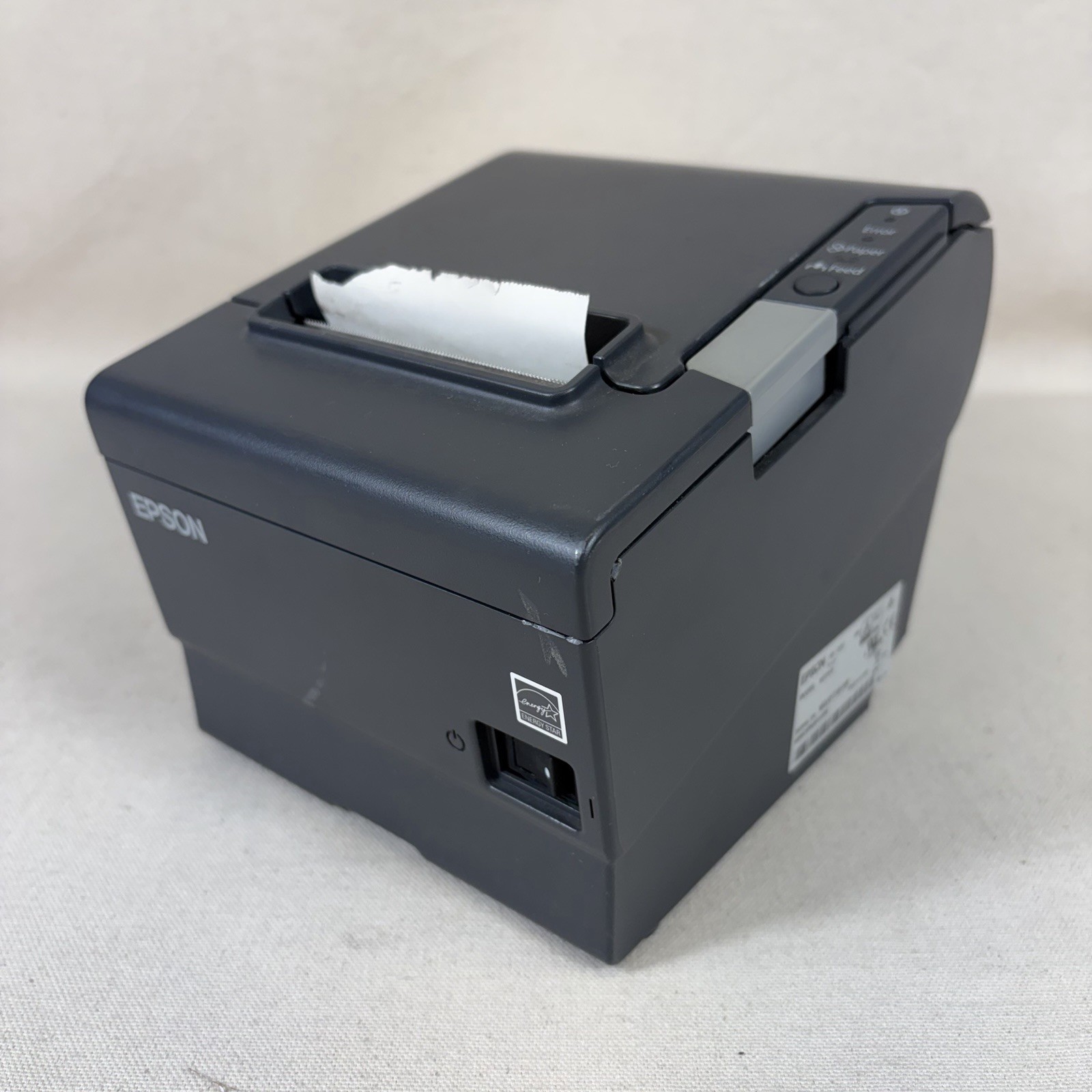 Epson TM-T88V M244A POS Thermal Receipt Printer No Power Supply Tested READ$34.99Last checked Nov 19, 2026View on eBay
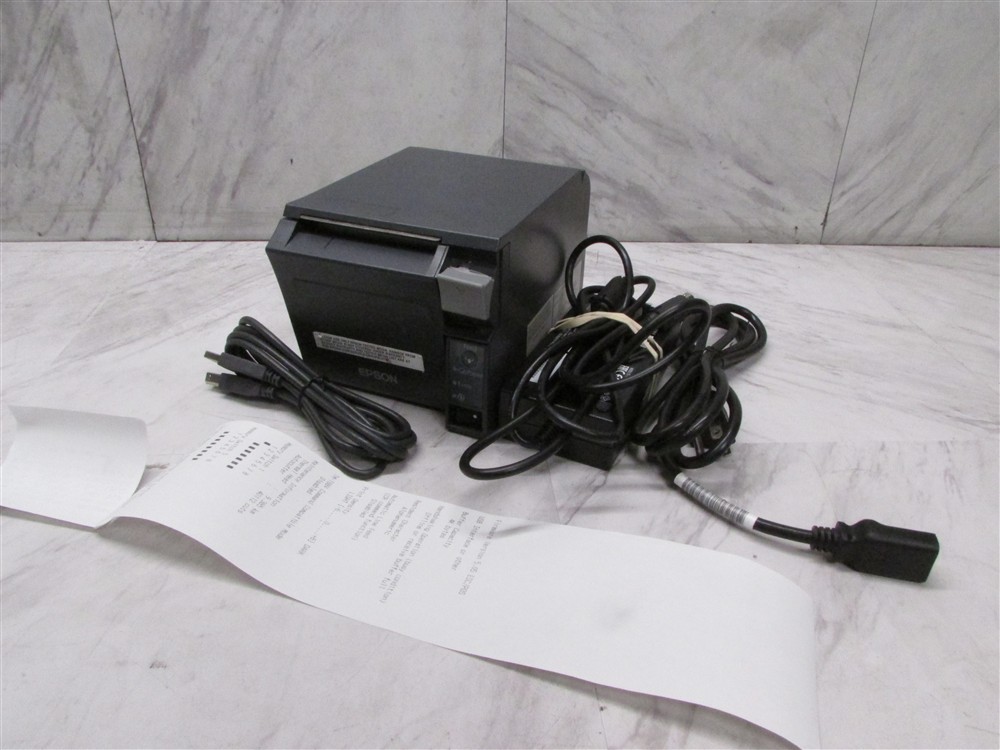 EPSON TM-T70II POS THERMAL RECEIPT PRINTER M296A w/ USB + PWR SUPPLY$39.98View on eBay
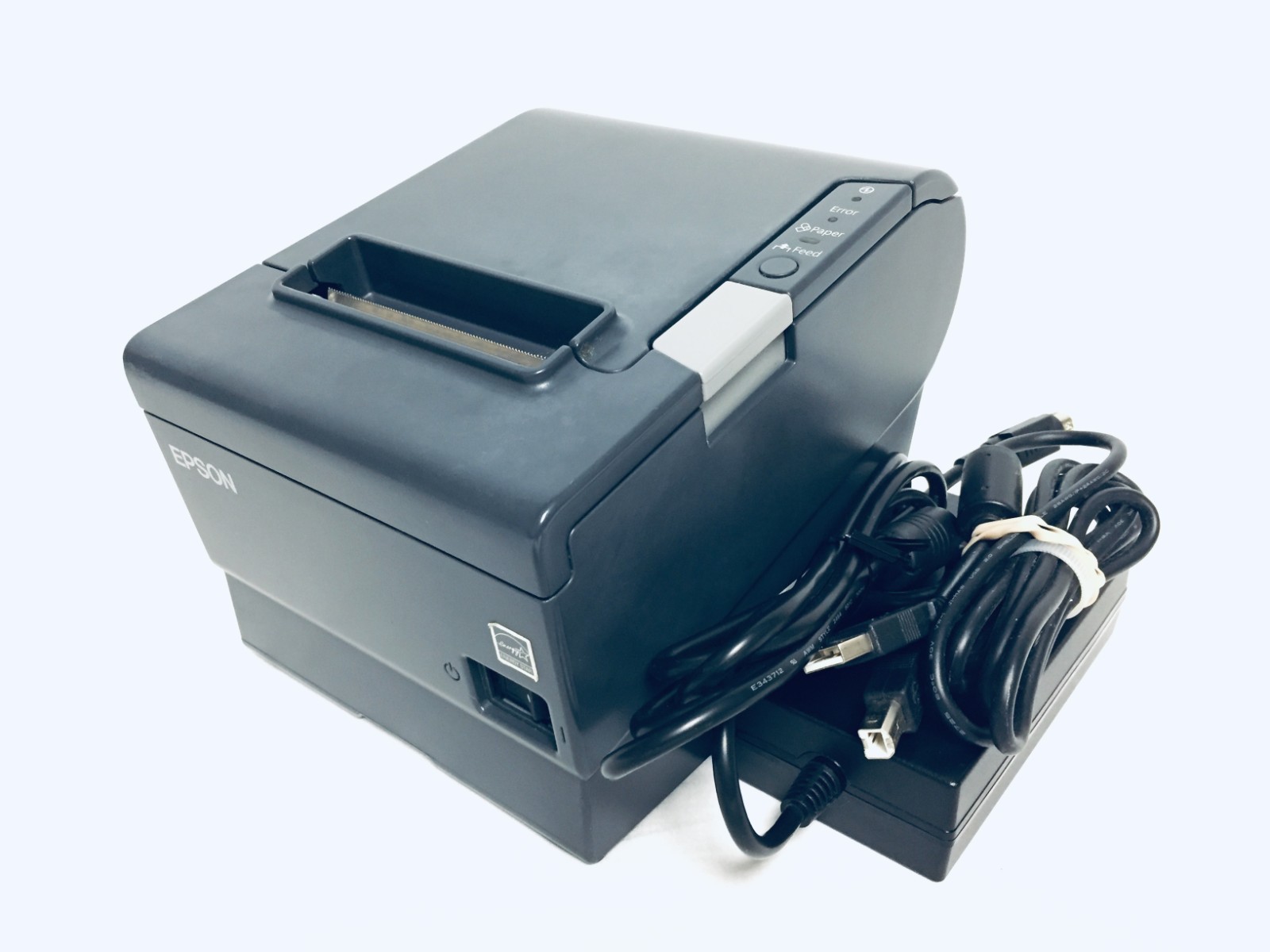 Epson TM-T88V M244A USB/Serial Thermal POS Receipt Printer w/ Power Supply$39.99View on eBay
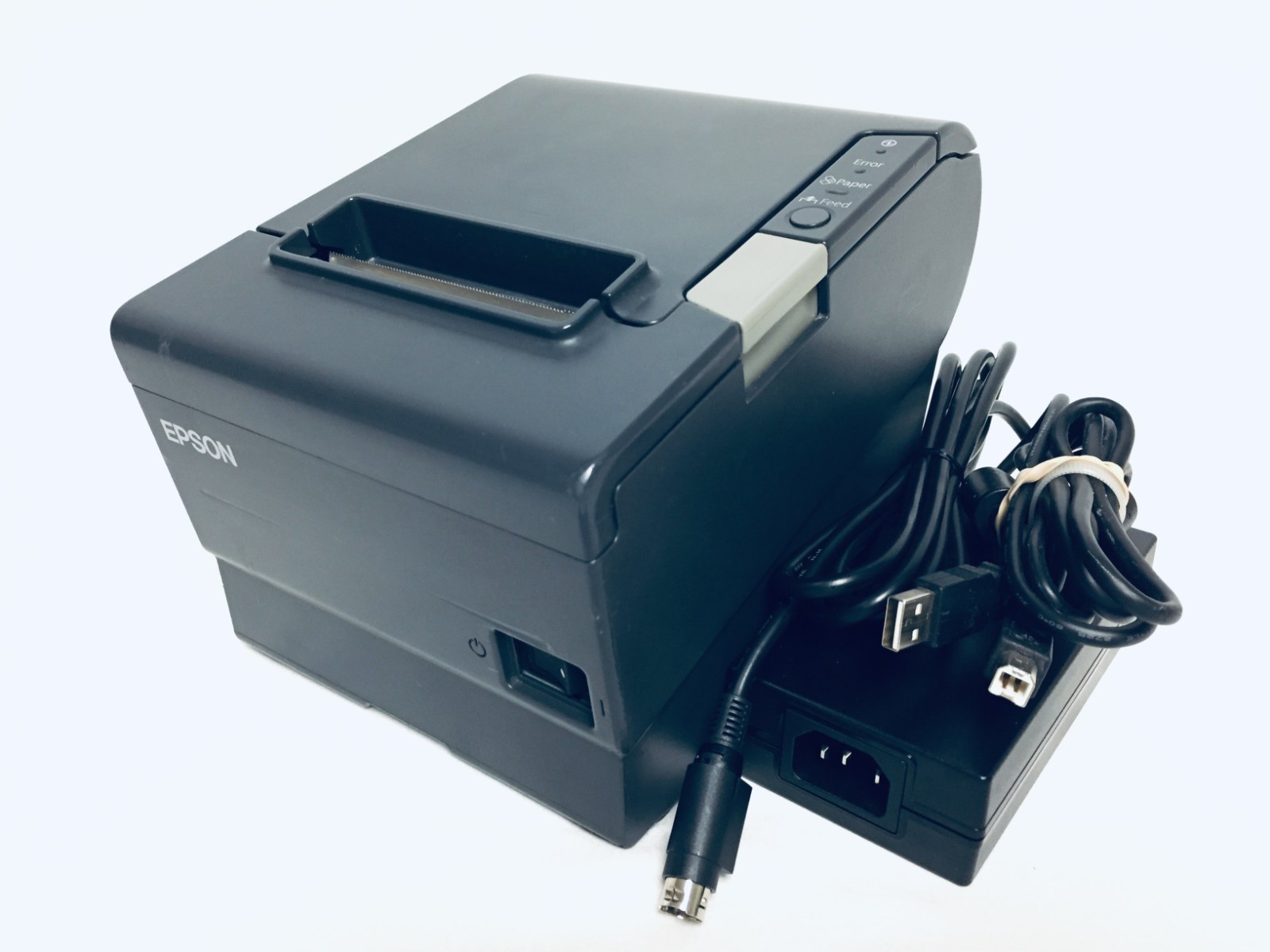 Epson TM-T88V M244A USB/Ethernet Thermal POS Receipt Printer w/ Power Supply$39.99View on eBay
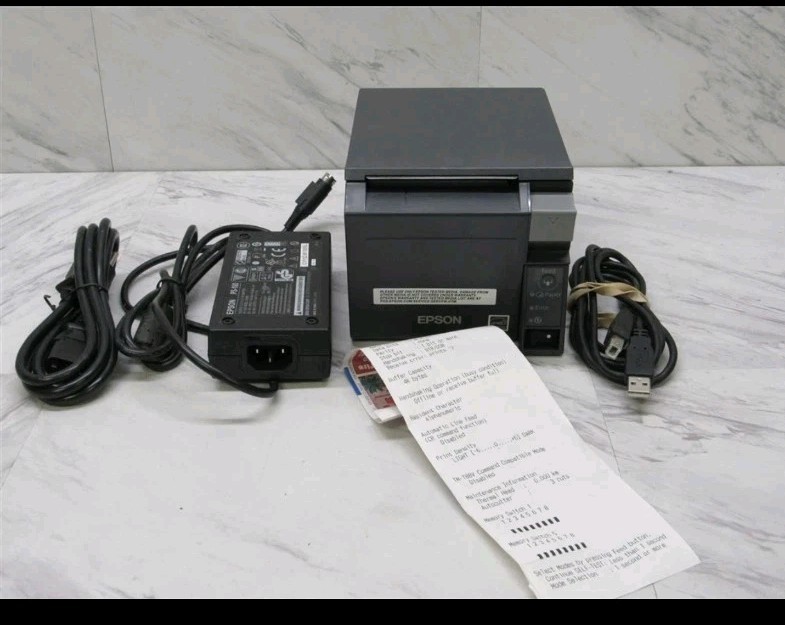 EPSON TM-T70II POS THERMAL RECEIPT PRINTER M296A w/ USB + PWR SUPPLY$50.00View on eBay
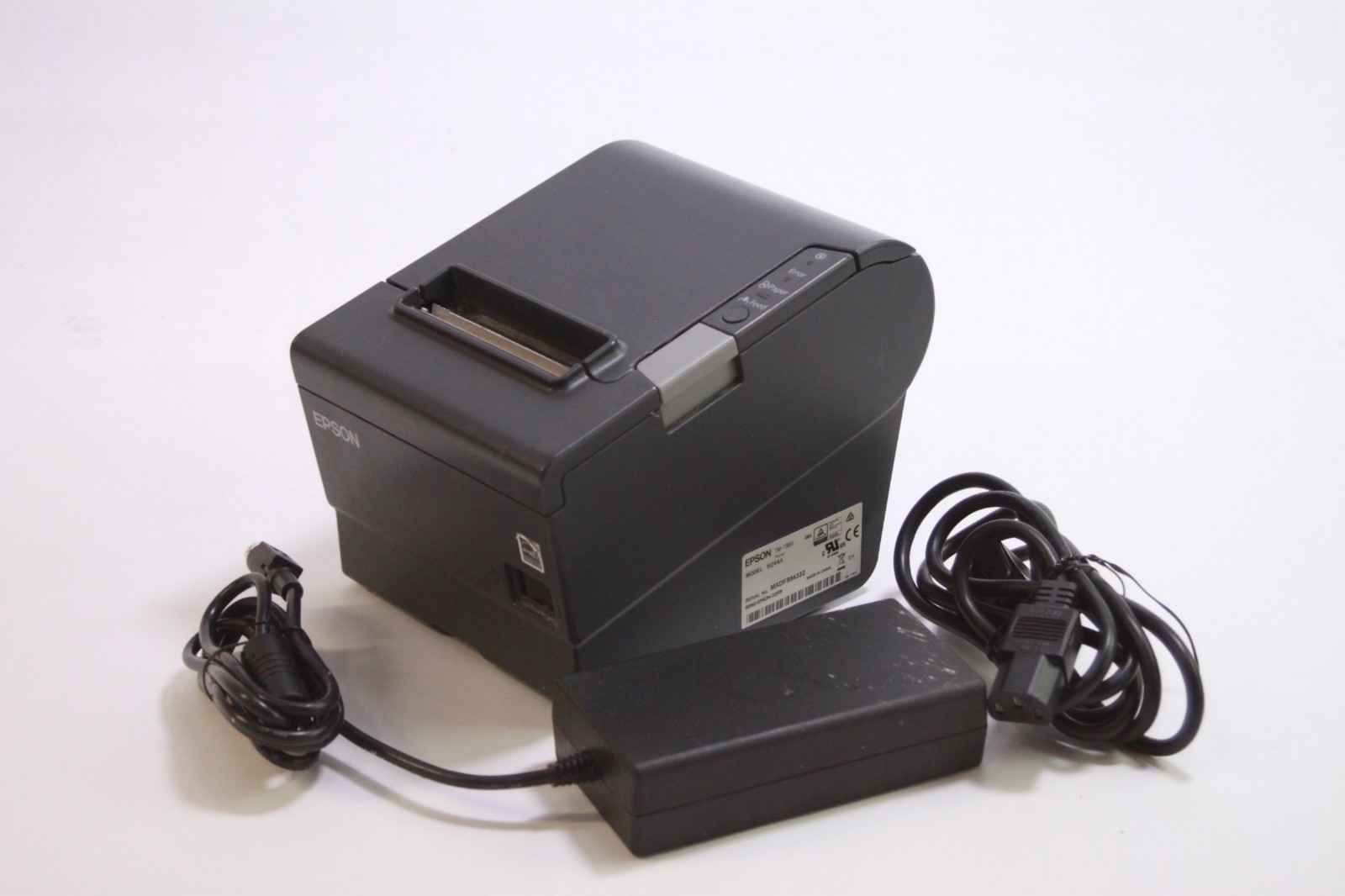 Epson TM-T88V M244A USB Thermal POS Receipt Printer w/ Power Supply Tested$53.95View on eBay
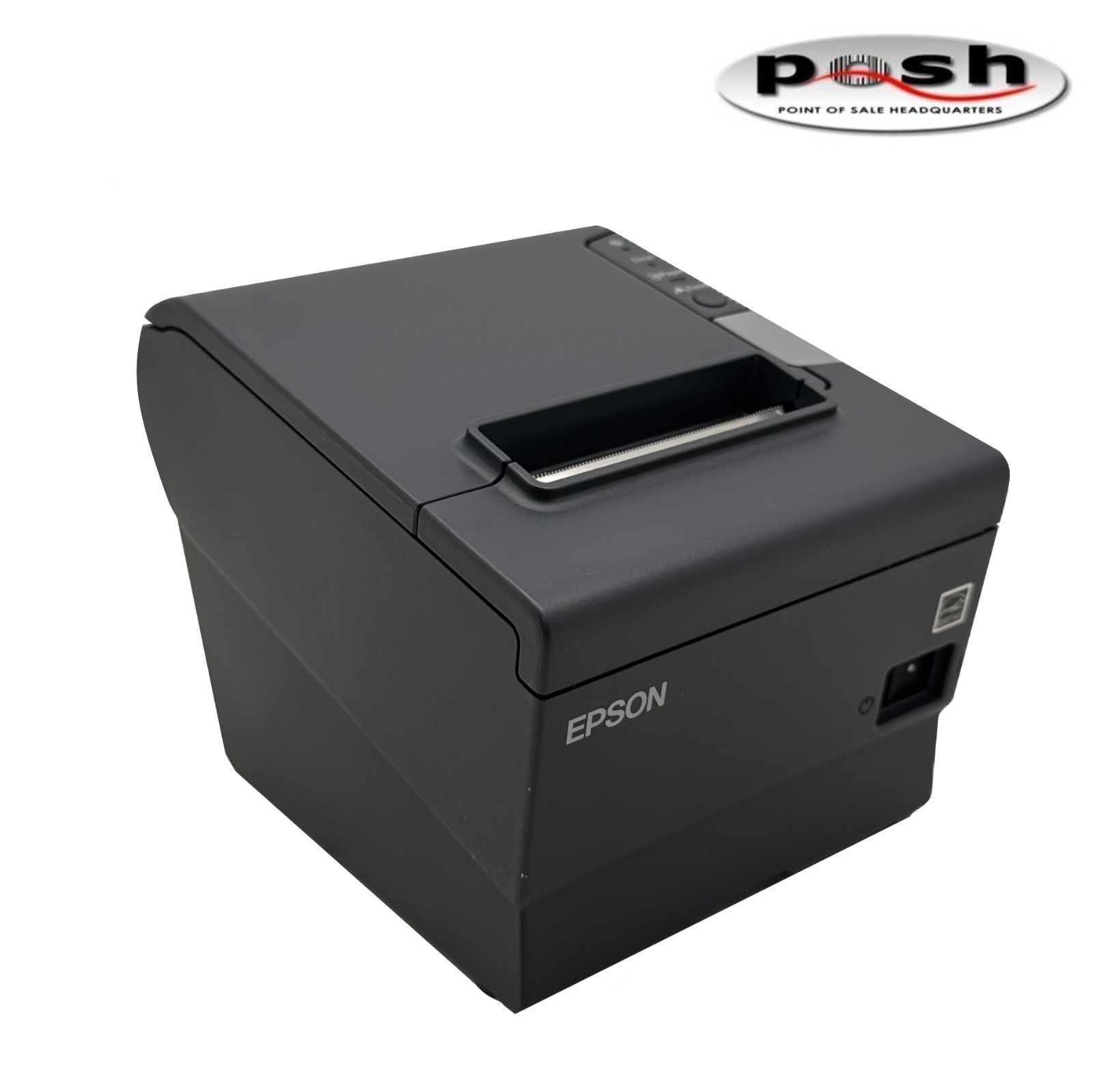 Epson TM-T88V POS Thermal Receipt Printer 80mm w/ Power Supply included$65.95View on eBay
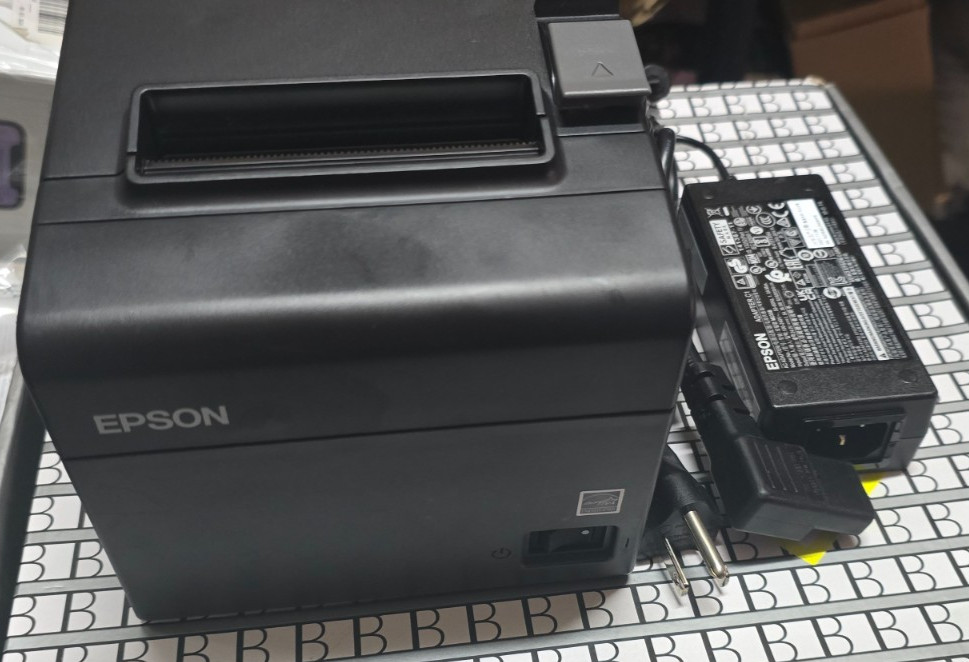 Epson TM-T20III POS Receipt Printer Thermal Network USB Retail Sales Ethernet$69.99View on eBay
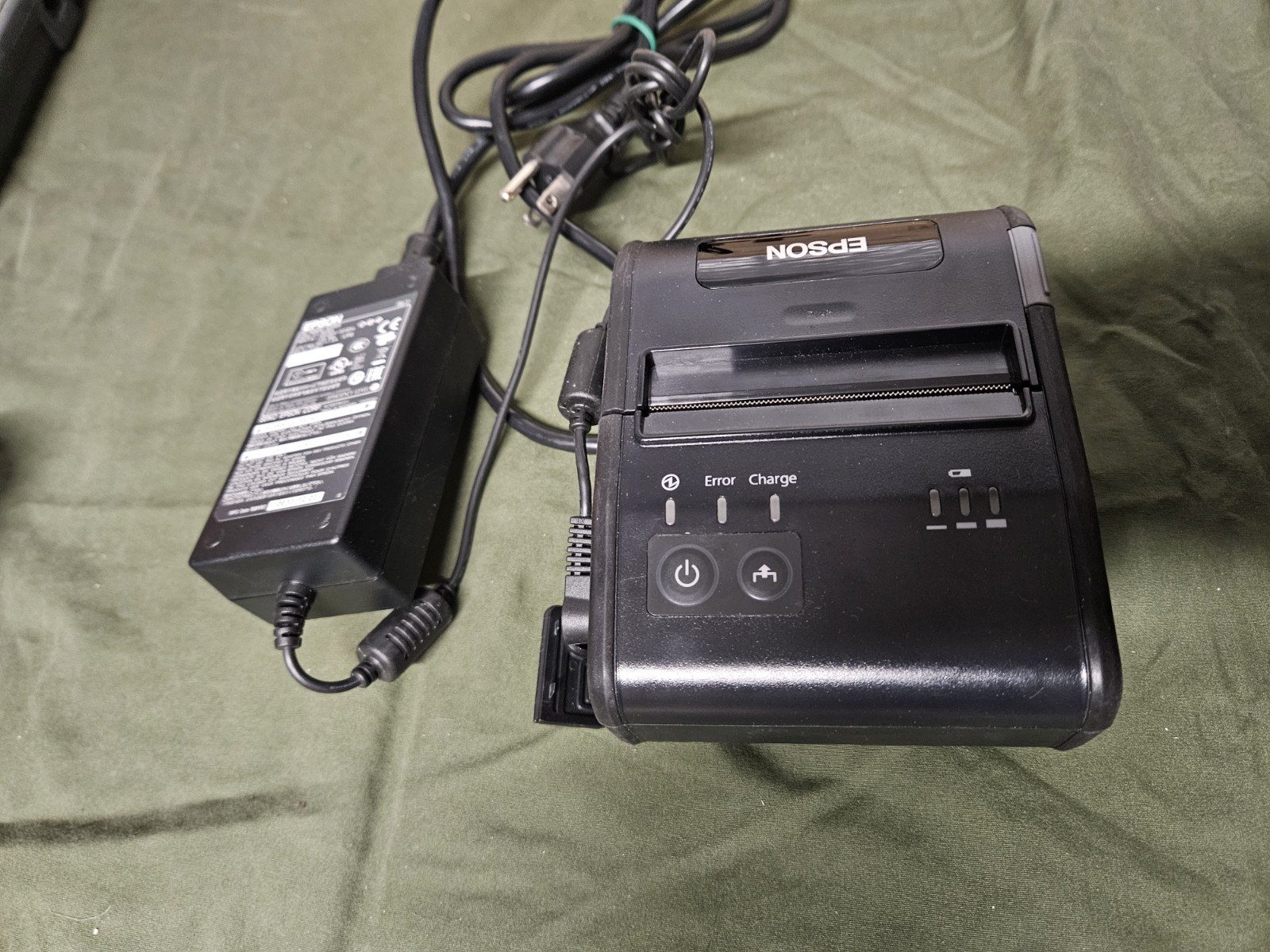 Epson TM-P80 M316B Bluetooth Portable Thermal Printer Mobile Receipt POS TESTED$79.95Last checked Nov 19, 2026View on eBay
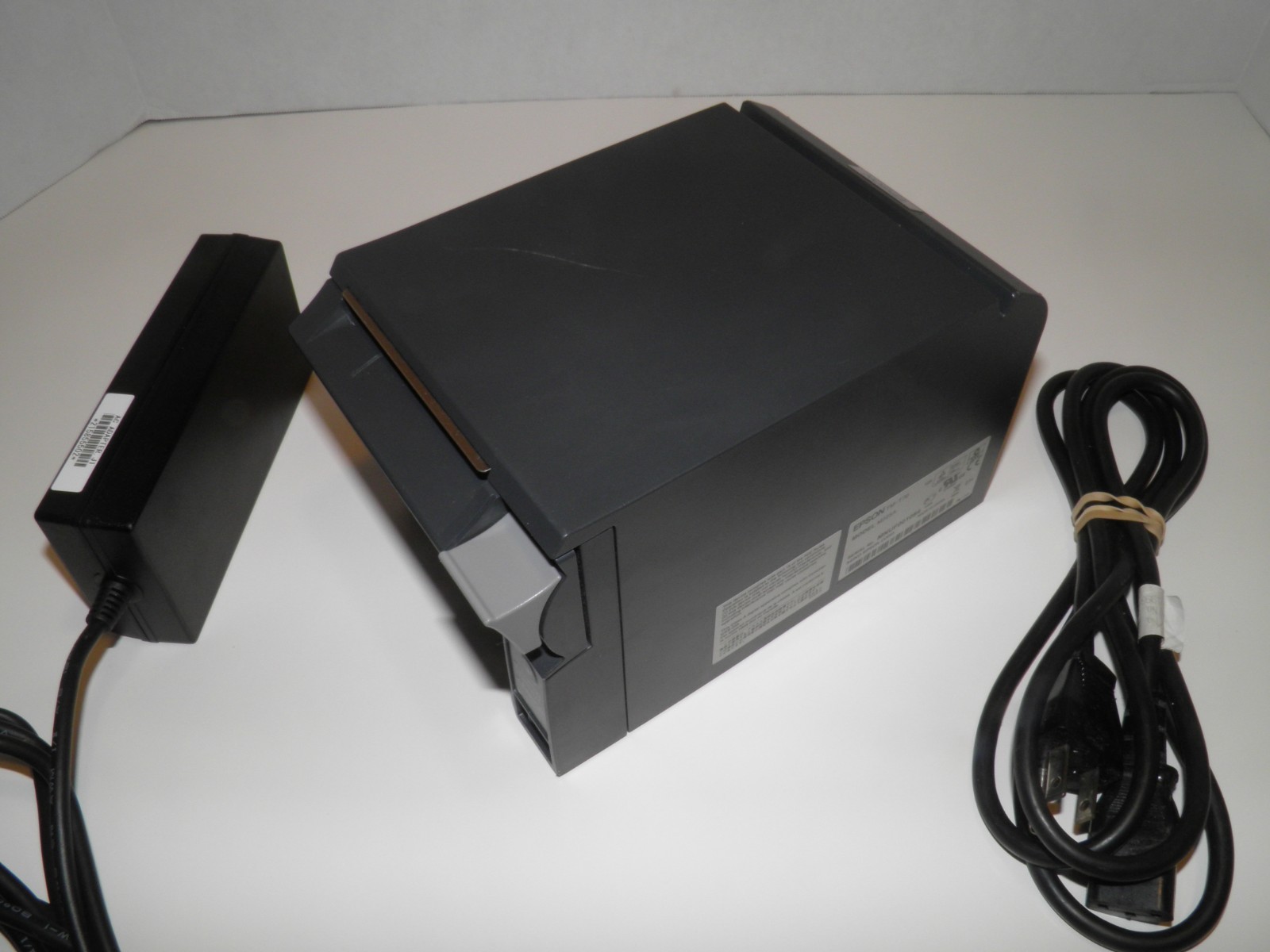 EPSON TM-T70 M225A Thermal POS Receipt Printer w USB Port & power supply$86.43Last checked Nov 18, 2026View on eBay
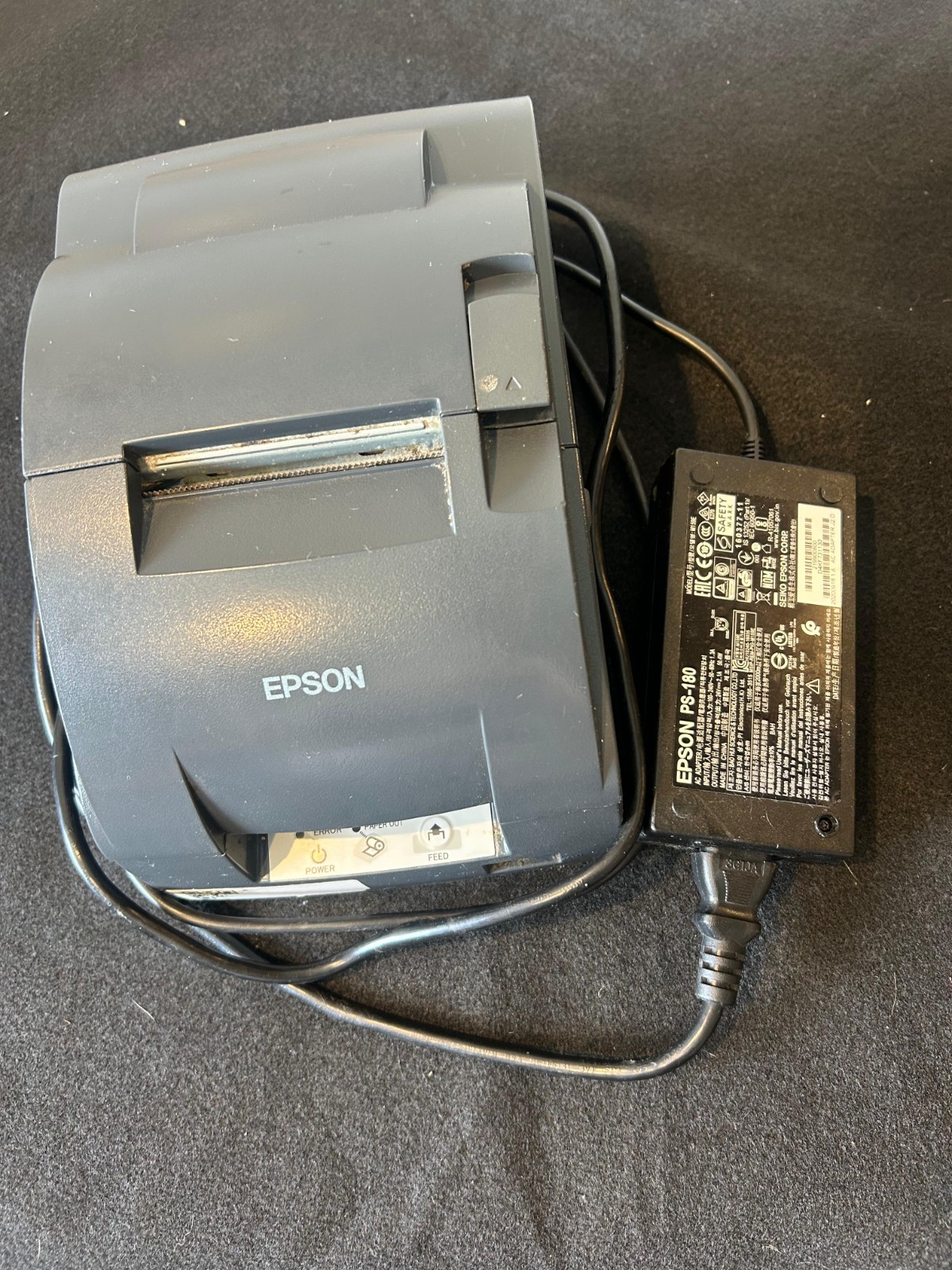 Epson TM-T88V Thermal Receipt Printer POS USB Ethernet w/ Power Supply M244A$89.99Last checked Nov 19, 2026View on eBay
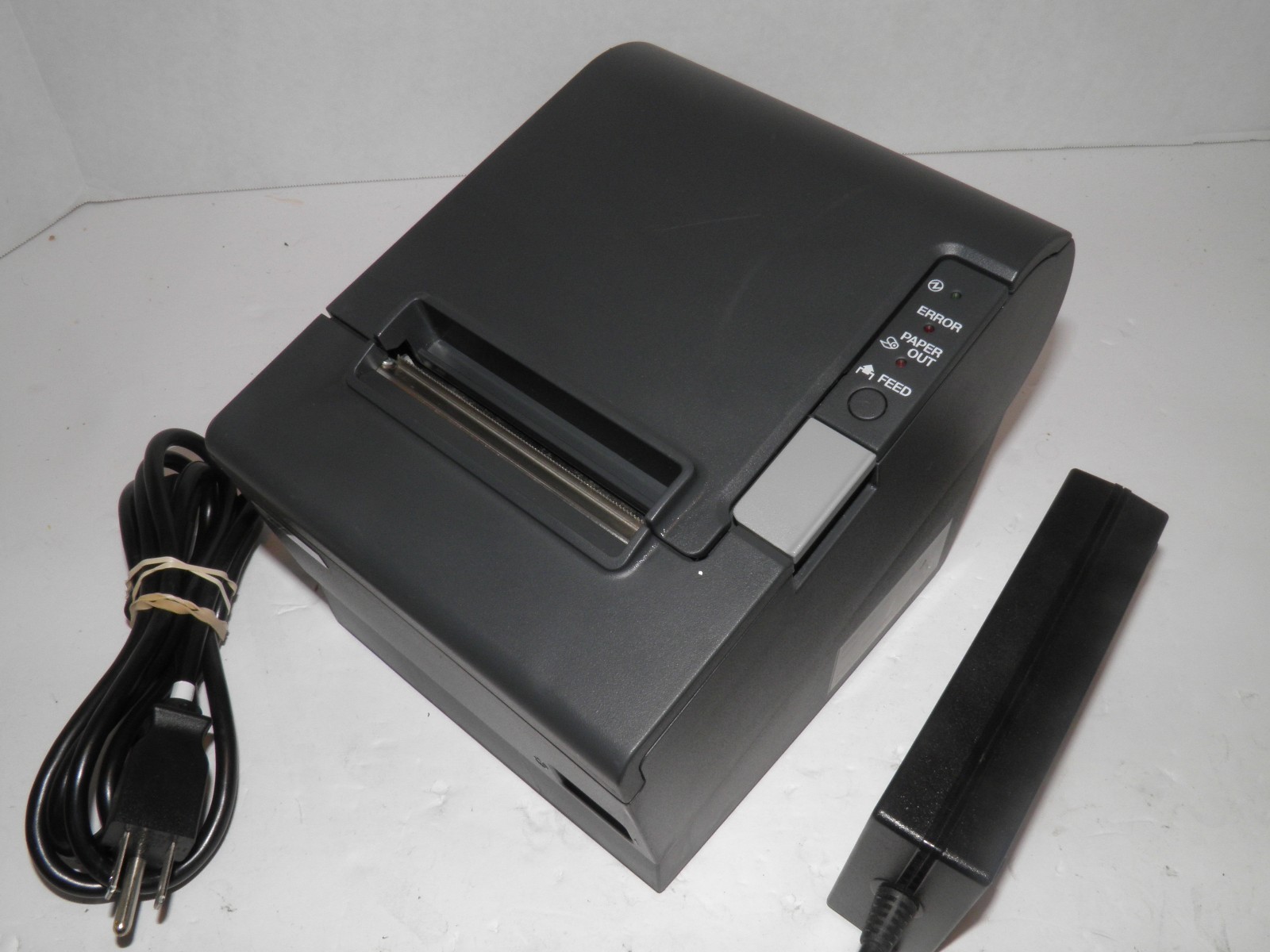 Epson M129H TM-T88IV Thermal POS Receipt Printer USB Printer w Power Supply$93.13Last checked Nov 19, 2026View on eBay
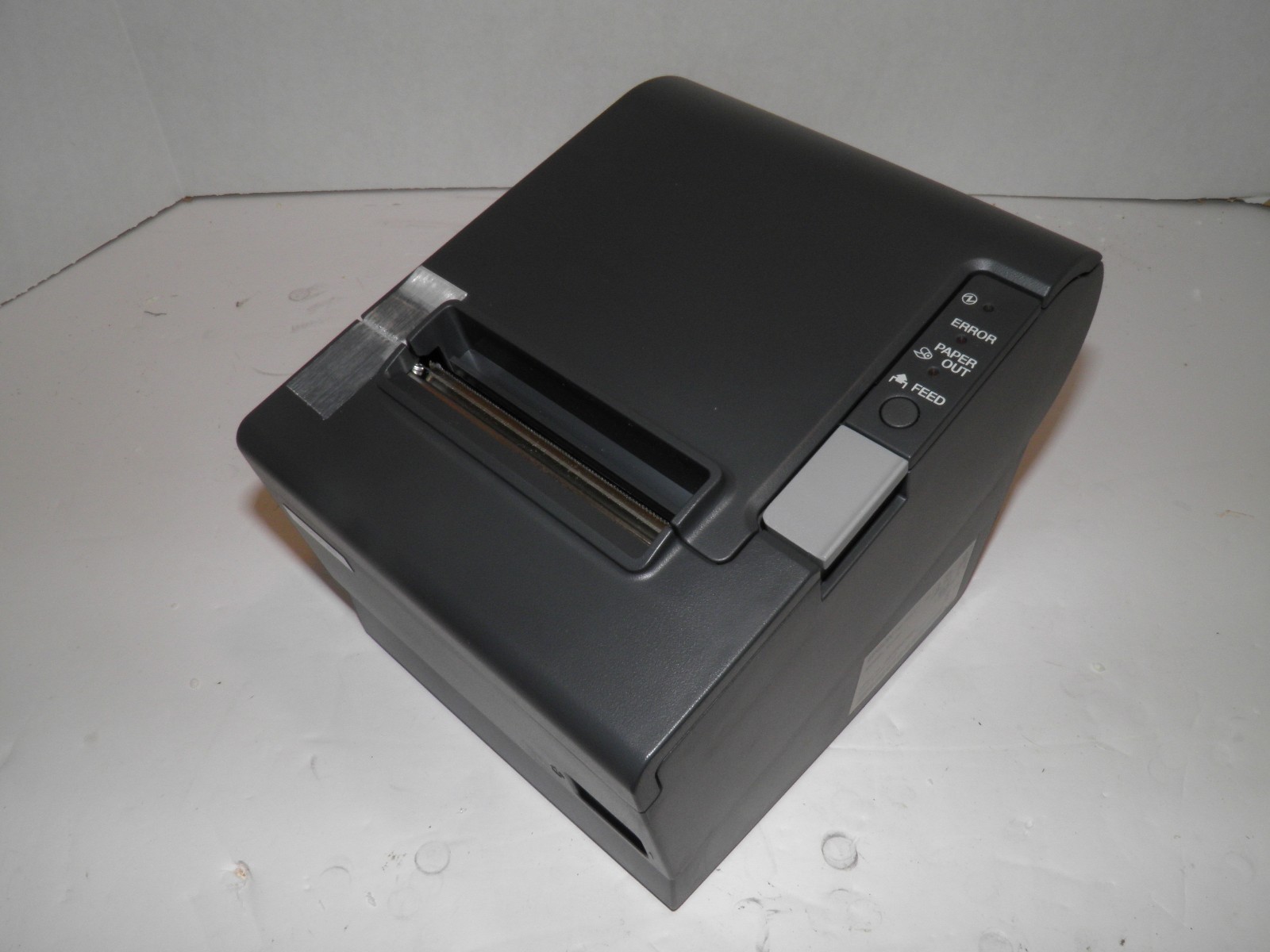 Epson M129H TM-T88IV Thermal POS Receipt Printer USB Printer w Power Supply$97.89Last checked Nov 18, 2026View on eBay
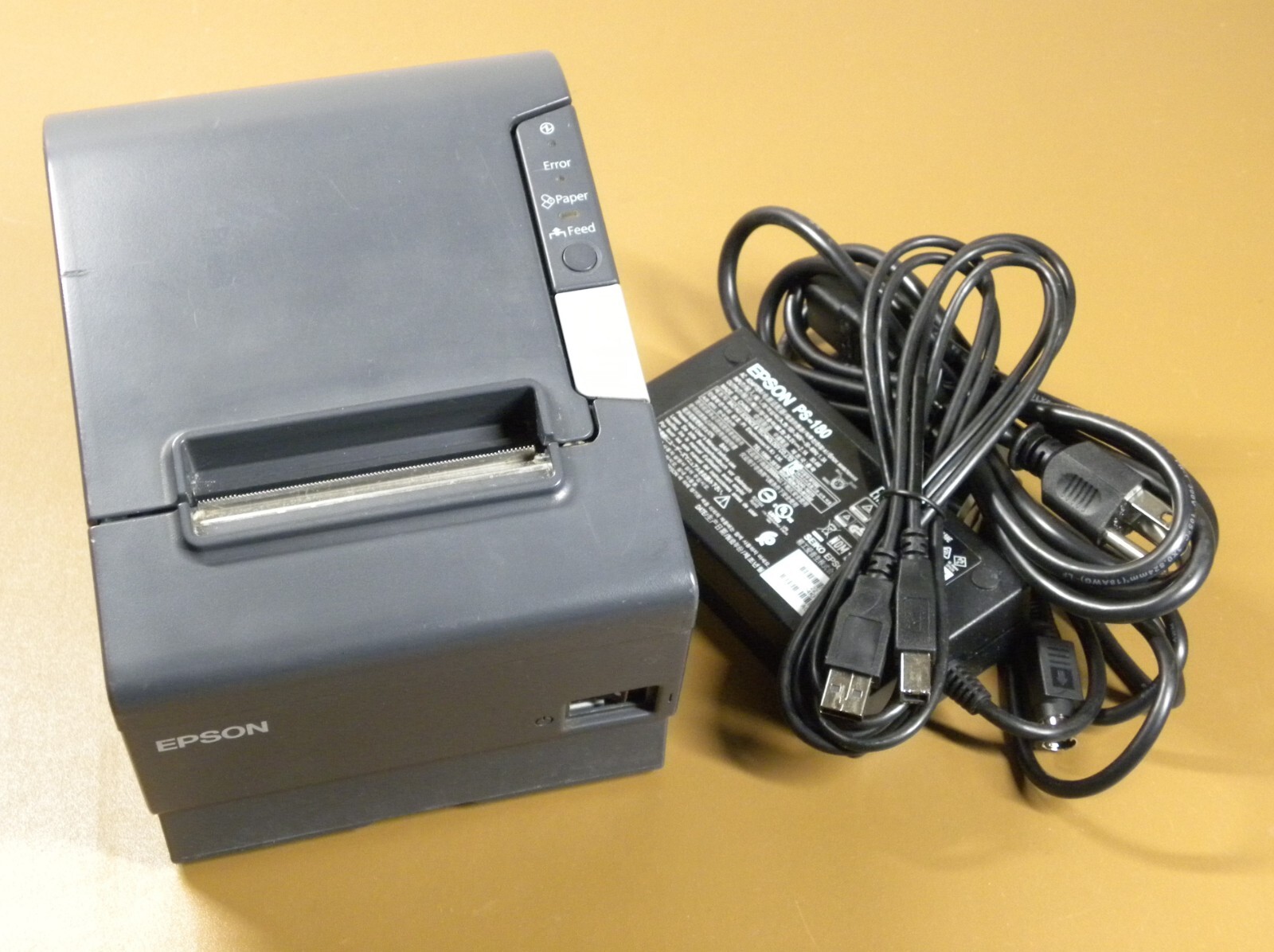 Epson TM-T88V M244A USB / Serial Thermal POS Receipt Printer w/ Power Supply$99.99Last checked Nov 18, 2026View on eBay
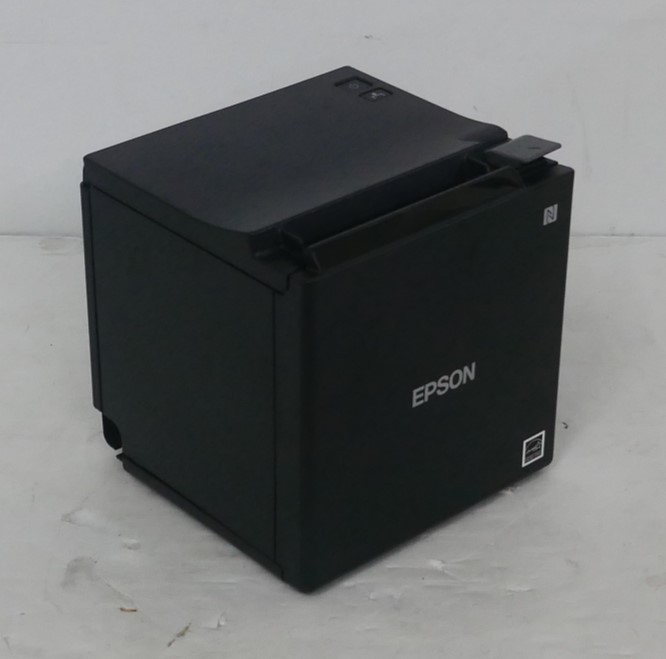 Epson TM-M30II-NT M362C Thermal POS Receipt Printer - Power Supply - Tested$100.00View on eBay
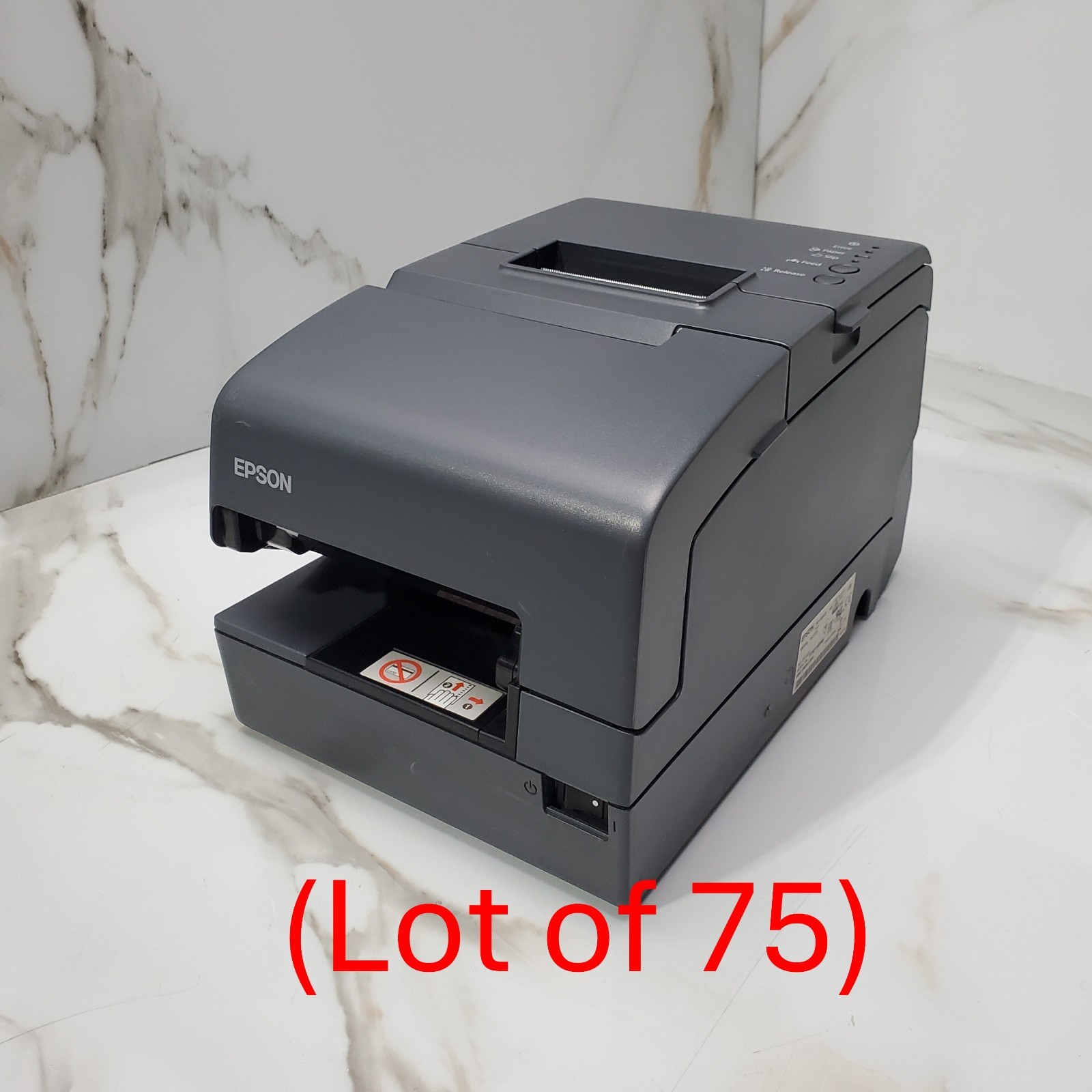 (Lot of 75) EPSON TM-H6000IV POS THERMAL RECEIPT PRINTER M253A NO Power Supply$1,499.99Last checked Nov 14, 2026View on eBay
Highlights
- TM-T88IV uses serial or USB interfaces and older print mechanisms; TM-T88V adds standard USB plus Ethernet or Serial and faster print speeds around 300mm/s.
- TM-T70II is a front-feed compact unit for tight counters; TM-m10 is a small-footprint receipt printer with USB and auto-cutter but no Ethernet.
- Epson POS printers use 80mm paper rolls on T88 and T70 series, while TM-m10 uses 58mm rolls; confirm roll width before buying media.
- Direct thermal printing requires thermal-coated paper only; standard bond paper will not darken and will ruin the printhead.
Best use cases
- High-volume restaurant or retail counter: pick a TM-T88V with USB and Ethernet plus included power supply for reliable networked printing and fast receipt throughput.
- Small cafe or mobile pop-up with limited counter space: choose a TM-m10 with USB and auto-cutter using 58mm rolls, and skip the T88 if counter depth is tight.
- Front-counter kiosk or compact POS lane: select a TM-T70II with front paper exit and USB/Ethernet, ideal when the printer sits under a shelf or in a tight enclosure.
- Budget spare or backup unit: buy a tested TM-T88IV only if it includes the correct Epson power supply and interface cable; skip untested no-PSU listings unless you already own compatible spares.
Buying tips
- Match the interface to your POS system: USB for direct PC connection, Ethernet for network printing, Serial (RS232) only for legacy terminals or specific pin-pad setups.
- Confirm the power supply is included and matches the model: Epson POS printers use model-specific 24V adapters; a missing PSU adds real replacement cost and compatibility risk.
- Choose 80mm paper for T88 and T70 series and 58mm paper for TM-m10; buying the wrong roll width jams the feed and voids returns.
- For older TM-T88IV units, check that the auto-cutter and printhead are tested working; these are the two failure points on high-mileage refurbished units.
Specs
| Print Method | Direct thermal, no ink ribbons |
|---|---|
| Paper Width | 80mm (T88/T70) or 58mm (TM-m10) |
| Interfaces | USB / Ethernet / Serial (RS232) |
| Power Supply | External 24V adapter, check included |
Related searches
What to check before buying
- Measure your counter space and cable route: T88 series needs rear clearance for paper and cables; T70II needs front clearance for receipt exit.
- Verify your POS software supports Epson ESC/POS or the specific model driver; older TM-T88IV may need legacy driver installs on modern OS.
- Check your power environment: Epson POS printers use external 24V adapters, so confirm outlet placement and that the correct adapter is included.
- Confirm paper roll size and spindle: 80mm rolls for T88/T70, 58mm for TM-m10, and ensure the printer includes its roll spindle or holder.
FAQ
Data sources: eBay / Amazon listings and product attribute feeds. Updated Nov 29, 2026.
Some links on this page are affiliate links. If you buy after clicking one, we may earn a commission at no extra cost to you. This does not change which products appear here or their order. Affiliate disclosure.