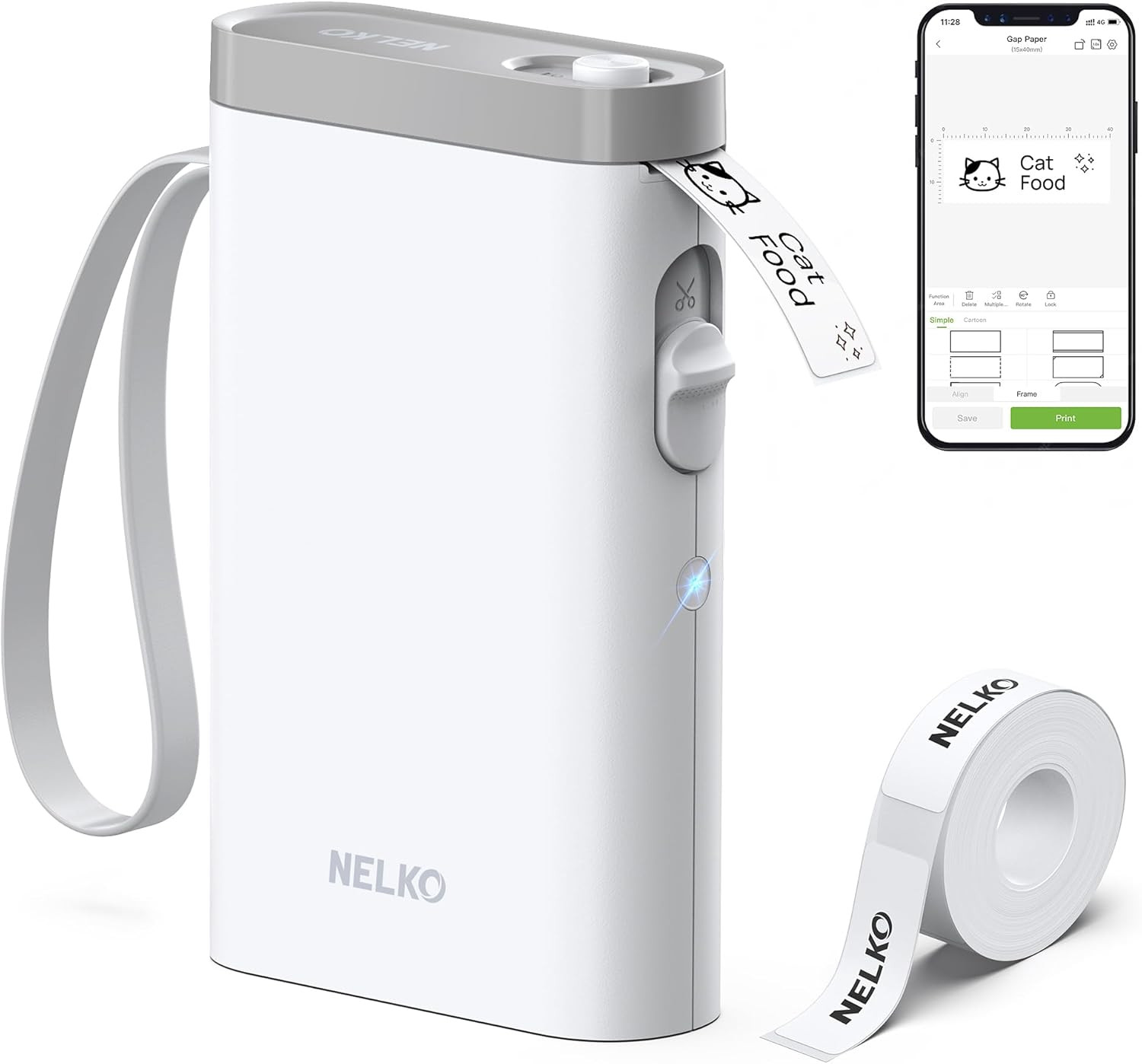

Photos from current listings. Actual item, color, and included accessories may vary.
Wireless Label Printer Buying Guide
Wireless label printers replace a dedicated keyboard and screen with Bluetooth or Wi-Fi connectivity to a phone or desktop app, trading on-device editing for smaller hardware and broader template libraries. The core trade-off is thermal print mechanism and media format: direct-thermal machines need no ink but require coated label stock, while thermal-transfer units cost more and demand ribbon matching. Choose direct-thermal Bluetooth for light home/office labeling, and step up to 4x6 shipping-label thermal printers only if you need barcode-compliant logistics output.
Key takeaways
- Bluetooth 4.0/5.0 BLE is the baseline for phone-tethered mini labelers; Wi-Fi or USB is required for 4x6 shipping printers to handle batch jobs and network sharing.
- Direct-thermal print heads dominate compact units (203 dpi typical), producing smudge-resistant output only on thermal-coated paper—plain paper yields blank or faint labels.
- Cassette-based systems (DYMO LetraTag, Brother P-touch) lock you to proprietary tape widths (0.5 in / 12 mm common), while 4x6 printers accept standard fanfold or roll shipping labels.
At a glance
- Category
- Label Makers & Supplies
- Last updated
- Nov 28, 2026
Current offers
Highlights
- Bluetooth 4.0/5.0 BLE is the baseline for phone-tethered mini labelers; Wi-Fi or USB is required for 4x6 shipping printers to handle batch jobs and network sharing.
- Direct-thermal print heads dominate compact units (203 dpi typical), producing smudge-resistant output only on thermal-coated paper—plain paper yields blank or faint labels.
- Cassette-based systems (DYMO LetraTag, Brother P-touch) lock you to proprietary tape widths (0.5 in / 12 mm common), while 4x6 printers accept standard fanfold or roll shipping labels.
- Battery runtime separates tiers: pocket mini labelers run on 2-6 AAA or built-in Li-ion for hundreds of 12 mm labels, whereas 4x6 printers are mains-powered with optional battery bases.
Best use cases
- Best fit: home organization, pantry jars, cable flags, and school folders—pick a Bluetooth mini direct-thermal labeler with a 0.5 in tape cassette and app templates; skip 4x6 shipping units that are overkill and need AC power.
- Best fit: small retail and e-commerce shipping—choose a 4x6 direct-thermal printer with 203 dpi and USB/Wi-Fi, compatible with major carrier platforms; skip pocket labelers because their 12-15 mm width cannot fit standard shipping labels.
- Best fit: on-the-go estate sale, craft fair, or warehouse shelf tagging—select a handheld Bluetooth model with a built-in rechargeable battery and QWERTY or app keyboard; skip desktop-only USB labelers that require a laptop at the point of use.
- Wrong fit: industrial or freezer environments—standard direct-thermal labels degrade with heat, sunlight, and moisture; step up to thermal-transfer or polyester media rather than any consumer wireless labeler.
Buying tips
- Match label width to your tape cassette or roll: mini labelers typically use 0.5 in (12 mm) or 0.7 in (18 mm) cassettes; 4x6 shipping printers require 4 x 6 in (102 x 152 mm) media and will not accept narrow craft tape.
- Confirm the wireless protocol before buying: BLE-only models need a phone app and cannot print from a PC without a USB cable; choose Wi-Fi or USB-equipped 4x6 units if you print from desktops or multiple devices.
- For 4x6 shipping printers, verify 203 dpi resolution and carrier-platform compatibility (e.g., USPS, UPS, FedEx label formats) rather than chasing higher dpi—300 dpi is only necessary for dense barcodes and tiny text.
- Budget for consumables, not just hardware: direct-thermal labels are coated and cost more than plain paper, and cassette systems lock you into brand-specific tape; calculate cost per label over your expected volume.
Specs
| Print Technology | Direct thermal (no ink) vs thermal transfer |
|---|---|
| Connectivity | Bluetooth BLE / Wi-Fi / USB |
| Max Label Width | 12-18 mm tape vs 4 in (102 mm) roll |
| Resolution | 203 dpi standard; 300 dpi for fine barcodes |
Related searches
What to check before buying
- Measure the space where the printer will sit and check the label output width—compact labelers need only a few inches of desk depth, while 4x6 printers need clearance for a 6 in label to exit.
- Confirm your phone or computer supports the required Bluetooth version or Wi-Fi band, and that the companion app is available for your operating system (iOS, Android, Windows, macOS).
- Check the power standard: mini labelers often use AAA batteries or a USB-C charged Li-ion cell, while 4x6 printers ship with a region-specific AC adapter—verify plug type and voltage for your country.
- Verify the media format and availability: cassette tape widths, roll diameter, and core size must match the printer model; standard 4x6 fanfold labels are widely available, but proprietary cassettes are not.
FAQ
Data sources: eBay / Amazon listings and product attribute feeds. Updated Nov 28, 2026.
Some links on this page are affiliate links. If you buy after clicking one, we may earn a commission at no extra cost to you. This does not change which products appear here or their order. Affiliate disclosure.