
Photos from current listings. Actual item, color, and included accessories may vary.
Thermal Label Printer Buying Guide
Thermal label printers use heated printheads and thermal media to produce smudge-proof labels without ink. The core trade-off is direct thermal (cheap, simple, but labels darken with heat/light over a year) versus thermal transfer (needs ribbons but keeps labels legible for years). For shipping and small business, buy a direct-thermal 4x6 printer for short-lived labels; for inventory or outdoor labels, buy thermal transfer or a desktop unit with ribbon support.
Median $64.99 · New & pre-owned listings
Key takeaways
- Direct thermal prints on heat-sensitive paper with no ribbon; thermal transfer uses a wax/resin ribbon for durable, year-plus label life.
- Resolution tiers matter: 203 dpi suits 4x6 shipping labels, while 300 dpi is required for dense barcodes and small text on 2x1 inch labels.
- Print width and media handling separate classes: portable units often max at 2 inch (50mm) rolls, while shipping printers need 4.1 inch (104mm) print width and 4x6 media.
At a glance
- Category
- Label Makers & Supplies
- Last updated
- Nov 29, 2026
Current offers
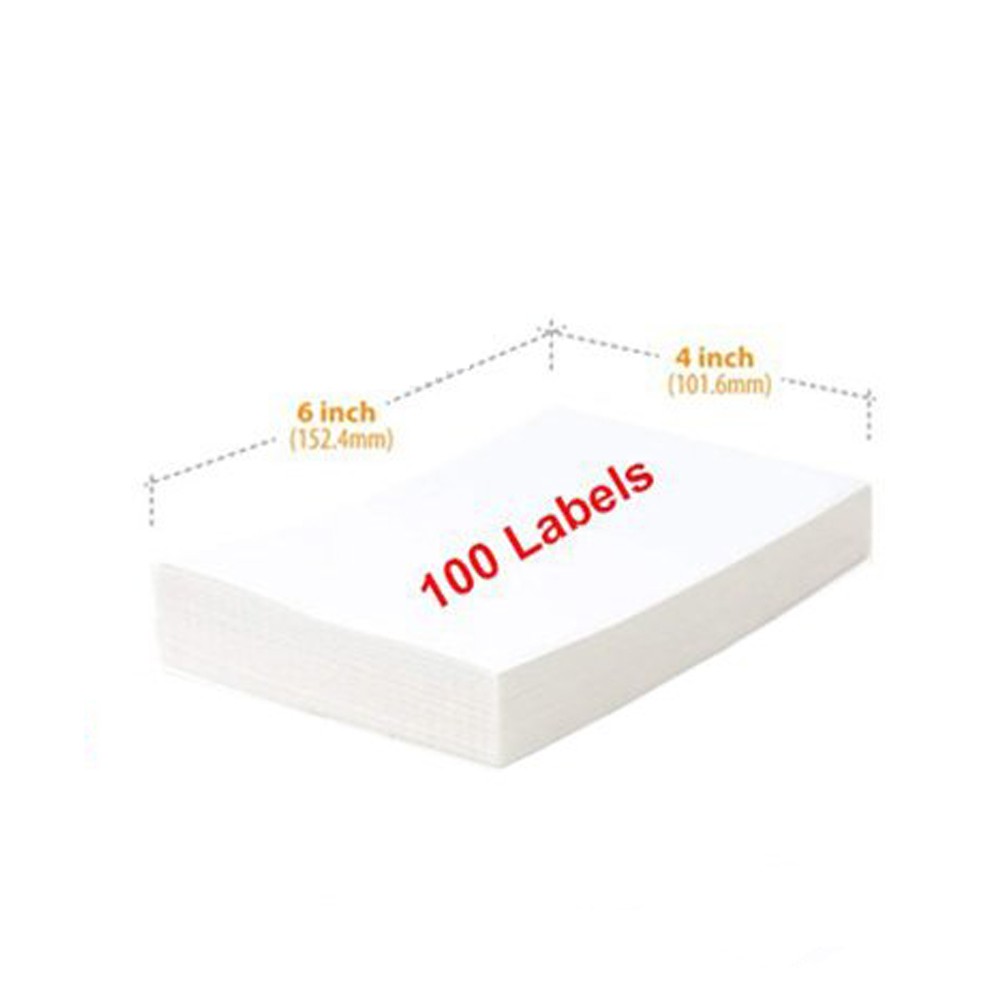 Thermal Shipping Label Printer 4"X6" Address Label Maker for Shipping Lot +Label$7.99Last checked Nov 23, 2026View on eBay
 Portable Mini Thermal Label Printer Home Photo Student Wrong Question Bluetooth-compatible Price Tag$64.99View on Mallflare
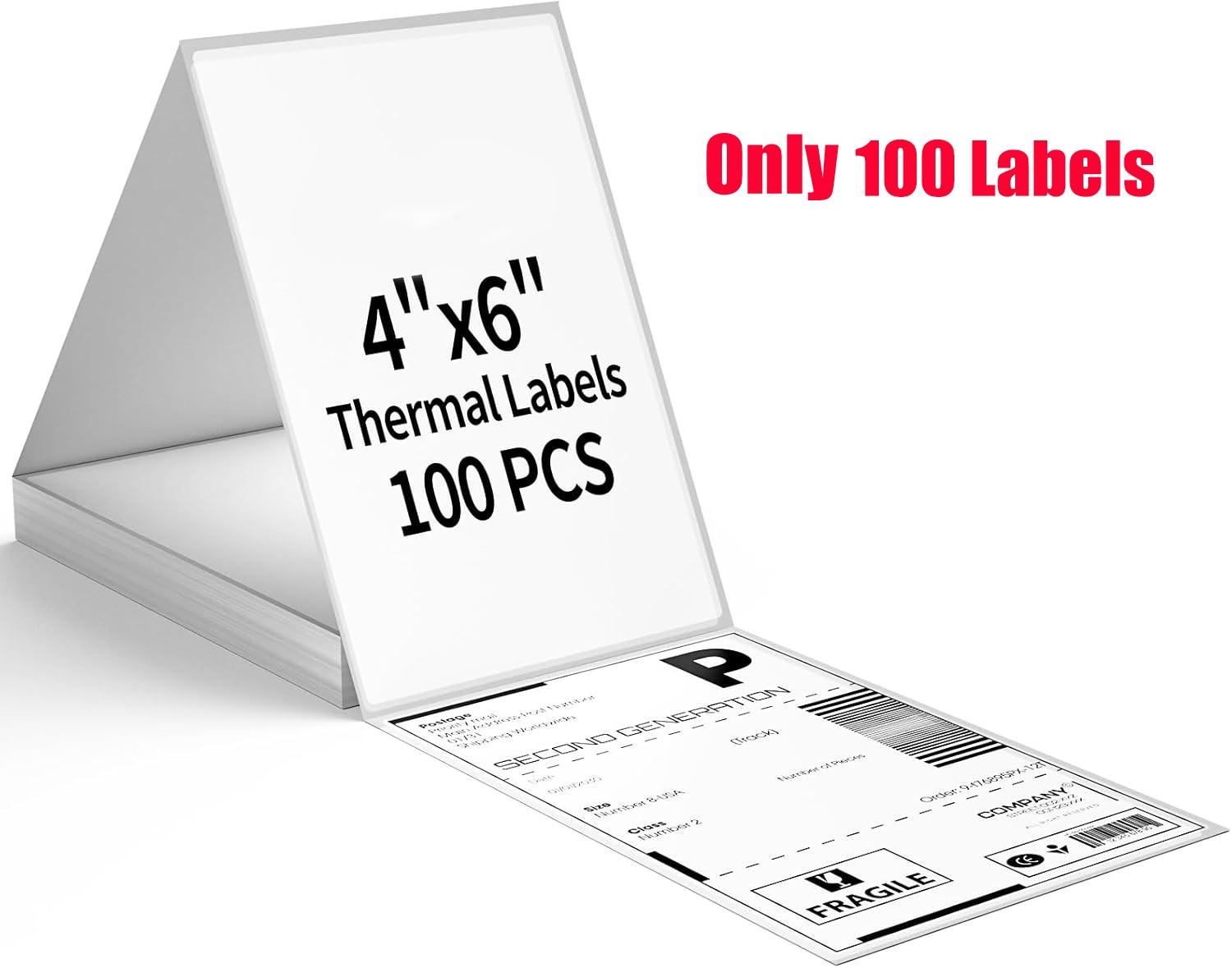 Thermal Shipping Label Printer 4"X6" Address Label Maker for Shipping Lot +Label$8.49Last checked Nov 23, 2026View on eBay
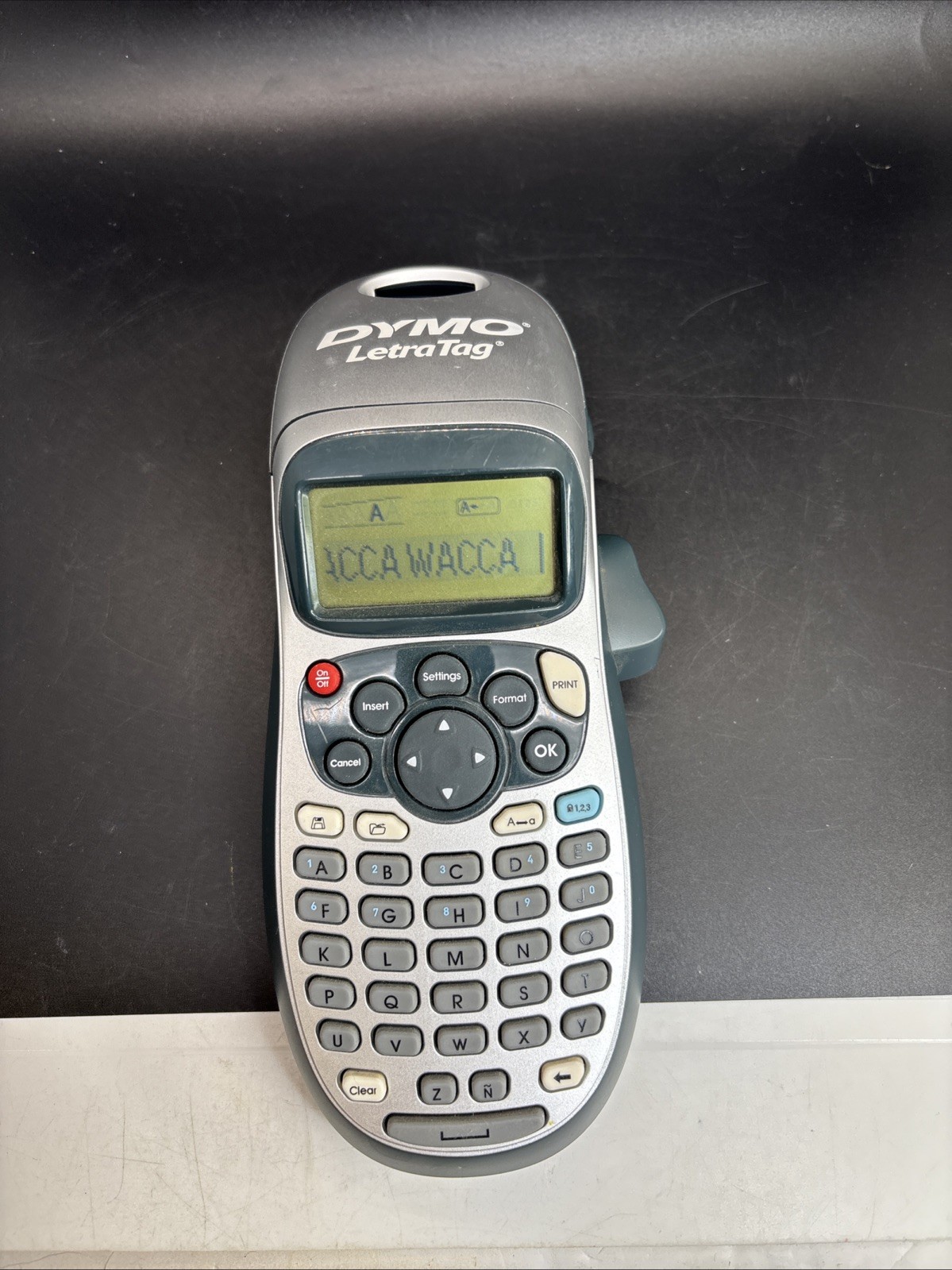 Dymo Letratag Gray Silver Handheld Portable Thermal Label Maker Works Great$12.99Last checked Nov 25, 2026View on eBay
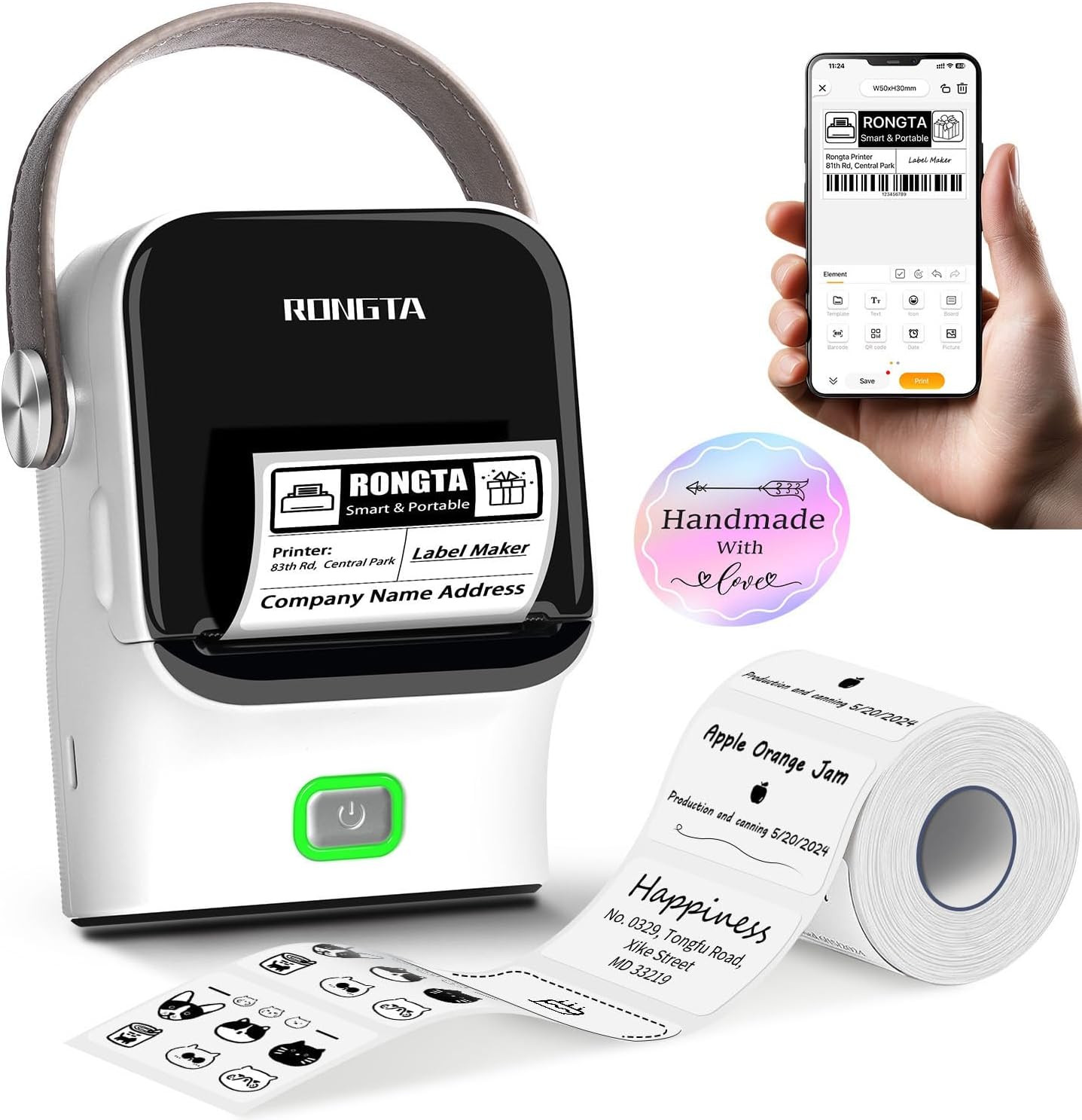 Bluetooth Label Maker Machine With Tape Thermal Label Printer For Home Phone Use$19.86Last checked Nov 23, 2026View on eBay
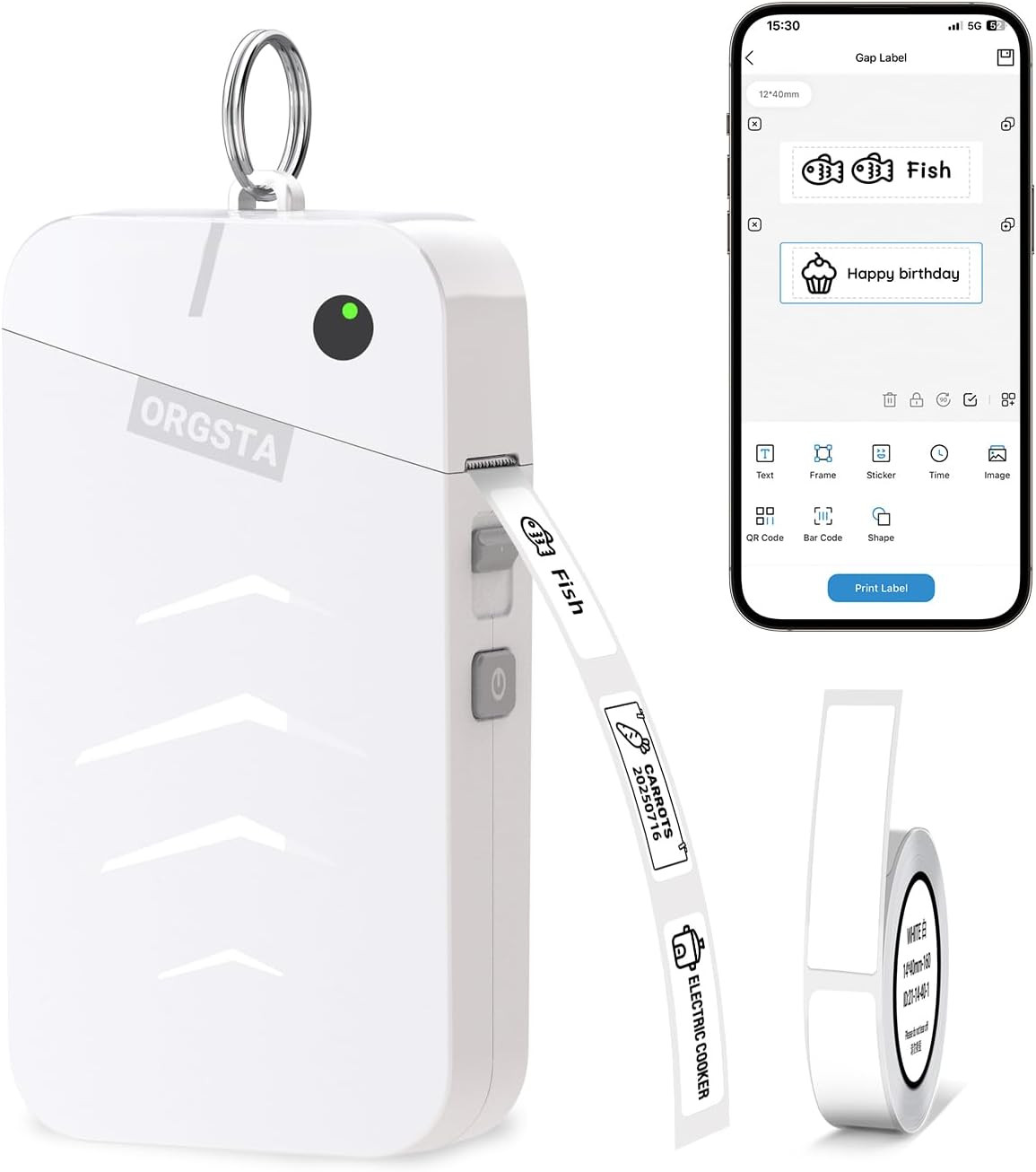 Label Maker Machine with Tape Bluetooth Portable Thermal Labelling Printer for S$26.51Last checked Nov 24, 2026View on eBay
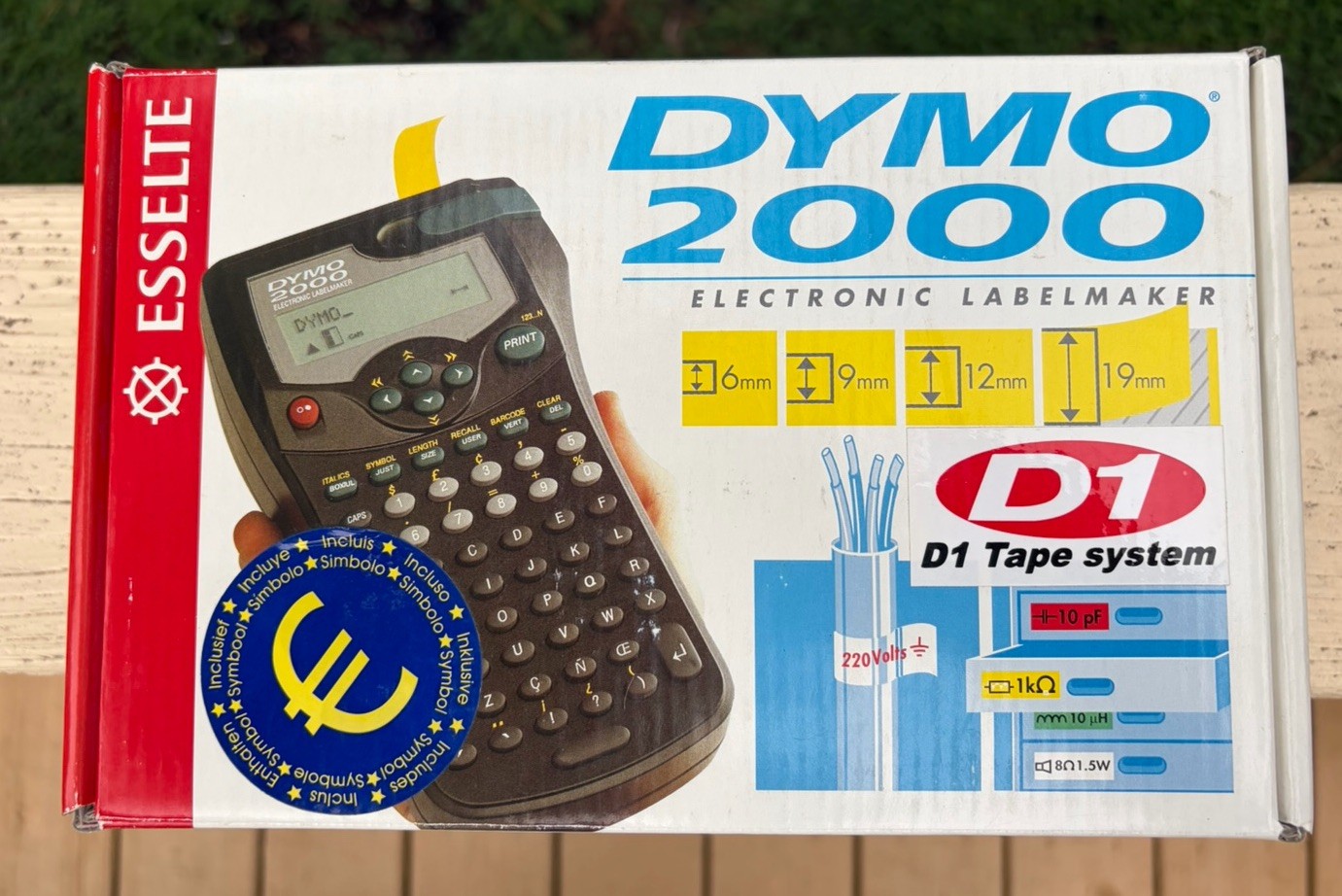 NEW in Box Esselte DYNO Electronic Thermal Office Label Maker$27.95View on eBay
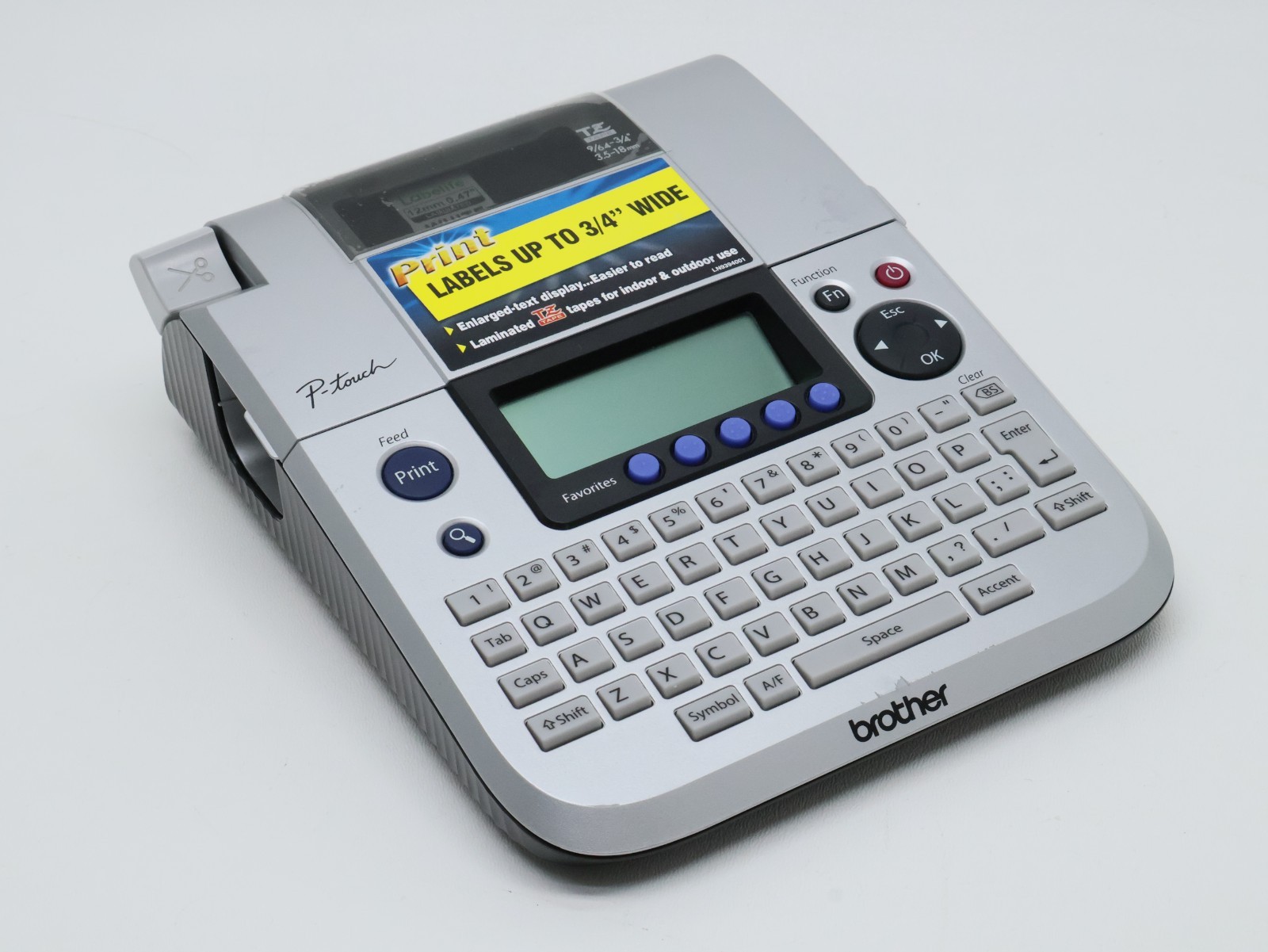 BROTHER P-TOUCH Thermal Label Maker PT-1830 W/ Power Supply. Tested and Working!$27.97Last checked Nov 28, 2026View on eBay
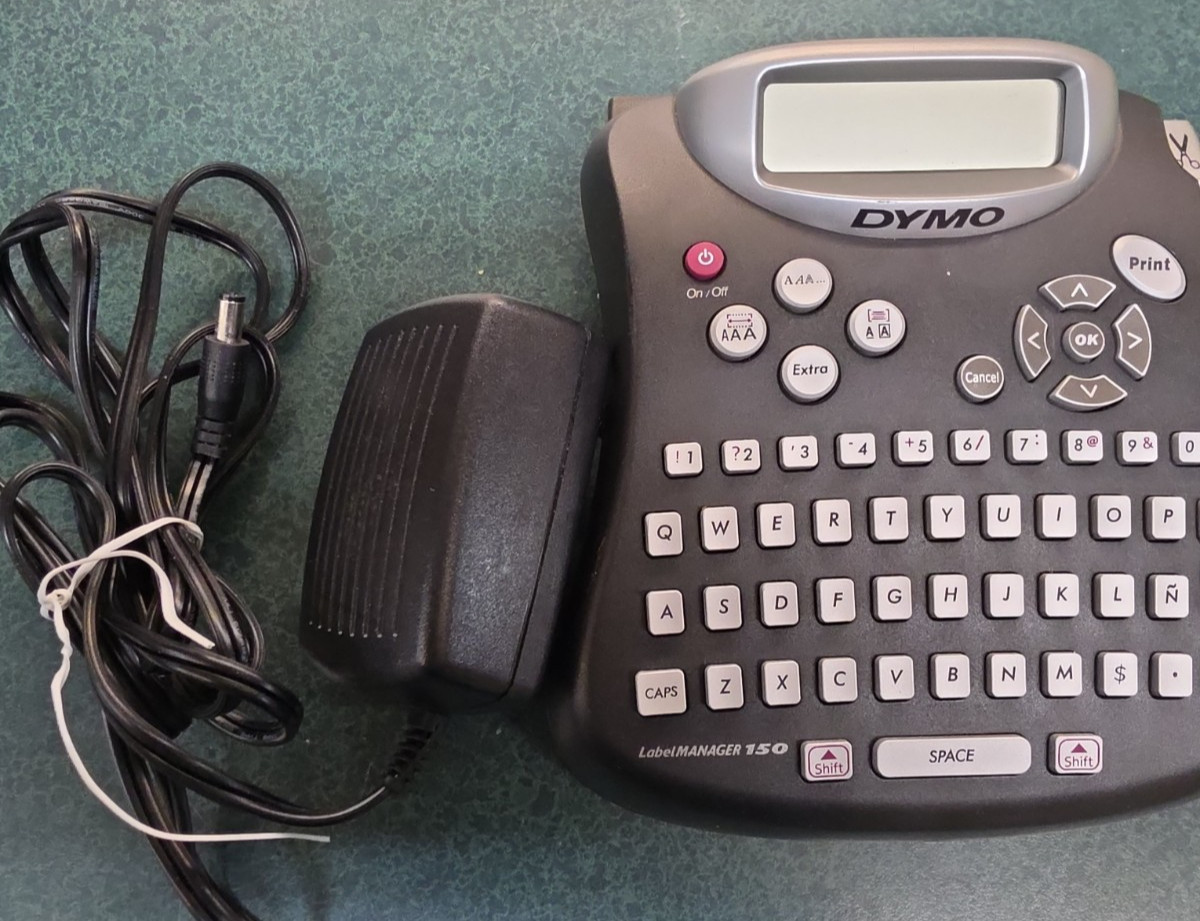 Dymo LabelManager 150 Thermal Label Printer Maker & Power Supply$28.88View on eBay
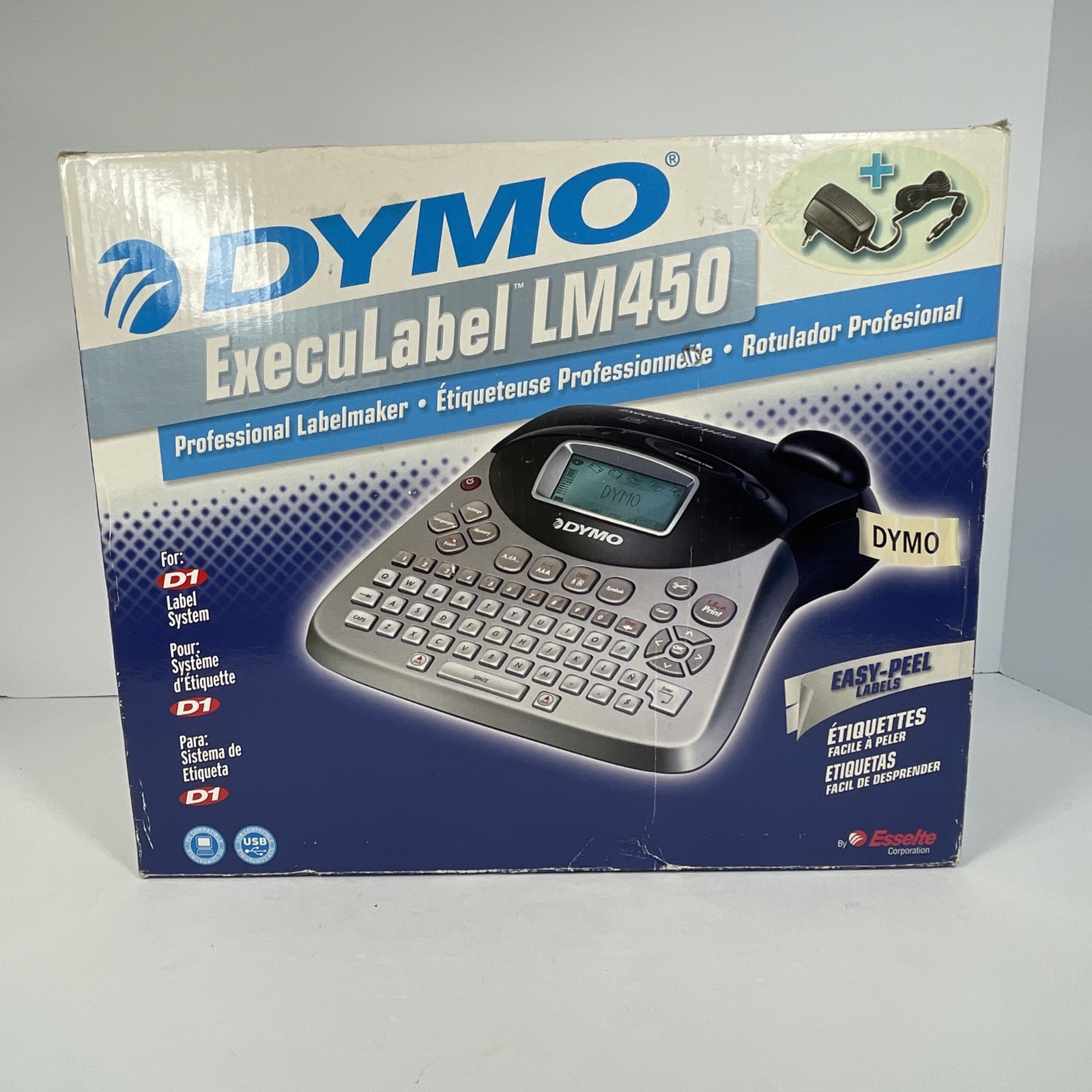 Dymo ExecuLabel LM450 Thermal Label Printer with Power Supply and Box$34.97Last checked Nov 28, 2026View on eBay
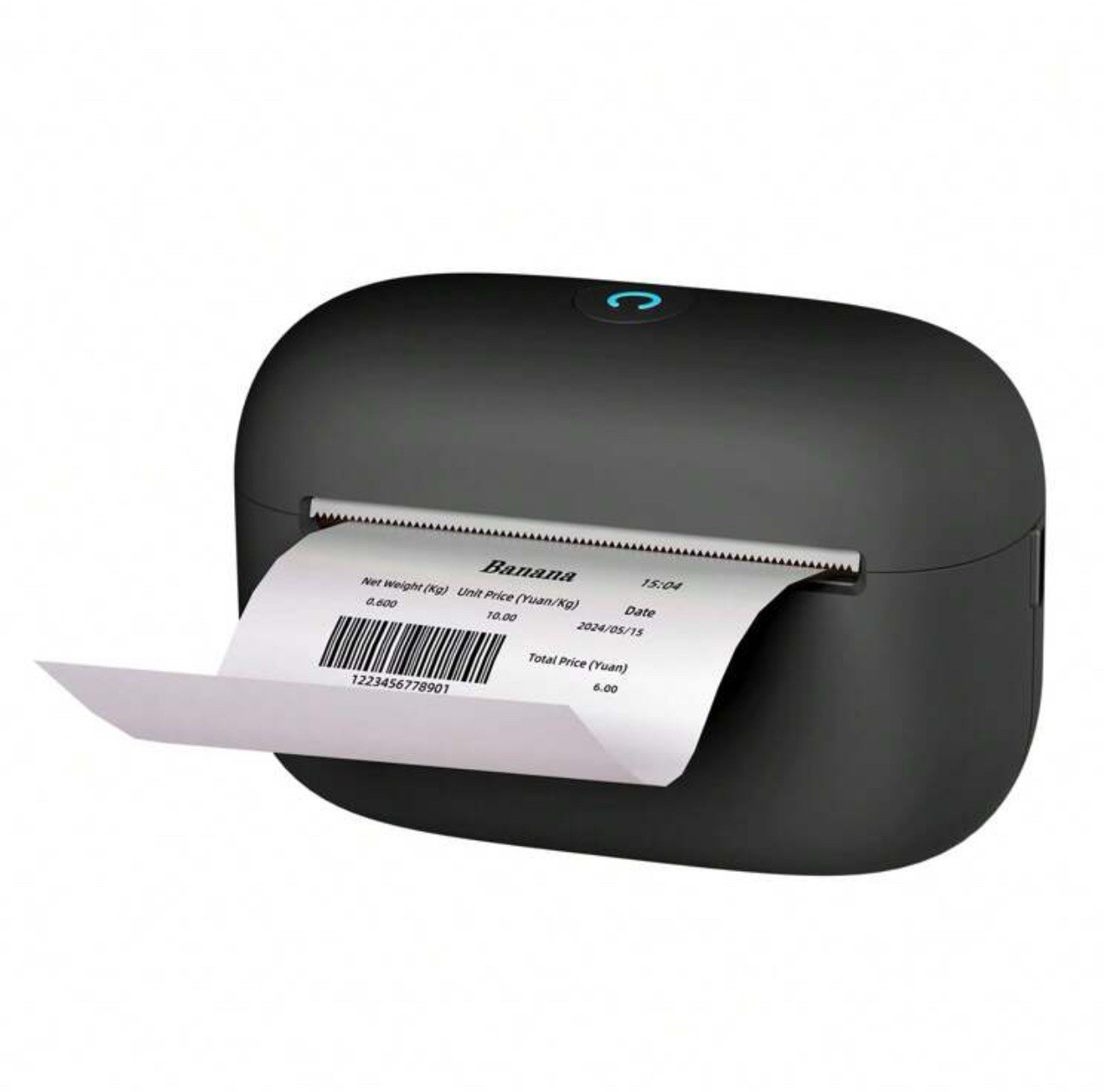 Label Maker Machine with Tape, Bluetooth Label Makers, Portable Thermal Label Pr$38.00Last checked Nov 25, 2026View on eBay
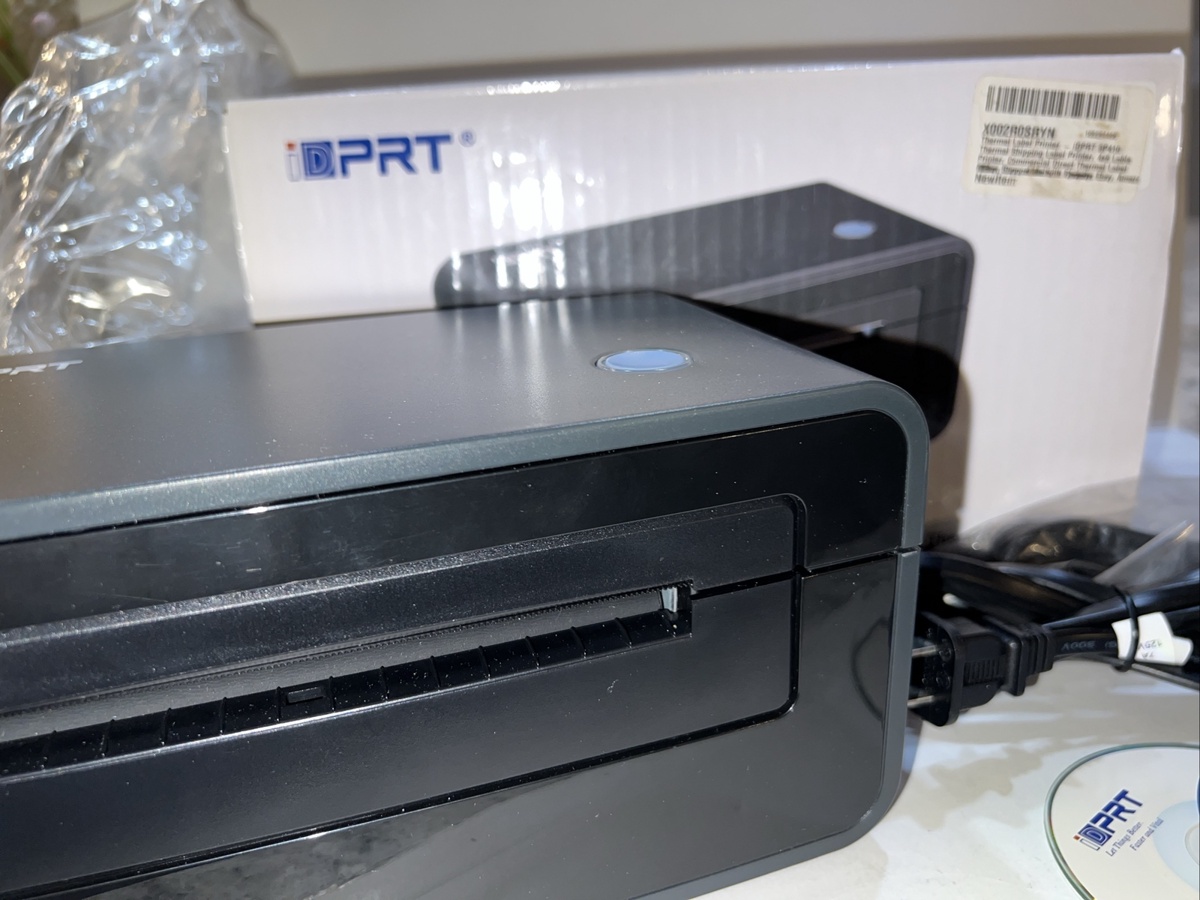 Thermal Shipping 4X6 Label Printer Commercial Maker Support Multiple Systems New$39.89View on eBay
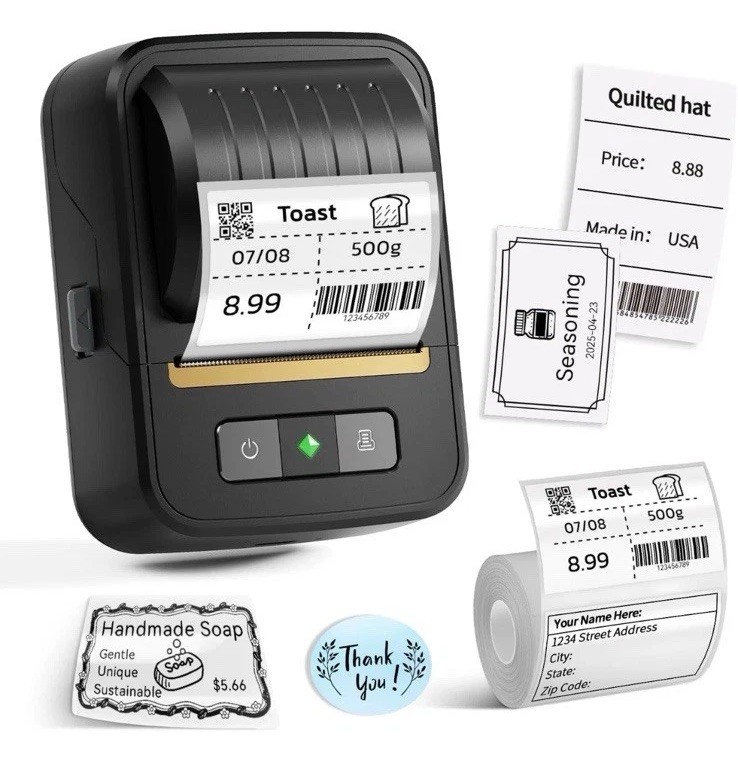 Label Maker Machine with Tape, Bluetooth Label Makers, Portable Thermal Label Pr$51.51Last checked Nov 23, 2026View on eBay
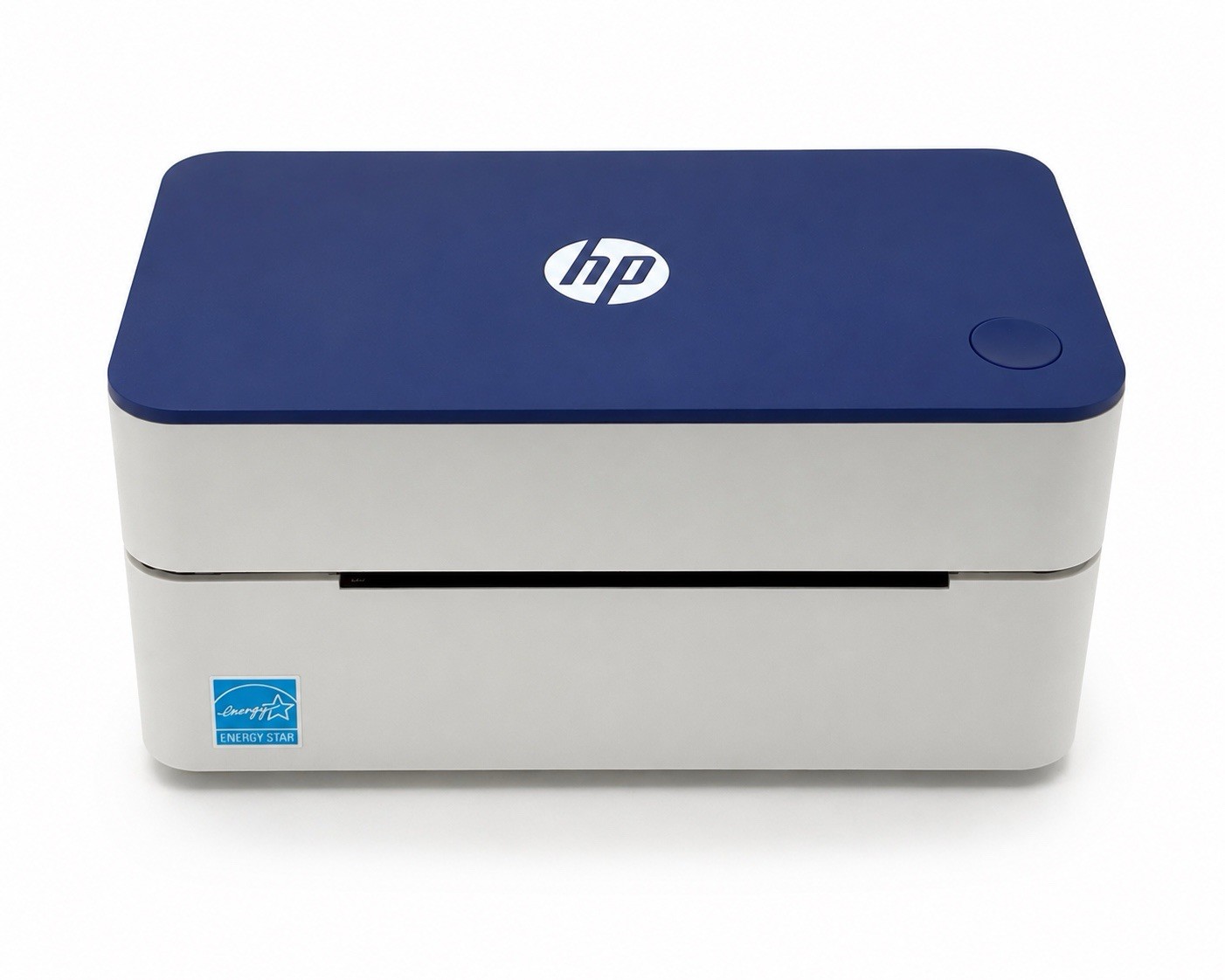 HP Direct Thermal Shipping Label Printer 4x6 USB Barcode Printer Commercial$55.00View on eBay
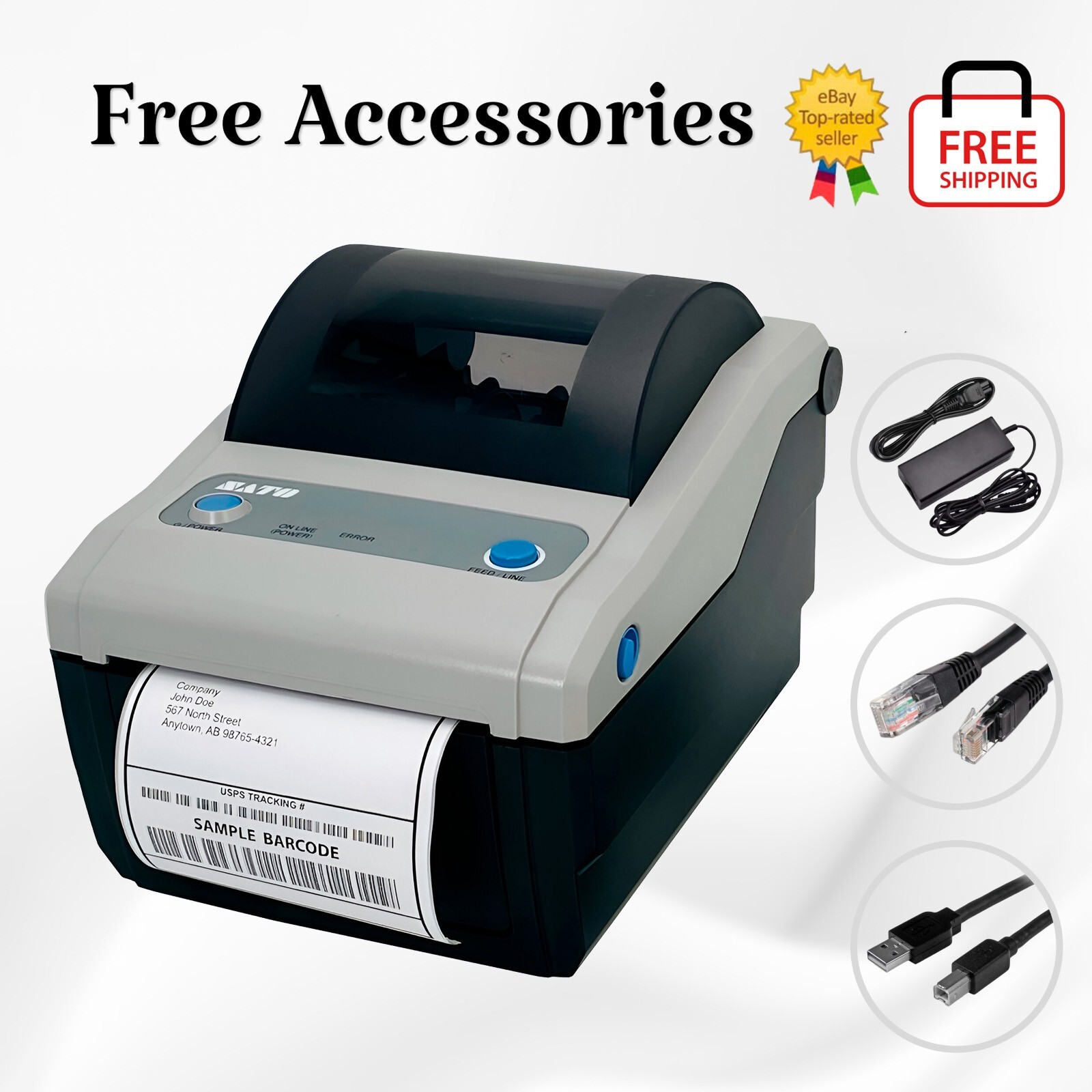 SATO CG412DT Industrial Direct Thermal Label Printer 300dpi LAN USB FAST SHIP$60.08View on eBay
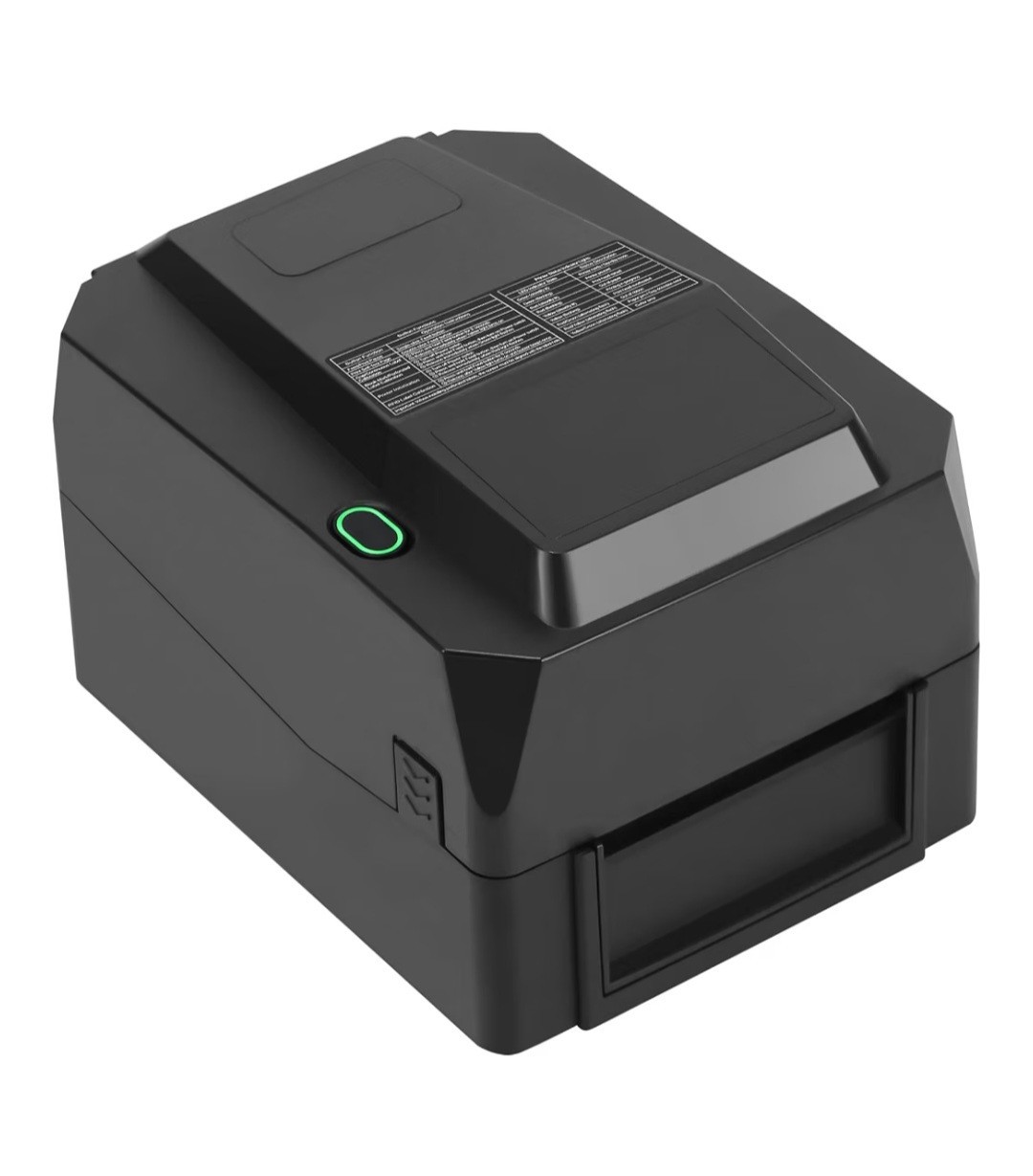 ZP-8820T Commercial 4x6 Label Printer Thermal Transfer & Direct Thermal 203DPI$62.00View on eBay
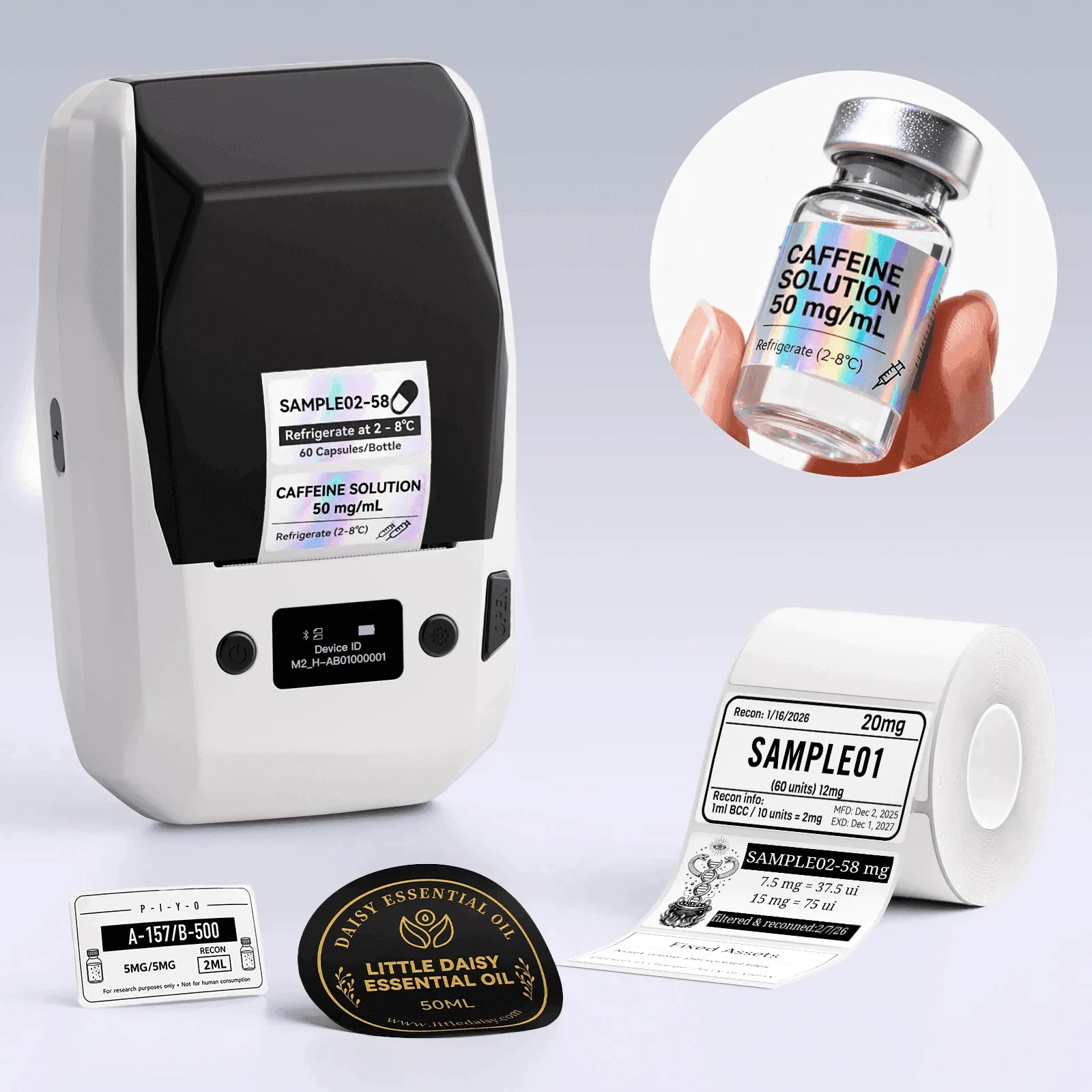 NIIMBOT M2 white Thermal Transfer Label Maker$64.99View on eBay
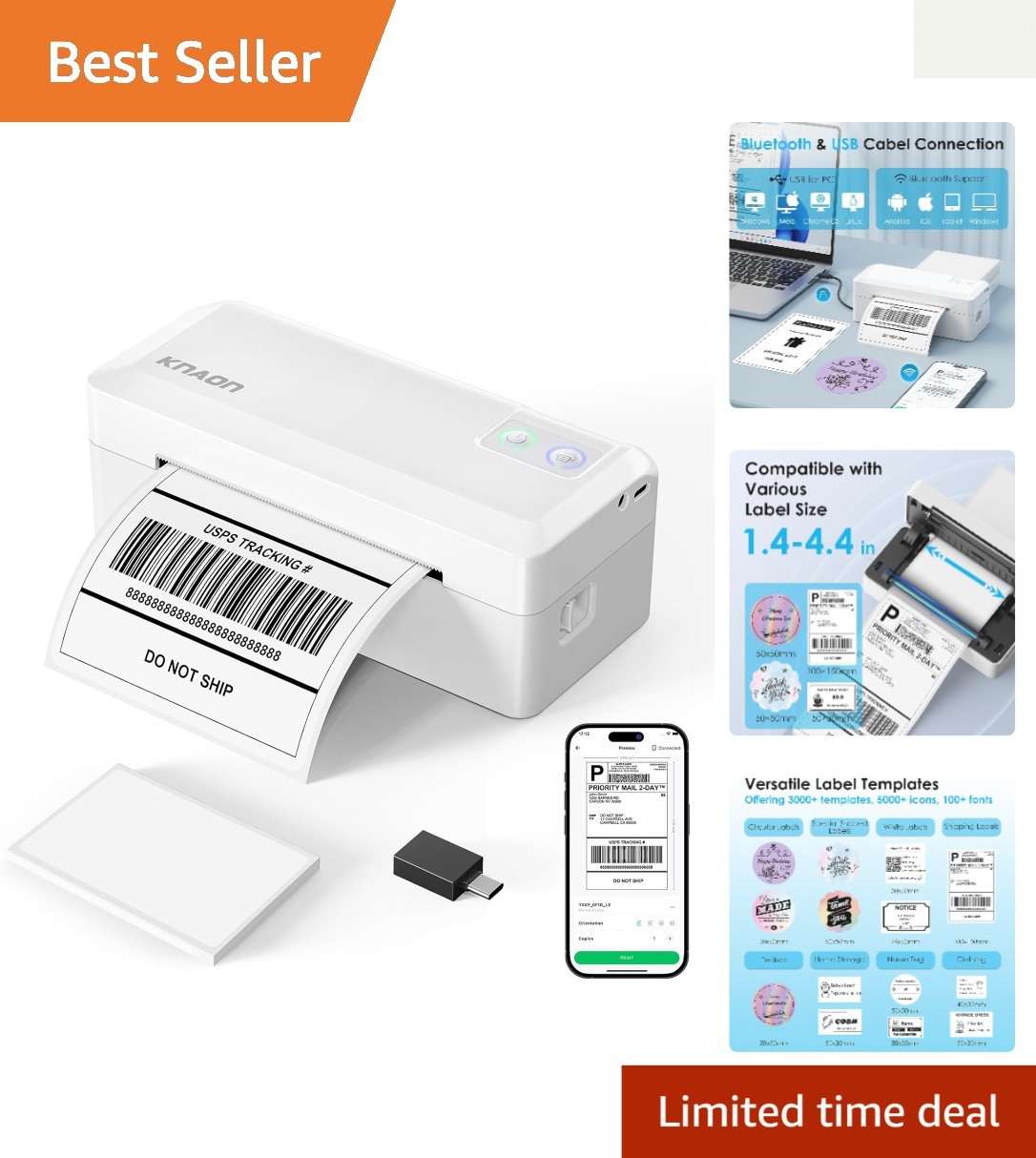 Shipping Thermal Label Printer, 4x6 Portable Label Printer, Bluetooth Label M...$83.99Last checked Nov 19, 2026View on eBay
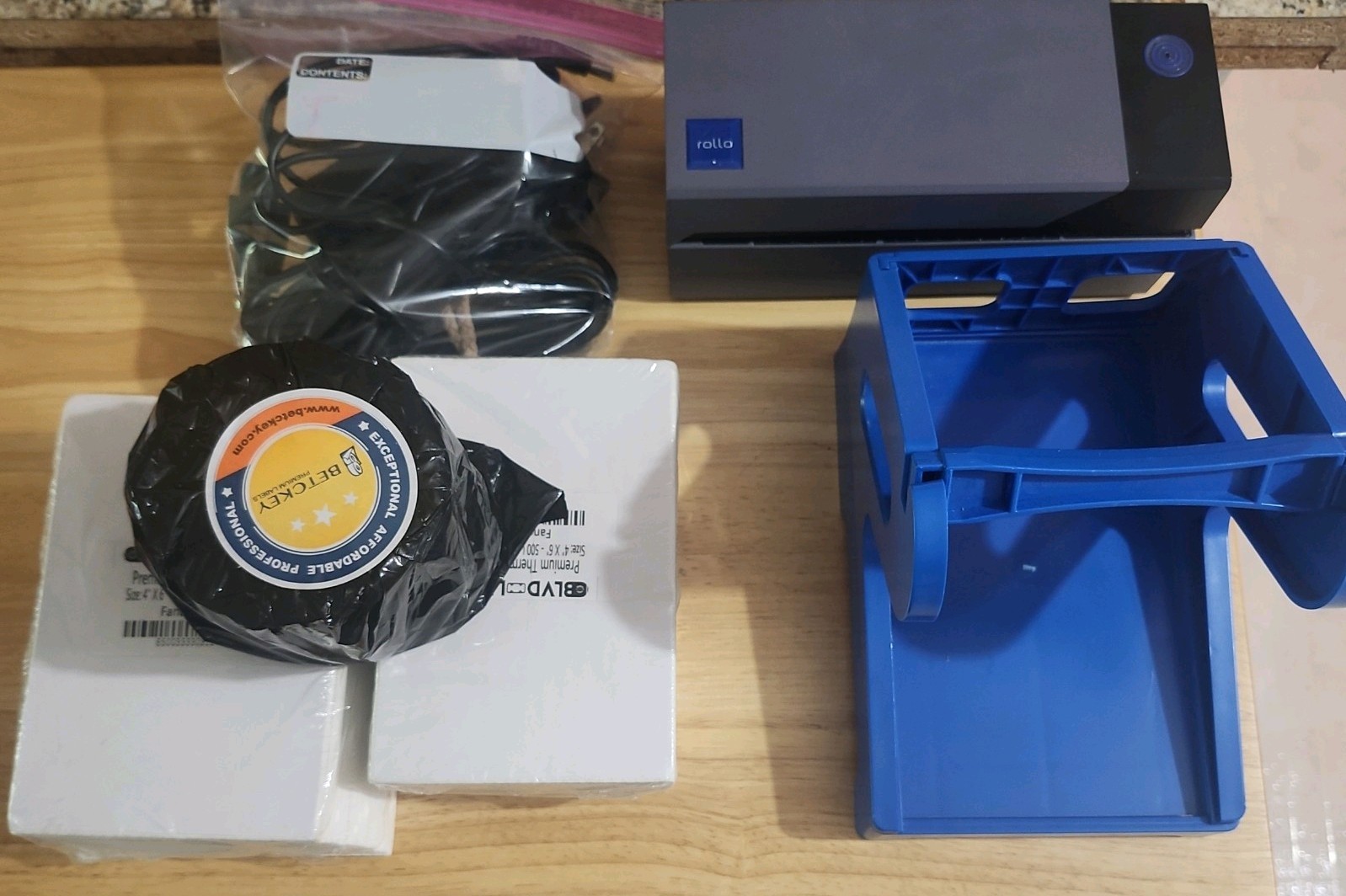 Genuine Rollo X1038 4x6 USB Commercial Grade Thermal Label Printer Bundle!$129.99View on eBay
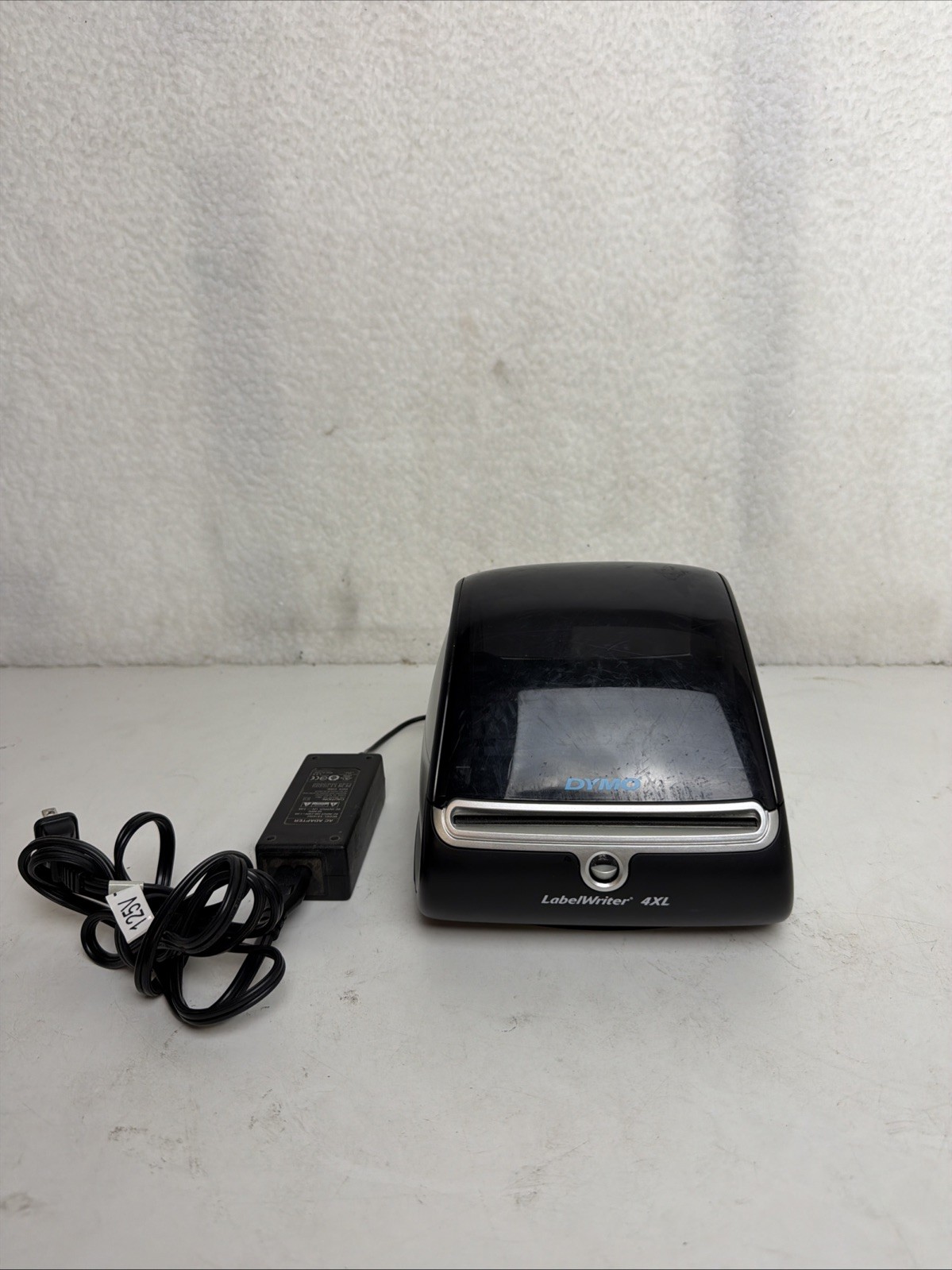 DYMO LabelWriter 4XL Thermal Label Printer 1738542 W/ Power Supply Tested Works$144.87View on eBay
Highlights
- Direct thermal prints on heat-sensitive paper with no ribbon; thermal transfer uses a wax/resin ribbon for durable, year-plus label life.
- Resolution tiers matter: 203 dpi suits 4x6 shipping labels, while 300 dpi is required for dense barcodes and small text on 2x1 inch labels.
- Print width and media handling separate classes: portable units often max at 2 inch (50mm) rolls, while shipping printers need 4.1 inch (104mm) print width and 4x6 media.
- Connectivity dictates workflow: Bluetooth for phone-only portability, USB for a single PC, and Ethernet/Wi-Fi for shared small-business shipping stations.
Best use cases
- Best fit for e-commerce shipping: a 4x6 direct-thermal desktop printer with USB/Ethernet, 203 dpi, and 104mm print width—skip mini Bluetooth units that cap at 2-inch labels.
- Best fit for phone-based market stalls and pop-up shops: a Bluetooth portable thermal printer with 2-inch or 3-inch roll support and a rechargeable battery; skip desktop models that need wall power.
- Best fit for warehouse and long-life inventory: a thermal transfer industrial printer (e.g., SATO CG412DT-class) at 300 dpi with ribbon support; skip direct-thermal only units if labels must survive heat or sunlight.
- Wrong fit for high-volume shipping: any mini photo/label printer with a 50mm max width and 203 dpi—it cannot handle 4x6 carrier labels and will bottleneck daily order flow.
Buying tips
- Match print width to media: shipping labels need 104mm (4.1 inch) print width for 4x6 labels; mini printers max at 50-80mm and only suit address or price tags.
- Choose resolution by content: 203 dpi is standard for 4x6 shipping labels; pick 300 dpi if you print 2x1 inch barcodes, SKU labels, or small-print compliance text.
- Direct thermal labels are chemically coated and fade in heat or UV—use thermal transfer with wax/resin ribbon for labels that must last more than a year or face outdoor conditions.
- Check media core and roll diameter: desktop 4x6 printers typically accept 1-inch core, 4-5 inch OD rolls; portable units often need 0.5-inch core mini rolls, so buy the matching media format.
Specs
| Print Method | Direct thermal vs thermal transfer |
|---|---|
| Resolution | 203 dpi standard / 300 dpi fine detail |
| Max Print Width | 50-80mm portable / 104mm shipping |
| Connectivity | USB / Bluetooth / Ethernet / Wi-Fi |
Related searches
What to check before buying
- Measure your label: 4x6 inch (102x152mm) is the shipping standard; confirm the printer's max print width and media width exceed your label size.
- Confirm connectivity: count devices—USB for one PC, Bluetooth for phones/tablets, Ethernet/Wi-Fi for shared office use; a printer without your needed port is a dead end.
- Check power and plug: desktop units need a wall outlet (often 100-240V adapter); portable units need charged batteries—verify the included adapter matches your region.
- Plan media supply: direct thermal needs only labels; thermal transfer needs both labels and ribbons—factor in ribbon cost and availability before choosing transfer.
FAQ
Data sources: eBay / Amazon listings and product attribute feeds. Updated Nov 29, 2026.
Some links on this page are affiliate links. If you buy after clicking one, we may earn a commission at no extra cost to you. This does not change which products appear here or their order. Affiliate disclosure.