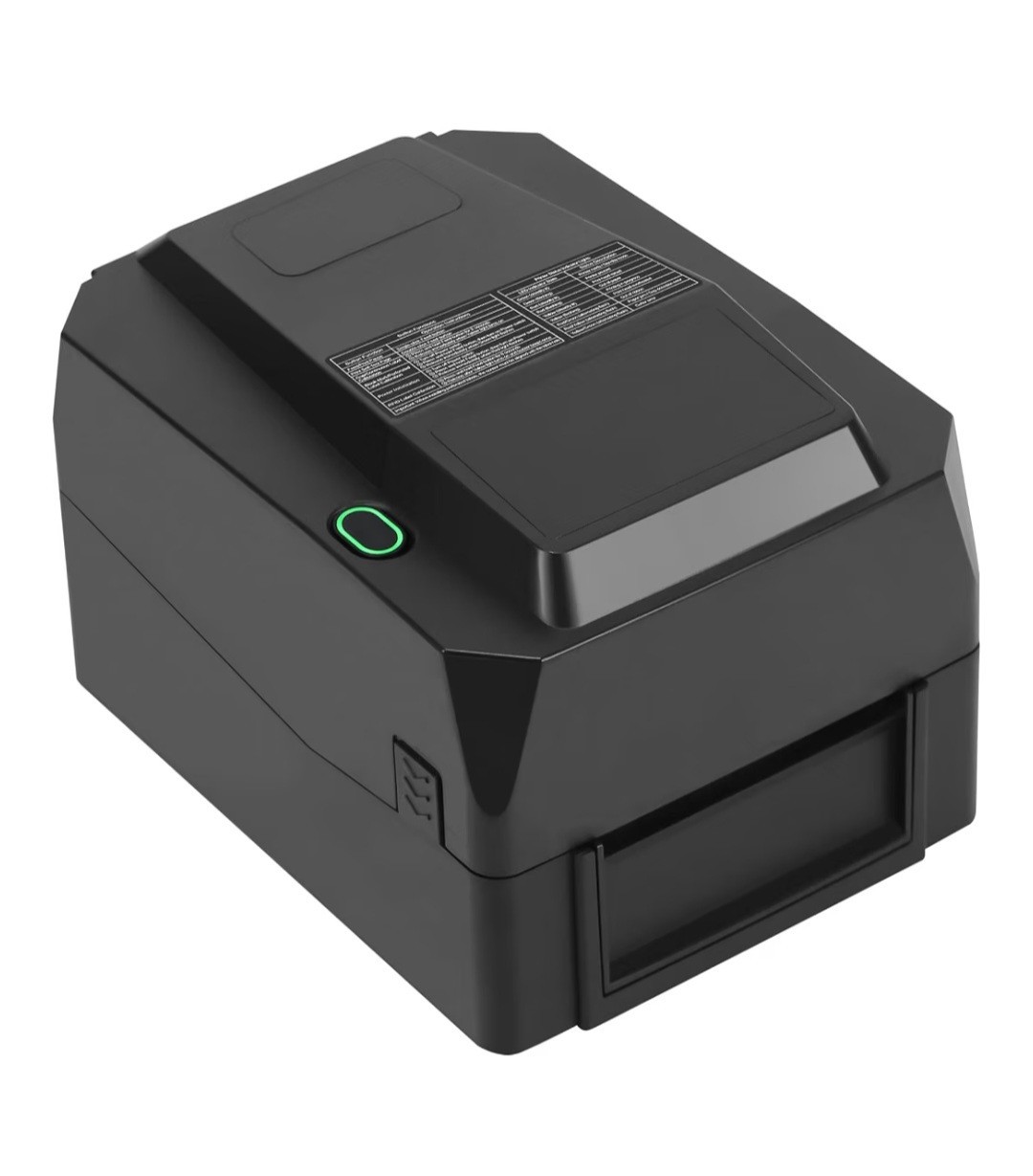

Photos from current listings. Actual item, color, and included accessories may vary.
Thermal Transfer Label Printer Buying Guide
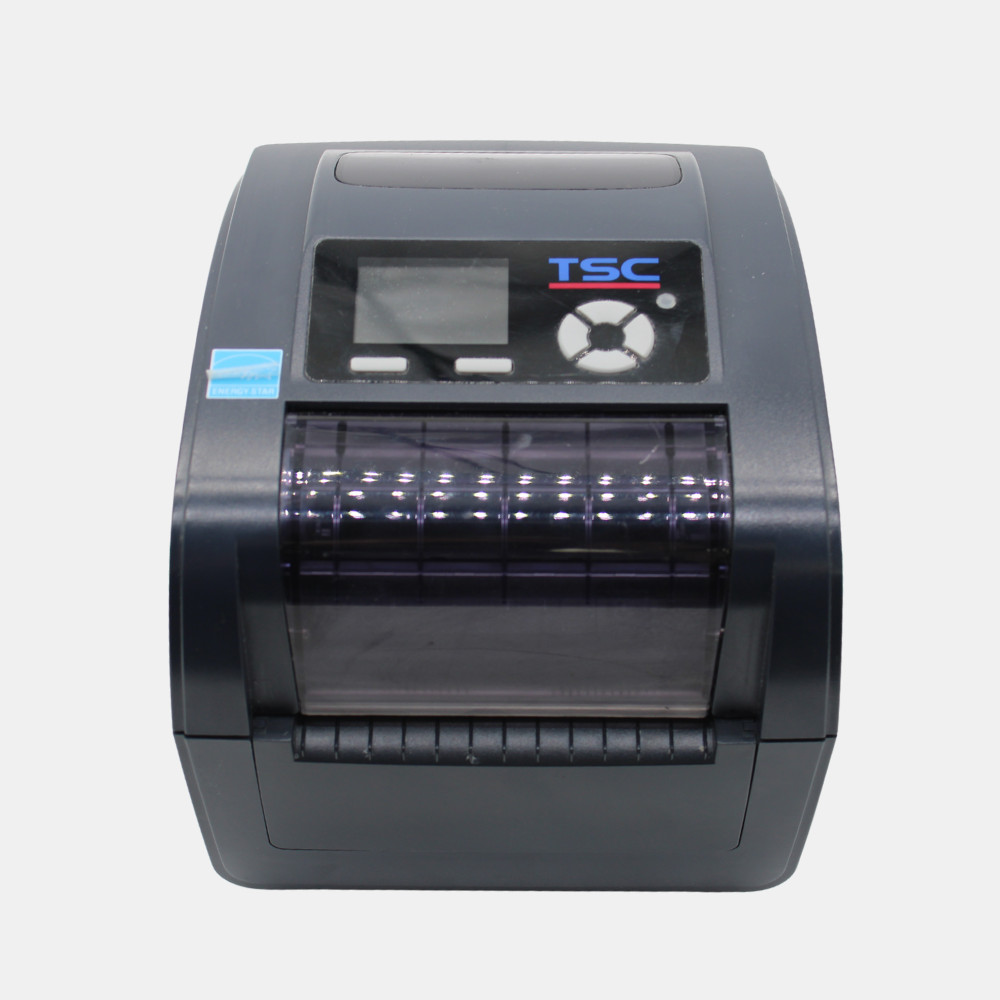
A thermal transfer label printer uses a heated printhead to melt wax- or resin-based ink from a ribbon onto the label, producing smudge-proof, long-life barcodes and text that direct thermal alone cannot match. The core trade-off is consumable cost and setup complexity versus durability: ribbon-based output survives heat, sunlight, and abrasion, while direct thermal fades and darkens under the same conditions. Choose thermal transfer for compliance, logistics, or outdoor labels that must last years; choose direct thermal only for short-life shipping and receipt labels.
Median $156.00 · Pre-owned listings
Key takeaways
- Ribbon formulation drives durability: wax ribbons suit paper labels and short-term use; wax-resin bonds to coated paper and synthetic stocks; full resin is required for polypropylene, polyester, and harsh chemical or outdoor exposure.
- Print resolution separates SKU tiers: 203 dpi handles 4x6 shipping and barcode labels, while 300 dpi is needed for small-font product labels, 2D codes under 10 mm, and dense shelf tags.
- Commercial units like the ZP-8820T are desktop transfer printers with adjustable media sensors and ribbon spindles; compact Bluetooth makers like the NIIMBOT M3 use cartridge ribbons and app-driven templates for low-volume, portable tagging.
At a glance
- Category
- Label Makers & Supplies
- Last updated
- Nov 28, 2026
Current offers
Highlights
- Ribbon formulation drives durability: wax ribbons suit paper labels and short-term use; wax-resin bonds to coated paper and synthetic stocks; full resin is required for polypropylene, polyester, and harsh chemical or outdoor exposure.
- Print resolution separates SKU tiers: 203 dpi handles 4x6 shipping and barcode labels, while 300 dpi is needed for small-font product labels, 2D codes under 10 mm, and dense shelf tags.
- Commercial units like the ZP-8820T are desktop transfer printers with adjustable media sensors and ribbon spindles; compact Bluetooth makers like the NIIMBOT M3 use cartridge ribbons and app-driven templates for low-volume, portable tagging.
- Media compatibility is model-specific: printers accept either gap/notch labels on rolls or continuous stock, and ribbon cores must match the spindle size—typically 0.5-inch or 1-inch core with max outside diameter tied to the model.
Best use cases
- Pick a 203 dpi desktop thermal transfer printer with a 4-inch (104 mm) print width for shipping, pallet, and warehouse barcode labels where ribbons and rolls are bought in bulk and labels must resist rubbing and moisture.
- Pick a 300 dpi transfer model for retail product and electronics labels containing small text, serial numbers, or 2D codes that scanners must read at close range.
- Pick a cartridge-based portable transfer maker like the NIIMBOT M3 for field tagging, cable labels, and small-batch color labels where portability and app templates matter more than speed or roll capacity.
- Skip thermal transfer entirely for short-lived courier receipts, event badges, and same-day shipping labels—direct thermal is cheaper and needs no ribbon, and the fade risk is irrelevant within days.
Buying tips
- Match print width to your widest label: a 4-inch printer covers 4x6 shipping labels; 2-inch compact units only handle small tags and force you to split larger jobs.
- Buy ribbon by formulation, not brand: wax for uncoated paper, wax-resin for coated paper and synthetic blends, and full resin for polyester and polypropylene assets that face sunlight, heat, or chemicals.
- Confirm ribbon core and roll diameter fit the printer's spindles—0.5-inch cores suit compact desktop units, 1-inch cores suit high-volume commercial models, and oversized rolls may not fit the closed cover.
- For compliance labels (UL, CSA, ANSI), specify resin ribbon plus the exact synthetic facestock the standard names; paper-plus-wax labels will fail the durability tests those programs require.
Specs
| Print Method | Thermal transfer (ribbon) vs direct thermal |
|---|---|
| Resolution | 203 dpi standard / 300 dpi fine detail |
| Max Print Width | 2 in compact / 4 in desktop shipping |
| Ribbon Type | Wax / wax-resin / full resin |
Related searches
What to check before buying
- Measure your label roll: core diameter, maximum outside diameter, and width must fall within the printer's published media range or the roll will not seat or feed.
- Verify the printer supports your label type—gap, notch, black mark, or continuous—via its sensor set; continuous stock without gaps needs a printer with a manual or continuous mode.
- Check connectivity against your workflow: USB for fixed desktop stations, Ethernet for shared warehouse printers, and Bluetooth for app-based portable makers.
- Confirm power input matches your region (100–240 V adapters are common on desktop units; portable makers charge via USB-C) and that ribbon and labels are available in your required sizes.
FAQ
Data sources: eBay / Amazon listings and product attribute feeds. Updated Nov 28, 2026.
Some links on this page are affiliate links. If you buy after clicking one, we may earn a commission at no extra cost to you. This does not change which products appear here or their order. Affiliate disclosure.