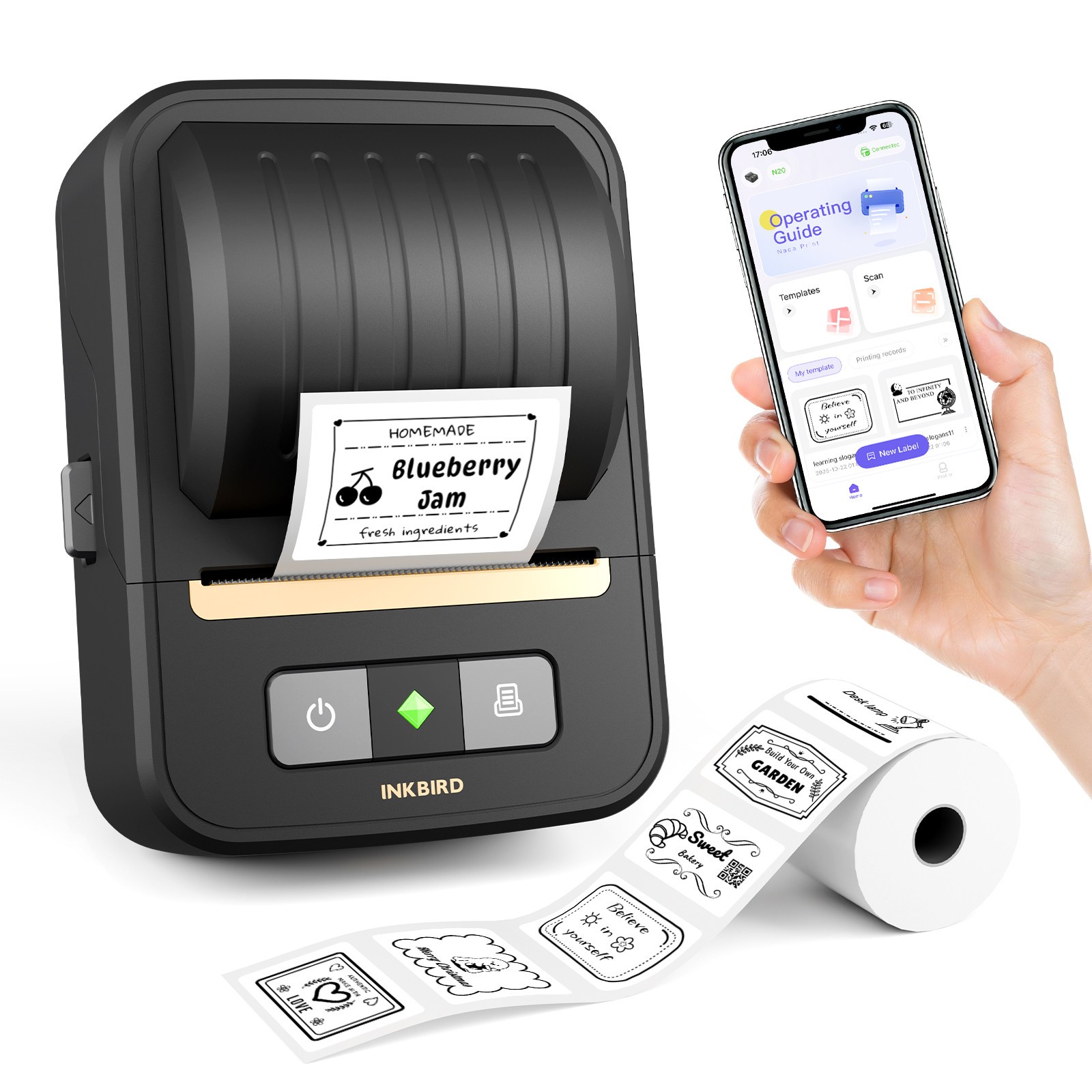

Photos from current listings. Actual item, color, and included accessories may vary.
Thermal Sticker Printer Buying Guide
Thermal sticker printers are inkless, Bluetooth-connected devices that burn text and images onto heat-sensitive label or receipt paper. The decisive trade-off is print-head resolution (203 vs 300 dpi) and paper width compatibility: 203 dpi handles bold bin labels, while 300 dpi is required for fine barcodes, QR codes, and small-print school labels. Buy only models with named, replaceable paper rolls at standard widths (15–50 mm); skip any unit that locks you into proprietary cartridges or ships without a resolution spec.
Median $32.37
Key takeaways
- 203 dpi (8 dots/mm) is the entry standard for name tags and bin labels; 300 dpi (11.8 dots/mm) resolves 2 mm barcodes and 6 pt text cleanly.
- Direct thermal print heads are consumable: expect 1–3 km of paper life, so a ceramic-coated head with a stated lifecycle matters more than chassis plastic grade.
- USB-C charging with a 1000–2000 mAh cell yields roughly 4–8 hours of intermittent printing; micro-USB units are legacy stock and should be skipped.
At a glance
- Category
- Label Makers & Supplies
- Last updated
- Nov 29, 2026
Current offers
Highlights
- 203 dpi (8 dots/mm) is the entry standard for name tags and bin labels; 300 dpi (11.8 dots/mm) resolves 2 mm barcodes and 6 pt text cleanly.
- Direct thermal print heads are consumable: expect 1–3 km of paper life, so a ceramic-coated head with a stated lifecycle matters more than chassis plastic grade.
- USB-C charging with a 1000–2000 mAh cell yields roughly 4–8 hours of intermittent printing; micro-USB units are legacy stock and should be skipped.
Best use cases
- Pick a 25–50 mm, 203 dpi Bluetooth unit for pantry jars and storage bins — bold text prints fast and paper is cheap; skip 300 dpi unless you also print barcodes.
- Pick a 300 dpi, 15–25 mm model for school labels, cable flags, and QR inventory tags; a 203 dpi unit will smudge small print and fail scanner tests.
- Pick an 80 mm receipt-style thermal printer only if you need address or shipping labels; skip pocket mini printers for anything larger than a jar lid.
- Skip battery-only mini printers for high-volume daily labeling — a wired or docked 50 mm model with a 3000+ mAh cell sustains throughput without mid-job shutdowns.
Buying tips
- Match roll width to the narrowest label you need: a 50 mm printer can run 25 mm rolls with an adapter, but a 15 mm pocket unit can never print a 4×6 shipping label.
- Budget for direct thermal paper as a recurring cost: standard sticker rolls run 3–8 cents per label equivalent, while proprietary cartridges can multiply that several times.
- Confirm the print head resolution in the spec sheet — 'HD' or 'high clarity' marketing without a dpi number is a 203 dpi unit in practice.
- Choose Bluetooth 5.0 with app support for iOS and Android; older 4.0 stacks drop connections and lack template libraries for barcodes.
Specs
| Print Resolution | 203 dpi standard / 300 dpi fine-detail |
|---|---|
| Max Media Width | 15 mm pocket to 80 mm receipt |
| Connectivity | Bluetooth 5.0 + USB-C charging |
| Consumable Type | Direct thermal rolls, no ink |
Related searches
What to check before buying
- Measure the widest label you will realistically print (jar lid, shipping box, cable flag) and confirm the printer's max media width exceeds it.
- Check that replacement rolls are sold as standard widths (15/25/50/80 mm) with adhesive backing, not proprietary cassettes.
- Verify the charging port is USB-C and the battery is at least 1000 mAh if the unit is used away from a desk.
- Confirm the companion app supports your phone OS and offers barcode/QR generation, since direct thermal cannot print without a rasterized template.
FAQ
Data sources: eBay / Amazon listings and product attribute feeds. Updated Nov 29, 2026.
Some links on this page are affiliate links. If you buy after clicking one, we may earn a commission at no extra cost to you. This does not change which products appear here or their order. Affiliate disclosure.