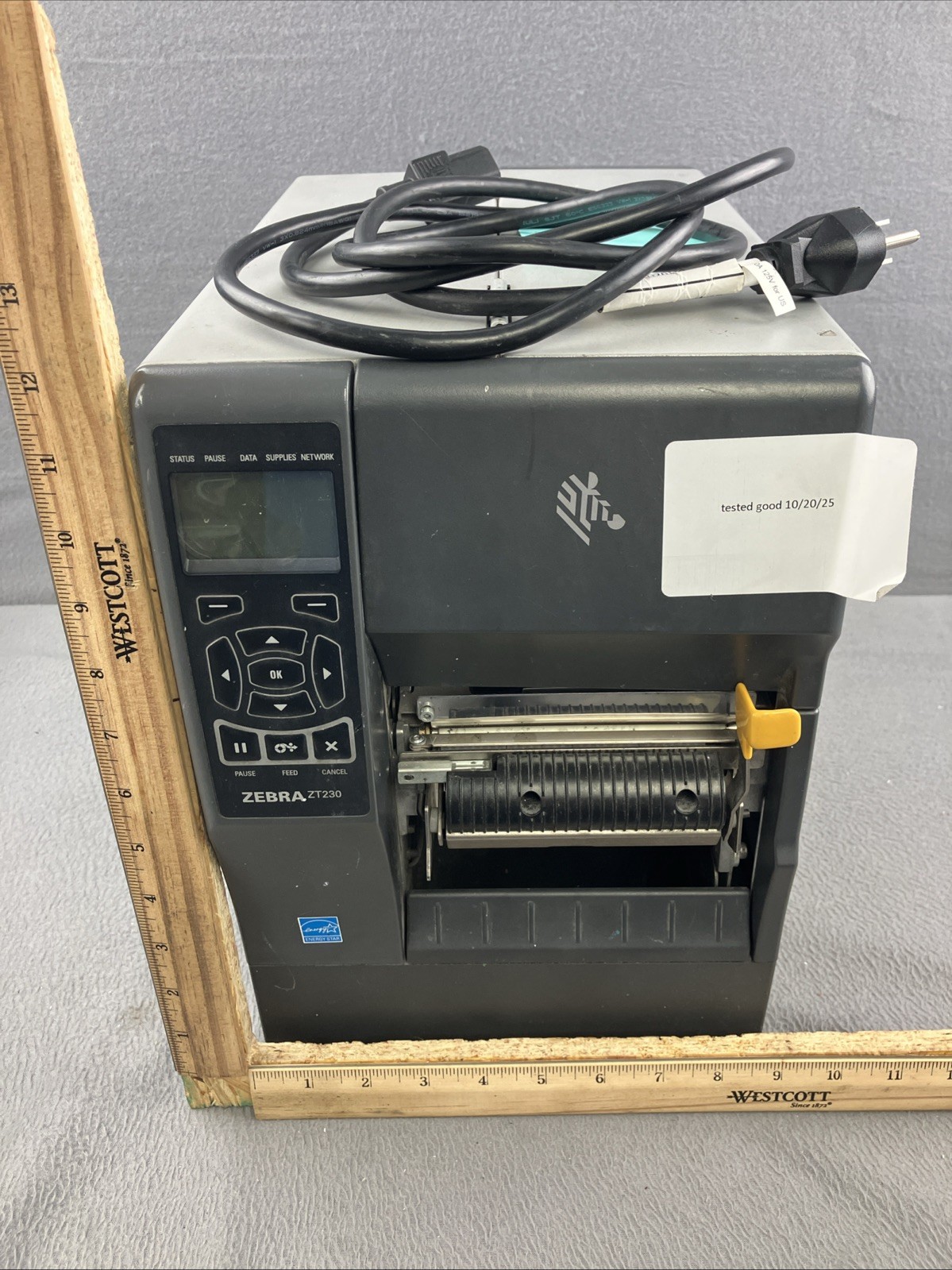

Photos from current listings. Actual item, color, and included accessories may vary.
Thermal Label Zebra Printer Buying Guide
Thermal label printers split into direct-thermal shipping units (no ink, 4×6 inch media) and thermal-transfer desktop models that use ribbon for smudge-proof archival labels. The core trade-off is print durability and media width support: direct thermal fades with heat and light, while transfer units require ribbon but produce permanent barcodes. Choose direct thermal for high-volume shipping labels; choose transfer for compliance, chemical, or long-term labels.
Key takeaways
- Print method decides longevity: direct thermal needs no ribbon but fades above 140°F or in sunlight; thermal transfer with wax/resin ribbon lasts years.
- Shipping-class units print 4×6 inch (101×152 mm) media at 203 dpi; desktop industrial models step to 300 dpi for small barcodes and fine text.
- Zebra-style printers use ZPL/ZPL II command language; budget models may require driver emulation, so confirm ZPL support for ERP or warehouse integration.
At a glance
- Category
- Label Makers & Supplies
- Last updated
- Nov 28, 2026
Current offers
Highlights
- Print method decides longevity: direct thermal needs no ribbon but fades above 140°F or in sunlight; thermal transfer with wax/resin ribbon lasts years.
- Shipping-class units print 4×6 inch (101×152 mm) media at 203 dpi; desktop industrial models step to 300 dpi for small barcodes and fine text.
- Zebra-style printers use ZPL/ZPL II command language; budget models may require driver emulation, so confirm ZPL support for ERP or warehouse integration.
- Media width capacity separates tiers: compact models accept 2-inch (50 mm) rolls; 4-inch models handle 4.25-inch (108 mm) rolls for standard shipping labels.
Best use cases
- High-volume e-commerce shipping: pick a 4×6 direct-thermal printer with 203 dpi and USB/Ethernet; skip ribbon-based transfer units that add consumable cost.
- Warehouse or compliance labeling needing permanent barcodes: choose thermal-transfer with 300 dpi and wax-resin ribbon; skip cheap direct-thermal units that fade in heat.
- Home organization or retail price tags: choose a compact 2-inch Bluetooth direct-thermal model; skip 4-inch shipping printers that are too large for small die-cut labels.
- Chemical, freezer, or outdoor asset labels: require thermal-transfer with resin ribbon and appropriate synthetic media; skip direct-thermal paper labels that smear or discolor.
Buying tips
- Match media width to your most common label: 4×6 shipping labels need a 4-inch (108 mm) printer; 2-inch (50 mm) shelf or cable labels work on compact units.
- Check ribbon support if labels must survive heat, sunlight, or chemicals; direct-thermal prints fade and are not suitable for permanent compliance labels.
- Confirm 203 vs 300 dpi: 203 dpi suffices for 4×6 shipping barcodes; 300 dpi is needed for small 2D codes, fine print, or dense label layouts.
- Verify ZPL/ZPL II compatibility for Zebra-style workflows; driver-only budget printers may not accept raw ZPL streams from warehouse or ERP software.
Specs
| Print Method | Direct thermal vs thermal transfer |
|---|---|
| Max Media Width | 2 in (50 mm) vs 4 in (108 mm) |
| Resolution | 203 dpi shipping / 300 dpi detailed |
| Command Language | ZPL II / EPL / driver-only |
Related searches
What to check before buying
- Measure your label roll core and maximum outside diameter; compact printers often cap roll OD at 5 inches (127 mm) or less.
- Confirm your computer or tablet connection type: USB-A, USB-C, Bluetooth, or Ethernet; some mini printers are Bluetooth-only and lack desktop drivers.
- Check power input: most desktop units need AC 100–240 V; portable units use USB-C or a dedicated DC adapter, so confirm plug standard for your region.
- Verify media compatibility: direct-thermal paper vs thermal-transfer label + ribbon; using transfer media in a direct-thermal printer yields blank or faint prints.
FAQ
Data sources: eBay / Amazon listings and product attribute feeds. Updated Nov 28, 2026.
Some links on this page are affiliate links. If you buy after clicking one, we may earn a commission at no extra cost to you. This does not change which products appear here or their order. Affiliate disclosure.