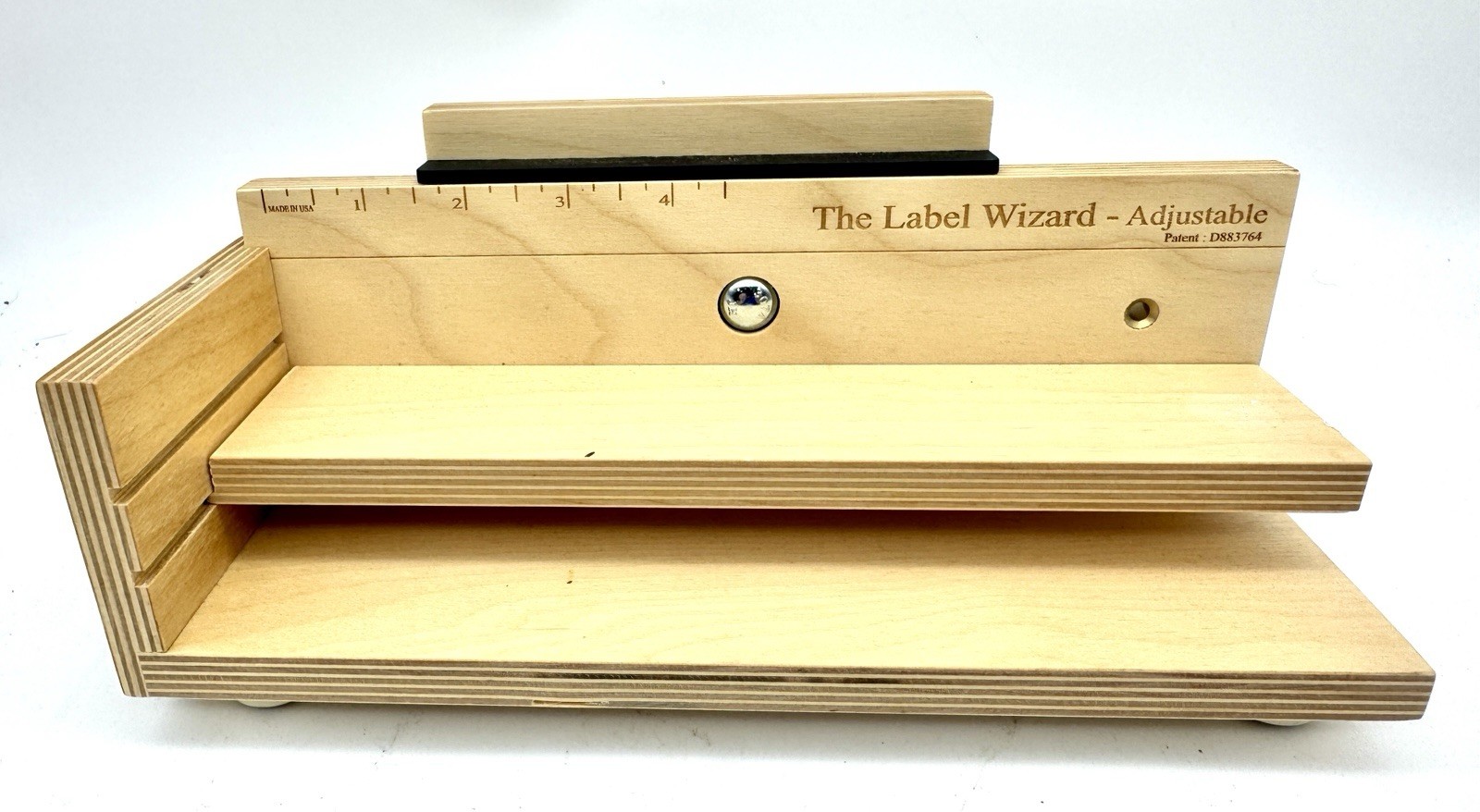

Photos from current listings. Actual item, color, and included accessories may vary.
The Label Wizard Adjustable Buying Guide
The Label Wizard Adjustable is a hand-held applicator tool that applies pre-cut labels to a backing or surface with adjustable alignment, not a standalone electronic label printer. The primary trade-off is mechanical precision versus compatibility: the tool must match the label size and backing format it is designed to feed, and adjustable variants add setup complexity but allow multi-width label stock. Buyers should choose a dedicated applicator only when applying many labels by hand causes misalignment or wasted stock; otherwise, a standard label maker with integrated cutter and compatible cartridges is the simpler durable choice.
Key takeaways
- Applicator tools like The Label Wizard Adjustable rely on a mechanical feed path and adjustable guides, not electronics, so durability is determined by guide-track rigidity and roller/bushing wear.
- Adjustable models accept a range of label widths via movable side guides; fixed-width applicators are faster to set up but lock buyers into one label size.
- Label compatibility depends on matching the tool's feed slot to the label carrier: continuous roll labels, fan-fold sheets, and pre-cut die-cut labels require different guide geometries.
At a glance
- Category
- Label Makers & Supplies
- Status
- Listings available
- Last updated
- Nov 29, 2026
Current offers
Highlights
- Applicator tools like The Label Wizard Adjustable rely on a mechanical feed path and adjustable guides, not electronics, so durability is determined by guide-track rigidity and roller/bushing wear.
- Adjustable models accept a range of label widths via movable side guides; fixed-width applicators are faster to set up but lock buyers into one label size.
- Label compatibility depends on matching the tool's feed slot to the label carrier: continuous roll labels, fan-fold sheets, and pre-cut die-cut labels require different guide geometries.
- Hand-applicator precision is limited by guide tolerance and user pressure consistency; expect clean alignment on flat, rigid surfaces and reduced accuracy on curved or textured substrates.
Best use cases
- Best fit: high-volume application of pre-cut labels onto flat packaging, binders, or shelving where consistent placement saves time; pick the adjustable version when label widths vary between jobs.
- Wrong fit: occasional labeling of a few items per week—a standard electronic label maker with integrated keyboard and cutter produces labels on demand without stocking pre-cut stock.
- Best fit: applying labels to a reusable template or jig where the adjustable guides can be locked to one width for repeat runs; skip if the tool will be shared across operators who change settings frequently.
- Wrong fit: labeling curved cables, bottles, or fabric where a flexible hand-applied label or a specialized wrap-around label maker is more reliable than a rigid applicator frame.
Buying tips
- Measure the label width and carrier format you already use; confirm the adjustable guide range covers that width with at least 1–2 mm of clearance on each side to avoid jamming.
- Check the feed path material: metal guide tracks and metal rollers outlast molded plastic guides, which wear and lose alignment after repeated cycles.
- Prefer adjustable models with detented or lockable guide stops; friction-only guides shift under pressure and cause label skew on long runs.
- Confirm the tool handles the label carrier type you buy—continuous roll versus fan-fold—since the feed entry geometry differs and cannot be interchanged.
Specs
| Tool Type | Manual label applicator (non-printing) |
|---|---|
| Adjustability | Movable guides, multi-width range |
| Label Feed | Pre-cut roll or fan-fold carrier |
| Construction | Metal guides/rollers vs plastic |
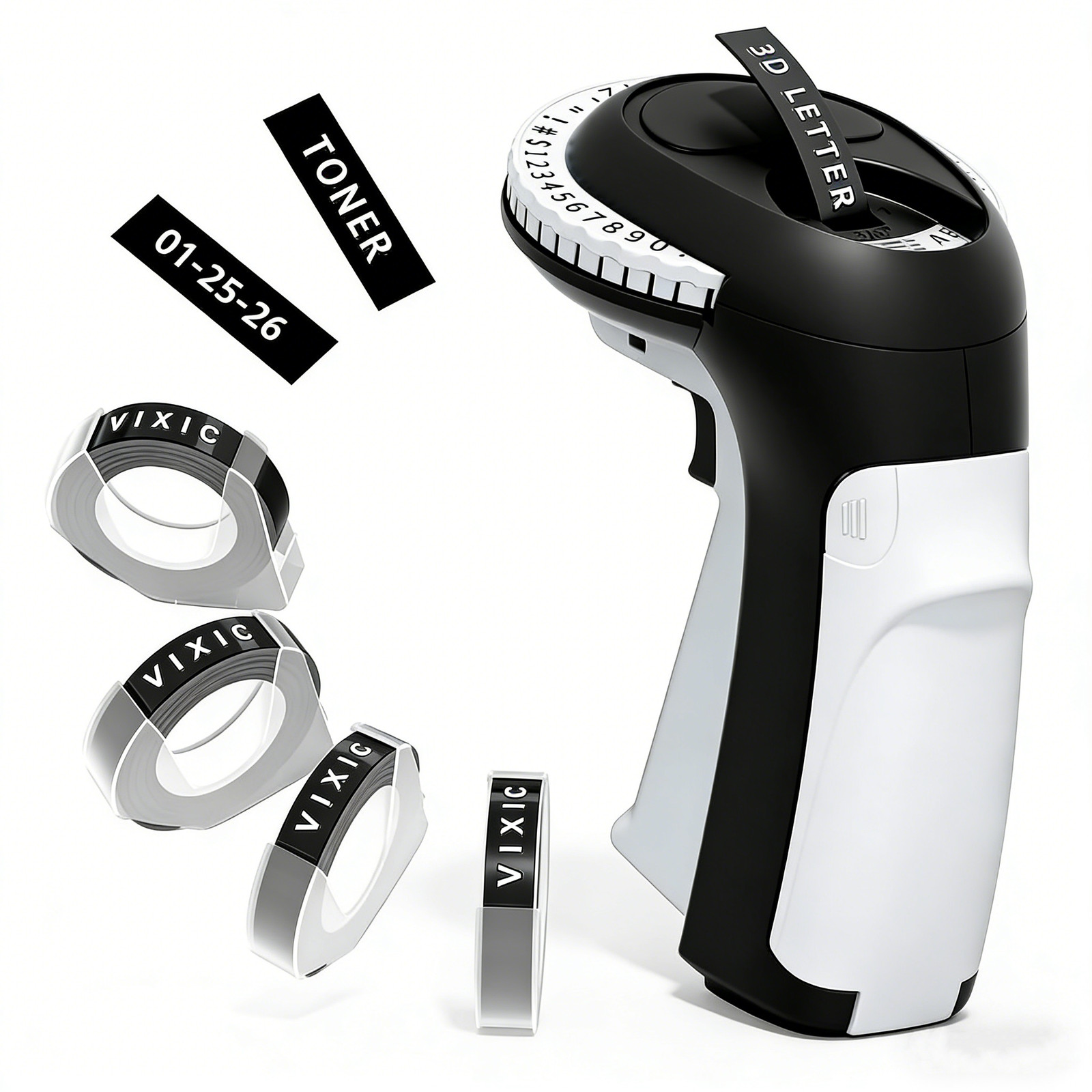
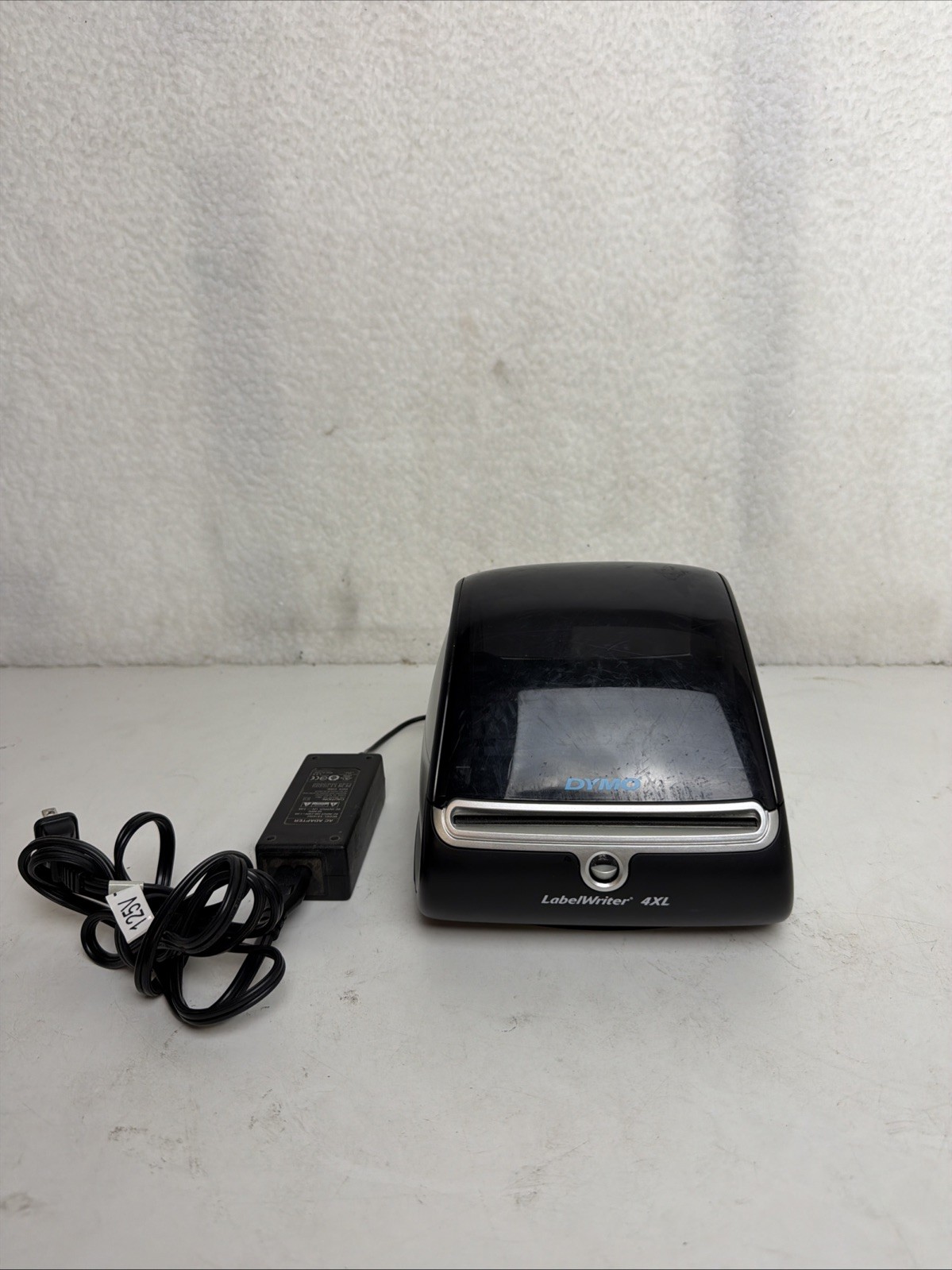
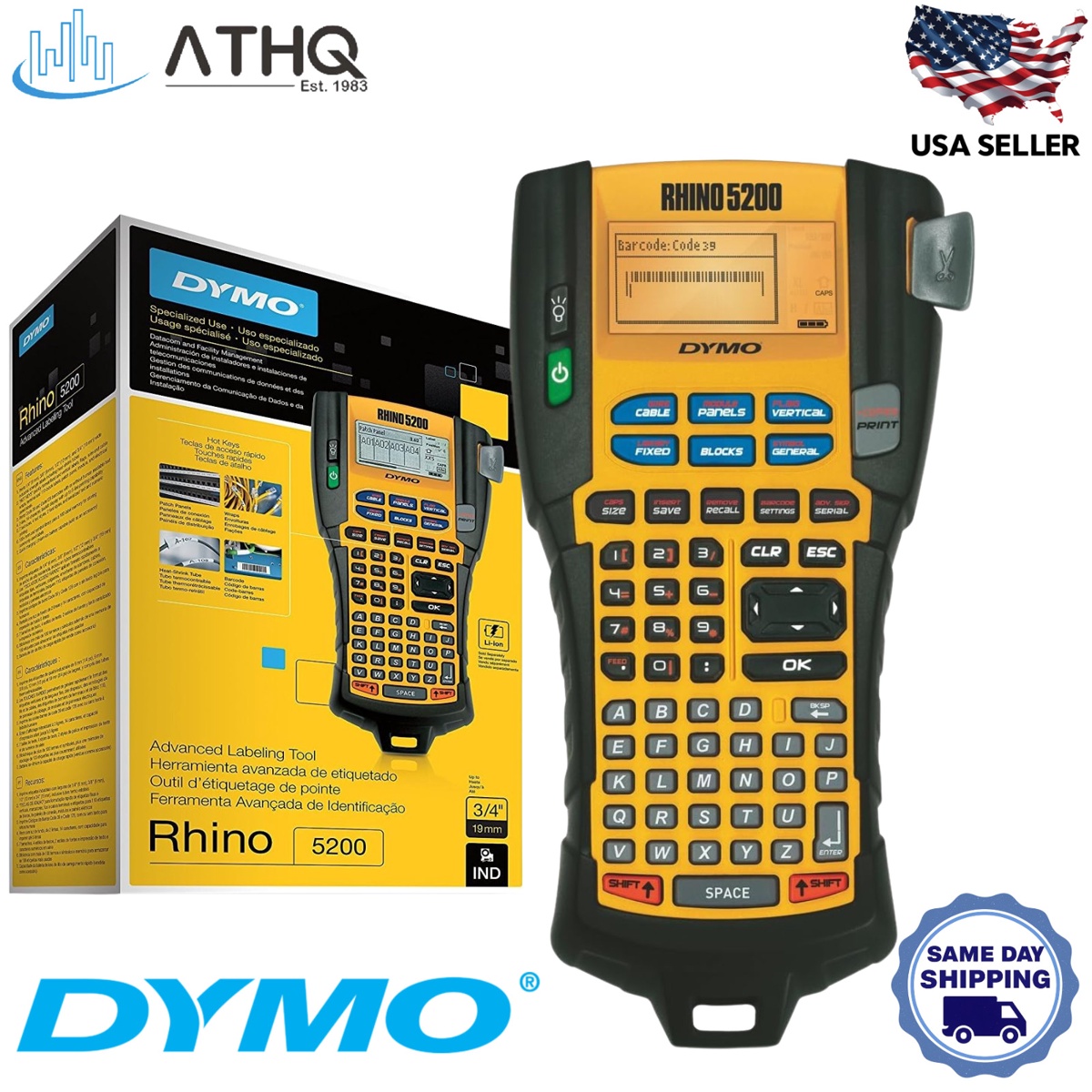
Alternatives to compare
Related searches
What to check before buying
- Measure your label's overall width, liner width, and gap between labels; verify the adjustable range and minimum label size the tool supports.
- Check the carrier format: roll core diameter, fan-fold stack height, or sheet size must fit the tool's feed opening and support geometry.
- Confirm the tool is hand-operated and requires no power; if you need printed labels on demand, you need a label maker, not an applicator.
- Inspect condition on used units: worn guide tracks, missing detents, or deformed rollers directly reduce alignment accuracy and are not user-serviceable on most models.
FAQ
Data sources: eBay / Amazon listings and product attribute feeds. Updated Nov 29, 2026.
Some links on this page are affiliate links. If you buy after clicking one, we may earn a commission at no extra cost to you. This does not change which products appear here or their order. Affiliate disclosure.