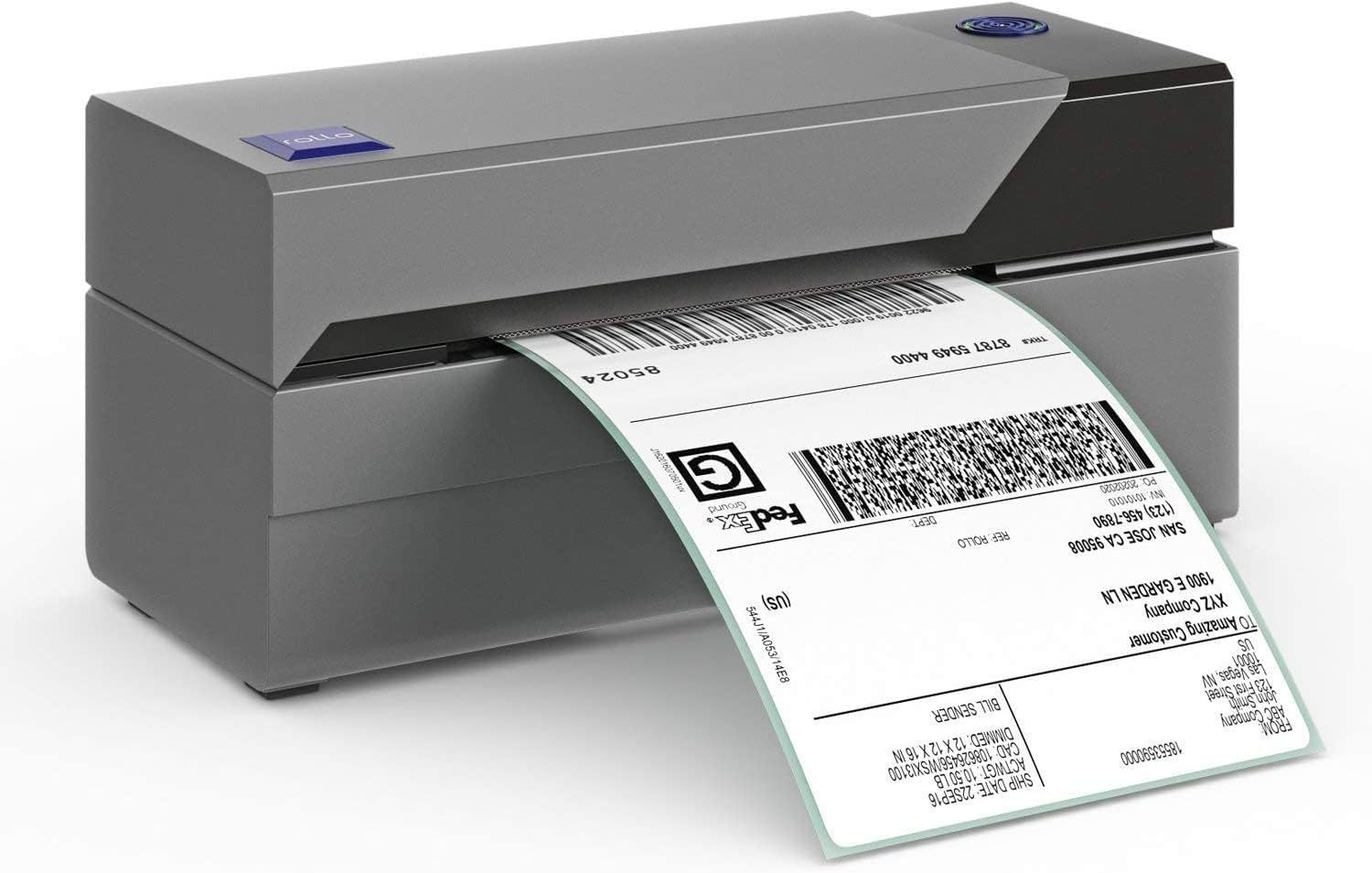

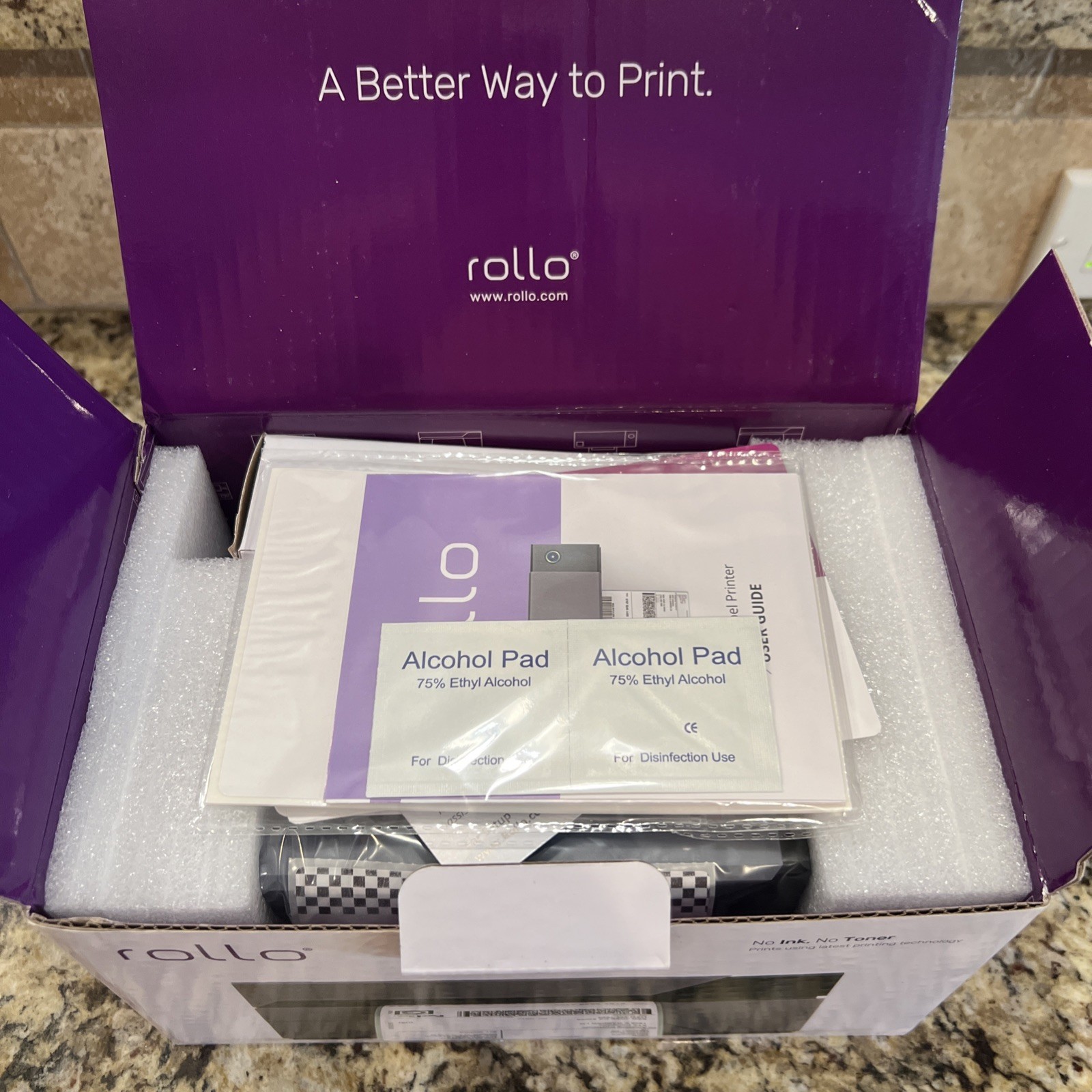
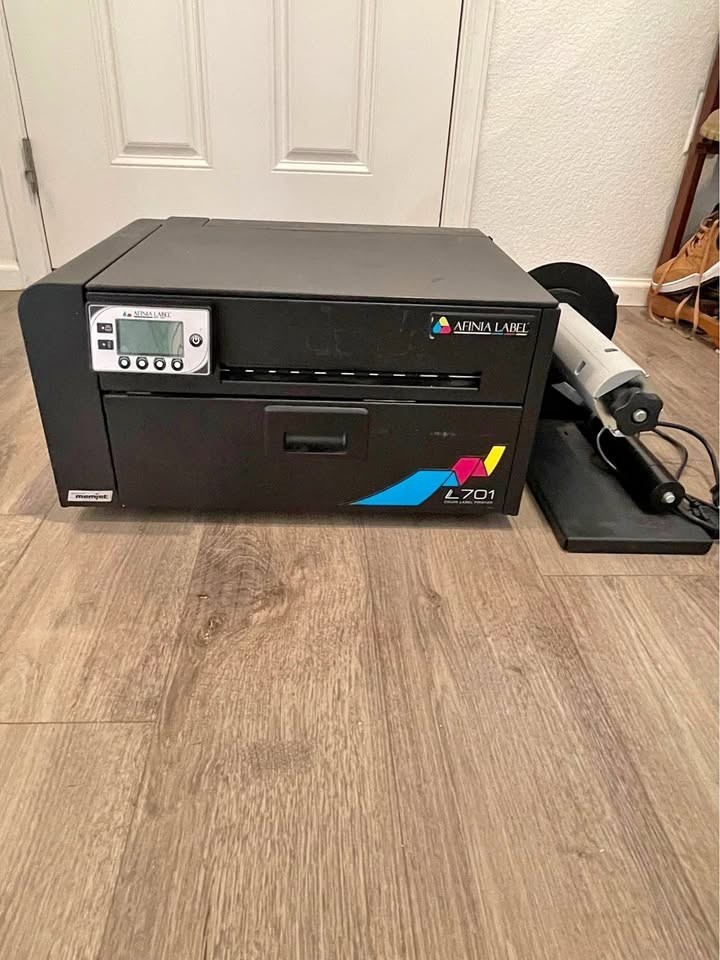
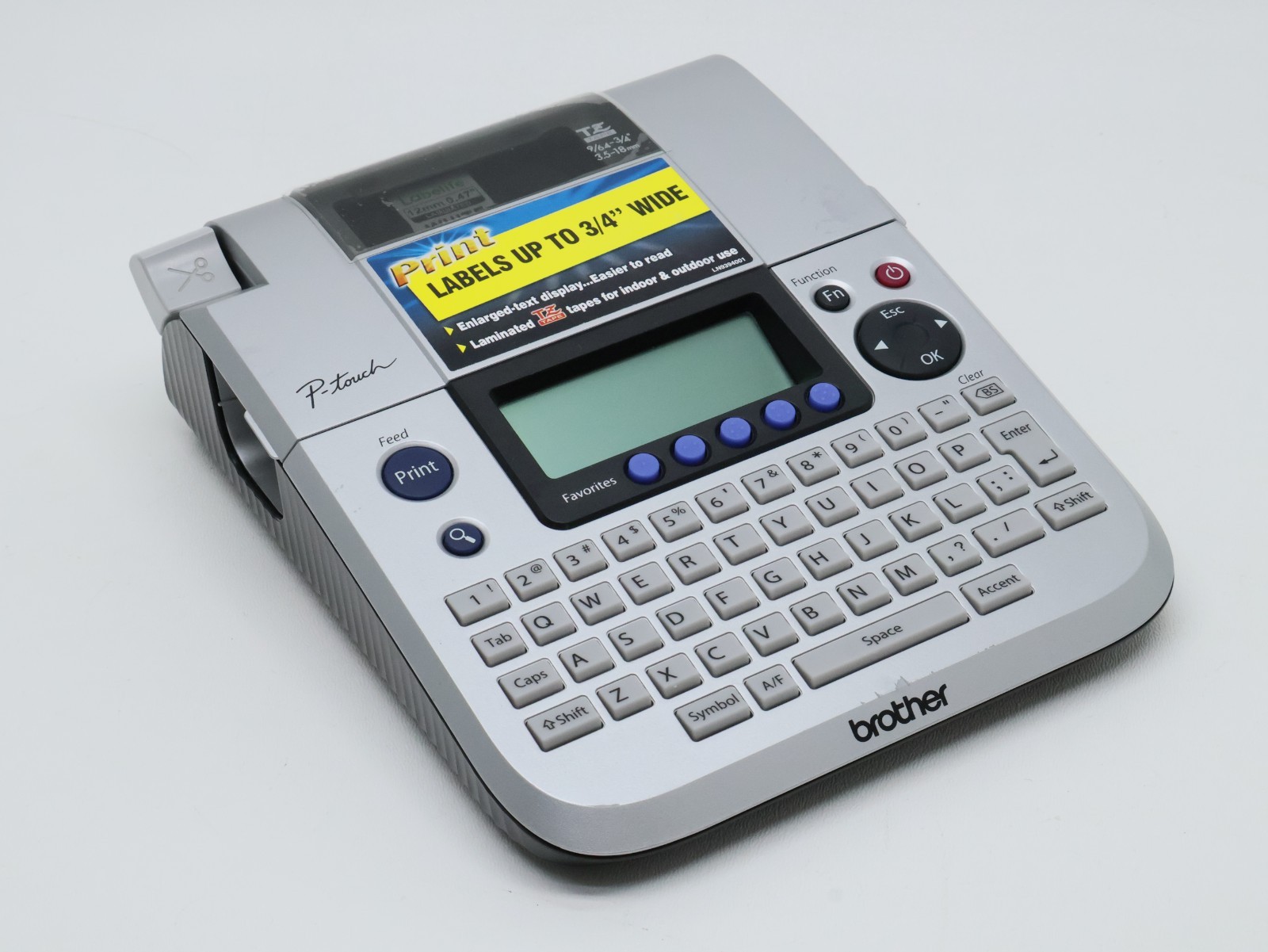
Photos from current listings. Actual item, color, and included accessories may vary.
Rollo USB Shipping Label Printer Buying Guide
The Rollo USB Shipping Label Printer is a commercial-grade 4x6 direct thermal label printer built for high-volume parcel and shipping workflows. Its core trade-off is fixed USB-only connectivity against a durable, driver-light thermal print engine that eliminates ink and toner costs. Buy it if you ship consistently and want a dedicated, maintenance-light label workhorse; skip it if you need wireless printing or only print a handful of labels per month.
Key takeaways
- Direct thermal printing on 4x6 labels requires no ink, toner, or ribbons—operating cost is limited to label stock.
- USB-only interface means the printer must tether to a computer; there is no Wi-Fi, Bluetooth, or Ethernet on the standard Rollo.
- Commercial-grade feed mechanism handles rolls and fan-fold stacks, with 203 dpi resolution standard for shipping barcodes.
At a glance
- Category
- Label Makers & Supplies
- Status
- Listings available
- Last updated
- Nov 29, 2026
Current offers
Highlights
- Direct thermal printing on 4x6 labels requires no ink, toner, or ribbons—operating cost is limited to label stock.
- USB-only interface means the printer must tether to a computer; there is no Wi-Fi, Bluetooth, or Ethernet on the standard Rollo.
- Commercial-grade feed mechanism handles rolls and fan-fold stacks, with 203 dpi resolution standard for shipping barcodes.
- Rollo ships with drivers for Windows and macOS and integrates with major shipping platforms via standard 4x6 output.
Best use cases
- Best fit: e-commerce sellers printing daily carrier labels—choose the USB Rollo for reliable 4x6 output and negligible per-label cost.
- Best fit: home-office shippers with a dedicated desktop or laptop nearby—USB tethering is fine and keeps setup simple.
- Wrong fit: phone-only or tablet-only workflows—skip the USB model and choose a wireless label printer instead.
- Wrong fit: low-volume occasional printers—an inkjet with adhesive sheets or a shared office printer is more economical than a dedicated thermal unit.
Buying tips
- Confirm your labels are direct thermal (not thermal transfer) and sized 4x6 in; Rollo is optimized for this format and roll or fan-fold stock.
- Match your shipping platform output to 4x6 PDF or PNG at 203 dpi—most carriers and marketplaces generate this by default.
- Budget for a USB-A to USB-B cable and a nearby powered USB port; the printer is bus-powered via its included adapter, not the USB line.
- If you need multi-device or phone printing, step up to a wireless-capable label printer rather than adding a USB print server.
Specs
| Print Technology | Direct thermal, no ink/toner |
|---|---|
| Connectivity | USB only (no Wi-Fi/Bluetooth) |
| Max Label Size | 4x6 in shipping labels |
| Resolution | 203 dpi standard |
Alternatives to compare
Related searches
What to check before buying
- Measure your desk or shelf for footprint and confirm clearance for a 4x6 label roll or fan-fold stack feeding into the rear.
- Verify a computer with an available USB-A port and supported OS (Windows or macOS) sits within cable reach.
- Check that your carrier or marketplace generates 4x6 direct thermal labels and that you have supply of that stock.
- Confirm a standard AC outlet is within cord reach for the printer's power adapter.
FAQ
Data sources: eBay / Amazon listings and product attribute feeds. Updated Nov 29, 2026.
Some links on this page are affiliate links. If you buy after clicking one, we may earn a commission at no extra cost to you. This does not change which products appear here or their order. Affiliate disclosure.