
Photos from current listings. Actual item, color, and included accessories may vary.
Sticker Printer Buying Guide
Sticker printers are compact thermal or inkless devices that produce adhesive labels and photo-style stickers on demand, split into direct-thermal label makers (for barcodes, file tabs, and water-resistant utility labels) and ZINK-style pocket photo printers (for journaling and scrapbooking). The core trade-off is consumable architecture: direct-thermal needs specific coated label rolls and delivers crisp monochrome text, while ZINK requires zero-ink paper and yields color but softer photo quality. Choose direct-thermal for durability and legibility, choose ZINK for color and portability, and avoid any unit whose label stock or paper format is not widely and cheaply replaceable.
Median $32.37
Key takeaways
- Direct-thermal label makers print monochrome text and barcodes without ink, using heat-sensitive coated label rolls that are water- and smear-resistant.
- ZINK pocket printers use heat-activated color paper with no ink cartridges, but print resolution typically tops out around 300 dpi and color fades under UV exposure.
- Bluetooth 5.0 or USB-C connectivity distinguishes current-generation models from older micro-USB units that pair unreliably and charge slowly.
At a glance
- Category
- Label Makers & Supplies
- Last updated
- Nov 29, 2026
Current offers
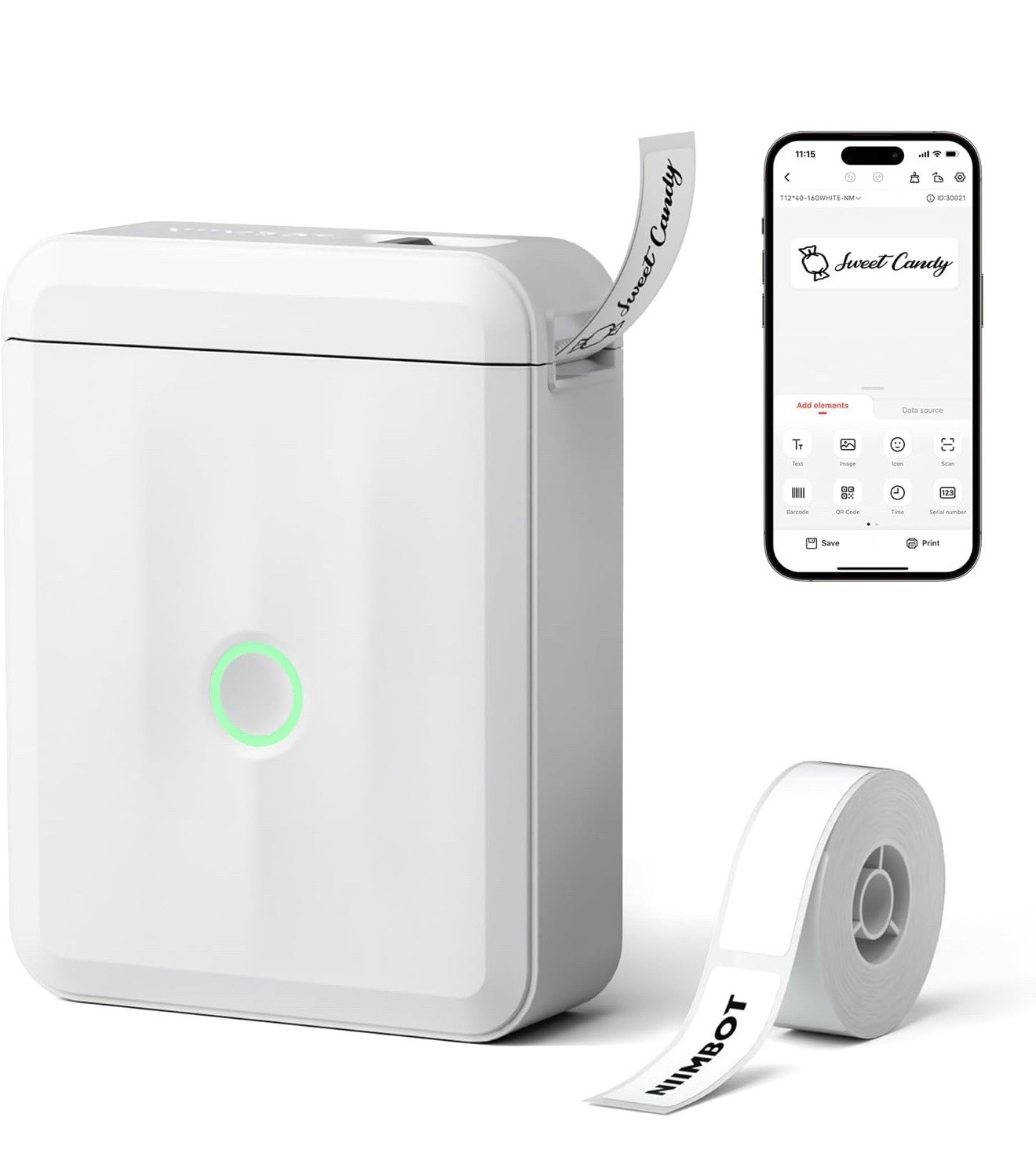 New NIIMBOT D110 Label Maker Machine Portable Bluetooth Thermal Sticker Labeler$13.99Last checked Nov 26, 2026View on eBay
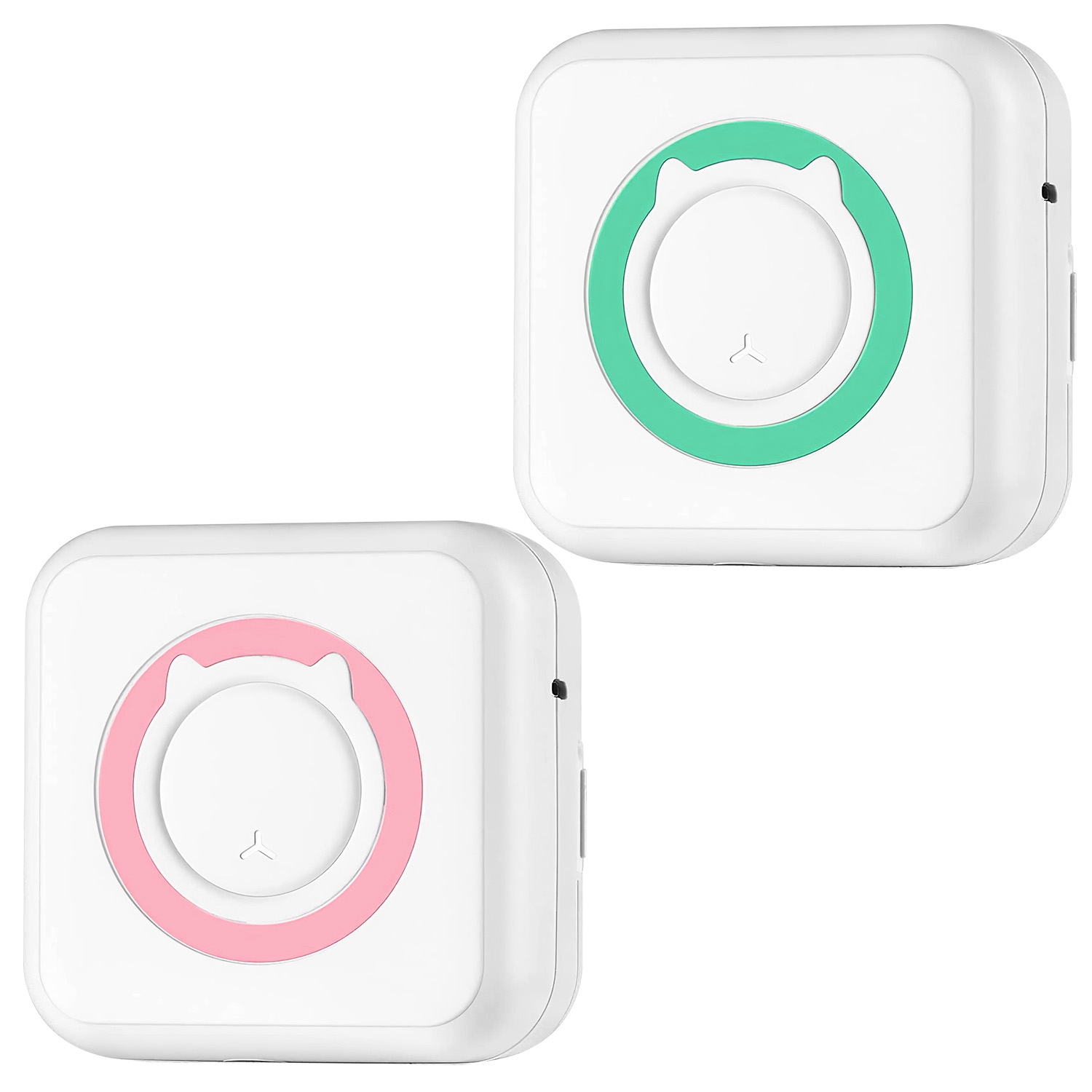 Mini Printer - Paper 'Options' -- Pocket Wireless Thermal Portable Sticker Maker Machine Rechargeable Inkless Photo For Printing Label Journal Study Notes Memo Photos$34.99View on Mallflare
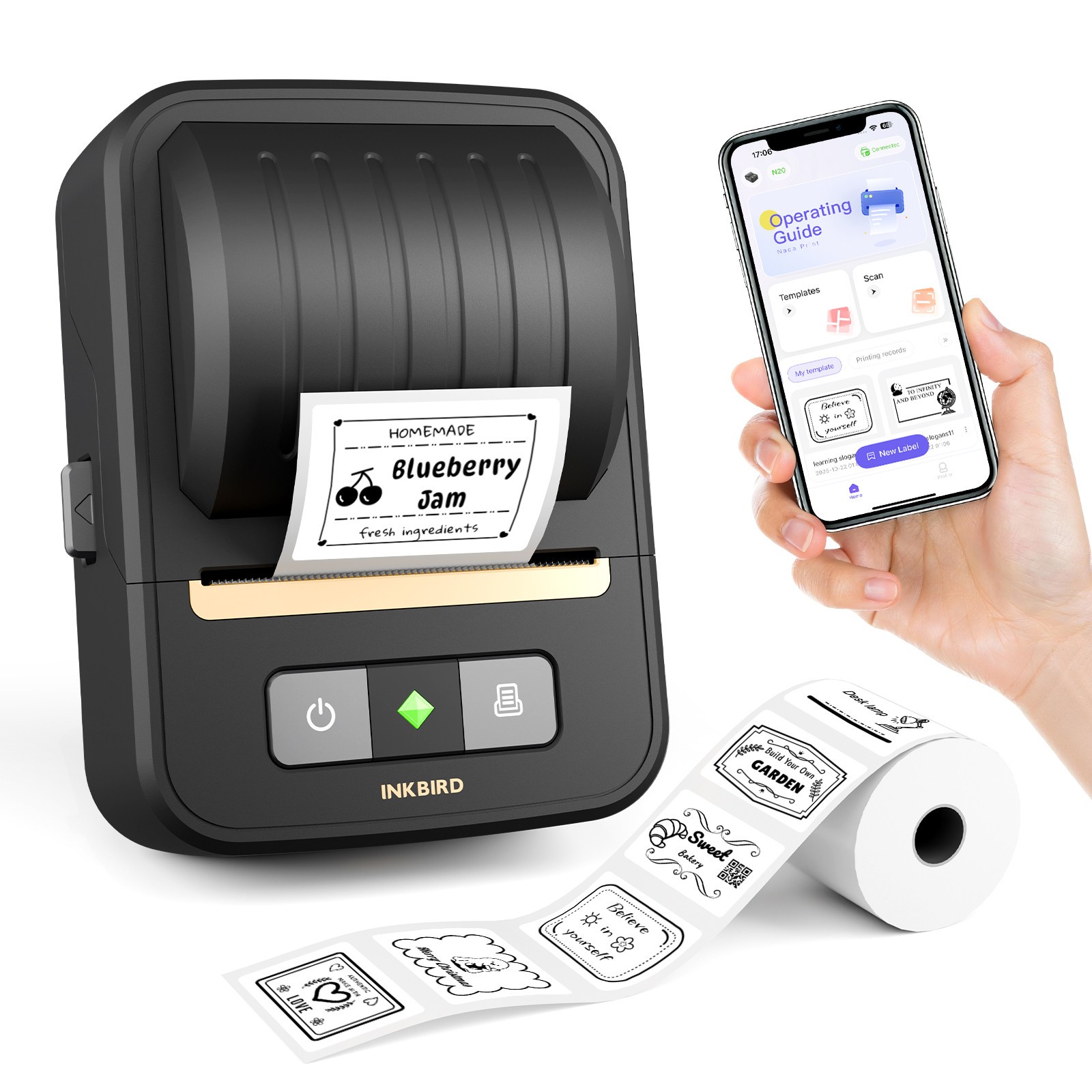 Wireless Label Maker Machine Thermal Label Printer Sticker Printer School Office$29.99Last checked Nov 28, 2026View on eBay
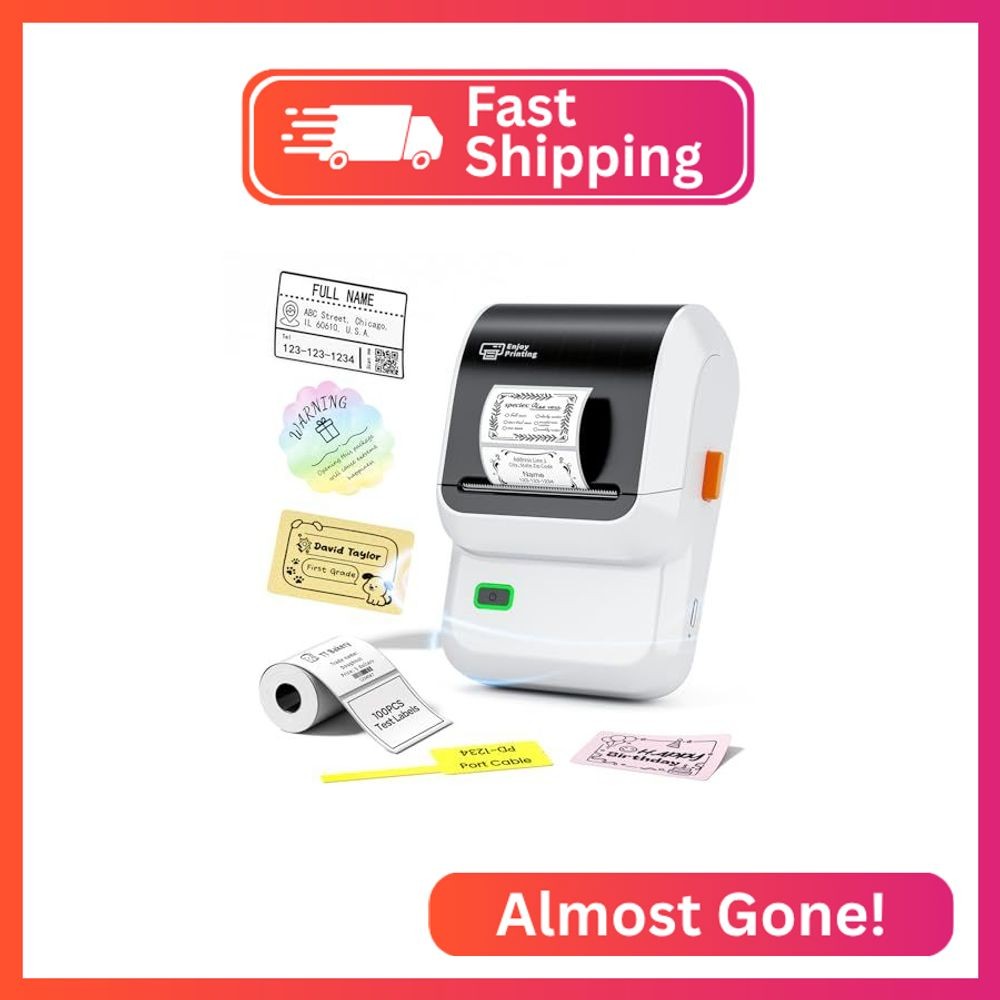 Ponek Label Makers, Bluetooth Thermal Sticker Printer with 6000+ Templates$34.75View on eBay
Highlights
- Direct-thermal label makers print monochrome text and barcodes without ink, using heat-sensitive coated label rolls that are water- and smear-resistant.
- ZINK pocket printers use heat-activated color paper with no ink cartridges, but print resolution typically tops out around 300 dpi and color fades under UV exposure.
- Bluetooth 5.0 or USB-C connectivity distinguishes current-generation models from older micro-USB units that pair unreliably and charge slowly.
- Label width capacity (typically 12–15 mm for portable units) dictates the maximum font size, barcode width, and template compatibility of the device.
Best use cases
- Best fit: home organizers and small-office users labeling files, cables, and storage bins should pick a direct-thermal Bluetooth label maker with 12–15 mm tape width.
- Best fit: students and journalers wanting color photos and decorative stickers should pick a ZINK pocket printer with 2×3-inch sticky-backed paper.
- Wrong fit: anyone needing outdoor or freezer labels should skip standard paper labels and choose direct-thermal rolls rated for water and temperature resistance.
- Wrong fit: high-volume shipping or barcode operations should skip pocket sticker printers entirely and move to a 4-inch desktop thermal label printer.
Buying tips
- Match label width before buying: 12 mm tape fits file-folder tabs and cable flags, while 15 mm handles larger fonts and barcodes; wider rolls will not fit narrower slots.
- Confirm the print method—direct thermal for monochrome utility labels, ZINK for color photos—because each locks you into a specific consumable format.
- Insist on Bluetooth 5.0 and USB-C charging; older micro-USB and Bluetooth 4.x units drop connections and lack app updates.
- Check app compatibility for iOS and Android before purchase, since template libraries and font support live in the companion app, not the printer firmware.
Specs
| Print Method | Direct thermal vs ZINK inkless |
|---|---|
| Label Width | 12-15 mm tape (portable units) |
| Connectivity | Bluetooth 5.0 / USB-C |
| Color Output | Monochrome vs ZINK color |
Related searches
What to check before buying
- Measure the widest label you will routinely print and confirm the device accepts that tape or paper width.
- Verify your phone or tablet runs the current iOS or Android version required by the companion app.
- Confirm the charging port is USB-C and that the unit ships with or accepts a standard USB-C cable.
- Decide whether labels must survive moisture, freezing, or sunlight; if so, ensure the label stock is rated for those conditions.
FAQ
Data sources: eBay / Amazon listings and product attribute feeds. Updated Nov 29, 2026.
Some links on this page are affiliate links. If you buy after clicking one, we may earn a commission at no extra cost to you. This does not change which products appear here or their order. Affiliate disclosure.