
Photos from current listings. Actual item, color, and included accessories may vary.
Shipping Label Maker Buying Guide
A shipping label maker is a dedicated thermal printer that produces 4x6-inch carrier and address labels without ink or toner. The core trade-off is direct thermal (cheap, simple, fades with heat/light) versus thermal transfer (durable, needs ribbons) and 203 vs 300 dpi resolution for barcodes. Buy direct thermal 203 dpi for standard parcel labels; upgrade to 300 dpi or thermal transfer only for long-term or high-scan-reliability labels.
Median $8.49
Key takeaways
- Direct thermal printing uses heat-sensitive media and eliminates ink/toner, but labels fade when exposed to sunlight or above 140°F.
- 203 dpi is the standard for 4x6 shipping labels and produces scannable barcodes; 300 dpi is required for small 2D codes or dense text.
- Commercial units support roll or fanfold media and print at 5-6 ips; consumer models often cap at 3-4 ips and accept only roll media.
At a glance
- Category
- Label Makers & Supplies
- Last updated
- Nov 27, 2026
Current offers
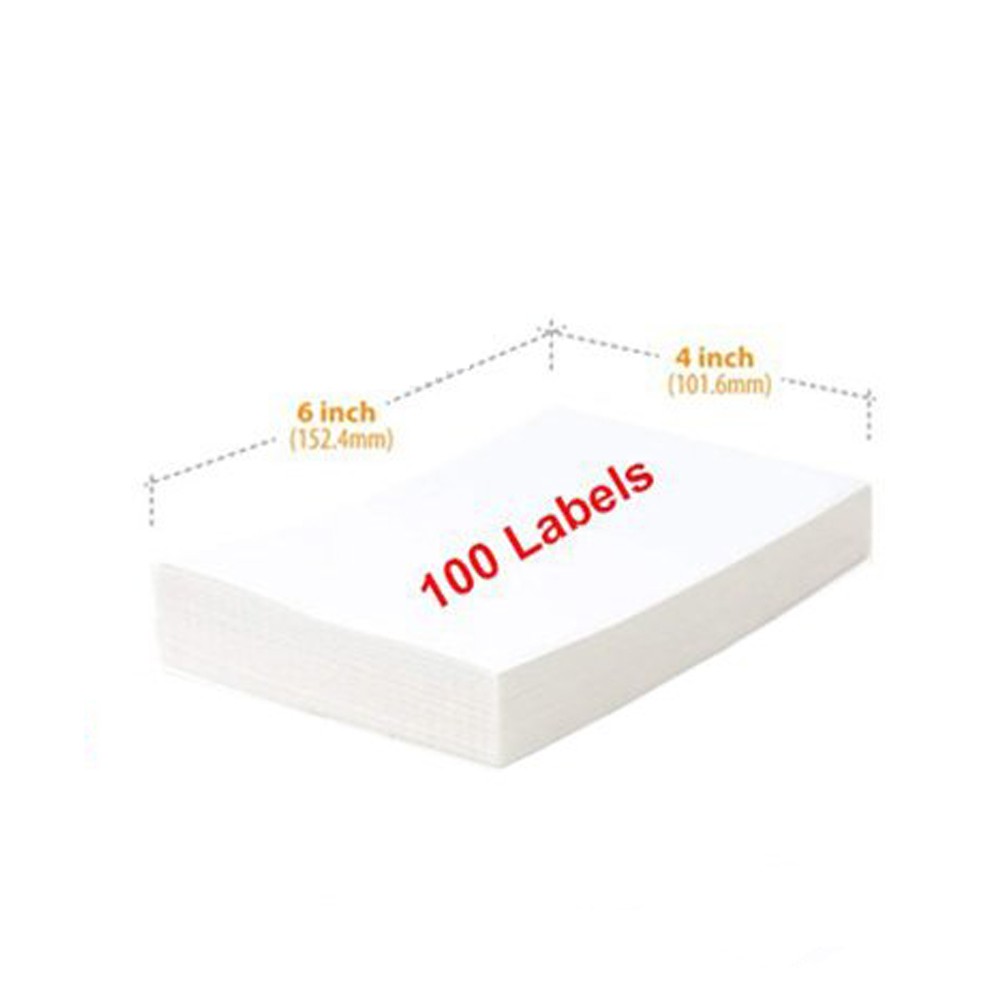 Thermal Shipping Label Printer 4"X6" Address Label Maker for Shipping Lot +Label$7.99Last checked Nov 23, 2026View on eBay
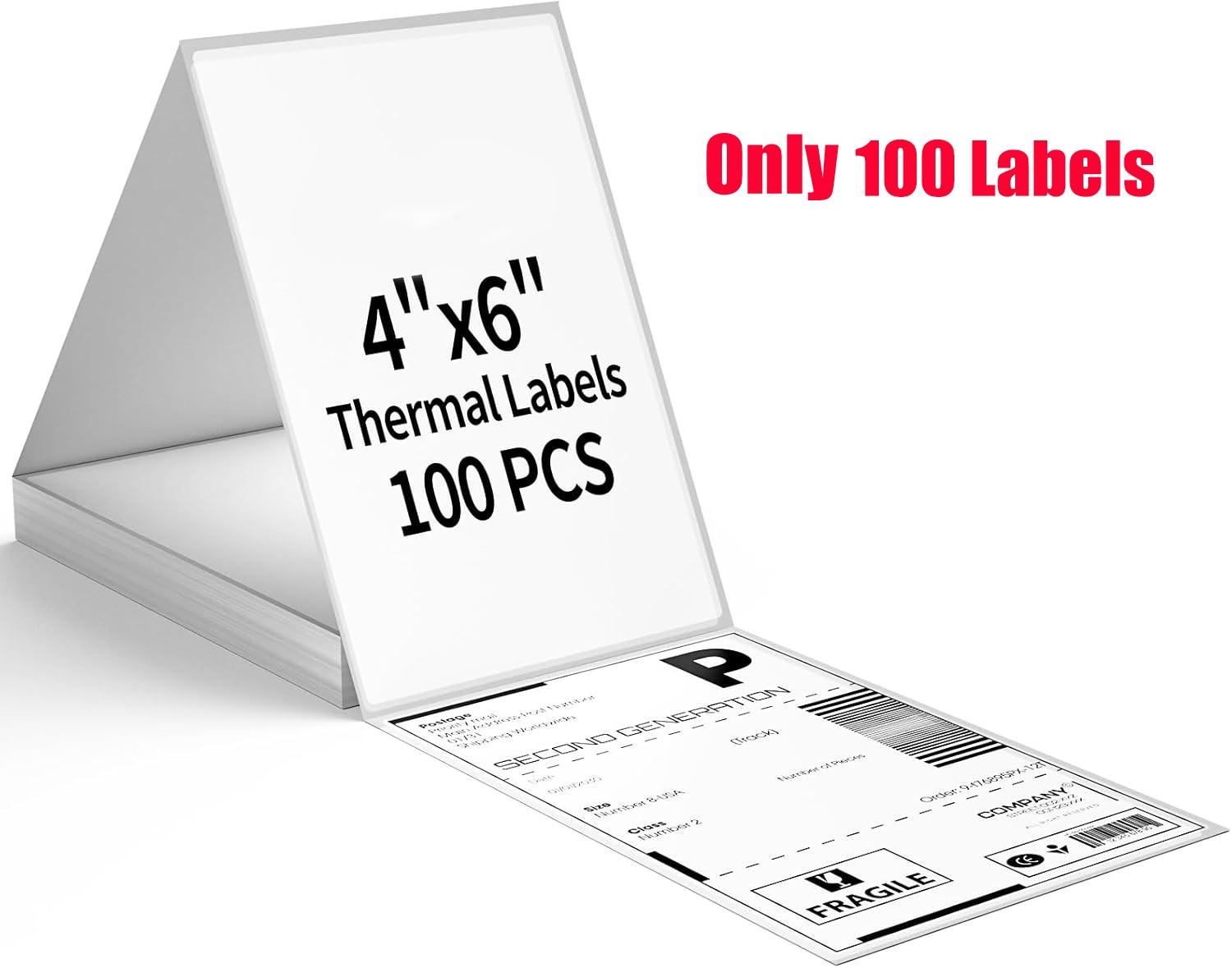 Thermal Shipping Label Printer 4"X6" Address Label Maker for Shipping Lot +Label$8.49Last checked Nov 23, 2026View on eBay
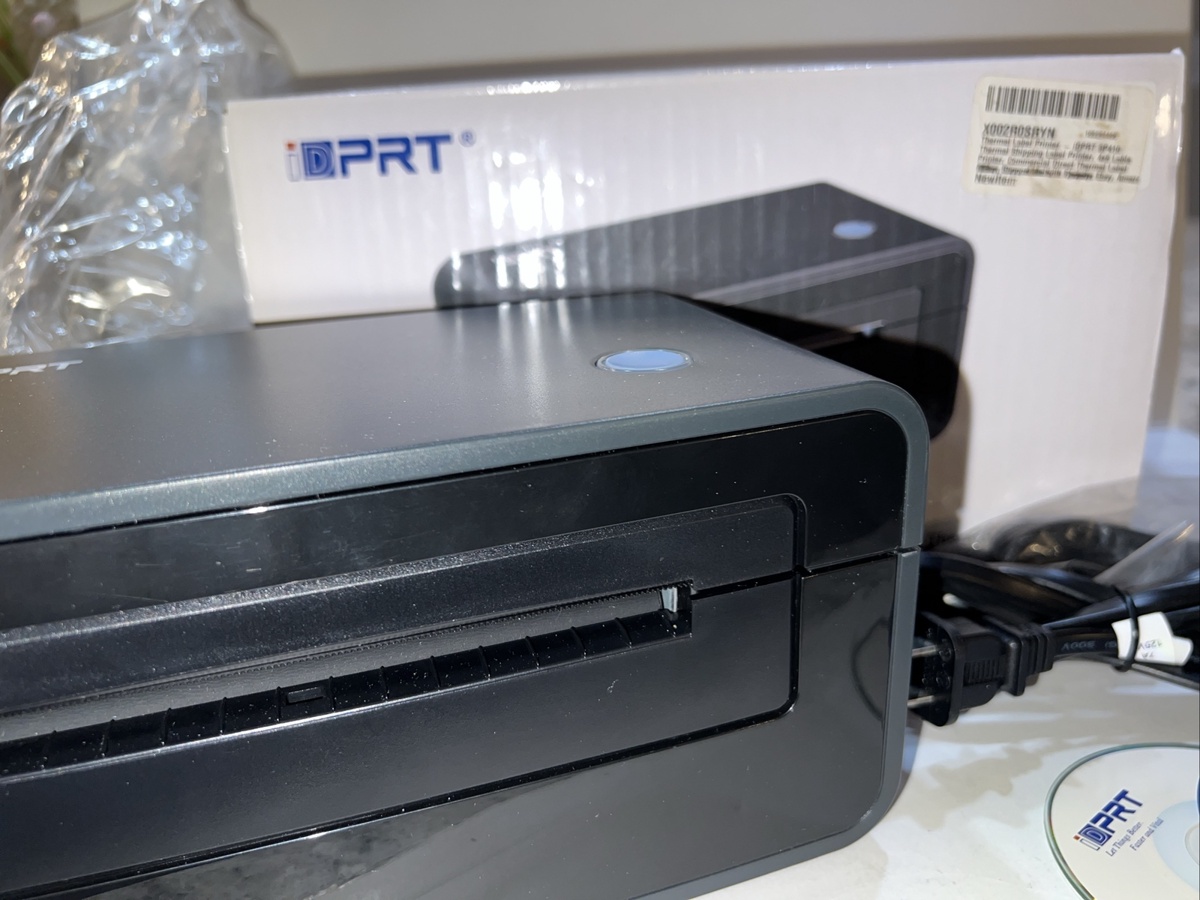 Thermal Shipping 4X6 Label Printer Commercial Maker Support Multiple Systems New$39.89View on eBay
Highlights
- Direct thermal printing uses heat-sensitive media and eliminates ink/toner, but labels fade when exposed to sunlight or above 140°F.
- 203 dpi is the standard for 4x6 shipping labels and produces scannable barcodes; 300 dpi is required for small 2D codes or dense text.
- Commercial units support roll or fanfold media and print at 5-6 ips; consumer models often cap at 3-4 ips and accept only roll media.
- USB is universal; Ethernet and Bluetooth are the key connectivity upgrades for multi-user or cable-free shipping desks.
Best use cases
- Best fit: home sellers shipping 5-50 parcels weekly — pick a 4x6 direct thermal 203 dpi USB printer with roll holder and automatic label detection.
- Best fit: retail counters and 3PL desks printing 100+ labels daily — choose a commercial 300 dpi unit with Ethernet, fanfold slot, and 6 ips speed.
- Wrong fit: long-term archive or cold-storage labels — skip direct thermal entirely and use thermal transfer with wax/resin ribbon.
- Wrong fit: occasional shippers under 5 labels a month — a dedicated thermal printer is overkill; use a standard inkjet with adhesive sheets instead.
Buying tips
- Match media width exactly: 4x6 printers accept 4.25-inch (108 mm) max roll width; 2-inch core rolls need an adapter on most desktop units.
- Choose 203 dpi for standard 4x6 carrier labels; only pay for 300 dpi if you print barcodes smaller than 0.5 inch or fine-print customs forms.
- Prioritize 5+ ips print speed and 64 MB+ memory for batch work; sub-4 ips units stall on 50-label runs.
- Confirm driver support for your OS: Windows and macOS are standard; Linux and ChromeOS need ZPL/EPL emulation or a CUPS driver.
Specs
| Print Technology | Direct thermal vs thermal transfer |
|---|---|
| Max Media Width | 4.25 in (108 mm) standard |
| Resolution | 203 dpi standard / 300 dpi high-res |
| Connectivity | USB / Ethernet / Bluetooth |
Related searches
What to check before buying
- Measure your desk footprint and clearance for a 4x6 label exit path — most units need 8-10 inches of depth plus roll clearance.
- Verify your carrier accepts direct thermal labels (UPS, USPS, FedEx all do) and that labels are fanfold or roll for your feed type.
- Check USB-A or USB-C port availability and whether Ethernet is needed for shared office use.
- Confirm your region's plug standard (Type A/B/G/I) and that the power adapter is included or bundled.
FAQ
Data sources: eBay / Amazon listings and product attribute feeds. Updated Nov 27, 2026.
Some links on this page are affiliate links. If you buy after clicking one, we may earn a commission at no extra cost to you. This does not change which products appear here or their order. Affiliate disclosure.